Apps

What is the Mac Activity Monitor and how do you use it?

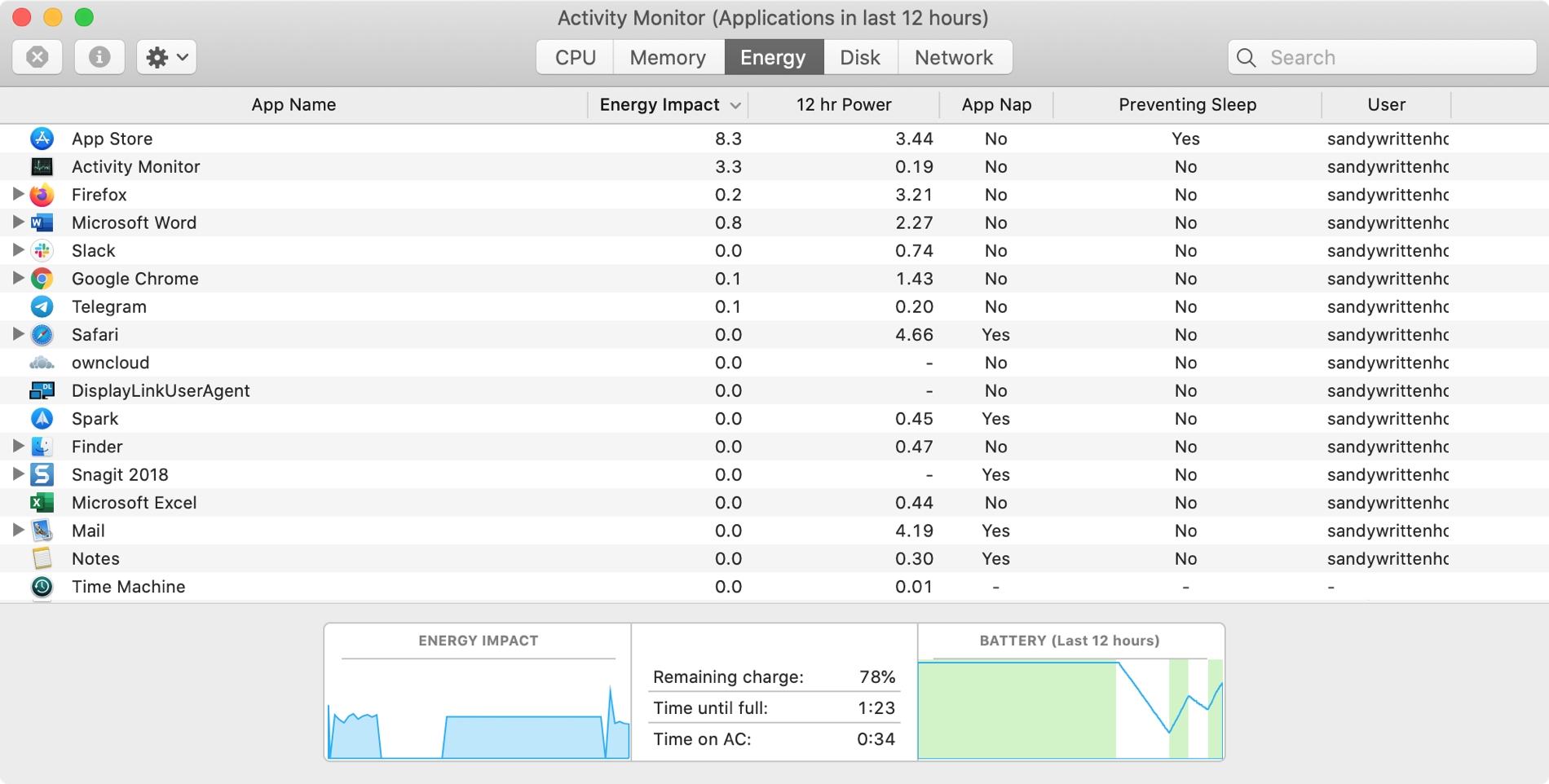
Energy Tab Activity Monitor

The Activity Monitor on your Mac is one of those tools that you should become familiar with. You by no means need be an expert on it, but you should know the basics. Why, you ask? Because the Activity Monitors shows all the processes running on your Mac. It’s like a task manager, so you can see how those processes affect your Mac and close any if needed.

Whether you’re new to Mac or simply new to the Activity Monitor, we’ll walk you through the basics you need to know.
The best work from home communication apps for remote teams

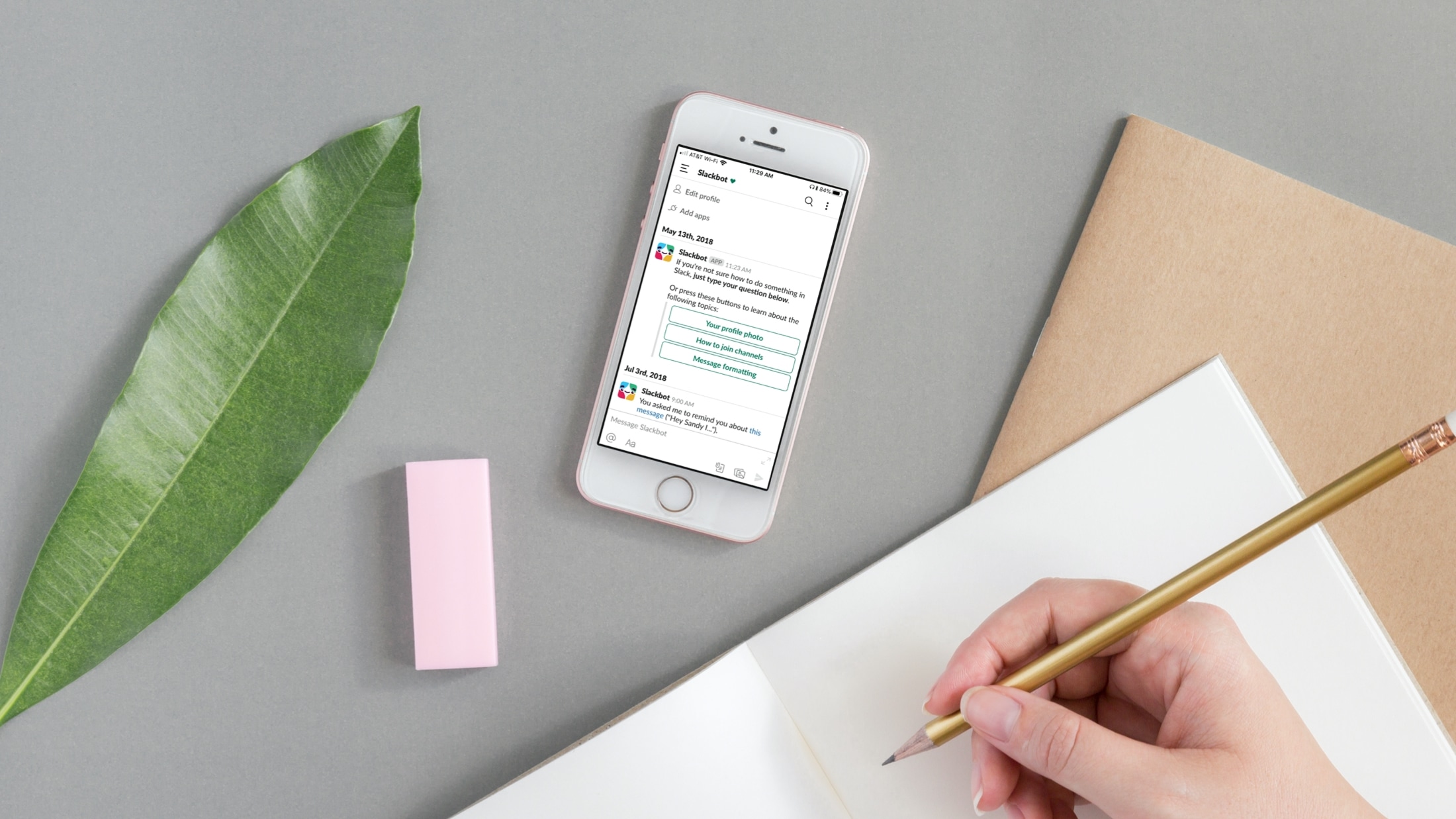
Communication apps for teams - Slack

You might be a full-time remote worker or just working from your home temporarily. Either way, you need a method to communicate with coworkers, employees, and others who work remotely like you.

There are some wonderful tools available for chatting with your team. From those that have simple chat capabilities to others with app and service integrations.

If you’re looking for the right app for your remote communications, these are some of the best ones out there.

How to use Keynote Live to share your presentation online from your iPhone, iPad, and Mac

Using Keynote Live

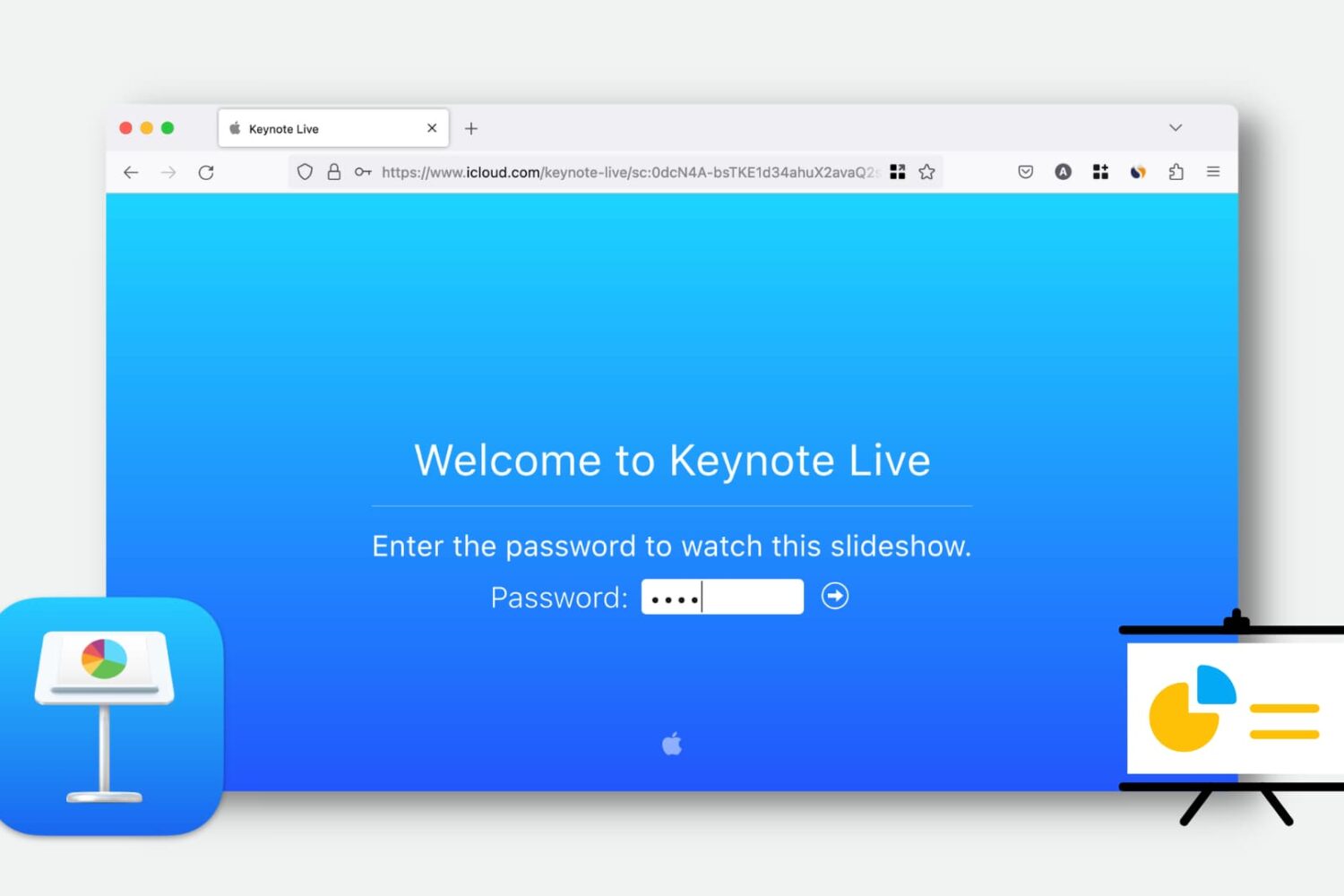
Learn how to use Keynote Live to effortlessly share your presentations online and engage your audience remotely.

This convenient feature lets you play your presentation over the web, so your viewers can watch it in their web browser or the Keynote app. We’ll show you how to use Keynote Live to share your slideshow from your iPhone, iPad, or Mac.

The 5 best iPhone apps for art lovers

Best apps for art lovers - Google on iPhone

If you appreciate art and want a way to view beautiful works on your device, then this list of iPhone apps for art lovers is for you.

You can browse galleries, check out exhibits, and view artwork from talented artists all around the world. So if you can’t make it to a local art show or afford to travel the globe, immerse yourself in an app for artwork instead.

How to print a Keynote presentation the right way

Print Keynote presentation on Mac

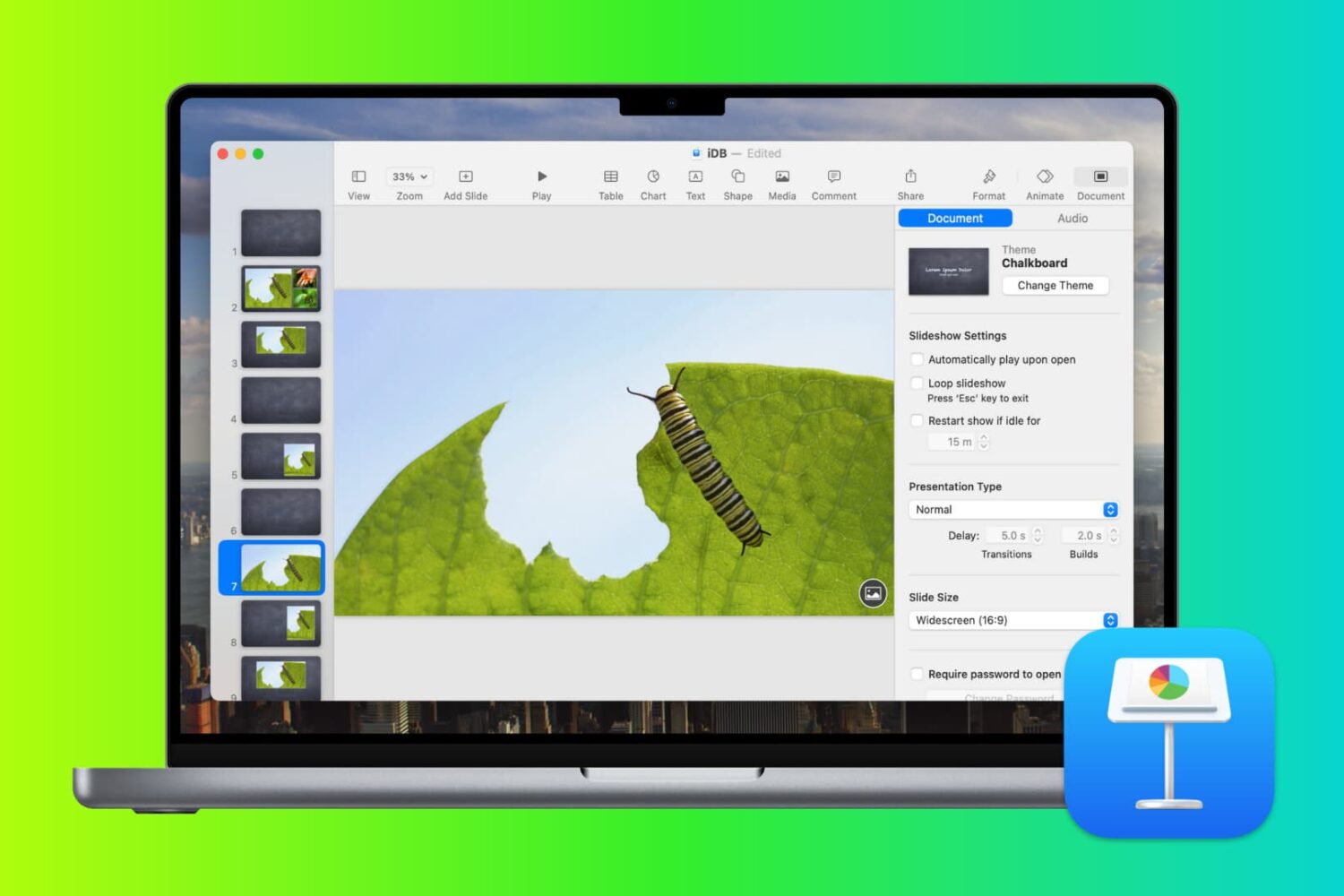
Depending on the type of slideshow you create in Keynote, you may want to print copies. Maybe it’s a new product presentation, step-by-step tutorial, or business proposal where a physical copy is necessary.

You have four different options for how to print your Keynote slideshows on Mac so that they turn out perfectly, and we’ll walk you through them.