Open and use Outline view in Keynote on your iPhone, iPad, and Mac to start building your presentation in a more organized way.
How to use the Outline view in Keynote on iPhone, iPad, and Mac
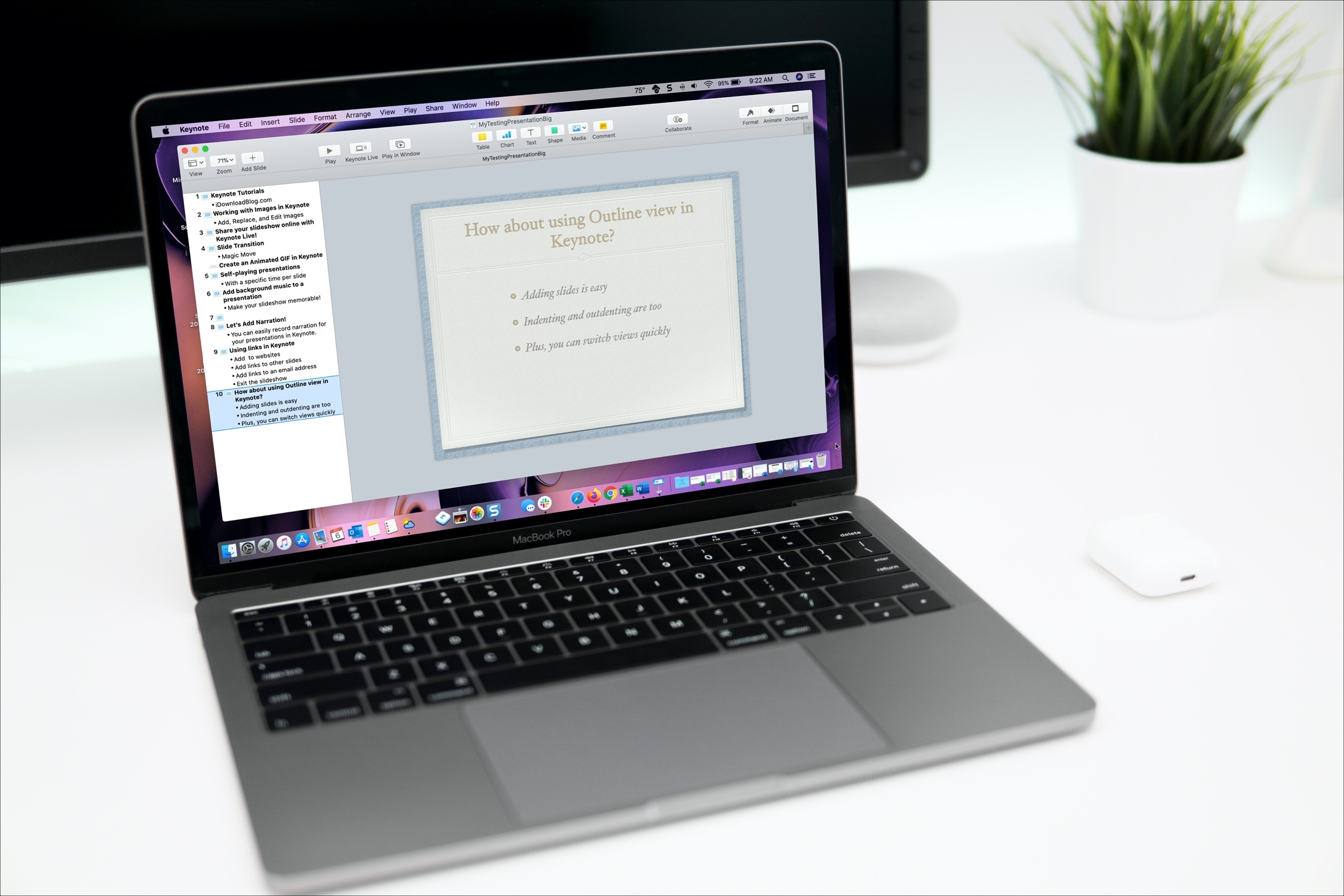
Open and use Outline view in Keynote on your iPhone, iPad, and Mac to start building your presentation in a more organized way.
Learn how to increase or decrease your daily Move goal calories, Exercise goal minutes, and Stand goal hours in the Activity and Fitness apps on your Apple Watch and iPhone so it’s more suitable for your current activity level.
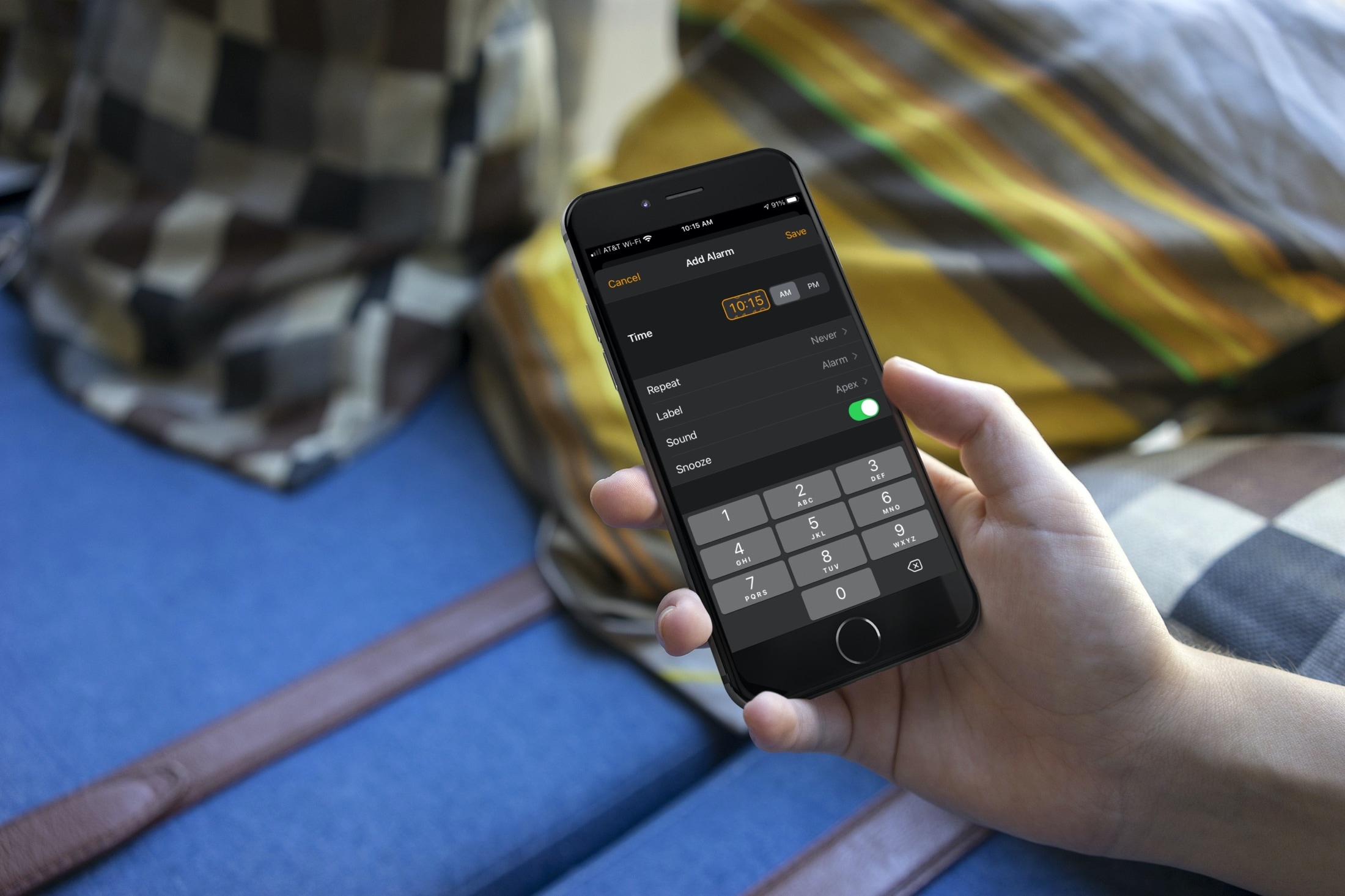
With the many updates and new features that came with iOS 14 and iPadOS 14, one of those small but nice improvements is the date and time picker. Creating a to-do in Reminders or event in Calendar is easier with the enhancements. And so is setting an alarm in the Clock app.
You have options to either tap the numbers to set an exact time or scroll with a flick of your finger. This lets you use the method that’s quickest or easiest for you. Haven’t checked it out yet? Here’s how to set the time for Alarms in the Clock app on iOS.
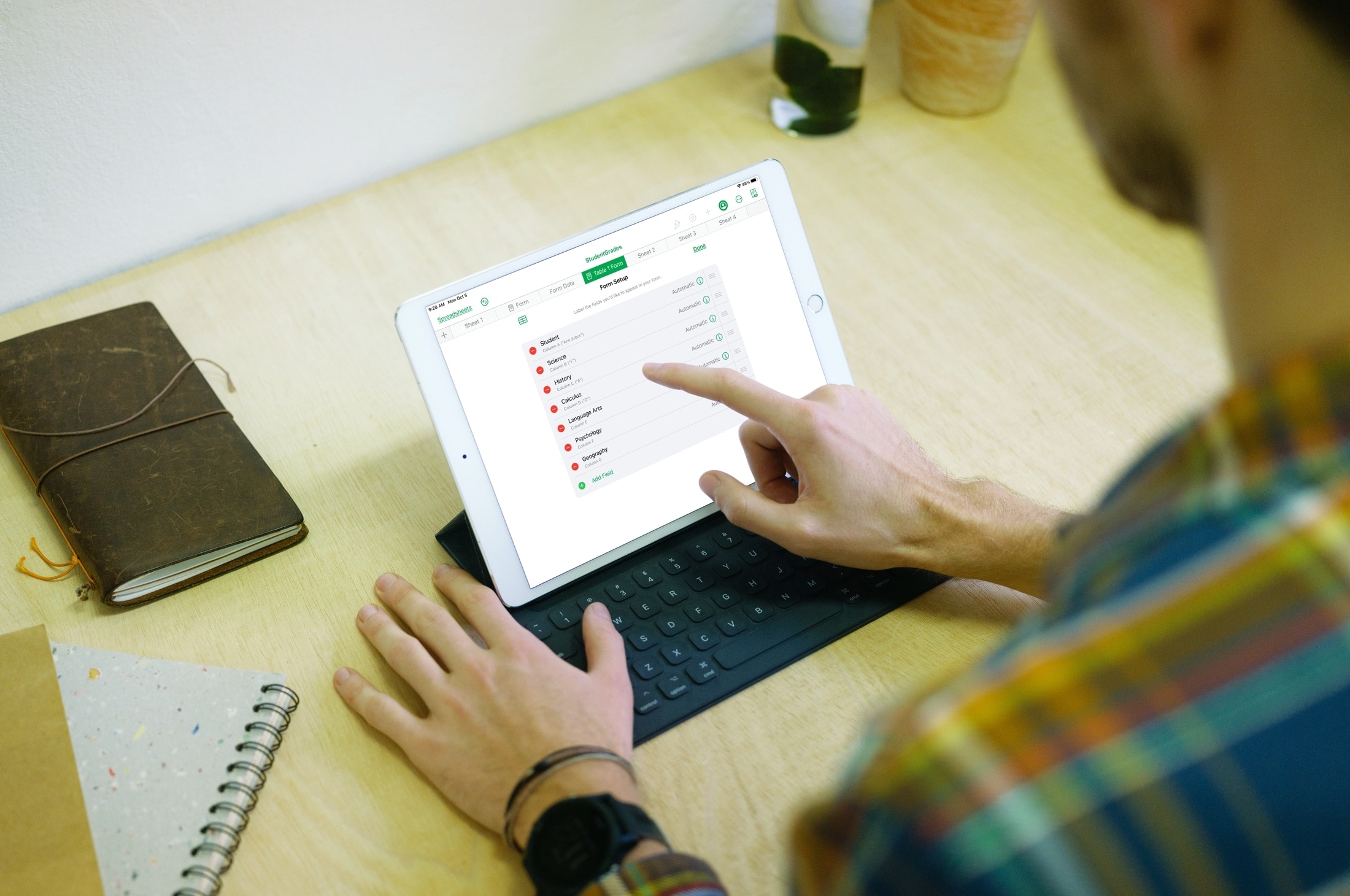
This tutorial shows you how to create and use forms in the Numbers app on iPhone and iPad to quickly and easily enter data in your spreadsheets.
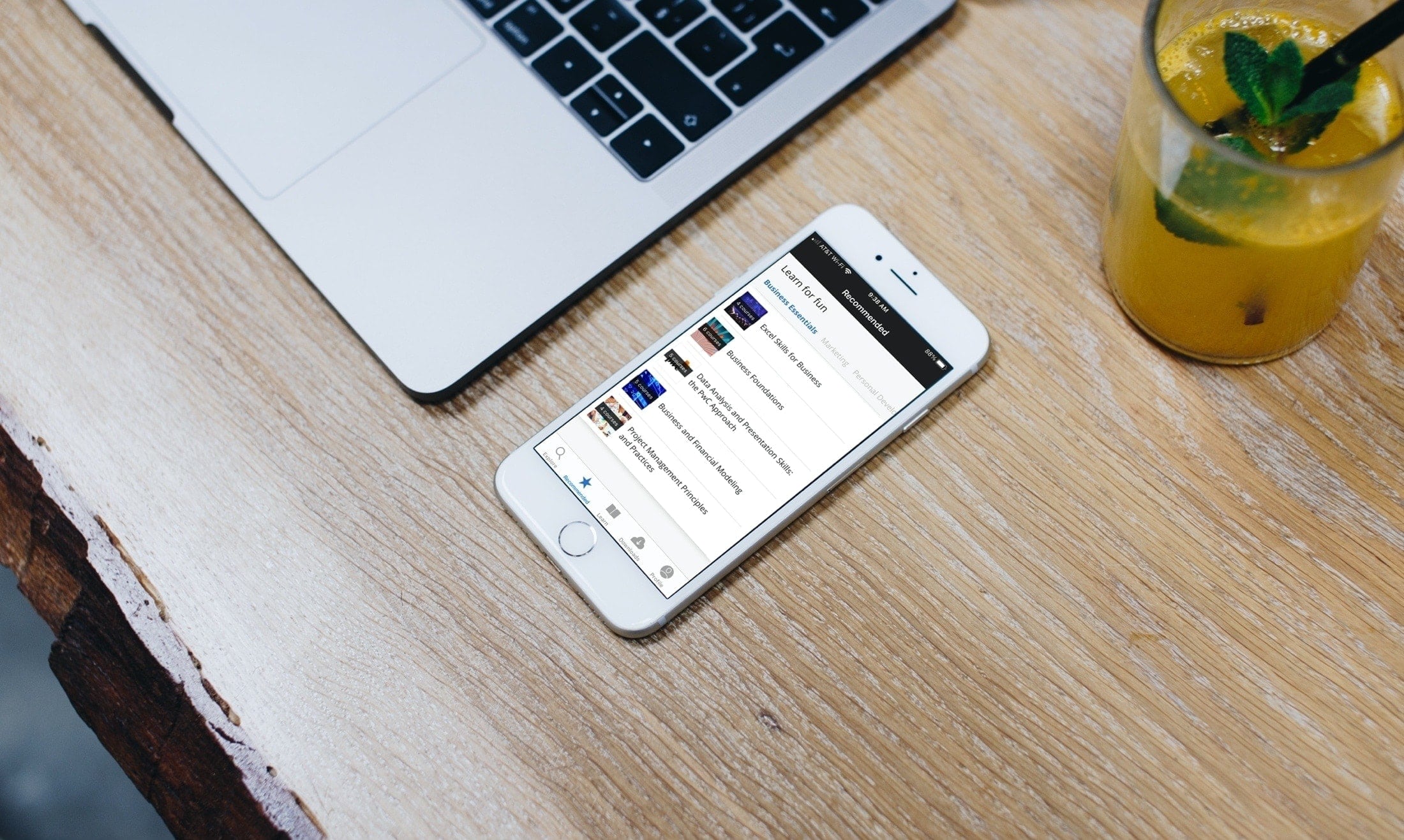
Learn new skills, hone existing ones, and take your business career to the next level with these iPhone and iPad educational apps for professional development.
Google has outlined a new feature, coming to iOS soon, that will notify you in case of a major security issue with your Google account no matter what Google app you’re using at the time.
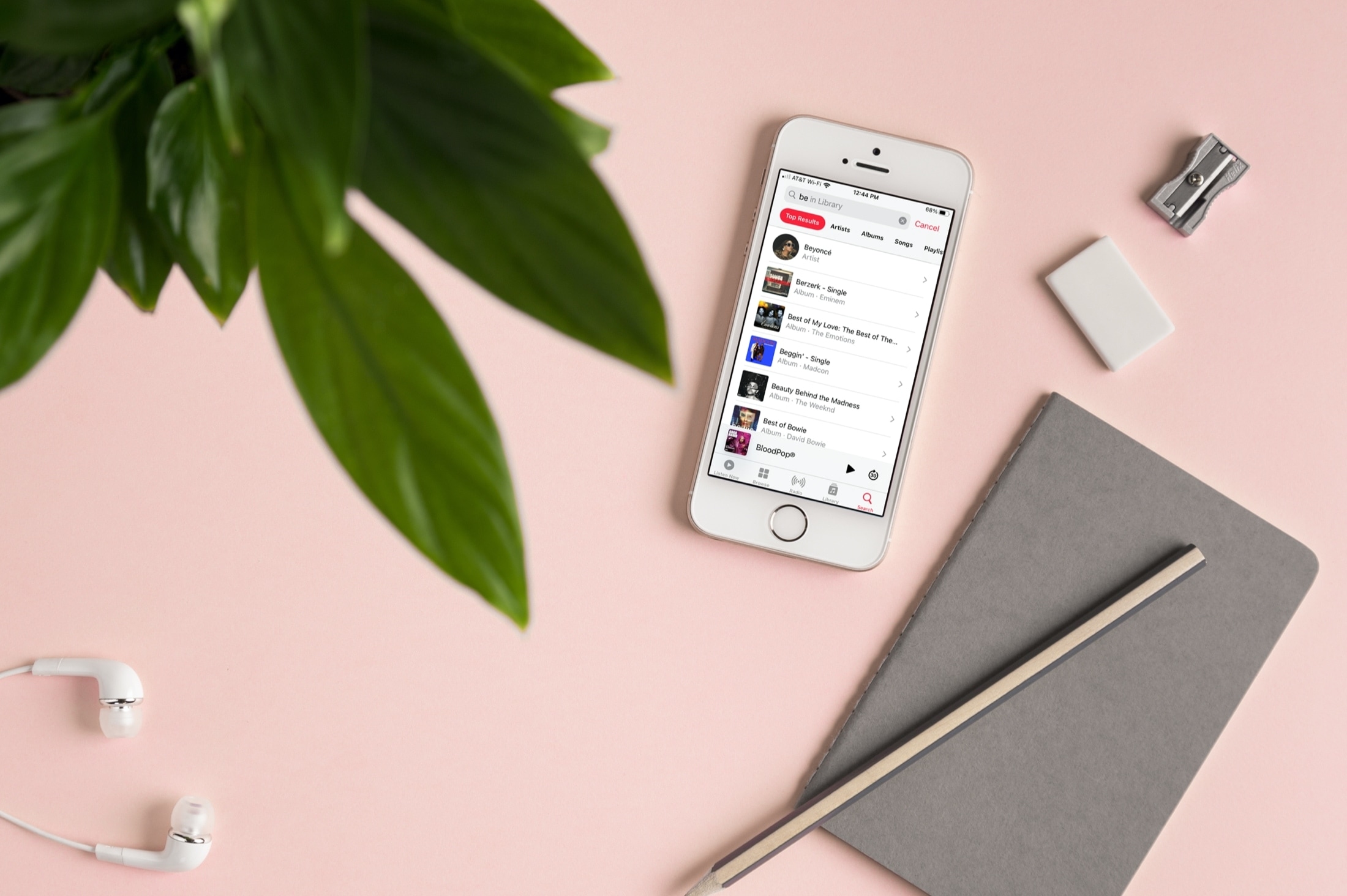
Learn a few useful tips to filter your Music library and find the songs, albums, or artists you want quicker than ever on your iPhone and iPad.
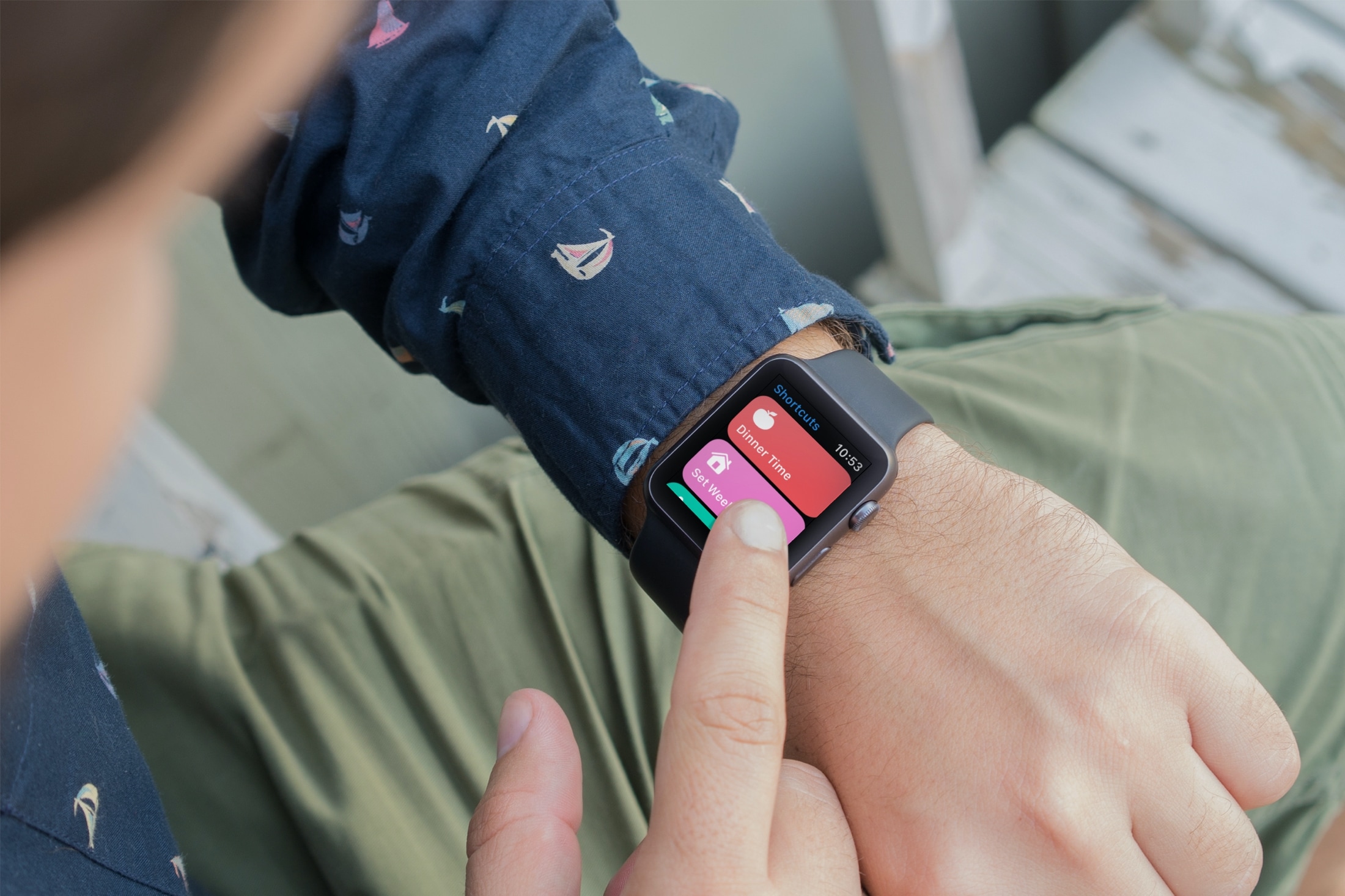
Learn how to enable an iPhone shortcut to run on the Apple Watch and add that shortcut as a complication on your watch face to run it quickly in one tap.

Learn how to change the app icon and name of the Instagram app on your iPhone or iPad Home Screen for aesthetics or privacy reasons.
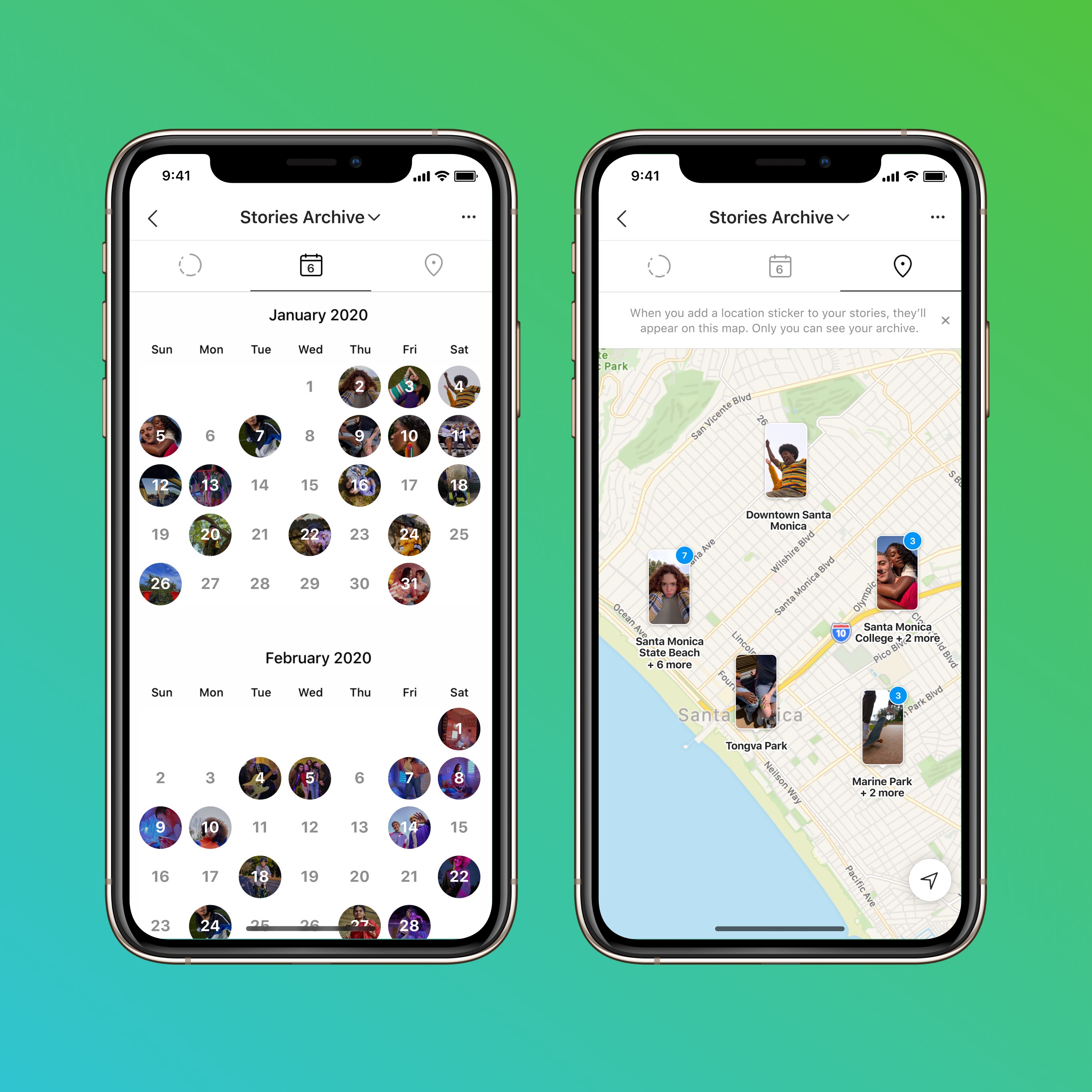
Instagram is celebrating its tenth anniversary today— boy, time sure flies! As part of the birthday celebration, the company is rolling out a few new features to users globally.
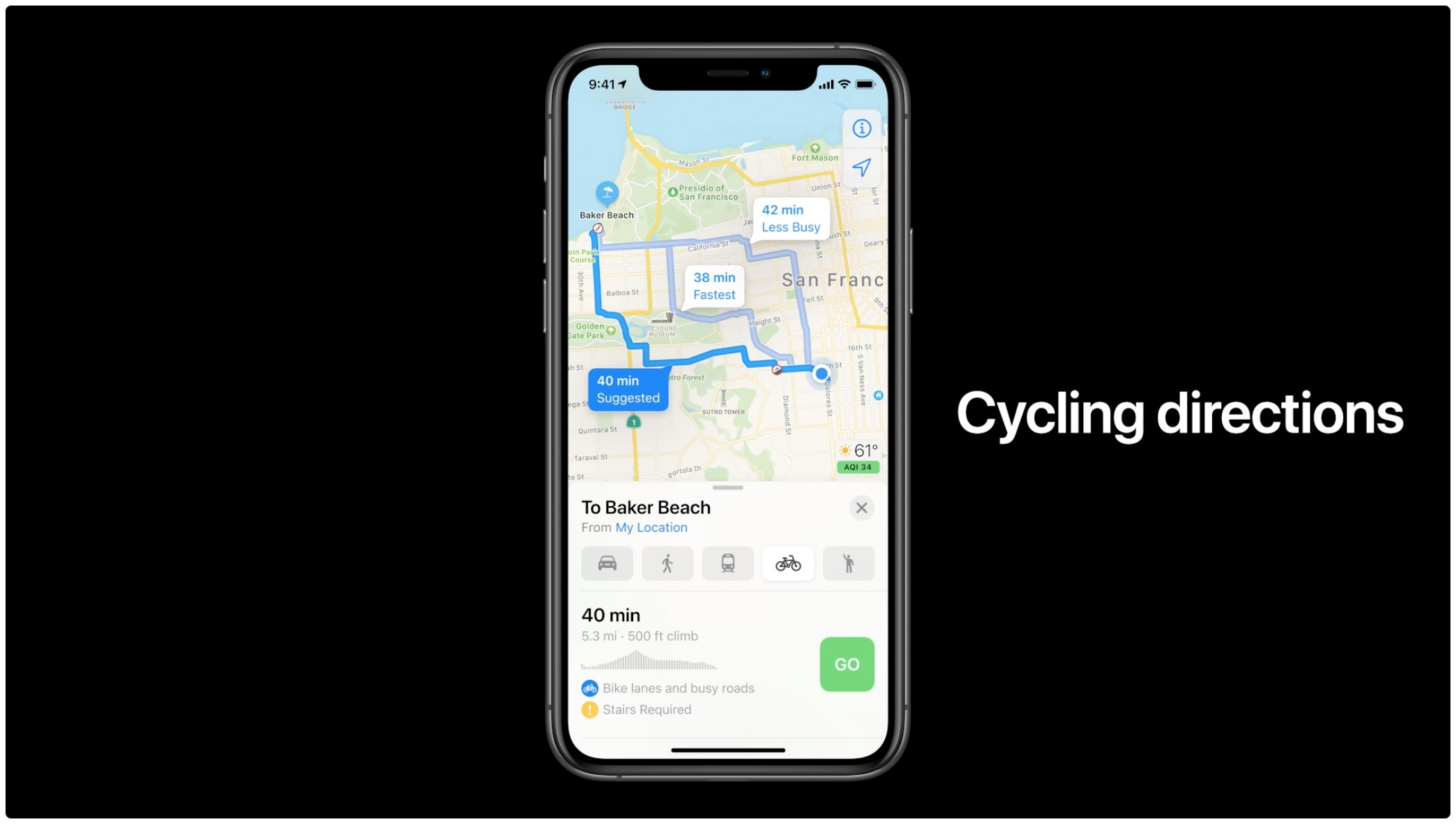
Learn how to get cycling directions in Apple Maps on iPhone, iPad, and Apple Watch to see turns, elevation changes, bike lanes, and more along the route.

Spod is a privacy-first VPN and web filter software for the iPhone, iPad, iPod touch, Mac and Android which protects you from apps and websites that monitor track and profile you. It doesn't require registration to use, not even your email address.