Are you looking for a new place? Check out these apartment and home rental apps for iPhone and iPad to make house hunting less stressful.
The best apartment and home rental apps on iPhone
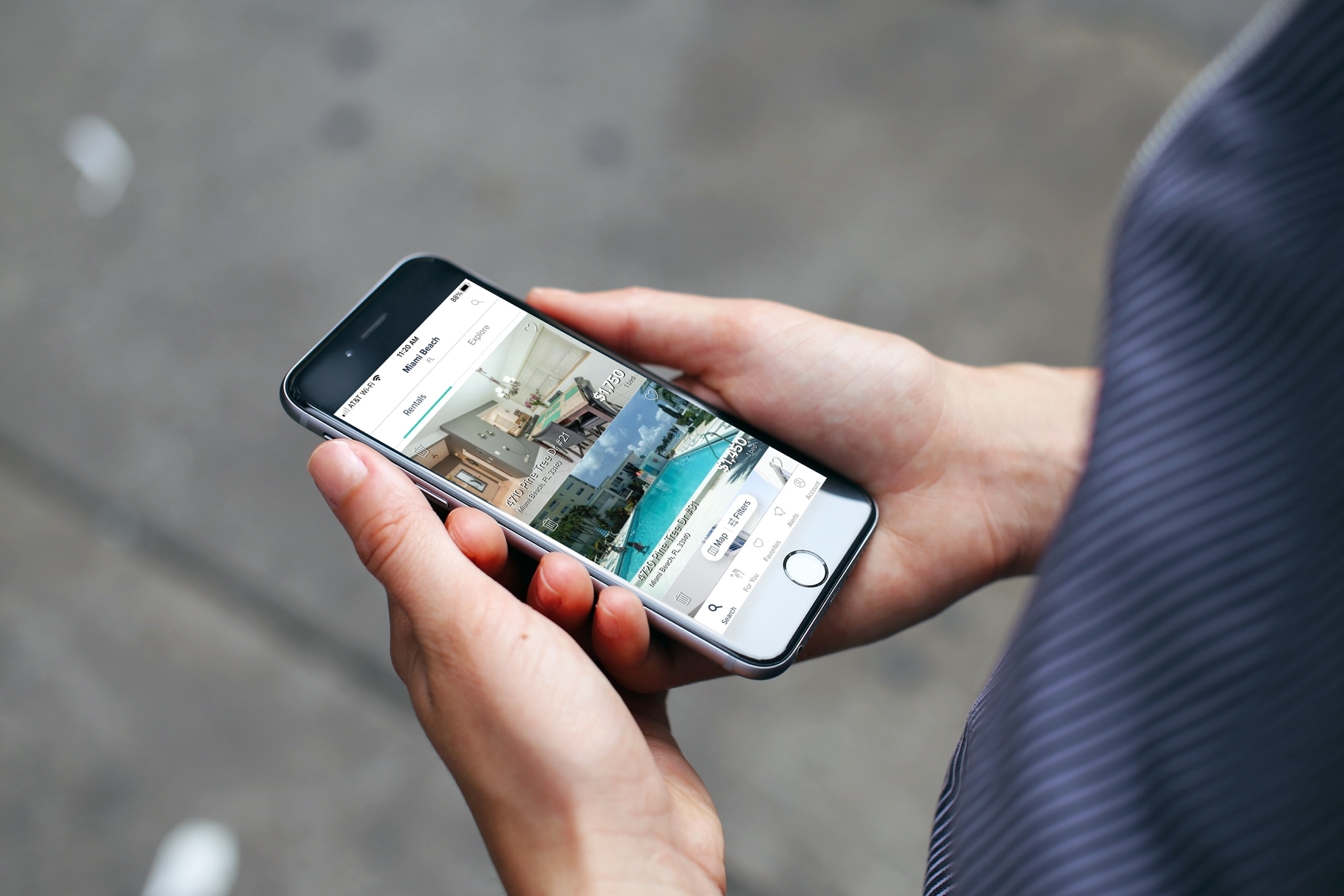
Are you looking for a new place? Check out these apartment and home rental apps for iPhone and iPad to make house hunting less stressful.
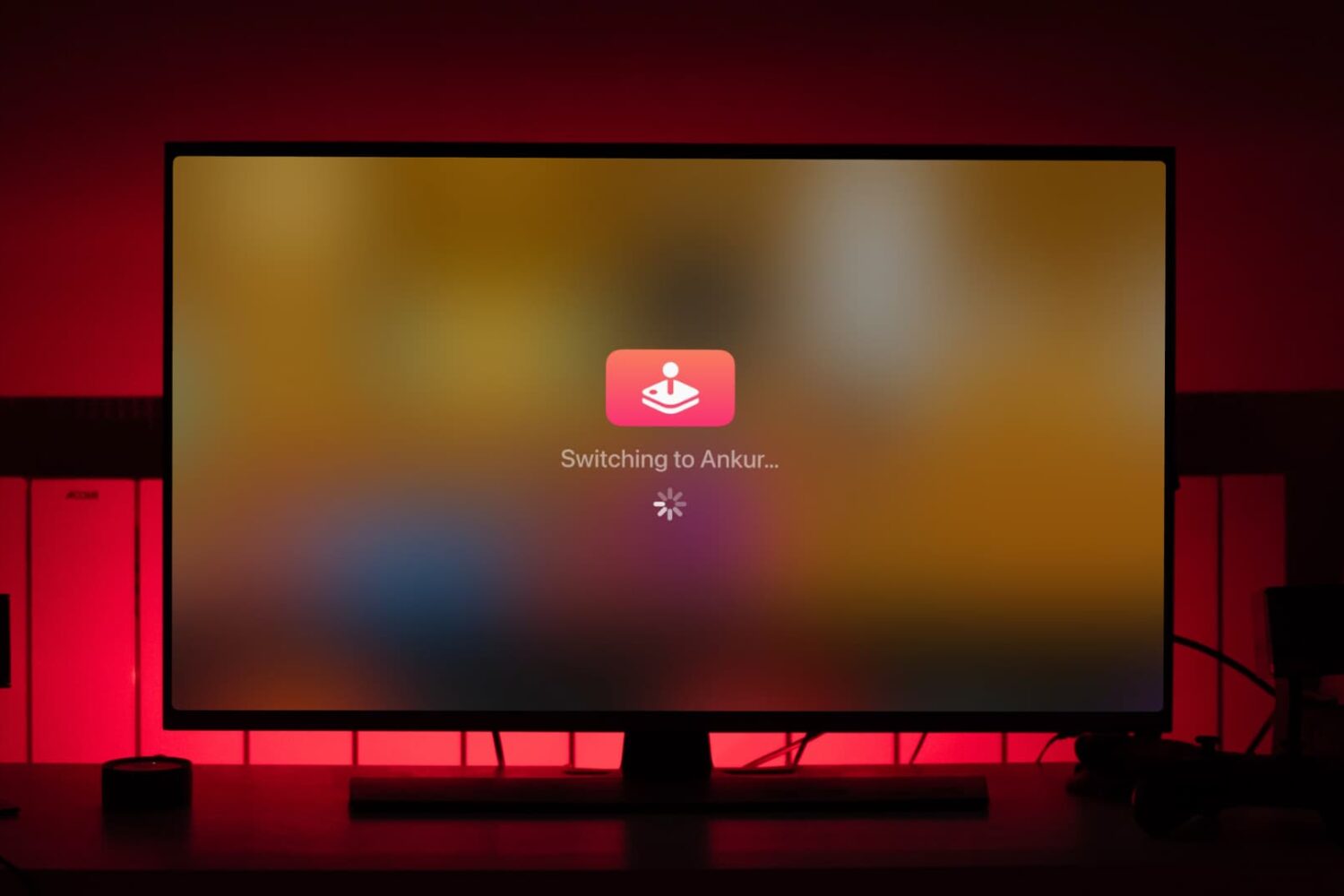
Do you and your family enjoy Apple Arcade on the Apple TV? In this tutorial, we will share the quick steps to switch between users when gaming.

Apple Arcade will be picking up a trio of new titles soon: a hand-drawn adventure title, called “The Collage Atlas,“ is launching Friday. Then later in the year gaming fans will be able to play “All Of You,“ a family-friendly puzzle adventure with unique gameplay, along with “Wonderbox: The Adventure Maker,“ an action-adventure game set in gorgeous dioramas.
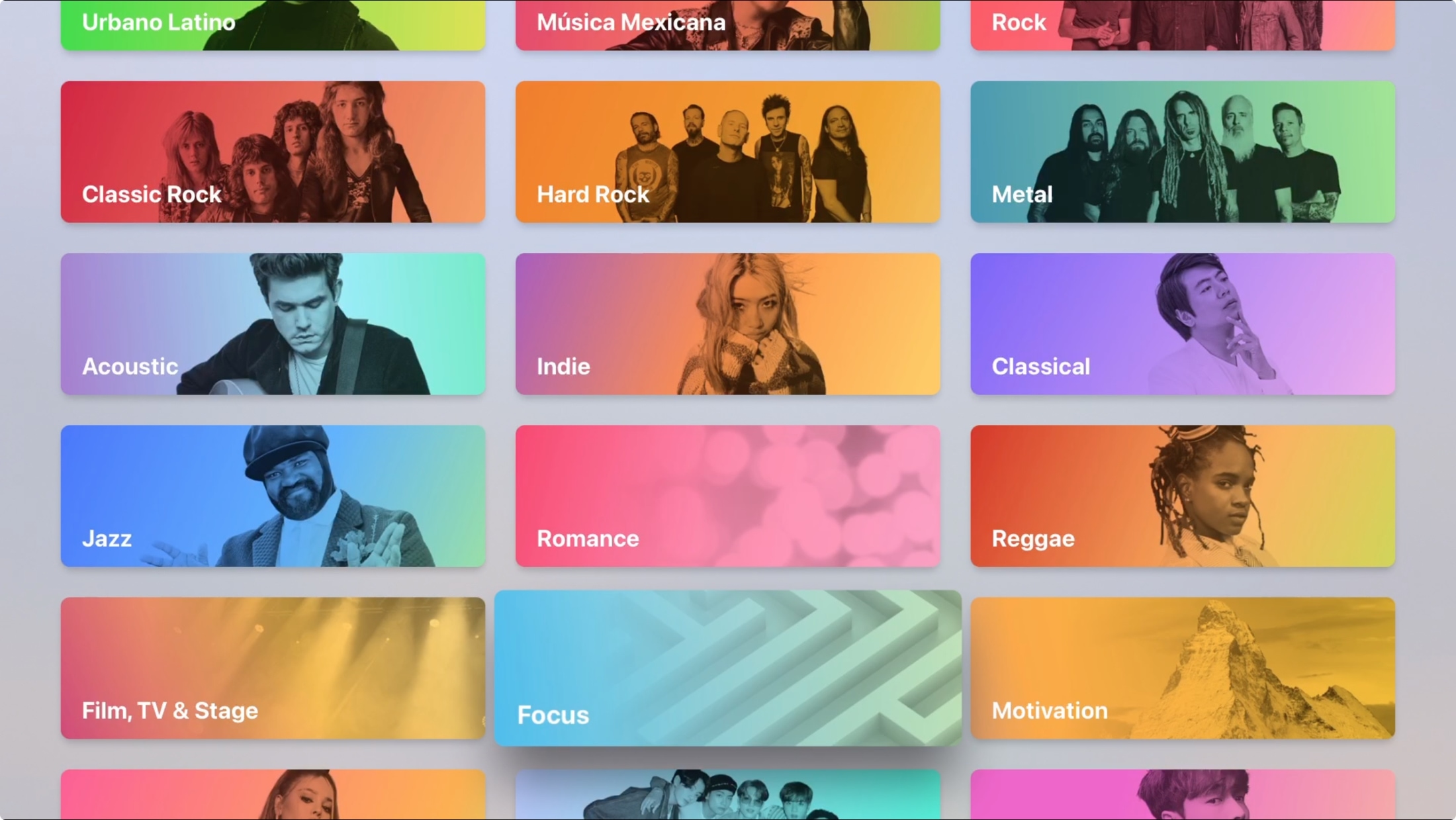
Maybe you just bought your first Apple TV or perhaps you’ve only used it for shows and games. The Music app on Apple TV works very much like it does on your other devices. You can discover something new, manage your library, and search for a particular song, album, or artist.
Don’t take the Apple Music app on your Apple TV for granted. Use it for background music as you work or pump up the volume for a get-together with this guide to using Music on Apple TV.
In this week's Apps of the Week roundup we have a fascinating app for artwork, a fun widget-maker, and a very minimal RSS feed reader. And as always, we've selected two great new games for you to check out.
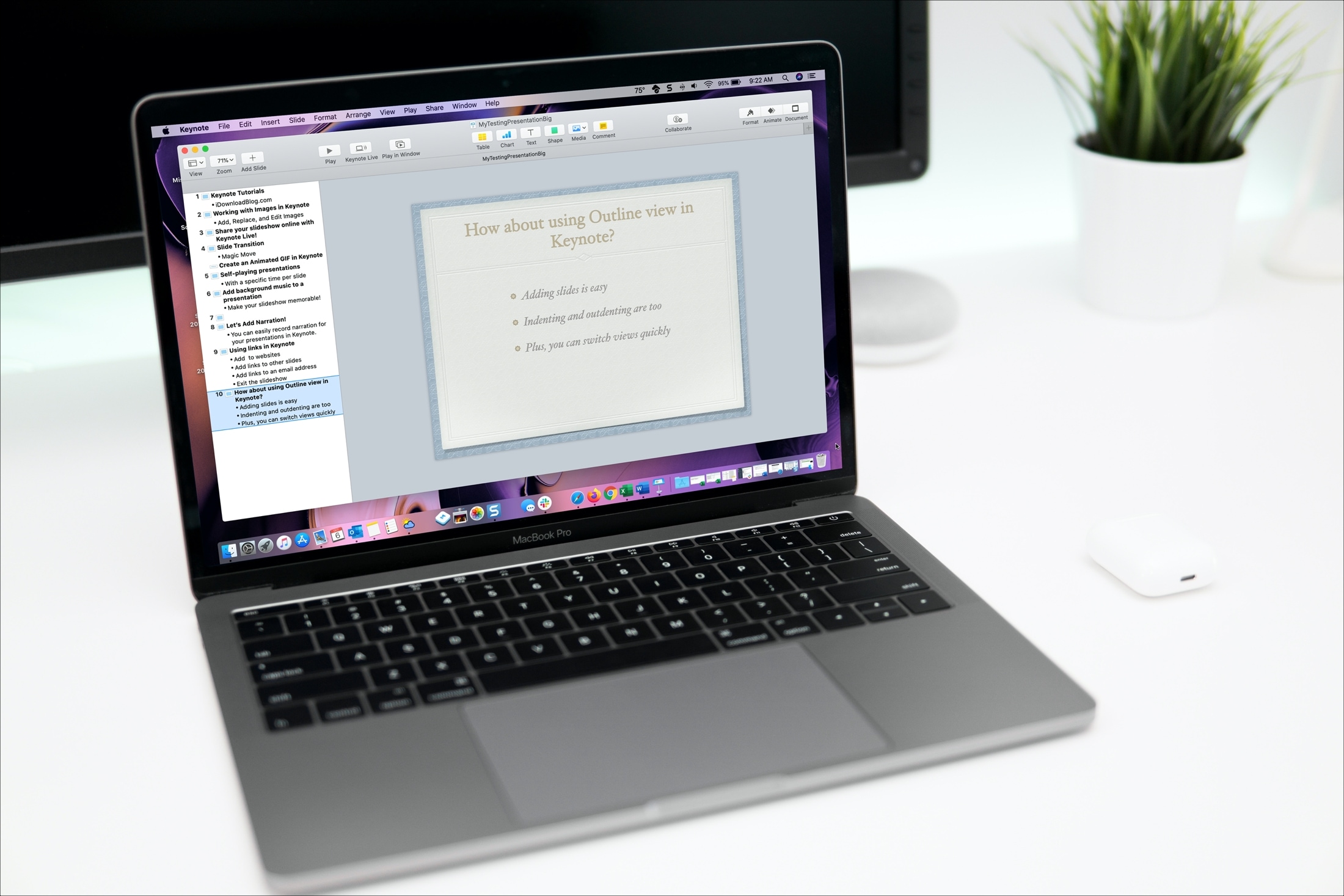
Open and use Outline view in Keynote on your iPhone, iPad, and Mac to start building your presentation in a more organized way.
Learn how to increase or decrease your daily Move goal calories, Exercise goal minutes, and Stand goal hours in the Activity and Fitness apps on your Apple Watch and iPhone so it’s more suitable for your current activity level.
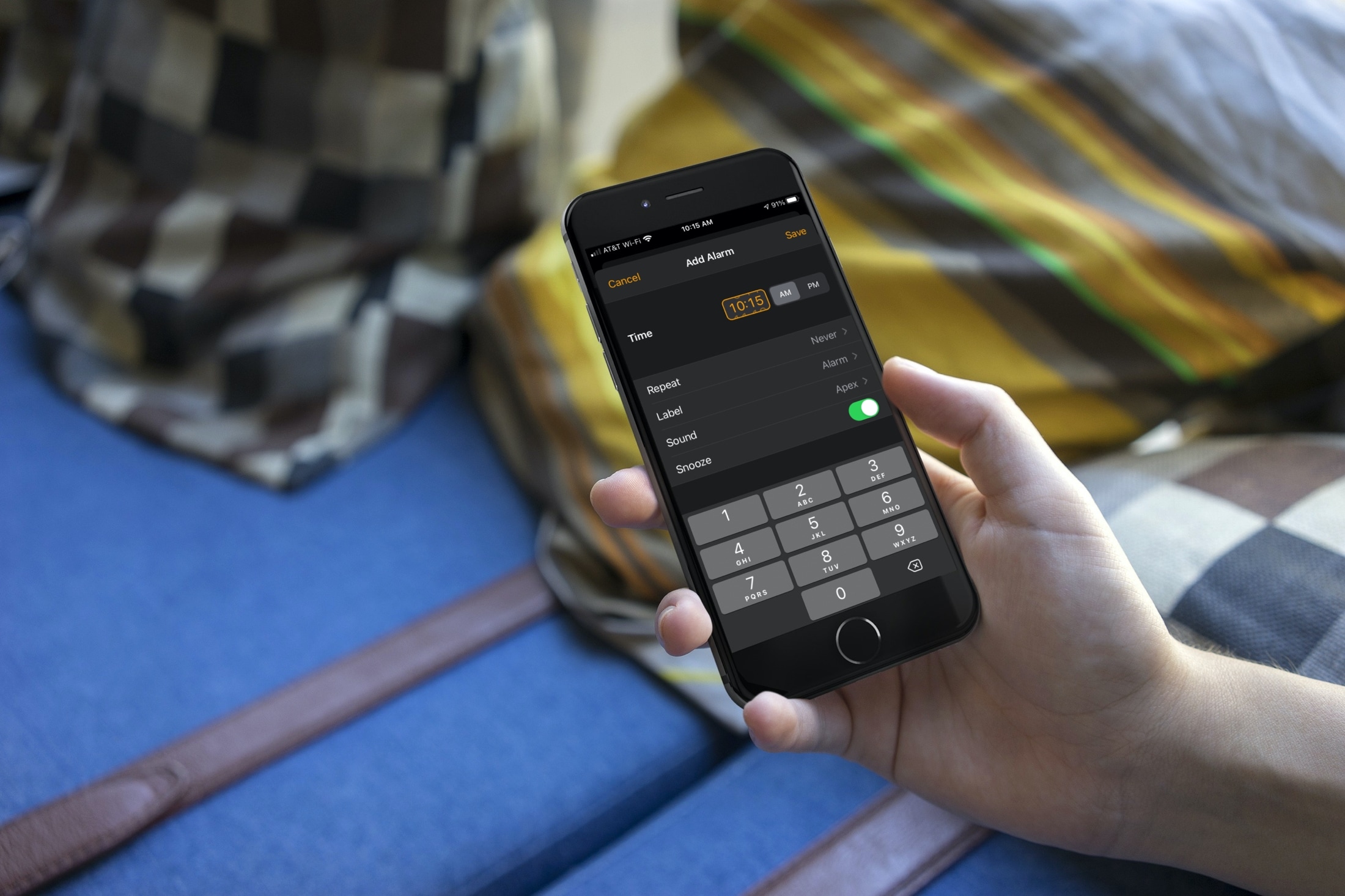
With the many updates and new features that came with iOS 14 and iPadOS 14, one of those small but nice improvements is the date and time picker. Creating a to-do in Reminders or event in Calendar is easier with the enhancements. And so is setting an alarm in the Clock app.
You have options to either tap the numbers to set an exact time or scroll with a flick of your finger. This lets you use the method that’s quickest or easiest for you. Haven’t checked it out yet? Here’s how to set the time for Alarms in the Clock app on iOS.
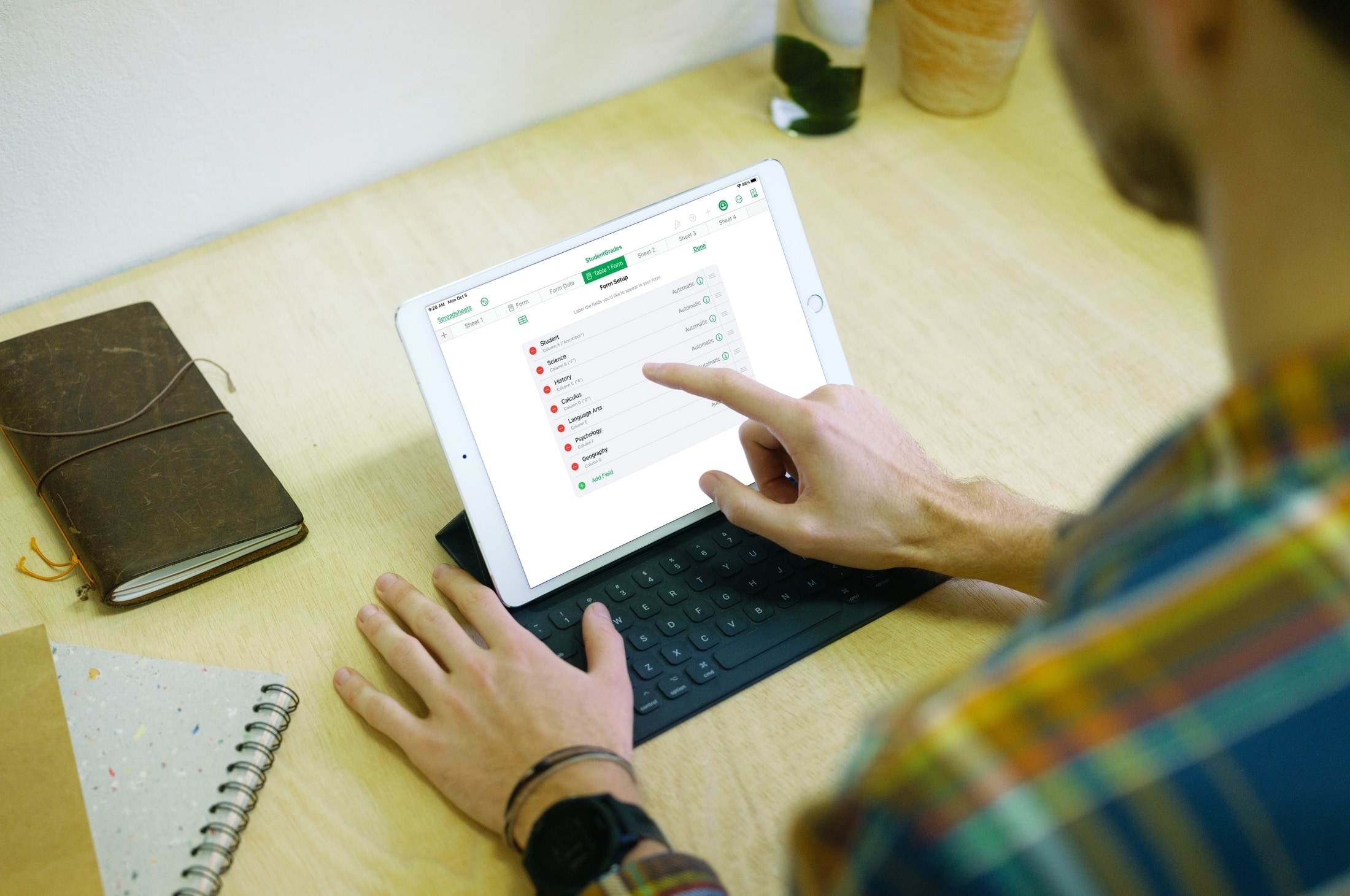
This tutorial shows you how to create and use forms in the Numbers app on iPhone and iPad to quickly and easily enter data in your spreadsheets.
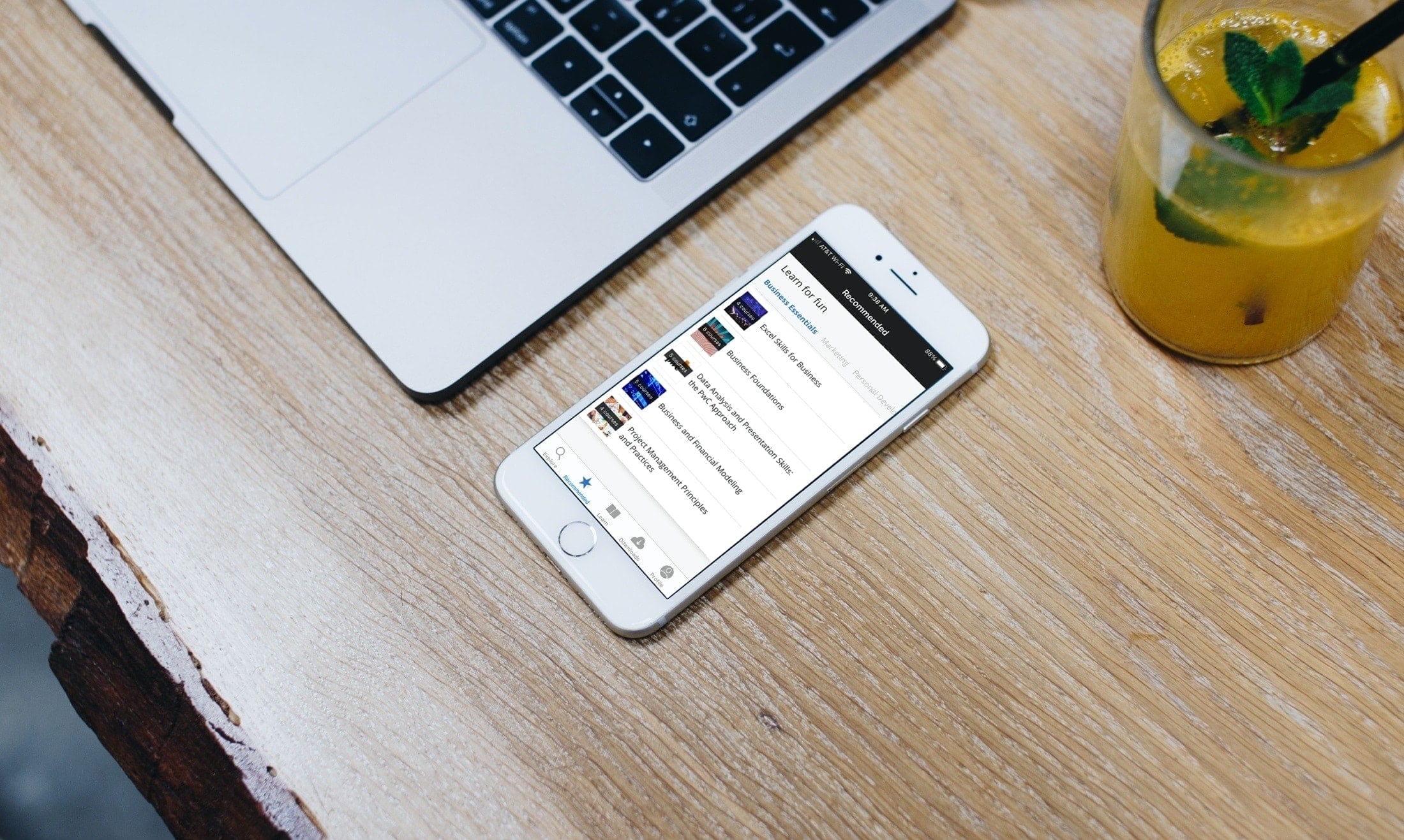
Learn new skills, hone existing ones, and take your business career to the next level with these iPhone and iPad educational apps for professional development.
Google has outlined a new feature, coming to iOS soon, that will notify you in case of a major security issue with your Google account no matter what Google app you’re using at the time.
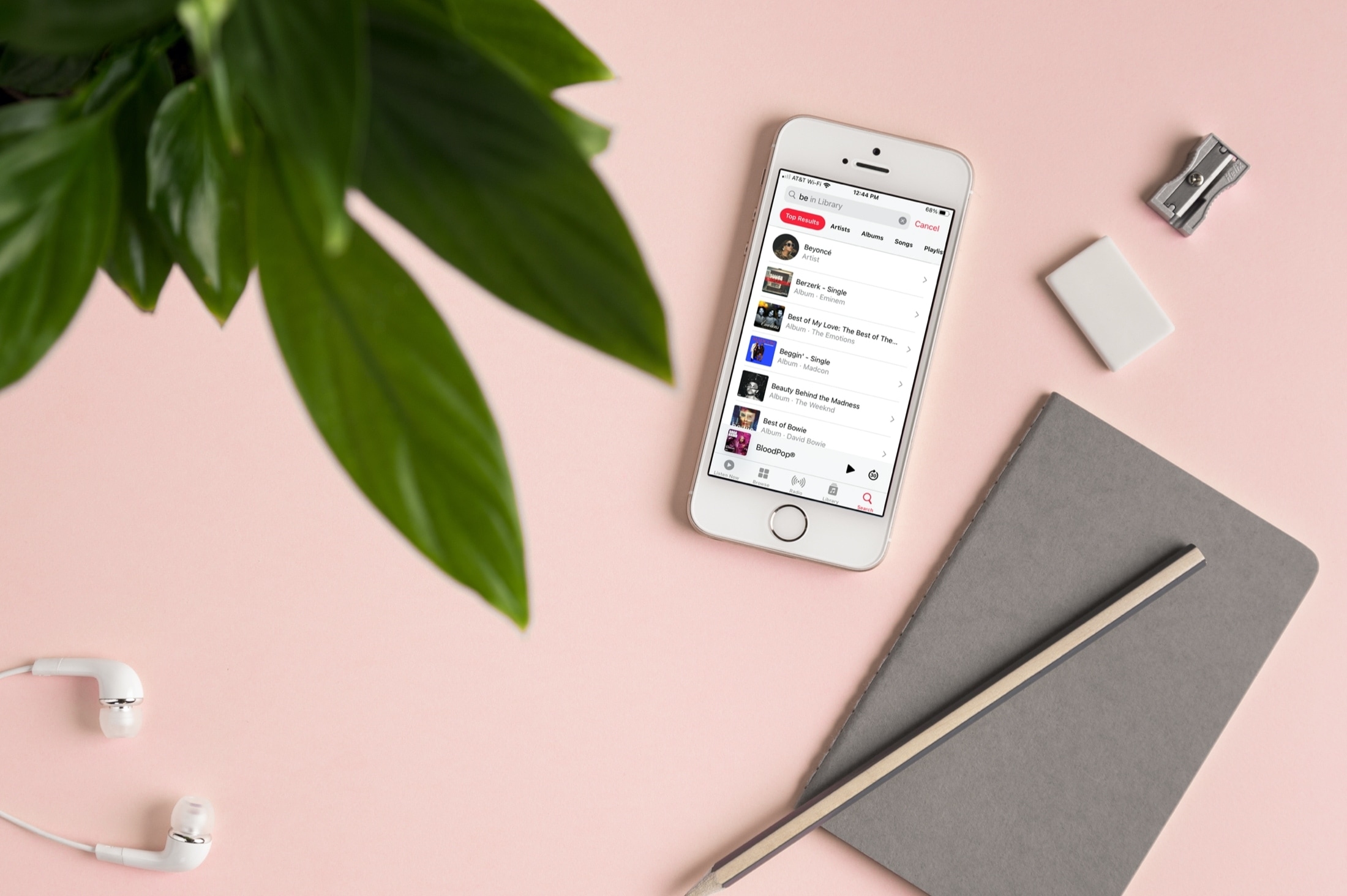
Learn a few useful tips to filter your Music library and find the songs, albums, or artists you want quicker than ever on your iPhone and iPad.