Apps

How to use the Memoji app on Apple Watch to make fun characters

Memoji App on Apple Watch

If you own an Apple Watch and recently upgraded to watchOS 7, you might notice a new app on your wrist. The Memoji app is a new addition for those with watchOS 7 or later that lets you create and edit a Memoji as well as turn one into a Watch face.

Make your first Memoji, spruce up your existing one, or create something totally funky. Sound like fun? Here’s how to use the Memoji app on your Apple Watch.

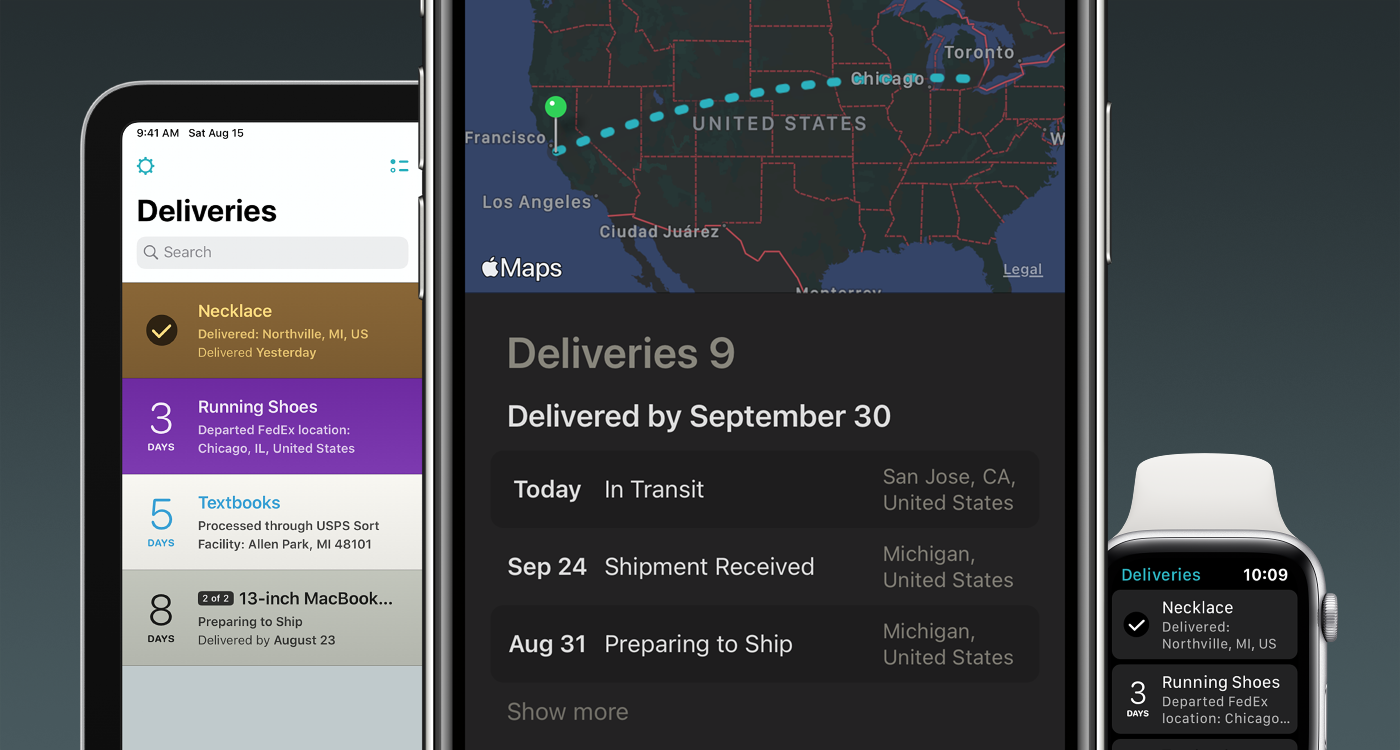
Deliveries 9.0 offers a fresh new look, subscriptions, and a bevy of new features

These unprecedented times we live in, driven by the uncertainty of the Coronavirus pandemic, have driven more people to resort to online shopping over in-store shopping than ever before. With so many online orders happening all at once, some may find it difficult to keep track of all their packages, and that’s one reason why I use the Deliveries package tracking app from Junecloud.

Junecloud released a massive update for Deliveries on Wednesday, officially bringing the popular tracking up to version 9.0 for iOS, iPadOS, macOS, and watchOS and incorporating a plethora of much-needed upgrades including aesthetically pleasing interface tweaks and handy new features. If you’re already using Deliveries, then this is an update you won’t want to miss – and to those who aren’t… what are you doing with your life?


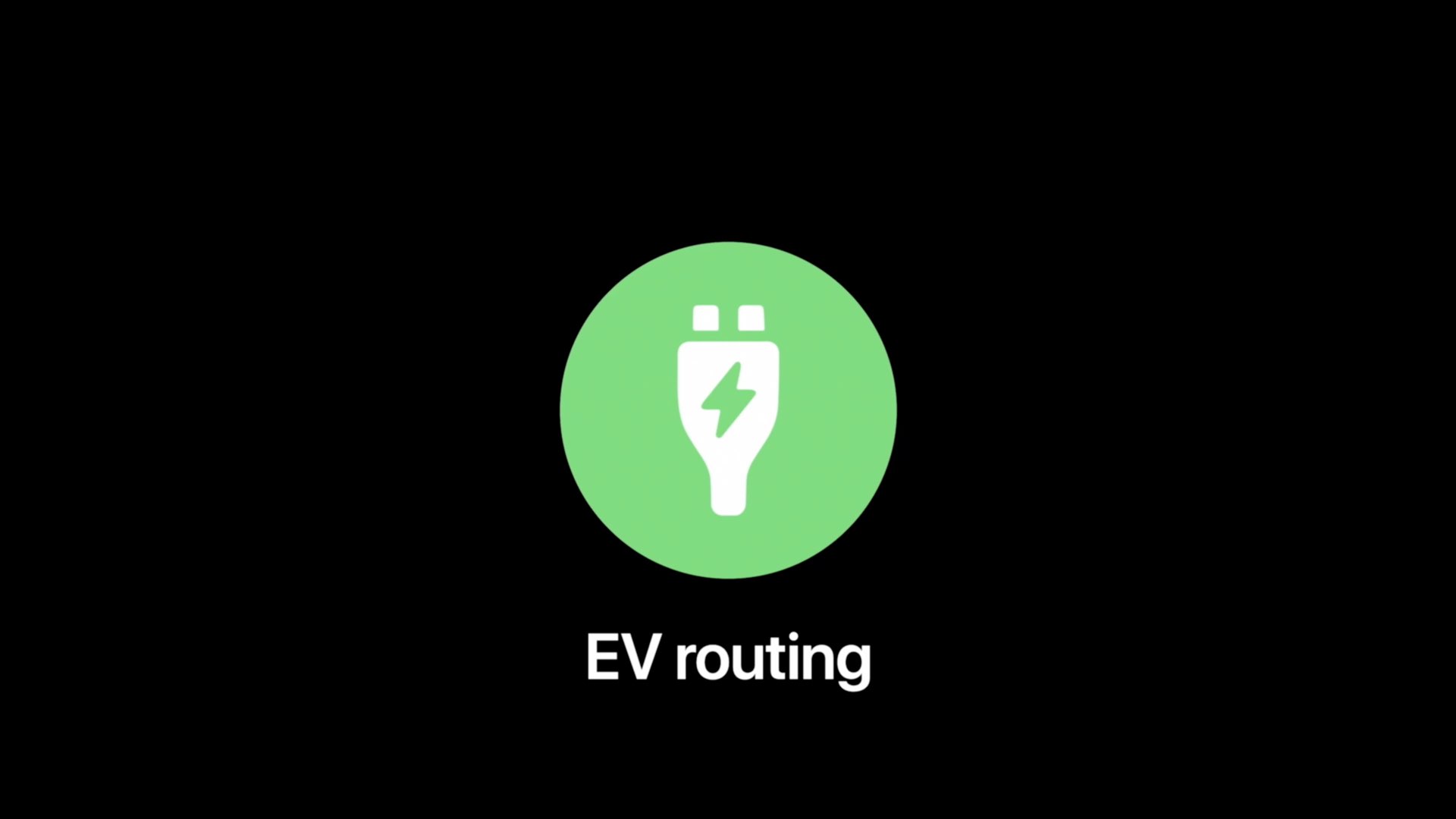
How to configure and use electric vehicle routing in Apple Maps on the iPhone and iPad

The Apple Maps electric vehicle routing feature helps environmentally-conscious drivers plan trips with supported electric cars by automatically adding charging stops along their routes. With it, an iOS device offers to route you to the nearest charging station when your charge gets too low. Follow along with us to learn how to set up and use electric vehicle routing in Maps.