Learn how to export, save, and share your calendar events as a PDF on your iPhone, iPad, or Mac, or print them to get a physical copy.
How to print, save, or share your calendar as PDF on iOS and Mac
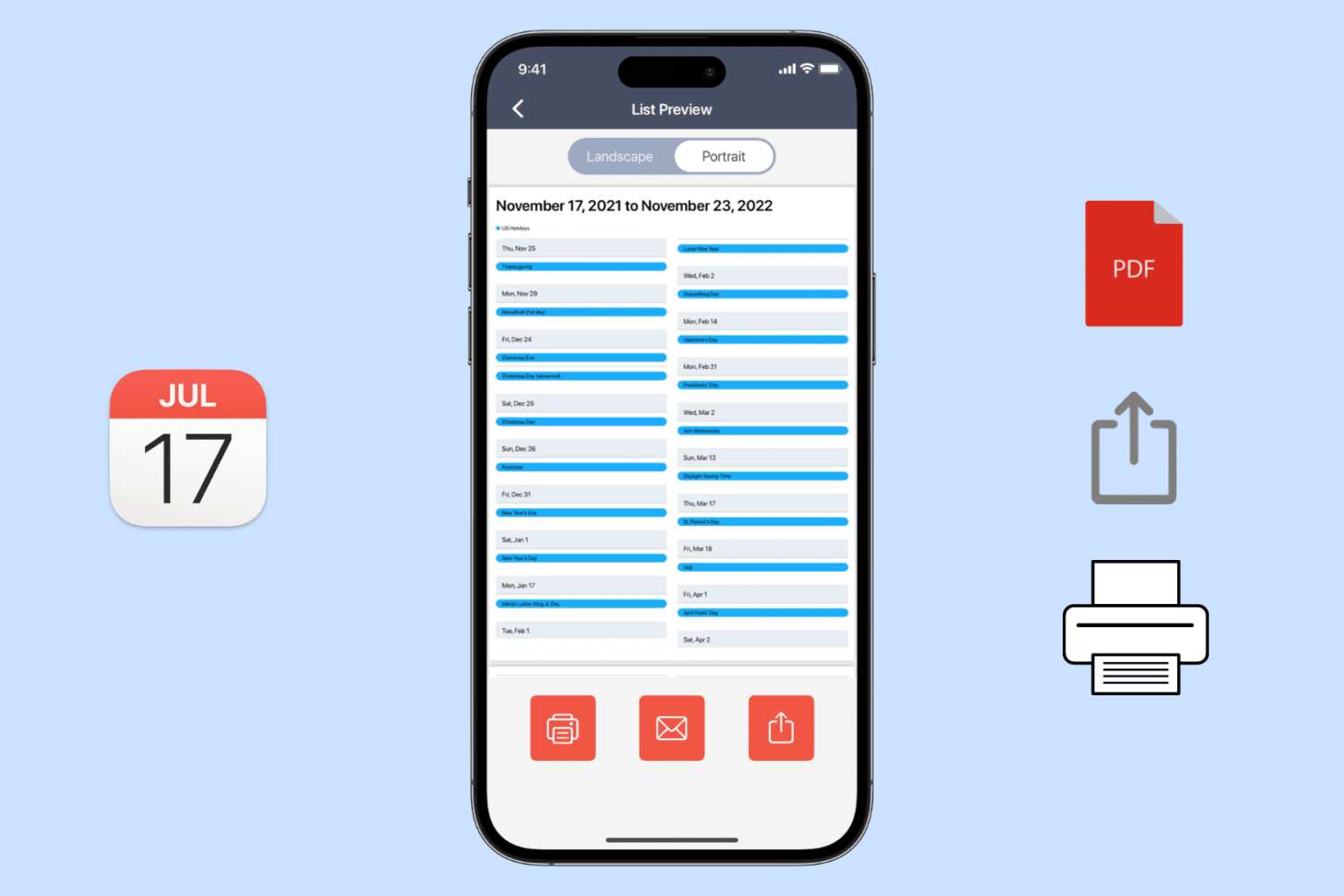
Learn how to export, save, and share your calendar events as a PDF on your iPhone, iPad, or Mac, or print them to get a physical copy.
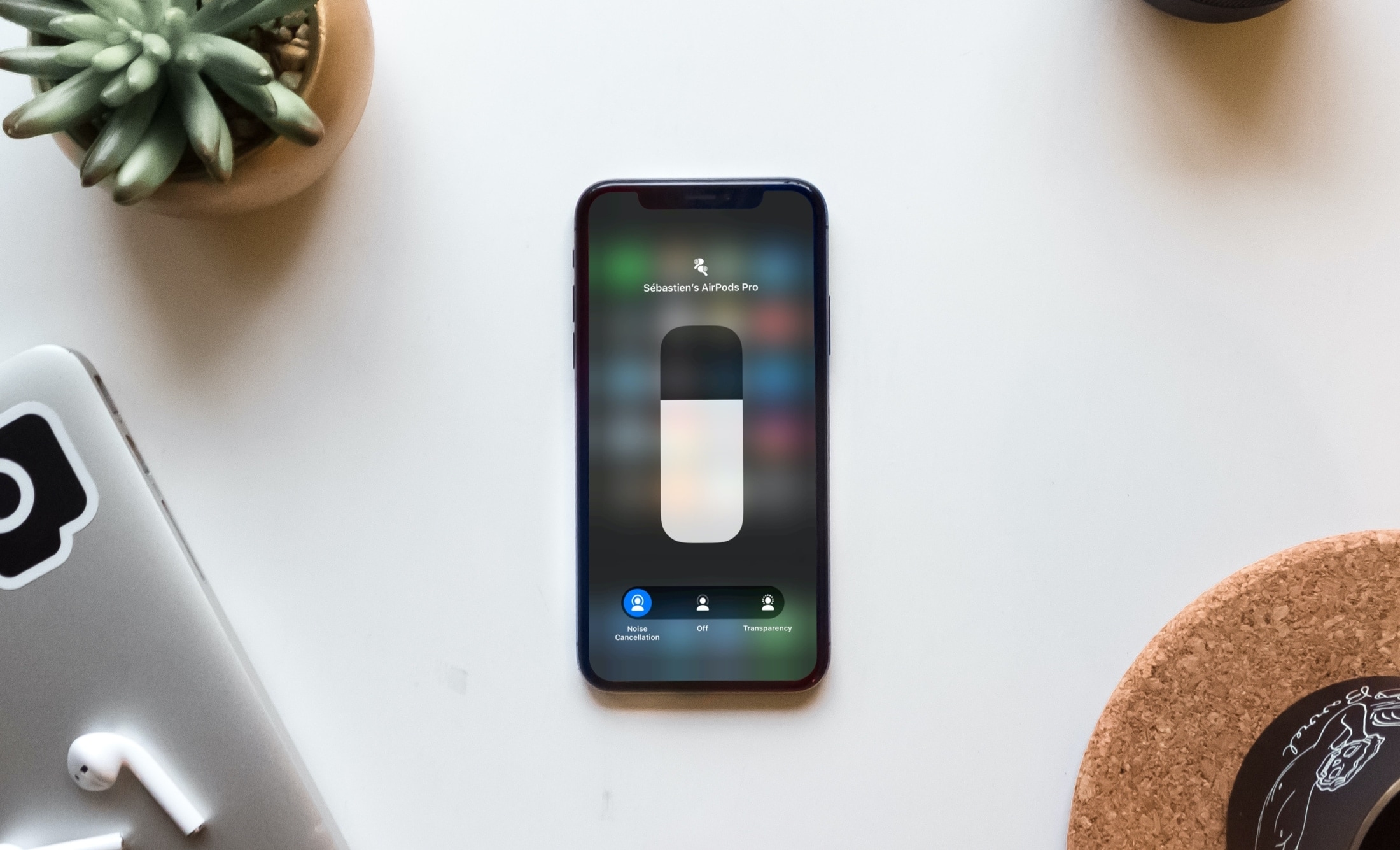
Learn how to switch between Noise Cancellation and Transparency modes on your AirPods to enhance both focus and awareness in different settings.
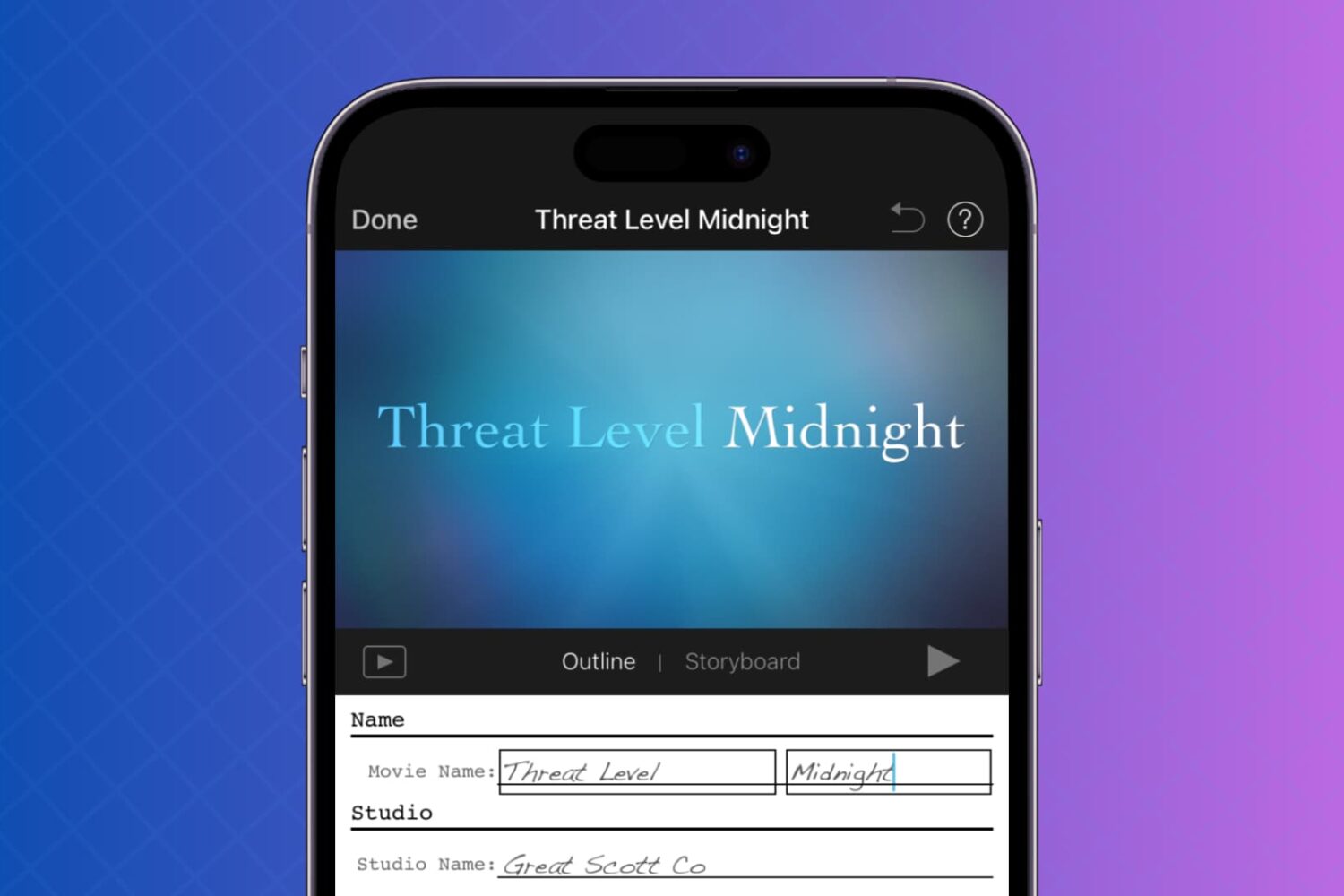
This tutorial will show you how to use your photos and videos to make trailers in iMovie on Mac, iPad, and iPhone.

Just like your other devices, you need to clean your AirPods and AirPods Pro every now and then. From the ear tips to the case, cleaning up the gunk that accumulates over time will keep them sparkling and working like new.
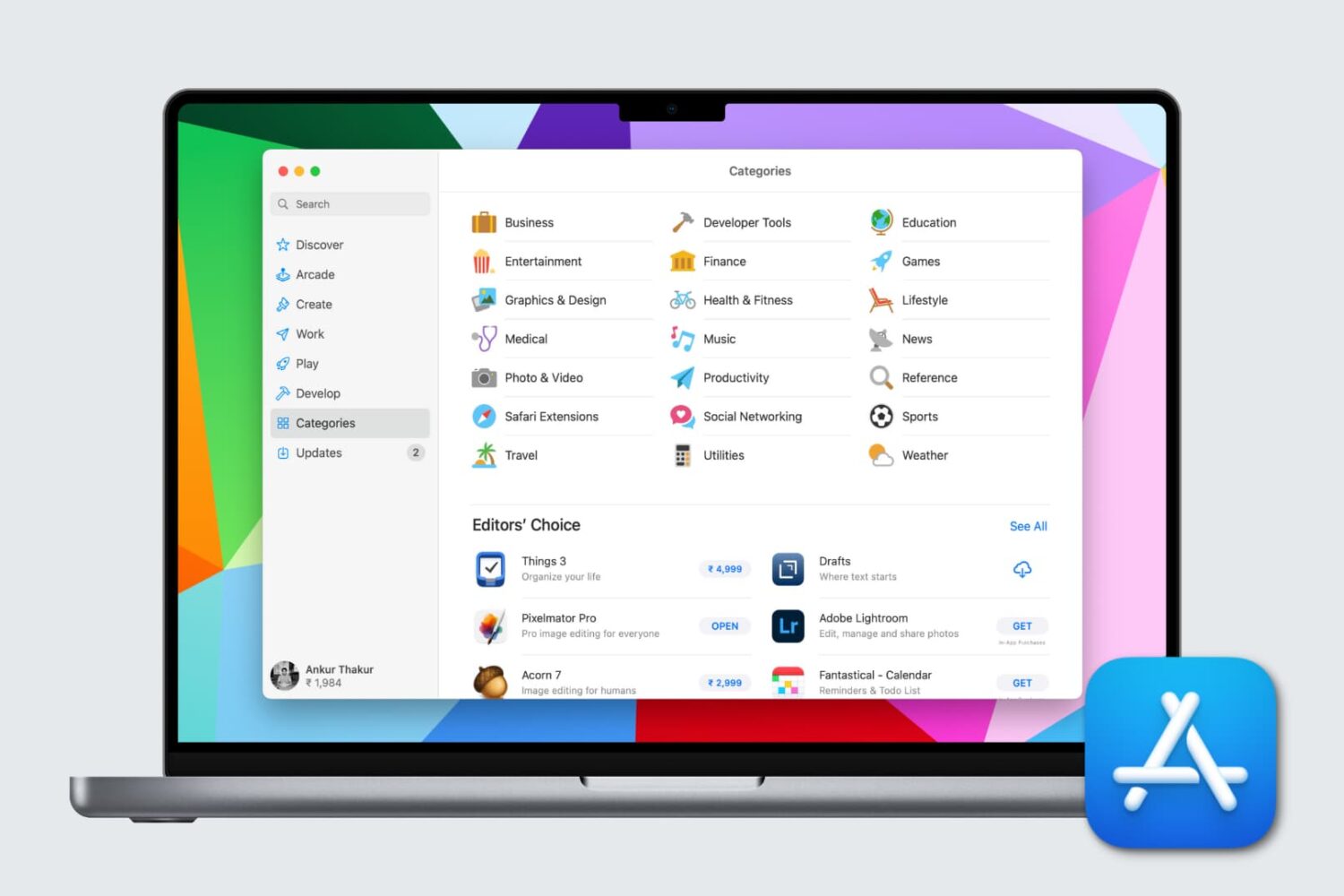
If you’re new to Mac, getting to know these Mac App Store basics is the first step towards downloading and managing the apps you want. We’ll show you everything you need to get started.

When you decide it’s time to do something different in your living space, you need ideas. Whether you want to redesign a single room or remodel an entire area, getting inspiration for the right look and feel is important.
One terrific place to look for home design and remodeling ideas is on your Apple TV and these are the best apps for it.

One cool movie idea that you can create in iMovie is for your travels. You can include photos or videos from a vacation, honeymoon, or road trip adventure. And to go along with this nifty project, iMovie offers animated map backgrounds.
With these backgrounds, you can show the moving route for your trip on a map in your movie. This can add something a little extra to your already memorable trip and movie.
Here’s how to add and adjust the animated travel map backgrounds in iMovie on Mac.

The Apple TV+ streaming service is a good option for unique originals if you’re looking for something different to watch. But it’s not for everyone. Maybe you’re not thrilled with the selection of shows, maybe you don’t like the subscription price, or you just don’t like its video player. Whatever the case, here’s how to cancel your Apple TV+ subscription or free trial.
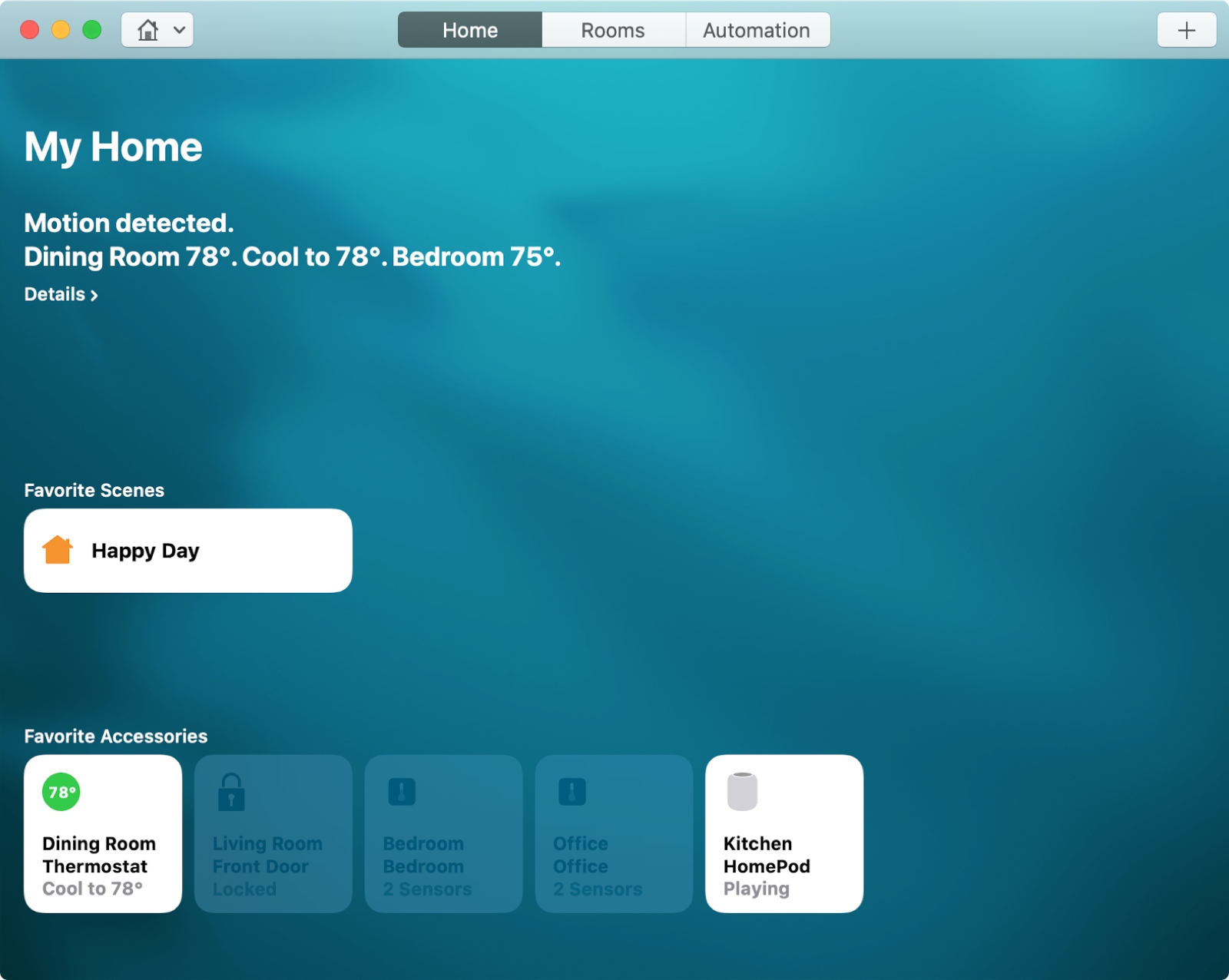
For the perfect atmosphere when arriving home after a long day at work or starting your day with something upbeat, you can set up scenes with HomeKit.
Scenes let you control multiple accessories that you connect in the Home app at one time. You can create scenes based on your leaving, arriving, or a custom setting. Then, the automated scene takes over with the settings you choose.
Here’s how to create scenes with HomeKit on both Mac and iOS.
Find out how to record a video or take a photo directly in iMovie, streamlining your video-creating process on iPhone, iPad, and Mac for easier and quicker results.
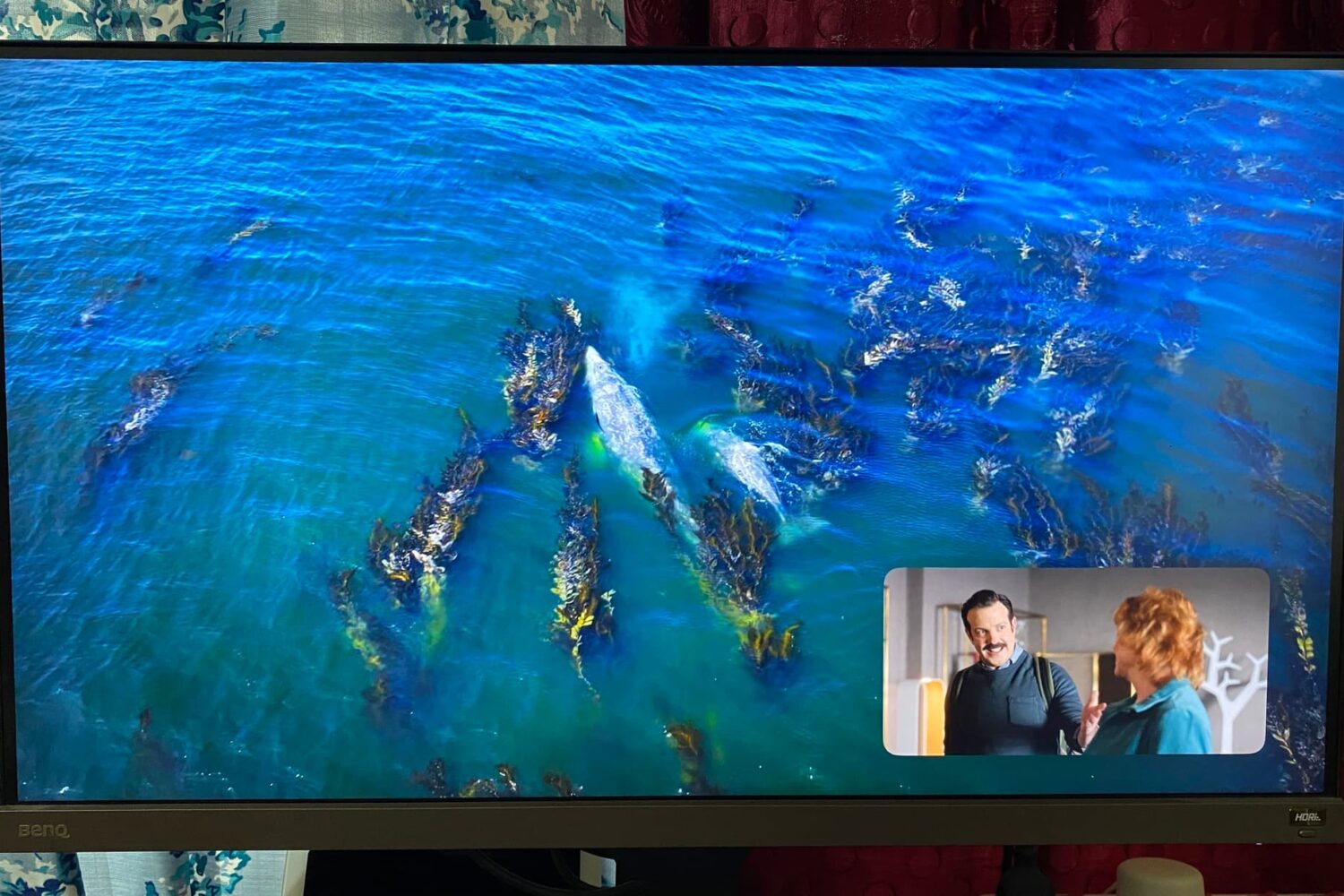
Learn how to use Picture in Picture on Apple TV to watch two shows at the same time or continue watching a video while you find something else to watch on your TV.

Learn how to change the default app for opening specific file types on Mac to customize it to your liking.