Sandy Writtenhouse

With her BS in Information Technology, Sandy worked for many years in the IT industry as a Project Manager, Department Manager, and PMO Lead. She then decided to follow her dream and now writes about technology full-time.

The best RSS readers for iPhone and iPad

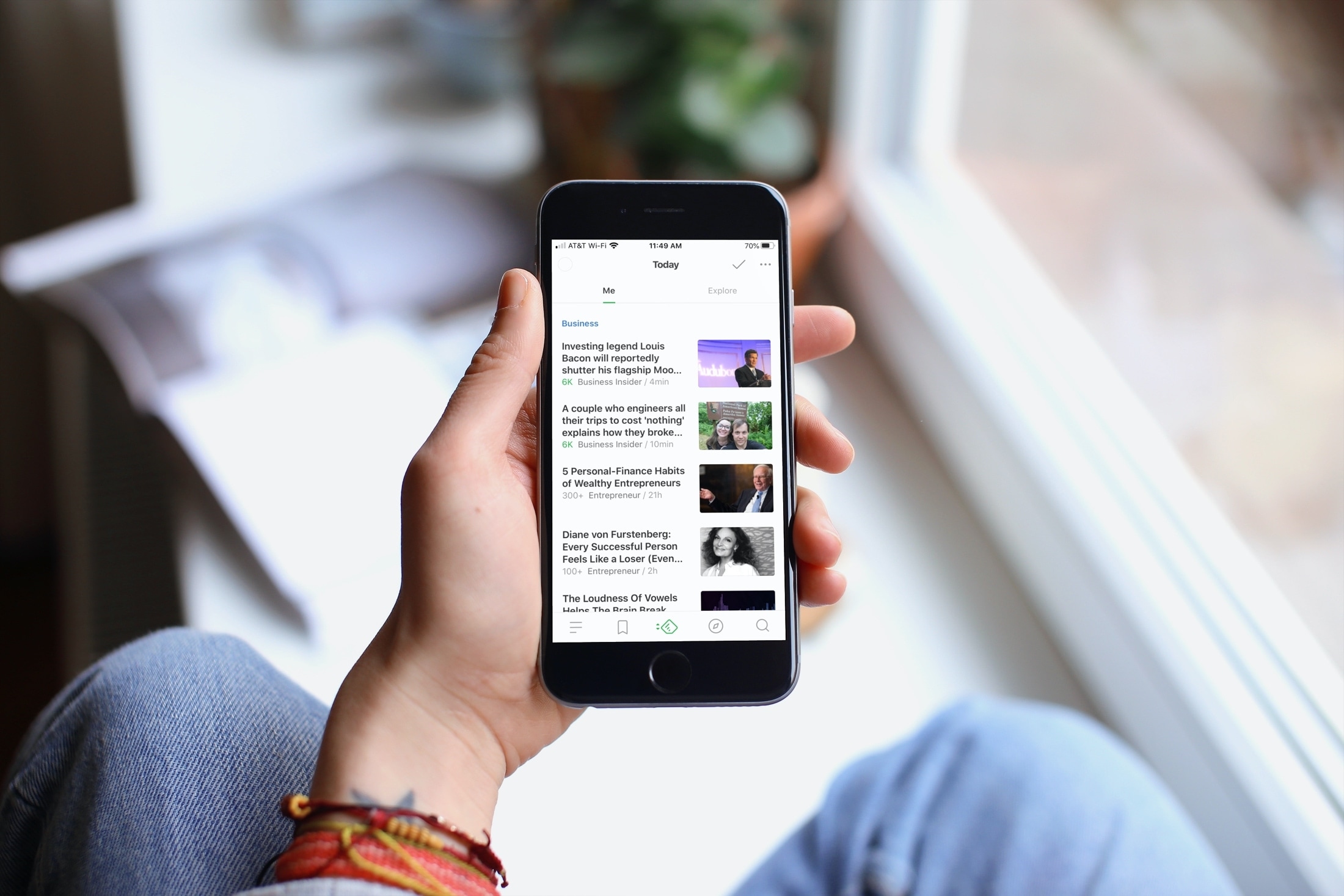
Best RSS readers iPhone - Feedly

There are plenty of news app for iOS to pick from on the App Store. But if you want a culmination of sources along with the ability to add a specific feed URL, then check out an RSS reader.

With these RSS readers for iPhone and iPad, you can pick categories, sources, or add your own. They give you the news you want and care about all in one spot.

New to Mac? Make the most of the Apple Maps app

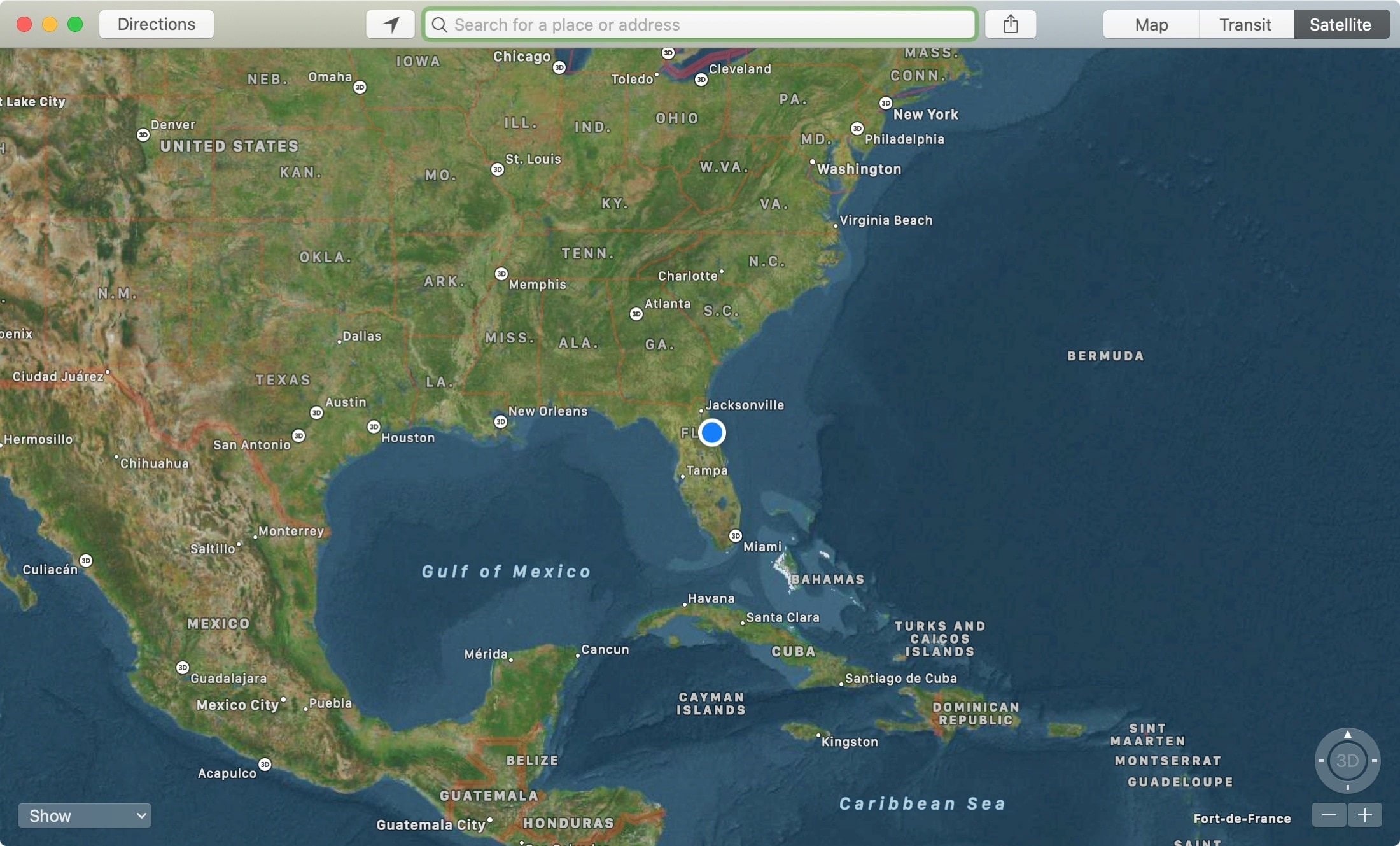
Maps App Satellite Mac

The Apple Maps app is a super handy tool that you likely use on your iPhone more than anywhere else. For getting directions, it makes perfect sense. But, the Maps app on Mac offers some great features as well, like one to send directions straight to your iPhone.

If you’re new to Mac, we’ll show you how to use that feature along with a host of the others you might not know about. Here’s how to make the most of the Apple Maps app on your Mac.

The best Black Friday apps on iPhone for shopping and deals

Black Friday banner

Black Friday is one of the best shopping days of the year for deals. And nowadays, you don’t have to wake up at 2AM to stand in line and fight the crowds. You can do your Black Friday shopping right from your device.

The nice thing about Black Friday apps for iPhone is that you’re already ahead of the game. You can start looking now at terrific deals and even grab some early sales.

Stay home and munch on Thanksgiving leftovers this year while you shop from your couch with these awesome Black Friday apps for iPhone and iPad.

New to iPhone? How to use the Today View and Notification Center

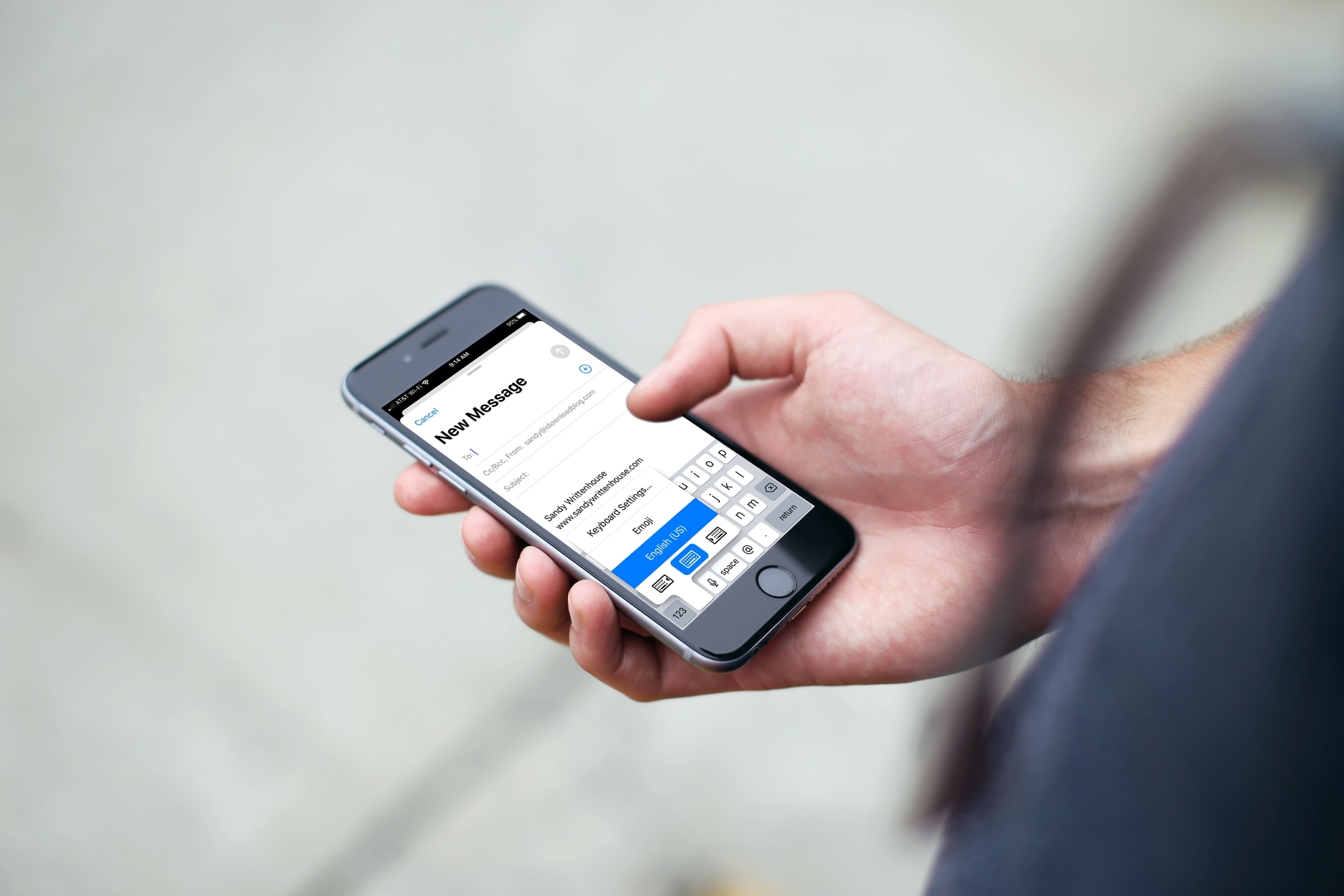
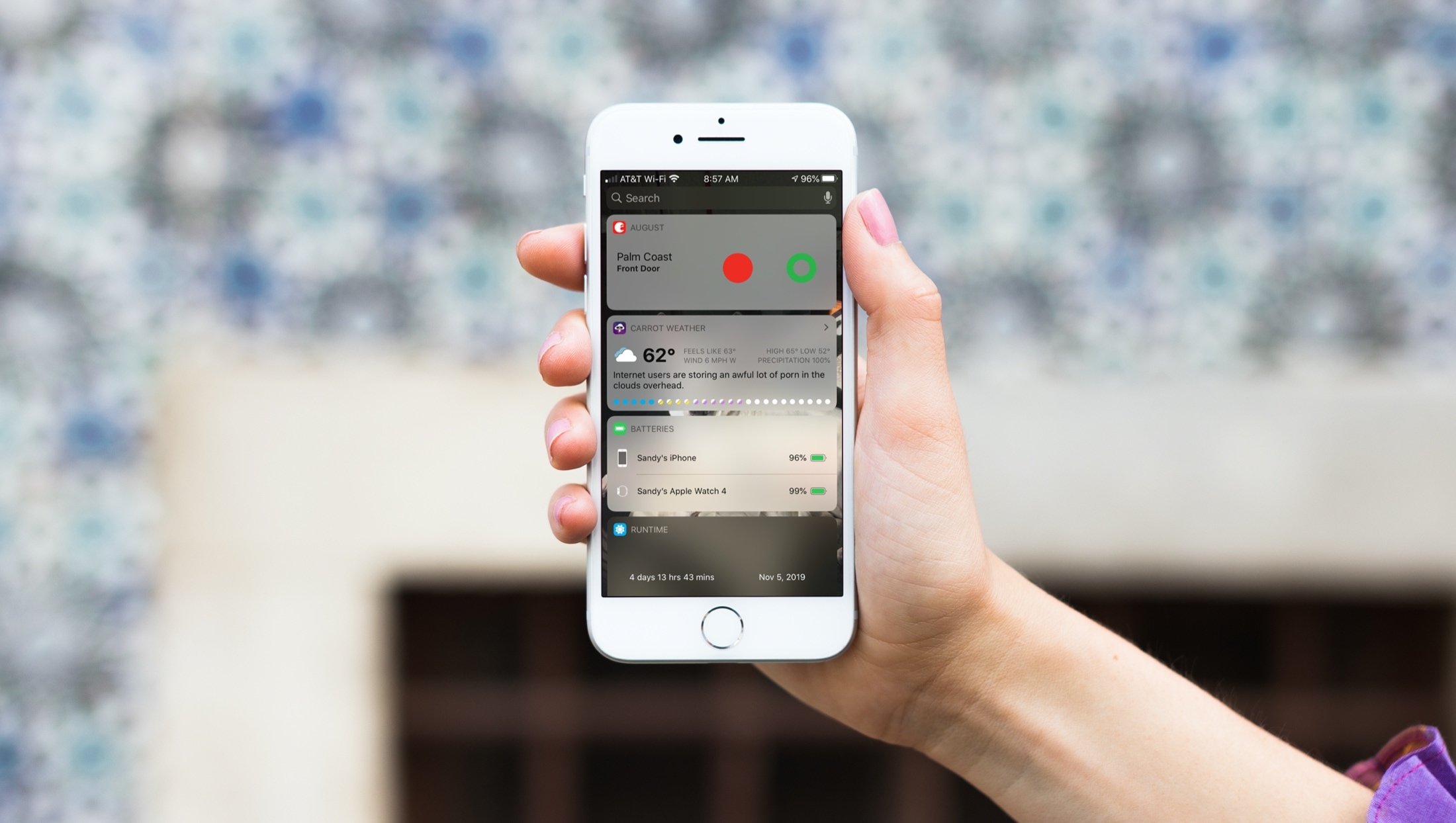
Using Today View Notification Center iPhone

When you just get your first iPhone, you’ll find that it’s super easy to use. It has a nicely organized Home screen and a simple way to find your Settings. But there are little tips and tricks that can take a while to learn, like how to use your Today View and Notification Center effectively.

That’s why iDB is here to help with our "New to iPhone" series. If you fall into the new iPhone user group, this series, along with this article, are for you. Here’s how to use the Today View and Notification Center on your iPhone.

All iPhone notification settings explained so you can customize them accordingly

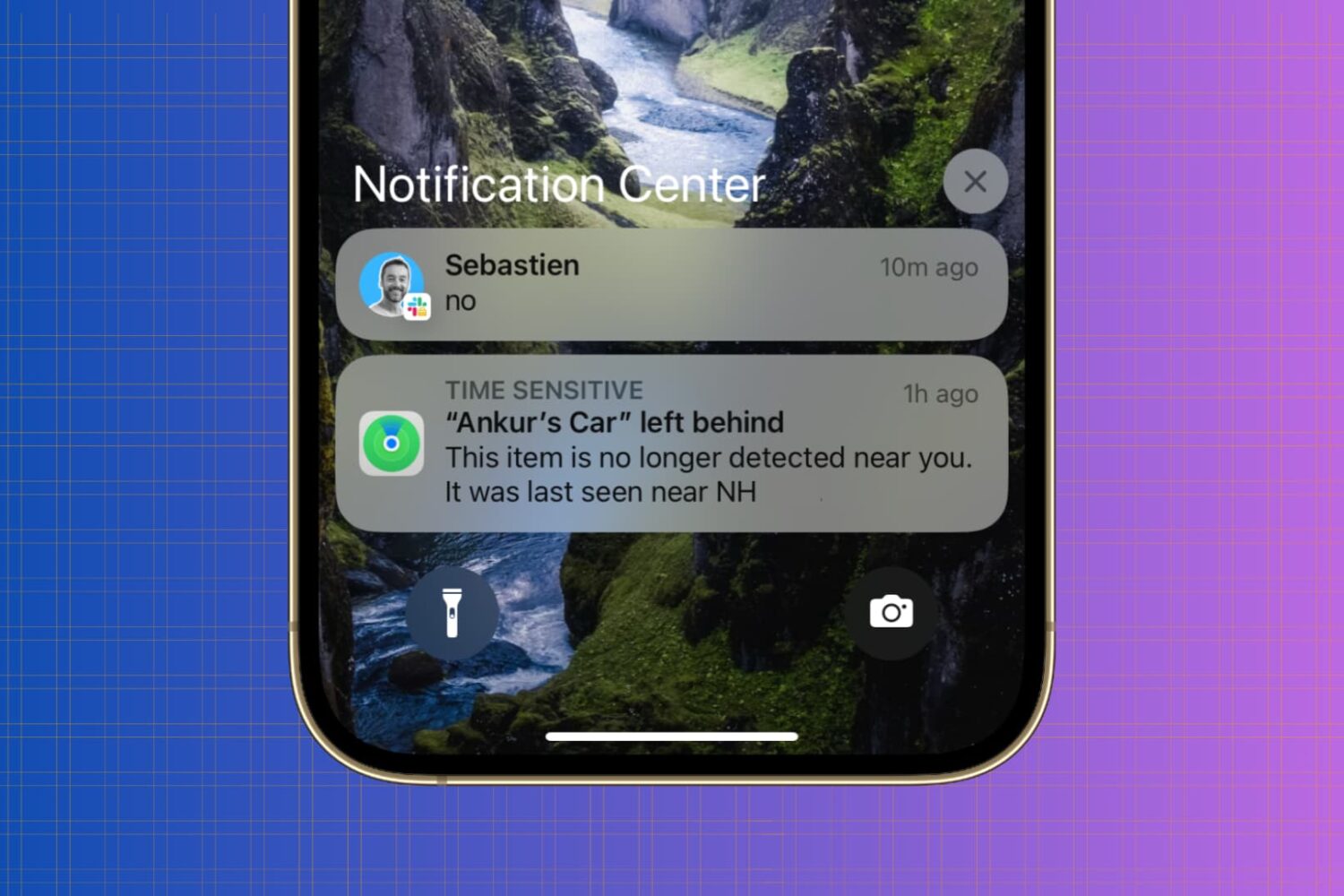
iPhone Notification Center

Whether you’re looking to silence unnecessary alerts during meetings, prioritize important messages, or simply declutter your Lock Screen, maintaining a healthy balance between staying informed and avoiding notification overload is essential.

In this article, we’ll go over your iPhone notification settings and provide a comprehensive guide on how to adjust them to best suit your needs.