Sandy Writtenhouse

With her BS in Information Technology, Sandy worked for many years in the IT industry as a Project Manager, Department Manager, and PMO Lead. She then decided to follow her dream and now writes about technology full-time.

How to fix iCloud Keychain not working in Safari on iPhone, iPad, and Mac

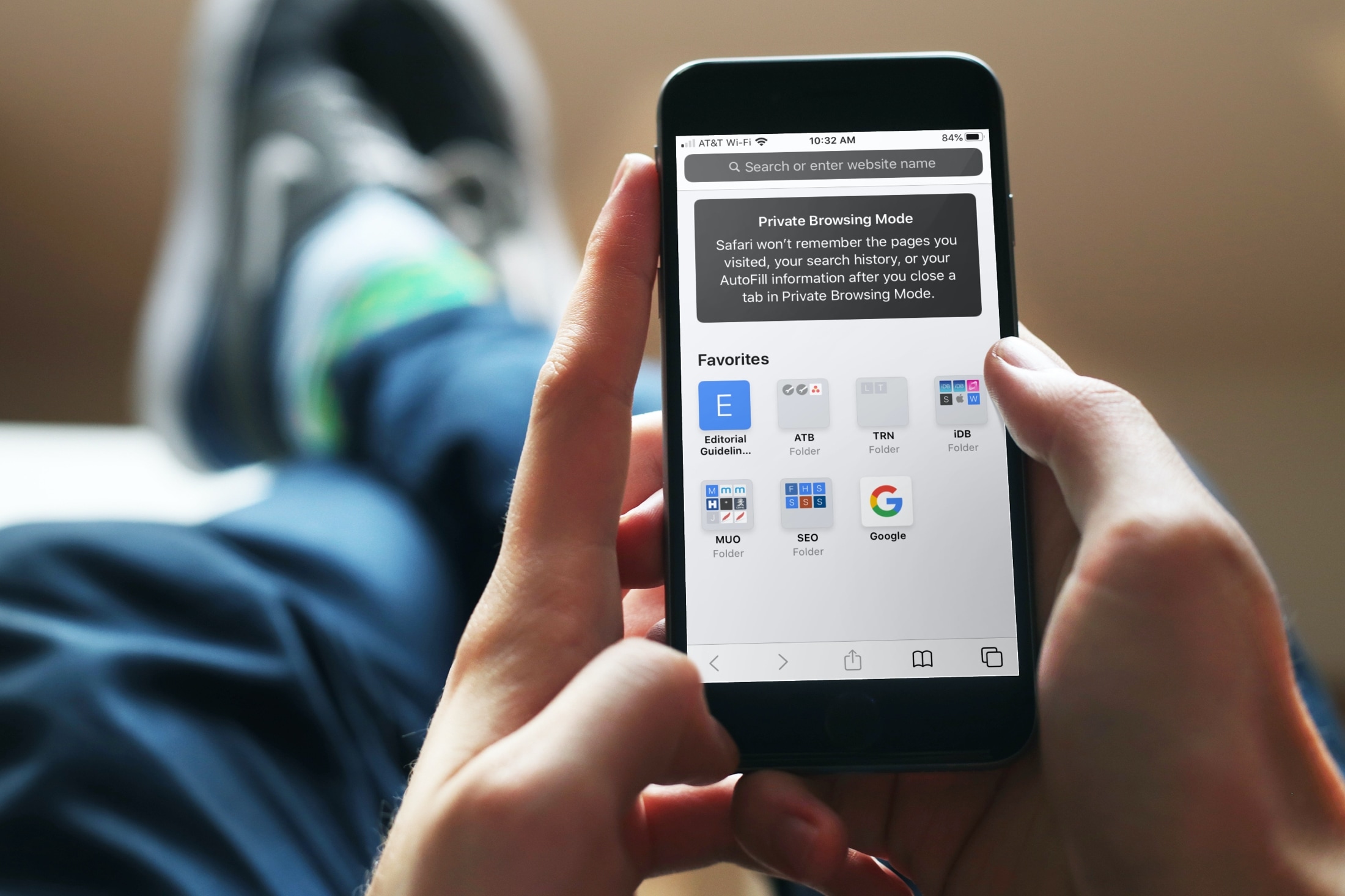
Private Browsing Mode Message iPhone

Using iCloud Keychain to save your account names and passwords for websites makes logging into your favorite sites a breeze. You don't have to remember many passwords and can use iCloud Keychain across your devices. It's a fantastic time-saver, except when you find iCloud Keychain not working.

If you're stuck and Safari on iPhone, iPad, or Mac isn't auto-filling your account information or details for your credit card, here are a few things to fix this issue.

The best iPhone Christmas apps for celebrating the holiday

Santa Claus Video Call iPhone

Whether you love Christmas or simply want to get in the spirit, there are tons of fun, useful, and unique Christmas apps for iPhone. You can count down to the date, make festive photos, have your kids talk to Santa Claus, and more.

To give you a helping hand this holiday season, we’ve assembled a collection of Christmas apps to bring some joy to your device, and hopefully you as well.

15 tips and tricks for Mac beginners

iMac, MacBook Pro, MacBook Air, and Mac Studio kept together

When you first get your Mac, there's a learning curve as you navigate through its features, set up apps like Messages and Mail, and customize your desktop. After some time, you'll be ready to level up your efficiency by learning useful shortcuts. That's why we've put together a handy list of tips and tricks specifically tailored for macOS beginners, helping you accomplish tasks faster and enhance your overall Mac experience.

New to Mac? How to set up and use the Messages app

How to use Messages on Mac

There are some things to get used to if you’re a new Mac user, especially if you’re switching from Windows. From the different labels and locations for items to how to use the Dock to your advantage, we try to cover it all for those new to macOS on iDB.

As another how-to in our series, we’re going to walk through how to set up and use the built-in Messages app on Mac.