Learn about a few simple ways to customize the Dock on your iPad to make it more useful, thus improving your everyday productivity.
How to customize the Dock on your iPad
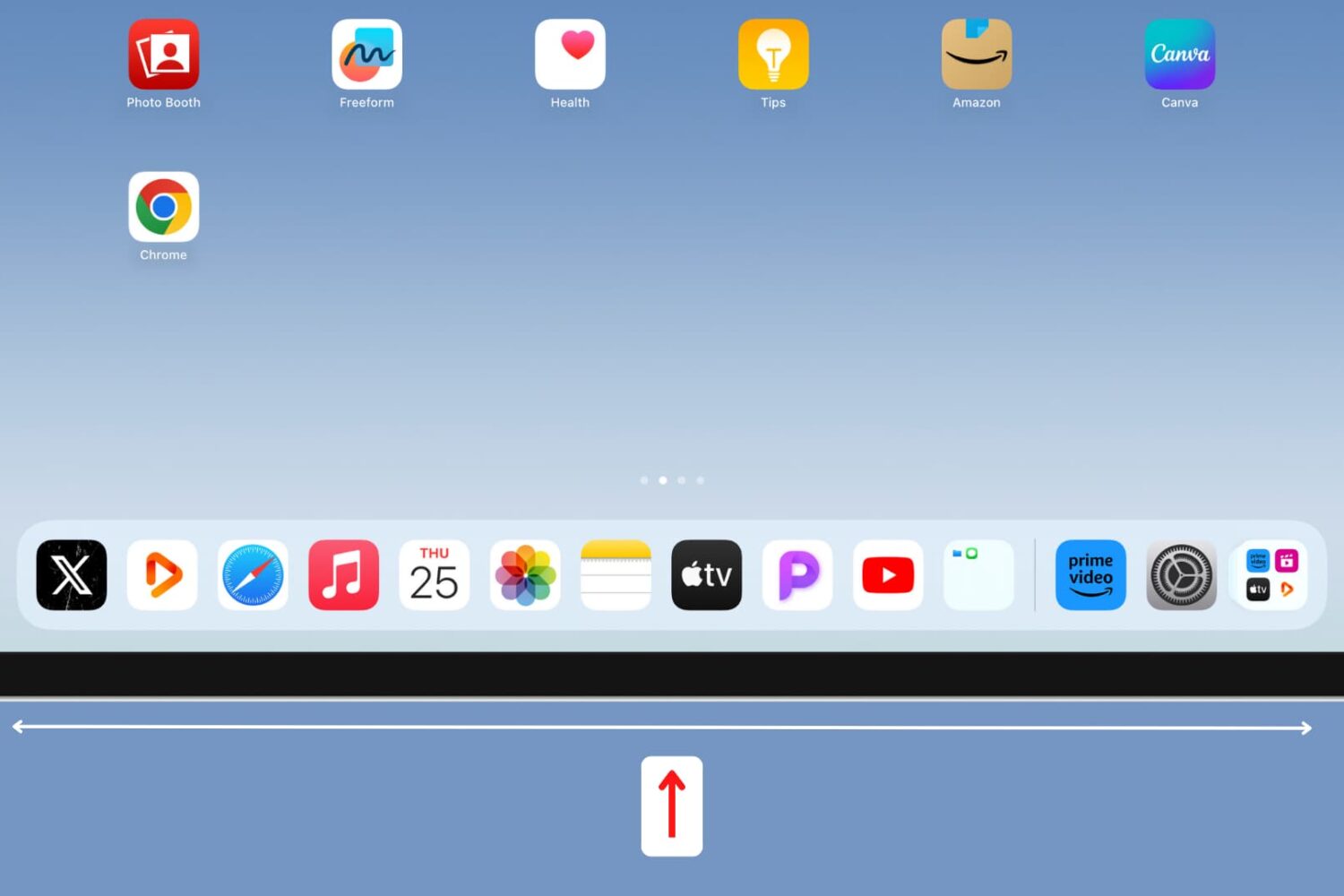
Learn about a few simple ways to customize the Dock on your iPad to make it more useful, thus improving your everyday productivity.
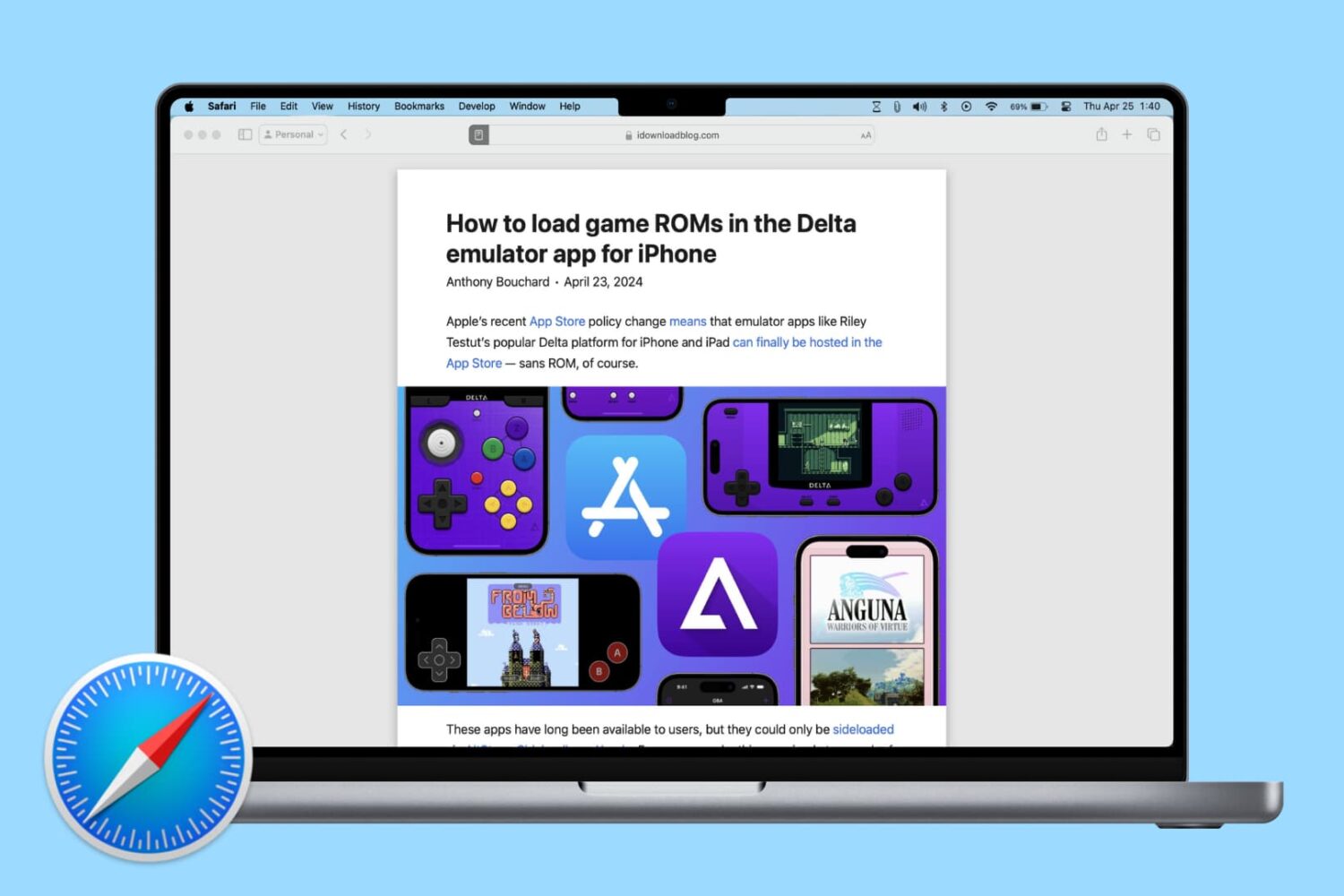
Learn how to change Safari settings on your Mac to make it just the way you like for a personalized and productive browsing experience.

Looking for a quick way to set a picture as the wallpaper on your iPhone, iPad, or Mac? We’ll show you how to do that right from iOS Photos or macOS Finder without going into Settings.

Learn how to preserve all your open Safari tabs as bookmarks on your Mac so you can save them all for later or reopen them with a couple of clicks.
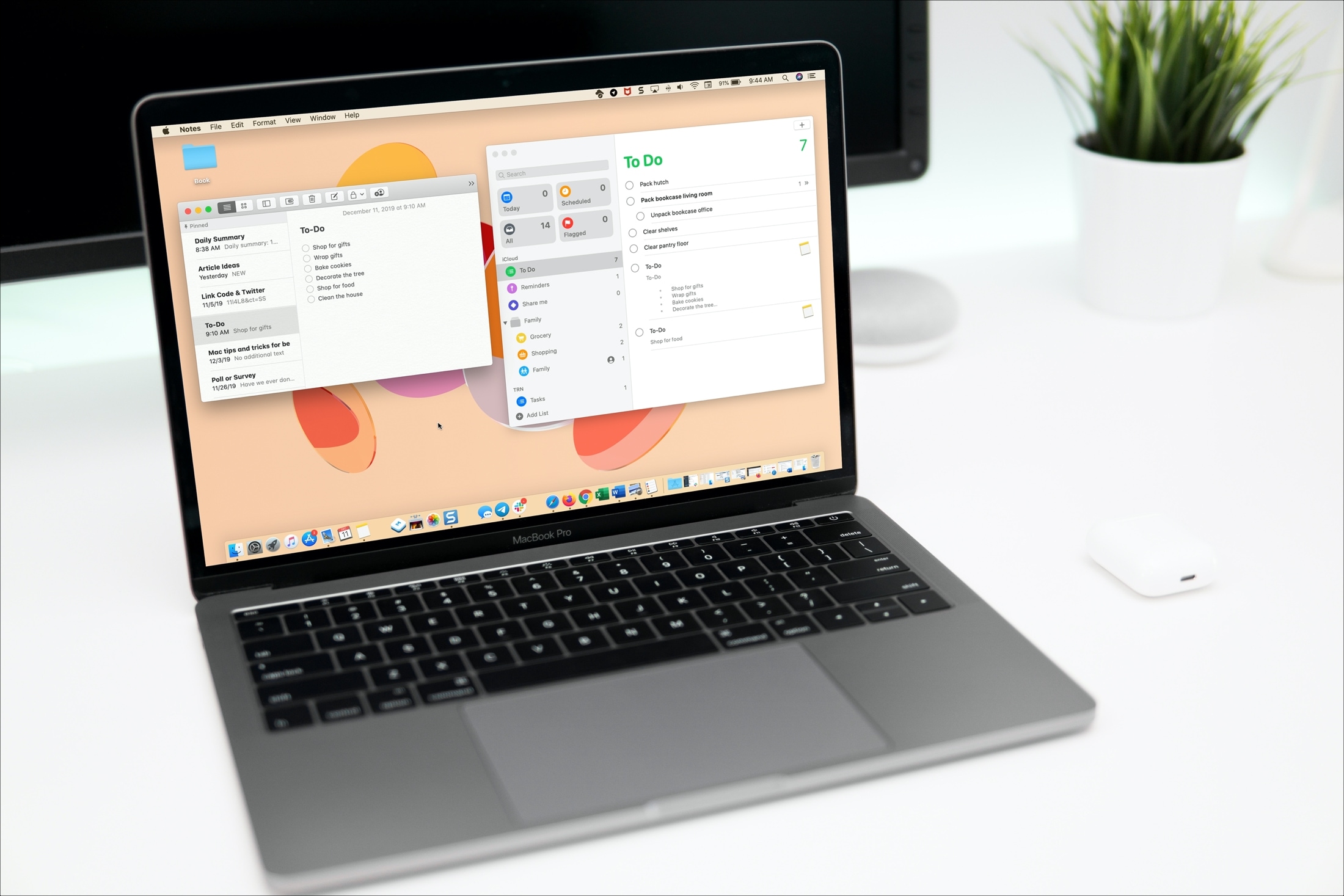
Learn how to turn an entire note or just its selected portion into a reminder so you can receive timely alerts to complete the task saved in the Notes app.
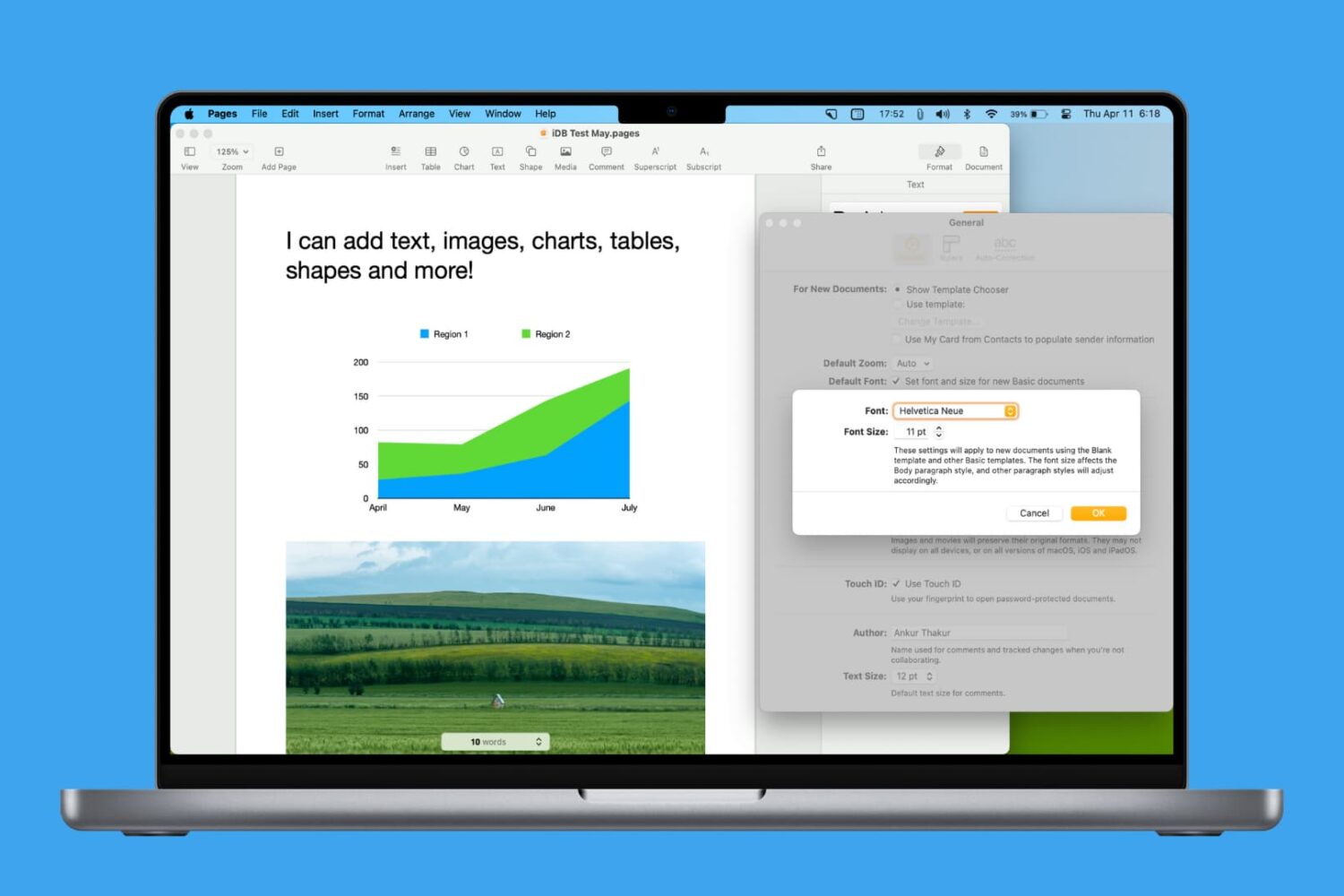
Learn how to personalize your Pages documents by setting another default font on your Mac.

Whether you want to push yourself to read more or are just curious how much you actually do read, here’s how to set up Reading Goals in the Apple Books app on iPhone, iPad, and Mac.
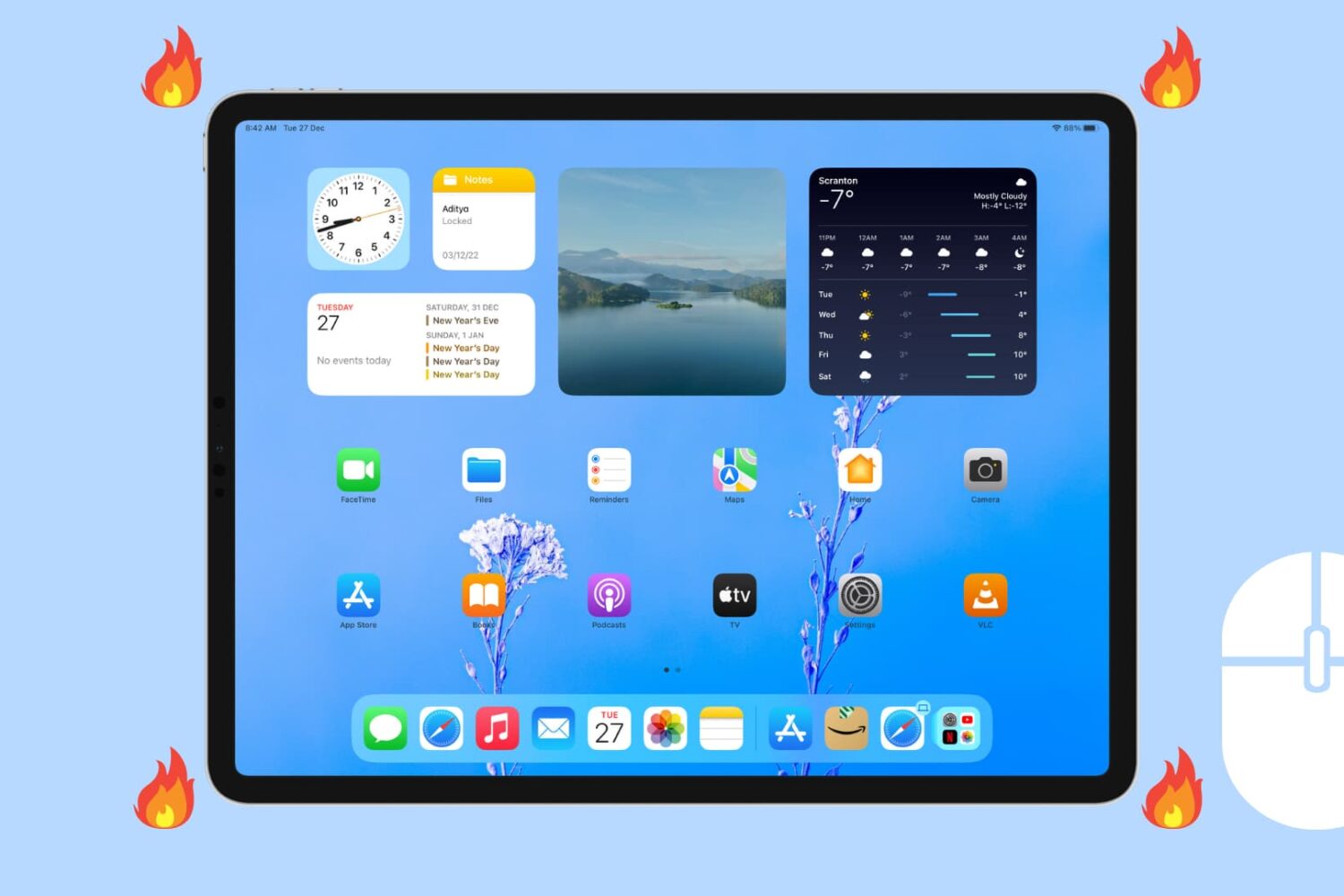
If you enjoy using Hot Corners on your Mac for quick access to actions, then you’ll love the feature on your iPad too. Hot Corners in iPadOS let you perform specific actions while tapping and holding in one of the four corners of your iPad.
In this tutorial, we'll show you how to set up and use Hot Corner on iPad.
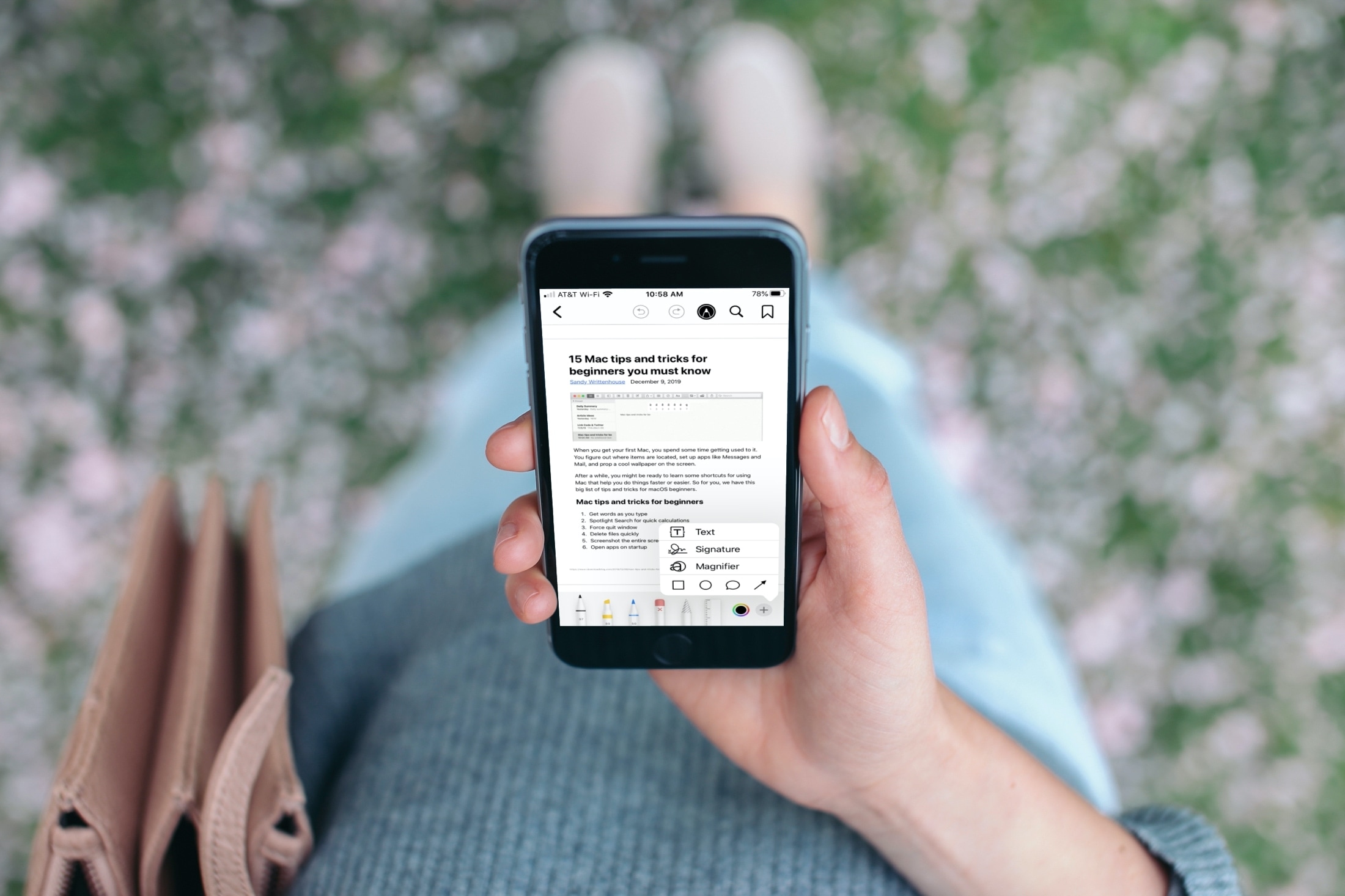
Find out how to use the Apple Books app to save, sign, share, and mark up a PDF on your iPhone and iPad.

When you switch over to iPhone, you spend some time getting everything set up. And one of the items you likely cross off your list at some point is setting up your voicemail. But after you set it up, there are plenty of actions you can take to manage your iPhone voicemail and the messages you receive.
You can play, share, or delete messages as well as change your greeting if you like. If you’re new to iPhone, this tutorial shows you how to manage those Voicemail options.
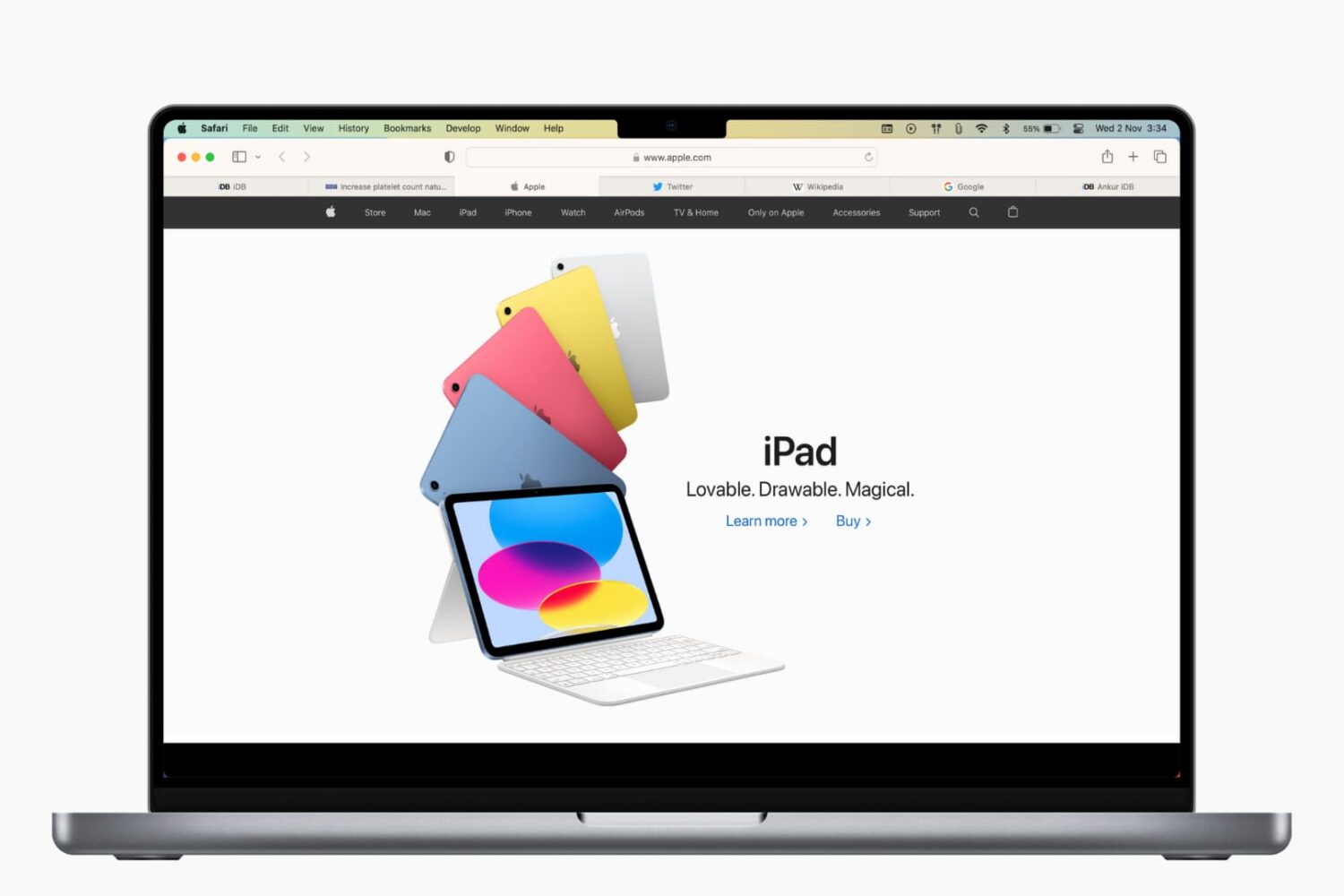
Learn how to save open tabs in Safari for Mac in several ways, which will enable you to revisit them later and pick up right where you left off without skipping a beat.