Learn about the various ways you can wake up your Apple Watch and also put its display back to sleep when you don't need to use it.
All the ways you can wake up your Apple Watch display

Learn about the various ways you can wake up your Apple Watch and also put its display back to sleep when you don't need to use it.

Although the Apple Watch doesn't feature a traditional status bar like the iPhone or the iPad, from time to time you will notice a status indicator icon at the top of the screen. Apple Watch contains a variety of status indicator icons, and they all mean different things. In this post, we'll talk about some of the status icons that you may encounter during your usage of Apple's new wearable.

Learn how to turn your Apple Watch ON and OFF, or do a force restart in case your watch is frozen and refuses to turn on normally.
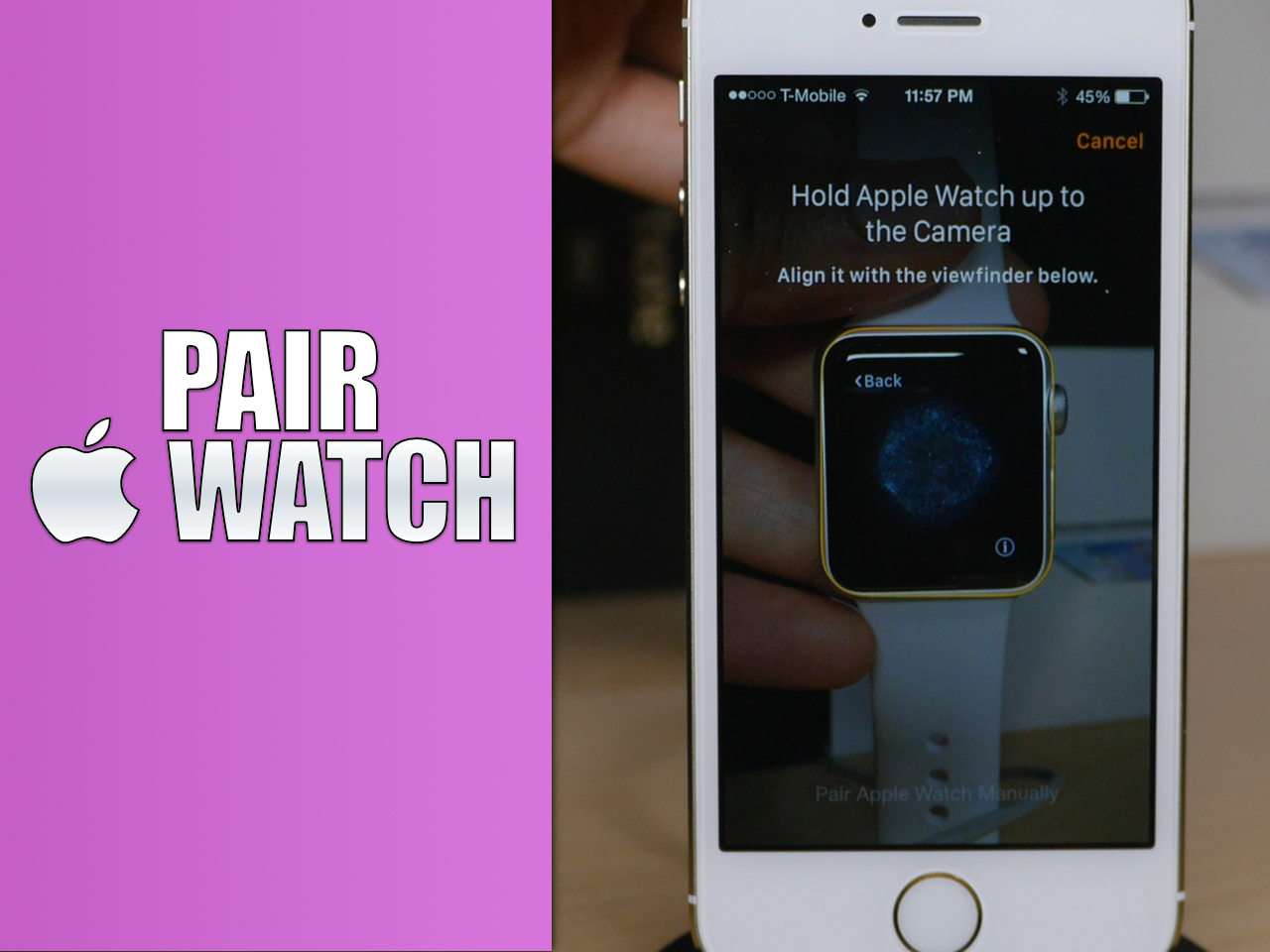
Before you can begin using your Apple Watch as it was meant to be used, you'll need to pair it with an iPhone. Keep in mind that you must have an iPhone 5 or later in order to pair with an Apple Watch. You'll also need to make sure that the iPhone is running iOS 8.2 or later, since this firmware includes the Apple Watch companion app needed to initiate the pairing process.
In this tutorial, I'll show you how to identify your iPhone's firmware, and how to pair your Apple Watch using the Apple Watch companion app.
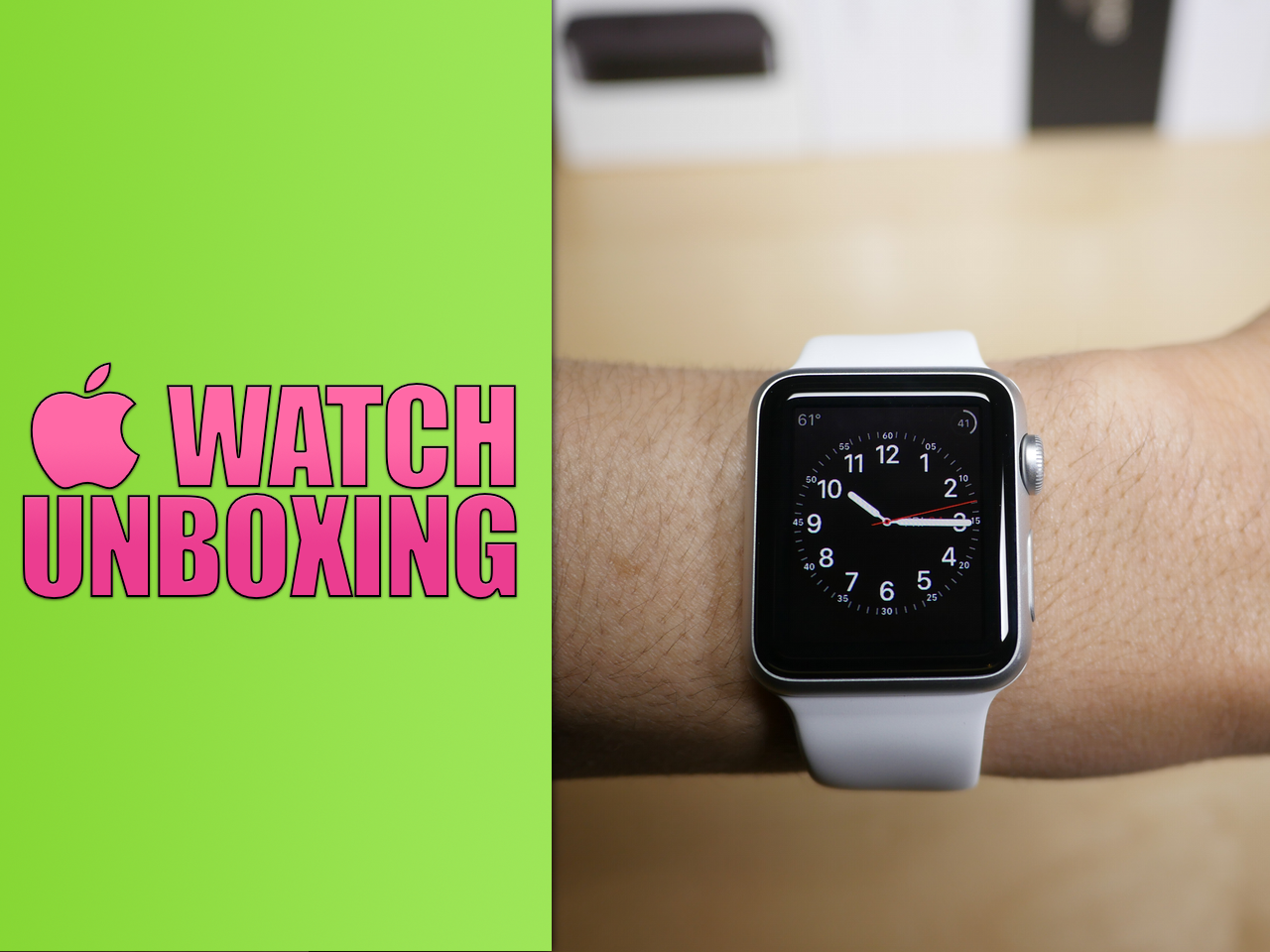
After what seemed like an immeasurable wait, I finally got my UPS delivery, and the Apple Watch is now in hand. Unfortunately, I only received one of the two watches that I purchased—a 38mm Apple Watch Sport with a white band. I'm not complaining though, at least I got something on launch day.
Watch our unboxing video for a full look at what's inside. I've also included an overview of the Apple Watch hardware mated with my giddy commentary.
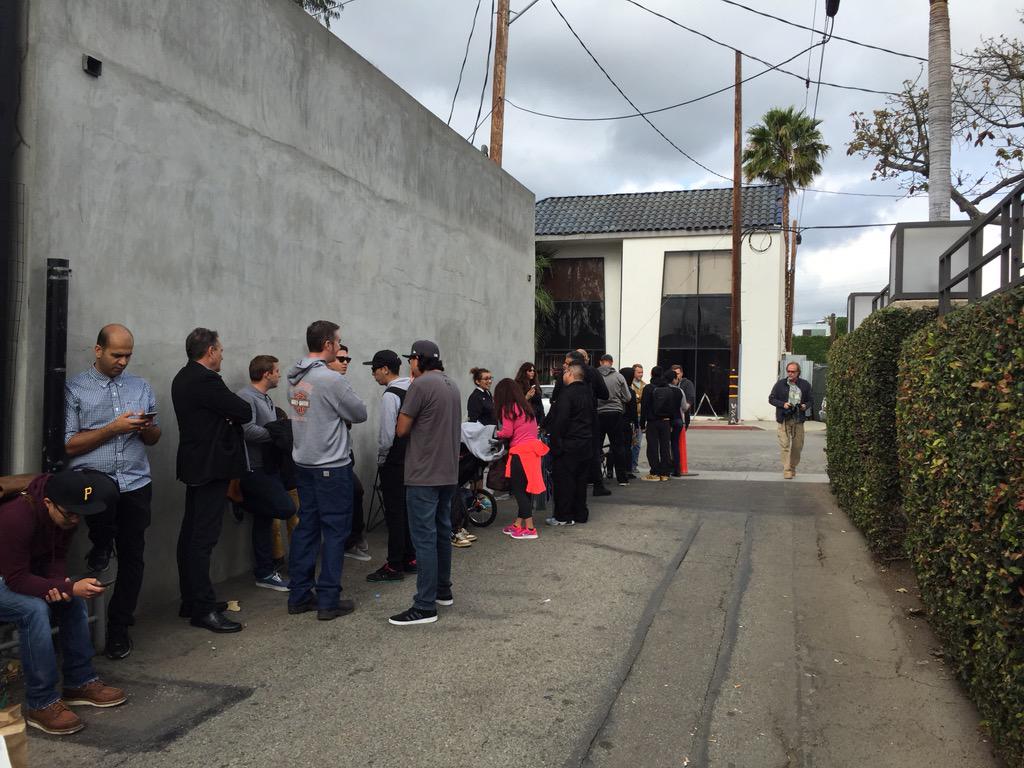
It's a scene that we didn't think we'd stumble upon given Apple's severely strained Apple Watch launch supply. As you know, no Apple Watches are available in Apple's brick and mortar stores, and at this time are only available via online purchase. To add insult to injury, the online store is backordered for months, and that goes for all models in all of the Apple Watch collections.
But there is a small beacon of hope emitting from several strategically placed spots around the world. As we previously reported, Apple is working with select fashion boutiques to sell the Apple Watch in store on launch day. It's very ironic, but if you want an Apple Watch from a brick and mortar store, you shouldn't go to the Apple Store, you should already be in line at one of these privileged boutiques.
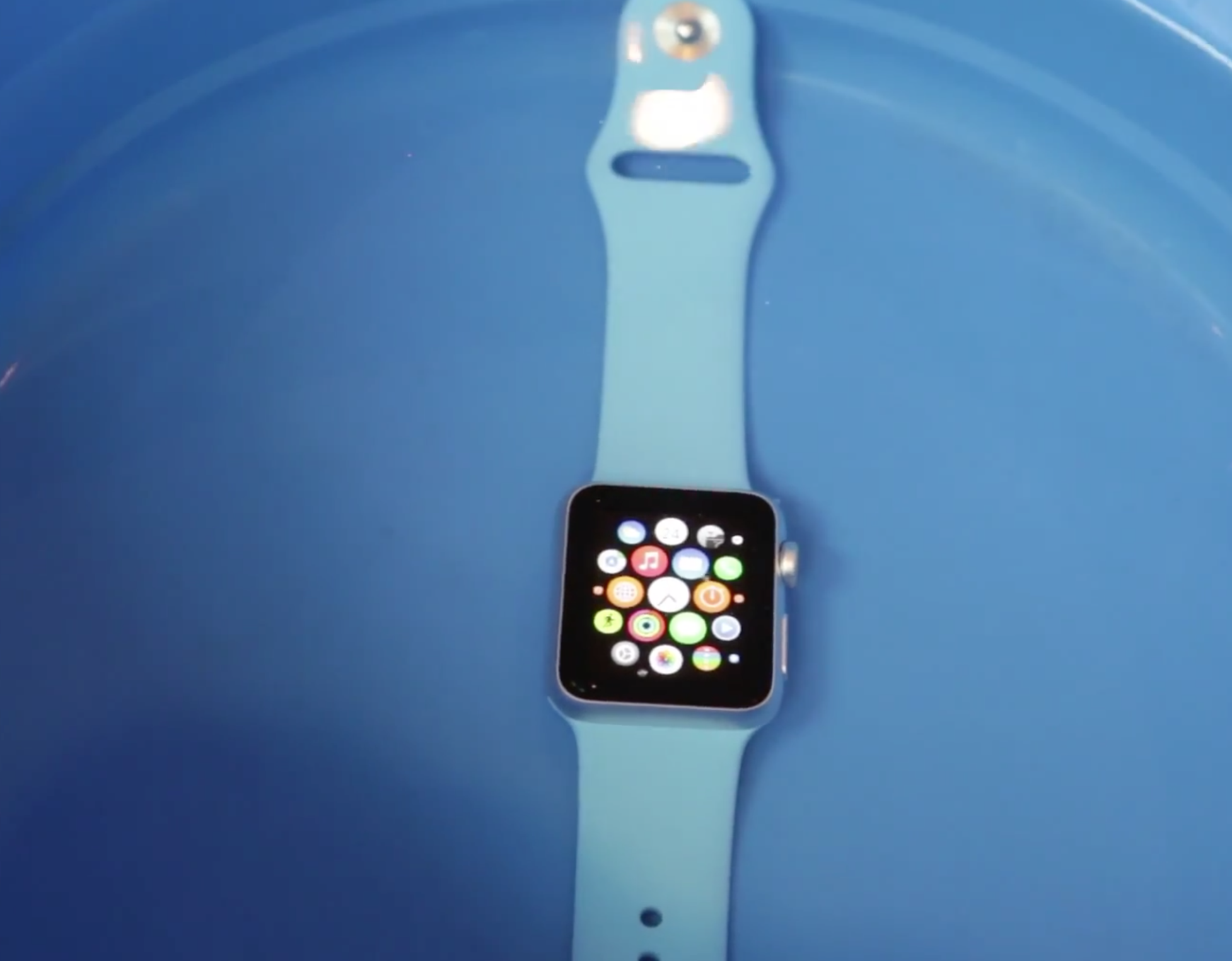
You know, I was considering doing a "shower test" when I received my Apple Watch today, but I'm pretty confident that that's no longer necessary. The Apple Watch appears to be water resistant enough to easily manage a shower or a splash. In fact, in this video, an early Apple Watch Sport adopter submerges the device in water for five minutes at a time. He even takes the Apple Watch for a swim in a pool. Watch this video and see the evidence for yourself.
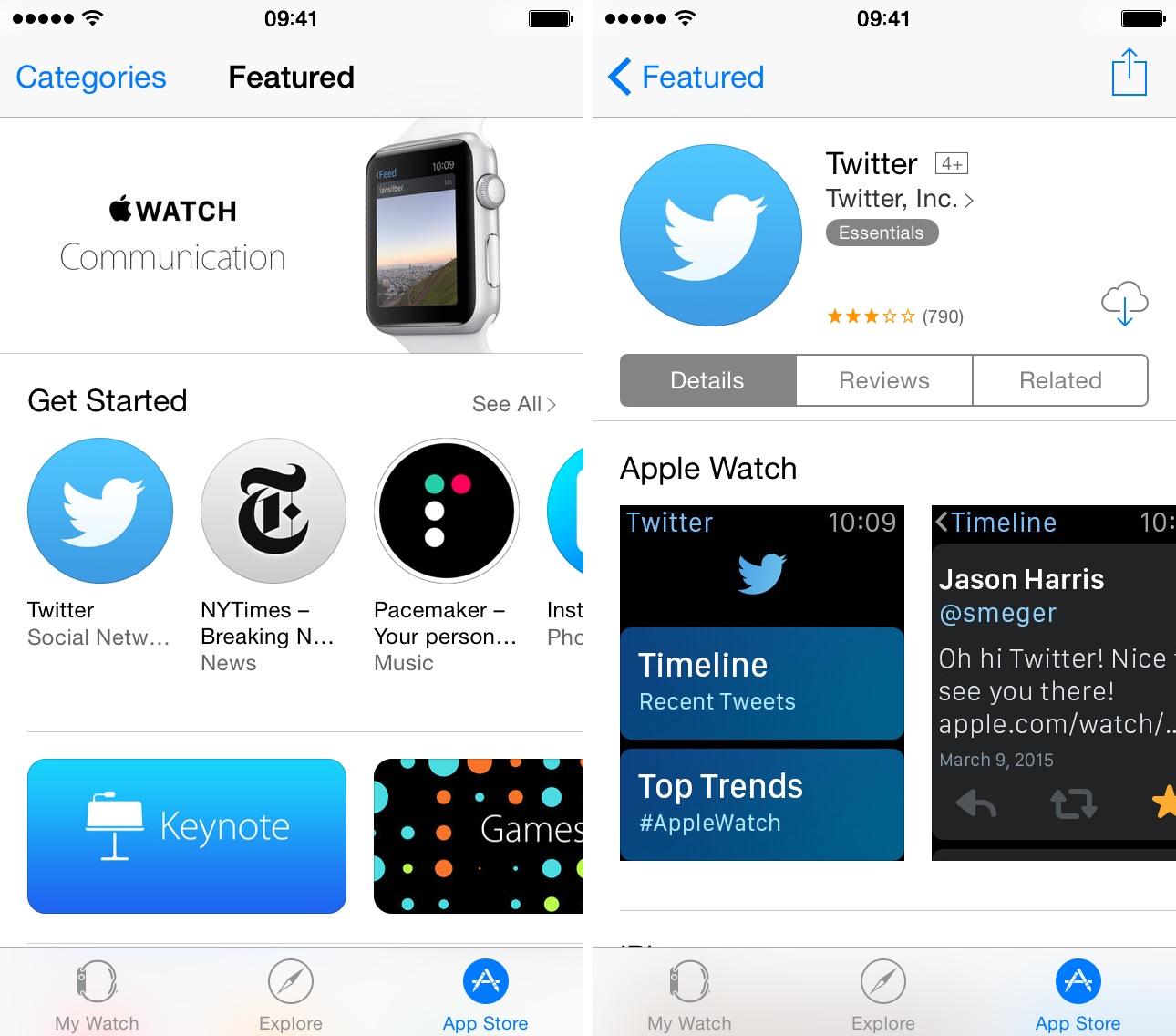
If you're running iOS 8.2 or iOS 8.3, you can view the Apple Watch App Store right now. Simply open up the Apple Watch app on your iPhone, and tap the App Store tab. If you don't yet see the App Store interface, you can use our refresh trick to reload the interface to view the Apple Watch App Store.
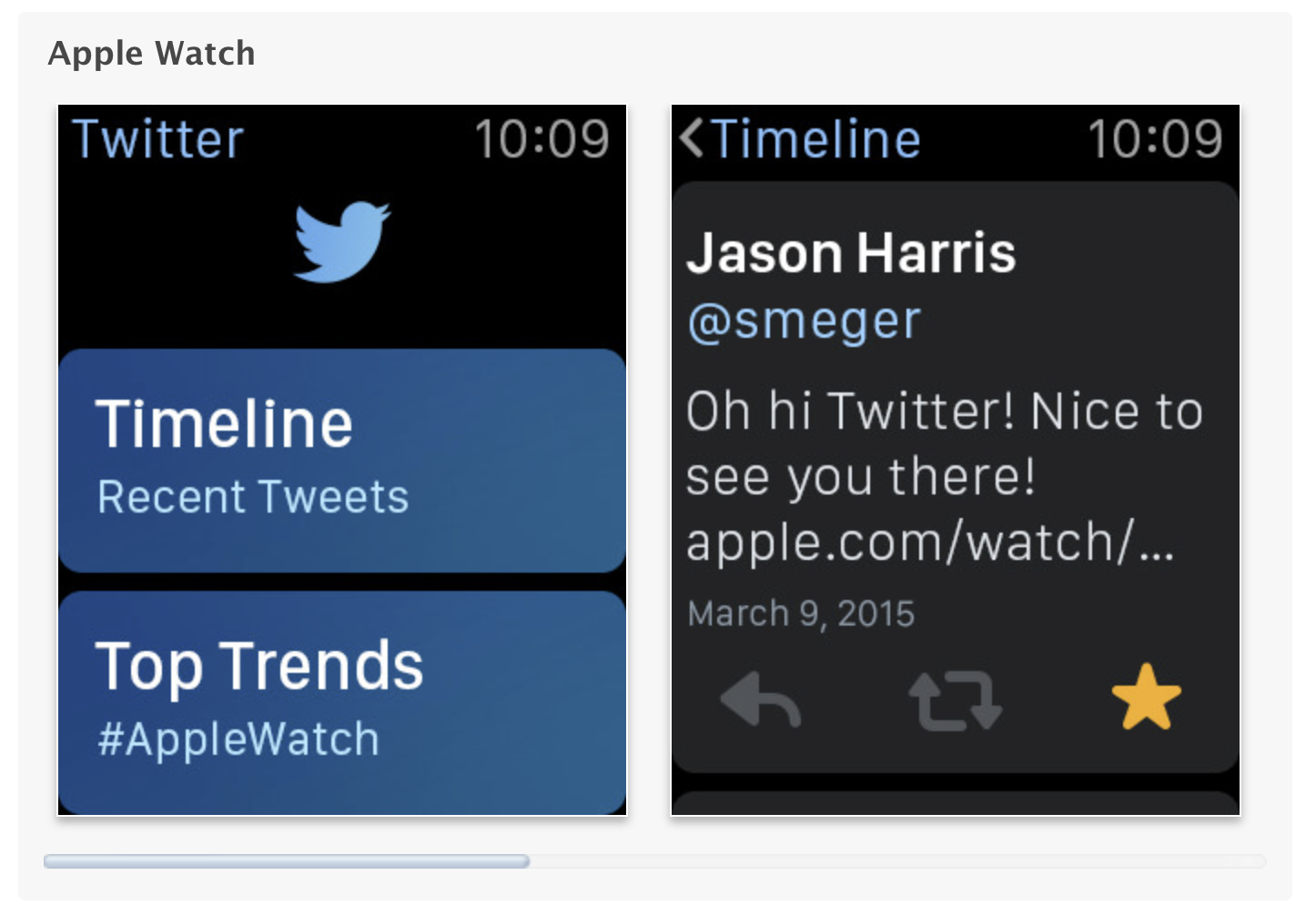
Apple has updated the App Store to showcase Apple Watch screenshots for apps that support the Apple Watch. The screenshots are displayed beneath the traditional screenshots for the app on the iPhone. In addition to these screenshots, there is a notation beneath every app that features an Apple Watch app, making it easier to discover apps thats support Apple's new wearable device.
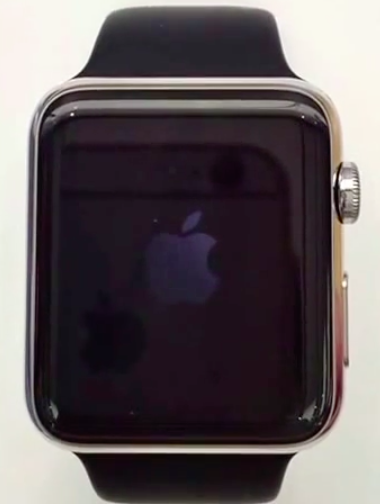
The very first Apple Watch firmware has been released as an OTA update. The firmware, which Apple is branding Watch OS, is actually a modified version of iOS 8.2, similar to how the Apple TV uses iOS firmware as a base.
The 38mm Apple Watch is ID'd as Watch1,1, and the 42mm version is ID'd as Watch1,2. As noted by developer Steve Troughton-Smith, the firmware is heavily based on iOS 8.2 and features a PowerVR SGX543 driver. As yo may recall the SGX543 was integrated on the A5 SoC's that powered hardware like the iPad 2, and iPhone 4s.

If you're jailbroken right now on your daily driver, you have a tough decision to make in about 36 hours. Will you keep your device jailbroken, or will you sacrifice your jailbreak in order to pair your iPhone with your Apple Watch. That is the question that thousands of jailbreakers are probably mulling over right now.
It's a very tough decision, and one that I'm not taking lightly. Not only do I love my jailbroken device and all that it can do, having a jailbroken iPhone is heavily involved in my day-to-day job responsibilities. Fortunately, I do have options, but with Apple Watch arriving on Friday, a decision needs to be made soon.
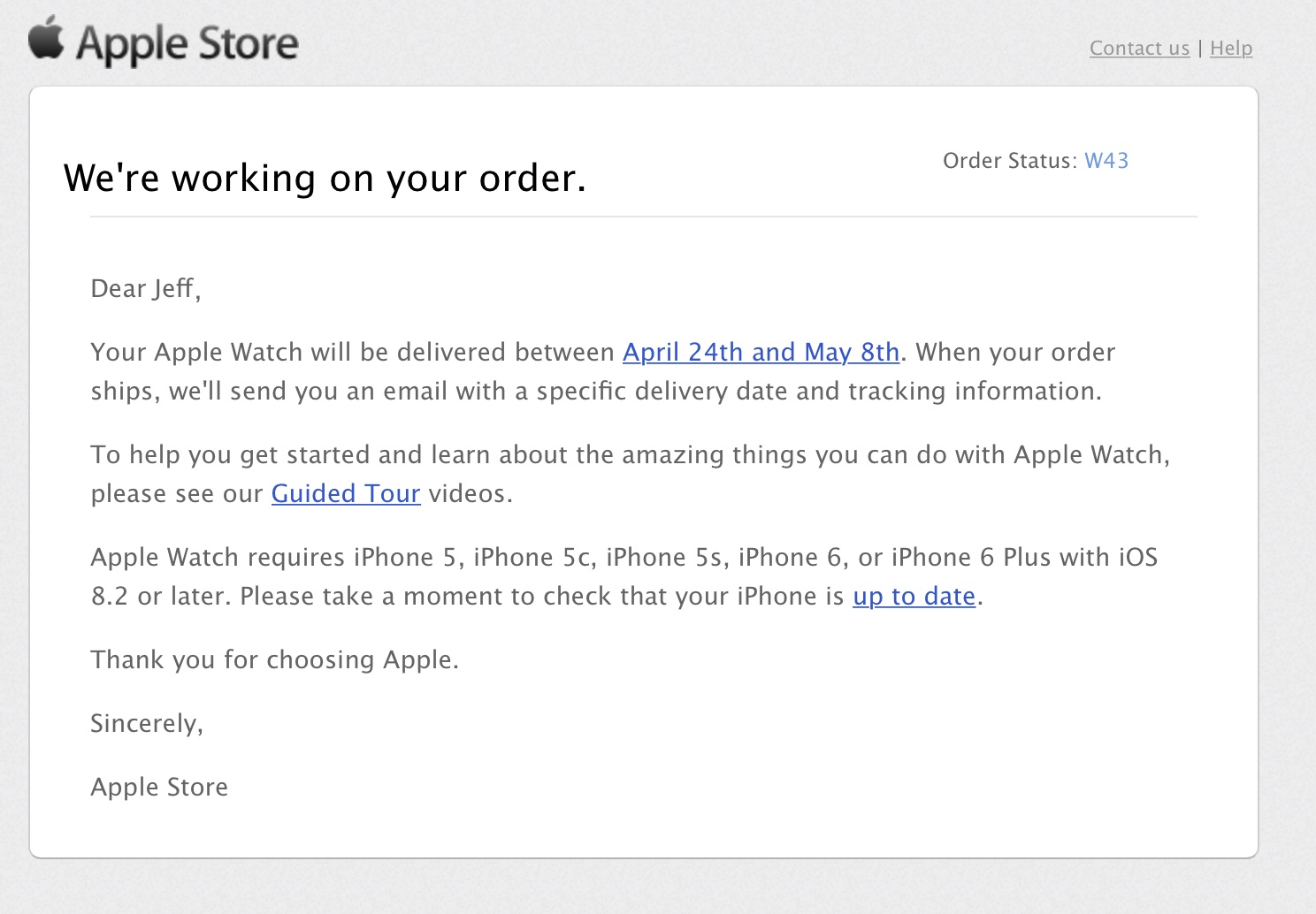
Worried about your Apple Watch order that's still showing "Processing Items"? Apple is no doubt aware of the concern. Just a few minutes ago, I received this email from Apple about one of my pending Apple Watch orders.