Jeff Benjamin

Jeff has been with iDownloadBlog since 2010, acting as resident video specialist, and tutorial expert. He earned his degree in Computer Network Systems back in 2001, but decided Cisco routers and the like just weren’t for him. Since then, he’s been heavily involved with online writing. He’s written for numerous tech and video game sites since the late 1990′s, and has a knack for explaining things in a simple, clear, and concise manner. Jeff works primarily from the east coast on his Retina Macbook Pro, and shoots video with a Canon DSLR. During downtime he likes to travel the world, visiting the various Apple Stores across the globe. You can email him at jeff [at] idownloadblog.com and follow him on Twitter @JeffBenjam or on Google+.

Let’s Talk Jailbreak 104: Good news bad news

Episode 104: The iOS 8.4 jailbreak proof of concept video, controlling Spotify with Siri, hiding apps when unlocking your iPhone, a jailbreak tweak that's a bonafide battery killer, and a way to bring Office 2013's awesome cursor animation to iOS.

Subscribe via RSS

iSwitch makes the App Switcher card interface transparent

The premise of iSwitch may sound a little goofy at first, but after using the tweak, I was a left with a much better impression about the overall idea than when I started. iSwitch is a tweak that makes the App Switcher cards transparent, but it goes further than that. Not only are the cards transparent, but the interface, including the app icons that normally rest beneath the cards, are displayed on top of the currently running app.

The end result is an App Switcher that can be manipulated on top of an open app. This means that you could be browsing Safari, invoke the App Switcher while Safari is still open and usable, and switch to an app of your liking. It’s not without its downsides, but iSwitch is much cooler than I initially expected. Watch our video preview to see how.

How to manage received AirDrop files with Hazel on Mac

Every waking day I send tons of screenshots from my iPhone to my Mac via AirDrop. And every day I wish that Apple allowed users to customize the AirDrop save location. Not only is the ~/Downloads folder the default save location, but it can't be modified, not even via undocumented methods.

As a workaround, I use Hazel ($29 w/ free trial) to automate the process of moving images sent via AirDrop to my Desktop. It's a great workaround that does the job. While it would be nice if Apple allowed you to specify an exact save location, this is probably the next best thing.

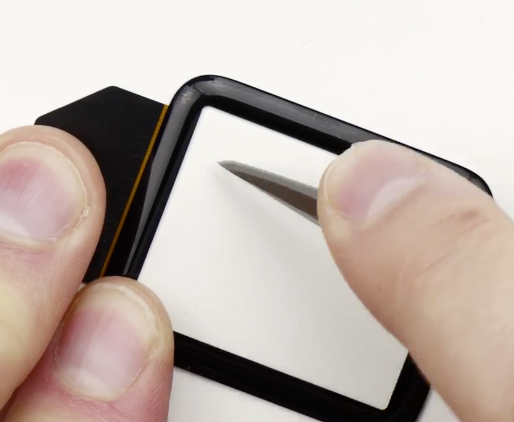
Apple Watch Sport’s Ion-X glass goes under the knife (literally) in this scratch test

The Apple Watch Sport, which will likely be far and away the most popular version of the Apple Watch, comes equipped with a different glass panel than the Apple Watch and Apple Watch Edition models. While the latter two models ship with sapphire glass, which is known for its elemental hardness, the cheaper Sport models ship with something called Ion-X glass.

Ion-X glass is a panel stronger than typical glass—think Gorilla Glass levels here—but I don't think anyone's questioning the fact that it's inferior in some ways to the sapphire glass gracing the more expensive models of the Apple Watch. So the question stands to be asked: how well will the Apple Watch Sport's Ion-X glass stand up to wear and tear? How well will it stand up to outright deliberate abuse?

As noted by 9to5mac, Popular bearded YouTuber, Lewis Hilsenteger, better known around YouTube circles by his moniker Unbox Therapy, seeks to answer the question. If Hilsenteger seems familiar, it's because he's the same guy who brought us the infamous iPhone 6 #bendgate videos. Watch and see what happens when he puts the Ion-X glass under an extreme series of scratch tests.

How to check your Apple Watch shipment status via UPS

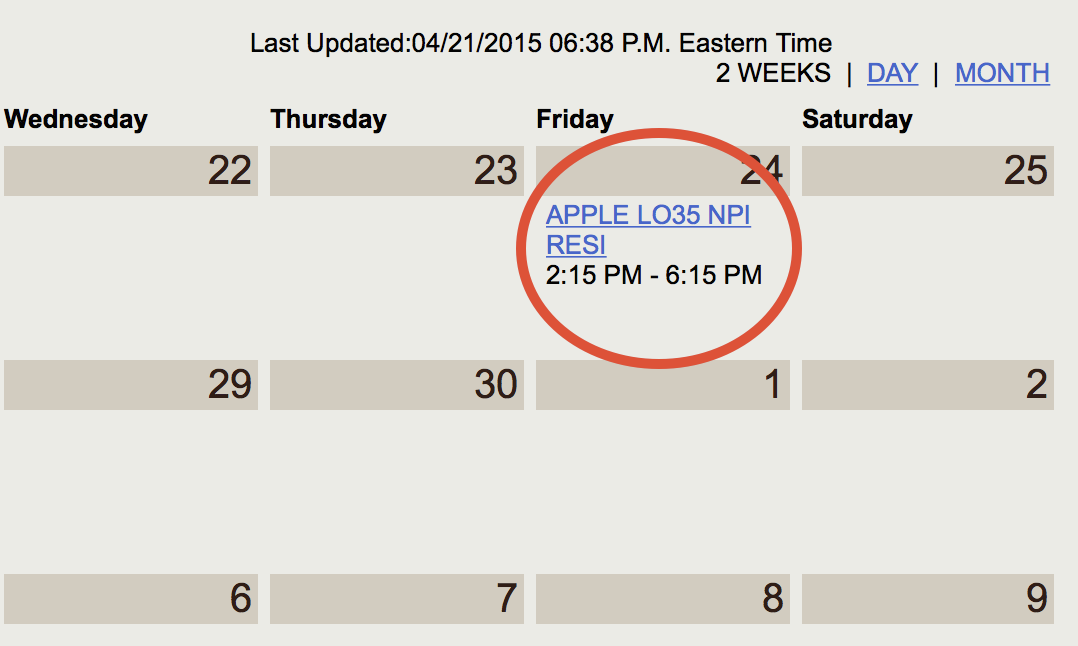
I just stumbled upon some great news: my Apple Watch will be here Friday. I was able to verify this via the UPS My Choice website. If you're already a My Choice member, log in here, and if your watch has shipped, you should see your Apple Watch shipment on a calendar with the scheduled date of arrival. My watch is scheduled to arrive on Friday, April 24th, between 2:15 PM and 6:15 PM.

How to hide the battery percent sign in the iOS status bar

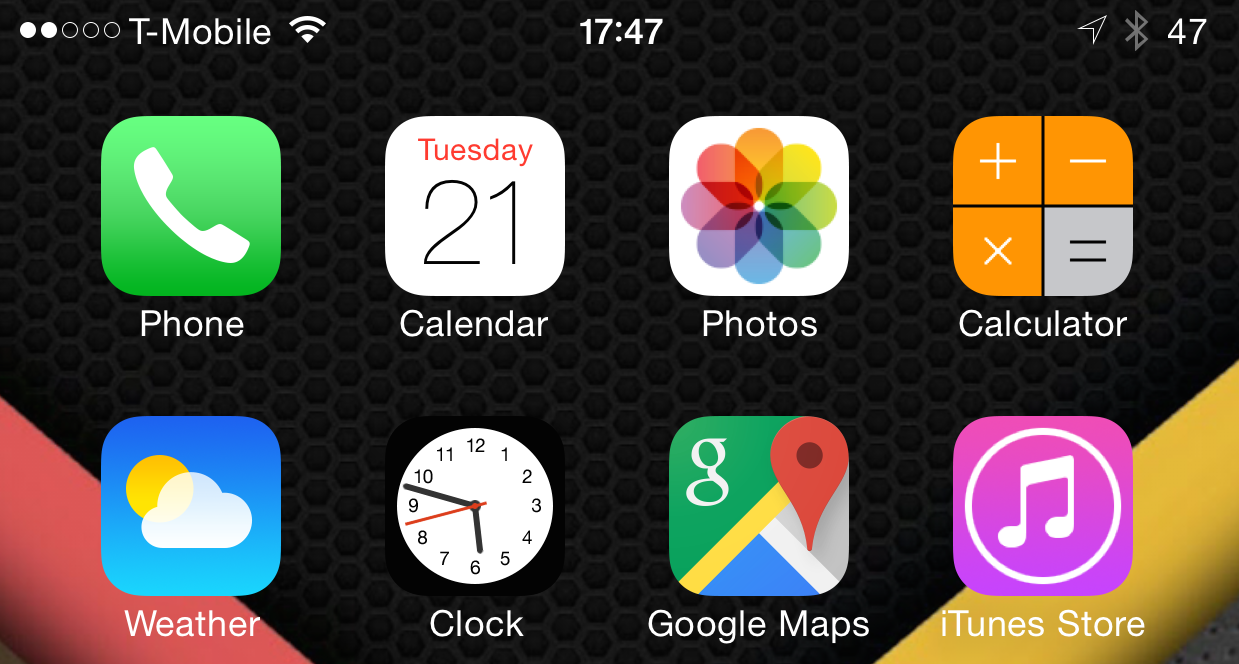
I find it to be kind of odd, but some people really hate the percent sign that appears alongside the battery indicator in the iOS status bar. Our very own Sebastien Page is one such person.

Over the last few months, he's been lamenting about his disdain for the percent sign, and how he hasn't been able to find a jailbreak tweak that lets him remove the pesky little symbol. Many tweaks, like Springtomize, can customize the iOS status bar to a high degree, but the percent sign seems to be off limits.

Fortunately, there is a jailbreak tweak that can hide the percent sign, and it's been sitting under our noses for quite some time. The aptly entitled No percent sign is a jailbreak tweak that lets you easily hide the percent sign symbol on iOS.

How to use the Pixelmator Repair Tool extension on Mac

One of the most under-the-radar new features to hit OS X Yosemite was the addition of extensions. Action extensions are particularly nice, because they allow apps to interface with other apps directly.

Some app developers, such as Pixelmator ($29.99 on the Mac App Store), have brought third-party extensions to the Mac, which demonstrates how beneficial extensions can be. Watch our video that showcases Pixelmator's Repair Tool extension to see what I mean.

Deliveries: a great way to track your Apple Watch order

Like all of us at iDB, you're likely waiting on pins and needles with regard to your Apple Watch order. Will you get it on April 24th, the first official launch day? Will you have to wait a while?

Of course, the answer to that question is still up in the air. Many people saw movement yesterday, including credit card charges, and shipping status changes, but none of us at iDB, myself included, have seen an actual "shipped" message as of yet.

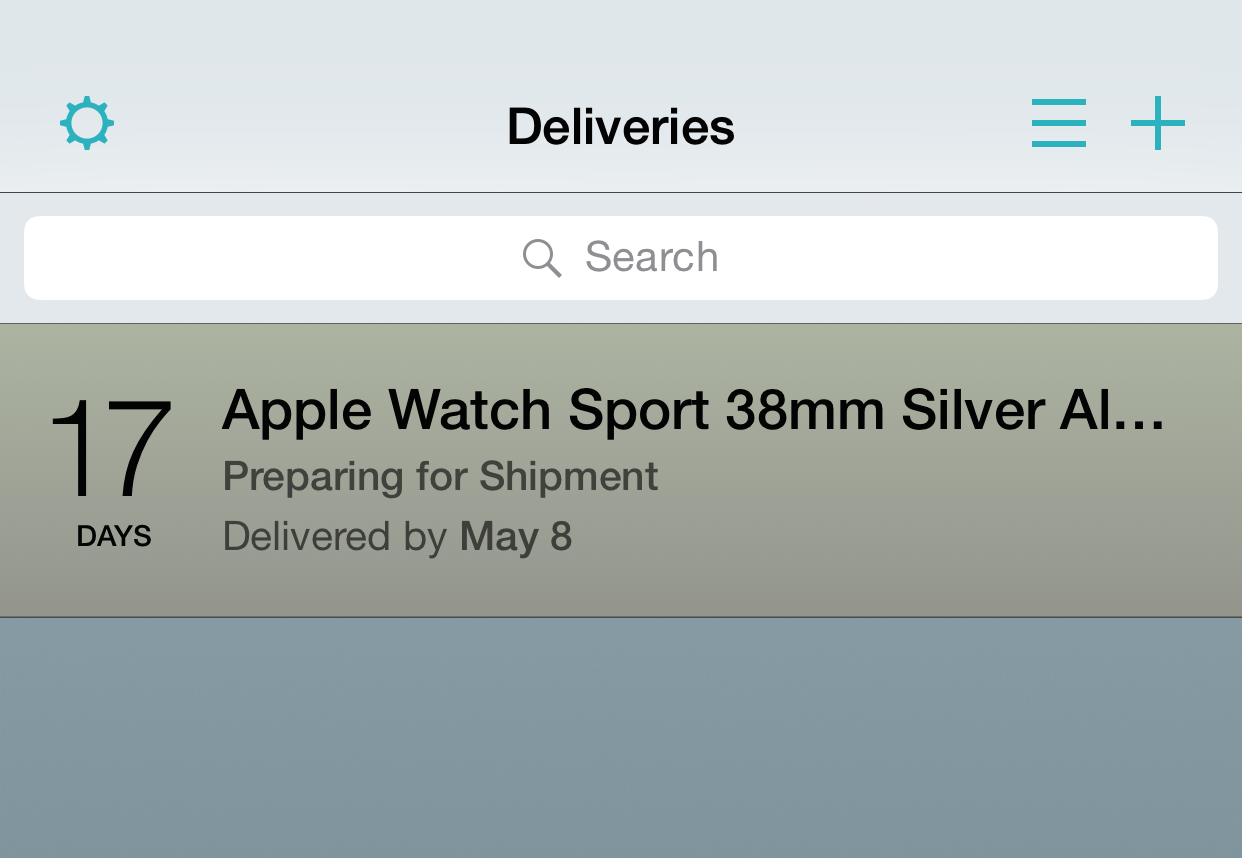
In the meantime, I'll keep watching my orders like a hawk. I find that the best way to track an Apple Watch order is to use the Deliveries iOS app. With Deliveries, you don't even need a standard UPS or FedEx tracking number to track your Apple Watch order, because it works directly with Apple's order numbers.


Have a look at the iOS 8.4 jailbreak you’ll never enjoy

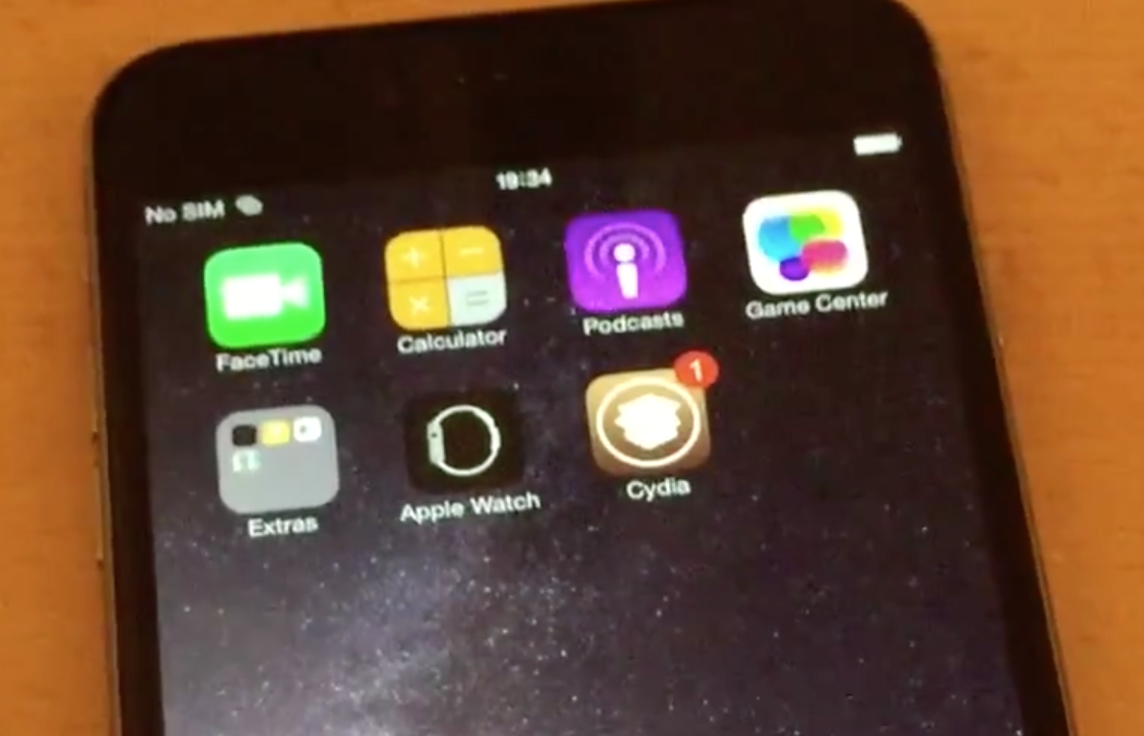
Well-known hacker Stefan Esser, also known as i0n1c, has posted a new proof of concept video showing an iOS 8.4 beta 1 jailbreak running on an iPhone 6. In the video, which shows Cydia prominently showcased on the Home screen, he shows off the Apple Watch companion app, and the newly redesigned Music app to prove he's on iOS 8.4 beta 1.

i0n1c is a talented hacker, and based on his past body of work, we have no doubt that this demonstration is real. Just don't expect a public jailbreak for iOS 8.4 or any other firmware to come from i0n1c. This is for his personal work, and he's very proud of his work, hence he is showing it off in this dazzling new video.