Jeff Benjamin

Jeff has been with iDownloadBlog since 2010, acting as resident video specialist, and tutorial expert. He earned his degree in Computer Network Systems back in 2001, but decided Cisco routers and the like just weren’t for him. Since then, he’s been heavily involved with online writing. He’s written for numerous tech and video game sites since the late 1990′s, and has a knack for explaining things in a simple, clear, and concise manner. Jeff works primarily from the east coast on his Retina Macbook Pro, and shoots video with a Canon DSLR. During downtime he likes to travel the world, visiting the various Apple Stores across the globe. You can email him at jeff [at] idownloadblog.com and follow him on Twitter @JeffBenjam or on Google+.

MaterialOne for Vex: a new Android Lollipop-inspired theme for iOS

Vex—the tweak that allows you to apply custom themes to both Notification Center and Control Center—features several built-in options that look great. But none of the built-in themes look as good as MaterialOne.

MaterialOne for Vex is a new third-party theme that's available free of charge on the MacCiti repo. It allows you to apply an Android 5.0-inspired look to both Control Center and Notification Center. Watch our video and see how.

Beep Beep: modify what happens when you plug in your iPhone

Would you like an easy way to modify the vibration, charging sound, and screen power on when plugging in your iPhone to a power source? If so, then Beep Beep will allow you to do just that.

Although the sound and vibration exists to provide you with confirmation that the iPhone is indeed properly  connected to a power source, it can be annoying depending on your circumstances. In this video walkthrough, we'll show you how to manage the charging confirmations using Beep Beep.

SmoothCursor brings a beautifully animated cursor to iOS

When I first heard about SmoothCursor, I didn't imagine that it would have much of an effect on the typing experience. While it's true that it doesn't have any real bearing on the actual input process, it definitely has a noticeable look from a visual standpoint.

SmoothCursor borrows the same cursor movement popularized by Microsoft Office. Instead of a cursor with well-defined keyframes of animation, the cursor features smoothly animated motion as you type. 

Particle Wallpapers brings brand new dynamic wallpapers to iOS

The dynamic wallpapers present in iOS are nice looking, but there's just not enough of them to choose from. It would be nice if Apple provided us with additional dynamic wallpapers via a download, or if they included them with a future iOS update.

In the meantime, you can use Particle Wallpapers to add additional dynamic wallpapers to iOS. Particle Wallpapers is a free new jailbreak tweak that lends eight new wallpapers to the seven wallpapers that already exist in the dynamic category. The new wallpapers look nice, but they do come with a few potential downsides that should be considered.

PrismBoard adds beautiful colors to the stock iOS keyboard

PrismBoard is a jailbreak tweak that adds a new look to the stock iOS keyboard. Like the geometric figure it's named after, it produces all sorts of different colors. Each key press results in a random color on the key pop-up. If you want a way to spice up the look of the keyboard on your jailbroken iPhone, then PrismBoard should be near the top of you list.

Eclair hides open apps when locking your iPhone

Have you ever unlocked your iPhone only to be presented with an app or website that you didn't want to appear? Perhaps you were previously looking at something embarrassing, shopping for a gift, etc.

I know I always kill my Music app after listening to my favorite Taylor Swift songs, because I don't want people to judge me. The problem is, it's nearly impossible to always remember to do this, and it's easy to forget what you had opened last.

Eclair is a brand new jailbreak tweak that remedies this issue. It will automatically hide the last opened app after locking your device. That way, you'll be met with a Home screen page instead of the last running app.

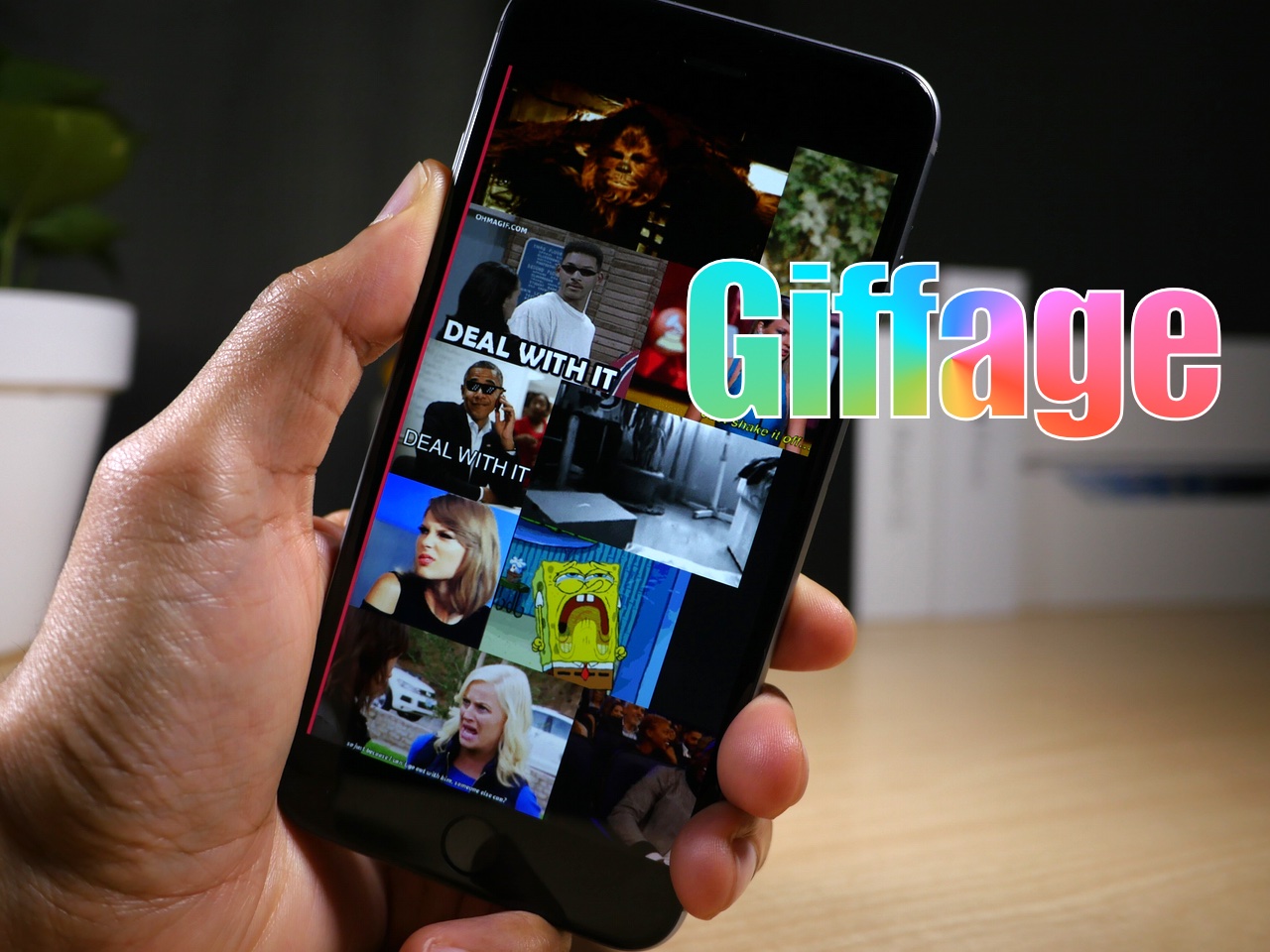
Giffage is a third-party keyboard with style

As many of you know, I've been quite bummed by the third-party keyboards on iOS 8. Many of them are underwhelming, and not all of the blame rests with developers. Apple's implementation has left lot to be desired, but many of the third-party keyboard developers have done themselves no favors.

Needless to say, there hasn't been one keyboard that I use on my iPhone outside of the stock English keyboard, and the Emoji keyboard, but that recently changed. Giffage (free) is a brand new third-party release that brings a GIF keyboard to iOS 8.

I understand that Giffage isn't the first third-party keyboard to do GIFs, as I've used some of the alternatives. What I can say is that Giffage is one of the best designed and easiest-to-use third party keyboards that I've yet to try. The implementation is well thought out, and goes beyond the call of duty when it comes to sweating the little details.
FolderBlur adds stylized blurs to the folders in iOS 8

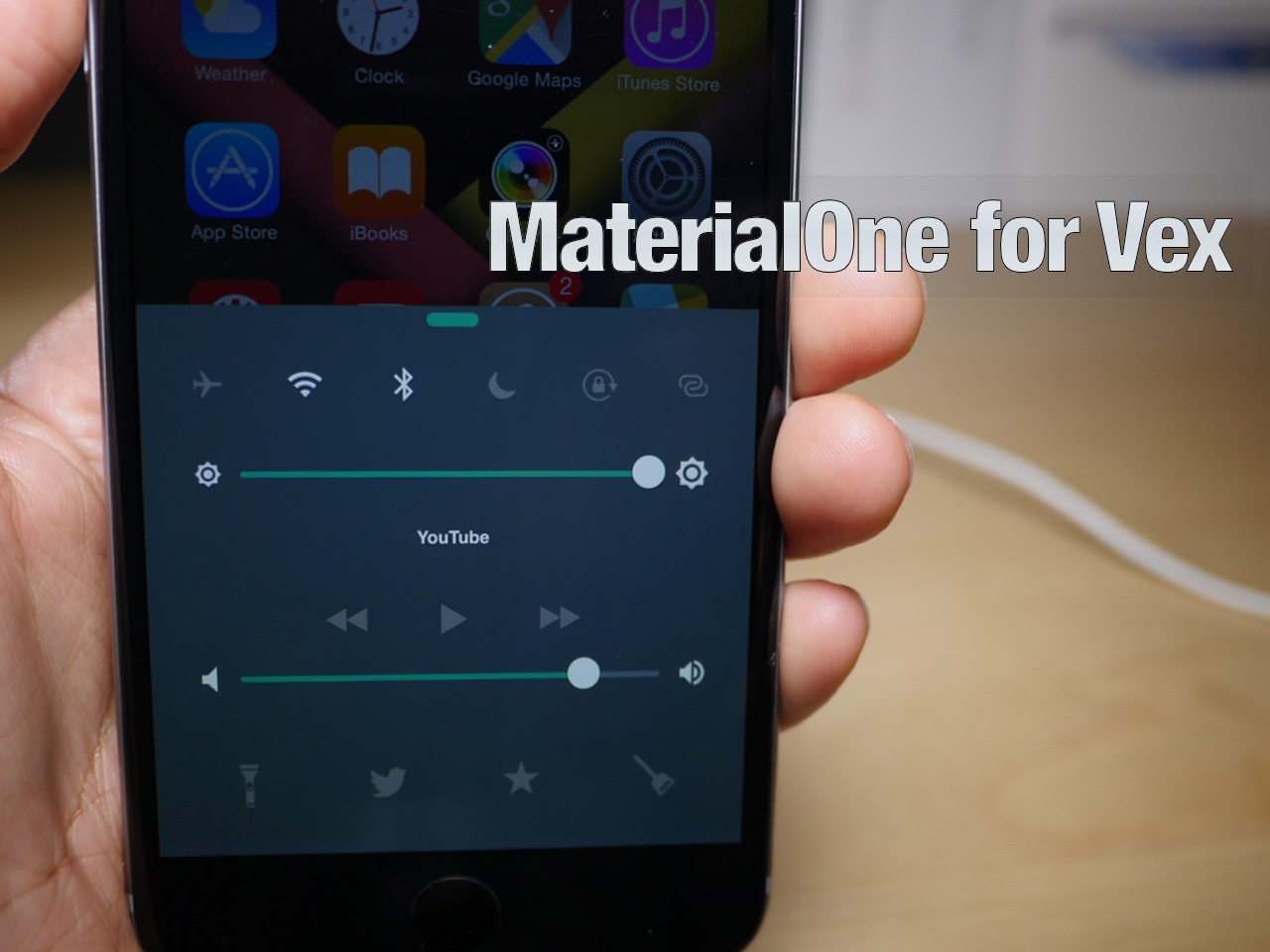
Looking to spice up the look of your folders in iOS 8? If so, then you may want to give FolderBlur a look, a new jailbreak tweak that allows you to select from several different folder styles on the fly without respringing.

We've taken FolderBlur for a spin on video. In this post, we'll showcase all of the available styles and explain which style is our favorite.

Let’s Talk iOS 077: Living at the Apple Store

Episode 77: New MacBook impressions, Apple Watch impressions, iOS 8.3, the new Photos app for Mac.

Subscribe on iTunes

Support Let's Talk iOS:

DigitalTreasures.com – your one-stop source for mobile innovations. Use promo code ‘TurtleCell’ when ordering to get 30% off your TurtleCell purchase and free shipping.

How to control Spotify with Siri

As most of you guys know, I'm a huge Spotify fan. I've been using the service ever since it appeared on US shores, and it's by far the best music streaming service in my opinion.

One thing that I've always missed about Spotify when compared to the stock Music app, is the ability to control my tunes via Siri. With the stock Music app, you can use Siri to play any song in your library, or play a music station using iTunes Radio. Spotify? Not so much.

That all changed a few days ago when developer Zaid Elkurdi released Assistant+. With a little finagling, you can get Assistant+ to interface with Spotify on a limited basis. But with Zaid's new add-on called SpotifySiriControls, you can do a whole lot more.

Assistant+ lets Siri trigger Activator events

If you're a big fan of Siri, or even if you're a bit down on the virtual assistant, listen up. Assistant+ can significantly enhance Siri and its capabilities by allowing it to interface directly with Activator.

Activator, the jailbreak tweak that allows you to assign a variety of actions to assorted gestures, is incredibly deep on its own. But when given the ability to invoke the many Activator events with Siri, things really get interesting.

Imagine activating a car mode by saying "Siri engage car mode". All of the sudden, your Bluetooth connection comes on, Wi-Fi goes off, the volume is boosted, and Spotify is launched. That's just the tip of the iceberg when it comes to the things that you can do with Assistant+.