Jeff Benjamin

Jeff has been with iDownloadBlog since 2010, acting as resident video specialist, and tutorial expert. He earned his degree in Computer Network Systems back in 2001, but decided Cisco routers and the like just weren’t for him. Since then, he’s been heavily involved with online writing. He’s written for numerous tech and video game sites since the late 1990′s, and has a knack for explaining things in a simple, clear, and concise manner. Jeff works primarily from the east coast on his Retina Macbook Pro, and shoots video with a Canon DSLR. During downtime he likes to travel the world, visiting the various Apple Stores across the globe. You can email him at jeff [at] idownloadblog.com and follow him on Twitter @JeffBenjam or on Google+.

How to define words from anywhere using Activator

Have you ever wanted to quickly learn the definition of a word, but you weren’t actually viewing the word on your iPhone? Sure, you can use Siri, but sometimes even that’s not a option or a possibility.

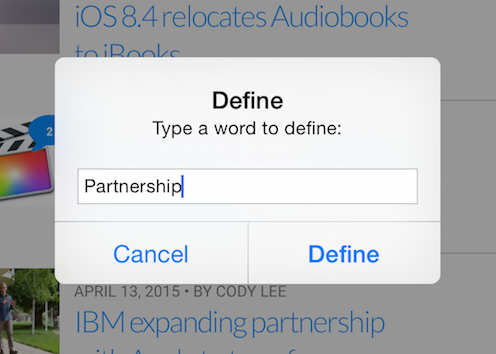
Define Activator is a new jailbreak tweak that allows you to define text using a preset Activator gesture. Once you invoke the assigned gesture, a pop-up box appears where you can type in the term that you wish to define.
iOS 8.4 relocates Audiobooks to iBooks

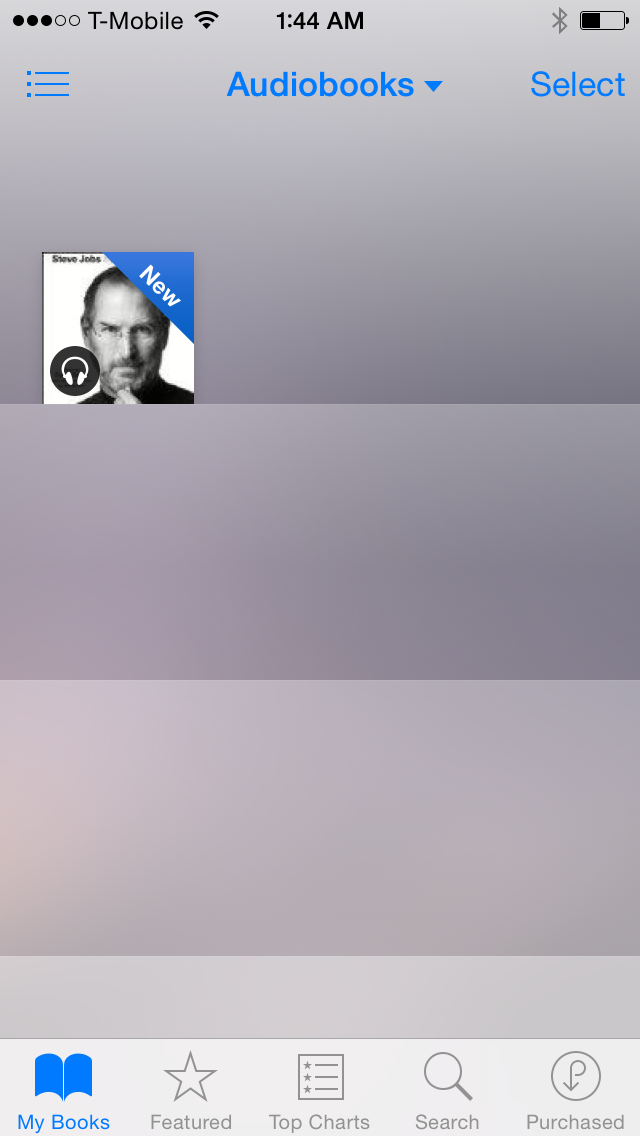
As noted by MacRumors, iOS 8.4 has brought another change to the table that's remotely related to the Music app. Audiobooks—a feature that was found in the Music app for firmware prior to iOS 8.4—has been relocated to the iBooks app.

When you download or sync an audiobook to your iPhone, it'll automatically appear in the Audiobooks section of the iBooks app if running iOS 8.4. Audio books feature a small headphone icon to indicate that it's an audio book and not a normal book.

A look at five new Final Cut Pro X 10.2 features

As we told you earlier, Final Cut Pro X received a significant update today. It adds several new features—a redesigned splash screen, and updated app icon, and more. Along with Final Cut Pro X, both Motion and Compressor received updates as well.

As someone who uses FCP X on an almost daily basis, I wanted to talk about five new features that I really like about the new update. Watch our video inside, and see if you concur.

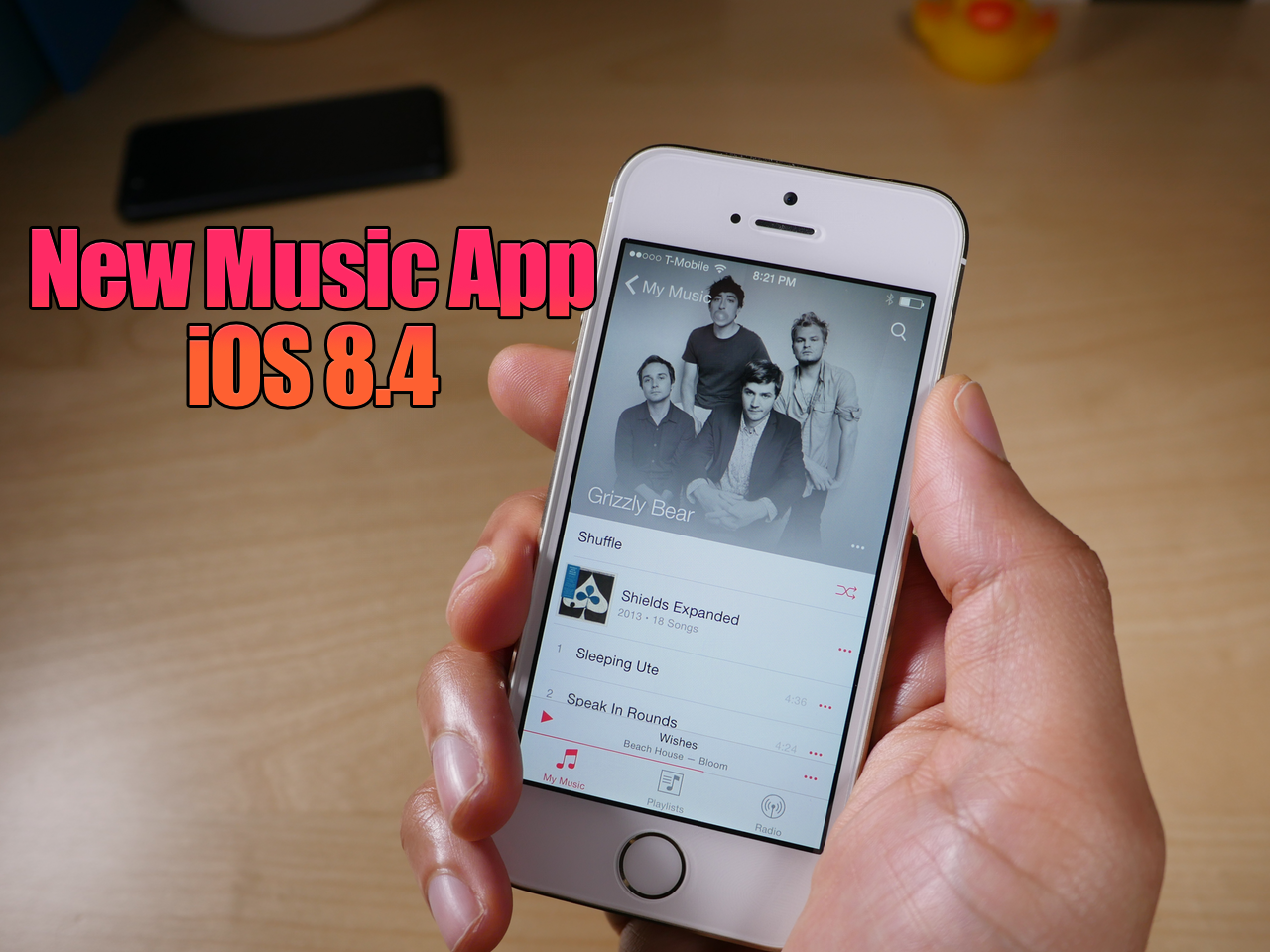
iOS 8.4 Music app video walkthrough

If you've yet to go hands-on with the just-released iOS 8.4 and the redesigned Music app, then I recommend checking out our video walkthrough. In this video, we step through many of the new changes, from both a visual and functionality standpoint.

AudioRecorder XS brings impressive phone call recording and system audio recording to iOS

When you first think about Elias Limneos' AudioRecorder XS tweak, the words "creepy" or "spying" or "illegal" may come to your mind. That's because we usually associate recording phone calls with one of those words.

And trust me, AudioRecorder XS features a few legal warnings that you have to work through before you can use it. There's even a detailed legal disclaimer in the tweak's description on Cydia.

But viewing AudioRecorder XS as a way to do bad things is totally unfair to such a great tweak. Not only is this release well-designed and extremely functional, it contains a bevy of practical elements that many may find useful.

AudioRecorder 2 is an impressive jailbreak tweak that allows you to record phone calls from a variety of sources and also lets you record system audio. You may be familiar with other jailbreak releases by Limneos, such as CallBar and BioProtect. AudioRecorder XS lives up to the benchmark set by those two tweaks. Have a look at our full video walkthrough for the details.

2048oard brings the popular puzzle game to the iPhone’s Home screen

2048oard is a jailbreak tweak that allows users to play a version os 2048 directly on the iPhone’s Home screen. 2048, as you’re likely aware of, is the popular Sudoku-inspired game that involves combining like numbers of tiles to eventually add up to 2048.

The ability to quickly play a game like 2048 directly on the iPhone’s SpringBoard certainly has appeal, because nothing more than swipe gestures are required to play the game. Have a look at our video walkthrough for more details.

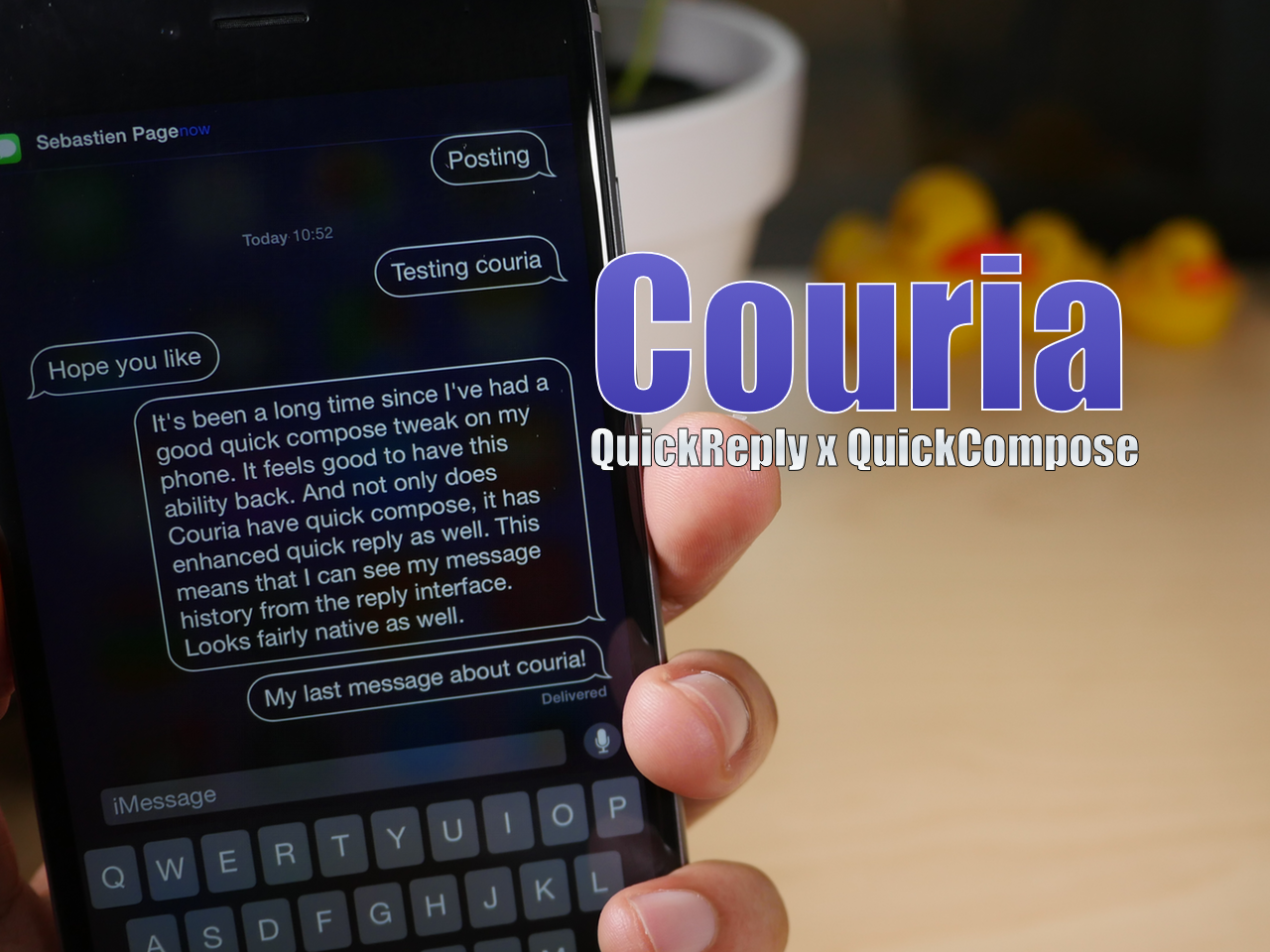
Couria is now available for free on Cydia

Couria, the popular quick reply and quick compose tweak that's been in beta for iOS 8, is now available on the BigBoss repo. It brings with it a few new features that weren't available in the beta version, but much of the tweak will be very familiar to beta testers. If you've been dying for a capable quick reply and quick compose tweak in light of biteSMS' demise, then Couria may be just what the doctor ordered.

How to create a new library in the Photos app

Creating separate libraries. It's one of the best ways to go about organizing photos with the new Photos app in macOS. I find that using multiple libraries to separate things like work and personal life is a good strategy. Fortunately, it's extremely simple to create new libraries and to switch between those libraries on the fly.

Android Wear Utility tries its best to bring Android Wear compatibility to iPhone jailbreakers

Android Wear Utility has been out on the Cydia Store for about a week, and it hopes to bring Android Wear pairing to iPhone users. This isn't the first time that a developer has tried. If you remember a few weeks ago, we went hands-on with MuhammadAG's Android Wear solution and had fairly good success.

But with Muhammad's Android Wear solution still not yet usable by the general public, the developer of Android Wear Utility saw an opportunity, and brought his solution to Cydia. Does it work? Does it make Android Wear devices a real Apple Watch competitor in the Apple eco system?

How to migrate your iPhoto Library to the new Photos app

Now that OS X Yosemite has been officially released, it's time to think about migrating your old iPhoto library to the new Photos app. Migrating over is extremely easy, as there are multiple ways to do so. In this post, we highlight one of the easiest and most straightforward ways to migrate an iPhoto Library over to a new Photos app install.

Let’s Talk Jailbreak 102: two guys three ducks

Episode 102: Barrel gets a small new update, running Android apps on Mac, the Let's Talk Jailbreak rap, and a host of new jailbreak tweaks get the LTJ breakdown.

Subscribe via RSS

Support Let's Talk Jailbreak

Ex Machina, in select theaters starting April 10

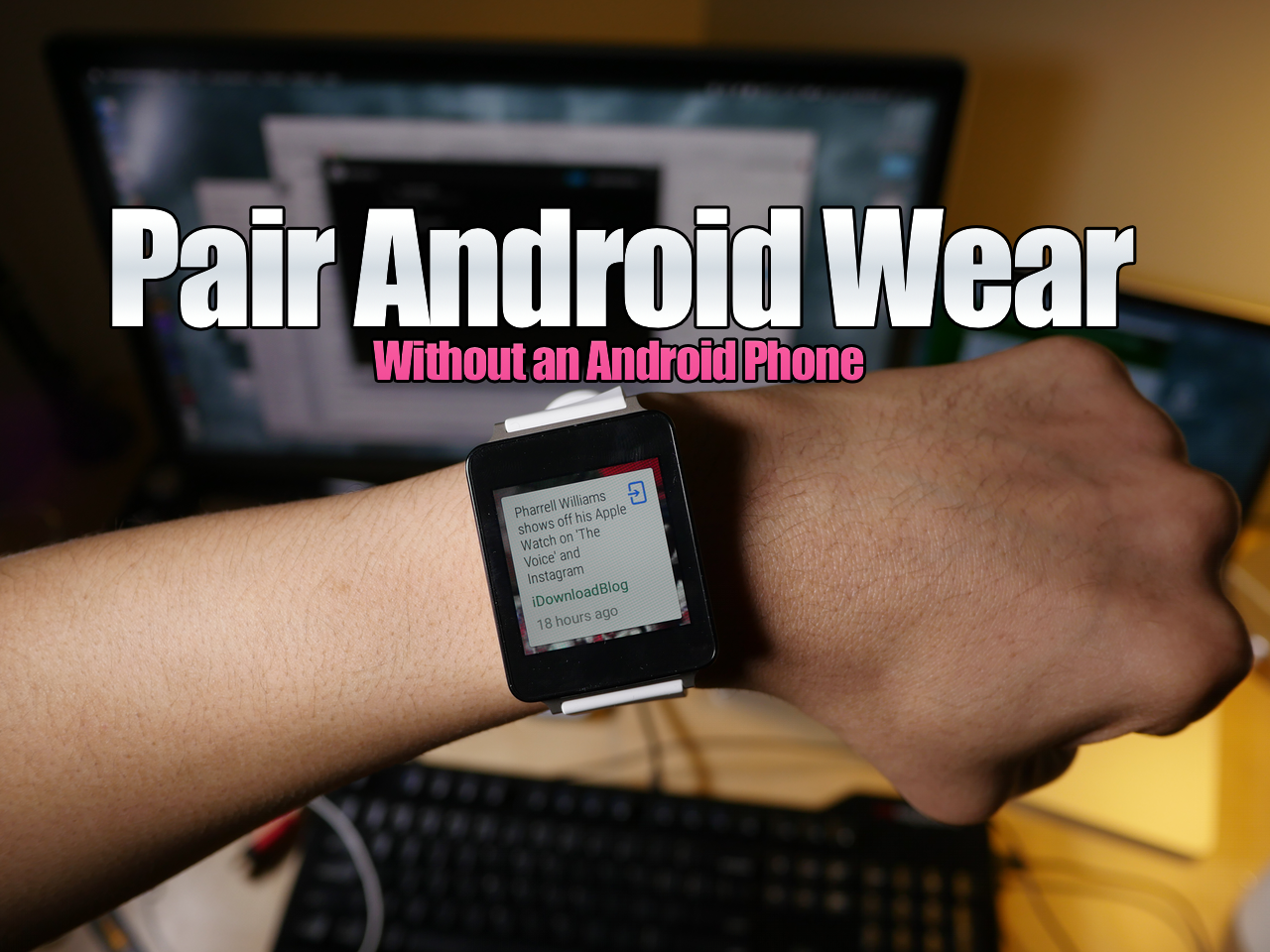
How to pair Android Wear without an Android Phone using a virtual machine on Mac

I know, it may sound fairly niche, but hear me out. Recently, there's been a lot of buzz about using Android Wear devices with the iPhone, and that's the reason why I started exploring this topic to begin with.

As it turns out, when you buy an Android Wear device, you need an Android device to "activate" the smartwatch (go figure). Since I don't currently own an Android phone, my LG G Watch was stuck at the pairing screen.

Yes, there are more "in-depth" ways to go about getting passed this screen, but not everyone is up to that task. With this in mind, I've created a video tutorial that shows you how to run an Android virtual machine on your Mac with Parallels, and how to then pair an Android Wear device with the virtual machine.