Jeff Benjamin

Jeff has been with iDownloadBlog since 2010, acting as resident video specialist, and tutorial expert. He earned his degree in Computer Network Systems back in 2001, but decided Cisco routers and the like just weren’t for him. Since then, he’s been heavily involved with online writing. He’s written for numerous tech and video game sites since the late 1990′s, and has a knack for explaining things in a simple, clear, and concise manner. Jeff works primarily from the east coast on his Retina Macbook Pro, and shoots video with a Canon DSLR. During downtime he likes to travel the world, visiting the various Apple Stores across the globe. You can email him at jeff [at] idownloadblog.com and follow him on Twitter @JeffBenjam or on Google+.

How to use a secret Activator gesture to keep your Lock screen secure

Worried about unscrupulous individuals trying to unlock your device or accessing Control Center or Notification Center without your prior approval? If so, then Secret-Lock may interest you.

Secret-Lock is a recently released jailbreak tweak that freezes the iOS Lock screen until a secret Activator gesture is used. This allows you to secure the Lock screen and prevent swipes, and Control Center or Notification Center invocation gestures.

Let’s Talk iOS 076: Doing time

Episode 76: the guys break down their Apple Watch pre-order plans and discuss their final purchase decisions.

Subscribe on iTunes

Support Let's Talk iOS:

Automatic – Get 20% of your Automatic car adapter by going to automatic.com/ios

DigitalTreasures.com – your one-stop source for mobile innovations. Use promo code ‘TurtleCell’ when ordering to get 30% off your TurtleCell purchase and free shipping.

CustomStatusBar: sanitize the iOS 8 status bar

CustomStatusBar is a brand new jailbreak tweak that allows you to customize the status bar in iOS 8. Customization is limited to hiding items, but in a future update you will be able to rearrange items in the status bar as well.

We've taken CustomStatusBar for a spin on video, and we'll show you how easy it is to clean up your iOS status bar in seconds.

NCMeters: add customizable system vital meters to Notification Center

NCMeters is a non-intrusive tweak for monitoring system vitals via Notification Center. It allows you to check CPU usage, memory and storage usage, and monitor both upload and download speeds.

NCMeters only runs when you have Notification Center open, so it's not going to be overly taxing on system resources when going about your daily business. To ensure accuracy, data is collected using traditional command line tools.

Along with those basics, NCMeters features quite a bit of customization. Have a look at our video walkthrough and see for yourself.

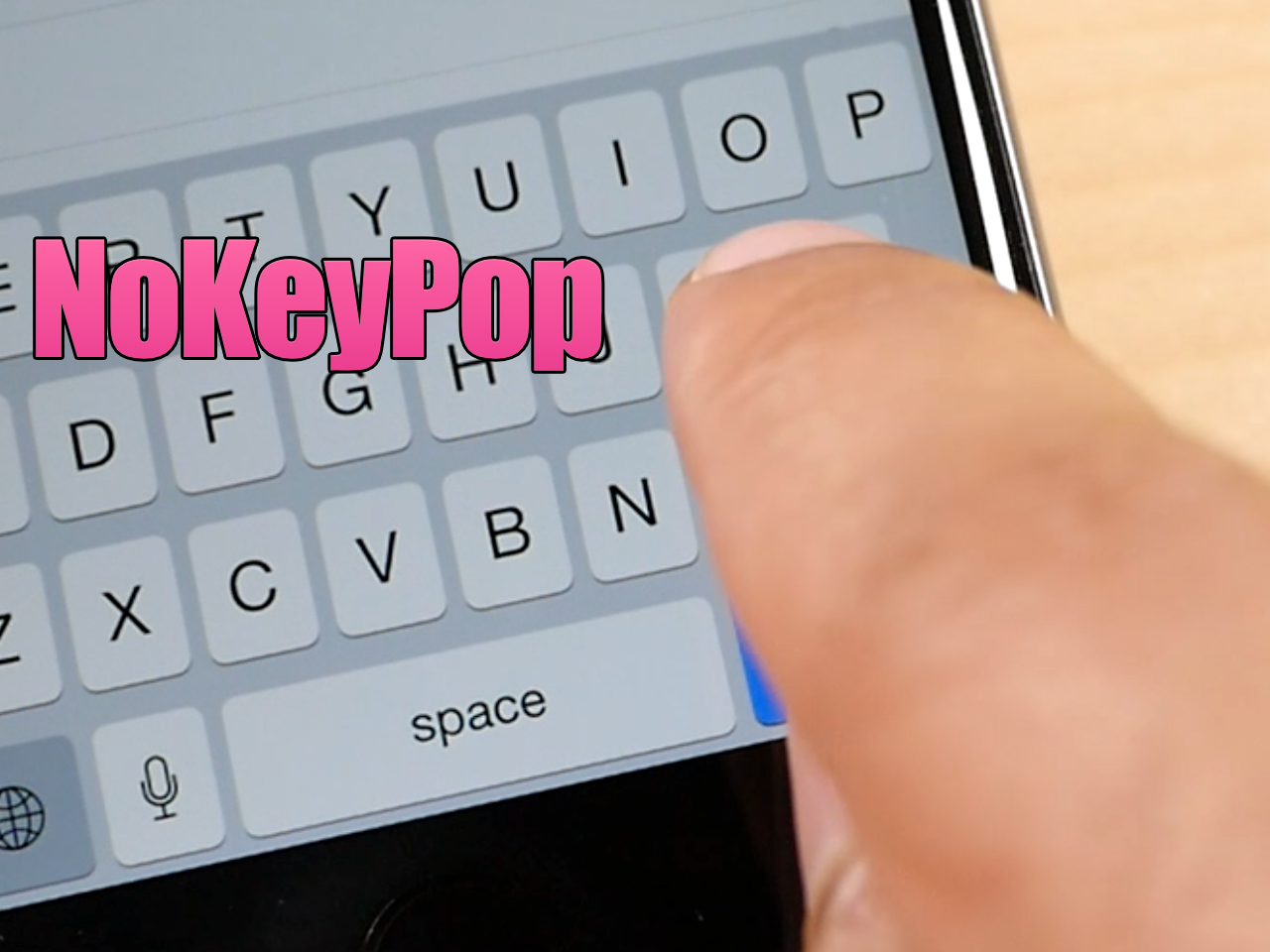
NoKeyPop: remove the keyboard pop-up animation when typing

Since touch screen keyboards lack the movement of physical keyboards, software keyboards use other tricks to help you to see how your touches interact with the on screen keyboard. One of the tricks often employed is the simple keyboard animation. Animations, combined with haptic feedback and sound, can provide enough sense of touch that typing is made easier

But what if you removed the keyboard animations altogether? What would the typing experience be like then? NoKeyPop is a jailbreak tweak that lets you do just that...

EventOnStart: initiate events at system startup

EventOnStart is a new tweak that allows you to initiate events on system startup, which includes both resprings and traditional reboots. There are four events available to choose from: vibration, LED flash, sound, and a text message popup.

The headlining feature is without a doubt the startup sounds. In all, there are 42 sounds to choose from, with most of those sounds coming from the stock sound library featured in iOS. But there are couple of new sounds included that may pique your interest...

How to run Android apps like WhatsApp and Instagram on Mac

ARC, or App Runtime for Chrome, is a tool that allows you to run many Android apps right on a desktop machine. For the most part, the apps look and function like they do on an Android phone or tablet.

Why is this so cool? Well, it means that you can now have access to whole variety of new apps. Some apps, like WhatsApp, have no native desktop counterpart, so it's especially nice for apps like these.

While it isn't a perfect 1:1 solution, and some apps outright don't work, it's worth trying if there's an app that you want that isn't otherwise available on the desktop. In this post and video, we'll walk you through the steps of configuring Google's ARC Welder tool, and show you how to run multiple applications as well.

Hexaclock is a Lock screen theme featuring a stylized clock

Looking for a way to spice up your iPhone's Lock screen? If so, have a look at Hexaclock, a Lock screen theme that uses the GroovyLock theming platform.

Hexaclock brings a fully-stylized working clock to the Lock screen, and it can replace the stock Lock screen clock. We've taken Hexaclock for a spin on video in order to showcase it to you in action...

CSources2 lets you manage, backup, and restore Cydia repos

CSources2 is a jailbreak app that’s helpful for anyone who adds third-party repos to Cydia. It allows you to manage and backup your third-party sources and even toggle them off without completely removing them.

Needless to say, for someone like me who has no less than a dozen third-party Cydia sources configured, CSources2 is a blessing. Have a look at our video walkthrough to see how it works, and why you might need it.