Jeff Benjamin

Jeff has been with iDownloadBlog since 2010, acting as resident video specialist, and tutorial expert. He earned his degree in Computer Network Systems back in 2001, but decided Cisco routers and the like just weren’t for him. Since then, he’s been heavily involved with online writing. He’s written for numerous tech and video game sites since the late 1990′s, and has a knack for explaining things in a simple, clear, and concise manner. Jeff works primarily from the east coast on his Retina Macbook Pro, and shoots video with a Canon DSLR. During downtime he likes to travel the world, visiting the various Apple Stores across the globe. You can email him at jeff [at] idownloadblog.com and follow him on Twitter @JeffBenjam or on Google+.

Andrios: an Android-inspired experience for iOS

Andrios has been a hot topic for jailbreakers as of late. The upcoming tweak, which should be touching down any second now on Cydia, brings many Android-inspired features to iOS.

The developers of Andrios, BrandDev & Logan O'Connell, have worked hard to make the tweak's tag line live up to the final product. Does it succeed in doing so?

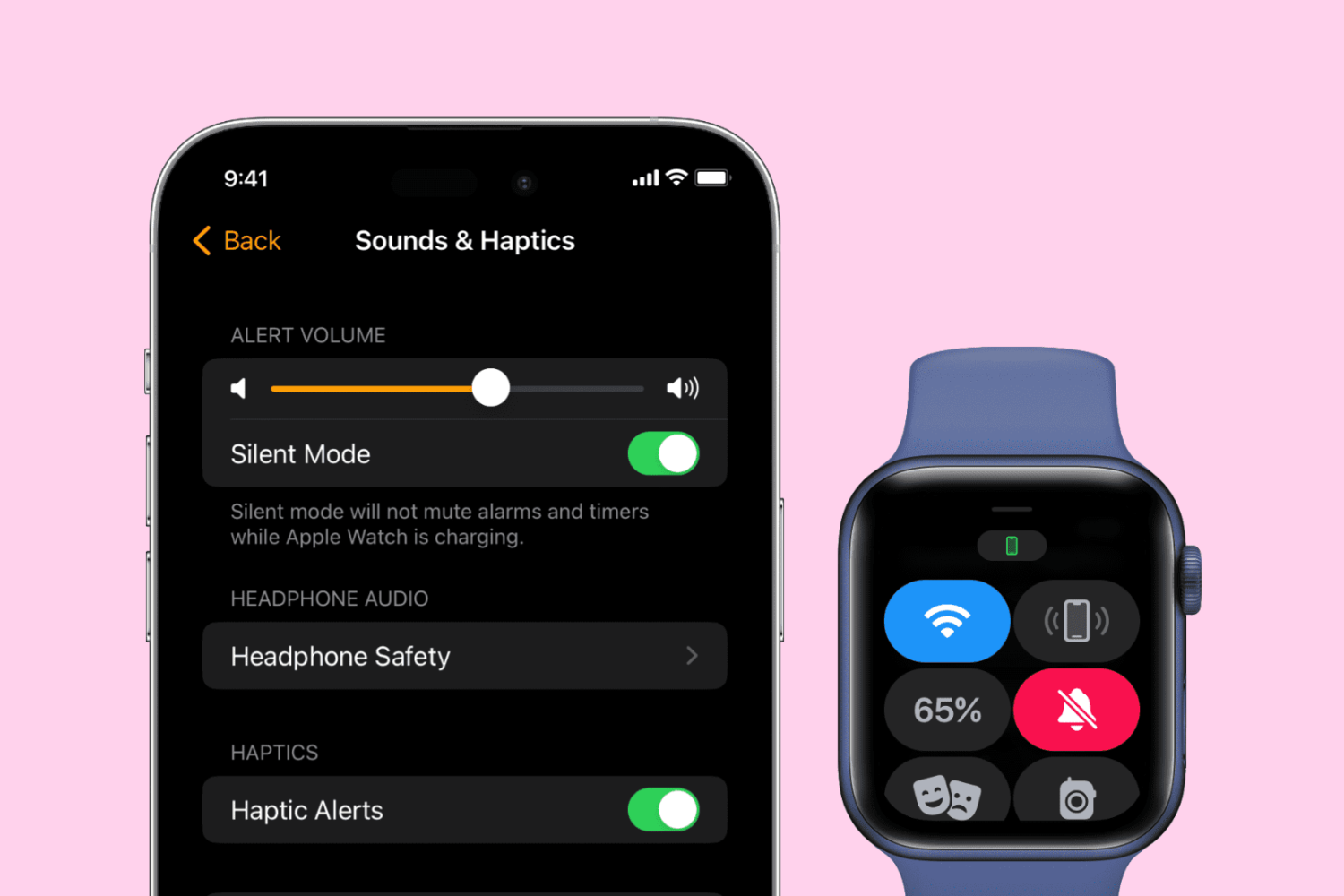
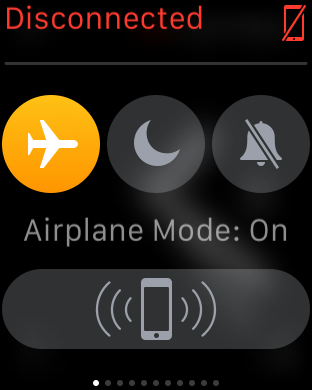
How to toggle Airplane mode on Apple Watch

Airplane mode disables all of the Apple Watch radios, which is handy when you want to disconnect from all devices, or when you're flying and are requested to do so by an airline. There are several ways to enable Airplane mode on Apple Watch, as we show you in this continuation of our Apple Watch Guide series.

10 most wanted Apple Watch jailbreak tweaks

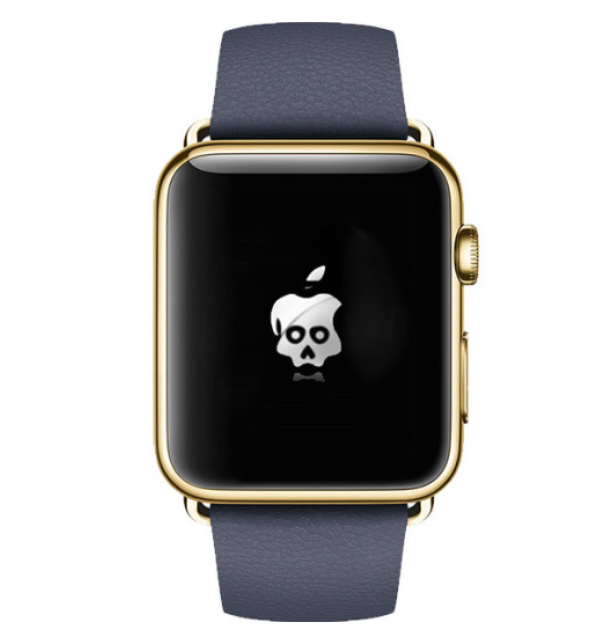
It officially launched less than a week ago, but many people are already thinking about jailbreaking the Apple Watch. I've seen prominent hackers and developers talk about jailbreaking Apple's new wearable device, and I've heard it mentioned several times on some prominent podcasts.

The question is, why are so many people interested in jailbreaking Apple's new hardware? The answer is mixed, but there are lots of similarities to iPhone OS and the early iPhone hardware. When the iPhone first launched back in 2007, it was severely limited. You couldn't copy and paste, you couldn't have custom wallpaper, there was no App Store, etc. Jailbreaking eventually allowed early users to do all of those things.

Similar to the early iPhone software, Watch OS 1.0 won't allow users to do things like use custom watch faces, or run native apps. Jailbreaking could, in theory, allow for both of these features. But that's not all. Jailbreaking Watch OS opens up a whole new realm of possibilities.

Twelve thoughts on Apple Watch

I've had an Apple Watch for almost a full work week now, and I've formed a variety of opinions. What I can tell you up front is that I really like this device, and have no buyers remorse. The Apple Watch does a lot of things really well, and a few things not-so-well. Here are twelve personal observations about the Apple Watch that I'd like to share with you.

Let’s Talk iOS 079: The Apple Watch episode

Episode 79: This episode is all about the Apple Watch. It includes our first impressions, thoughts after 3 days of usage, opinions on hardware and software, battery life, watch faces, best use case scenarios, our favorite and least favorite features, and our thoughts on the future.

Subscribe on iTunes

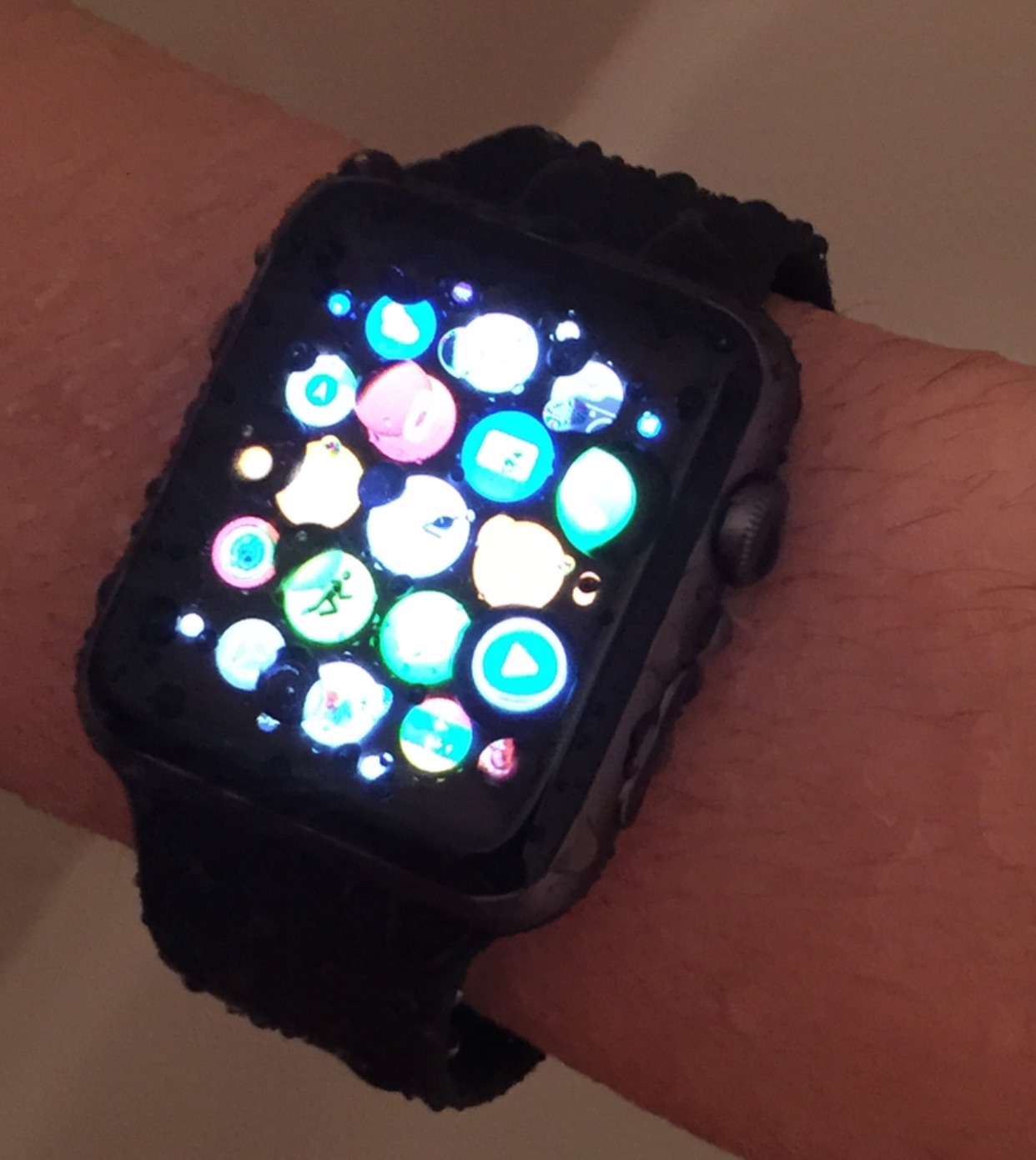
You shouldn’t shower with your Apple Watch

Despite the videos that may suggest otherwise, it's not a good idea to shower with your Apple Watch. How can I say this for sure? I tried it out for myself.

Showering produces high pressure jets of water (relatively speaking)‚ and the high pressure can cause water to venture into places on the Apple Watch that it should not.

Although the Apple Watch is IPX7 certified, which means that it is water resistant and can stand up to hand washing, sweat, and rain, it doesn't mean that you can just do whatever you want with the watch as long as it fits within the technical definition of IPX7 certification.

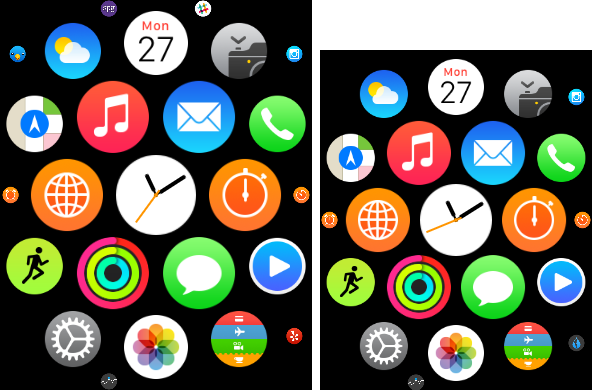
Why I recommend the 42mm Apple Watch over the 38mm version

Apple Watch Sport collection vs Apple Watch Sport, Milanese Loop vs Leather loop. There are lots and lots of choices when it comes to configuring an Apple Watch. There are even two sizes to choose from—38mm and 42mm.

Choice is good, and there's certainly a lot of decisions to make when it comes to Apple Watch configuration. But when it comes to size, I would recommend the 42mm. Unless you have really small fingers, and a really small wrist, I think that you should at least try on the 42mm version to test it out.

Why am I so high on the 42mm Apple Watch? It's because I've tried them both. At first I didn't think that the difference would be that big of a deal, but after going hands on with both, I'm leaning more heavily towards recommending the larger version