Jeff Benjamin

Jeff has been with iDownloadBlog since 2010, acting as resident video specialist, and tutorial expert. He earned his degree in Computer Network Systems back in 2001, but decided Cisco routers and the like just weren’t for him. Since then, he’s been heavily involved with online writing. He’s written for numerous tech and video game sites since the late 1990′s, and has a knack for explaining things in a simple, clear, and concise manner. Jeff works primarily from the east coast on his Retina Macbook Pro, and shoots video with a Canon DSLR. During downtime he likes to travel the world, visiting the various Apple Stores across the globe. You can email him at jeff [at] idownloadblog.com and follow him on Twitter @JeffBenjam or on Google+.

Home Depot to become largest retailer to support Apple Pay

Contrary to earlier reports today, Home Depot isn't disabling Apple Pay, it's instead rolling it out to all of its 2,000+ brick and mortar retail stores. As Bloomberg reports, this will make Home Depot the biggest retailer accepting Apple Pay to date.

This is huge news, and certainly a major turnaround from the reports that said otherwise early this morning. Home Depot, which has been subject to massive data breaches in the past, is clearly putting its chips in with Apple Pay, which is known for its ease of use and its security.

Muswitch: a jailbreak tweak that places music controls in the App Switcher

App Switcher tweaks seem to be all the rage these days, so it's not surprising to see a tweak like Muswitch pop up on Cydia. Muswitch, as its name hints to, allows you to place music controls in the iOS 8 App Switcher.

These Music controls replace the contact shortcuts that normally reside above the cards found in the App Switcher. Watch our video walkthrough for more details.

CCSwipe adds customizable swipe zones to iOS

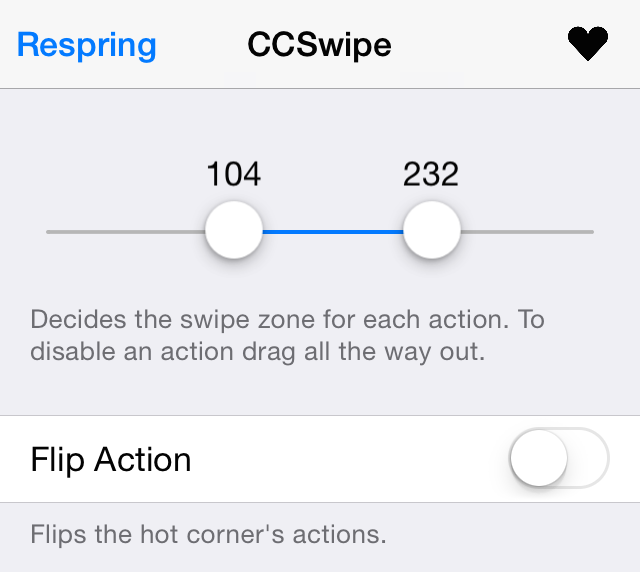
CCSwipe is a recently released tweak that replaces the standard Control Center swipe gesture with a gesture that invokes the App Switcher, and a gesture that takes you to the Home screen.

By itself, CCSwipe isn't mind-blowing, but its preference panel contains an innovative features that I feel is worth some praise. Have a look at our video walkthrough inside to see what it I mean.

How to add an old school combination lock to the iOS Lock screen

Combination Lock, a brand new jailbreak tweak that just recently touched down on Cydia, makes me feel a bit nostalgic. It takes me back to my high school days when I used to use a combination lock for my school locker. It's been so long since I've used one of those locks, but this new jailbreak tweak resuscitates the experience.

If you're looking to add a little flair to the iOS Lock screen, then you should take Combination Lock for a spin (pun intended). Have a look at our video walkthrough to see what I mean.

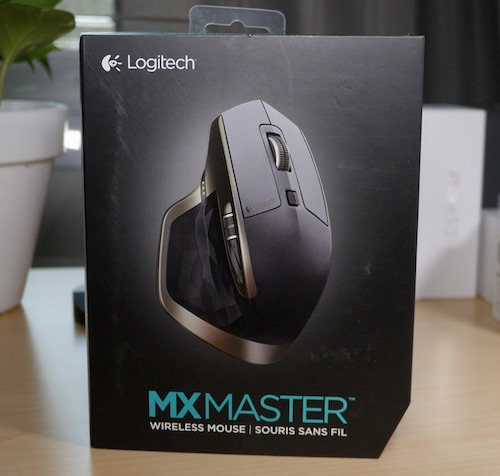
Review: Logitech MX Master – a good choice for OS X users?

The Logitech MX Master Wireless Mouse has been at the top of my must-try list ever since it came out. Debuting to glowing reviews, and statements of increased productivity, I had to try this mouse out to see if it would help my workflow on OS X. Does it live up to my high expectations? Check out our review for more details.

iOS 8.2 is no longer being signed

Today, Apple ceased signing iOS 8.2. Although the closure of this particular signing window has no measurable impact on jailbreakers, it's still worth nothing any time Apple closes a firmware signing window.

If, for some reason, you didn't want to upgrade from an earlier iOS version to iOS 8.3, you could, up until today, upgrade to iOS 8.2. Or, if for some strange reason, you wanted to downgrade to iOS 8.2, you could do so up until today as well. That is, of course, no longer the case.

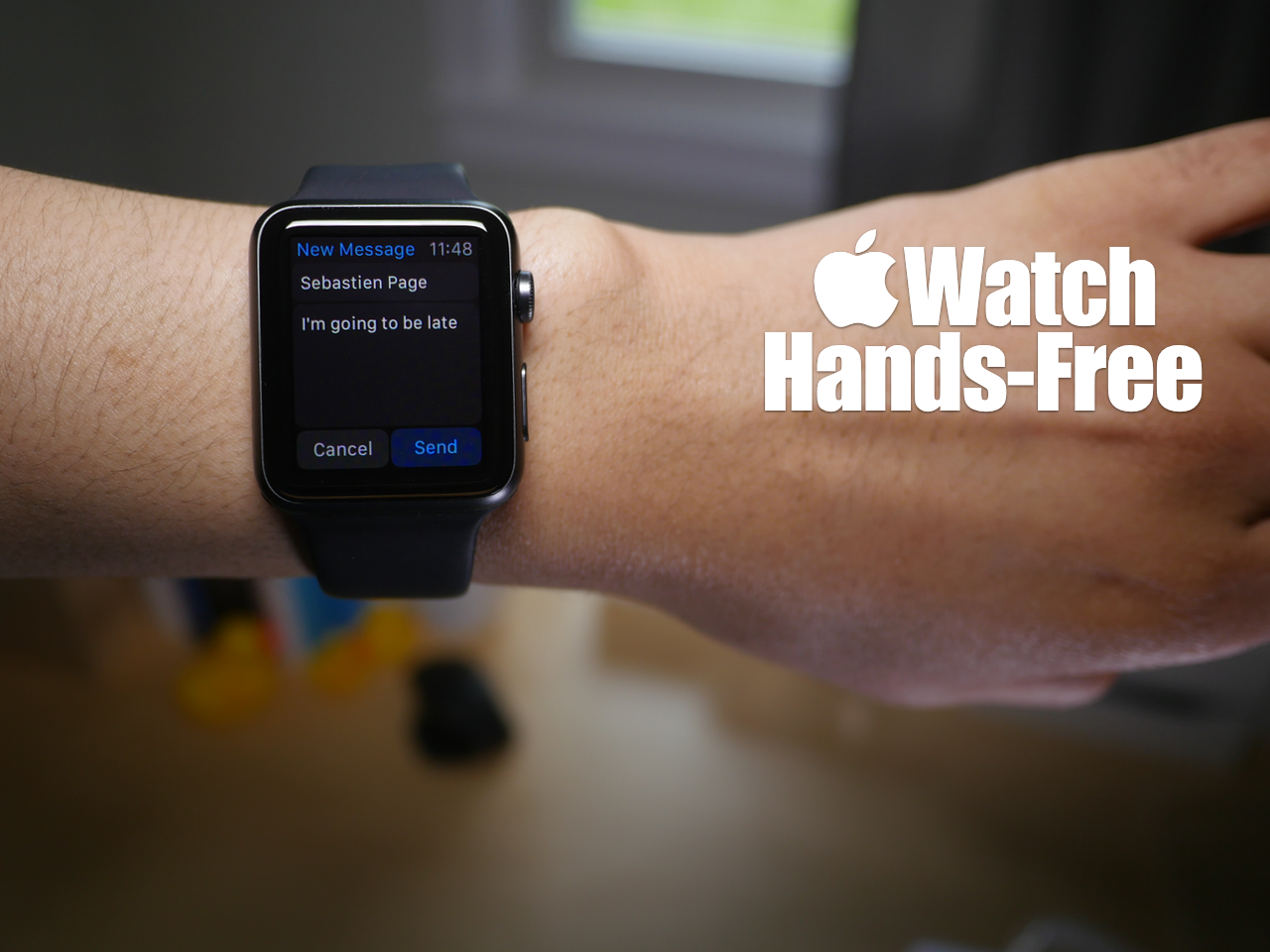
How to complete various actions hands-free on Apple Watch

You may have noticed that while using Siri, the Apple Watch interface presents on screen buttons that you have to tap with your finger to confirm commands. While this is doable in a lot of circumstances, it takes away from the hands-free element that's necessary in many situations.

At times, it's simply impossible to physically tap a button on the Apple Watch to confirm a command, and that's where using the Hey Siri hands-free assistant to its full potential can come in handy. In fact, it's totally possible to send text messages, establish calendar events, set reminders, and more without touching your Apple Watch.

Yes, despite what the Apple Watch interface may lead you to think, you can use Siri completely hands-free in quite a few scenarios. Watch our hands-on video for the details.

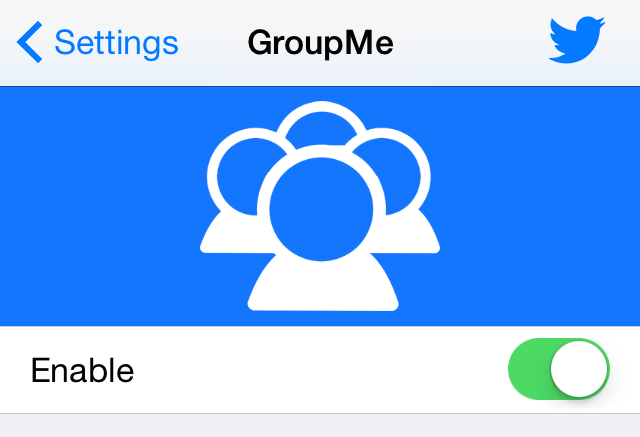
GroupMe separates regular Messages app conversations from group conversations

Do you find your Messages app to be too cluttered? Perhaps it's the mix of group messages combined with normal one-on-one messages that make sit feel that way.

GroupMe is a new jailbreak tweak that can go a long ways towards decluttering the Messages app. It separates group messages from regular messages using tabs at the bottom of the Messages app interface. Watch our video walkthrough for a thorough explanation.

How to check remaining battery life on Apple Watch

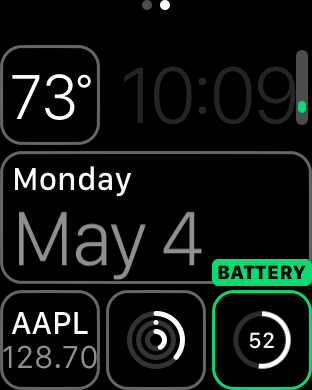
Although battery life has been much better than most anticipated with Apple Watch, you should still expect a day or, at tops, a day and a half of battery life after a full charge. For that reason, it's pretty important to keep a close eye on your Apple Watch battery throughout the day, especially if you decide to use battery hogging functions like phone calls and the workout app.

Fortunately, Apple makes it super easy to monitor battery life on Apple Watch. In fact, it's more verbose than it is on the iPhone since the watch shows you the full battery percentage by default. Inside, we'll show you two easy ways to monitor battery life on Apple Watch.

What are Glances and how to use them

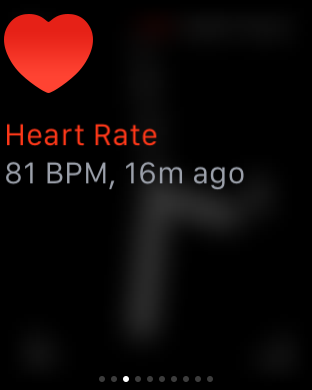
Glances on Apple Watch are quick summaries of information that can be quickly viewed at a glance—hence the name. Glances contain, or at least should contain, information that you view the most frequently.

Why did Apple include Glances in Watch OS? How many glances can you have configured at once? These questions, and others are answered in this Glances overview.