Jeff Benjamin

Jeff has been with iDownloadBlog since 2010, acting as resident video specialist, and tutorial expert. He earned his degree in Computer Network Systems back in 2001, but decided Cisco routers and the like just weren’t for him. Since then, he’s been heavily involved with online writing. He’s written for numerous tech and video game sites since the late 1990′s, and has a knack for explaining things in a simple, clear, and concise manner. Jeff works primarily from the east coast on his Retina Macbook Pro, and shoots video with a Canon DSLR. During downtime he likes to travel the world, visiting the various Apple Stores across the globe. You can email him at jeff [at] idownloadblog.com and follow him on Twitter @JeffBenjam or on Google+.

The Verizon iPhone 5 is GSM unlocked, tested with AT&T

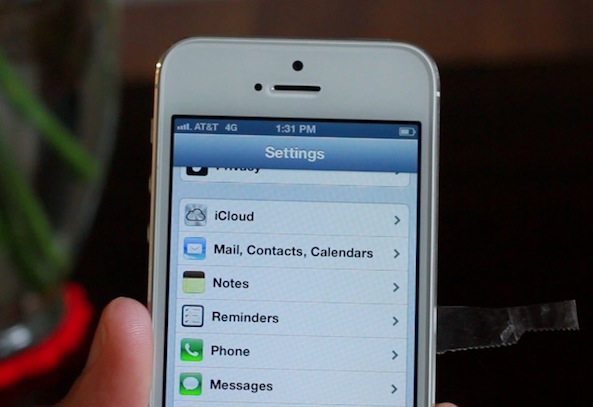
I can confirm that the Verizon iPhone 5 is indeed GSM unlocked. Even though I bought an iPhone 5 from Verizon under contract, I was able to cut down my AT&T Micro SIM, and use it in my Verizon iPhone 5 to pick up an AT&T signal. By doing so, I was able to hop onto AT&T's HPSA+ network, or "4G" as they so ridiculously name it.

AT&T's so-called 4G speeds are nothing like true LTE speeds, but they are a bit better than typical 3G speeds. But the big news here isn't about speed. The big news here is that we have confirmed that you can use a Verizon iPhone 5 on AT&T or T-Mobile, freely, even if you're a brand new customer under contract.
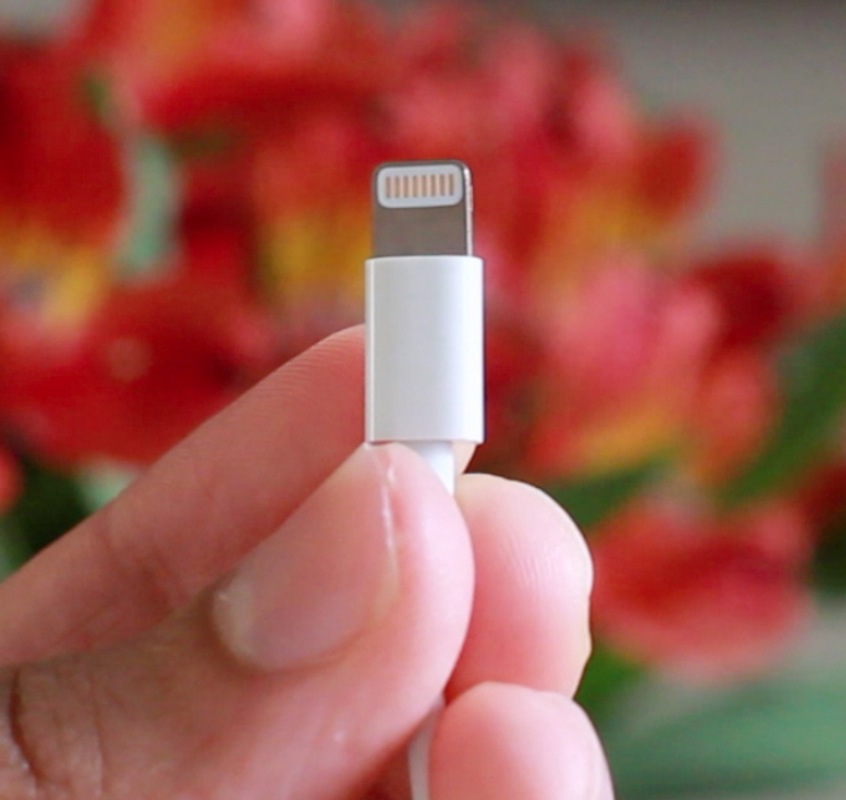
The Lightning connector is really, really tiny

Until you get it in your hands, it's hard to imagine just how tiny Apple's new Lightning connector really is. You might be thinking it's on USB Mini levels, but it's even smaller than that.

The press shots usually show an up close photo of the Lightning connector, which is just enough to skew perceptions of its size. In this video inside, I compare the Lightning connector to a plethora of other connectors and items we're all familiar with: USB, USB Micro, USB Mini, Thunderbolt, 30-pin connector, a penny, and more.

If you're at all interested in Apple's new connector, then you don't want to miss this...

iPhone 5 boot test vs iPhone 4 and iPhone 4S

We know the iPhone 5 is about two times faster than its predecessor, but how does it stack up toe the iPhone 4 and the iPhone 4S in a side-by-side-by-side bootup speed test?

Point and laugh at me as I struggle to turn all three devices on at the same time, and be surprised with how fast the iPhone 4S still is. The iPhone 4 is much slower, but the 4S is still no slouch, don't you agree?

iPhone 5 LTE Speedtest

Is LTE really all it's cracked up to be on the iPhone 5? Take a look at our speed test, as we test Verizon's LTE, and compare it to Verizon's own 3G offering. I think the results speak for themselves, don't you?

‘Xpandr 2’ makes Keyboard Shortcuts faster

If you're a blogger, then you'd be crazy not to use TextExpander. TextExpander is an app that runs on the Mac, that automatically expands shortcuts into larger lines of text.

For example, I have a shortcut named jb, which expands fully to the word jailbreak. It works with phrases to, for instance, jbt = jailbreak tweak. Needless to say, TextExpander is a life saver for those of us who have to type the same words and phrases over and over again, day in, and day out.

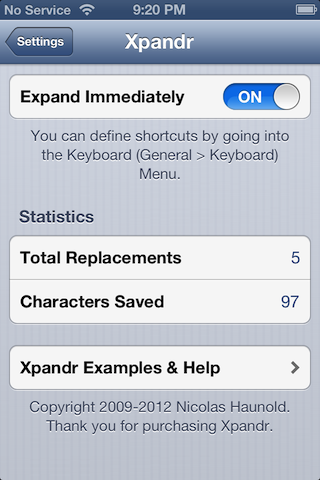
Apple introduced a sort of "TextExpander light" in iOS 5, and it came in the form of Keyboard Shortcuts. Keyboard shortcuts work, but unlike TextExpander, they don't immediately expand; instead, the shortcuts appear as suggestions, and then you have to use the space bar to fully expand them.

Xpandr 2, is the jailbreak tweak that seeks to put an end to this issue. Check out our full video walkthrough inside...

This upcoming tweak will add water effects to your iOS device

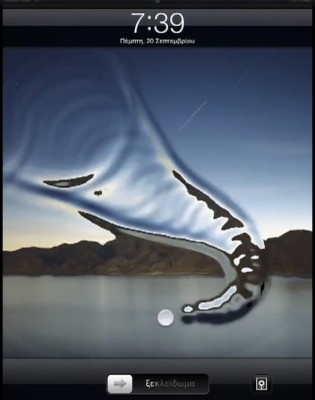
AquaBoard is a new jailbreak tweak currently in development by Elias Limneos. As you'll see from the video inside, it adds cool water effects to your device's Lock screen, and Home screen.

Currently, the tweak is set to be compatible with the iPad, iPad 2, The new iPad, iPhone 3GS, iPhone 4, and iPhone 4S. I'm pretty sure that at the very least, the iPod touch 4th generation will probably be shown some love as well.

Keyboard Shortcuts now sync via iCloud in iOS 6

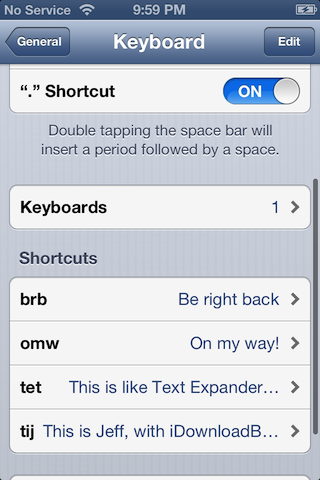
One of the more under the radar items in iOS, is the TextExpander inspired Keyboard Shortcuts feature. Keyboard Shortcuts allow you to create quick shortcuts, which then expand to larger words or phases. It's a feature that's best used for stuff that you tend to type over and over again, which helps reduce repetition, therefore making you more productive.

In the past with iOS 5, these shortcuts resided independently on each device, meaning you had to setup all of your shortcuts on each device individually. If you do a lot of blogging or other forms of writing on your iOS device, then chances are, you can benefit from having a decent array of shortcuts. With that thought it mind, it's a headache to have to setup each device manually with the same shortcuts.

We already knew that iOS 6 would feature custom dictionary iCloud syncing, but it was never really clear whether or not Keyboard Shortcuts fell within that area. It's been one of the features that I've been saying would benefit from iCloud syncing for a long time now, and thankfully, it looks like Apple took care of that with iOS 6.

How to jailbreak iOS 6 and install Cydia

iOS 6 was just released a while ago, and now we're going to show you how to jailbreak it.

First of all, please note that this is a tethered jailbreak, and it only works with A4 devices like the iPhone 4.

Secondly, since there currently isn't any jailbreak tool that will install Cydia just yet, we're going to have to go about installing Cydia using a manual process.

Still game after all of those asterisks? Then come inside, as we show you how to jailbreak iOS 6 final...

Here’s how Passbook works in iOS 6

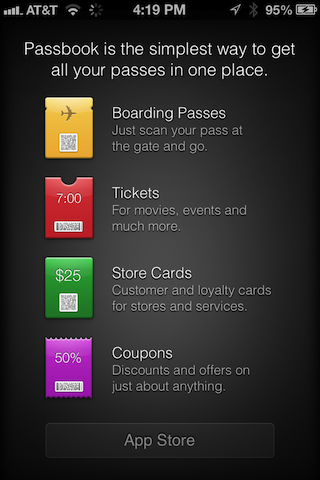
If you've been using iOS 6 beta, they you're probably pretty familiar with the default Passbook screen that prompts you to open the App Store. Prior to iOS 6's release just a few hours ago, the App Store page wouldn't load, or at the very most remained blank.

Today, all of that changes. If you open the App Store link from the Passbook app, you'll be presented with a introductory list of apps that currently support the fledgeling venture.

Facebook integration and iMessage upgrades shown off in OS X 10.8.2

It's been a big day for Apple releases, including the Mac. As we reported earlier, OS X 10.8.2 was released with a whole slew of new features. Most predominant are the new Facebook single sign-on, and the iMessage phone number syncing abilities.

Take a look at our brief video demonstration of these two new features in action, and don't forget to check out our post highlighting the full change log. Have you upgraded yet?