Jeff Benjamin

Jeff has been with iDownloadBlog since 2010, acting as resident video specialist, and tutorial expert. He earned his degree in Computer Network Systems back in 2001, but decided Cisco routers and the like just weren’t for him. Since then, he’s been heavily involved with online writing. He’s written for numerous tech and video game sites since the late 1990′s, and has a knack for explaining things in a simple, clear, and concise manner. Jeff works primarily from the east coast on his Retina Macbook Pro, and shoots video with a Canon DSLR. During downtime he likes to travel the world, visiting the various Apple Stores across the globe. You can email him at jeff [at] idownloadblog.com and follow him on Twitter @JeffBenjam or on Google+.

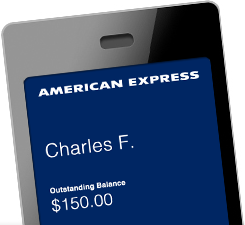
Taking the American Express Passbook pass for a spin

Want a quick and easy way to access recent purchases and account balances made with your American Express card? If you're running iOS 6, then you can now do so with Passbook.

First of all, just to clear up any misconceptions, you can't actually purchase goods via Amex using Passbook — that functionality doesn't yet exist. What you can do, though, is sync your Amex card with Passbook to access the convenient features mentioned above — balances, recent transactions, and the like.

As someone who uses Amex exclusively for almost every purchase, large and small, I've been anxious to try out Amex's Passbook offering ever since it was first announced that they were on board. Here's what I found...

AntiTint removes the status bar tint in iOS 6

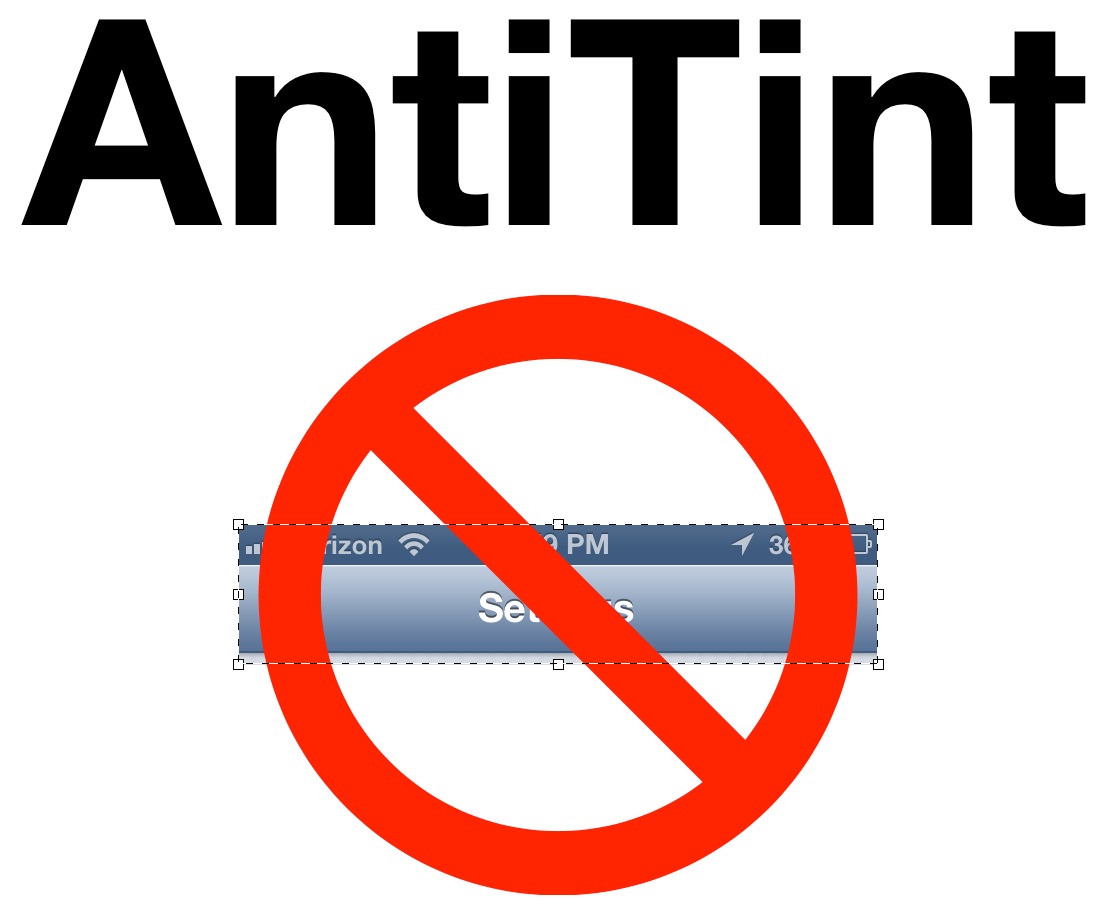
AntiTint is a recently released jailbreak tweak from Ryan Petrich that sets out to do one thing — remove the status bar tint found in iOS 6.

New with iOS 6 came the ability for a developer to tint the status bar to match or accent the color of the rest of their app. Many people have found this to be annoying, and would like to go back to the black status bars predominately featured in iOS versions prior to iOS 6.

If you're jailbroken, then doing so is as easy as installing this tweak. Take a look inside to see how it works...

AquaBoard brings water inspired effects to the Home screen and Lock screen

AquaBoard is a new tweak that allows you to add water effects to your iPad or iPhone. The effects can take place on your Home screen or Lock screen, or can be relegated to just one of the two.

Included with AquaBoard are numerous animations, tweaks, and settings to fully customize the effect to your liking. It looks good on the iPhone, but as you'll see in our video walkthrough, it looks really good on the iPad...

Screens updated for iOS 6

Screens — one of our favorite VNC clients for the iPhone — has been updated with iPhone 5 support. Now, obviously, all apps will eventually be updated with iPhone 5 support, so why single out Screens? It's because the added real estate benefits the app in a major way, seeing as it's a remote desktop client.

Take a look inside as we showcase a couple comparison screenshots of the newly updated Screens.

Poll: Has your battery life improved with iOS 6?

After installing iOS 6, I've noticed a significant improvement with battery life on my iPhone 4S. Usually, I'm not someone who really likes to talk about battery life, as I'm always near a charger during the day.

I'm certainly not one of those that tends to either complain or rave over battery life. To me, it is what it is.

But I've noticed such an improvement with battery life on my iPhone 4S after installing iOS 6, that I just had to talk about it. It's way better, like, by a big margin. So the question stands to be asked, how is your battery life on iOS 6? Has it improved?

iPhone 5 vs iPhone 4S Screen – Stock Apps Comparison

If you've yet to lay eyes on an iPhone 5, or compare the iPhone 5 to stock apps running on lesser iPhone hardware, then this video is for you.

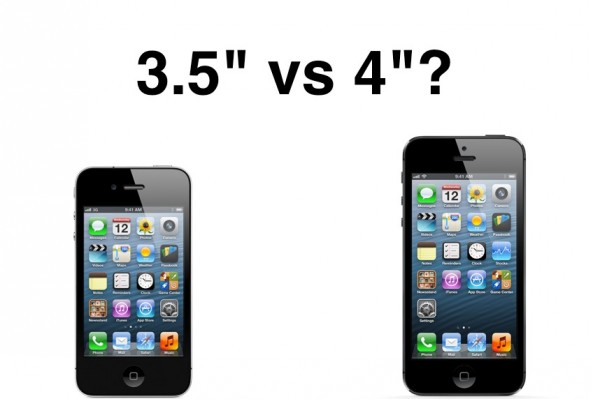
Inside, we take a look at the majority of the stock iPhone apps, and compare them side-by-side running on the iPhone 5 and iPhone 4S hardware. Besides the obvious added spacing, most of the differences are fairly subtle.

One thing you will notice, however, is that keyboard keys are slightly larger, and there's more room on screen to see content like messages, and message composition panes. Simply put, once you get used to the iPhone 5's roomier screen, anything less seems claustrophobic.

Google Chrome updated with iPhone 5 support

My favorite iOS browser, Google Chrome, has been updated to support the larger screen size of the iPhone 5. The update accompanies iOS 6 compatibility, as well as the often included stability and security improvements.

All of you who were using Safari in the interim, can now return to your regularly scheduled program.

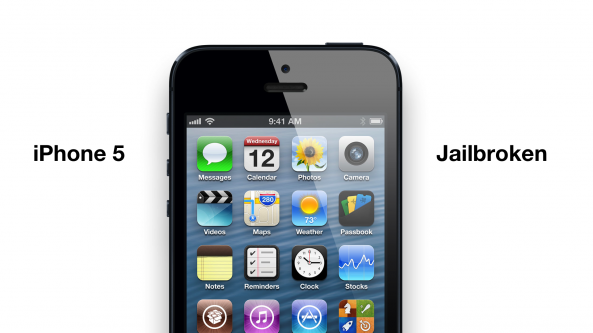
iPhone 5 jailbroken

It looks like Grant Paul, aka Chpwn, is in possession of a jailbroken iPhone 5.

We can't really say much more, other than the fact that he posted a screenshot of Cydia running on the iPhone 5 a few moments ago. More details of the exciting news inside...

The iPhone 5 Weather app can function as a world clock

Hmm, what to do with all of that extra screen real estate? How about adding a clock?

For every city you have added to the Weather app, you can now quickly tell the time in that location, courtesy of a new clock positioned right beneath the name of said location.

There are some other subtle differences between the Weather app on the iPhone 5, and previous iPhones as well. Take a look inside as we break it down for you...

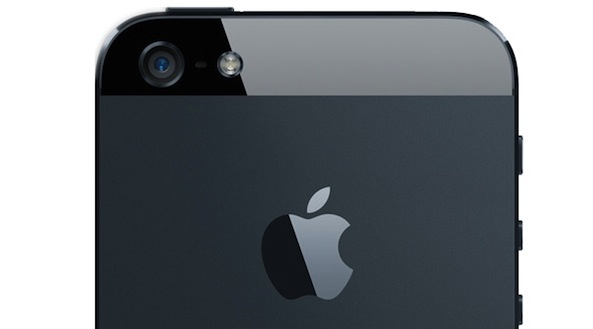
The iPhone 5 camera’s low-light ability is pretty amazing

At first glance, it may appear that your photos look the same when taken with either the iPhone 5 or the iPhone 4S. It may even lead you to believe that there is no difference at all between the two cameras.

But try taking a photo in a low-light situation, and one thing becomes readily apparent; the iPhone 5 is far superior when it comes to snapping photos in low-light. Take a look inside, as we compare the iPhone 4S with the iPhone 5's low-light photo taking capabilities...