Anthony Bouchard

Anthony Bouchard joined the iDownloadBlog.com team in 2016 after originally covering Apple and iPhone jailbreak news at ModMyi.com. As an experienced editor, he brings more than 15 years’ worth of jailbreaking knowledge to our in-depth guides, opinion pieces, and news articles. His passion for device customization and user choice sparks his strong push to empower readers with the tools they need to explore and enjoy the freedom that comes with jailbreaking. Anthony blogs about not only jailbreaking, but also Apple software & accessories, drones & photography, and Nintendo gaming systems. Anthony honed his advanced technical knowledge over the years with hands-on projects ranging from gaming PC builds to engine repair mechanics. His never-ending hunger for knowledge is why you’ll always find him tinkering – tearing things apart and putting them back together to understand what makes them tick.

Some of the best jailbreak tweaks for iOS 14’s Home Screen

We’ve been on a mission to showcase some the best jailbreak tweaks for different areas of the iOS & iPadOS 14 mobile operating systems for the past several weeks, and we’ve already discussed our favorites for things like Control Center, the Messages app, and the Now Playing interface.

But there’s still a lot more to cover, and that’s why this time we’ll be taking a closer look at some of the best jailbreak tweaks for the Home Screen on iOS & iPadOS 14.
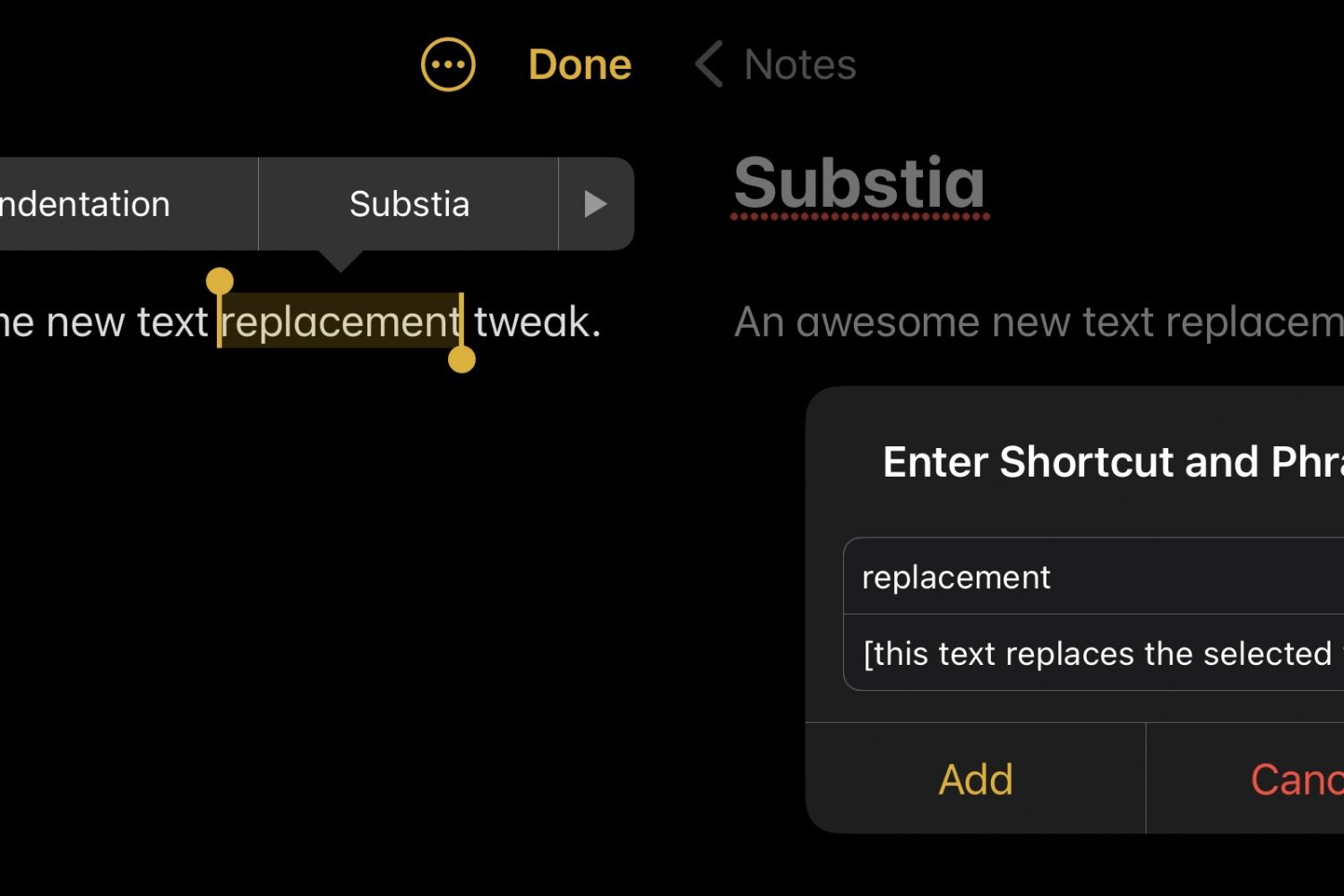
Substia upgrades iOS’ text replacement feature, making it more accessible

Shortcuts that help you do things with less effort can be a godsend, especially when it comes to being productive on a small and often cramped device like an iPhone.

That’s one of the reasons why I enjoy taking full advantage of iOS’ Text Replacement feature whenever I can. The only problem with it is that you’ll find yourself inconveniently navigating to Settings → General → Keyboard → Text Replacement to manage (add or remove) your text shortcuts.

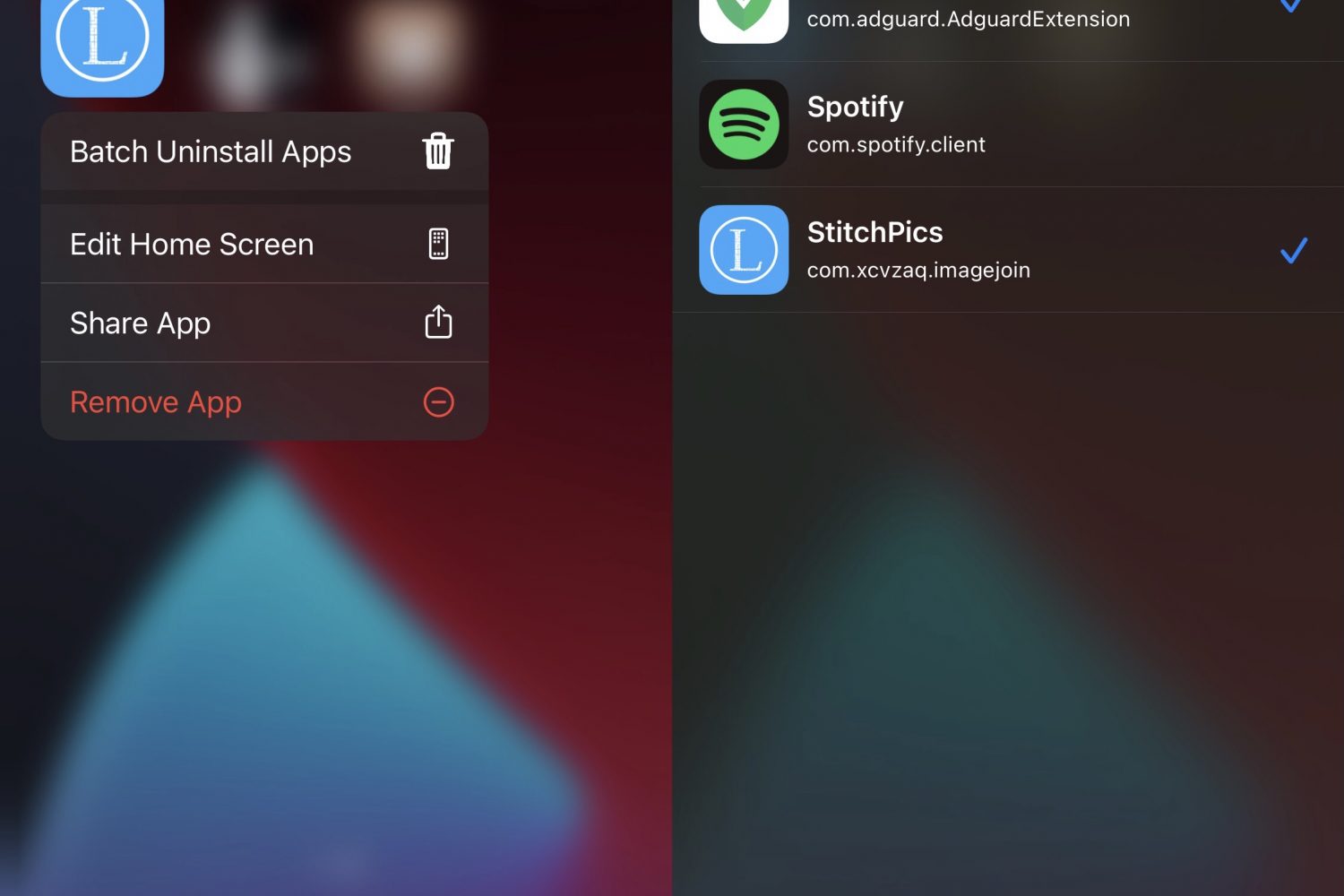
This tweak adds the Magnifier app to any jailbroken iPhone’s Home Screen like iOS 15

All iPhones incorporate a magnifier interface that can enlarge things for the hard at seeing. It tends to be useful for getting a closer look at fine text on a sheet of paper such as a book or shopping receipt.

In iOS 14 and earlier, the Magnifier interface can be summoned via accessibility using Control Center or a manually planted Home Screen icon. However starting with iOS 15, the Magnifier interface debuts as a standalone app on the Home Screen right out of the box.

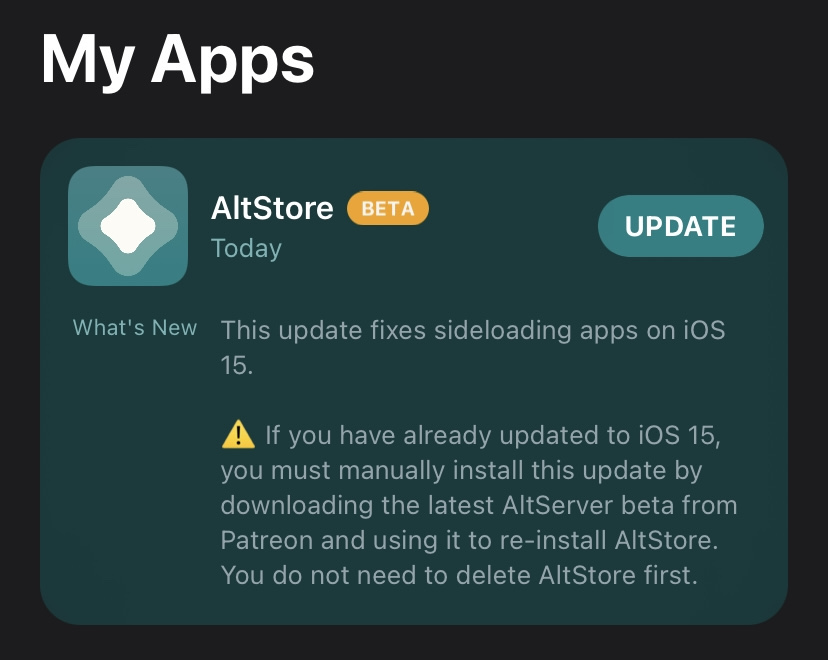
New AltStore beta available with preliminary support for side-loading apps on iOS 15

Last week’s WWDC 2021 Keynote address was chock-full of goodies for iPhone and iPad users, including iOS & iPadOS 15 and the new features they promise for these types of devices.

Developers and beta testers alike rushed to be among the first to download and install the iOS & iPadOS 15 betas after the Keynote ended. Shortly after, we learned that the popular AltStore side-loading platform didn’t work on iOS & iPadOS 15 and that it would necessitate an update to work with Apple’s upcoming operating systems.

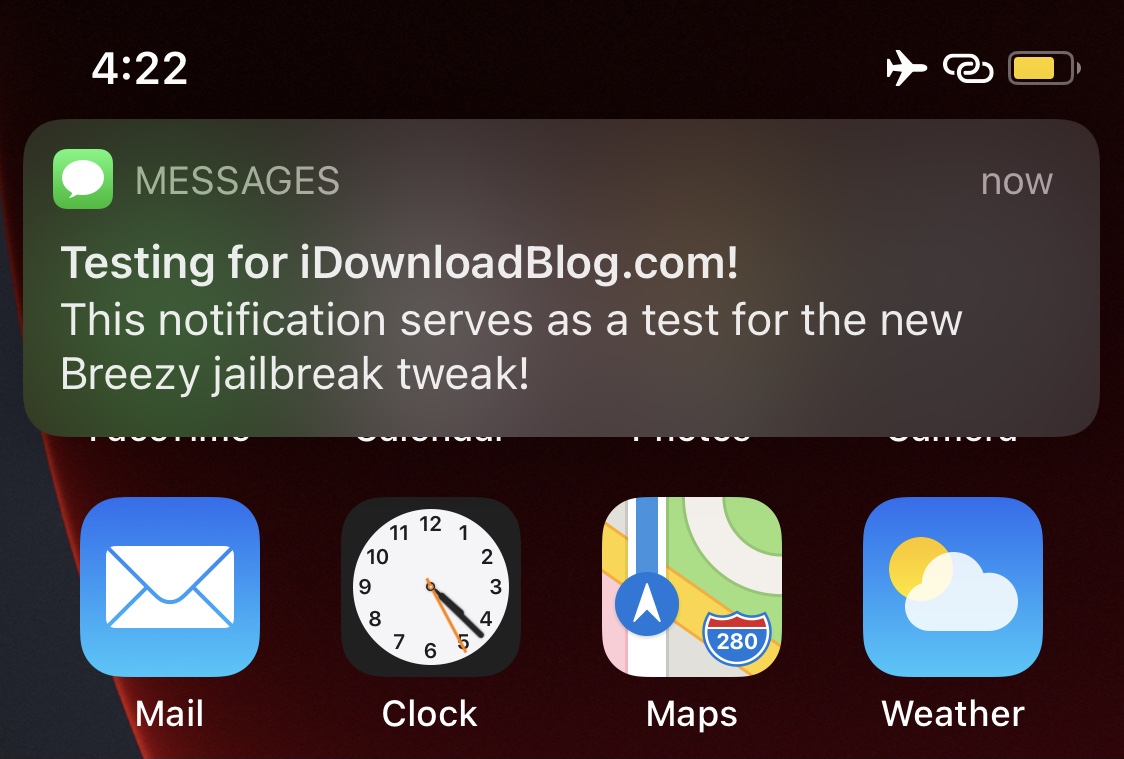
Invoke a fake notification to get out of a pinch with Breezy

Most people can relate to being involved in one of those awkward social situations where they just can’t wait to get up and leave, but they don’t have a good reason to and don’t want to come off as rude.

Having said that, a newly released and free jailbreak tweak called Breezy by titand3v can offer assistance in this department, as it lets you create fake, yet convincing notifications that can make it look like you’re needed somewhere else.

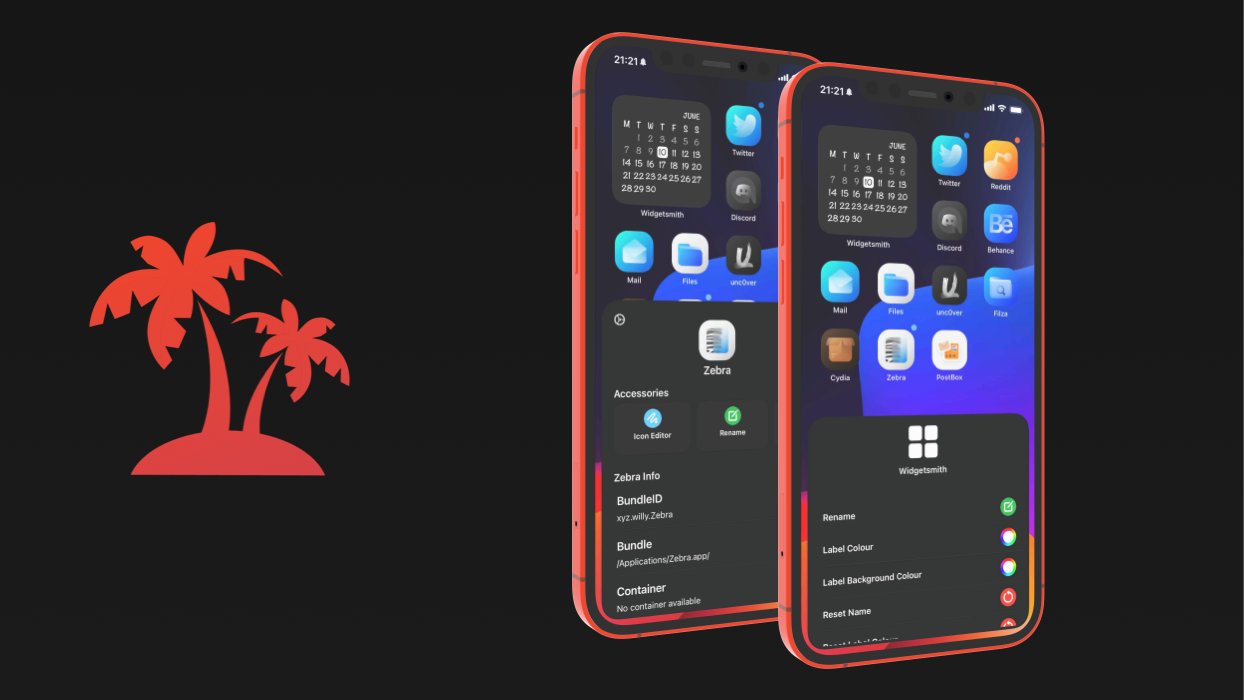
Jailbreakers can achieve the Home Screen of their dreams with Paradise

If you’re looking to accomplish a custom Home Screen setup on your iPhone or iPad, then your typical options include shifting app icons to different pages or organizing them into folders. You’d be hard-pressed to customize much else, as Apple doesn’t offer many other options.

This apparent shortcoming has left the jailbreak community to do what it does best: break down Apple’s unfortunate customizability barriers by offering end users a slew of options for achieving unique Home Screen aesthetics that no one else will have – especially not those using stock, non-jailbroken handsets.

Some of the best jailbreak tweaks for iOS 14’s Now Playing interface

Continuing our unrelenting coverage of jailbreak tweak releases and pwnage news at iDownloadBlog, we’re coming back at you this week with yet another addition to our new micro series of posts showcasing some of the best jailbreak tweaks for personalizing a particular component of the iOS 14 mobile operating system.

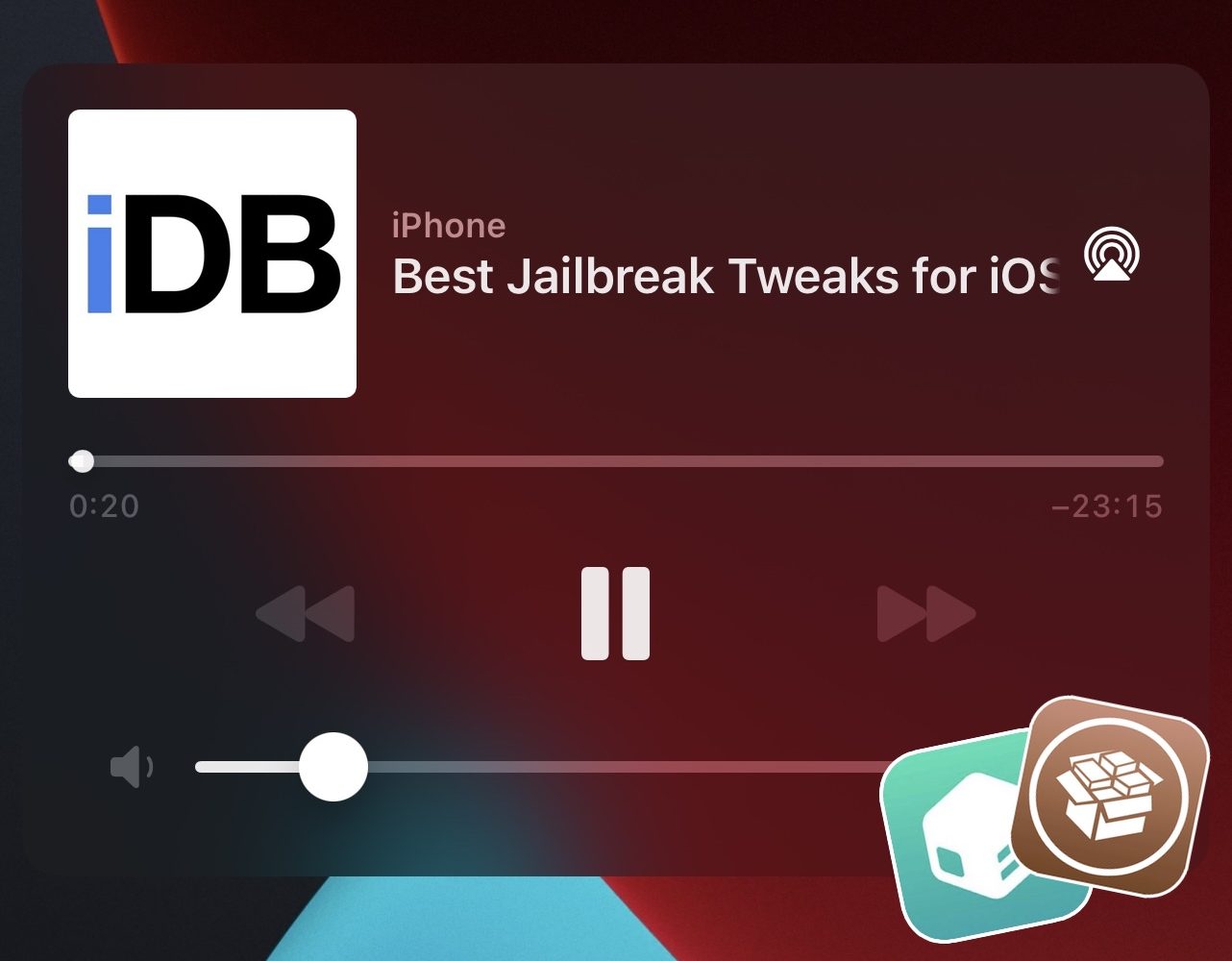
We’ve already dove into the likes of Control Center and the Messages app, but this week we’ll be focusing on the Music component of pwned handsets by showcasing some of the best jailbreak tweaks for iOS 14’s Now Playing interface.