Anthony Bouchard joined the iDownloadBlog.com team in 2016 after originally covering Apple and iPhone jailbreak news at ModMyi.com. As an experienced editor, he brings more than 15 years’ worth of jailbreaking knowledge to our in-depth guides, opinion pieces, and news articles. His passion for device customization and user choice sparks his strong push to empower readers with the tools they need to explore and enjoy the freedom that comes with jailbreaking. Anthony blogs about not only jailbreaking, but also Apple software & accessories, drones & photography, and Nintendo gaming systems. Anthony honed his advanced technical knowledge over the years with hands-on projects ranging from gaming PC builds to engine repair mechanics. His never-ending hunger for knowledge is why you’ll always find him tinkering – tearing things apart and putting them back together to understand what makes them tick.
It’s absolutely frustrating when your iPhone’s battery dies on you mid-game or while watching the climax of your favorite movie. Having said that, don’t you sometimes wish you had enough of a heads up to run and fetch your charger before that happens?
If you jailbroke your iOS or iPadOS 13 device with the Odyssey tool and decided that it’s time to remove your jailbreak, either to revert to a vanilla installation of the operating system or for the purpose of starting over with a fresh jailbreak installation, then the Odyssey app’s built-in Restore RoofFS feature will come in handy.
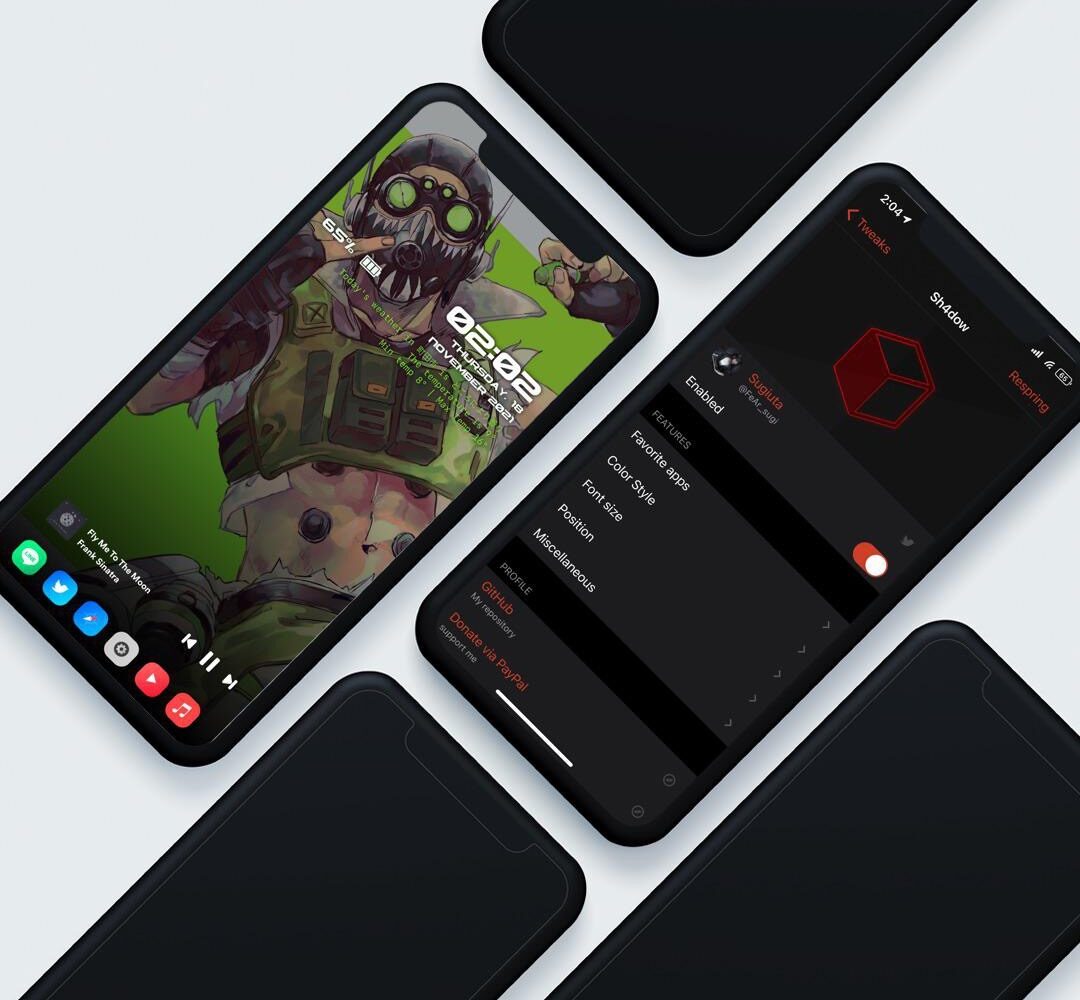
Apple hasn’t done all that much to make the iPhone’s Lock Screen any different in the past several iterations of iOS. Having said that, anyone feeling even slightly thirsty for something different might find a newly released jailbreak tweak dubbed Sh4dow by iOS developer sugiuta to be refreshing sight.
It was only around two weeks ago that we showed you a jailbreak called dubbed Axe that upgraded the Status Bar’s battery level indicator with a slow-shifting color based on the percentage of your battery.
With all the apps out there that like to pry at your device’s location all the time, it’s no wonder that jailbreakers take their handset’s location service usage very seriously.
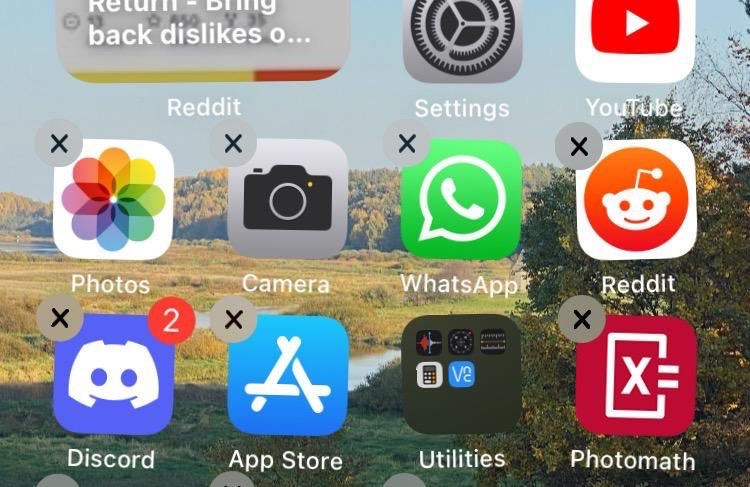
The process of deleting apps from your iPhone or iPad’s Home Screen has changed slightly over the years, as the user must now navigate a Haptic Touch menu before entering ‘jiggle’ mode to reveal the app deletion buttons.
You might’ve caught wind recently about YouTube changing how the Dislike button works on its platform. In fact, the changes are already live for users.
While I’ve always enjoyed having a background behind my iPhone’s Home Screen Dock, the fact remains that there are a substantial number of jailbreakers that partake in even more extreme forms of minimalism than me.
Looking for fun and exciting things to do with your jailbroken or soon-to-be jailbroken handset? Don’t worry, because your friends at iDownloadBlog have you covered!
You can find most types of information specific to your iPhone or iPad in the native Settings app, but some tidbits of information are expressly hidden from users because Apple simply thinks it’s better that way.
Jailbreaking your iPhone is a fun way to extend the device’s feature set or customize the operating system’s aesthetics in complex ways that simply aren’t possible out of the box.
Many Taurine jailbreak users are content with how their iPhones and iPads turn out post-jailbreak. But if for any reason you decide to revert to a vanilla version of iOS or iPadOS 14 or perhaps even develop the urge to try a different jailbreak tool instead, it’s important to remember that you can use the Taurine jailbreak’s rootFS restore feature to roll your handset back to a pre-jailbroken state.