Anthony Bouchard joined the iDownloadBlog.com team in 2016 after originally covering Apple and iPhone jailbreak news at ModMyi.com. As an experienced editor, he brings more than 15 years’ worth of jailbreaking knowledge to our in-depth guides, opinion pieces, and news articles. His passion for device customization and user choice sparks his strong push to empower readers with the tools they need to explore and enjoy the freedom that comes with jailbreaking. Anthony blogs about not only jailbreaking, but also Apple software & accessories, drones & photography, and Nintendo gaming systems. Anthony honed his advanced technical knowledge over the years with hands-on projects ranging from gaming PC builds to engine repair mechanics. His never-ending hunger for knowledge is why you’ll always find him tinkering – tearing things apart and putting them back together to understand what makes them tick.
One thing I’ve always liked about jailbreaking is that I could improve the accessibility of outdoor weather condition information. Popular tweaks I’ve used in the past include Forecast and Meteor, but newer iterations of iOS most certainly call for newer solutions.
Starting with iPadOS 15, iPad users can do a whole lot more with their Home Screens than they could in iPadOS 14. That’s because Apple provided users with a more advanced Home Screen editing interface.
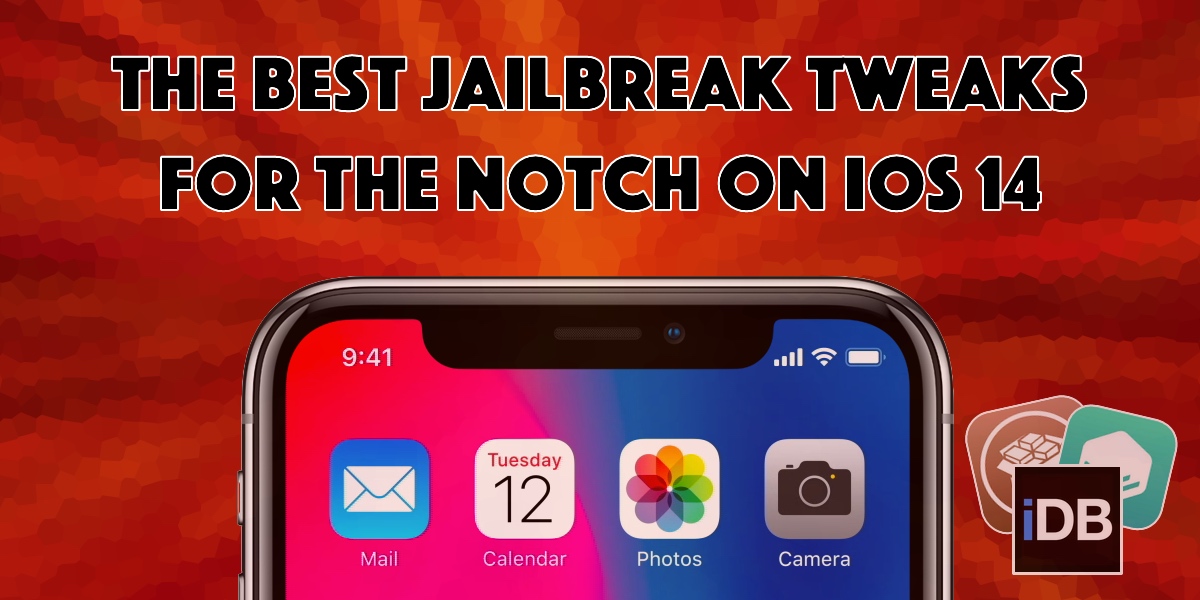
The notch has received both praise and criticism from avid iPhone users over the years. While some consider it an intriguing curvature in the display for housing the TrueDepth camera system, others find it a nuisance that hinders their display experience.
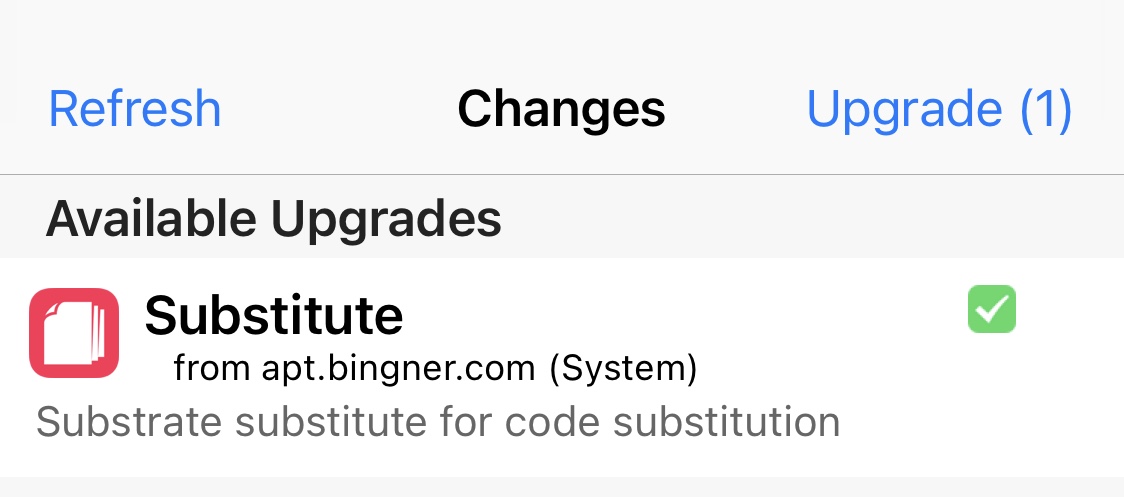
It would be a good idea for jailbreakers who take advantage of the Substitute tweak injection method to open their preferred package manager and refresh their sources this morning.
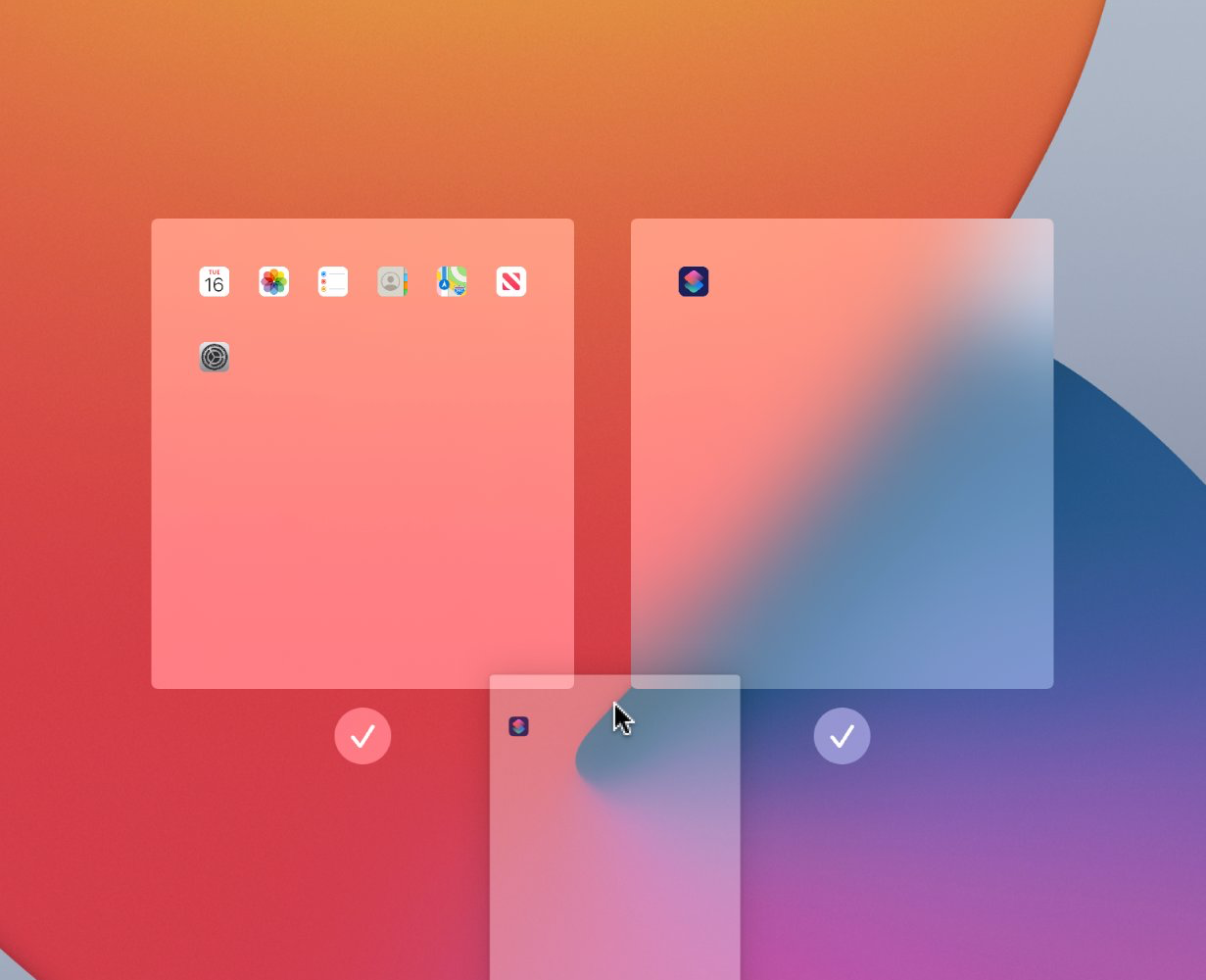
iOS 15 added a new feature that lets iPhone users rearrange their existing Home Screen pages to their heart’s content. While iOS 14 users can access the same editing interface from their Home Screen, they’ll notice that the rearrangement feature is notably missing.
Jailbreakers who’ve been at it for more than just a couple of seasons should recognize the Twitter handle @08Tc3wBB, as it belongs to a ZecOps security researcher touting a marvelous track record of infiltrating iOS and iPadOS.
It’s an exciting time to be a jailbreaker, whether you’re following Linus Henze’s Fugu14 untether development and what it spells out for existing iOS 14-centric jailbreak tools, or you’re hopeful of what becomes of all the latest kernel exploit teasers.
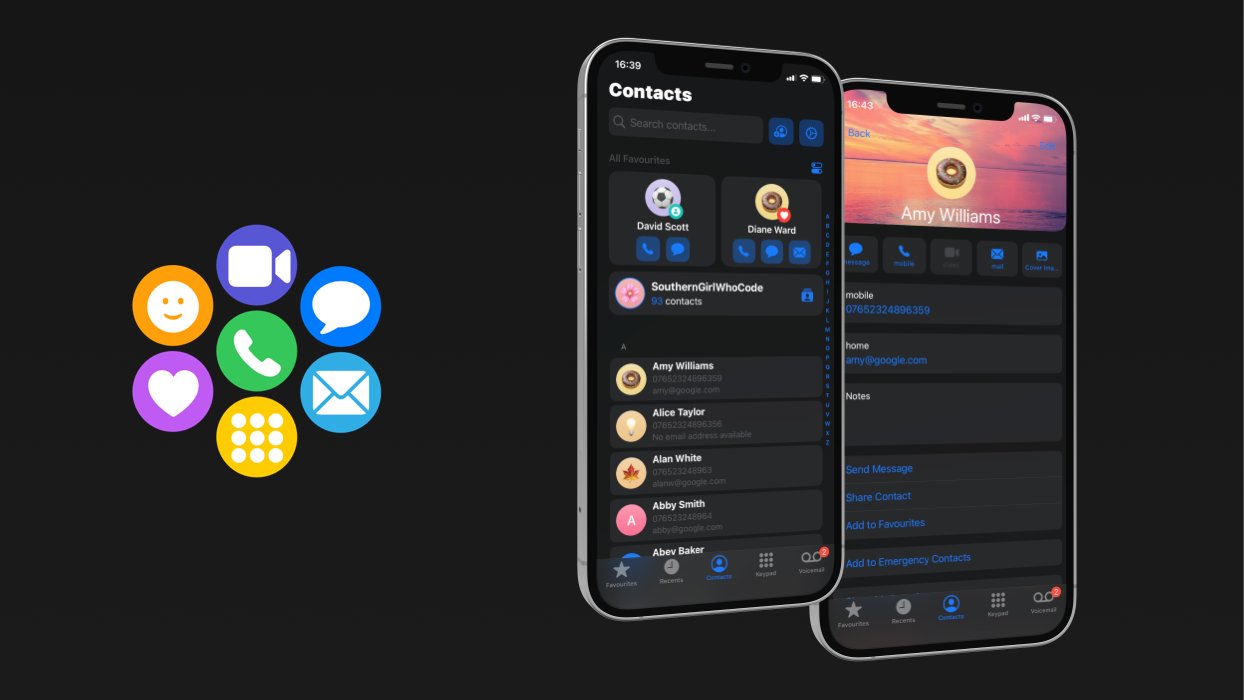
All iPhone users have the native Phone app pre-installed on their device from the factory. It’s the primary means of placing outgoing phone calls, whether you’re choosing from your contact list or dialing a phone number the manual way. But if one thing’s certain, it’s that the Phone app hasn’t changed much over the years.
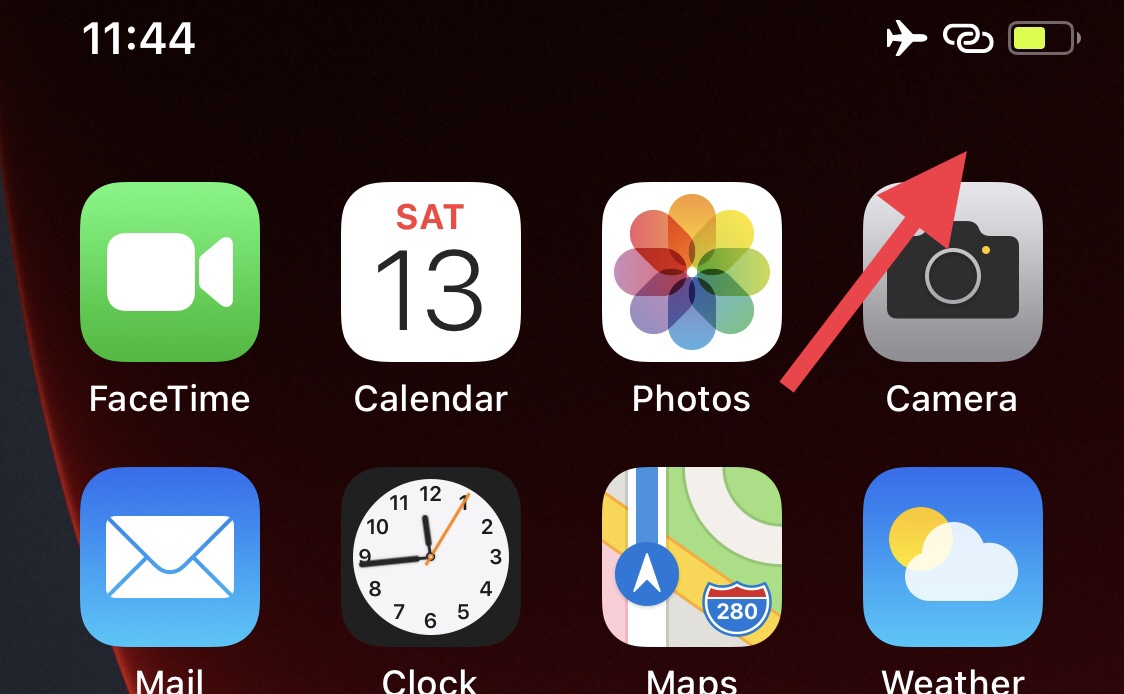
One thing I’ve noticed over the years about keeping a battery-powered wonder device in your pocket is that you tend to spend a lot of time peeking at the battery level to ensure it’s not going to die anytime soon.
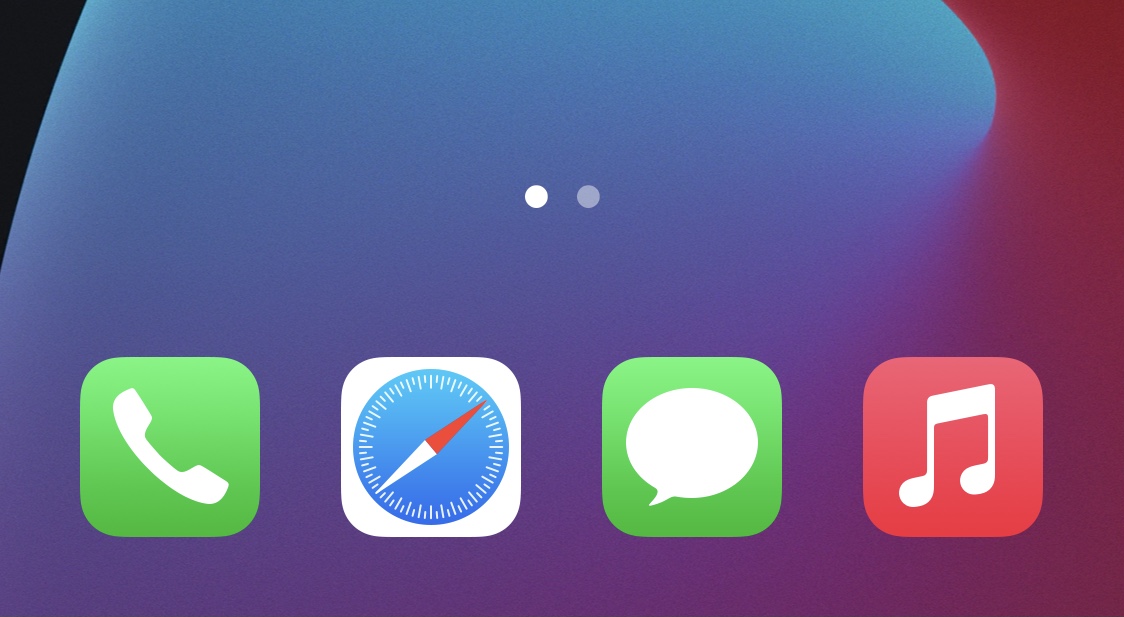
The Home Screen contains icons for every app you have on your iPhone, but a reserved place exists at the bottom of the Home Screen where for you to store shortcuts to your four favorite apps. We commonly refer to this the Dock.
After jailbreaking your iPhone or iPad, you’ll get most of your jailbreak tweaks and add-ons from dedicated repositories (or sources) that you access from a package manager app, such as Cydia. But then the inevitable happens; you find yourself plagued by unexpected error messages when trying to refresh your repository sources. Bummer, isn’t it?
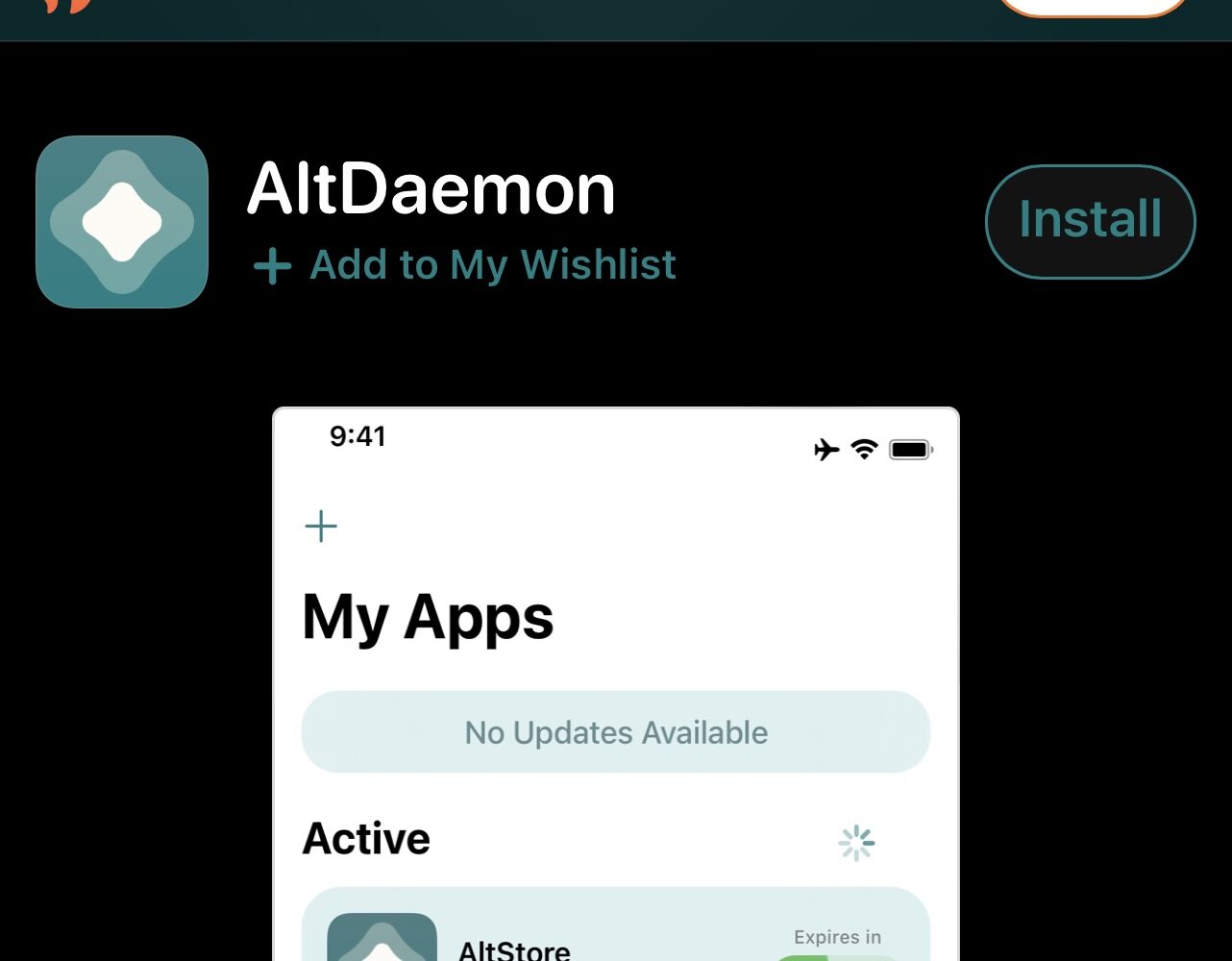
Jailbreakers of the modern day should be vividly familiar with AltDaemon, the useful utility for jailbroken iPhones and iPads that works in unison with AltStore to install, refresh, and update sideloaded apps without a computer.