In this handy tutorial, we’ll show you how to have the songs you identify using Shazam get automatically added to an Apple Music or Spotify playlist.
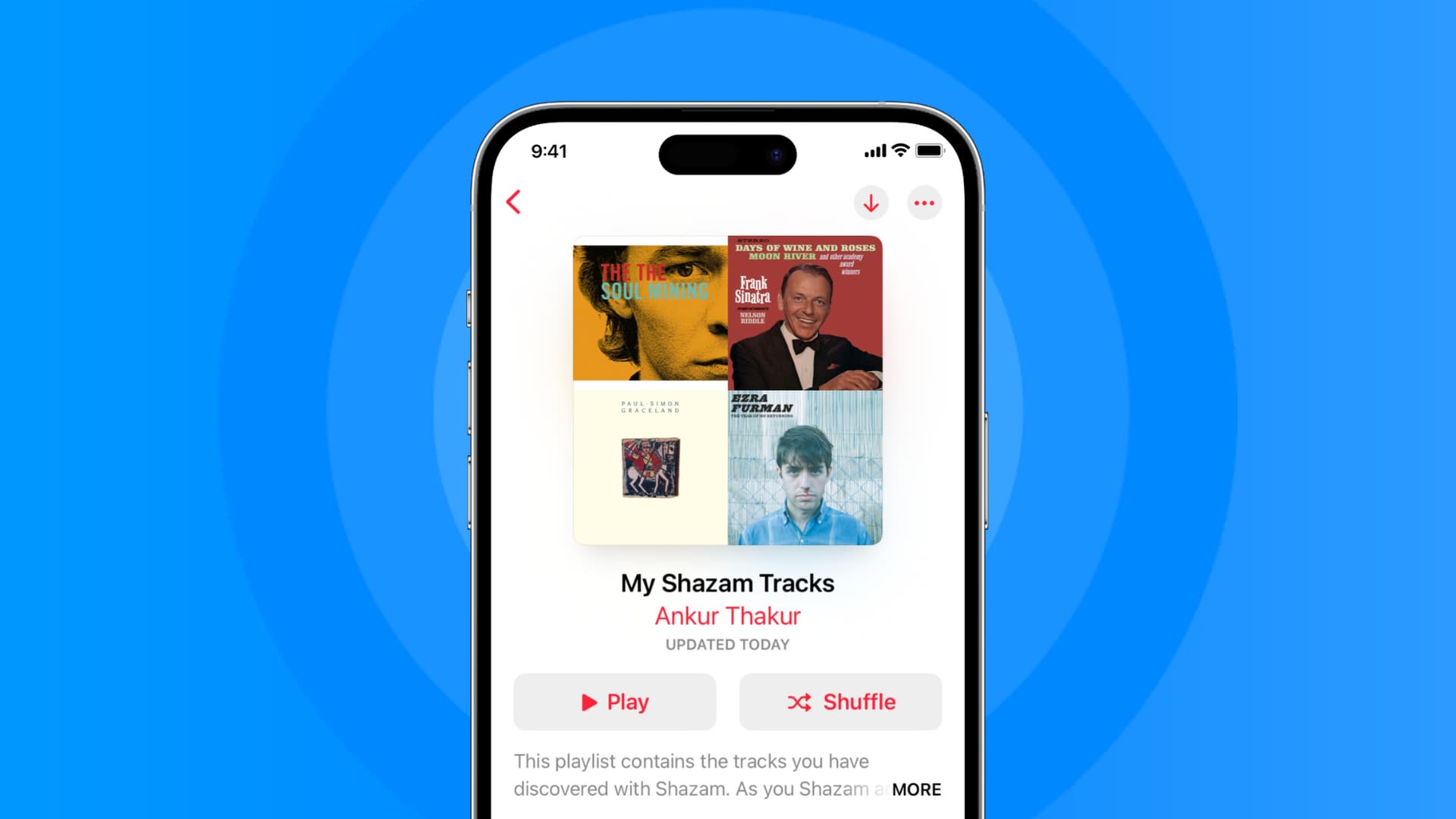
Once you identify a song with Shazam, you can easily find it later in the app.
But to make things frictionless and ensure you can listen to these tracks easily, you can have Shazam automatically create a new playlist called My Shazam Tracks in Apple Music or Spotify with all your discovered tracks. When you Shazam tracks in the future, they will automatically appear in that playlist inside your music app.
Create a playlist of all your Shazamed songs
When you open the Shazam app for the first time, you may see a card asking your permission to ‘Sync your Shazams to Apple Music?’ Simply tap OK, and you’re good to go.
You might also see a Shazam & Apple Music tile, and tapping it will show you how these two services can gel together. Simply tap SHARE, which will automatically add your Shazamed songs to a playlist in Apple Music.
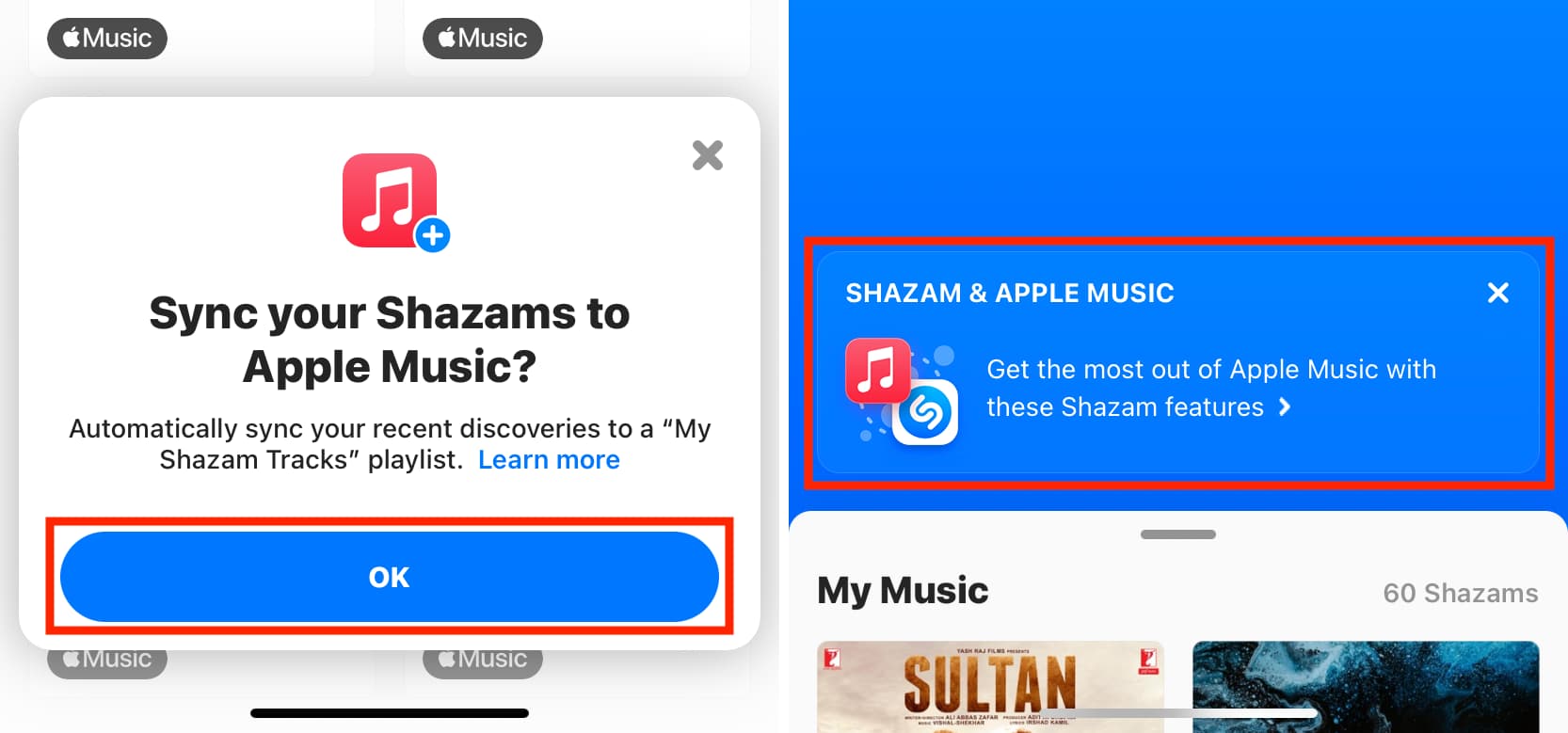
However, if you don’t see the prompts, follow these steps to create the playlist on Apple Music or Spotify:
- Download and open the Shazam app on your iPhone.
- Tap the gear icon in the top right corner.
- Turn on Sync your songs to Apple Music. You’ll see an alert from Shazam asking your permission to access Apple Music. Tap Allow to finish the process. If you want to create the playlist on Spotify, tap the Connect button and follow along.

Important: You can add your Shazamed songs either to Apple Music or Spotify, but not both.
After you have followed the above steps, go to the playlists section of the Music app or Spotify, and you’ll see a new playlist titled My Shazam Tracks. Tap it to see all the songs you have discovered using Shazam, including past tracks.
This playlist is (usually) updated in real-time: that is, if you Shazam another song, it will be added to the My Shazam Tracks playlist.
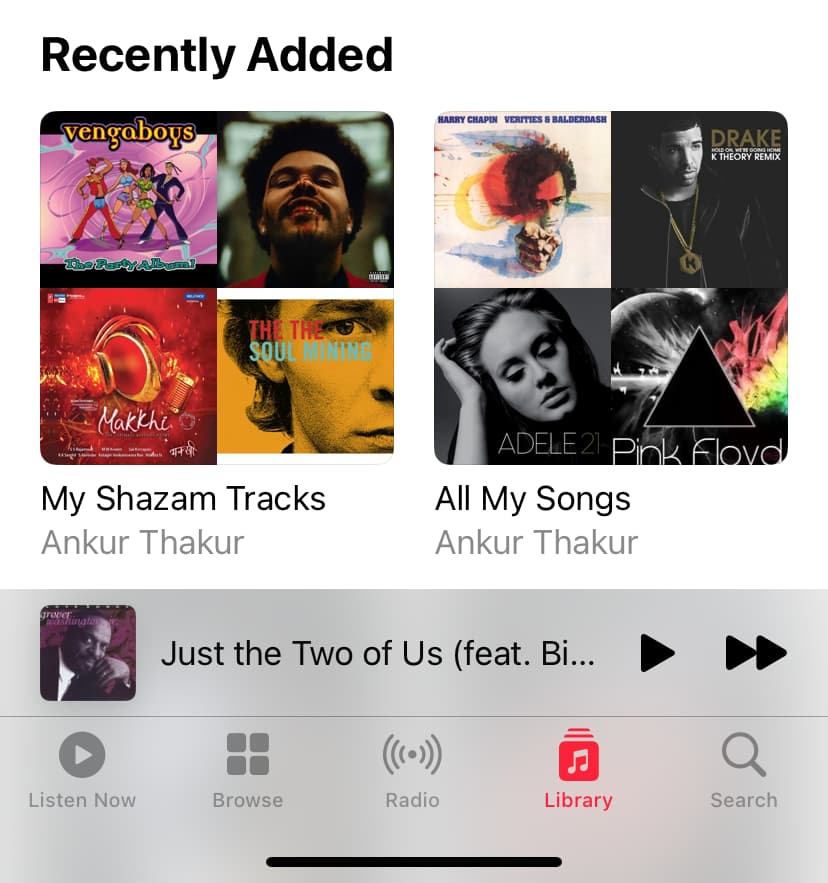
Is the Shazamed song also added to my Apple Music library?
Shazam just adds the identified song to a playlist. It doesn’t add them to your Apple Music library. If you want to add the song, tap the three dots button next to a song and pick Add to Library.
Note: If you Shazam the same song many times, it’s added repeatedly to the My Shazam Tracks playlist. This unnecessarily clutters the playlist.
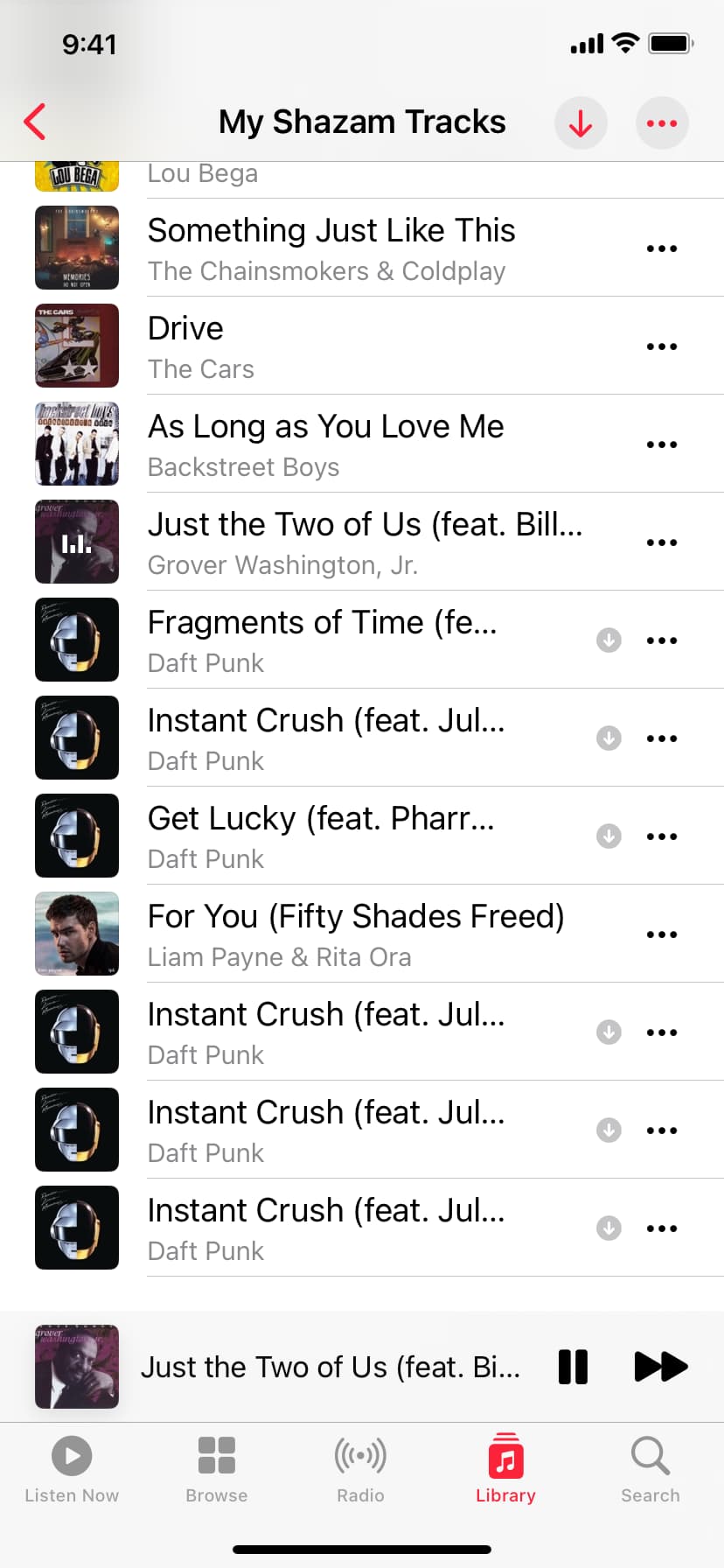
Manually add a Shazamed song to another playlist
As mentioned, the tracks you identify using Shazam will be auto-added to the My Shazam Tracks playlist. You don’t have to take any action. However, if you want to add a Shazamed song to any other playlist, you can do that straight from inside the Shazam app. Simply, tap the add to icon and select a playlist.
On a related note: