Apple wouldn't specify whether people who live outside the European Union (EU) will also be permitted to uninstall Safari from their iPhones.
Apple will let EU users uninstall Safari from iPhone & make switching browsers easier
Apple wouldn't specify whether people who live outside the European Union (EU) will also be permitted to uninstall Safari from their iPhones.
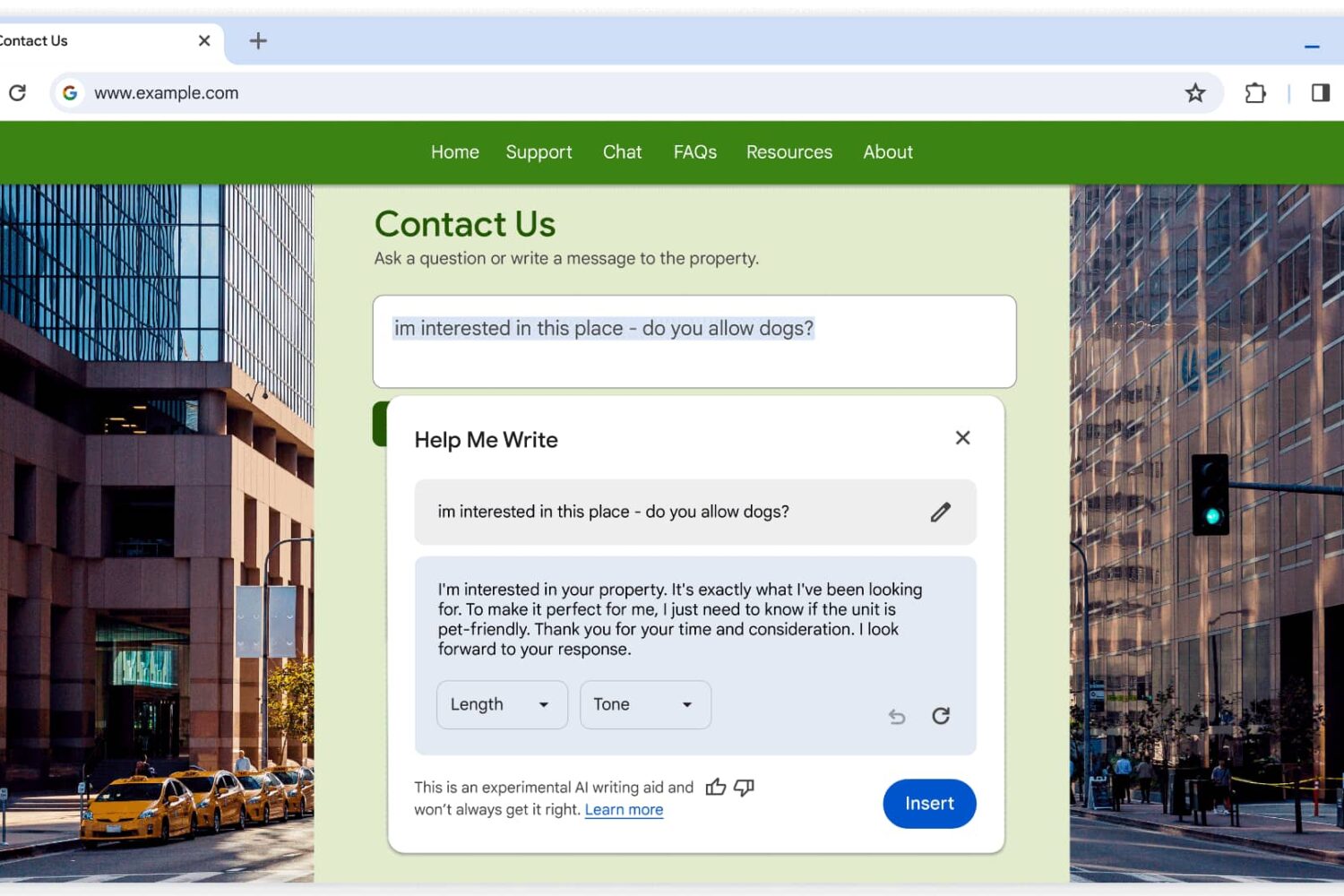
The new AI writing assistant in Chrome leverages Google’s latest Gemini model to help you write online reviews, support requests, product listings, etc.
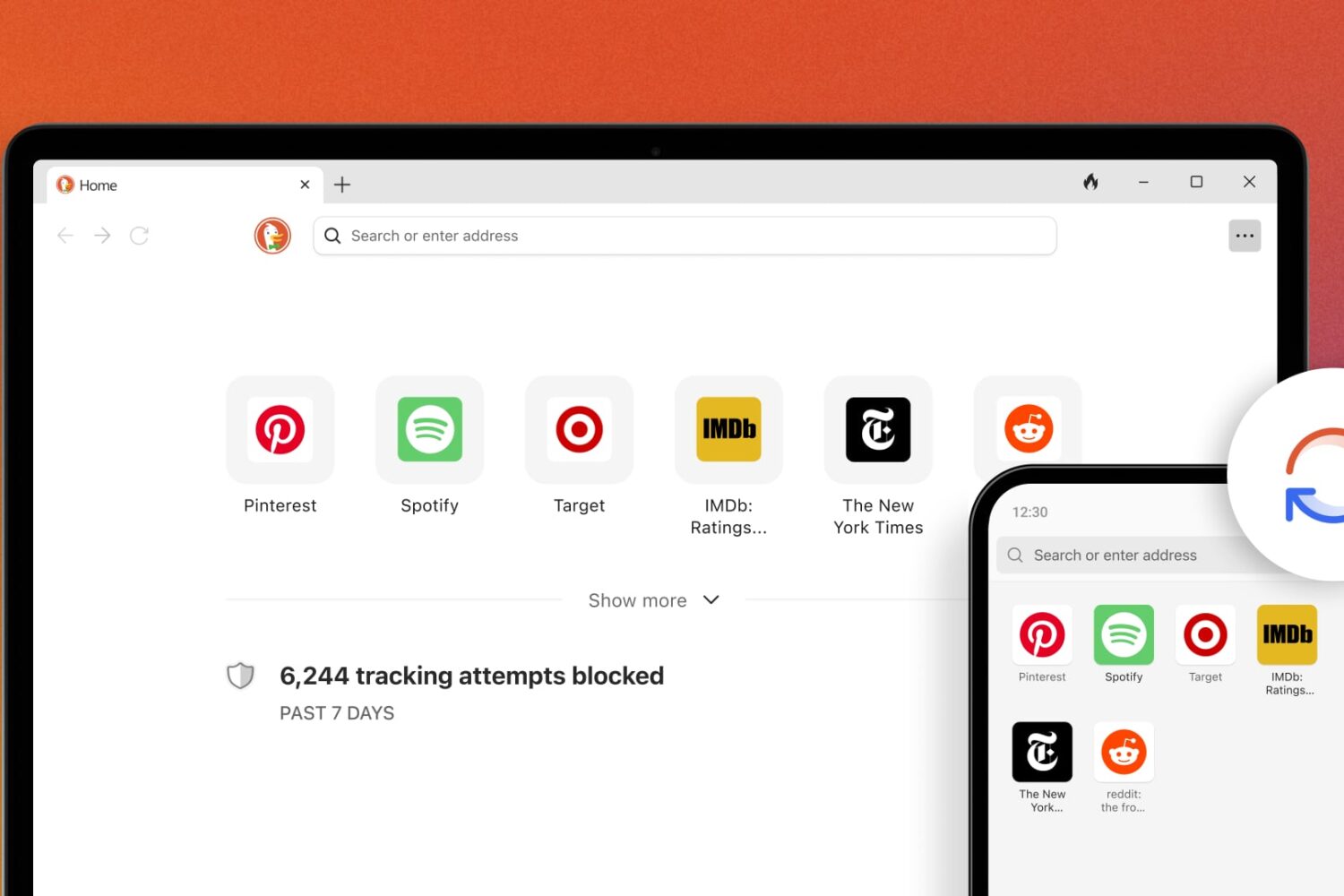
DuckDuckGo’s backup and sync feature doesn’t require an account, boosting your privacy compared with Chrome and other web browsers.
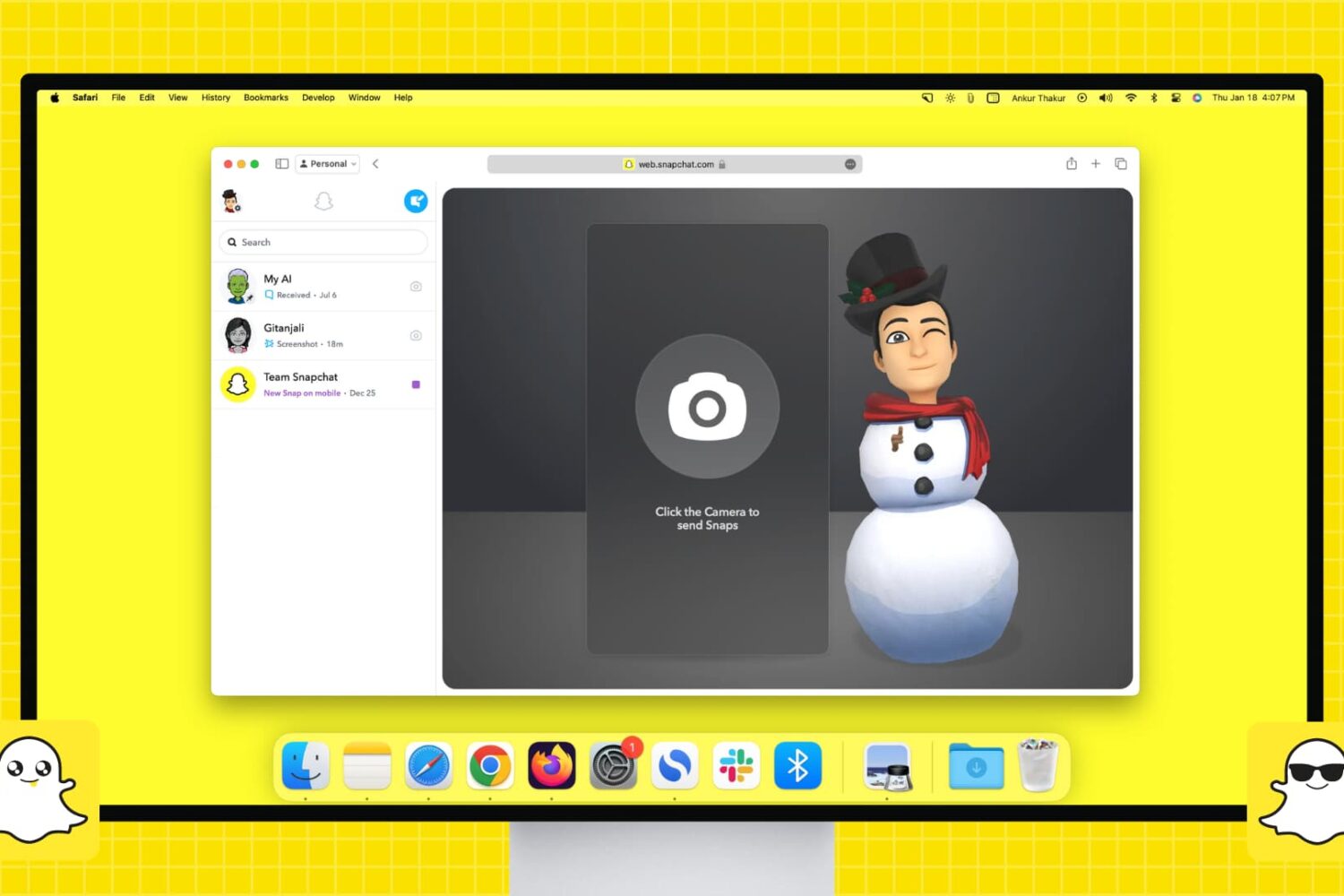
Do you use Snapchat on your iPhone or Android device and want that experience on your computer? Find out how to set up and use Snapchat on your Mac or Windows PC to chat and talk with friends or send them Snaps to keep your Snapchat streaks running and build up your Snapchat score.

Instead of building a native visionOS app, Netflix is taking a pass on Apple Vision Pro. Early adopters, get ready to use the Netflix web app in Safari or another browser.
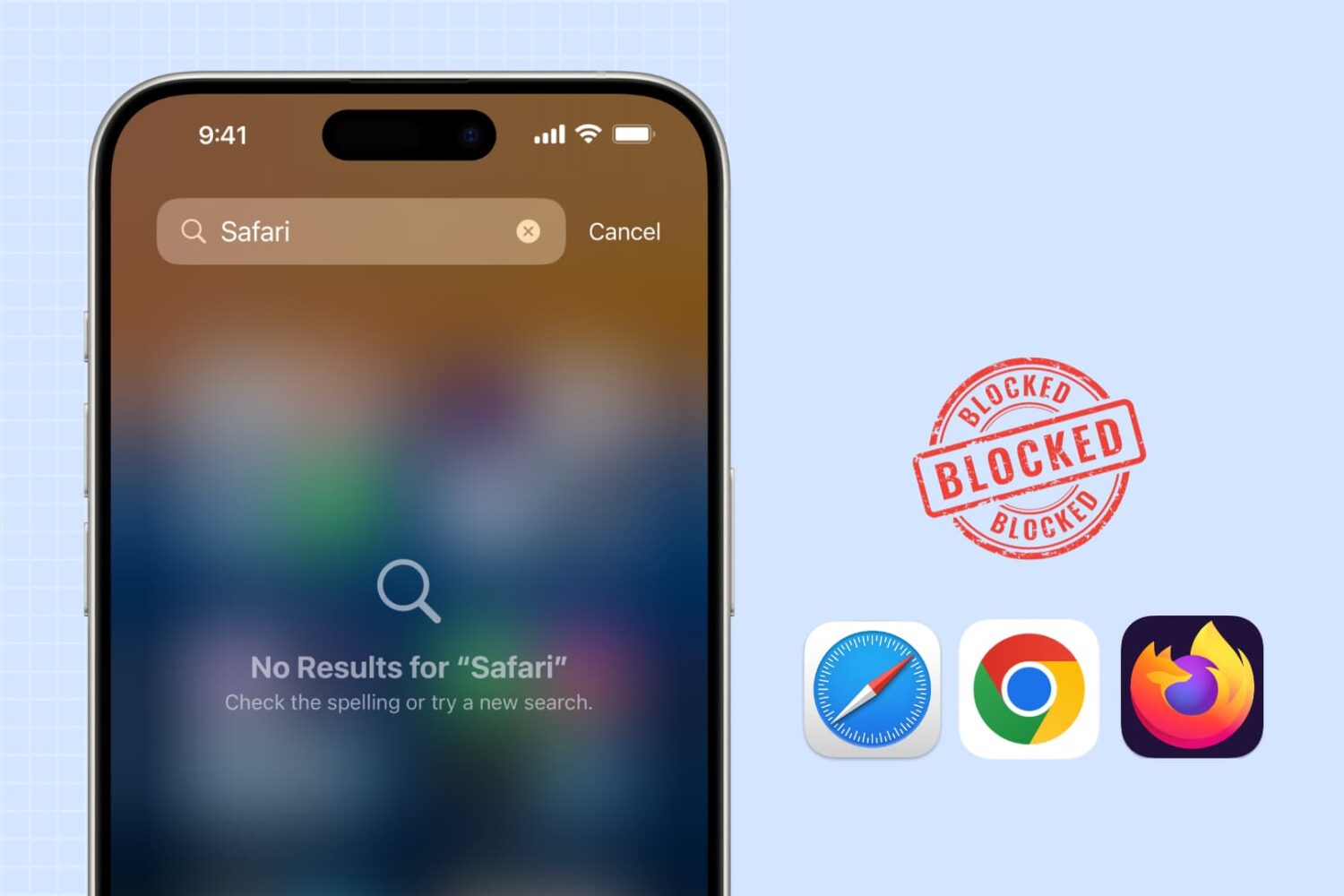
Learn how to block web browsing in Safari, Google Chrome, and other browsers to increase security, limit distractions, and protect children from inappropriate content on iPhone or iPad.
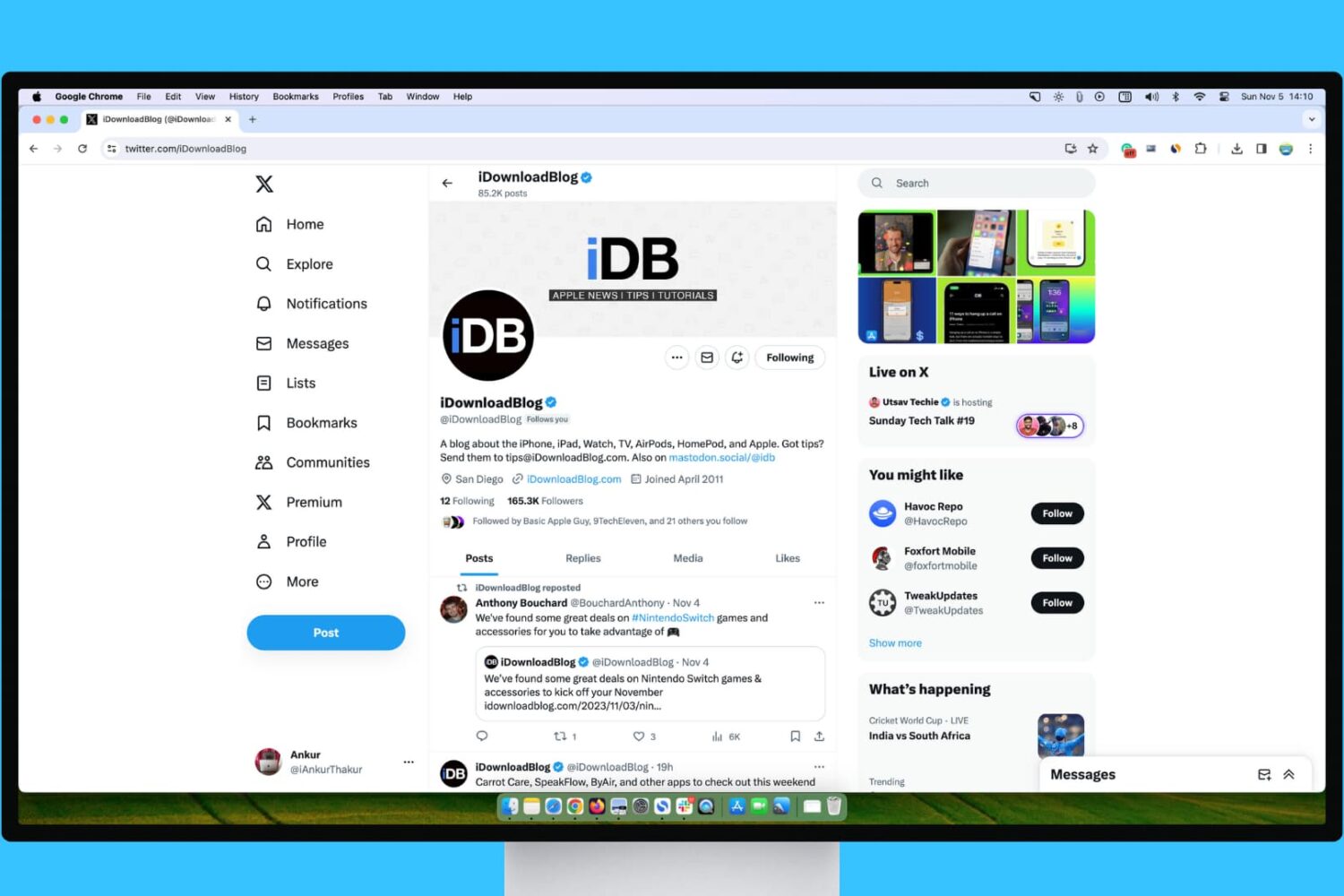
Learn what steps to take if your experience with X (Twitter) on your Mac or Windows PC isn’t up to par.
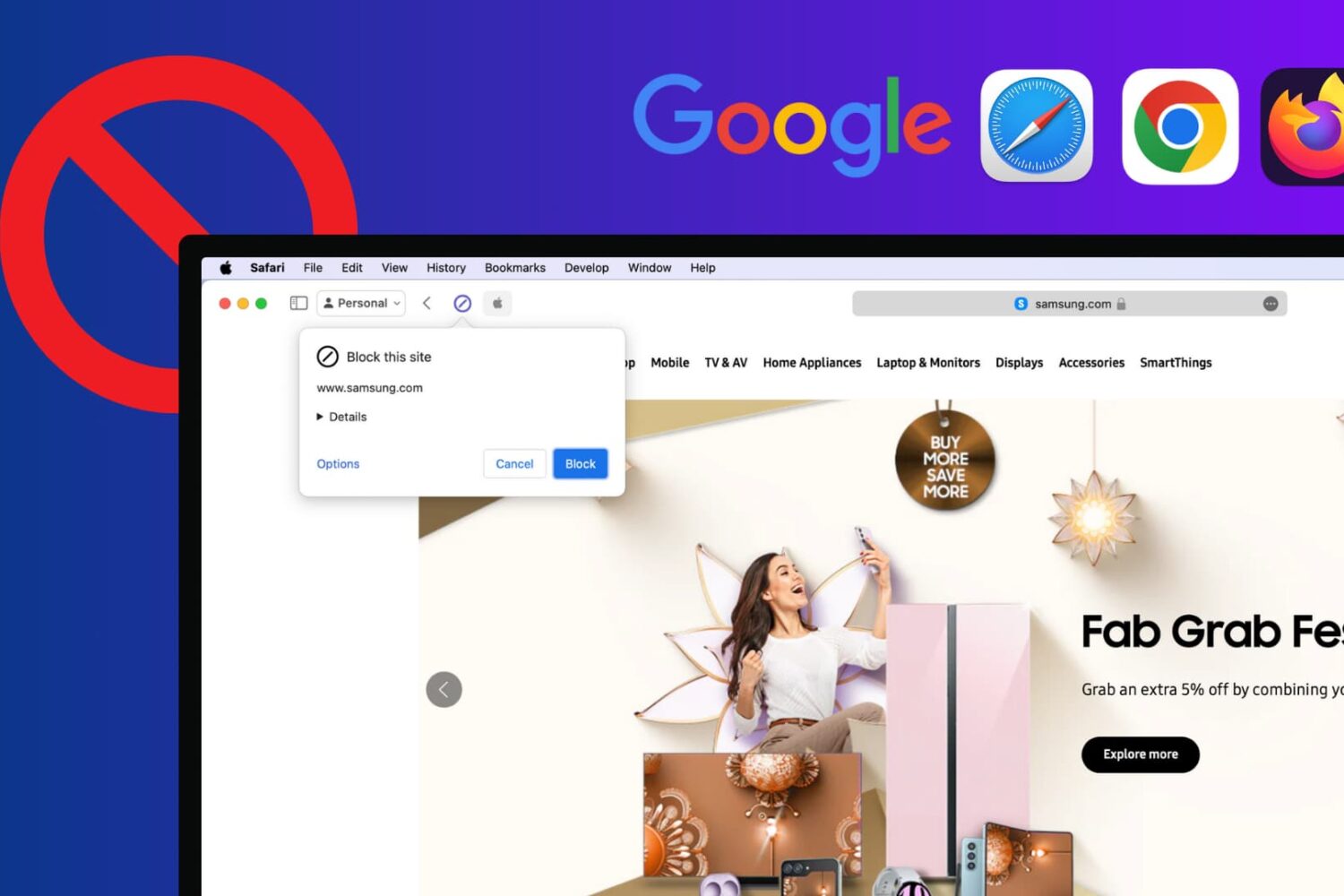
Learn how to block certain sites from showing up in Google results on Mac and Windows PC to refine your queries and improve your search experience.
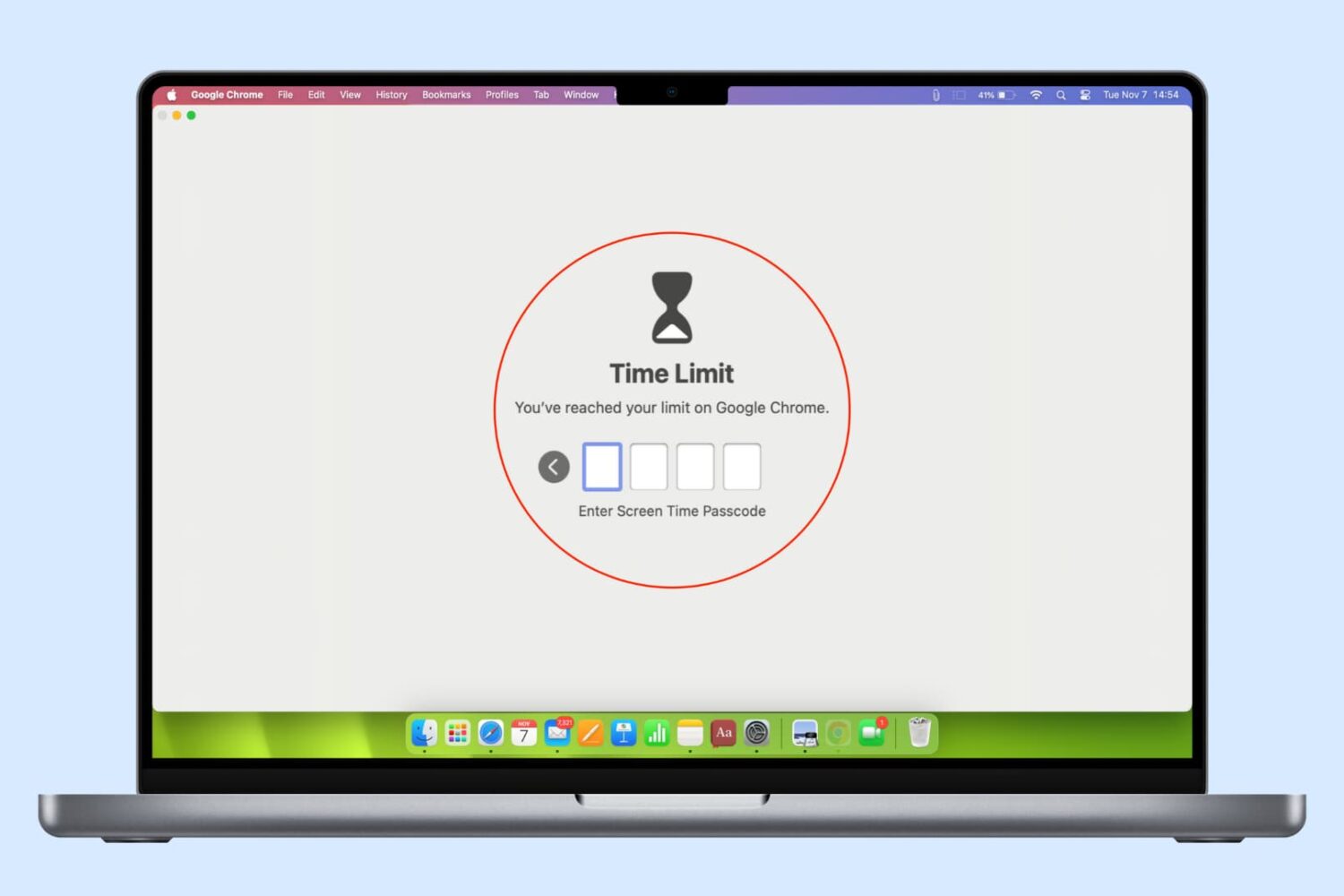
In this guide, we list several ways to keep your browser history, bookmarks, reading lists, passwords, and other sensitive data private by locking Google Chrome, Safari, or other web browsers on your computer.
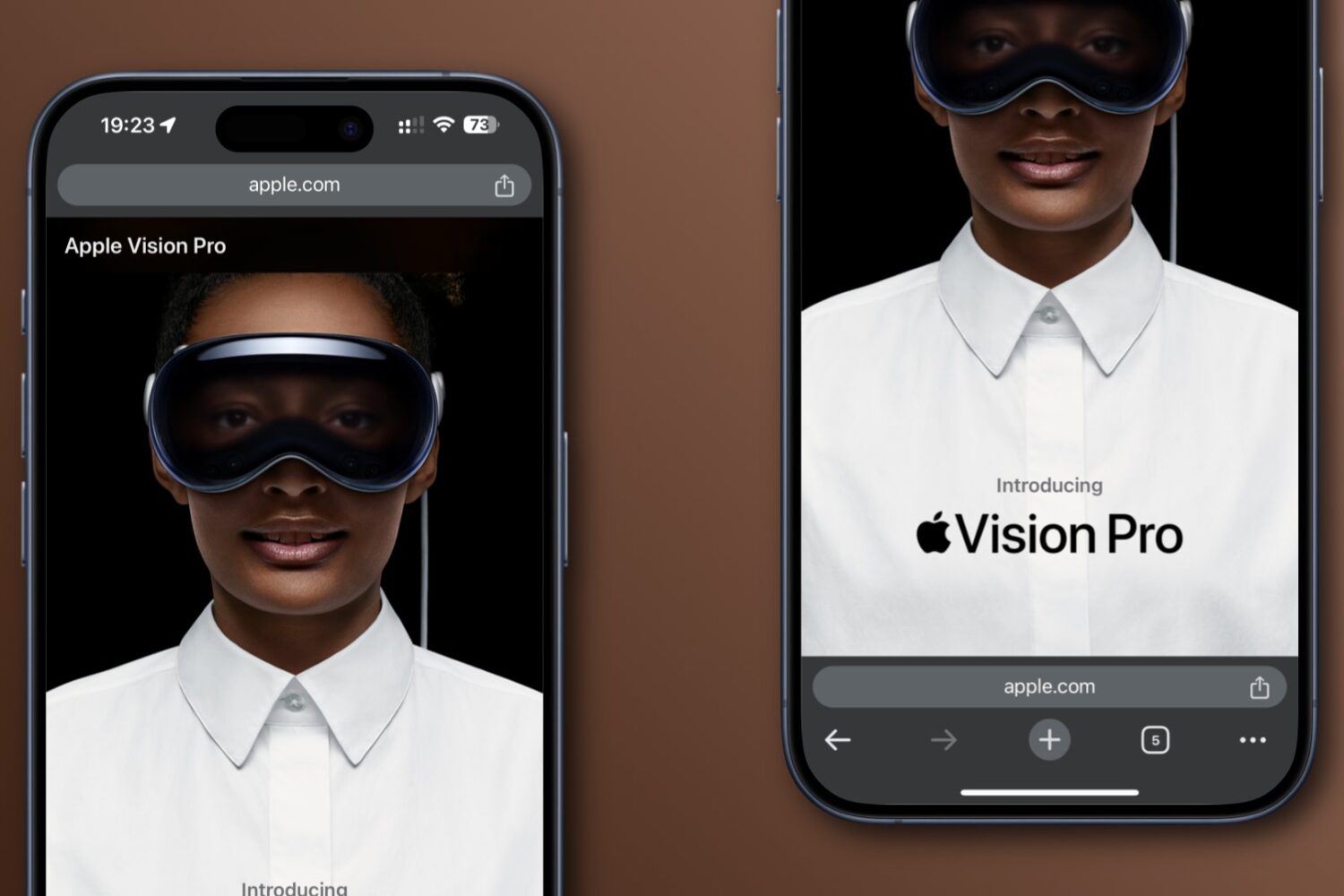
Learn how to move Google Chrome’s address bar from the default top position to the bottom of the screen for easy one-handed use on iPhone and Android.
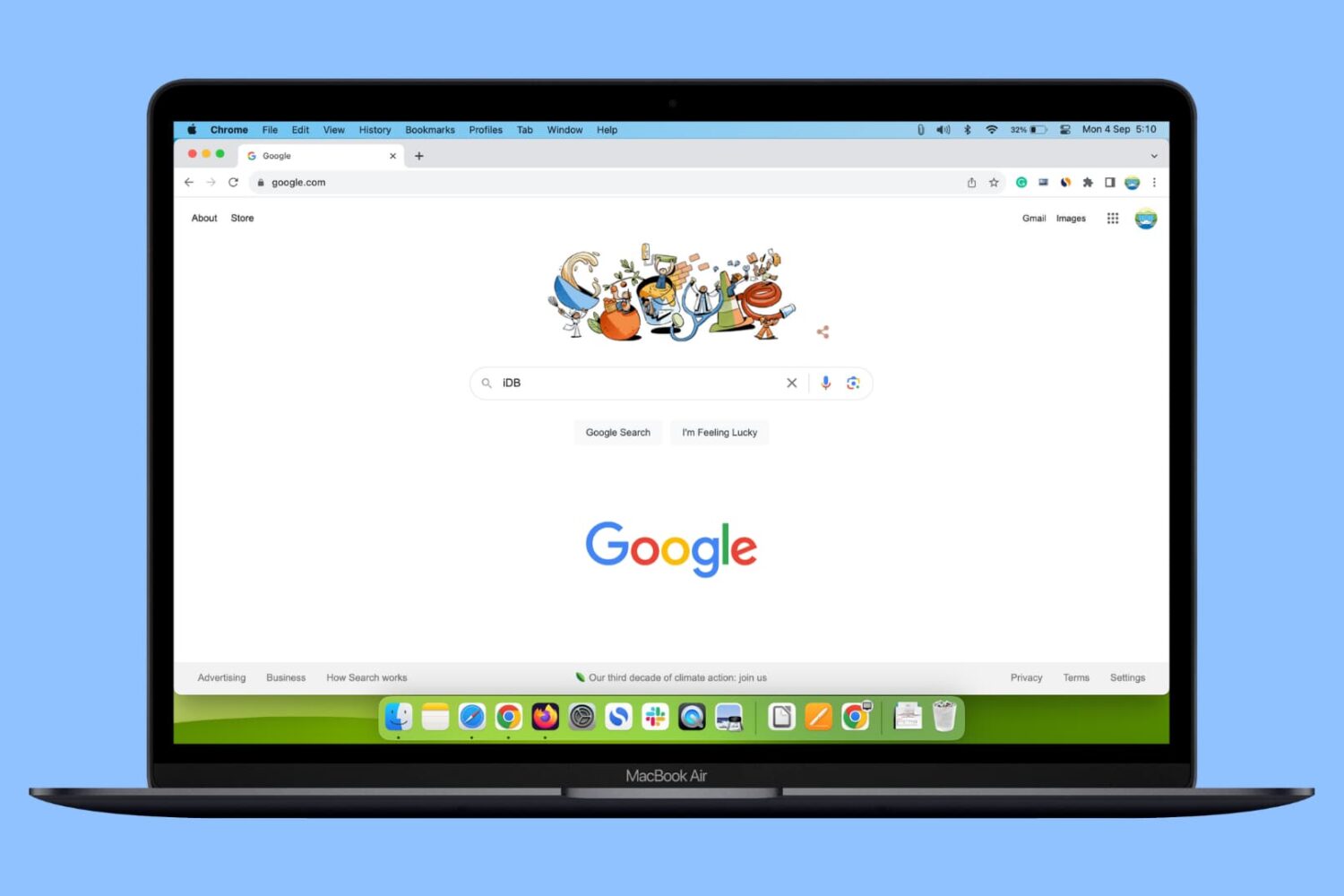
In this guide, we show you three simple ways to add multiple Google accounts in a single web browser on your Mac or Windows PC and switch between them.
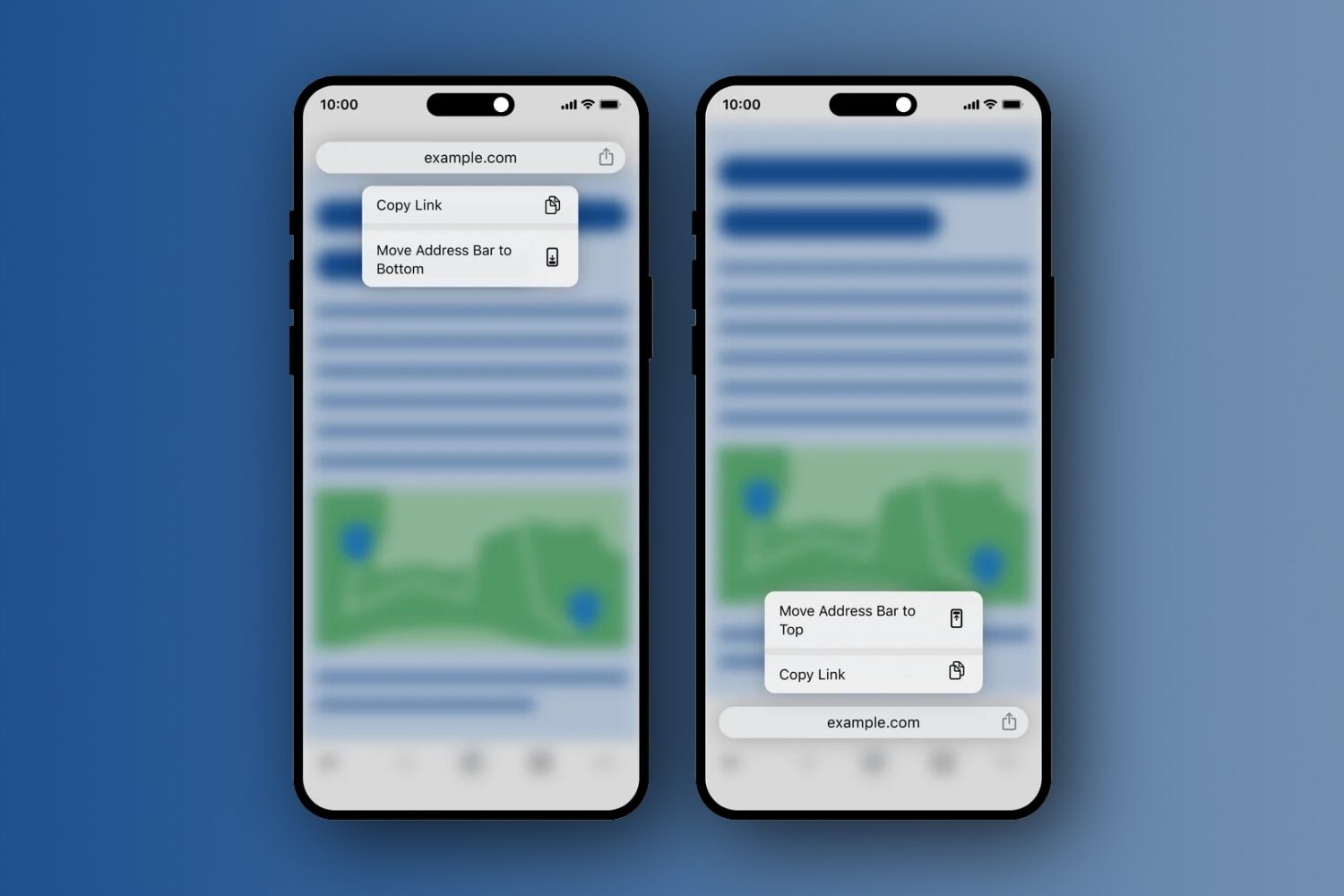
Google has updated its Chrome browser on the iPhone and iPad with the option to use the bottom address bar for easier one-handed operation.