Find out how to add a second, third, or more profiles to Google Chrome on your Mac to keep your internet accounts, browsing history, bookmarks, and everything else separate.
How to create and use profiles in Google Chrome on Mac

Find out how to add a second, third, or more profiles to Google Chrome on your Mac to keep your internet accounts, browsing history, bookmarks, and everything else separate.

Go through these important solutions if the Apple Music web player doesn’t work, fails to play the full song, stops in-between, or refuses to work properly in Google Chrome, Microsoft Edge, Firefox, and other browsers on your computer, smartphone, or other device.

Learn how to troubleshoot issues with the sign-in failing when accessing your Apple account on the web in the Safari, Chrome, Edge, or Firefox browser.

Learn how to hide all images generated by artificial intelligence (AI) from your image search results in DuckDuckGo on an iPhone, iPad, Mac and the web.

This guide explains how to enable built-in settings or use third-party extensions to automatically delete all browsing history when you close Safari, Chrome, Firefox, Brave, or Microsoft Edge on your Mac or Windows PC

Opera Air brings mindfulness and wellness features to your web browsing in order to help relieve stress and improve focus while navigating the internet.
Learn how to delete saved cookies, cache, and other site data for a specific website in Safari, Google Chrome, Firefox, Edge, and Brave browsers. This can help resolve issues or reset your site preferences.

Apple just this week pushed a somewhat major update to its iCloud.com website – the one place on the internet where Apple device users can access their iCloud data and information even when they aren’t using an Apple device at that very moment.
Apple’s Safari browser should gain several artificial intelligence (AI) enhancements in iOS 18, including Web Eraser and Intelligent Search.
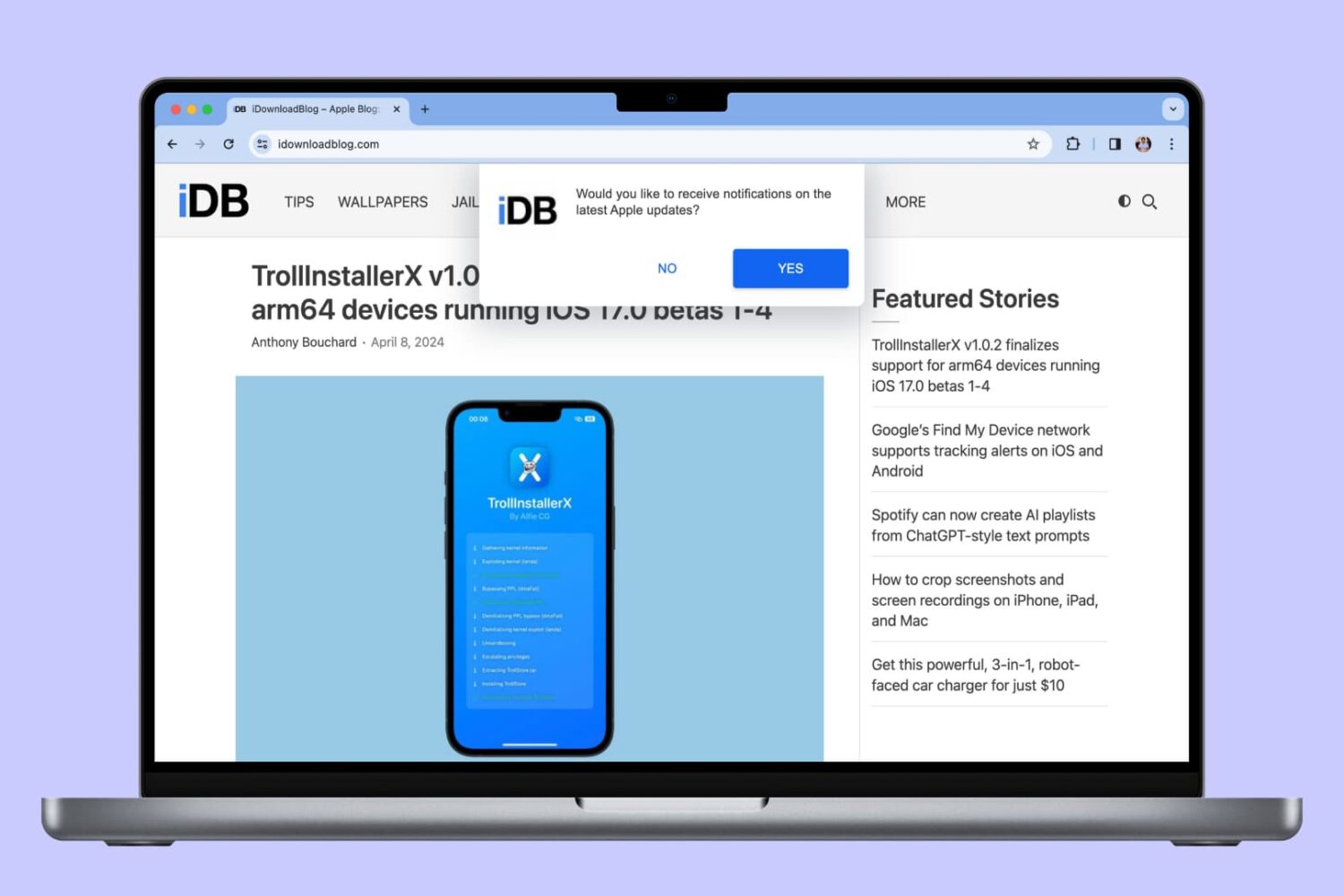
In this tutorial, we will show you how to allow, block, customize, and turn off website notifications in popular browser apps like Safari, Chrome, and Firefox on your Mac.
In this tutorial, we will show you how to secure your Google Chrome bookmarks behind a password on your Mac or Windows PC.
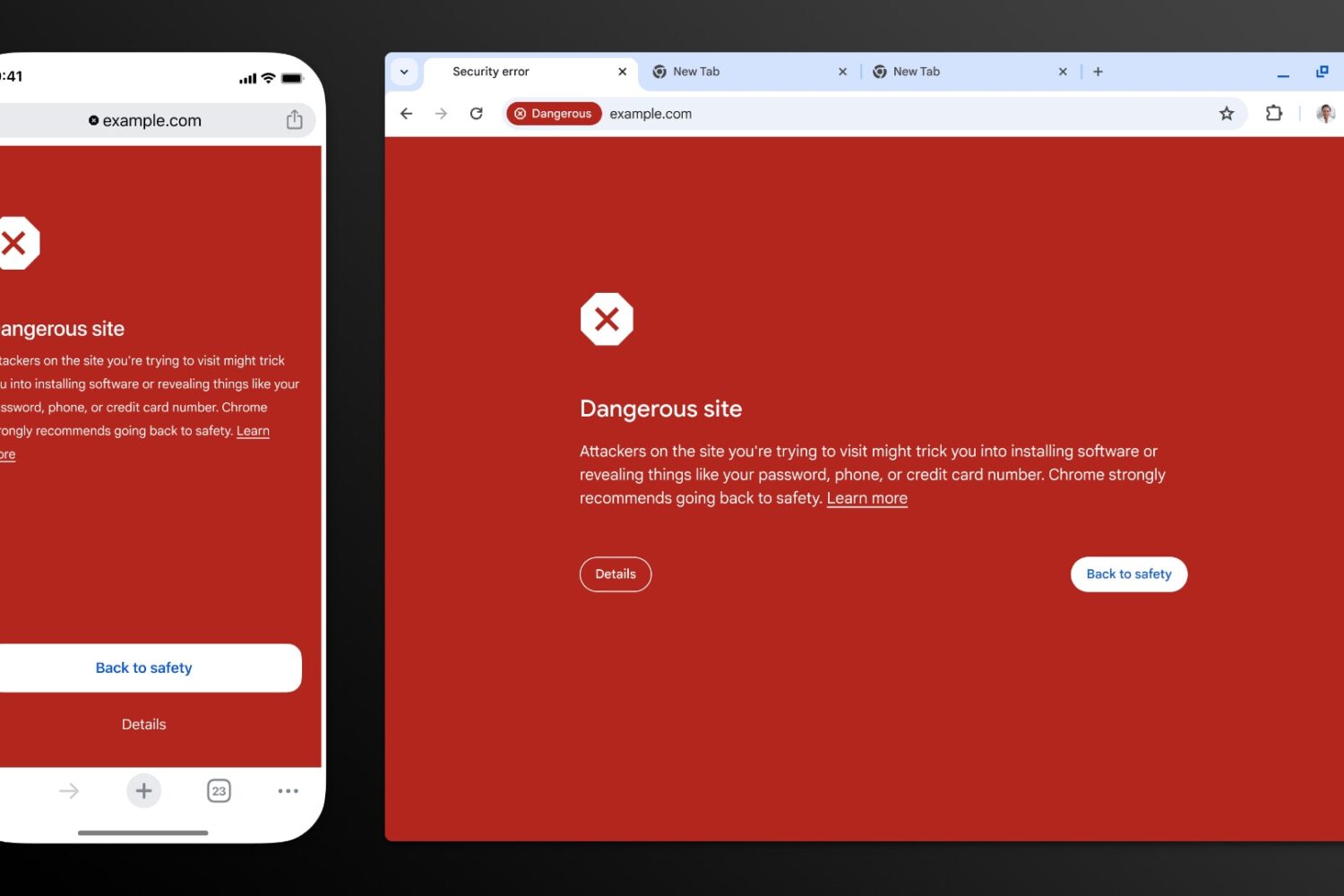
Thanks to recent improvements such as real-time checks, Google Chrome’s Safe Browsing feature now blocks 25 percent more phishing attempts.