Learn how to set up Optic ID on your Apple Vision Pro so you can use your eyes to unlock your headset, autofill usernames and passwords, make purchases with Apple Pay, and more.
How to set up and use Optic ID on your Apple Vision Pro
Learn how to set up Optic ID on your Apple Vision Pro so you can use your eyes to unlock your headset, autofill usernames and passwords, make purchases with Apple Pay, and more.
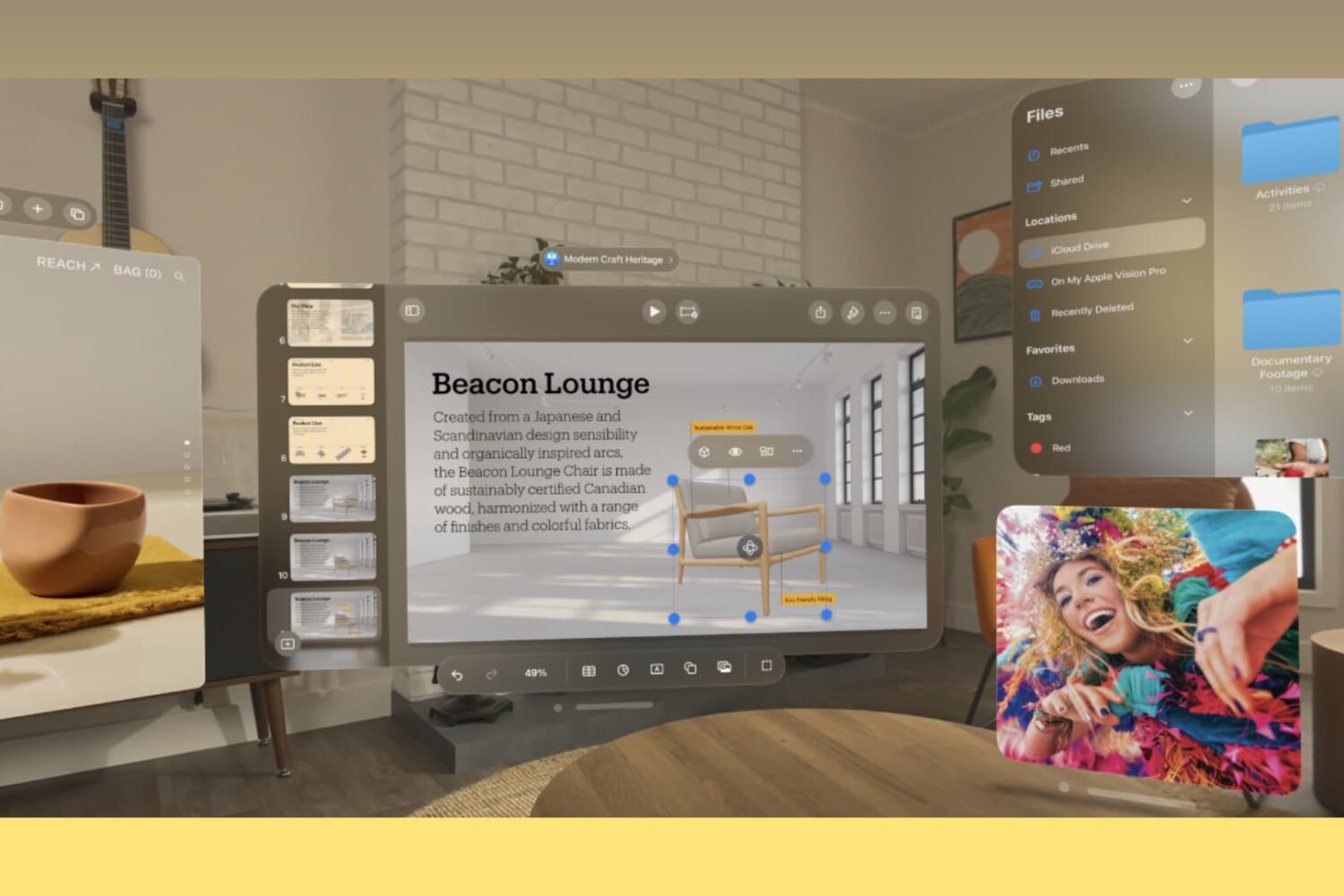
In this tutorial, we will show you how to move Apple Vision Pro app windows to another spot in your view and change the size of the window.
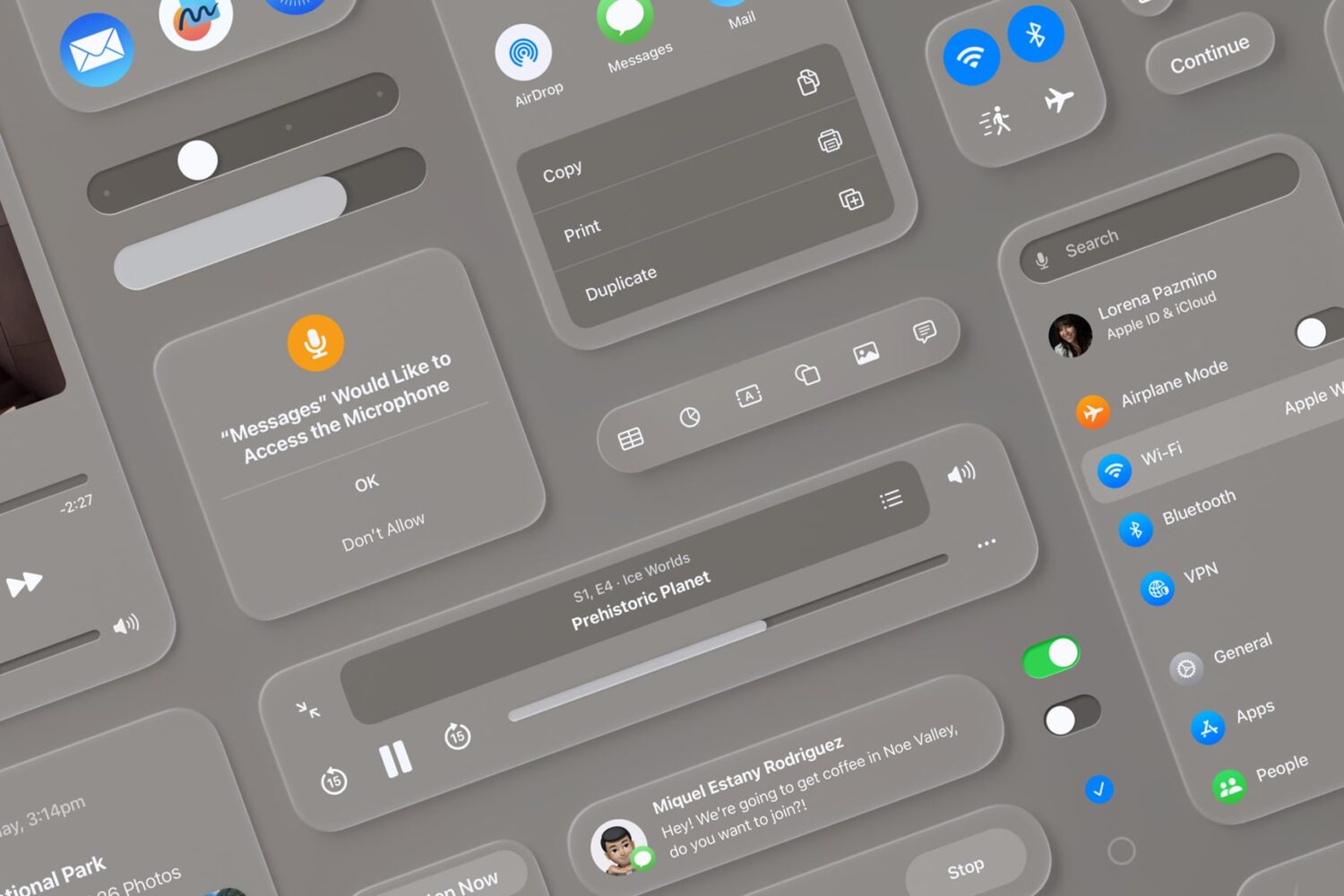
Rumor has it that iOS 18 and iPadOS 18, Apple’s next major updates coming this fall, could bring a visionOS-inspired design to the iPhone and iPad’s interface.
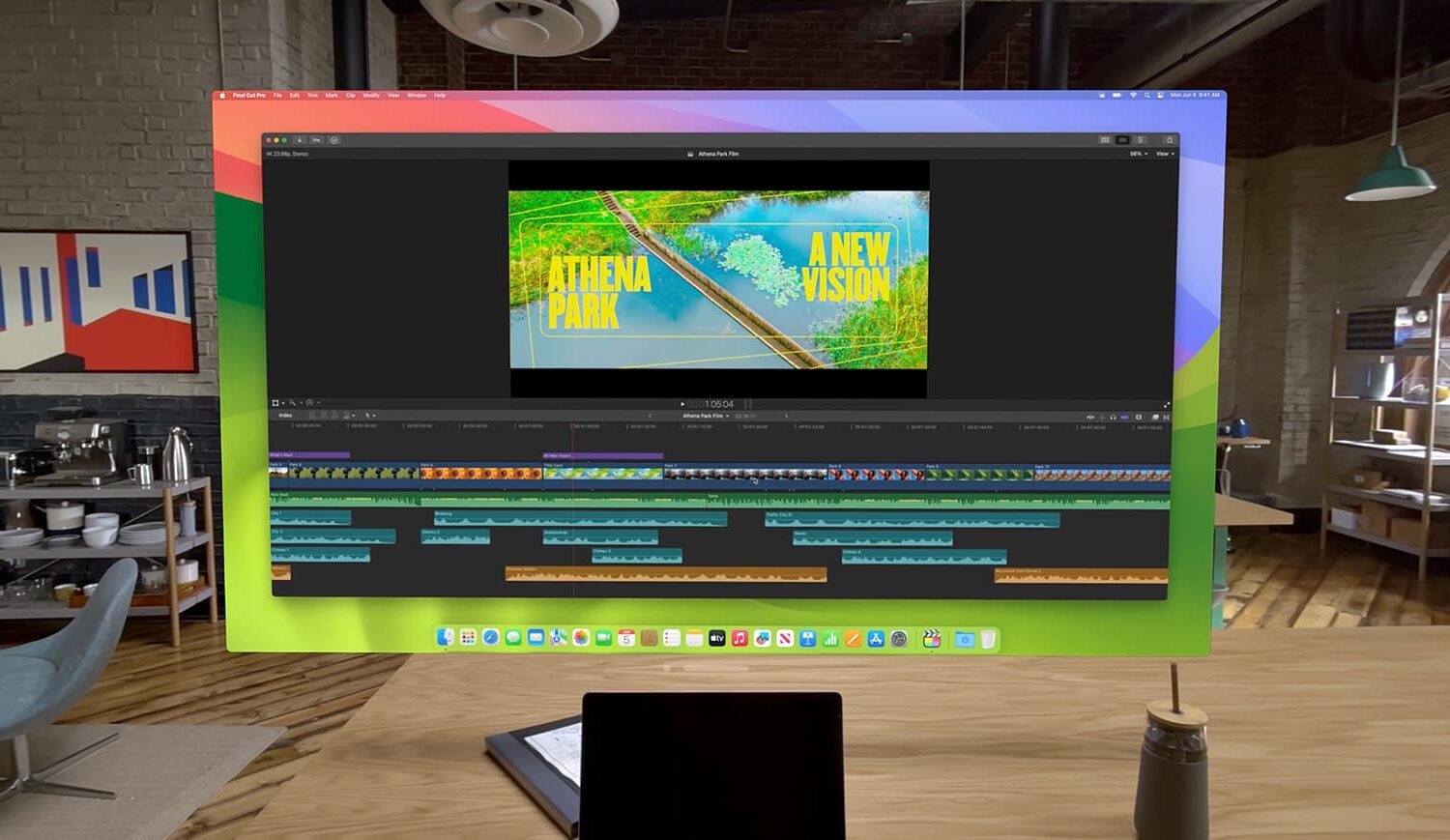
Learn how to take advantage of the Virtual Display feature that lets you use your Apple Vision Pro as a portable and wireless monitor for your Mac.
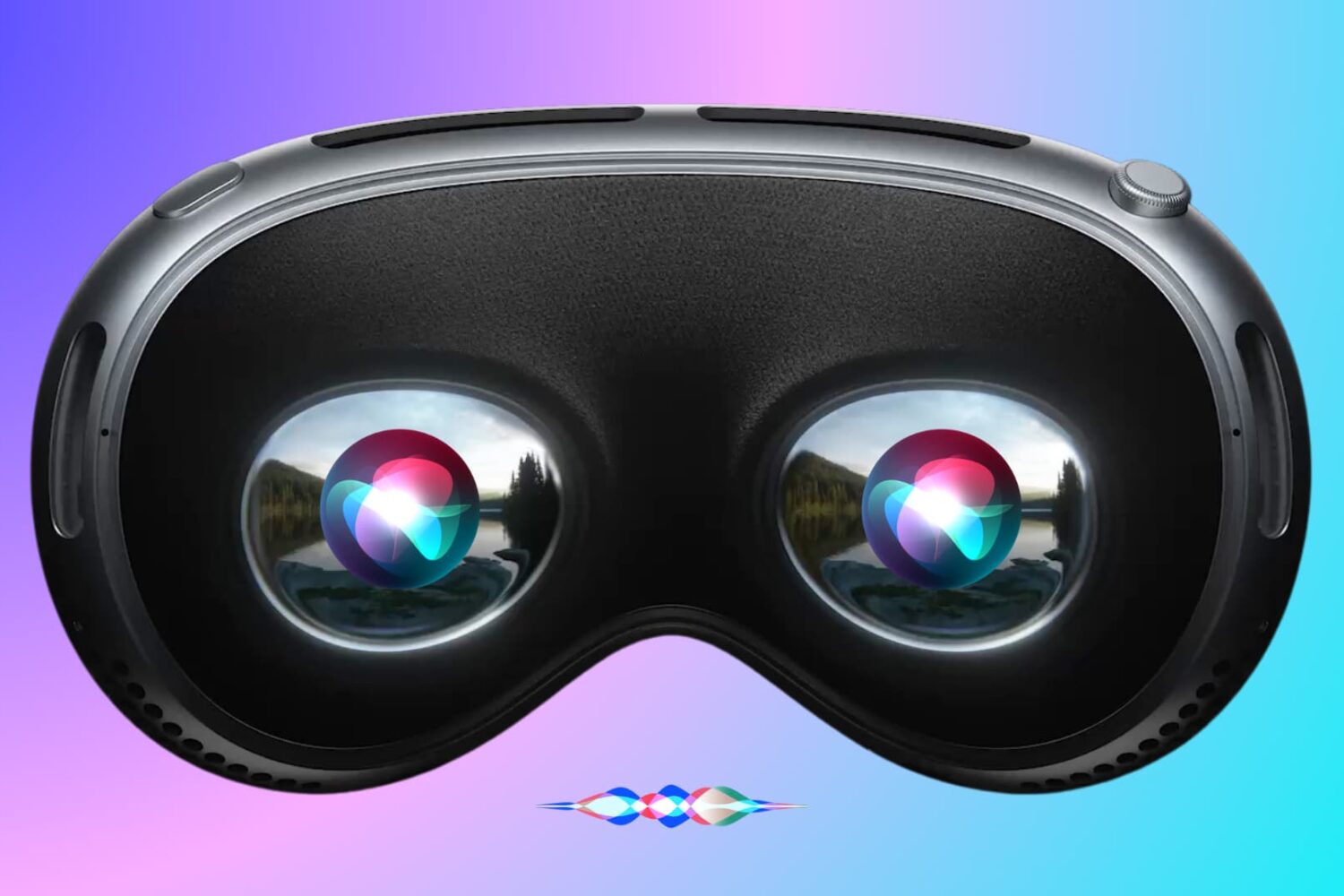
In this tutorial, we will show you how to use Siri on your Apple Vision Pro to have it perform various actions just using your voice.
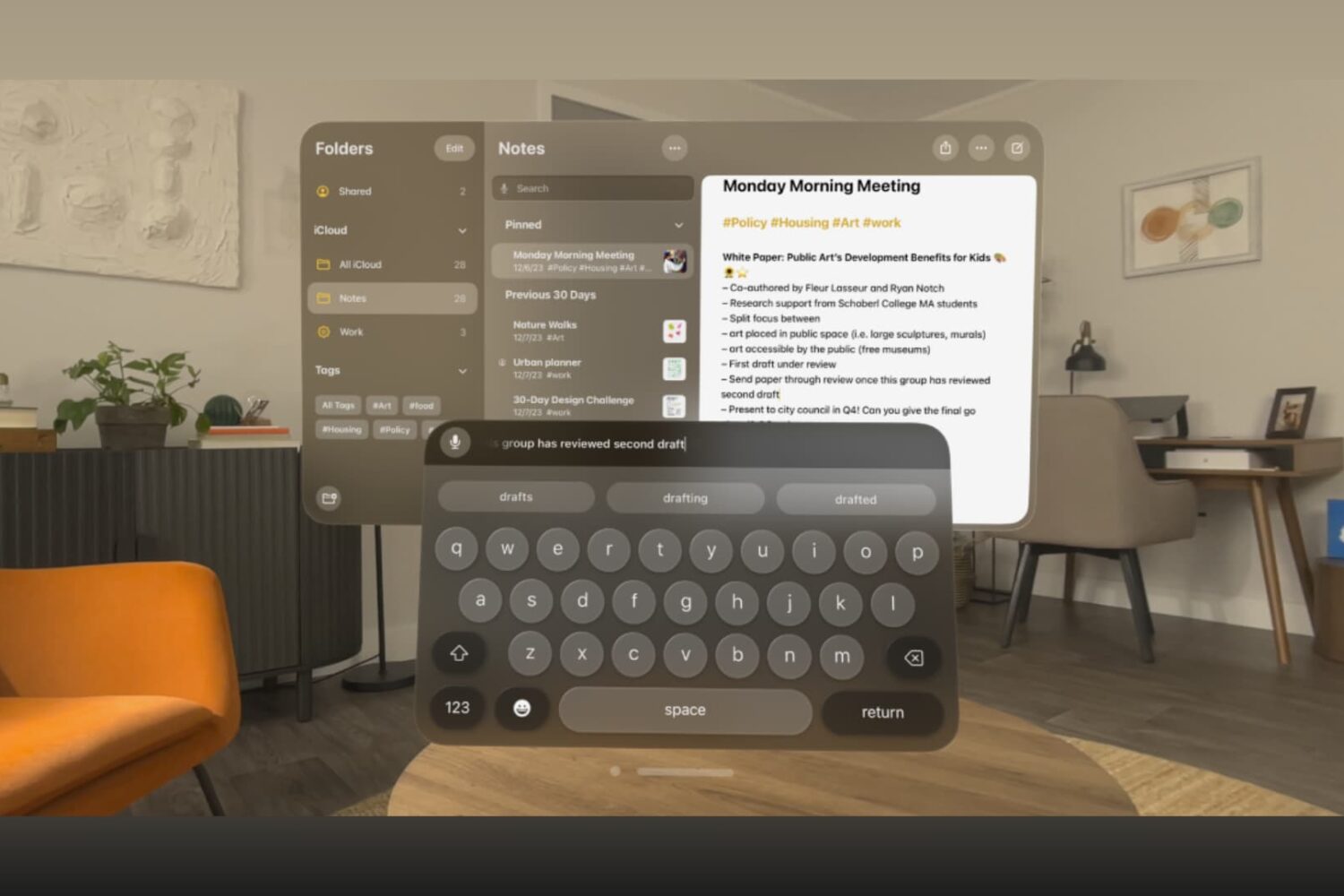
Learn how to type in visionOS apps like Notes, Keynote, Freeform, Safari, and others using the virtual keyboard, dictation, a physical Bluetooth keyboard, or your Mac's keyboard.
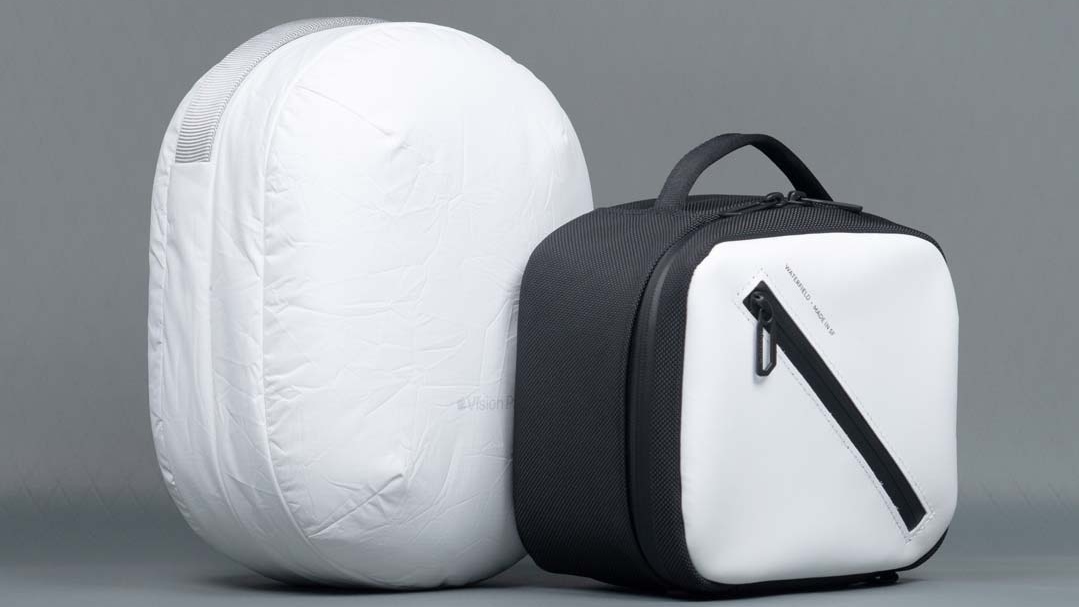
More compact than Apple's official travel case, Waterfield's Vision Pro protective case looks nicer and offers more functional protection and features.
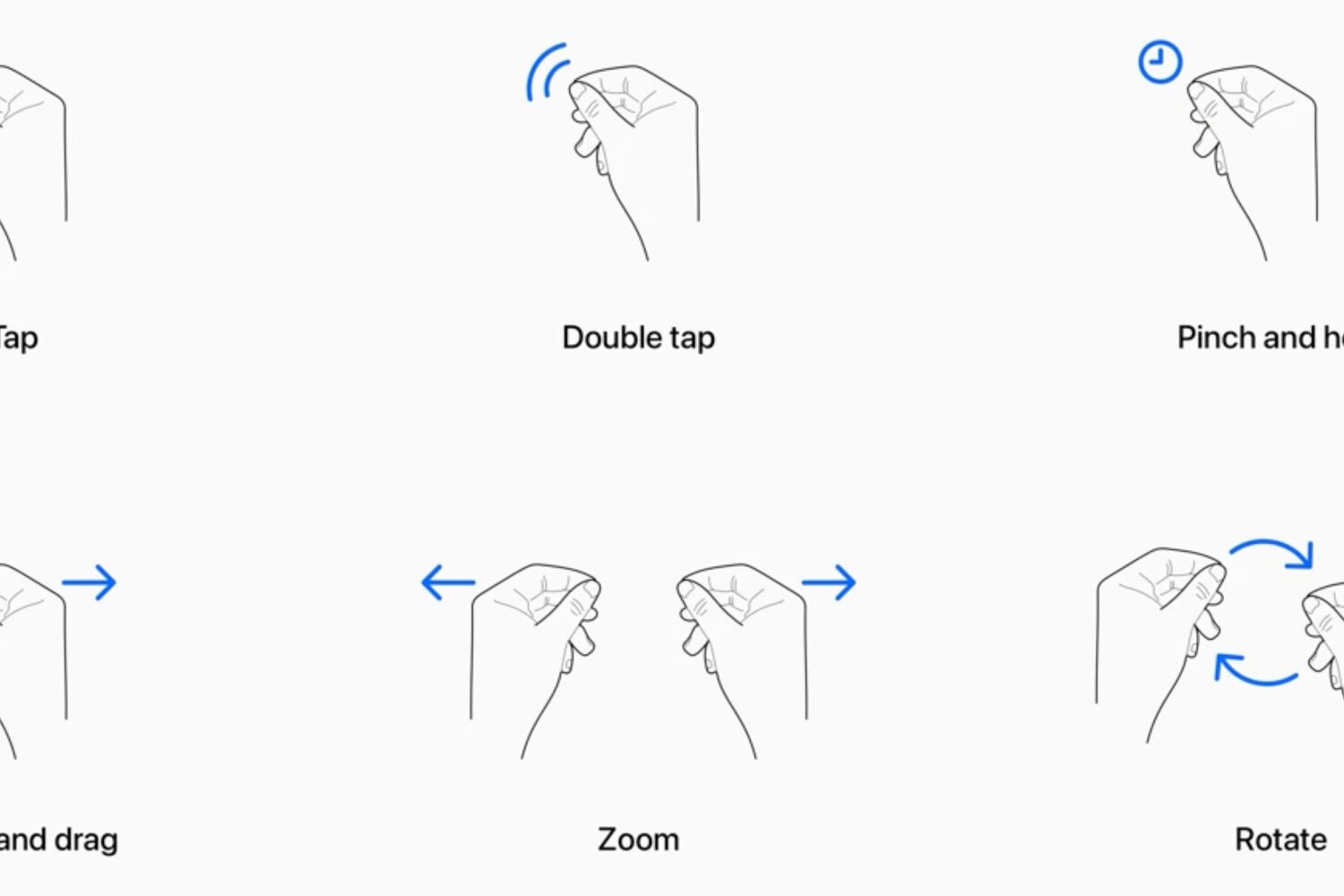
Learn how to use your Apple Vision Pro and work your way around visionOS apps and interfaces using your eyes, fingers, and hands.
Google has chosen to see how the whole spatial computing thing plays out before committing to developing a native YouTube app for Apple's Vision Pro headset.
Learn how to make a video recording of what’s in the virtual view in front of you when you’re using your Apple Vision Pro headset.
Learn how to close or force quit an application on your Apple Vision Pro if the app has frozen or is not responding.
In this tutorial, we will show you how to take a screenshot of the virtual view that appears in front of you when you're using the Apple Vision Pro headset.