Video

Apple’s promotional video reveals a target audience for its beefed up 16-inch MacBook Pro

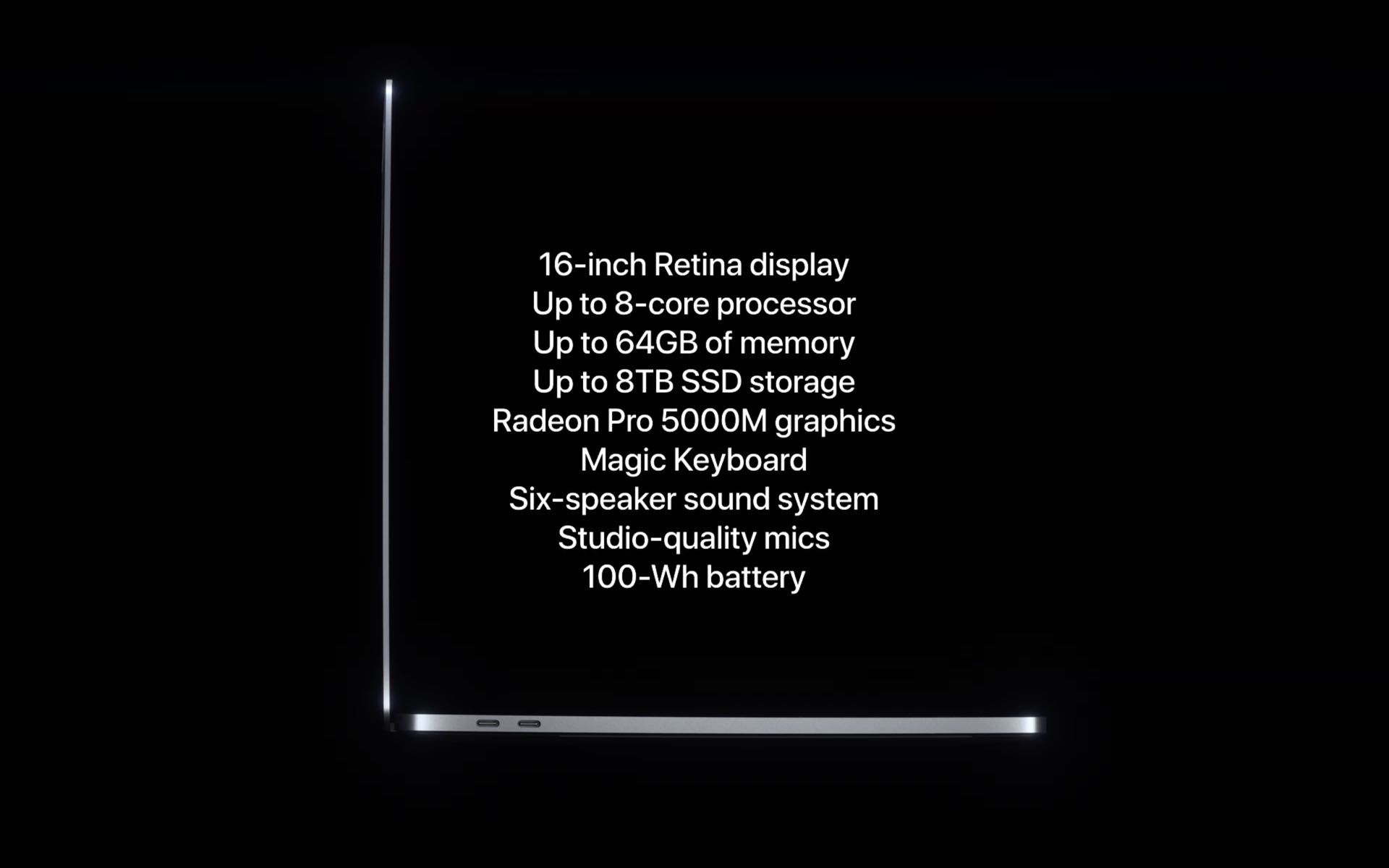
Apple's new 16-inch MacBook Pro is a great little machine with some excellent hardware and awesome build-to-order upgrades, but who is it really aimed at? Creative pros, I know — hence the "Pro" suffix, and Apple itself says the new MacBook Pro is "ready for your best work ever" — but exactly what kinds of professional needs is this $2,400+ notebook capable of fulfilling?

How to use animated travel map backgrounds in iMovie

Animated map background iMovie Mac

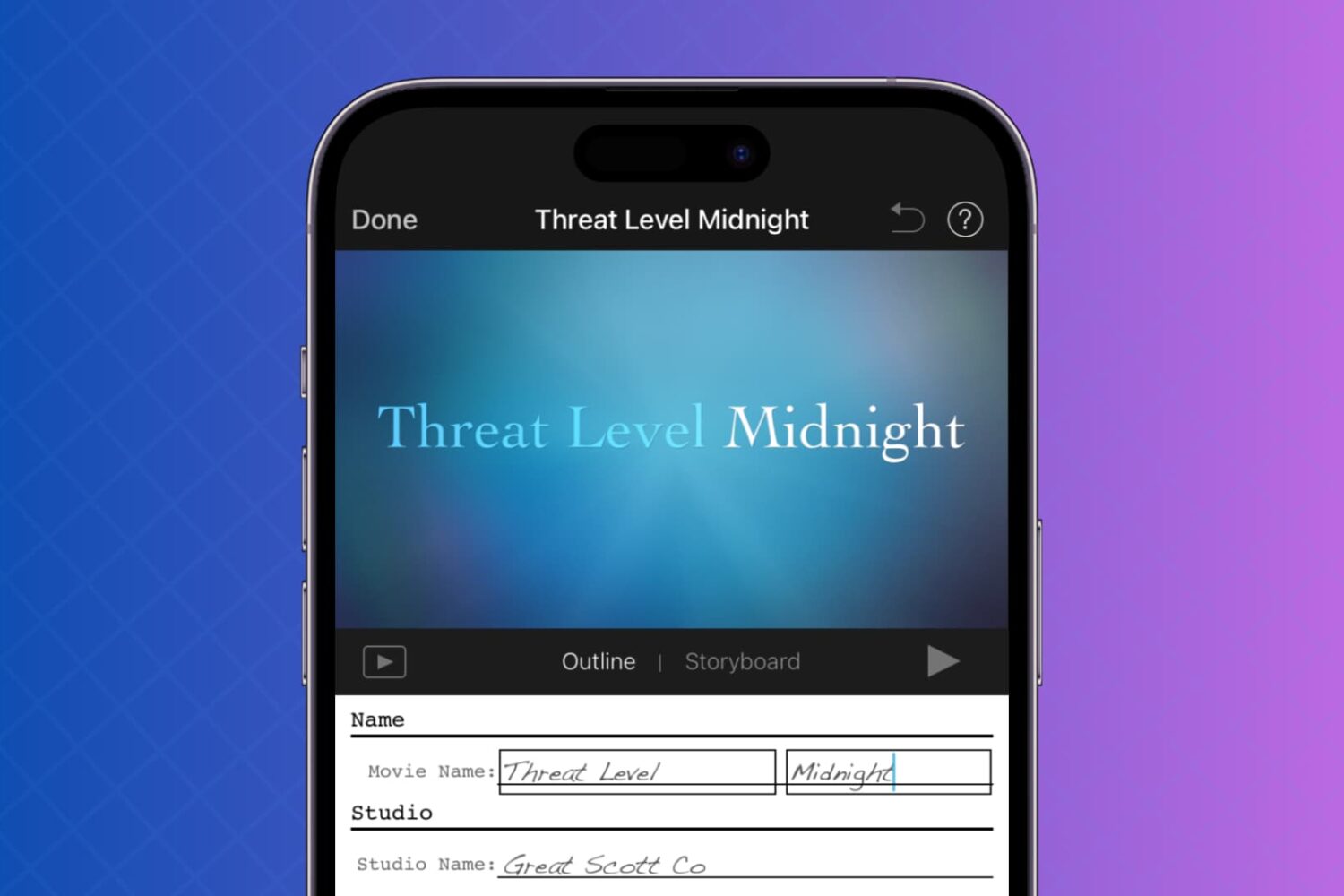
One cool movie idea that you can create in iMovie is for your travels. You can include photos or videos from a vacation, honeymoon, or road trip adventure. And to go along with this nifty project, iMovie offers animated map backgrounds.

With these backgrounds, you can show the moving route for your trip on a map in your movie. This can add something a little extra to your already memorable trip and movie.

Here’s how to add and adjust the animated travel map backgrounds in iMovie on Mac.

VideoProc for Mac: how to convert MKV to MP4 video without quality loss [sponsor]

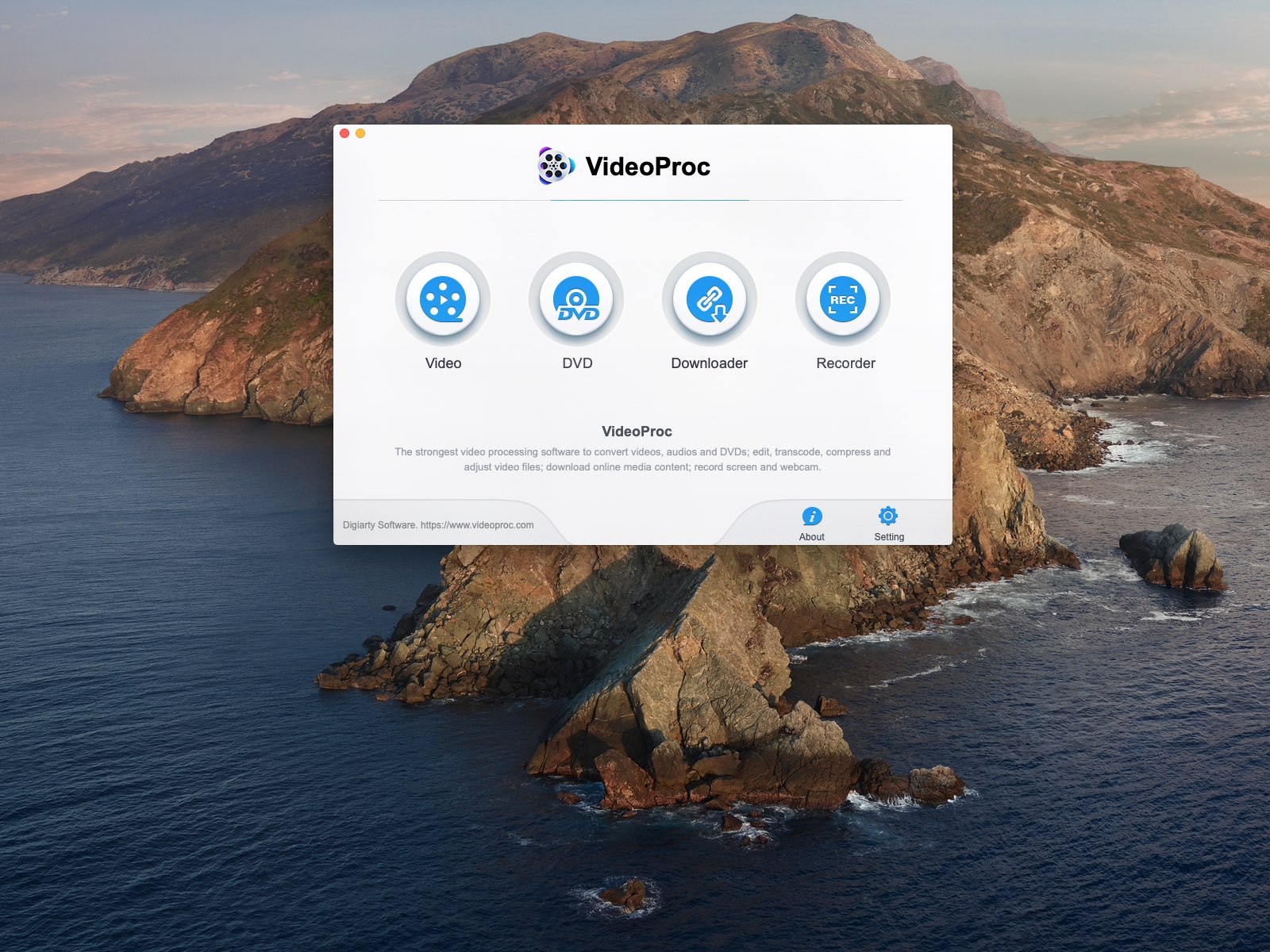
VideoProc is a powerful 4K video editor and converter for Mac and Windows that packs in a speedy GPU-accelerated engine and supports a a bunch of media formats. In this step-by-step tutorial, we’ll cover doing MKV to MP4 video conversions with VideoProv for those times when you want to enjoy native playback of ripped DVDs and other MKV-encoded video in an Apple-friendly format on your iPhone, iPad, iPod touch, Mac and Apple TV devices.

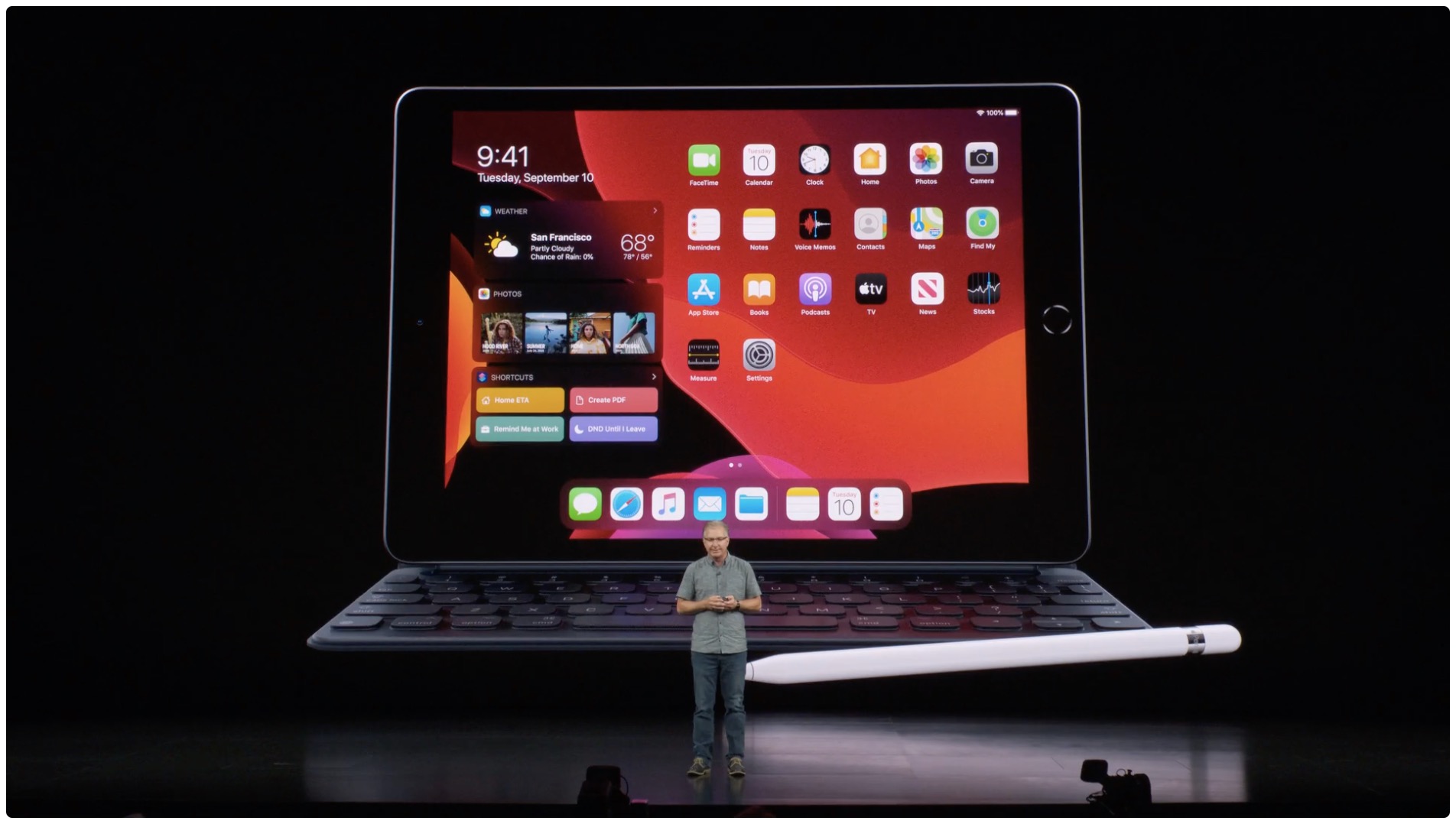
Can a $300 iPad edit 4K video without breaking a sweat?

In September, Apple unveiled the seventh-generation iPad tablet featuring a slightly bigger 10.2-inch Retina display versus the previous 9.7-inch screen. Its most important feature: this so-called budget iPad starts at $329, but education customers can have it for just $299. The question is, can this iPad with its updated internals and 3GB of RAM handle editing 4K video? iDownloadBlog's Harris Craycraft has the answer.

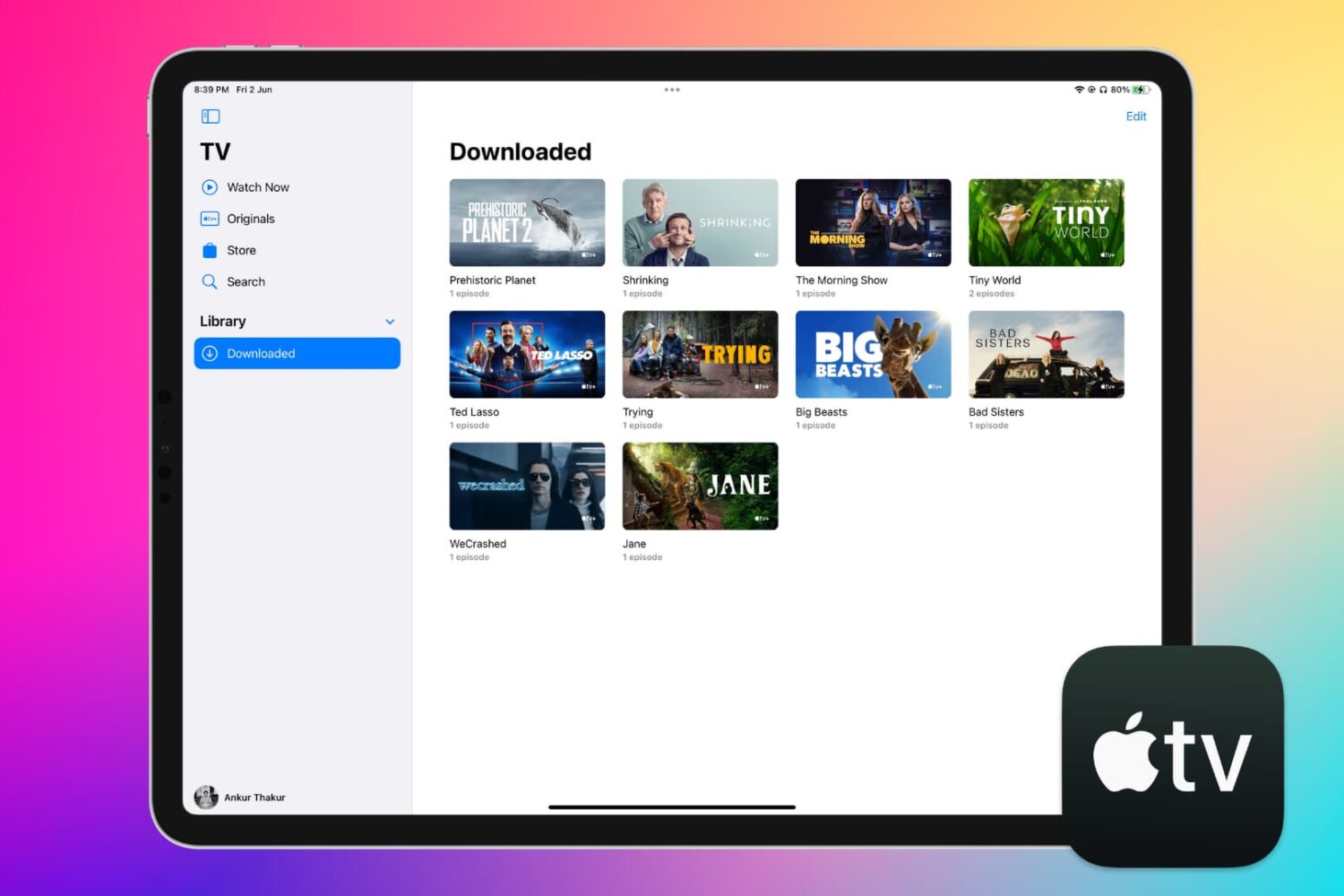
How to continue watching Apple TV+ on another device

Continue watching a show on Apple TV on your iPhone

There’s nothing better when streaming a show than to have the option to pause it and resume it on another device, in a different room, or wherever you want to go.

This quick tutorial explains how you can continue watching your Apple TV+ shows and movies across your various devices by picking up right from where you left off.

How to sign up for the Apple TV+ streaming service

Apple TV+ Try it free

Apple TV+ debuted on November 1 and is a video streaming service that gives you original shows, movies, documentaries, kids’ shows, and more. You can give it a try before you buy into the $4.99 per month subscription with a free seven-day trial. So you have nothing to lose by checking it out.

What’s great about the service is that you don’t have to own an Apple device to enjoy it. You can watch shows on many different compatible devices as well as the web. If you’re interested, we’ll show you how to sign up for Apple TV+.