Video

How to control the Music app using gestures

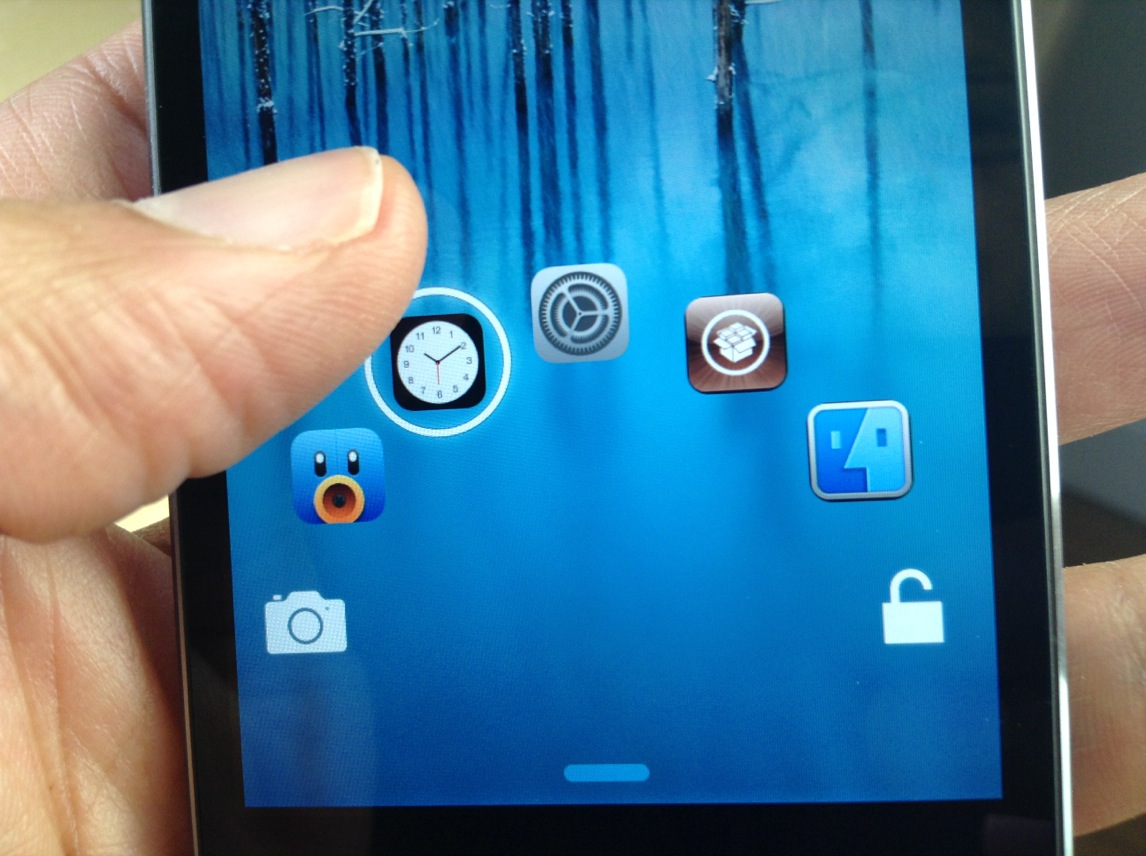
Gesture Music Controls is a recently released jailbreak tweak from developer Pat Sluth. Its purpose is to allow you to control the stock Music app, and other music playing apps using gestures. These gestures can be used within the stock Music app, Lock screen, and from within the Control Center overlay.

Users can play and pause music, skip to the next song, go back to the previous song, and even share the now-playing track via social media. Have a look inside as we step through each of the features offered with Gesture Music Controls.

Guy impersonates Apple Store employee, tells shoppers to go Android

A new prank is making rounds on the web as comedian and YouTuber Tyler Fischer impersonates an Apple Store employee at four different locations in New York City, telling unsuspecting customers to switch to Android because the iPhone is too pricey.

He can be also seen convincing customers that new iPhones are coming tomorrow and that the iPad has "400 megapixels" - megapixels, not megabytes - of RAM and "300 Skype units"...

Mesalation: set a passcode grace period with Touch ID enabled

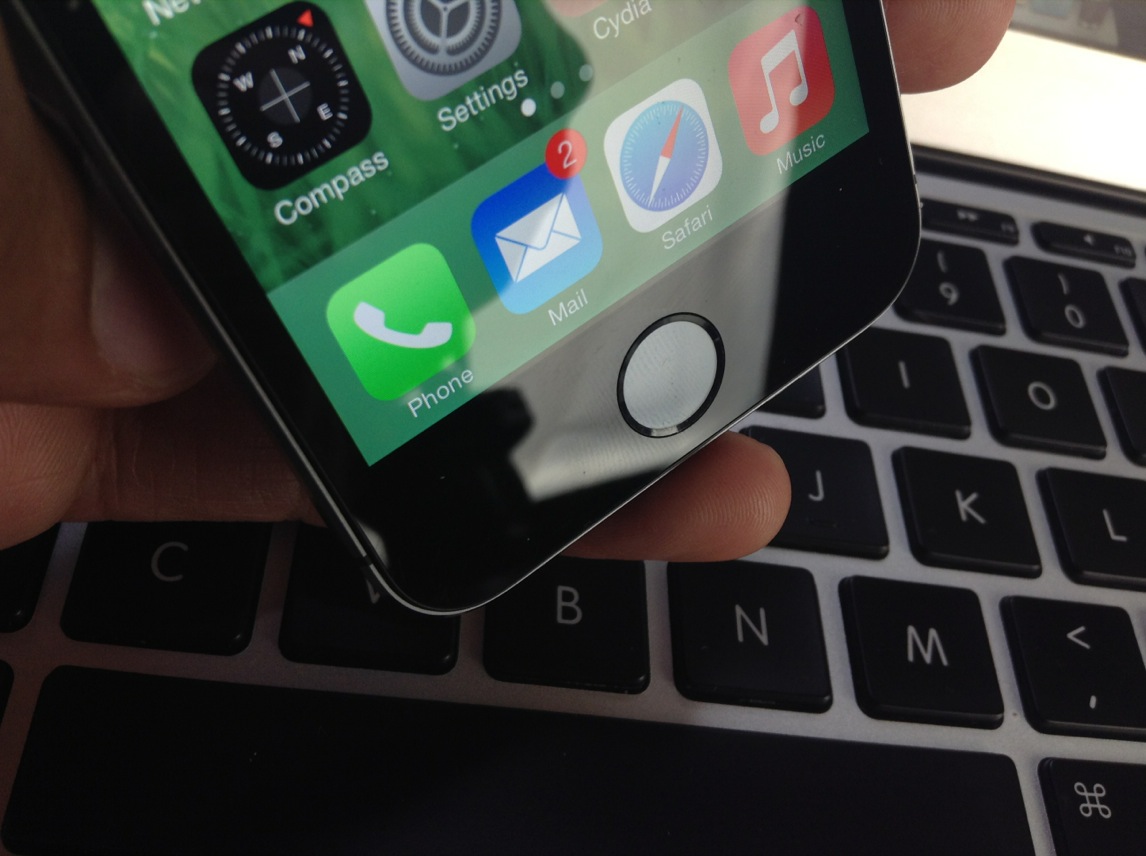
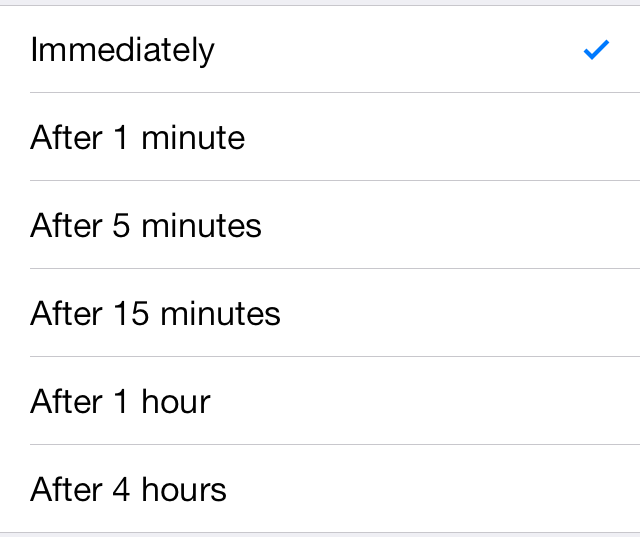
Mesalation is brand new jailbreak tweak from developer r_plus that allows you to get back the passcode grace period list when using Touch ID. Enabling Touch ID on the iPhone 5s forces iOS to require a passcode immediately and there are no options otherwise.

If you're someone who likes to use Touch ID, but don't necessarily like the idea of having to verify every time your device is locked, Mesalation is the jailbreak tweak for you. Have a look at our walkthrough inside for more details on how the tweak works.

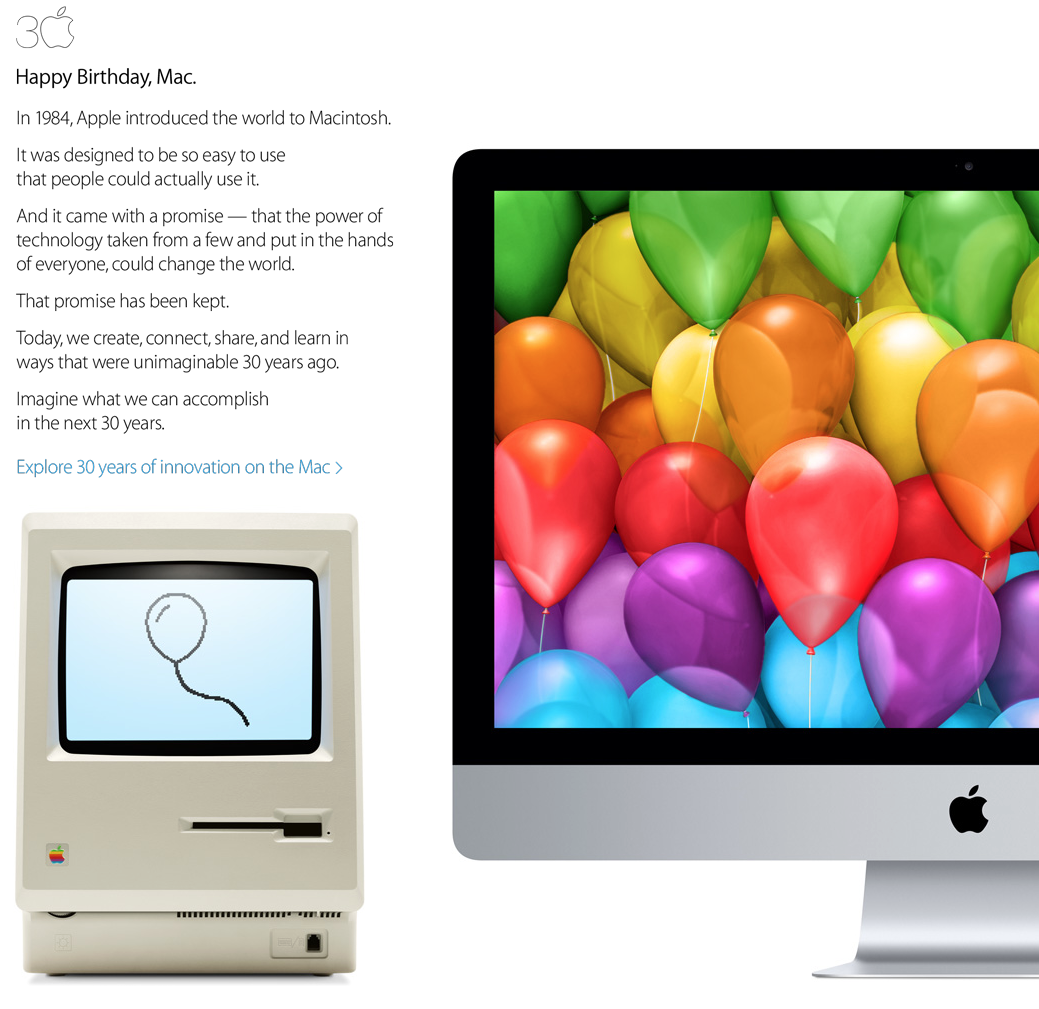
Apple celebrates Mac’s 30th anniversary with new video shot entirely on iPhone 5s, edited on Mac

OK, Apple didn't exactly return to Super Bowl with a 30th Mac anniversary ad like advertising legend Lee Clow a week ago hinted it would, but that doesn't mean the company is letting the Super Bowl ad blitz mute its message.

Not only did Apple celebrate the occasion by letting ABC News and MacWorld interview CEO Tim Cook, it also posted an interactive Mac timeline on Apple.com and a new ‘Happy Birthday, Mac’ section on the Mac App Store, dressed up retail stores' window displays in Mac-themed graphics and hung commemorative posters up on the walls of its Cupertino HQ.

The company even hid a custom font on its servers featuring gorgeous Mac model icons. And now, Apple has posted a new video on its homepage dedicated to the 30 years of Mac innovation. The 125-second clip was shot entirely on iPhones and edited on Macs, have a look at it right below the fold and meet us in comments...

‘Controllers for All’ updated with improved game detection and fixes for disconnect issues

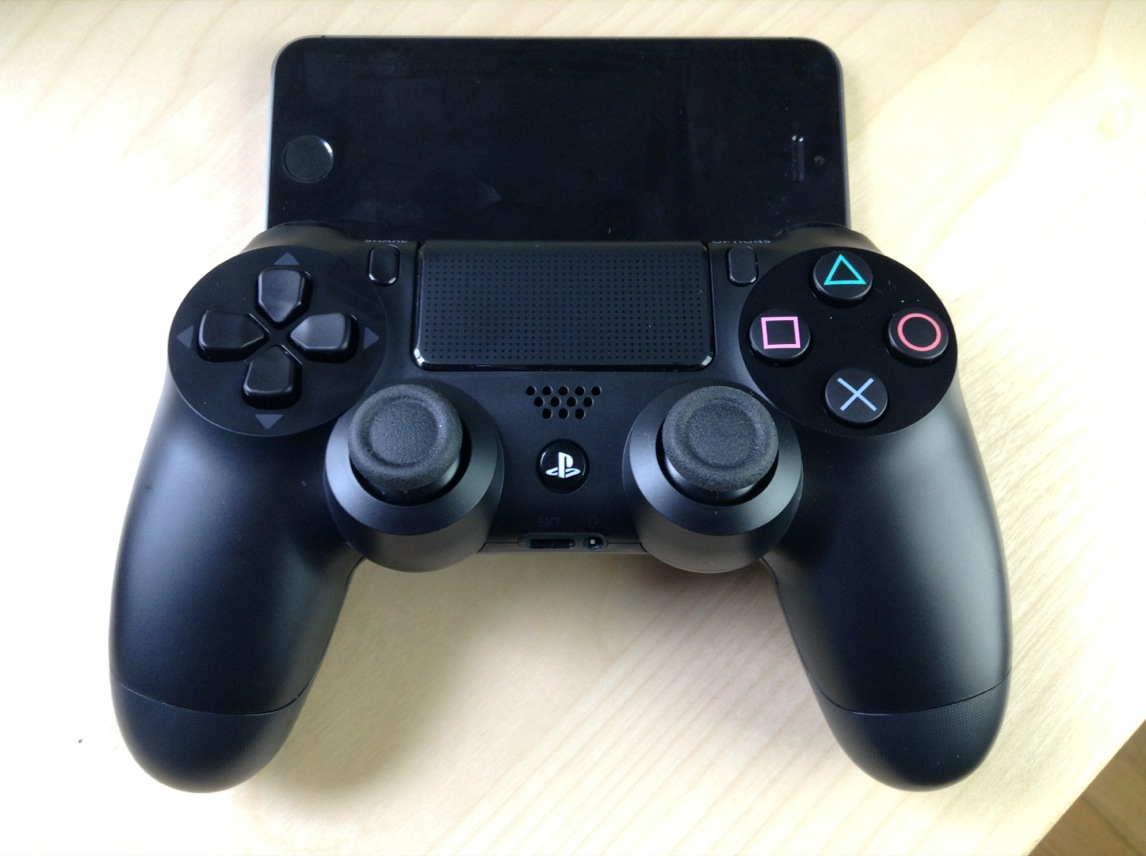
Good news for those of you who wish to use PS3 or PS4 controllers with games that include iOS 7 controller support: the Controllers for All tweak has been updated with lots of improvements and fixes.

As we told you via our two walkthroughs, Controllers for All is a jailbreak tweak that lets you use Sony's popular controllers with any game that features iOS 7 support. It's a great tweak, because most iOS 7 controllers are both too expensive and poorly designed. Most of the iOS 7 controllers that we've seen have received mediocre to bad reviews, so it's a breath of fresh air when using Sony's much-heralded hardware.

Just released today, Controllers for All version 1.1.2 features quite a few new fixes and improvements. Have a look inside for the full change-log.

How to add the Now Playing icon back to the status bar in iOS 7

When Apple dropped iOS 7, some of you may have noticed that the now-playing indicator that resided in the status bar was no longer a thing. It appears to have been removed per Apple's sweeping design changes for iOS 7.

NowPlayingStatusBar is a jailbreak tweak that adds the now-playing indicator back to iOS' status bar. Along with the triangular now-playing indicator comes additional option—each of which can be configured by means of the tweak's settings. Have a look at our video inside for a deeper look.

Review: JellyLock7

The original JellyLock was an extremely popular jailbreak tweak, because it brought the Android Jelly Bean styled Lock screen to iOS. Now, a new version of JellyLock has just been released, and it sports compatibility with iOS 7.

The appropriately name JellyLock7 is available right now for download. Like its predecessor, it adds some of the conveniences brought to the fore by the popular Android OS. Have a look at our full video walkthrough inside to see the iOS 7 version of JellyLock in action.

UnlockID is a jailbreak tweak that can unlock your Mac with Touch ID

UnlockID is a super-cool new jailbreak tweak that does exactly what the headline says—it allows you to unlock your Mac using the Touch ID sensor found on the iPhone 5s. Using Bluetooth Low Energy, the tweak features a Mac component that allows your iPhone 5s to communicate with your OS X installation.

Although the tweak's practicality may be up for debate, there's no debating the fact that this is one of the most innovate and coolest looking Touch ID tweaks we've seen thus far. We've taken UnlockID for a thorough walkthrough. Check out our hands-on video after the break.

How to add an Apple retail-like demo video to your iOS device

Three weeks ago, reader Sean Webber sent us a tip about enabling the kiosk mode on the iPhone using an extremely simple method. If you've ever been inside an Apple retail store and looked at the iPhones or iPads that have been sitting idle for a while, you know what I'm talking about.

Although we don't have access to the videos that Apple uses, we can still enable the kiosk mode using our own properly named and stored video. Check inside as I show you how to enable iOS' kiosk mode on your device.

Flex 2: create your own jailbreak tweaks for iOS 7

When a jailbreak app inspires the creation of its very own subreddit, you know it's something special. Flex 2 is the follow up to one of the most popular apps of last year, and like its predecessor, it allows you to change the way your favorite apps look and feel without having to know the intricacies of iOS development.

To be sure, it doesn't hurt to have some knowledge of development in general, and the logic behind the way things work, but it's not a requirement. Flex features a well-designed and intuitive interface to help you easily modify the way your favorite apps work.

Flex 2 is a much-improved version of its predecessor, and has been re-built from the ground up for iOS 7. But even if you don't run iOS 7, Flex has maintained its compatibility with both iOS 5, and iOS 6, a remarkable feat for a jailbreak app of this nature.

For those of you new to Flex, you should watch our video walkthrough inside for a demonstration of how it works. If you're already a Flex user, then check inside for some of the vital upgrade details that make Flex 2 a worthy successor.

SwitcherBlur: blur the apps in the app switcher

SwitcherBlur is a recently released tweak that does one very simple thing: it adds blur to the app cards in the iOS 7 app switcher. SwitcherBlur uses a simple low-level gaussian blur on all of the app cards, except for the app that you just came from. The tweak is similar to BioLockdown, in that you can protect the contents of your app switcher cards from prying eyes.

But that's about where the comparisons to the feature-rich BioLockdown end. SwitcherBlur prides itself on simplicity, as you'll see in our brief video walkthrough inside.

exKey: add an extra row of keys to the iOS keyboard

exKey is a jailbreak tweak that adds an additional fifth row of keys to the stock keyboard in iOS. The tweak, which works on iOS 5 through iOS 7, allows users to type more efficiently, because they should spend less time switching between the numeric and alpha keys.

When installed and in normal alpha mode, you'll see a set of numeric keys, digits 0-9, grace the top of the keyboard as the new fifth row. When you switch to the numeric keypad, the numbers are replaced with special character symbols.

We've taken exKey for spin in our video walkthrough. Take a look inside for more details on how this productivity jailbreak tweak works.