Video

Couria: add quick reply and quick compose to the stock Messages app in iOS 7

Couria is a jailbreak tweak that allows you to have true quick reply and quick compose functionality for the Messages app in iOS 7. Currently in beta testing, it's a tweak that offers a lightweight alternative to the likes of biteSMS.

We've taken some time to put Couria through its paces in our hands-on video walkthrough. Check inside for more details on how this promising tweak works.
Red Bull TV sports channel added to Apple TV

Apple has added a new channel to its $99 media-streaming box, the Apple TV. The Red Bull TV action sports channel should be now available on everyone's Home screen (if not, manually check for updates by going to Settings > General > Software Updates and choosing Update Software).

Red Bull TV is an action-packed sports channel by the famous Austrian energy drinks company, Red Bull GmbH. The new Apple TV channel offers free action sports content, coverage of live events and more...

Video of iOS in the Car in action

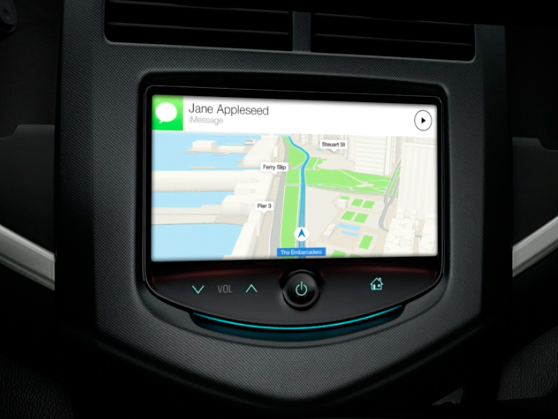
Following a set of screenshots taken from iOS in the Car, Apple's project that strives to enhance in-car iOS functionality, app developer Steven Troughton-Smith who posted these images has now created a video that shows off the software's various user interface aspects and functionality, running via the iOS Simulator software.

The biggest takeaways from the clip: iOS in the Car supports multiple screen resolutions to accommodate various in-car dashboard screens, in addition to hardware buttons, wheels, touchpads and of course touchscreens...

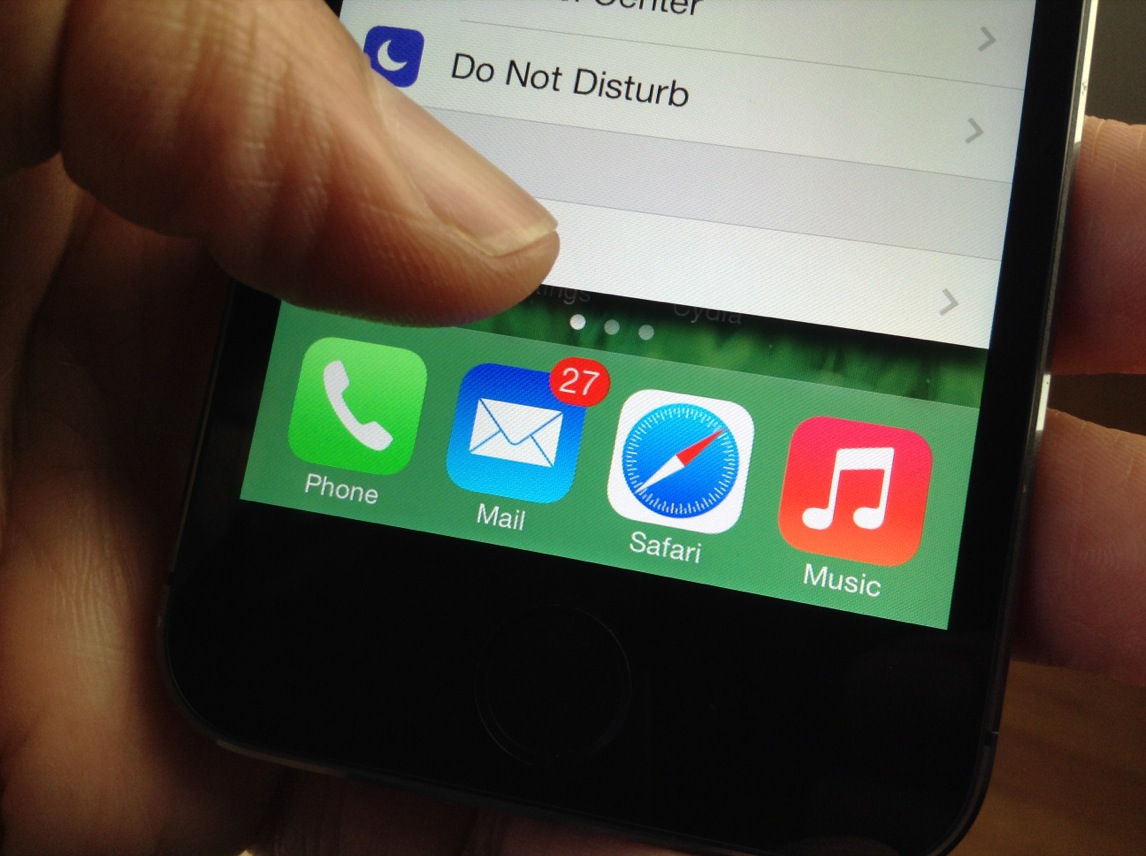
How to bring back the open tab count in mobile Safari

SafariTabCount is a just released jailbreak tweak that displays the current number of open tabs on the new tab button in Safari. This tweak is extremely useful, because without it, you have no idea how many tabs you have open in Safari without opening the list of tabs and counting by hand.

Not too long ago, we had iOS 6, and Safari for iOS 6 included the open tab count right on the new tab button. For some reason, Apple deemed this tab count disposable, and got rid of it in iOS 7.

SafariTabCount is one of those tweaks that I imagine many people will enjoy for its practicality. Check out of video walkthrough past the break for more details.

Eclipse: add a system-wide dark mode to iOS 7

Eclipse is a new jailbreak tweak that brings a system-wide dark mode to iOS 7. The tweak, which should be available shortly on Cydia's BigBoss repo, will cost $0.99.

Dark mode, or nighttime mode as it is often called, is beneficial when using the iPhone at night. It reduces eye strain caused by using a light (and bright) screen while in a dark environment.

Lots of standalone apps incorporate some sort of dark mode; Tweetbot is the one that instantly comes to mind, but iOS itself has never featured a true dark mode at the system level. Eclipse is seeking to change that. It's not perfect, but the developer is on the right track. Full video walkthrough after the jump.

How to get Zephyr-like gestures on iOS 7

MultitaskingGestures is a just released jailbreak tweak that brings Zephyr-like functionality to iPhones running iOS 7. Since it doesn't look like we will see an iOS 7 updated version of Zephyr, developer Hamza Sood has taken the initiative to bring us something similar.

To be clear, MultitaskingGestures is not a 1:1 copy of Zephyr; it brings its own ideas and features to the table, but it's a flattering impersonation of Chpwn's groundbreaking tweak of old. Have a look at our video walkthrough inside to see MultitaskingGestures in action.

How to add an OS X inspired battery indicator to the iPhone’s status bar

MacBattery is a brand new jailbreak theme that allows you to add an OS X inspired battery indicator to the status bar in iOS 7. The theme uses the Alkaline jailbreak tweak in order to modify the battery indicator without having to rely on WinterBoard. We already reviewed Alkaline in an earlier post last week.

If you're looking to switch up the look of your iOS 7 device's status bar, then Alkaline coupled with MacBattery is a good place to start. Have a glance at our full video walkthrough inside.

ScreenshotShareSheet: share screenshots with “open in” support

ScreenshotShareSheet is a brand new jailbreak tweak that allows you to share screenshots using iOS' standard sharing sheet. The tweak also features "Open in" support for opening screenshots within 3rd party applications.

If you're someone like me who takes tons of screenshots on a daily basis, then ScreenshotShareSheet might be a good tweak for you. Have a look at our full video walkthrough inside for all of the details.

SMS Stats 2: monitor SMS statistics on a global and individual contact basis

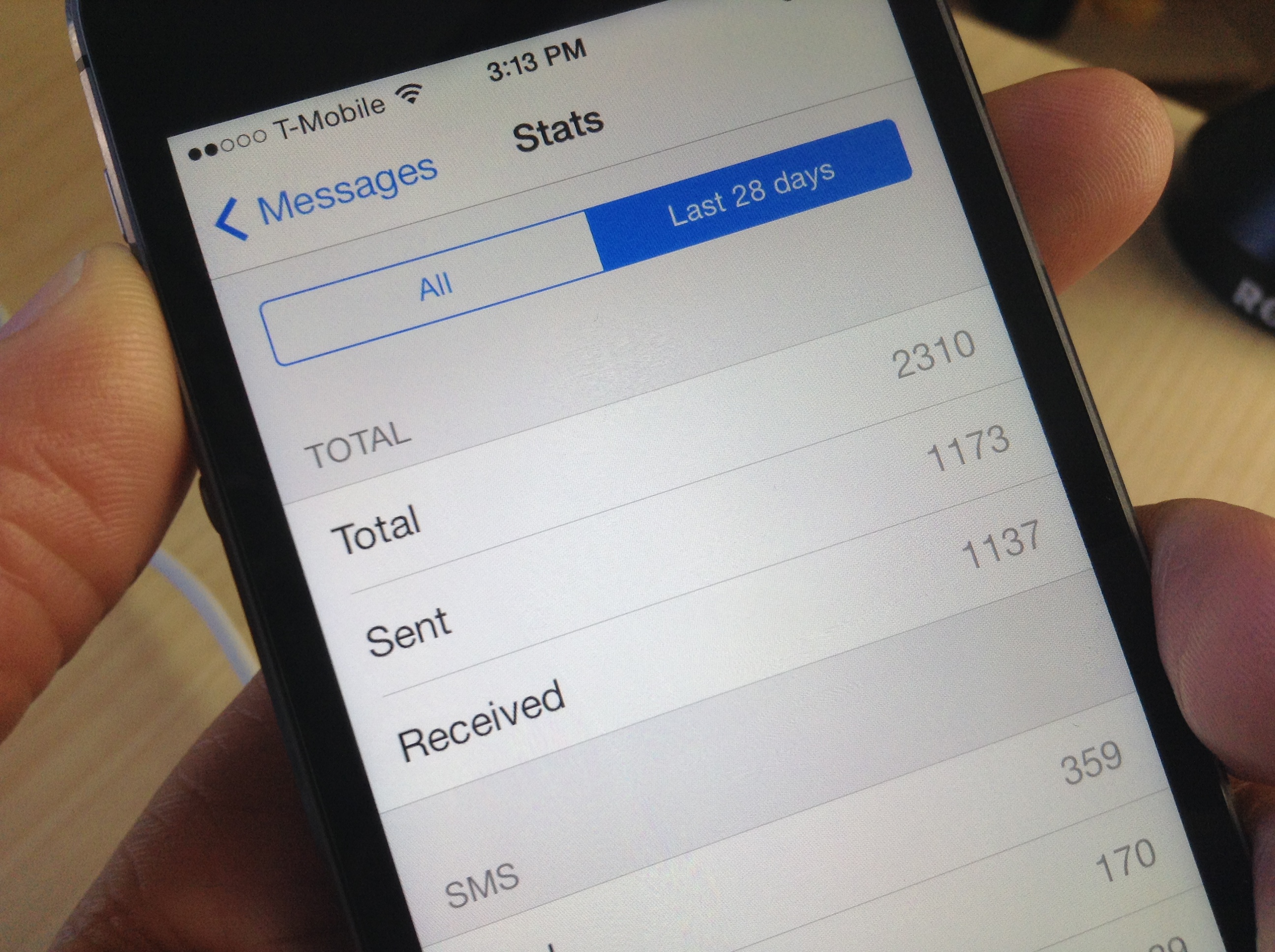
I've never thought of myself as a big text messenger, but I was quite surprised to see how many text messages that I've sent and received over the life of my iPhone. As it turns out, I've sent and received a combined 17,000+ text messages—way more than I expected.

Chances are you'll too be surprised when you see your text message statistics, and there's a brand new jailbreak tweak called SMS Stats 2 that makes it super easy to view them.

How to enable Tweetbot 3 streaming over 3G/LTE

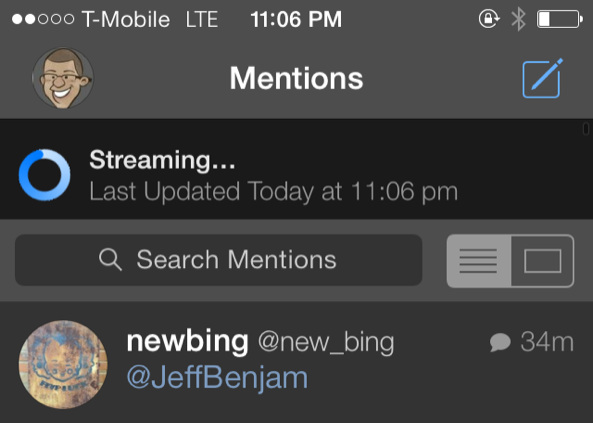
One of the main reasons why I could never see myself switching from Tweetbot 3 to the official Twitter app has to do with streaming. More specifically, Tweetbot allows you to have real-time streaming timeline updates, while the official Twitter app does not.

But even Tweetbot's streaming has limitations. For example, you can't stream your timeline while on LTE/3G, as it only works with Wi-Fi.

Tweetbot 3 Stream 3G/LTE is a brand new jailbreak tweak that allows you to use Tweetbot's streaming timeline while on a cellular connection. Have a look inside for a few more details about this handy tweak.

Video of Steve Jobs’ first public Mac demonstration surfaces

On January 24, 1984, Steve Jobs demonstrated the original Macintosh for the first time at an Apple shareholders meeting in Cupertino. You've probably seen a video of the presentation; it's the one where Jobs is introduced by a joke-telling Mac.

But what many people don't know is that the Apple co-founder gave another presentation for the computer less than a week later at a meeting of the Boston Computer Society. And that presentation has remained largely unseen until this weekend...

Watch Tim Cook’s full interview with ABC’s David Muir

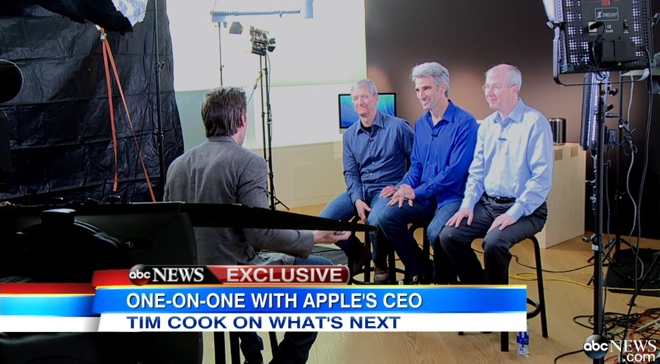
Rounding out Apple's celebration of the Mac's 30th anniversary on Friday, ABC aired an interview between its own David Muir and CEO Tim Cook. Senior VP Craig Federighi and VP Bud Tribble were also on hand, but Cook did most of the talking.

It was a short discussion, running for less than 5 minutes, and some of it has already been spoiled by preview clips. But for those who haven't seen it, it's worth watching, as Cook speaks out about major issues such as the recent NSA surveillance scare...