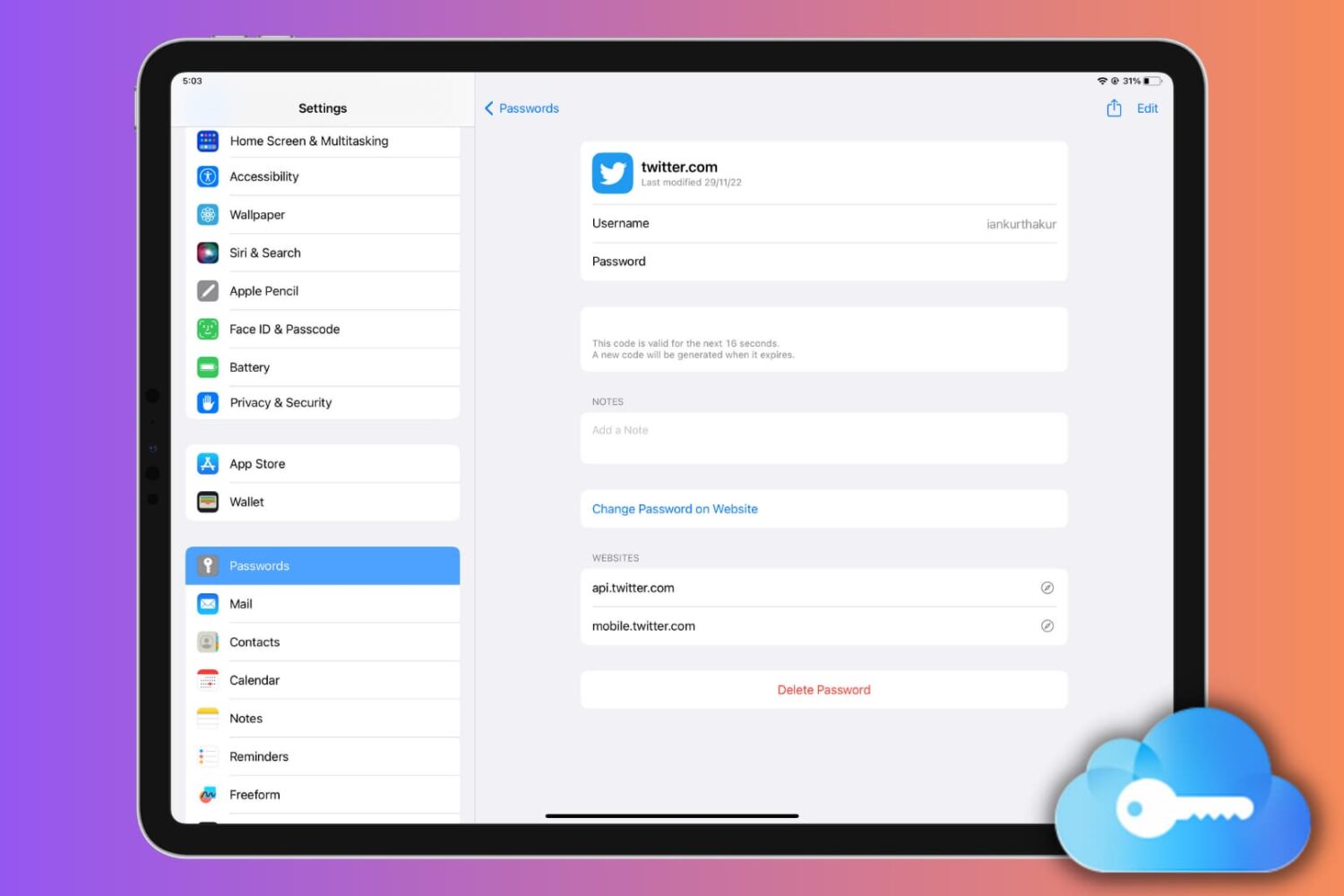
Learn how to set up, use, or turn off iCloud Keychain on your Apple devices to keep your passwords secure and simplify your digital life.
How to set up, use, or turn off iCloud Keychain on iPhone, iPad, and Mac
Learn how to master your Apple devices with our comprehensive tutorials. From iPhone and iPad to Mac, Apple Watch, AirPods, and more, our expert guides will help you unlock the full potential of your Apple products. Discover new features, tips, and tricks each day to enhance your user experience.
Learn how to set up, use, or turn off iCloud Keychain on your Apple devices to keep your passwords secure and simplify your digital life.

Try these troubleshooting tips to stop your MacBook from waking from sleep or powering up on its own, even when you’re not using it.
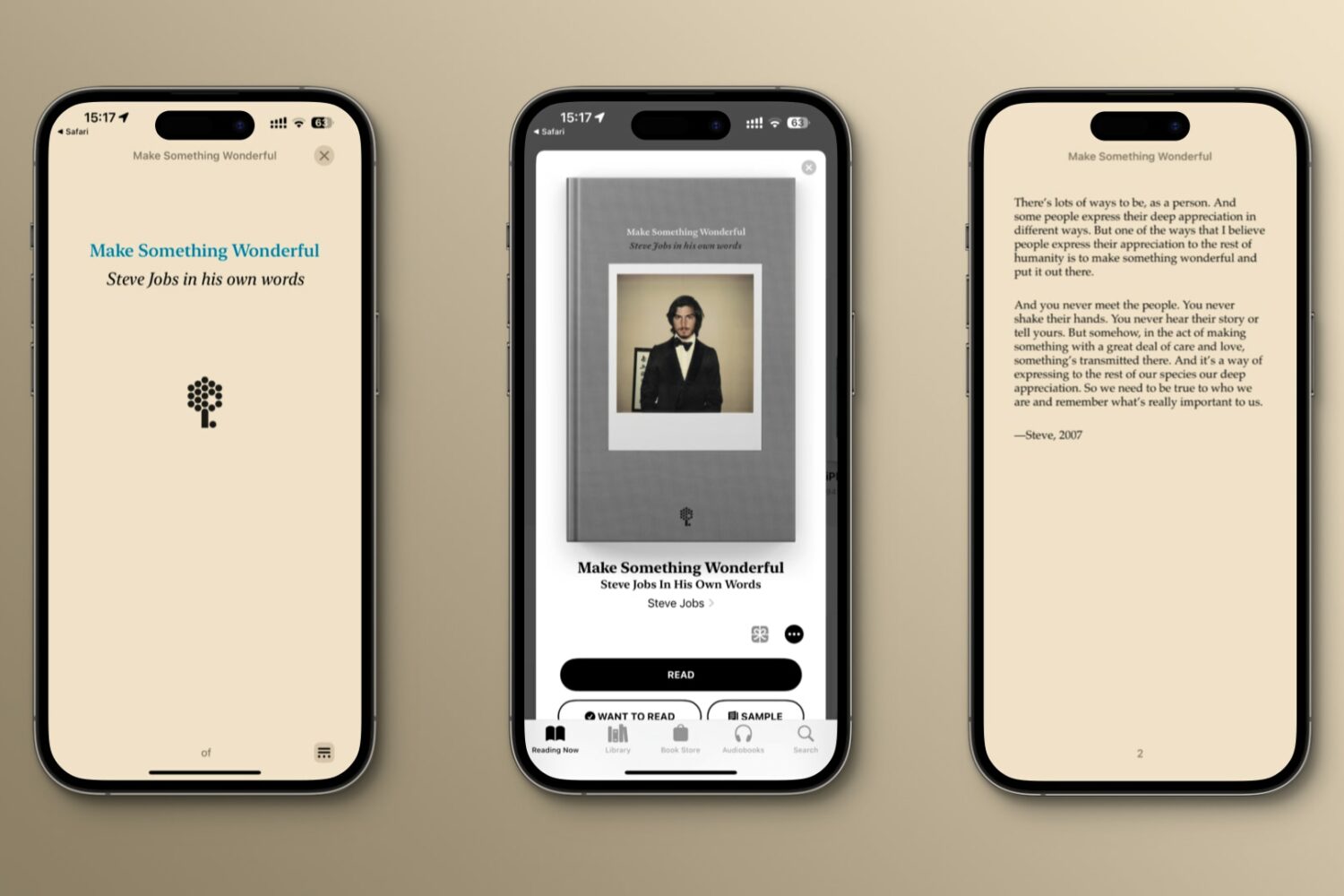
Here's how to download "Make Something Wonderful," a free ebook with emails, speeches and interviews illustrating how Steve Jobs approached life and work.
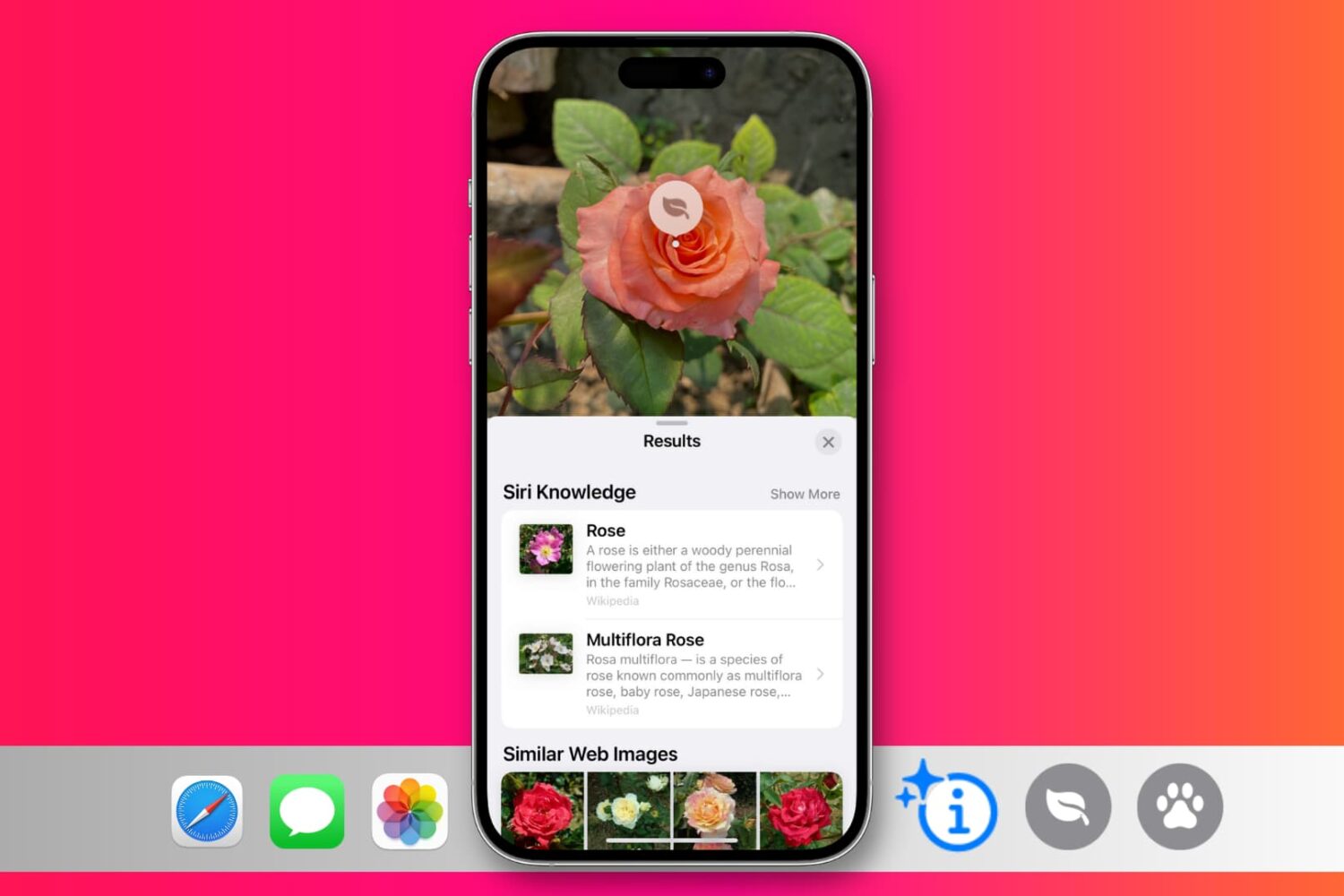
In this guide, we’ll discuss how to use the Visual Look Up feature on your iPhone and iPad to identify plants, animals, landmarks, and other objects in your photos.
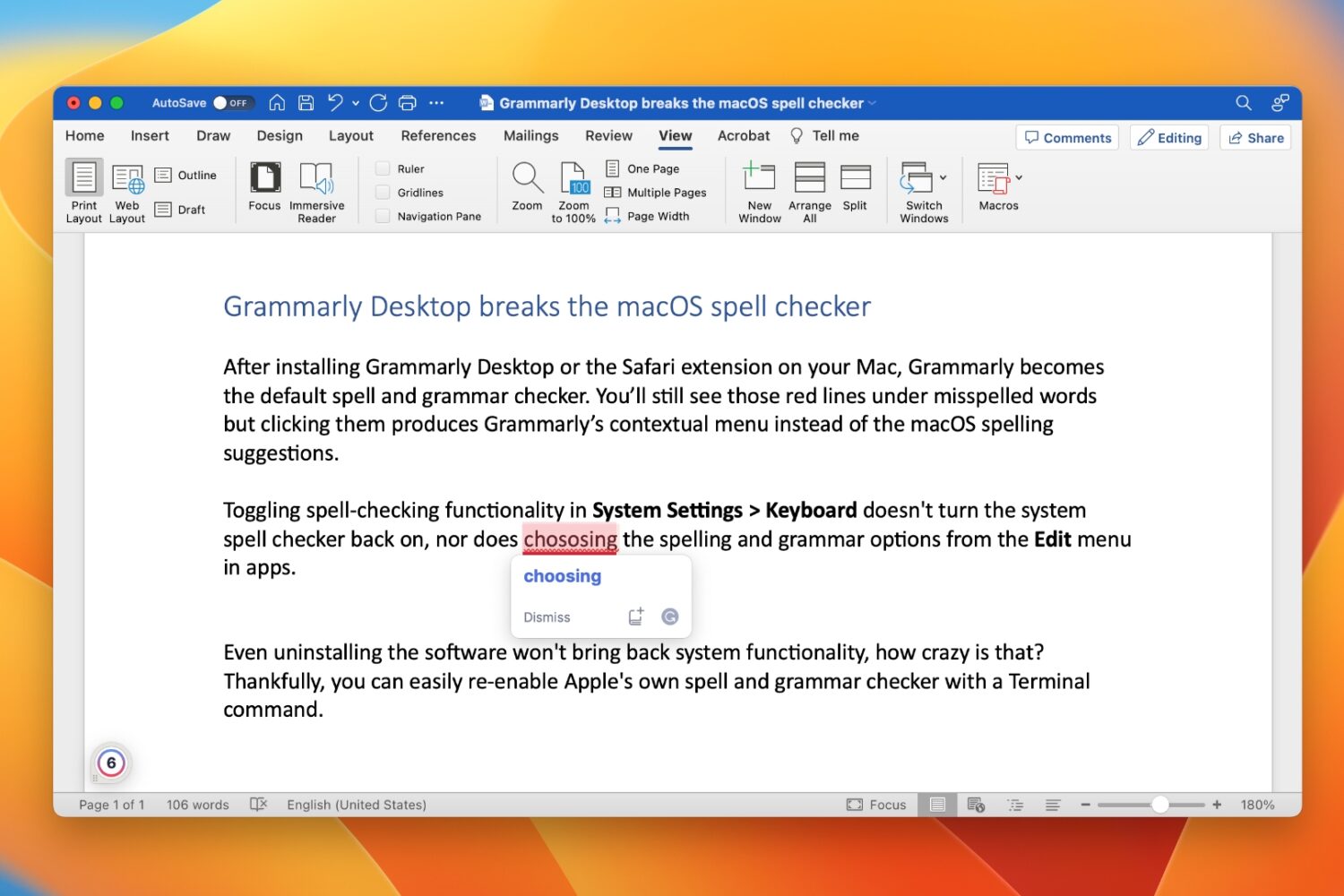
Learn how to restore your Mac’s built-in spell and grammar checker if Grammarly has disabled it and taken over your typing.
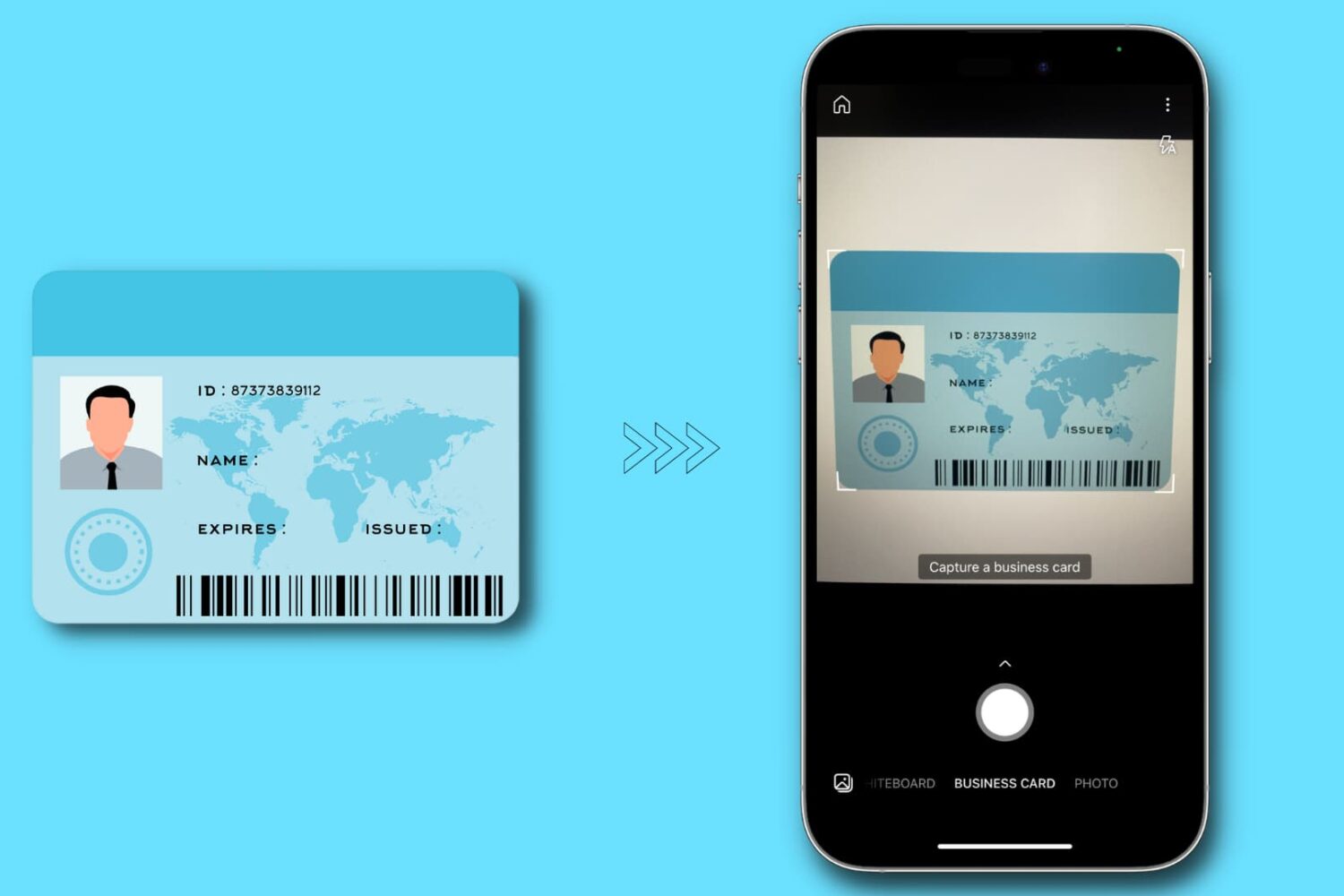
In this tutorial, we'll show you how to make digital copies (image or PDF) of your physical identity card using your iPhone or iPad. You can use these digital copies when filling out online forms or keep them on your device for safe backup.
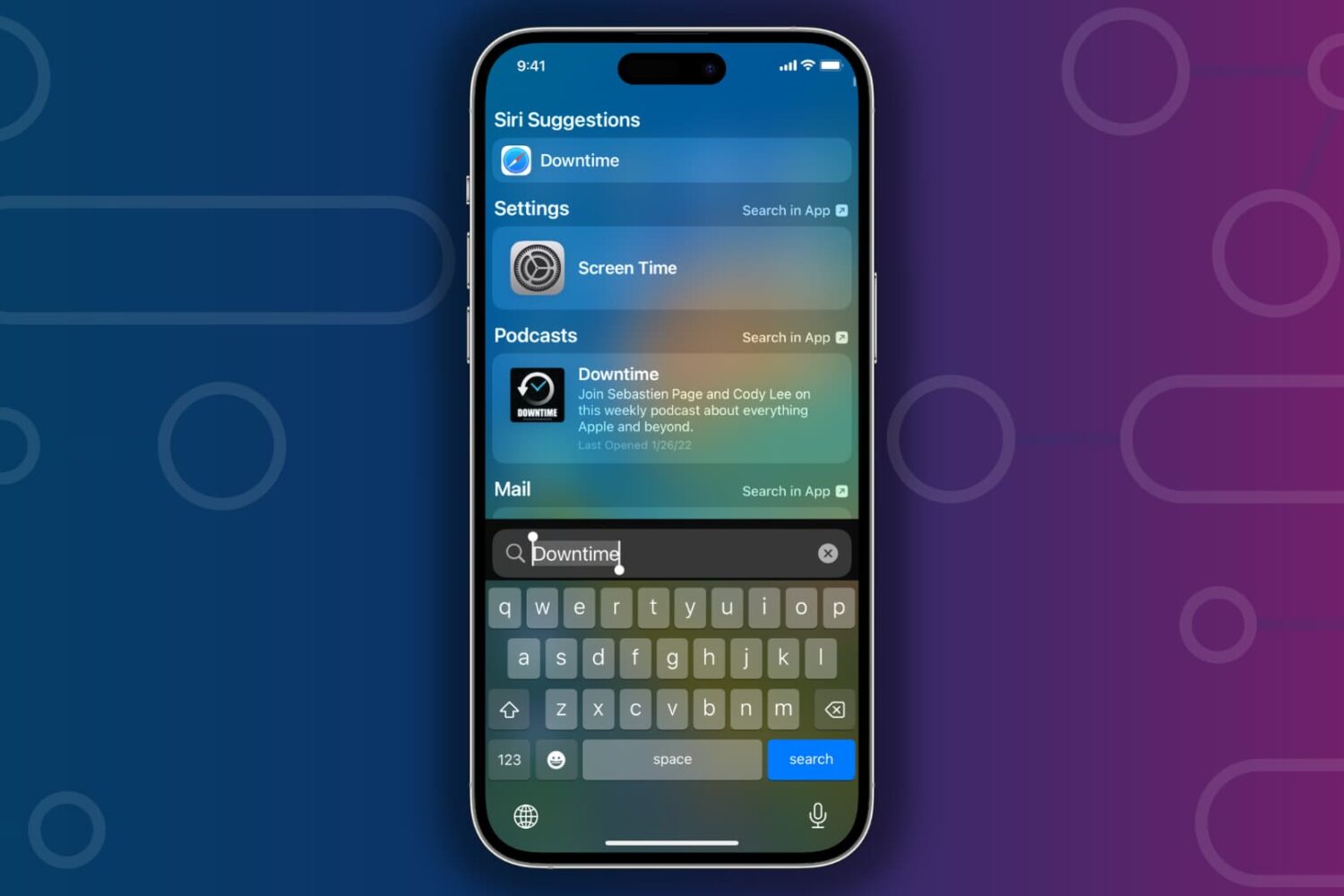
Learn what to do if Spotlight Search is slow to show results when you’re trying to find something on your iPhone or iPad.
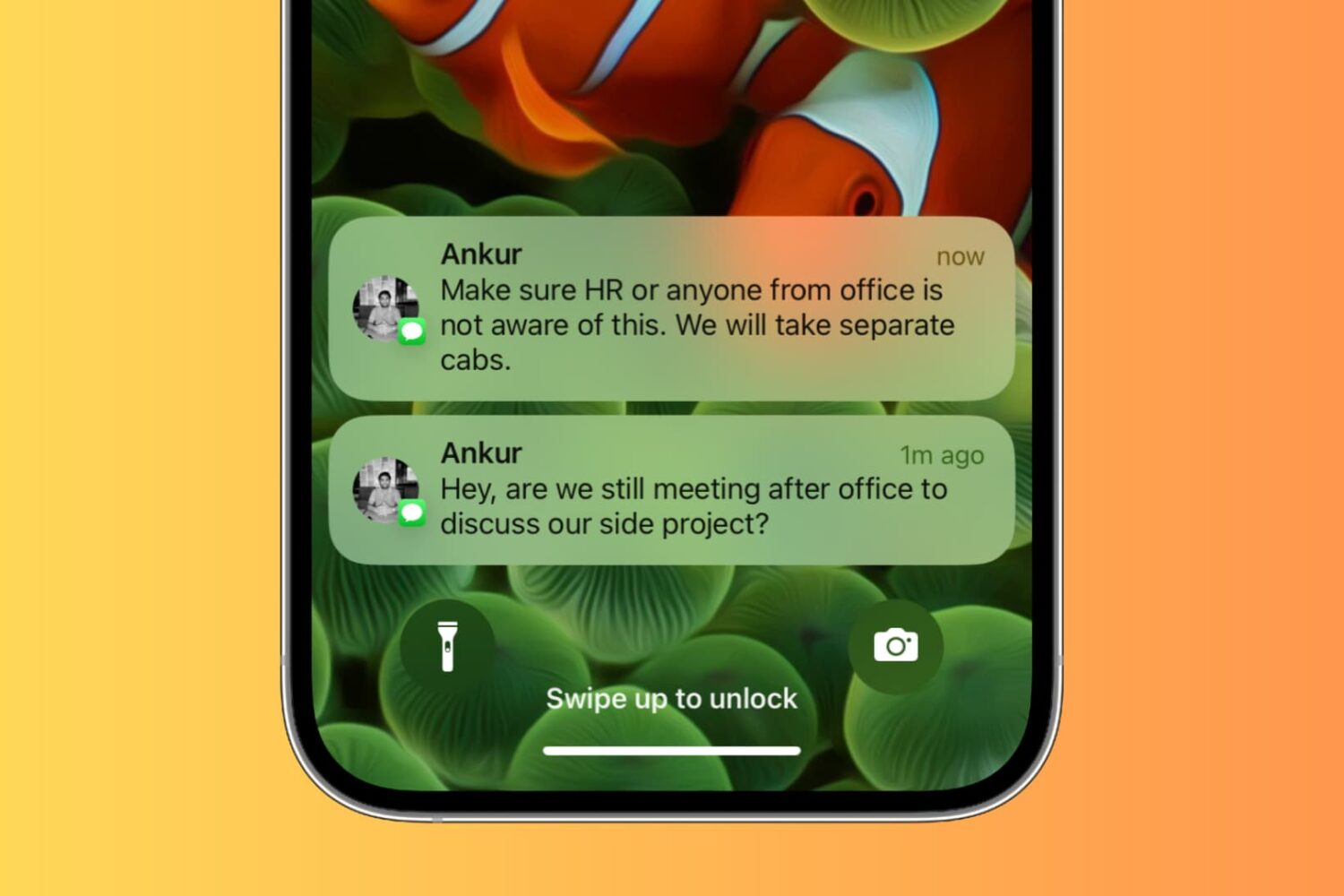
Learn how to secure your iPhone and iPad Lock Screen notifications for maximum privacy and security.

Learn how to stop the Telegram app on your iPhone or Android phone from sending notifications when a contact of yours joins the platform.

This tutorial shares some quick and practical ways to improve the quality of video calls on your Mac. The tips here apply to all video conferencing services like FaceTime, Zoom, Skype, Google Meet, Slack, Microsoft Teams, WebEx, Discord, Facebook Messenger, LINE, and more.

If you’ve decided to remove the palera1n-c jailbreak for any reason after using it, then you’ve come to the right place. We’ll be showing you how you can do exactly that in this step-by-step tutorial.
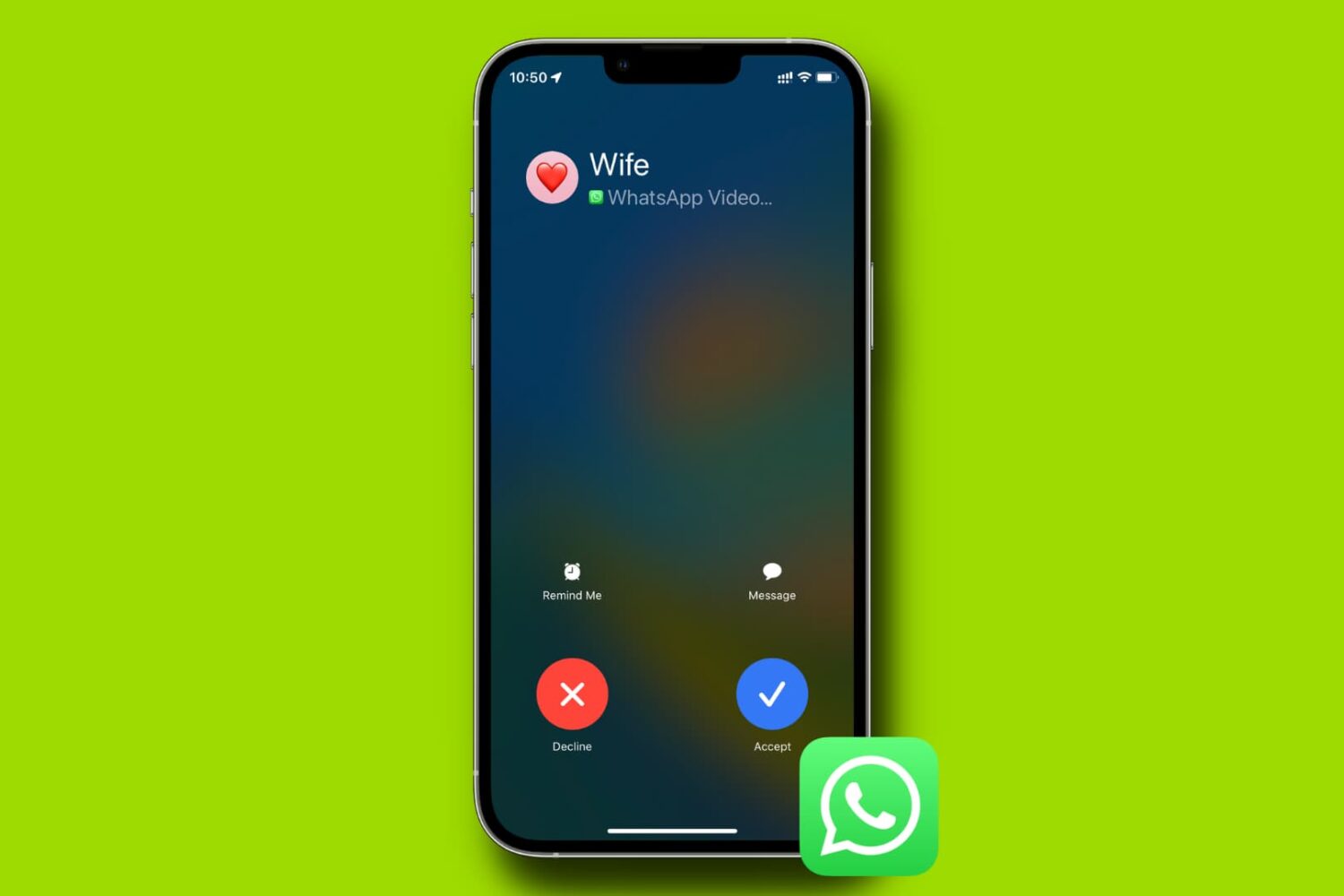
Learn what to do if WhatsApp blocks you from making audio and video calls or sending voice notes because it cannot access your iPhone’s camera and microphone.