Filter out junk notifications and get alerted only about the stuff you care about by turning on the quality filter option in the X app or website.
How to turn on the quality filter for your X notifications

Learn how to master your Apple devices with our comprehensive tutorials. From iPhone and iPad to Mac, Apple Watch, AirPods, and more, our expert guides will help you unlock the full potential of your Apple products. Discover new features, tips, and tricks each day to enhance your user experience.
Filter out junk notifications and get alerted only about the stuff you care about by turning on the quality filter option in the X app or website.
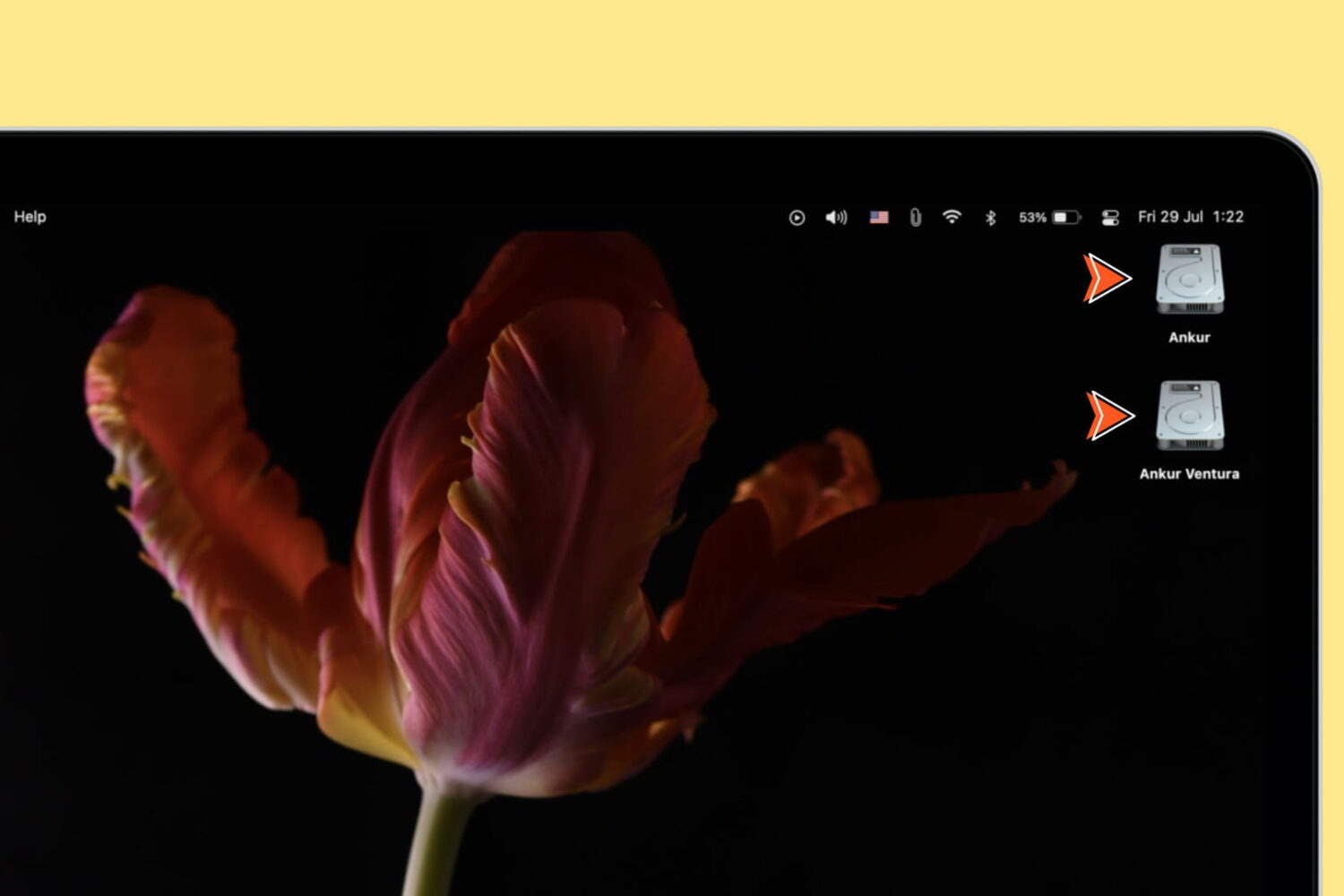
Learn how to show device icons for the internal startup drive, storage devices, volumes, and partitions on your Mac's desktop for quick access to the files within.
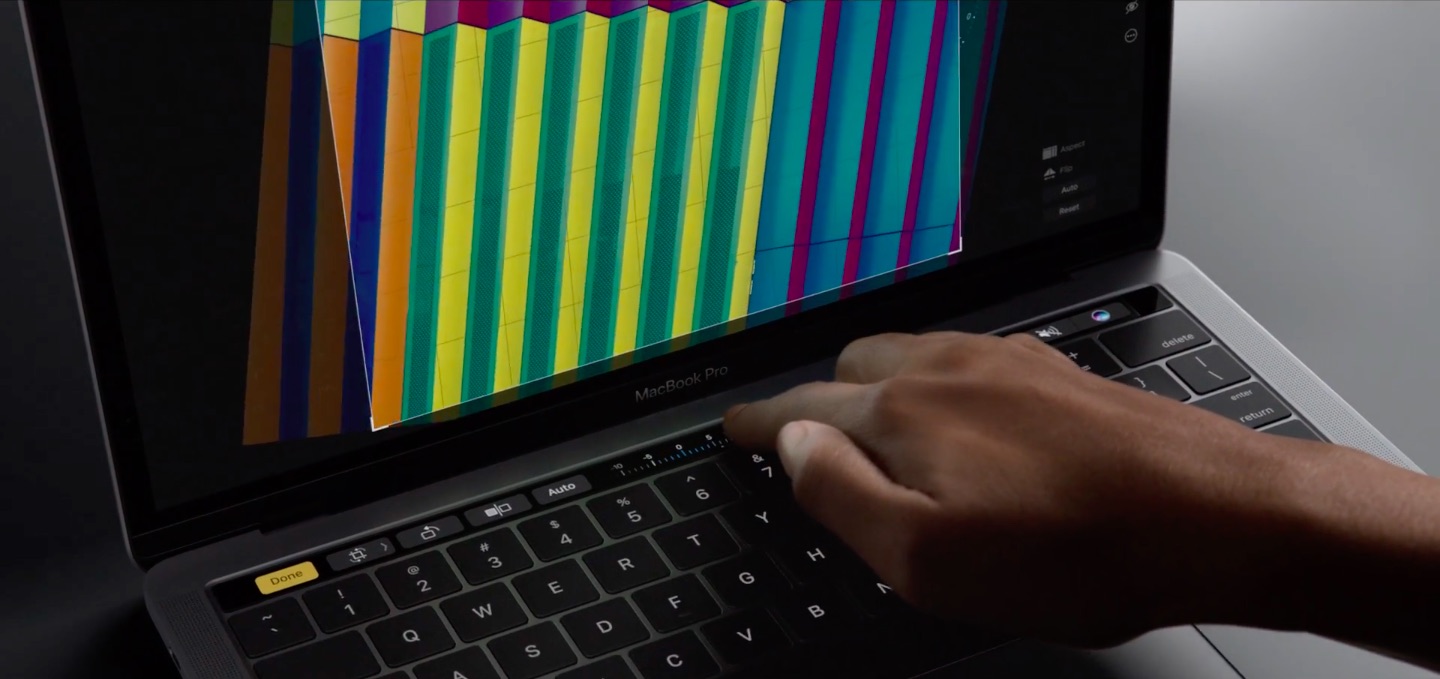
If you take screenshots on your Mac, you may wonder if macOS supports screenshotting the Touch Bar. The default Shift (⇧)-Command (⌘)-3 keyboard shortcut captures a screenshot of everything shown on the display, sans the Touch Bar.
With macOS 10.12.2, Apple has implemented a brand new shortcut specifically designed for taking screenshots of the Touch Bar.
Here's what you need to know about capturing everything that's shown on the Touch Bar as an image file on your computer. You'll also learn how to save Touch Bar screenshots to the clipboard for pasting in other apps and how to add screenshot-taking shortcuts as buttons to the Touch Bar itself.
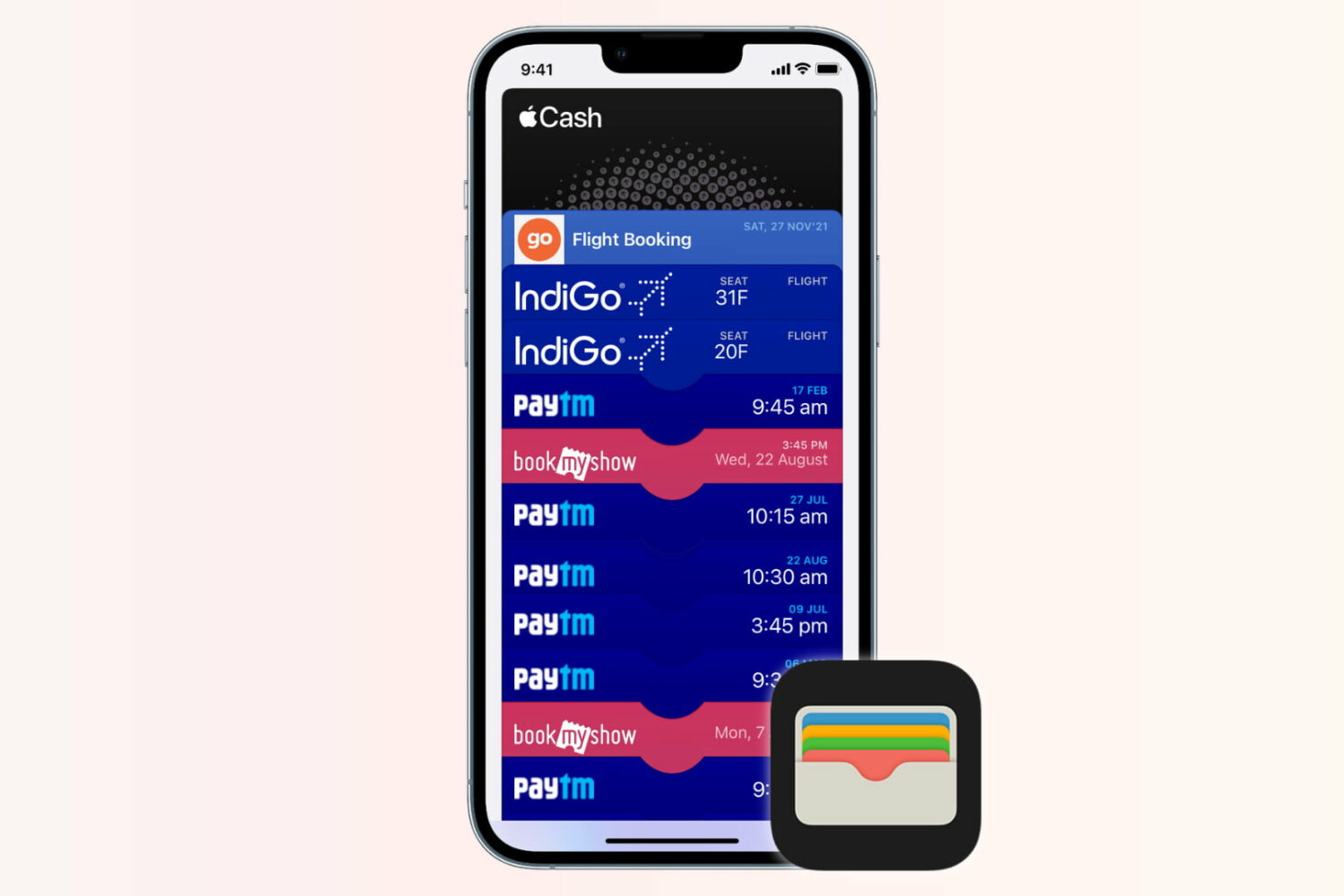
You volunteered to book event tickets on behalf of a group, and just when your finger is hovering over the eTicket delivery method, you notice you don't have everyone's digits to send the tickets out to their iPhones. Or you do, but a group member has no local number since they're visiting from overseas?
Fret not, because neither of those two scenarios is going to keep you from handing out the passes to your friends' devices. All you need to know for it to come off is a little trick that helps share them conveniently from your own Wallet app.
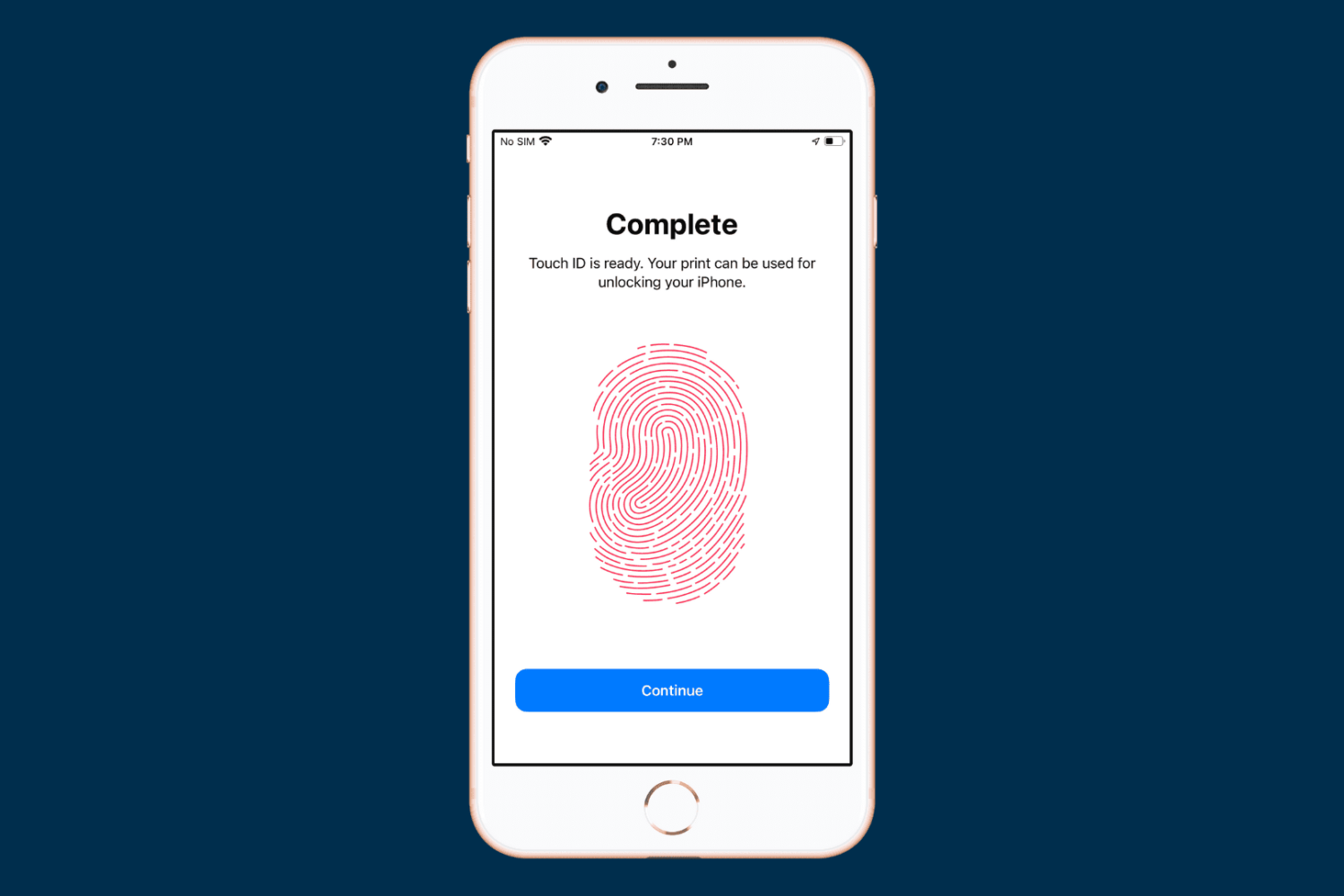
When you set up your device for the first time, you’re asked to register one fingerprint with Touch ID. But you can add more at any time, and in this tutorial, we will show you how to do that.

From time to time, you might come across an audio file format known as .caf (Core Audio Format), which was originally created by Apple to put an end to file size barriers set by other audio file types.
Unfortunately, not every audio player or device works with .caf files, so it might do you good to know how to convert them to another audio file type using the software that comes with your Mac. In this tutorial, we'll show you how to convert .caf files to more commonly-used audio files such as AAC or MP3 with Garageband.
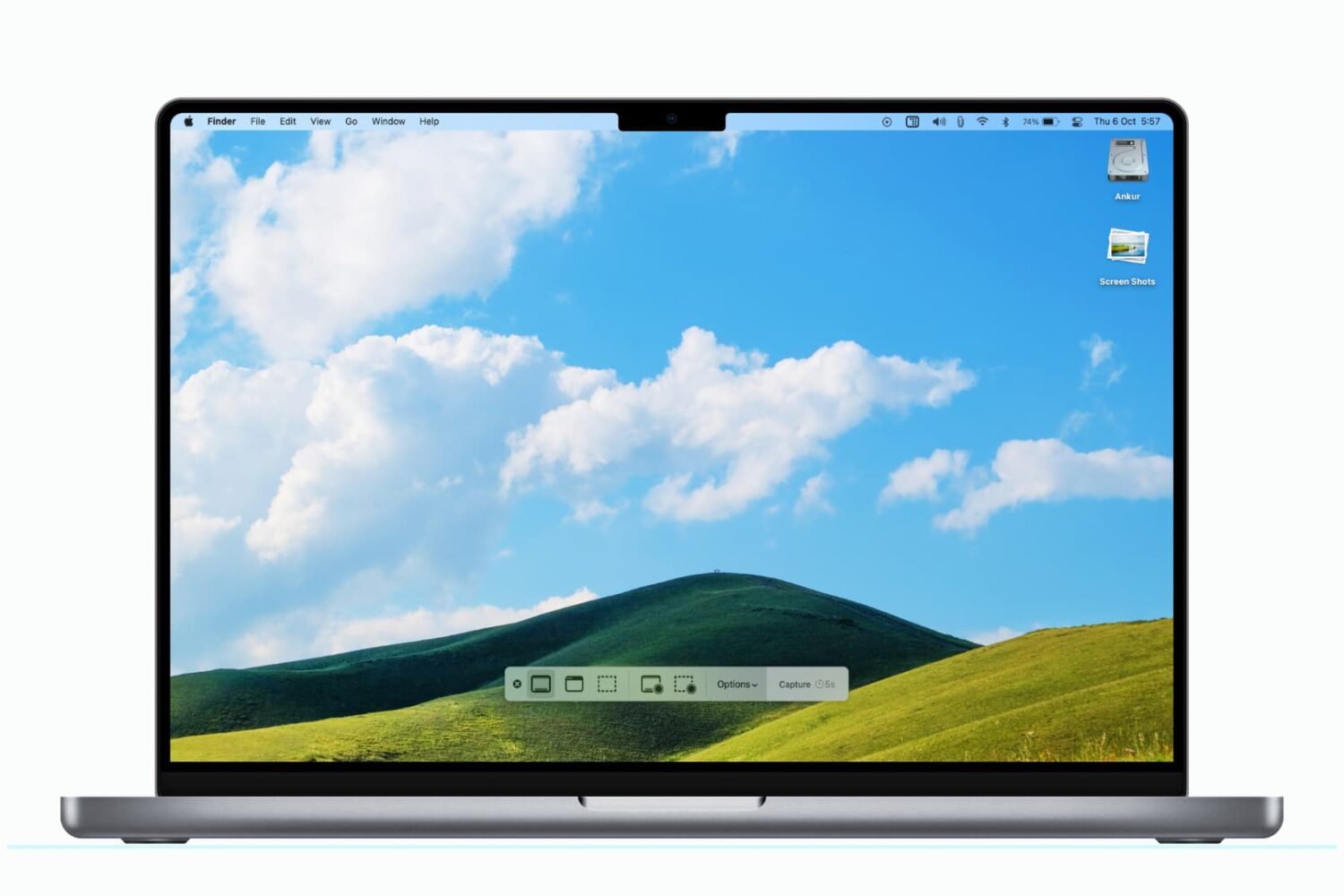
You can use a modifier key to save a Mac screenshot directly to the clipboard for quick pasting in other apps and even on your iPhone or iPad, provided you use Universal Clipboard.
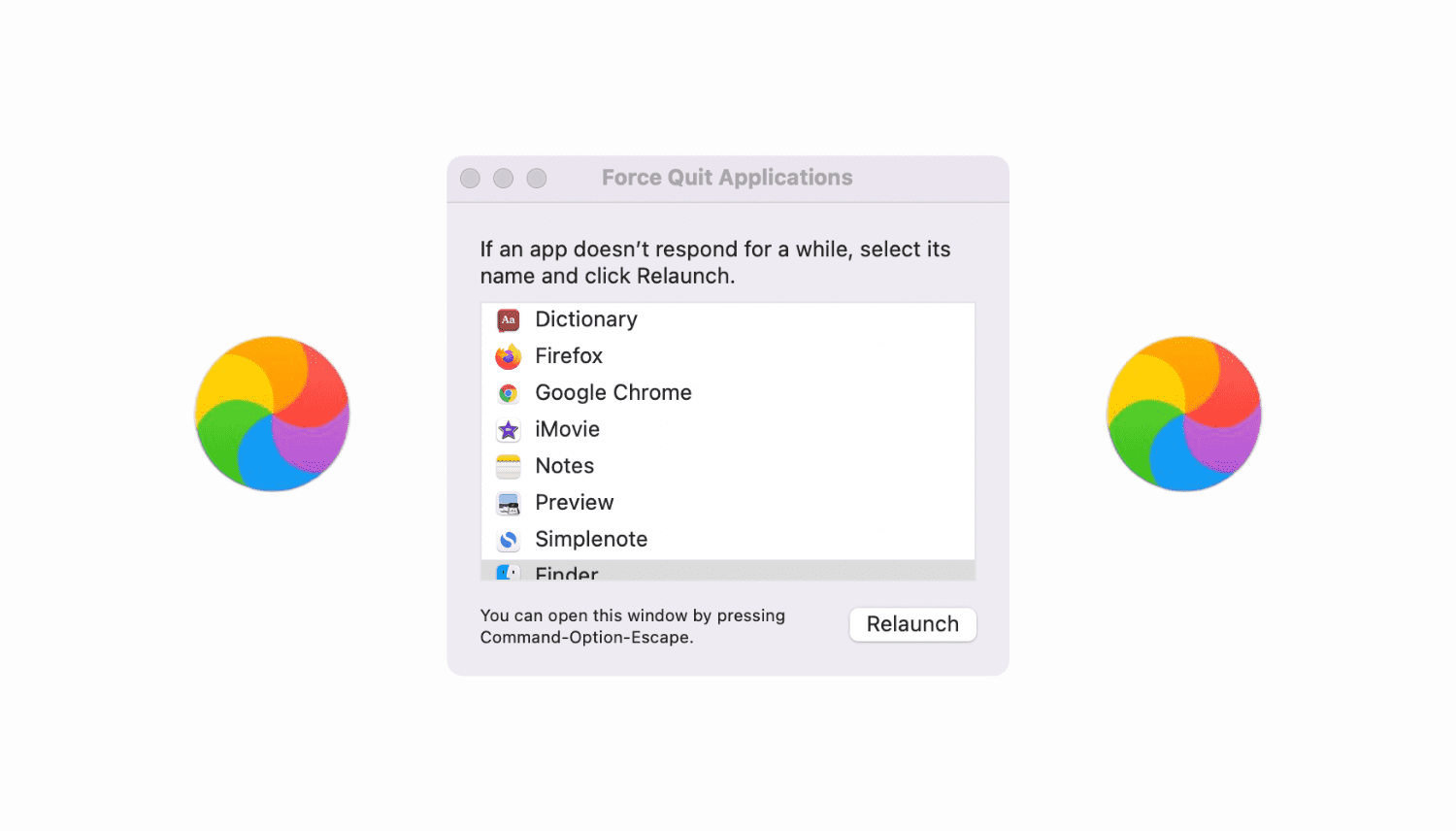
Go through these tips if your Mac is not responding to the Force Quit command or the Force Quit menu itself is freezing.
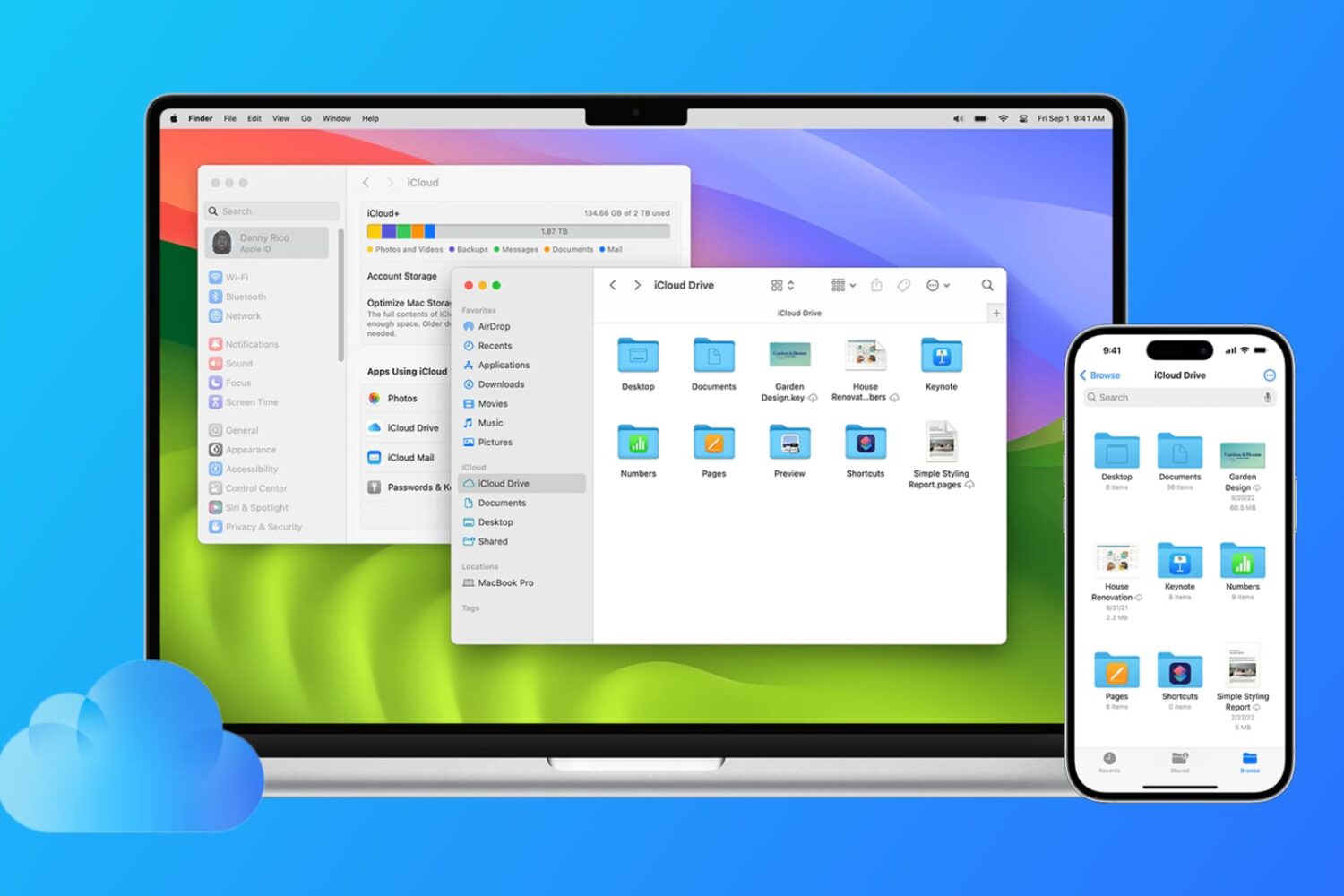
Find out how to sync files from the Desktop and Documents folders of your Mac to all your other devices, including other Mac, iPhone, iPad, iCloud Web, and even Windows PC.
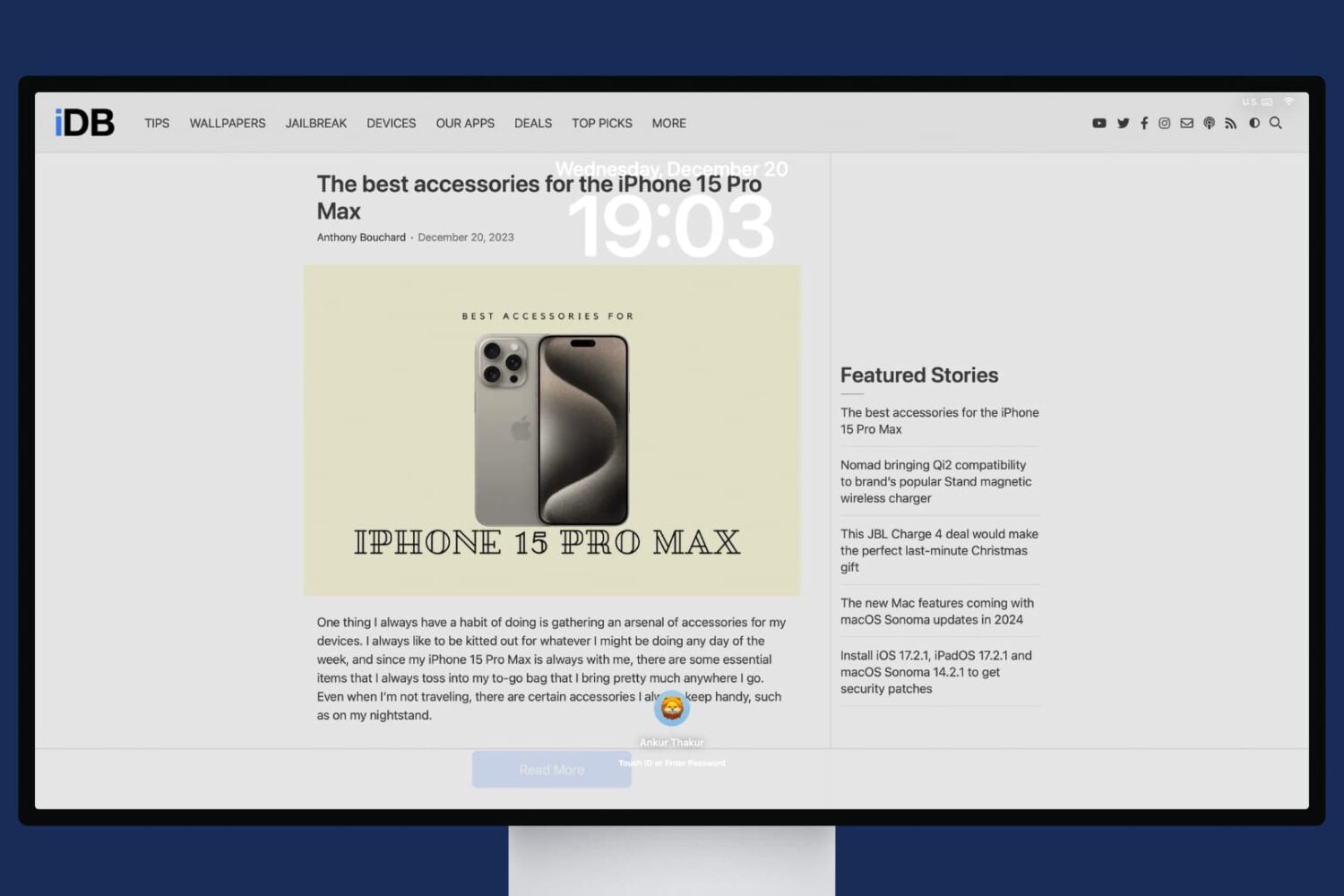
In this tutorial, we will share the quick steps to set one or more websites as your Mac's screen saver so you have their latest news or articles displayed constantly on the screen.
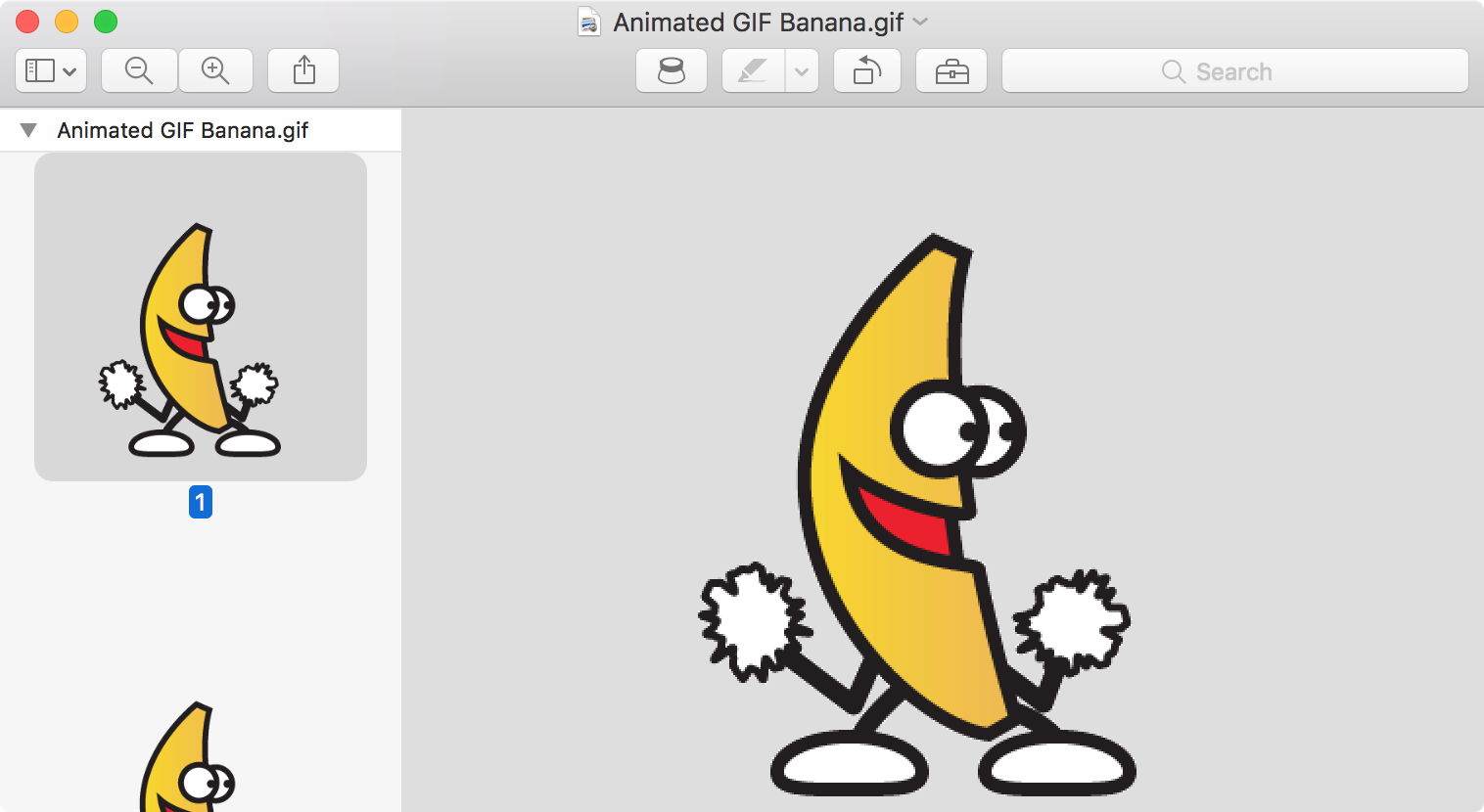
Are GIFs opening as still images or as individual frames on Mac? In this tutorial, we’ll share 3 quick built-in methods to view animated GIFs the right way.
Safari, like just about all other web browsers, lets you set a home page to load every time you open the app. Most people think this feature is limited just to only websites, but that's not the case at all. In this tutorial, we'll show you how to set an image file as your Home page in Safari.