The September 2018 release of the iOS 12 software update brought an easier way for iPhone owners to retry Face ID following an unsuccessful unlock attempt on the Lock screen.
How to retry Face ID following a failed facial scan on the Lock screen

Learn how to master your Apple devices with our comprehensive tutorials. From iPhone and iPad to Mac, Apple Watch, AirPods, and more, our expert guides will help you unlock the full potential of your Apple products. Discover new features, tips, and tricks each day to enhance your user experience.
The September 2018 release of the iOS 12 software update brought an easier way for iPhone owners to retry Face ID following an unsuccessful unlock attempt on the Lock screen.

Learn everything there is to know about using the Siri watch face on your Apple Watch to automatically get timely and helpful information on your wrist.

Running the latest iOS edition helps protect your devices from malware and any known exploits that would put your private data at risk of being hijacked by malicious apps.
To ensure your iPhone, iPad, and iPod touch are up to date, turn on the Automatic Updates option to have the latest version of the iOS software download and install automatically when available.
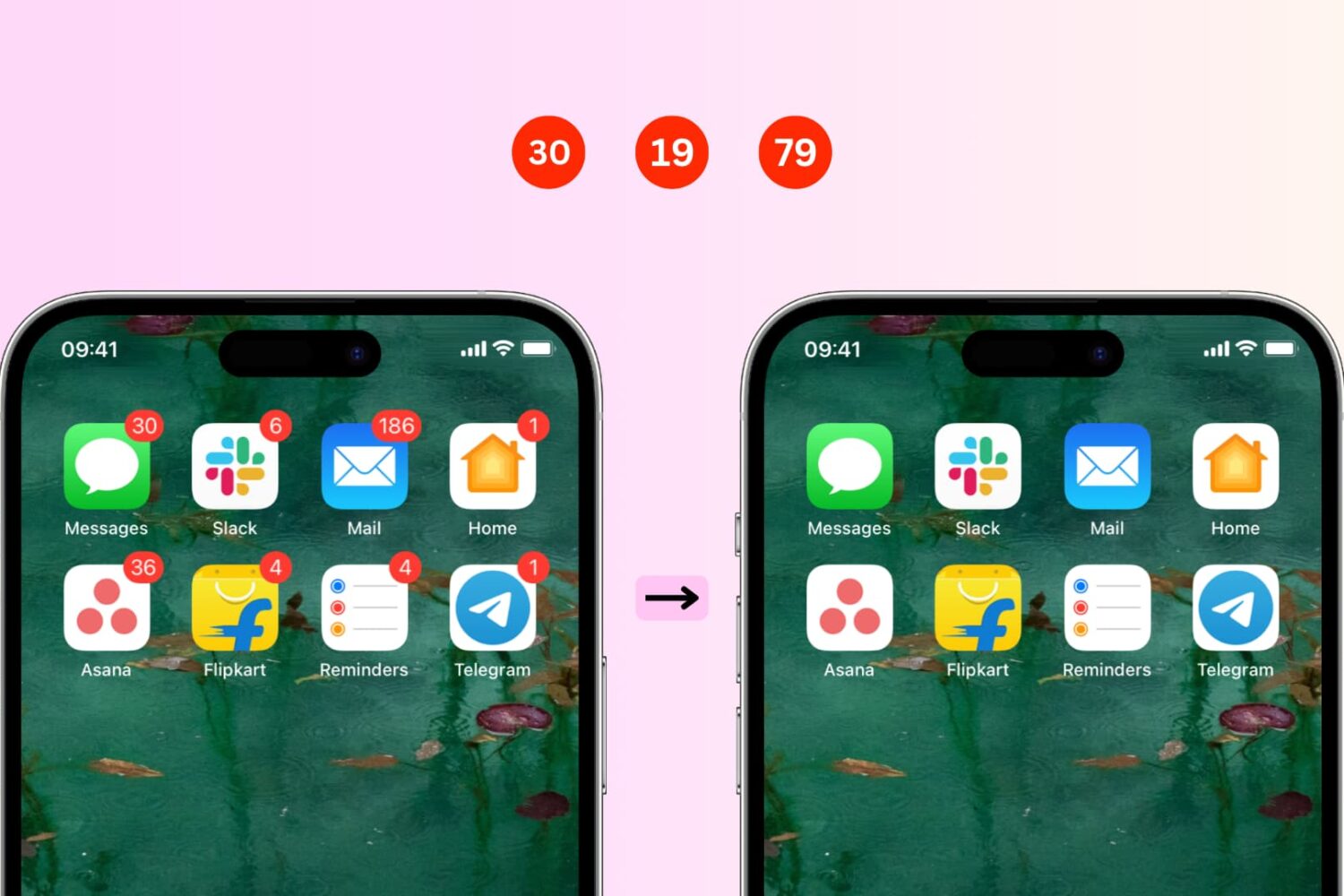
In this simple step-by-step guide, we’ll show you how to remove those pesky red notification badges on your iPhone or iPad app icons. We’ll also share some tips to follow if you don’t see the option to hide them in iOS notification settings.

Facebook Events are a great way to keep track of what's going on in the world around you, including upcoming concerts, community functions, birthdays, and more. You can easily add these Facebook Events to your iPhone calendar and remove them if you change your mind. This brief tutorial shows you how to do that.
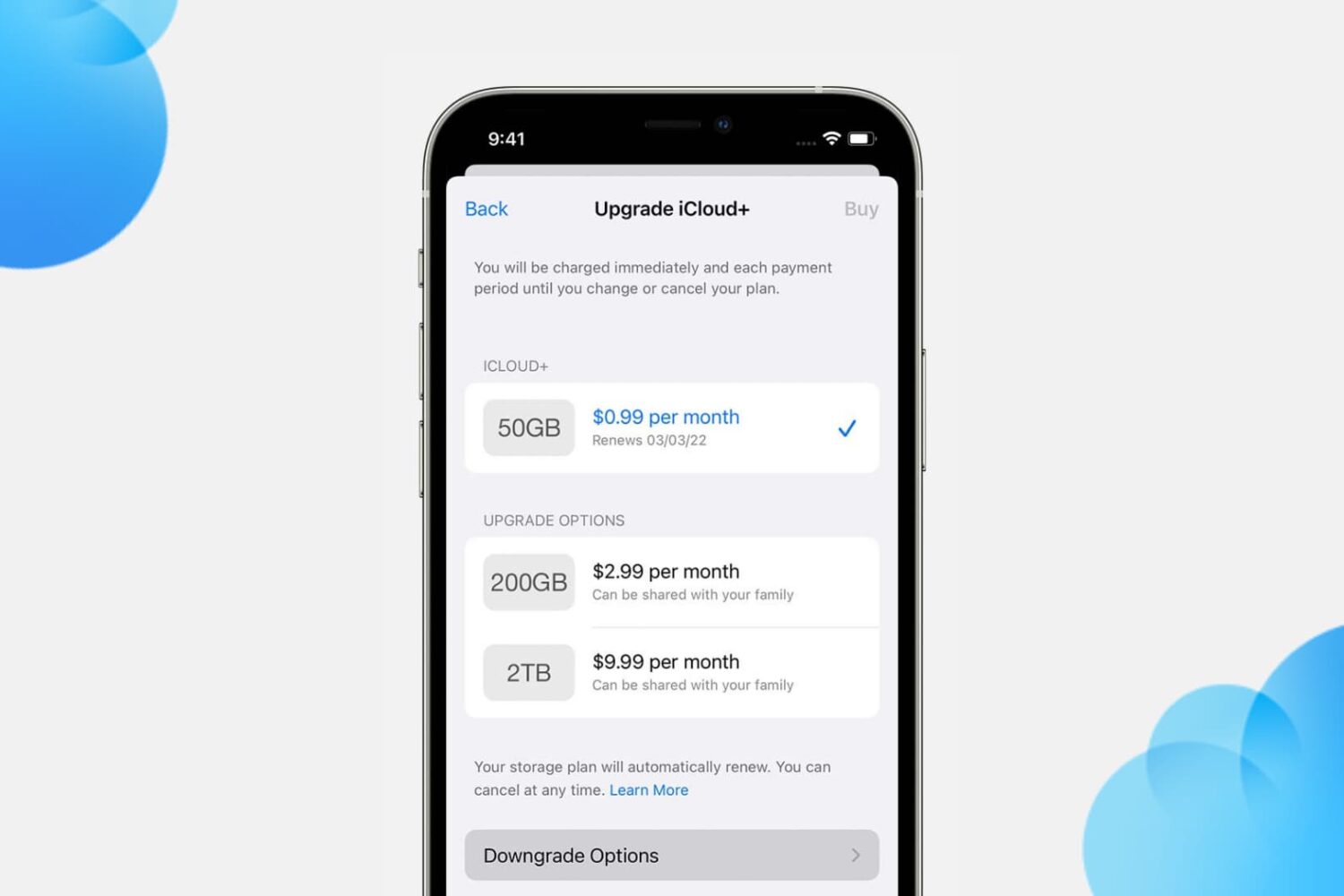
You get 5 GB of free iCloud storage with your Apple ID. This free 5 GB of cloud storage remains the same even if you buy more Apple devices and add them to the same Apple ID. The only way to get more iCloud storage is by upgrading to a paid iCloud+ subscription.
In this tutorial, we tell you how to upgrade, downgrade, or cancel your iCloud subscription.

While it can be easy to share files, images, and links across your devices, you likely use different apps for that. For instance, you may use Photo Stream for images and Safari for links. However, if you want to use just one simple app that not only lets you share across your mobile devices, but your computers and browsers too, then check out Pushbullet.
As a longtime fan of Pushbullet, this easy-to-use application lets you share items between your devices instantly. With the push of a button, you can share to several spots at one time or to a single device, and it’s all done securely. If you are ready to dig into Pushbullet, here’s how to get started and use it.

Have you ever been composing or replying to an email in Apple’s Mail app when a message comes in that you want to read right away? Or, maybe you want to check another message you received before replying but have already started the draft.
If this has happened to you, you probably saved the email you were working on in your Drafts and then went back to it later. But you don’t have to do this because there is an easier way. You can minimize the message you’re composing and pop it back open quickly when you are ready to finish it, and here’s how.
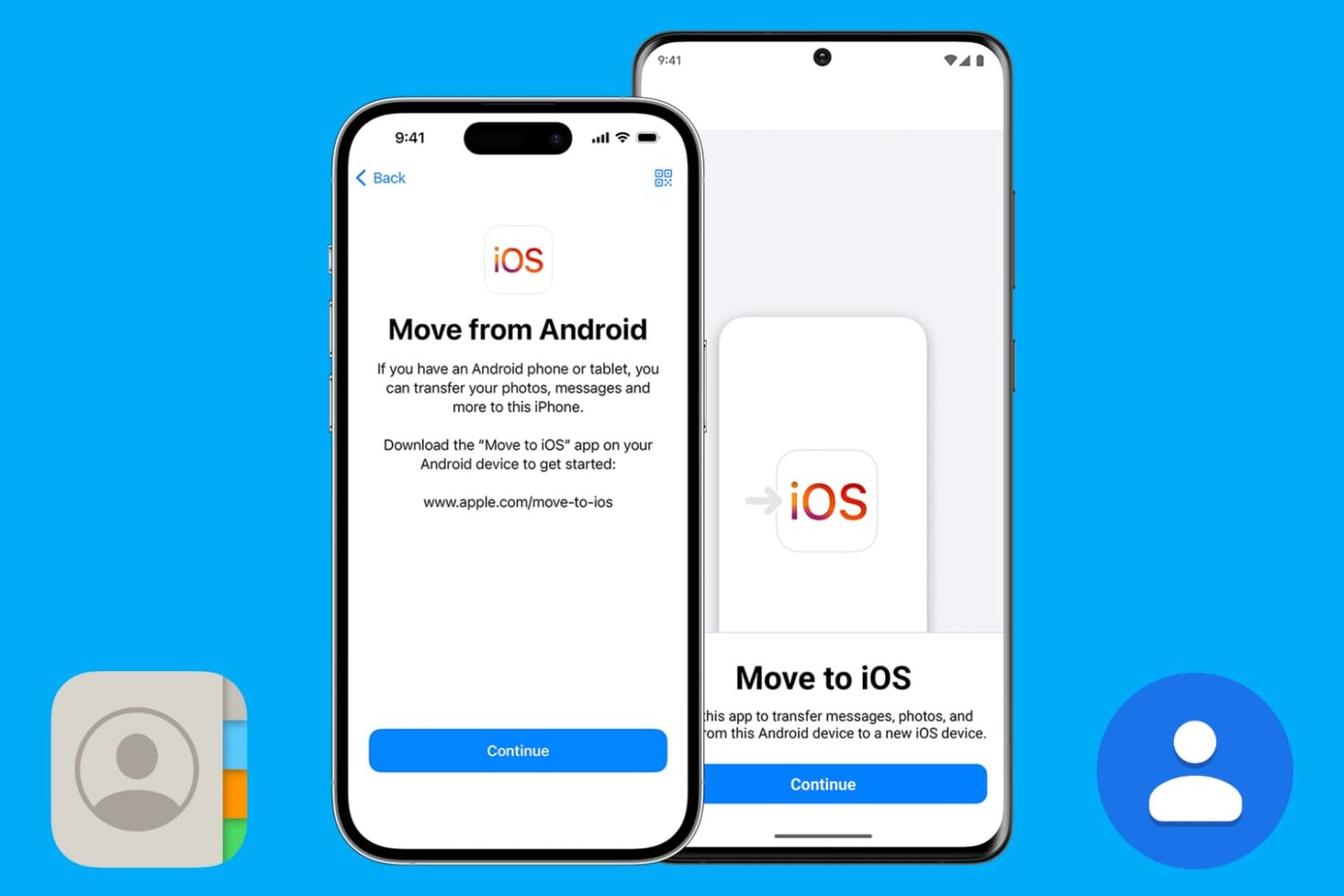
Are you moving from Android to iOS? Discover eight easy ways to transfer your existing Android phone contacts to your iPhone.

Learn how to show upcoming birthdays for family and friends in Apple Calendar on an iPhone, iPad, Mac, and the web so you never forget to congratulate them again.

IFTTT is convenient app that lets you automate simple to complex tasks. For just some of the things you can do with it, check out our IFTTT section if you are new to the app.
But, if you already take advantage of IFTTT, why not let it help you find the apps or games you want on the App Store? Whether it’s a sale on a game you’ve been waiting for, an update to your favorite email app, or searches for apps in a particular category, you can take care of it automatically with IFTTT’s Applets and here’s how.

Learn how to locate your downloaded books on Mac to get the original EPUB files of these titles.