Running the latest iOS edition helps protect your devices from malware and any known exploits that would put your private data at risk of being hijacked by malicious apps.
To ensure your iPhone, iPad, and iPod touch are up to date, turn on the Automatic Updates option to have the latest version of iOS download and install automatically when available.
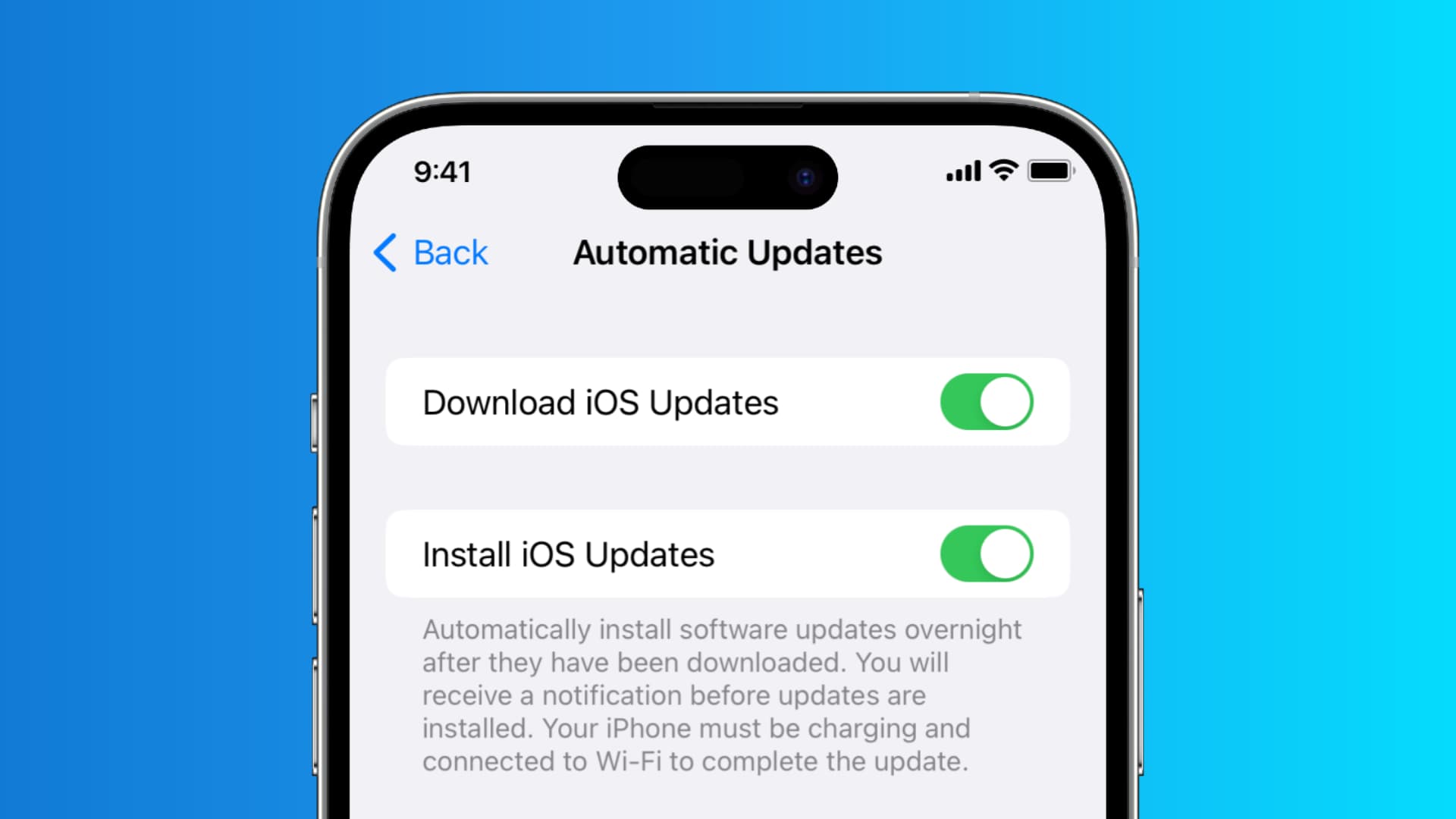
Enable automatic iOS updates
- Open the Settings app on your iPhone or iPad.
- Tap General.
- Tap Software Update and wait for the screen to load.
- Tap Automatic Updates.
- Turn on Automatically Download (formerly Download iOS Updates) so your iPhone downloads new software automatically in the background.
- After that, you can also turn on Automatically Install (formerly Install iOS Updates) so the downloaded update installs automatically, usually at night.

I have only enabled automatic downloads on all my devices, as I like to install the update on my own terms.
Related: Apple explains why automatic iOS updates can take several weeks to work
When this option has been enabled, you should see a confirmation message on the previous screen saying the device will automatically install iOS software updates.
Now your iPhone and iPad will automatically download any new iOS software updates when they become available. You’ll need to get past the changelog screen and accept Apple’s various terms and agreements before the download actually installs itself on the device.
You can, of course, still check for updates manually in Settings or schedule a new iOS software update to install overnight. When new iOS software is available to download, you’ll see a notification on your Lock Screen and a badge on the Settings app icon.
Note: This option is managed separately on every iOS device you own. So, you’ll have to follow the above steps separately on all your iPhones and iPads.
Tip: Apple typically closes the signing window for older iOS releases within weeks of a major iOS software update release, meaning power users might want to refrain from using this option and instead decide for themselves when they would like to upgrade.
Check out next: