Check out this list of over 45 keyboard shortcuts for the Messages app to help you navigate your texts more quickly on your Mac.
45+ keyboard shortcuts for the Messages app on Mac
Learn how to master your Apple devices with our comprehensive tutorials. From iPhone and iPad to Mac, Apple Watch, AirPods, and more, our expert guides will help you unlock the full potential of your Apple products. Discover new features, tips, and tricks each day to enhance your user experience.
Check out this list of over 45 keyboard shortcuts for the Messages app to help you navigate your texts more quickly on your Mac.
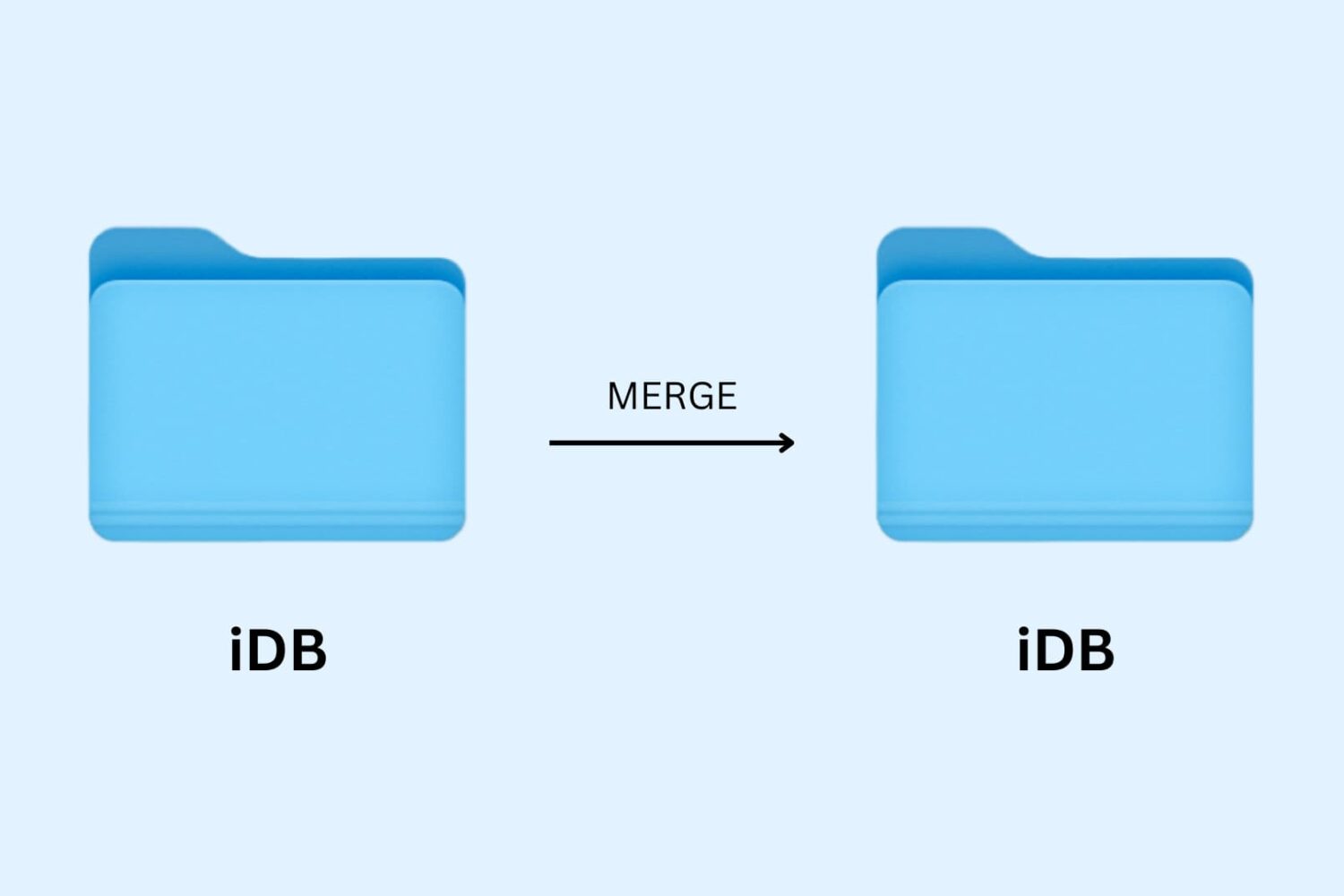
Learn how to merge macOS folders to clean up duplicate folders on your Mac that may or may not have the same names.

Learn how to browse the movies and TV shows your family members have purchased from the iTunes Store and stream or download them in the Apple TV app on your iPhone, iPad, or Mac.
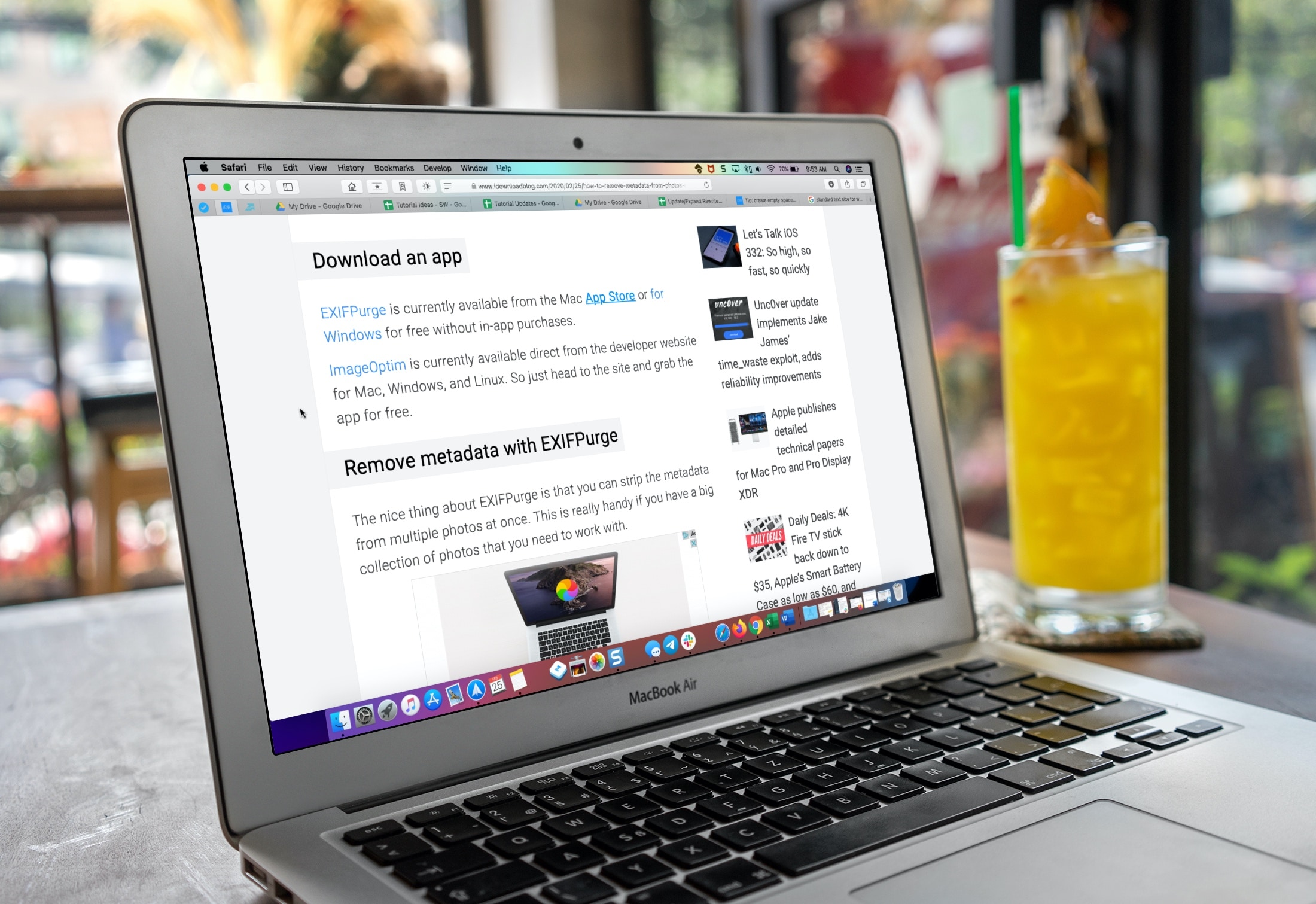
Learn how to make the text bigger in Safari for every website to see things more clearly when browsing the web on your iPhone, iPad, and Mac.
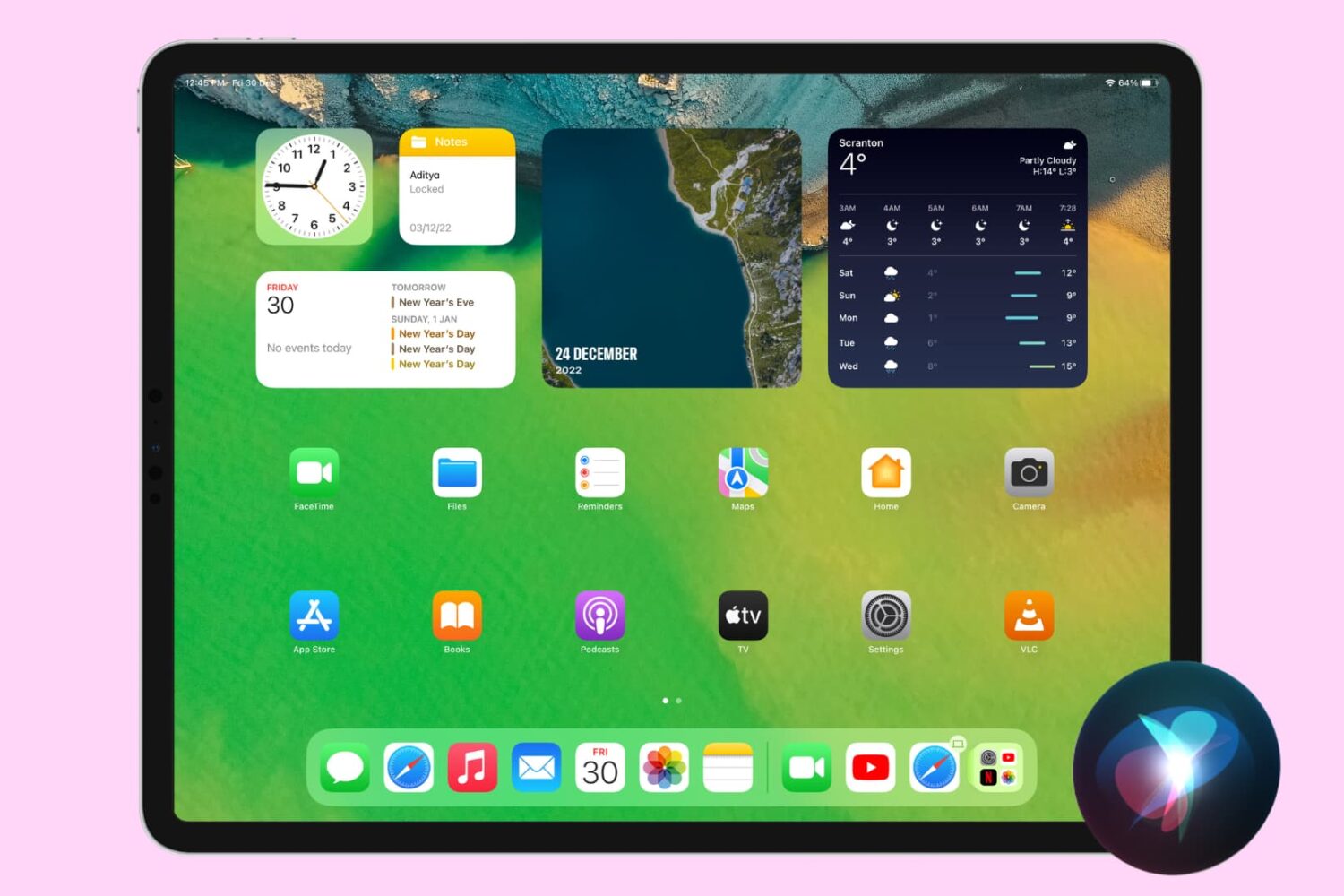
You can ask Siri to take you back to the Home Screen hands-free by uttering a simple voice command. Follow along with our quick tutorial to learn how to use the Siri Home Screen command on your iPhone or iPad.
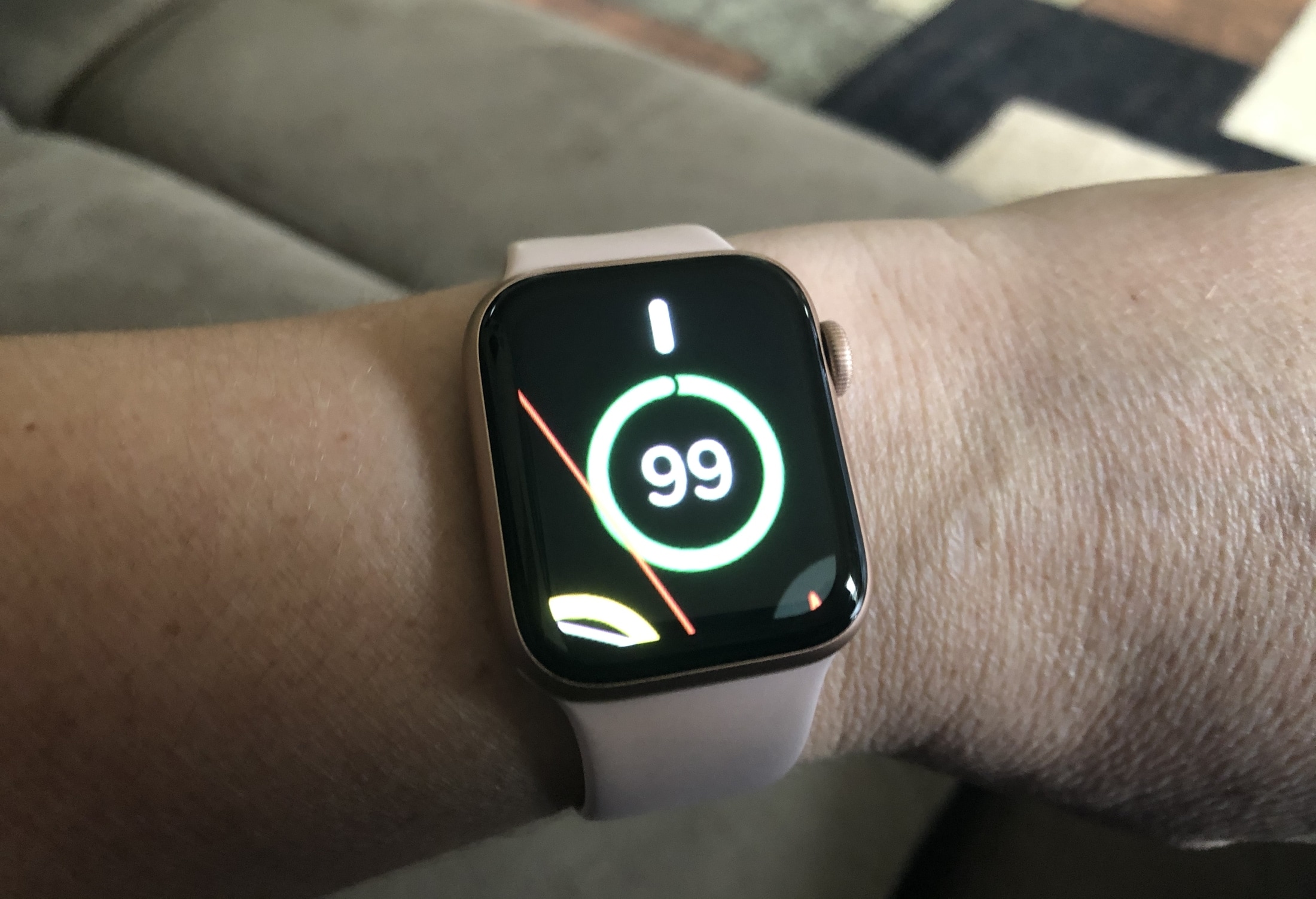
Learn how to use the Zoom accessibility feature to magnify what’s on the Apple Watch display if you cannot discern text and buttons on the tiny screen.
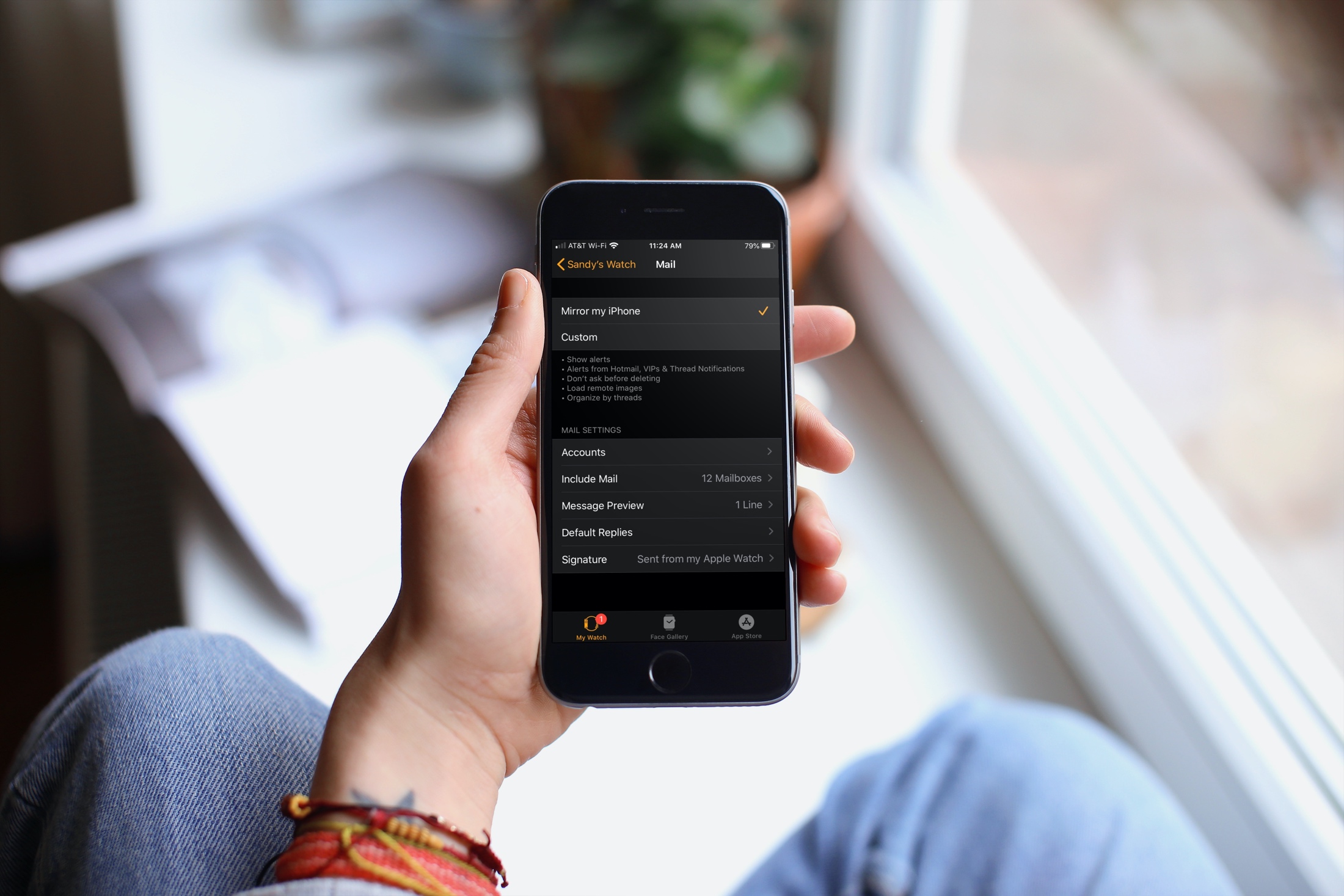
Learn how to customize the Mail app on your Apple Watch to ensure you receive the right emails on your wrist.

Check out all the handy keyboard shortcuts for the Photos app on your iPad to be more productive, and manage your library without taking your hands off the physical keyboard.

For all of you note-takers, we’ve compiled a list of keyboard shortcuts for the built-in Notes app on your Mac so you can format text, use tables and more like a pro.
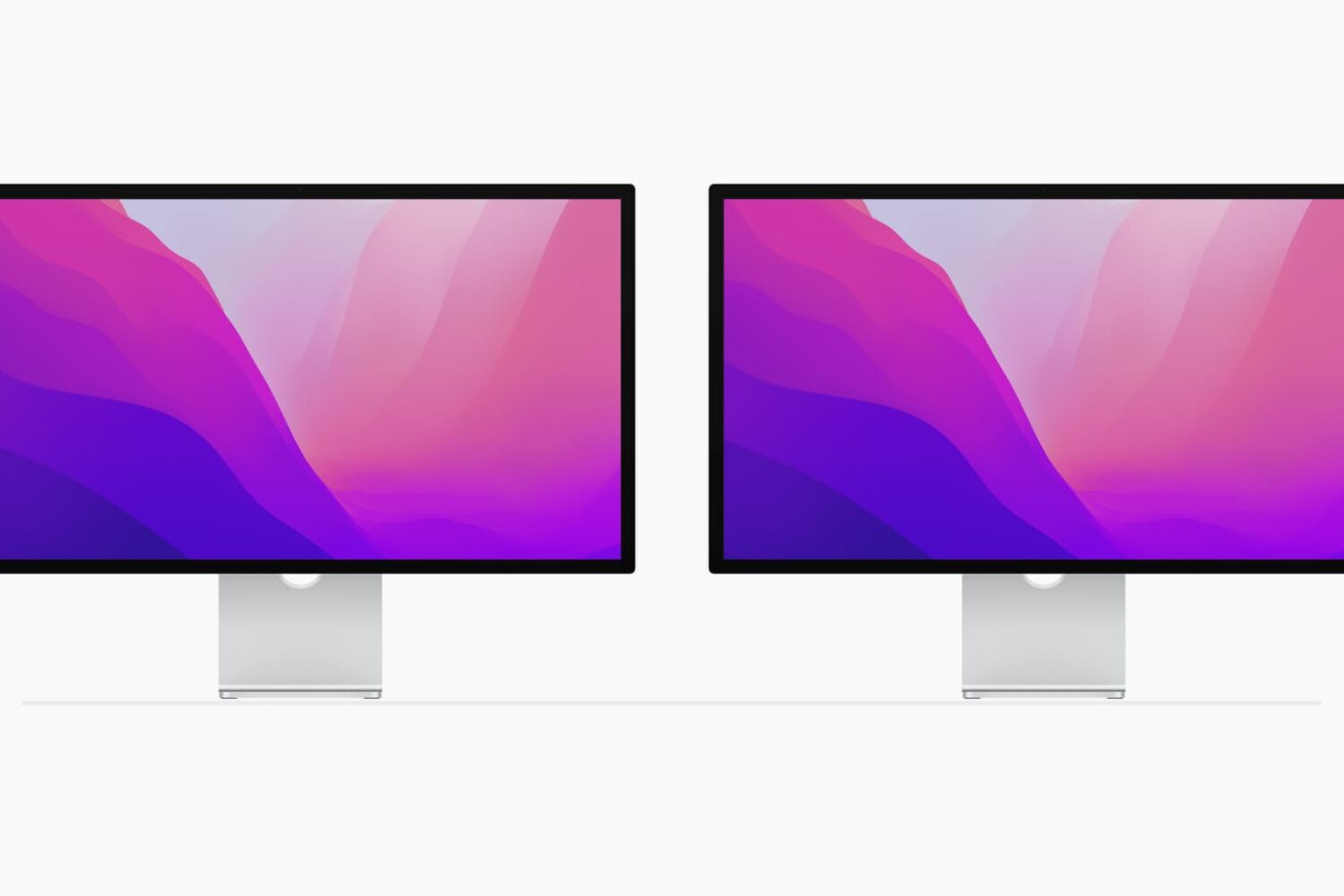
Using multiple monitors with your computer can increase your workspace and your productivity. Although you can easily use the Split View on your MacBook, you can actually quadruple that view with a second monitor.
If you’ve invested in a second display and have it connected and ready to go, here are some tips for managing your external displays on Mac.
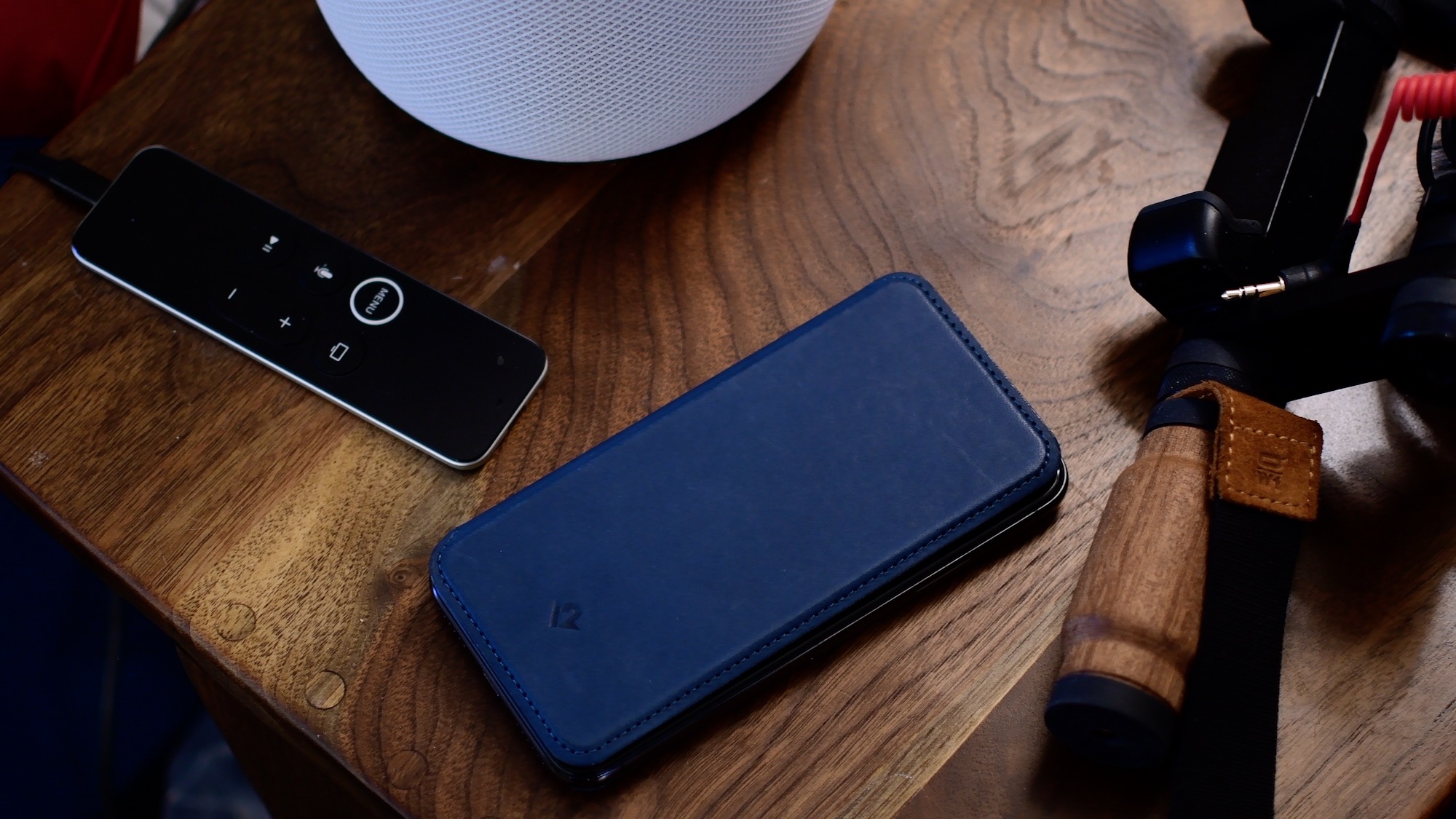
Siri is often the easiest way to use your iPhone hands-free, but the smart assistant stops listening for the "Hey Siri" hot phrase when you lie the handset with its face down. In this tutorial, we're going to teach you how to enable Siri when iPhone is face down or covered.
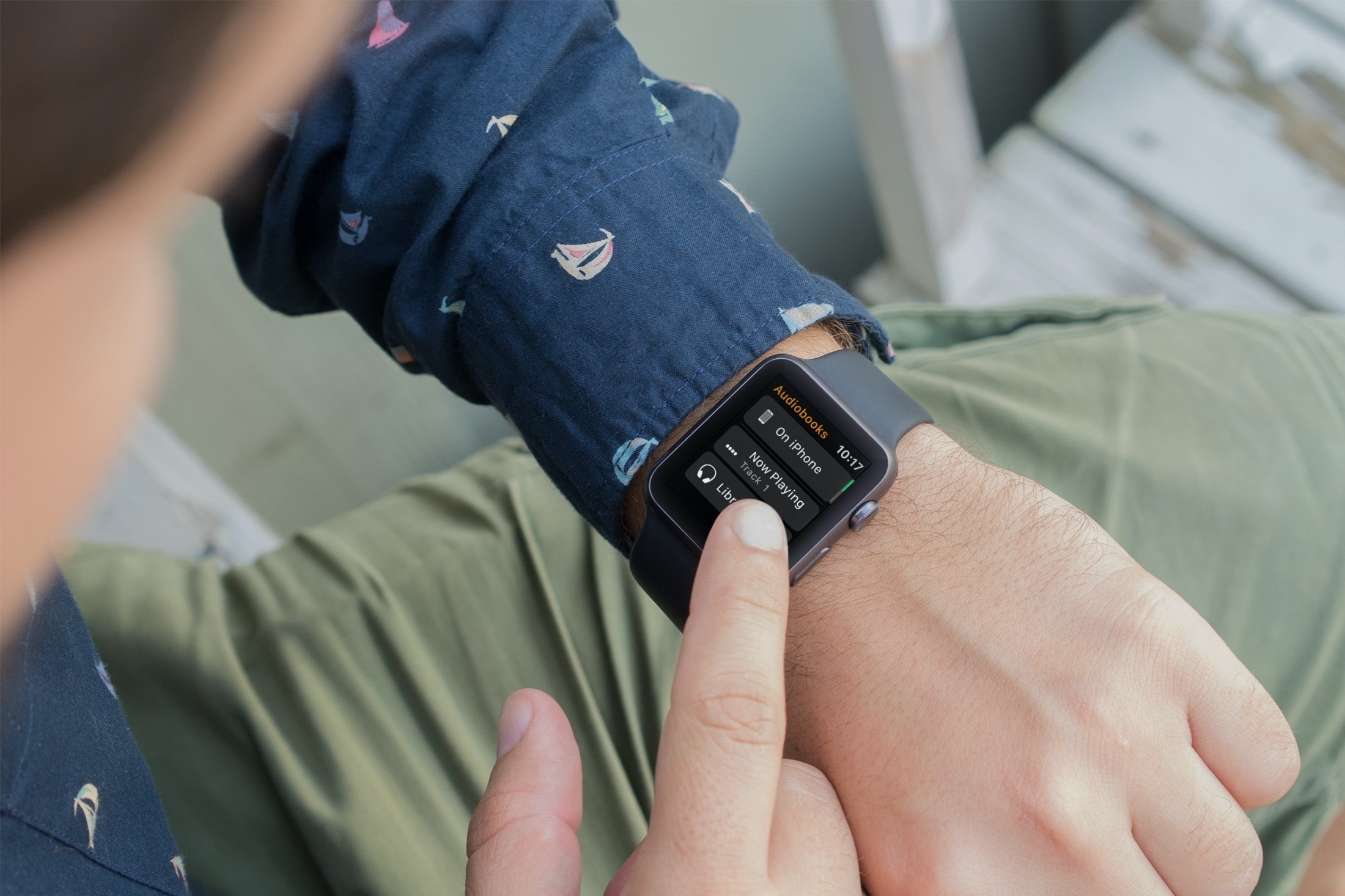
Learn how to stop your Apple Watch from automatically downloading Audiobooks and instead add the selected titles manually.