Learn how to use the Finder’s file inspector to get a summary of multiple Mac items in a single floating window on macOS that dynamically refreshes as your selection changes.
How to use Mac’s Finder file inspector to see info of multiple items

Learn how to master your Apple devices with our comprehensive tutorials. From iPhone and iPad to Mac, Apple Watch, AirPods, and more, our expert guides will help you unlock the full potential of your Apple products. Discover new features, tips, and tricks each day to enhance your user experience.
Learn how to use the Finder’s file inspector to get a summary of multiple Mac items in a single floating window on macOS that dynamically refreshes as your selection changes.
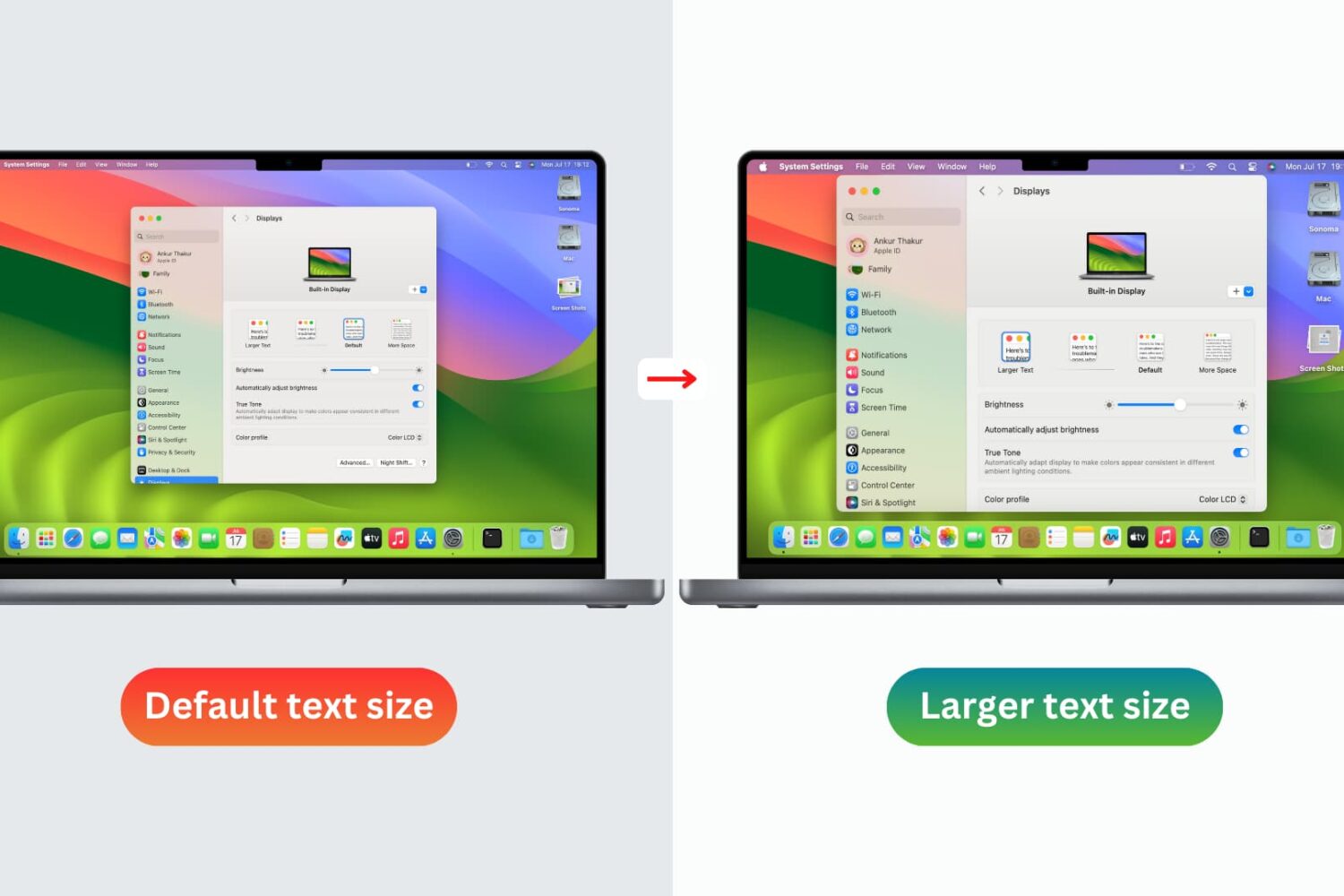
You don’t need to strain your eyes or grab your reading glasses to see items on your screen more clearly. Use these built-in options to increase the font size on your Mac and enjoy a more comfortable computing experience.

Find out what to do if either the left or right AirPod won’t connect to your phone or computer or has completely stopped working.
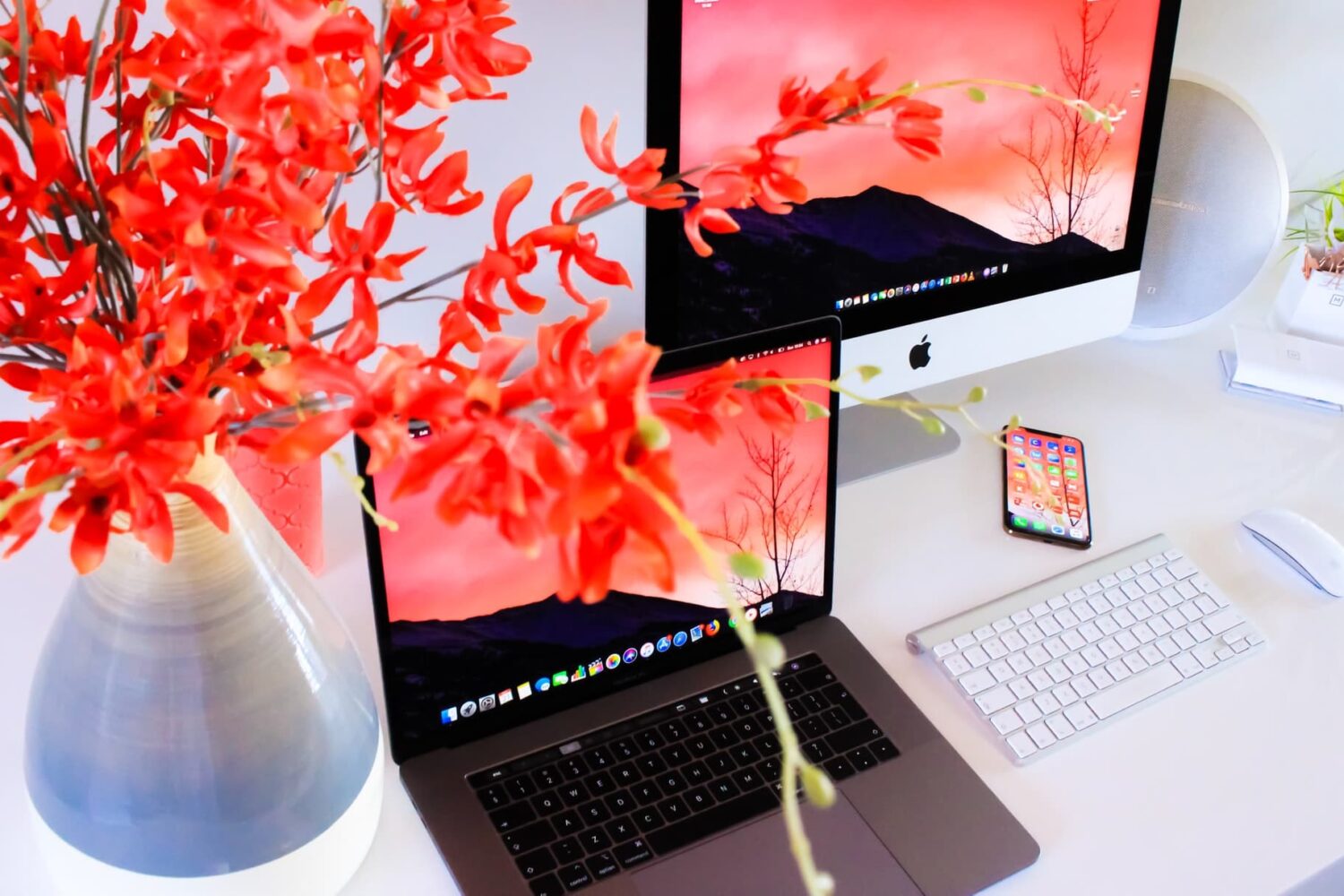
Check out these three quick ways to get rid of image metadata on your Mac to boost your privacy.
The iconic Mac startup chime played when you power up your computer had been around since 1998, but Apple disabled it in 2016 beginning with that year's MacBook Pro refresh. Thanks to a newly discovered Terminal command, you can re-enable the Mac startup chord sound on macOS Catalina and earlier, and our step-by-step tutorial shows you how.

In this tutorial, we'll show you how to access and manage notifications on your Mac. We'll also provide quick steps to disable or temporarily pause alerts for apps with unhelpful notifications.

In case you missed it, the Sileo Team has officially released Diatrus’ Cydia fork that permits checkra1n jailbreak users to have both the Cydia and Sileo package managers running on the same device. This was a historic moment for the Sileo Team because it’s the first time that an official solution of this magnitude has ever been released for a jailbreak not created by the Electra Team.
If you’re using the checkra1n jailbreak and you want to have both the Cydia and Sileo package managers present on your device, then you’ve come to the right place. In this tutorial, we’ll show you how.
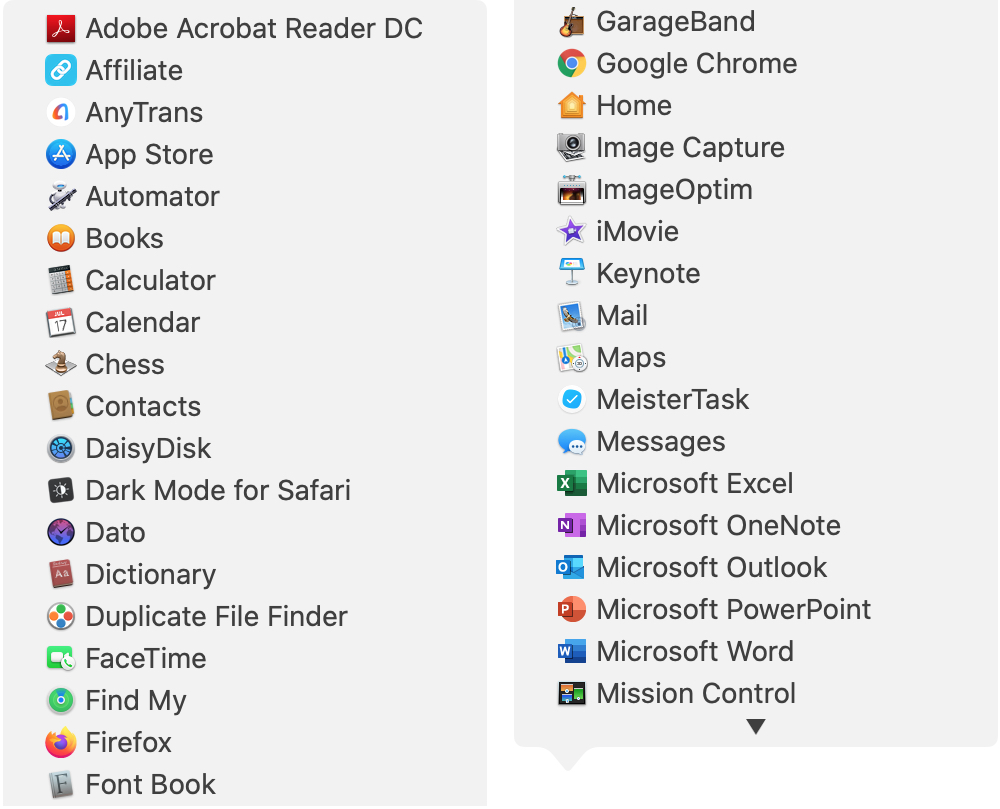
There are all sorts of ways to use shortcuts on your Mac. From tons of common keyboard shortcuts to those that help you navigate webpages faster; you have plenty of options.
Along with some useful keyboard shortcuts for your Dock are additional ways your Dock can help you do things faster. And especially for those new to macOS, you might not realize they exist. Here’s how you can navigate your Mac quicker with Dock icon shortcuts.
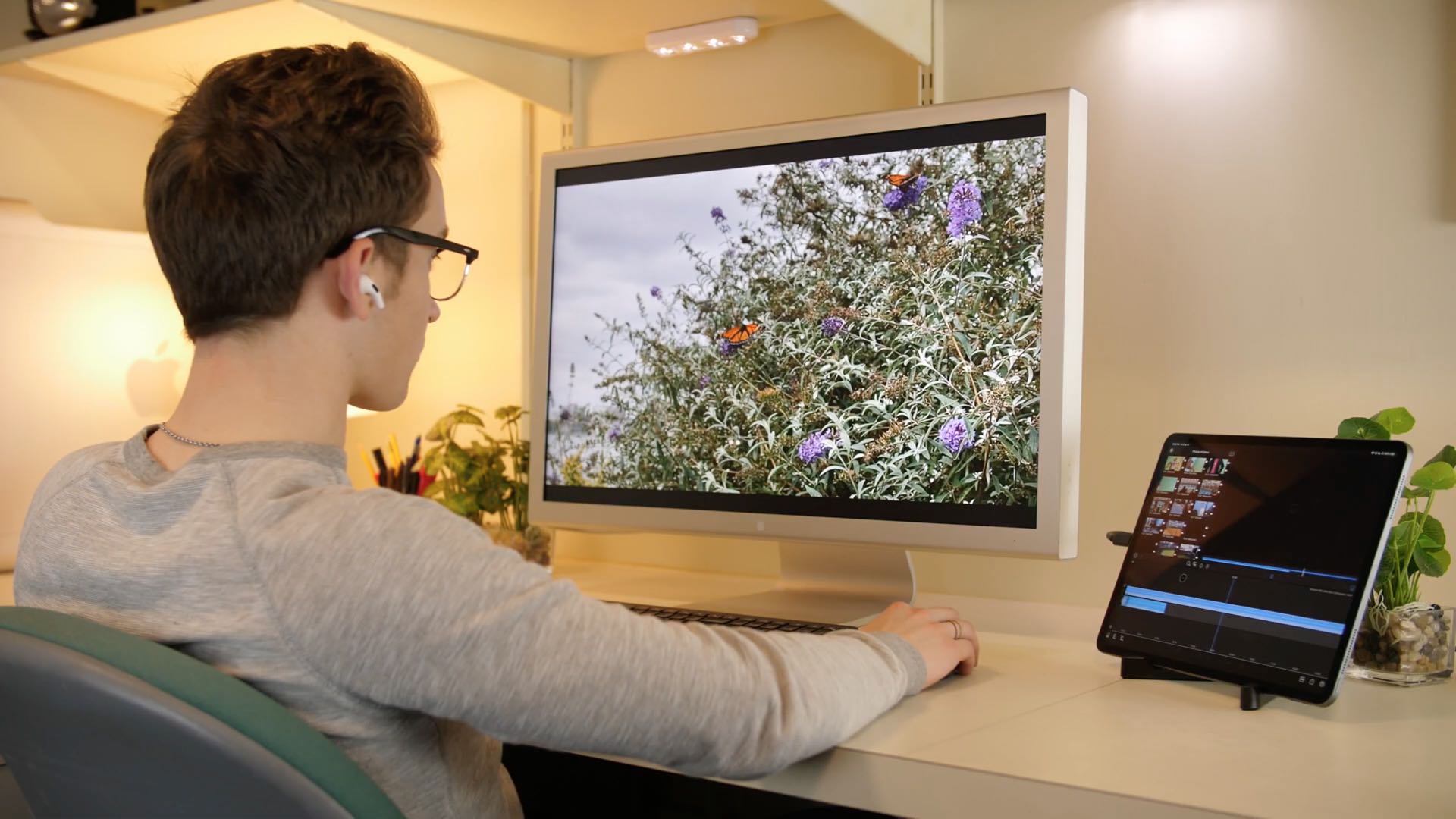
Check out these ways to use your iPad as a desktop workstation with an external monitor or a Mac to enhance your productivity.

Want to know the distance between two places? Learn how to measure distance to see how far one location is from another using the Apple Maps app on iPhone, iPad, or Mac.
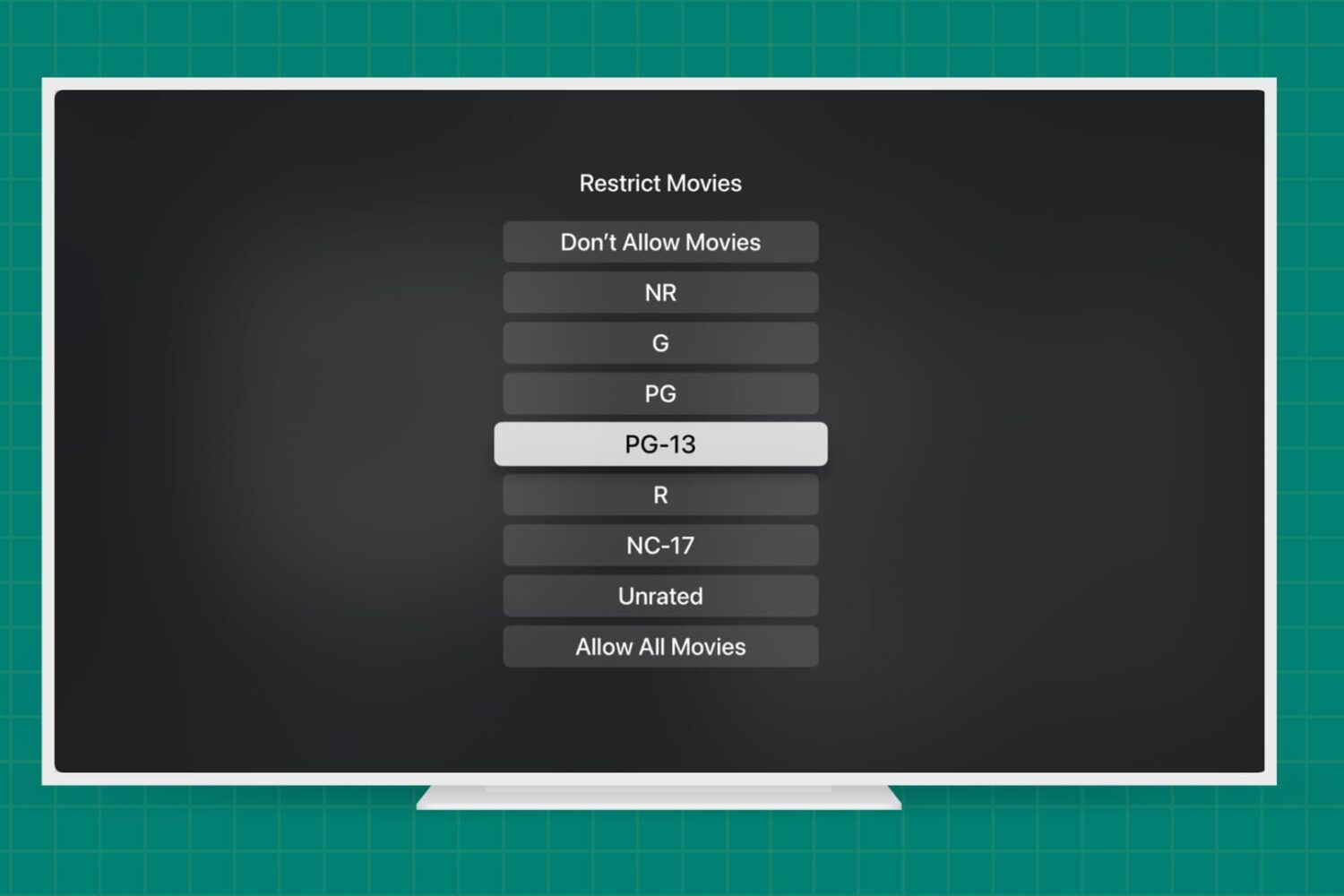
Learn how to add parental content restrictions on Apple TV and adjust key settings to create a safe viewing experience for your kids and other household members.