Learn how to create albums in the Apple Photos app on your Mac to group pictures & videos and organize your media library.
How to create and manage photo albums on Mac

Learn how to master your Apple devices with our comprehensive tutorials. From iPhone and iPad to Mac, Apple Watch, AirPods, and more, our expert guides will help you unlock the full potential of your Apple products. Discover new features, tips, and tricks each day to enhance your user experience.
Learn how to create albums in the Apple Photos app on your Mac to group pictures & videos and organize your media library.
Check out this list of must-know keyboard shortcuts for Terminal on Mac to zip around it quicker and work faster with your command line.
Learn how to change the folder where Google Chrome and Firefox download and save files from the internet.
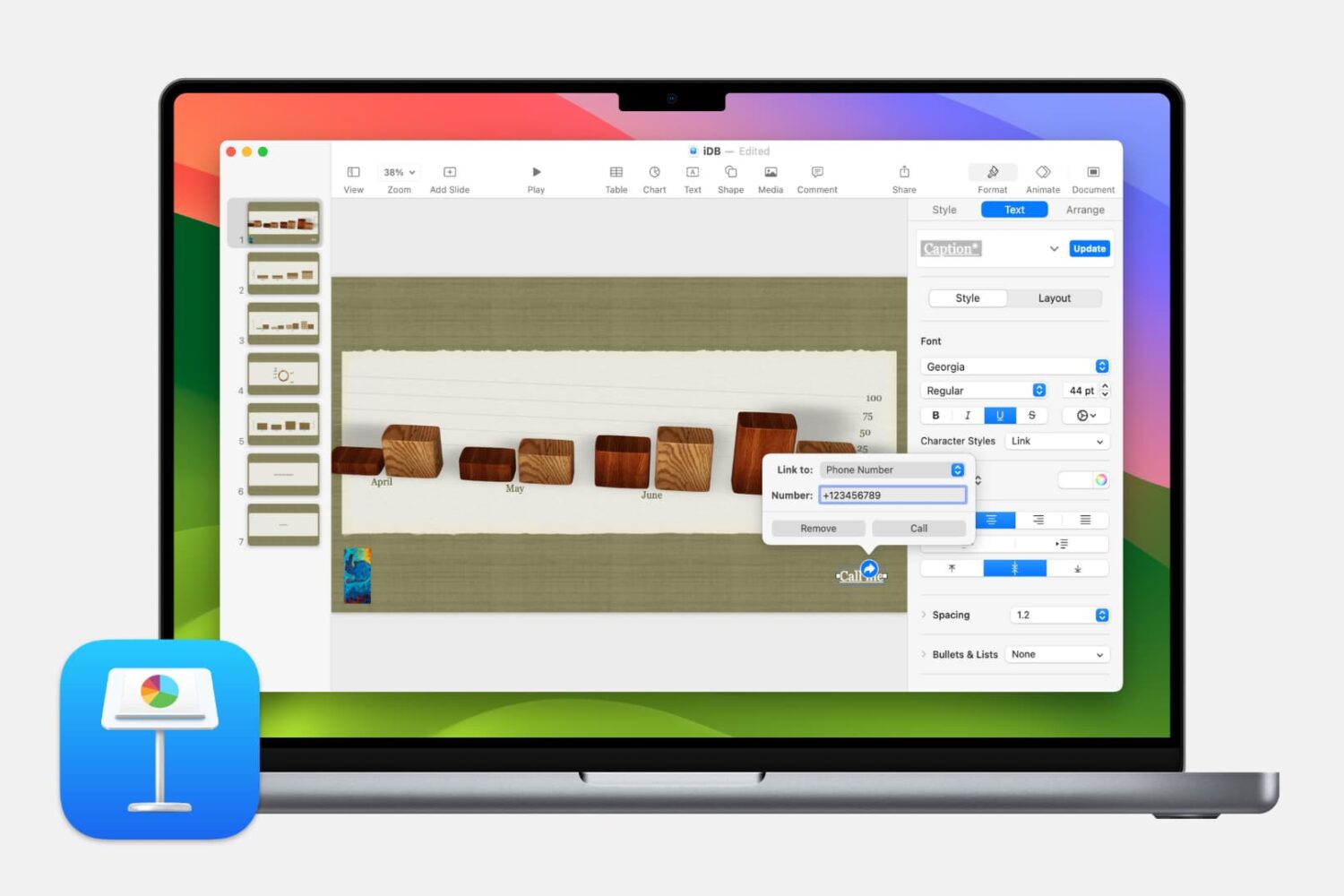
In this step-by-step tutorial, we show you how to add a link to a website, an email address, a phone number, and another slide to your Keynote presentation on Mac, iPhone, and iPad.

Learn how to control your Mac cursor with head movements, toggle it with a custom keystroke, and adjust the available head-tracking options to your liking.

Learn how to name people that Photos for Mac has recognized in your images to quickly identify your favorite people and organize your media library.
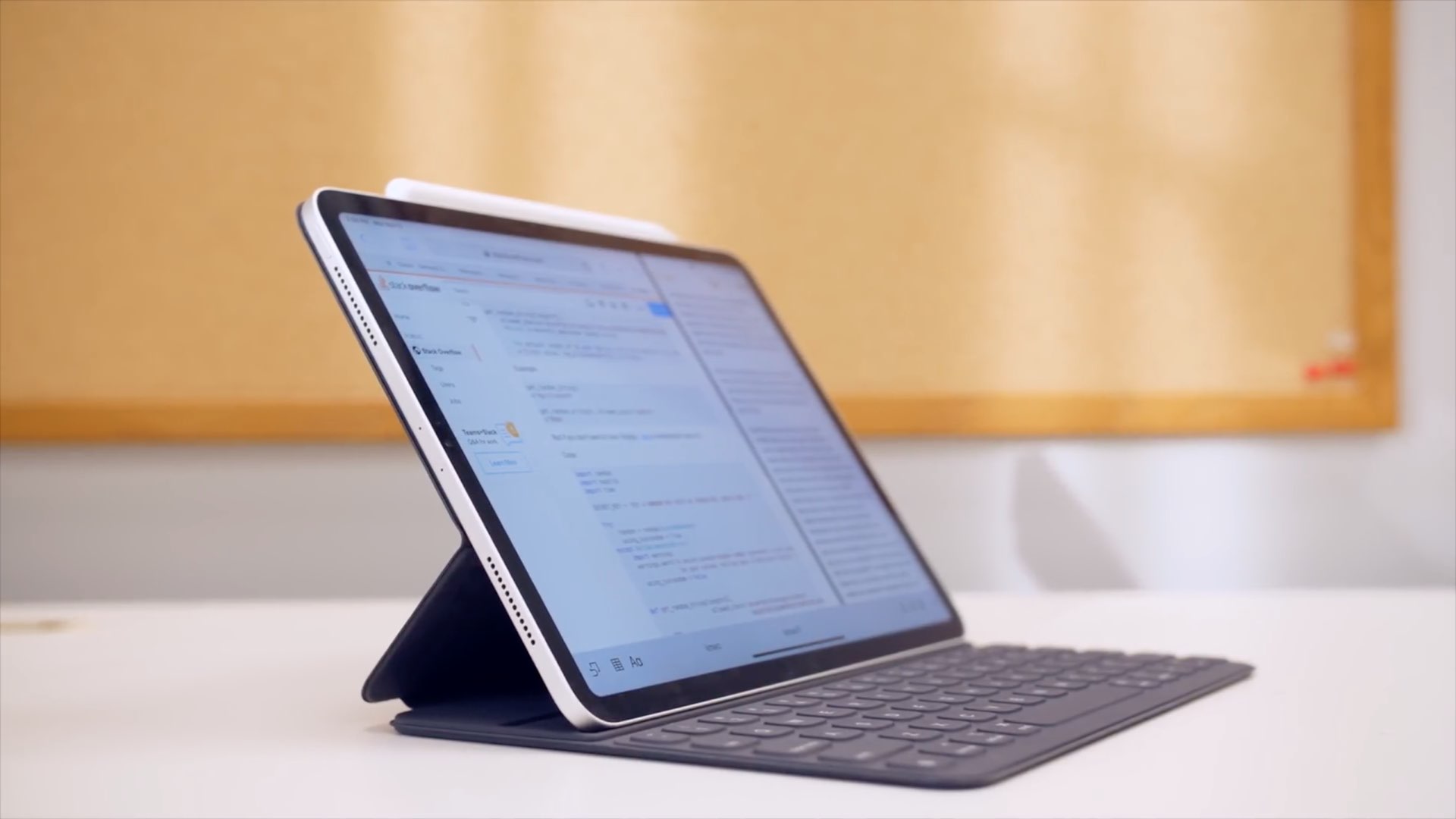
In this step-by-step tutorial, we'll show you how to remap the Command, Option, Control, and other modifier keys on the external hardware keyboard connected to your iPad.
Depending on the type of slideshow you create in Keynote, you may want to print copies. Maybe it’s a new product presentation, step-by-step tutorial, or business proposal where a physical copy is necessary.
You have four different options for how to print your Keynote slideshows on Mac so that they turn out perfectly, and we’ll walk you through them.

Learn how to keep your pictures and videos organized in the iPhone and iPad Photos app by sorting them into photo albums.
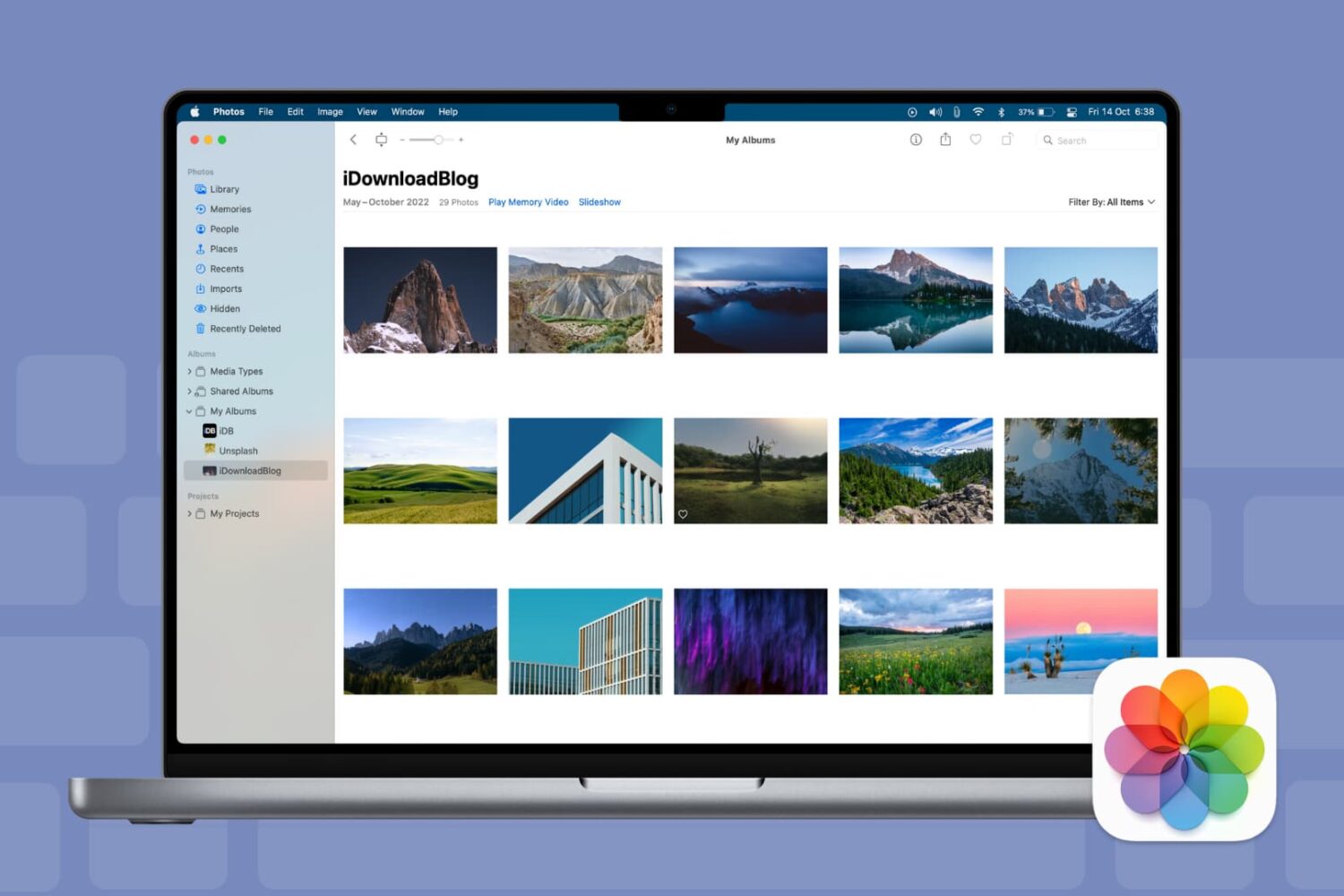
Keyboard shortcuts give you quick and easy ways to navigate your Mac and apps. And for those who use the Photos app on Mac, there are plenty of shortcuts that help you accomplish many tasks. From viewing photos and albums to cropping and rotating pictures, here are some helpful keyboard shortcuts for Photos on Mac.

Learn how to link Apple Podcasts to Alexa so you can play your favorite shows and episodes on an Amazon Echo speaker using your voice.
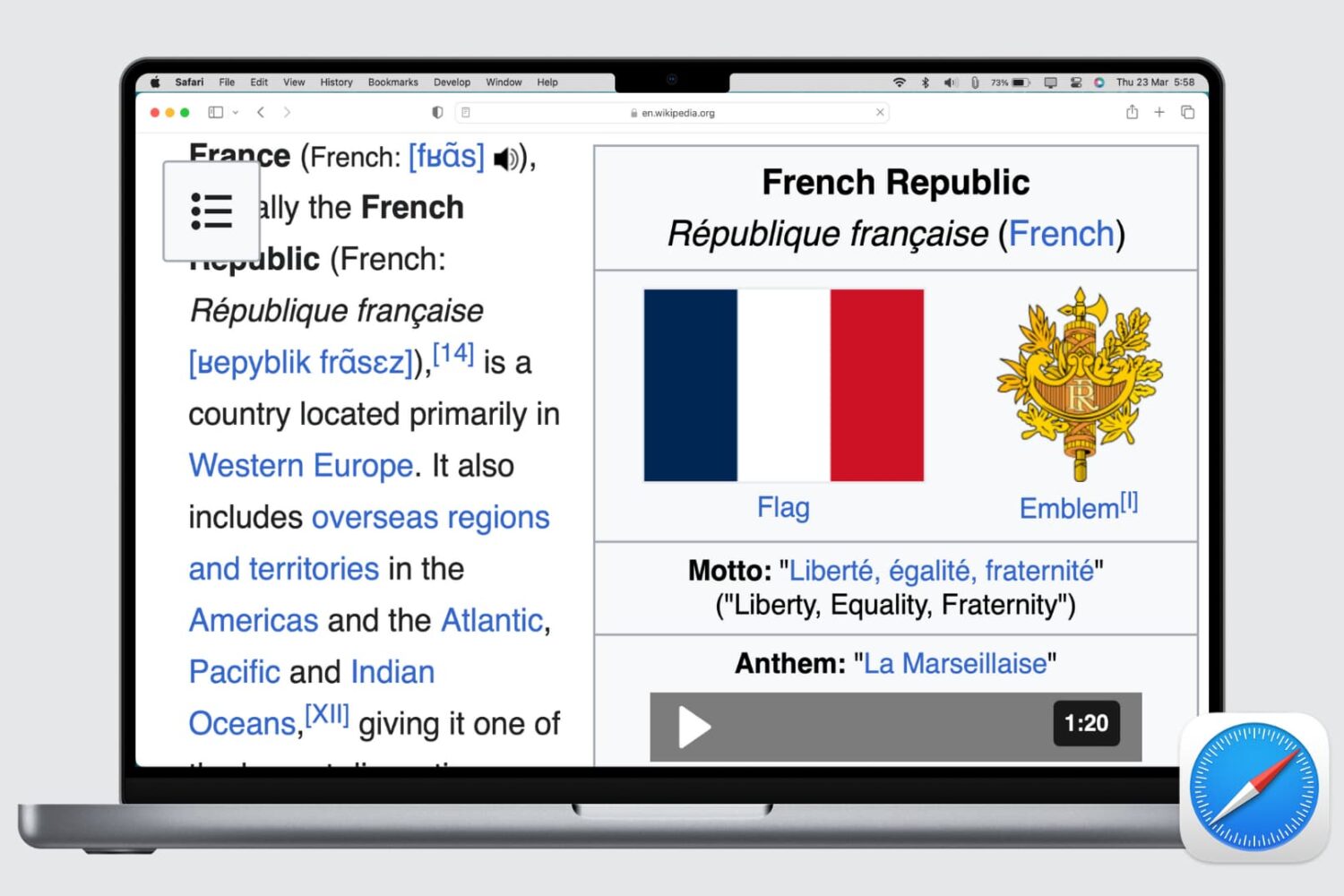
Learn how to set up automatic page zoom in Safari on your iPhone, iPad, and Mac to make reading small text easier and more comfortable.