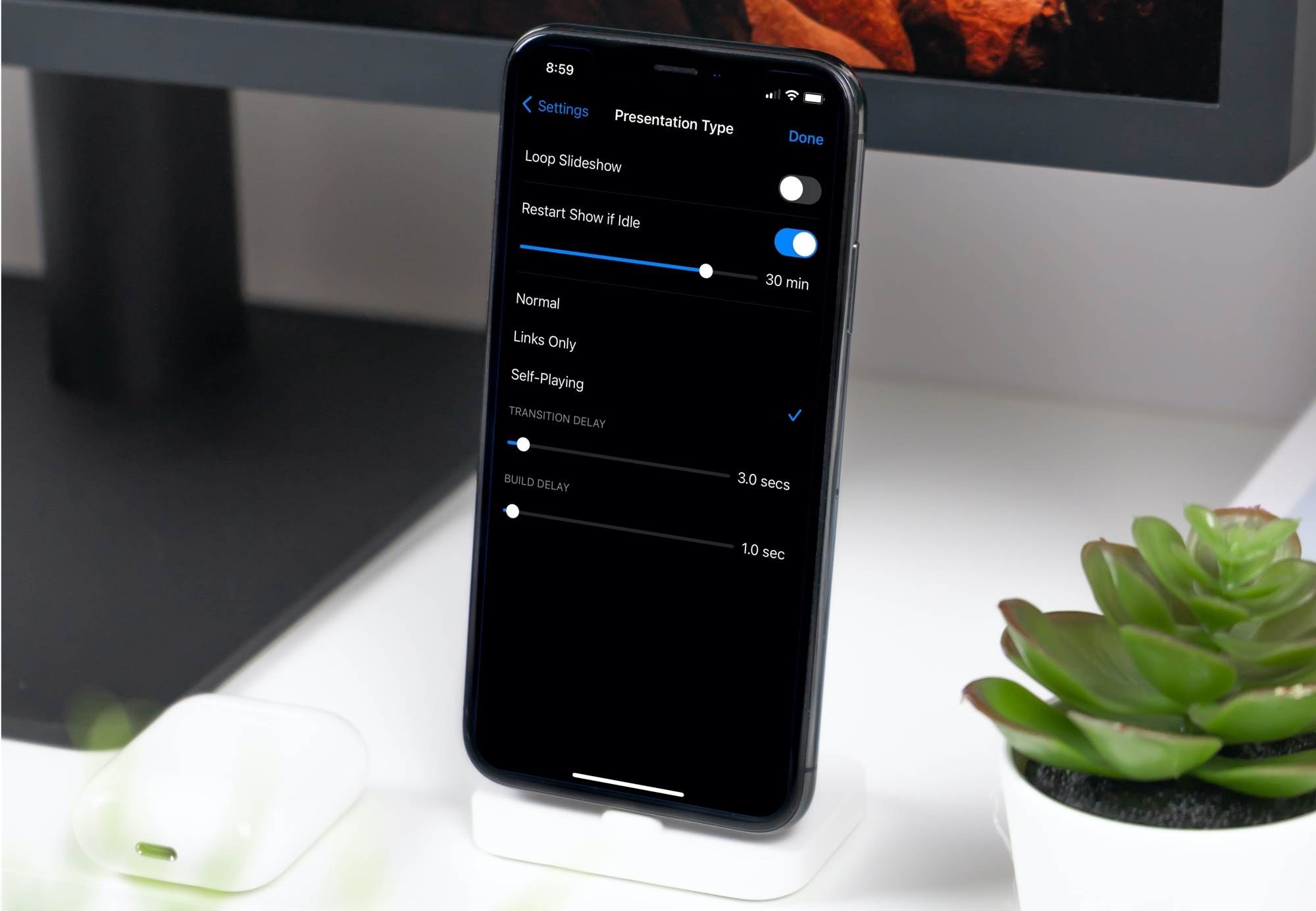
Learn how to set up your Keynote slideshow to play, loop, and restart automatically so your presentation keeps going without you having to interact with it continuously.
How to auto play, loop, or restart a slideshow in Keynote
Learn how to master your Apple devices with our comprehensive tutorials. From iPhone and iPad to Mac, Apple Watch, AirPods, and more, our expert guides will help you unlock the full potential of your Apple products. Discover new features, tips, and tricks each day to enhance your user experience.
Learn how to set up your Keynote slideshow to play, loop, and restart automatically so your presentation keeps going without you having to interact with it continuously.

Learn how to reduce the amount of time you spend on Instagram by seeing your daily usage and setting a daily time limit. Once you cross that limit, the app will remind you to close it.
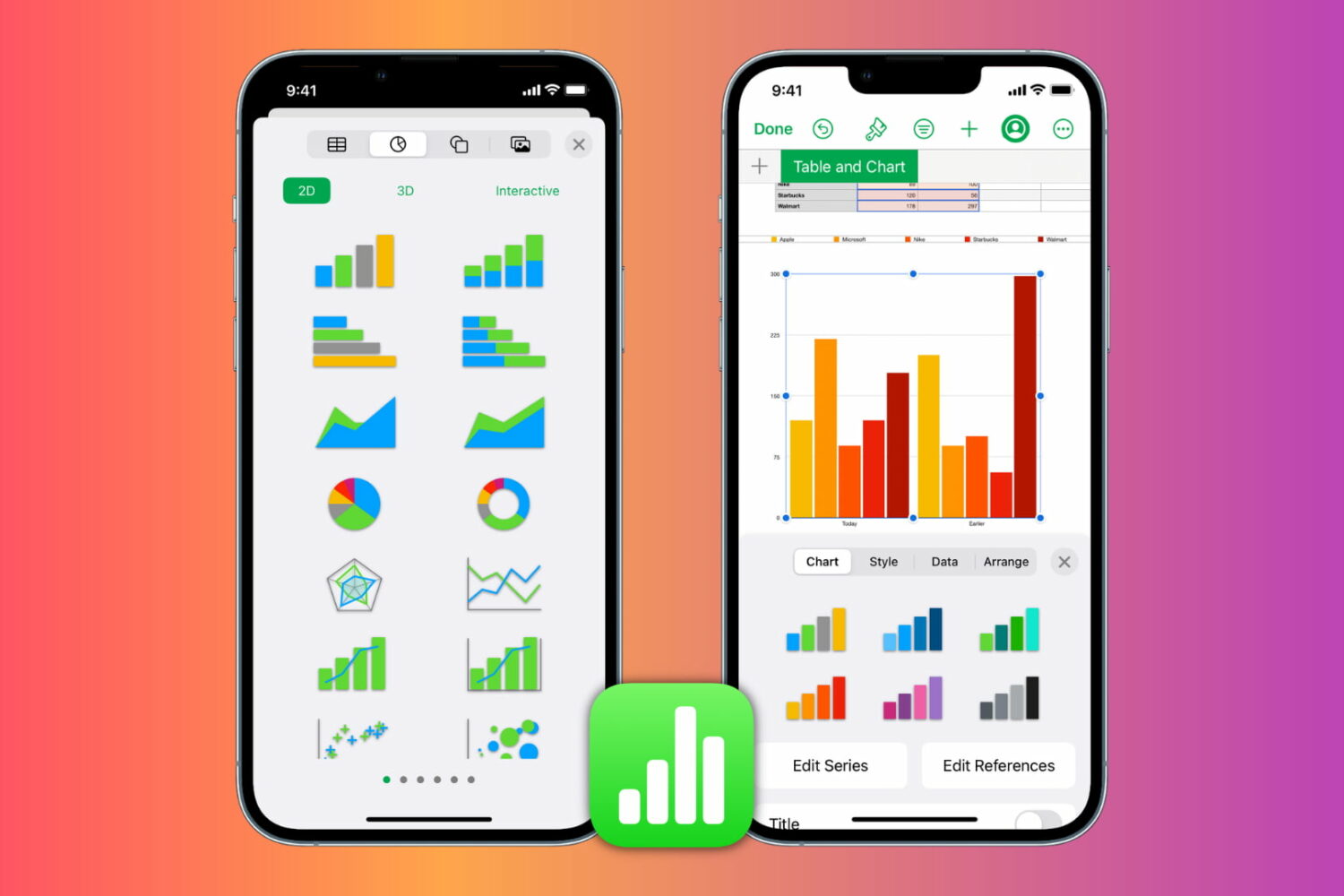
Learn how to insert, format, and edit graphs and charts in the Apple Numbers app on your iPhone, iPad, and Mac to present your information clearly and make your spreadsheets stand out.

Getting too many or too few notifications or emails from Instagram? Learn how to explore your Instagram notification settings and customize them to pause all alerts or get only the ones that matter to you.
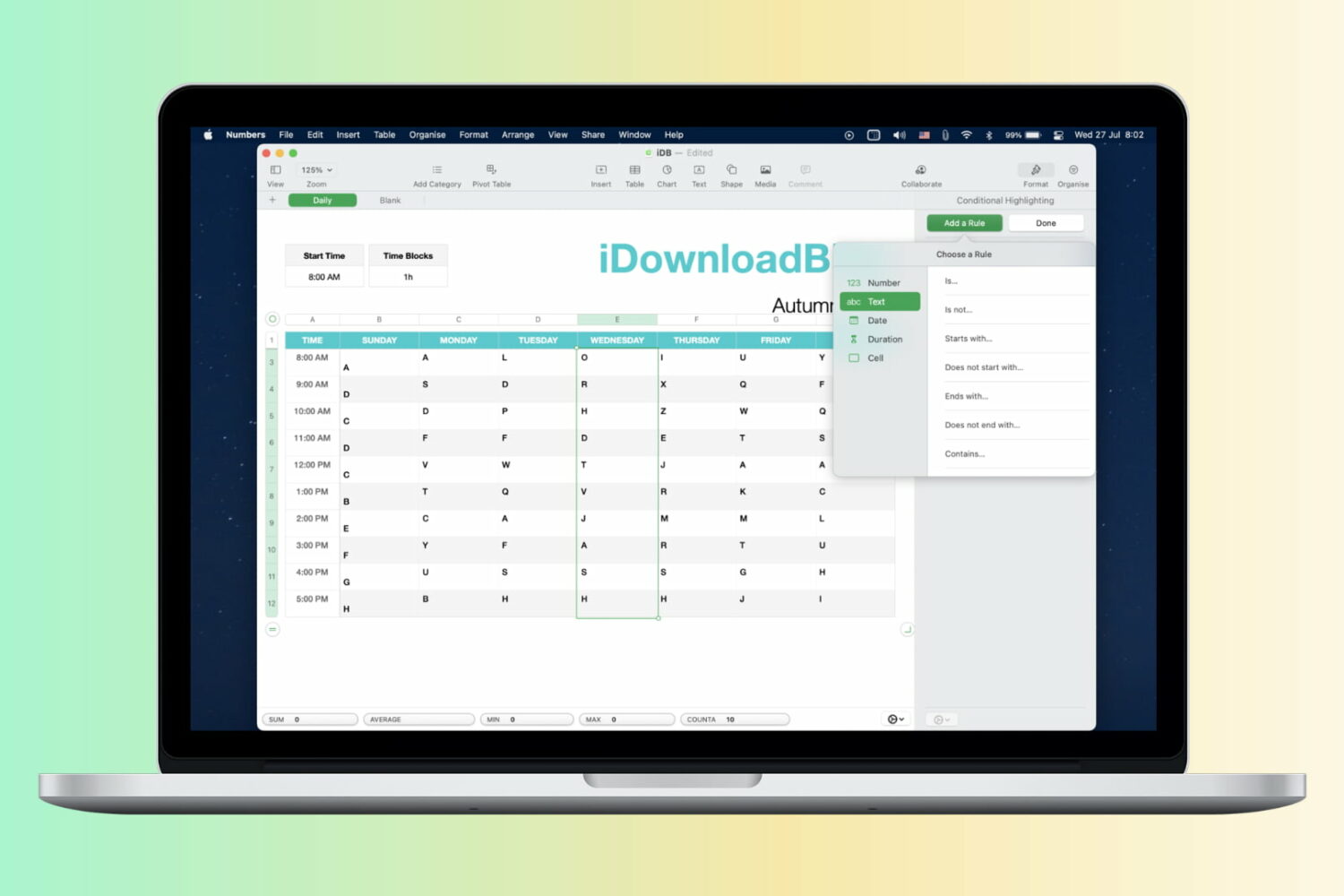
Learn how to automatically format cells in your spreadsheets based on rules by using conditional highlighting in the Apple Numbers app on Mac, iPad, and iPhone.
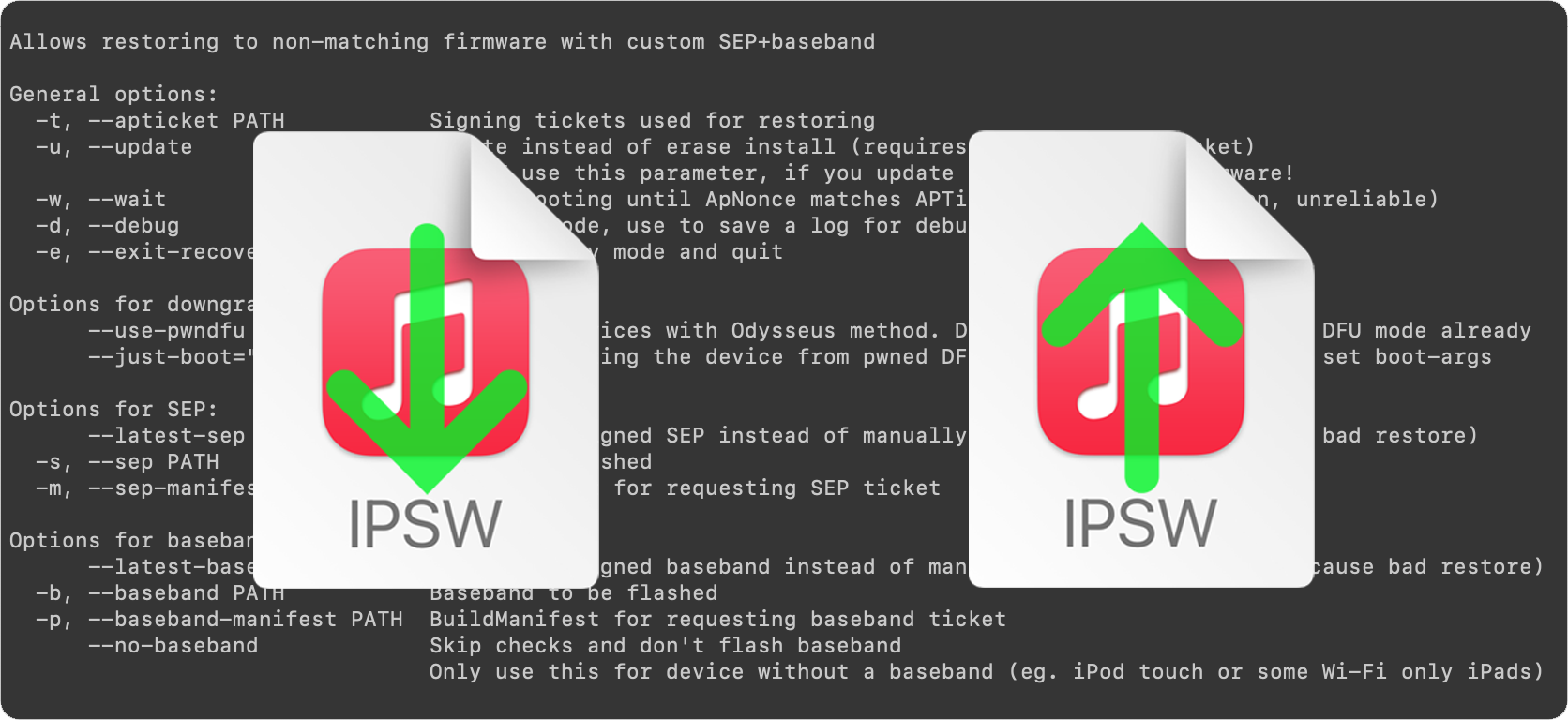
This is an introductory article which explains what futurerestore is and how it works, as well as how to follow our futurerestore guides to upgrade/downgrade your device.
Before attempting any of the guides, everyone should read this article. It explains whether the guides apply to you, and if they do, which ones you should follow, as well as making sure that you fulfil the requirements for it to work. Not everyone can use futurerestore.
This is Part 1 of a two-part guide on how to use futurerestore.
Before attempting this guide, everyone should read the introductory article, Guide to futurerestore: Introduction. It will explain whether this guide applies to you, as well as making sure that you fulfil the requirements for it to work.
If you currently have a jailbreak and you want to move to a different firmware with futurerestore’s generator mode, you must follow this guide first before following Part 2.
If you currently have no jailbreak, and you want to move to a different firmware with futurerestore’s Apnonce collision mode, you can skip this guide and head straight to Part 2. This method does not apply to most users.
This is Part 2 of a two-part guide on how to use futurerestore.
Before attempting this guide, everyone should read the introductory article, Guide to futurerestore: Introduction. This will explain whether the guides apply to you, as well as making sure that you fulfil the requirements for it to work.
If you currently have a jailbreak and you want to move to a different firmware with futurerestore's generator mode, you must follow Part 1 of the guide before following Part 2.
If you currently have no jailbreak, and you want to move to a different firmware with futurerestore's Apnonce collision mode, do only this part of the guide. This method does not apply to most users.
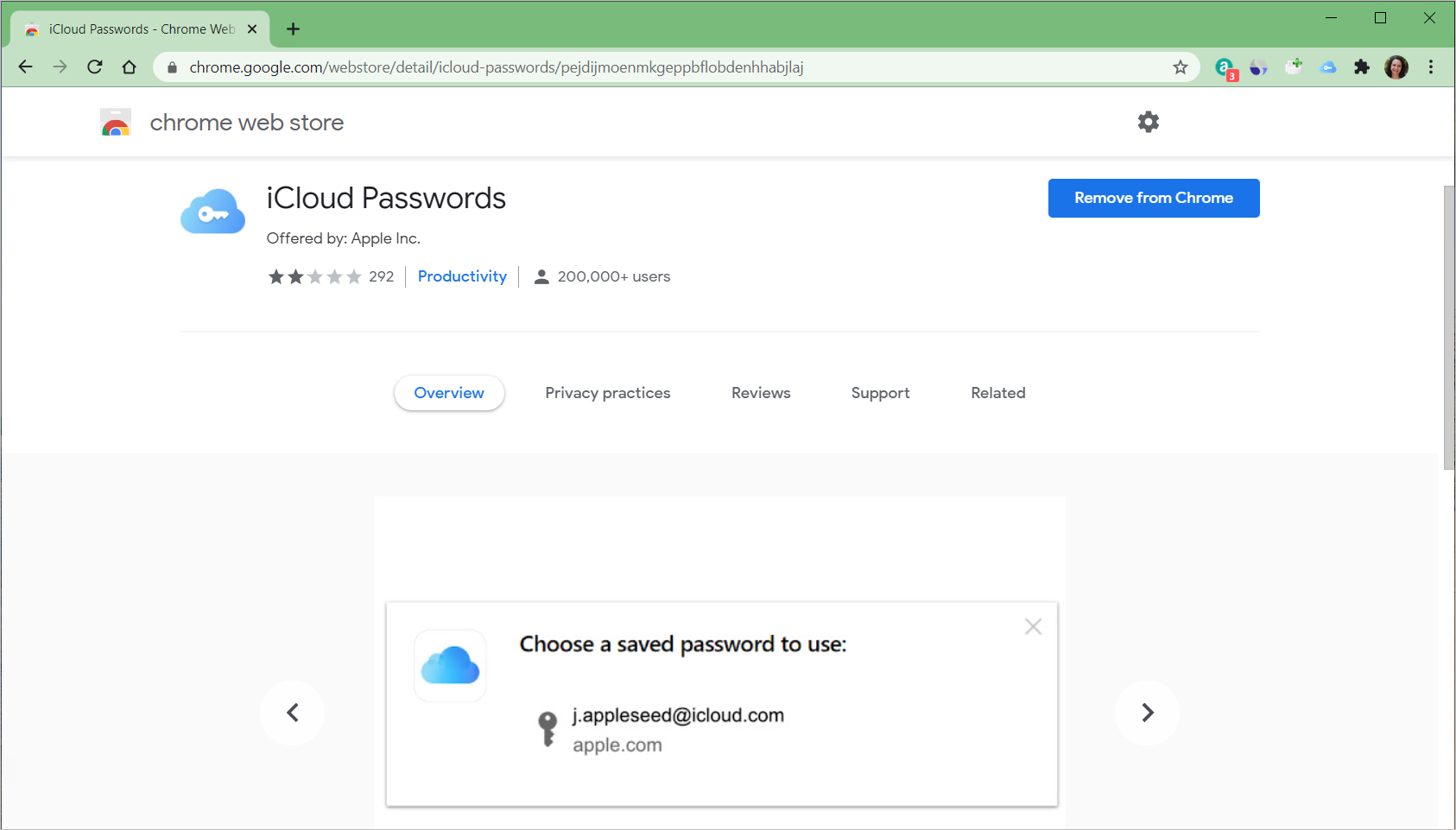
If you’ve been waiting for a way to use iCloud passwords on Windows, then you may have known a Chrome extension was on the way. While the Chrome add-on was released a while ago, you needed to have iCloud version 12.0 or later to use the feature.
So, if your iCloud is now up to date on Windows and you’re ready to use the Chrome extension, we’ll show you how to set it all up.

Learn how to turn a standard bullet point list into a tiered list in the Apple Pages app on your Mac, iPhone, and iPad.

In this full step-by-step tutorial, we show you how to transfer iCloud photos and videos to Google Photos, along with requirements, limitations, and more.
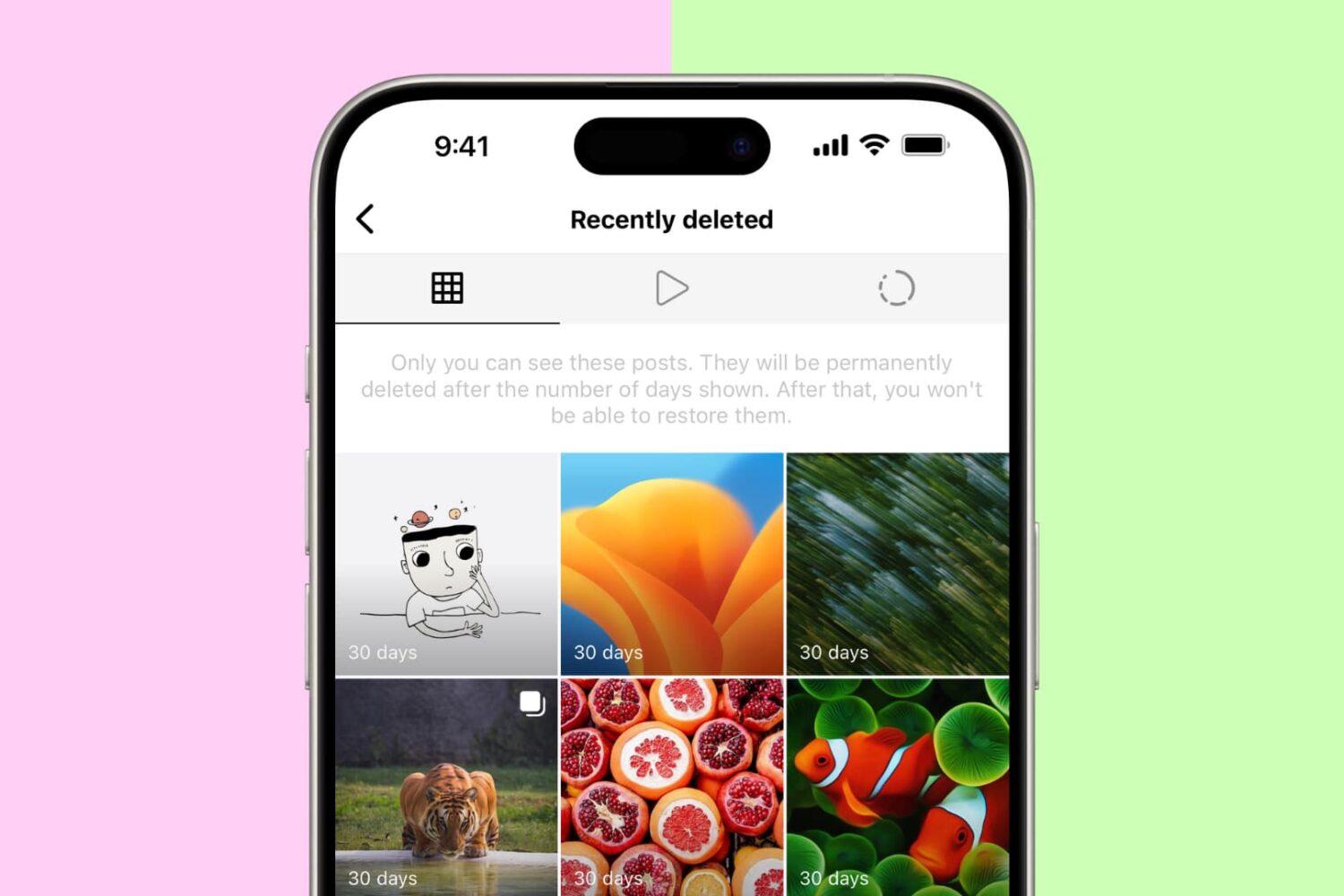
Have you deleted an Instagram post or story by accident and want to restore it? In this brief tutorial, we will share the steps to recover your deleted Instagram posts & stories and also show you how to archive and unarchive posts to hide them from others.