Learn how to rename your AirTag and change its emoji so you can distinguish it among multiple AirTags in the Find My app on your iPhone, iPad, and Mac.
How to rename your AirTag and change its emoji
Learn how to master your Apple devices with our comprehensive tutorials. From iPhone and iPad to Mac, Apple Watch, AirPods, and more, our expert guides will help you unlock the full potential of your Apple products. Discover new features, tips, and tricks each day to enhance your user experience.
Learn how to rename your AirTag and change its emoji so you can distinguish it among multiple AirTags in the Find My app on your iPhone, iPad, and Mac.
Learn how to disable Apple Pay remotely if you have misplaced your iPhone and don’t want to leave even a slight chance of the thief using your money.
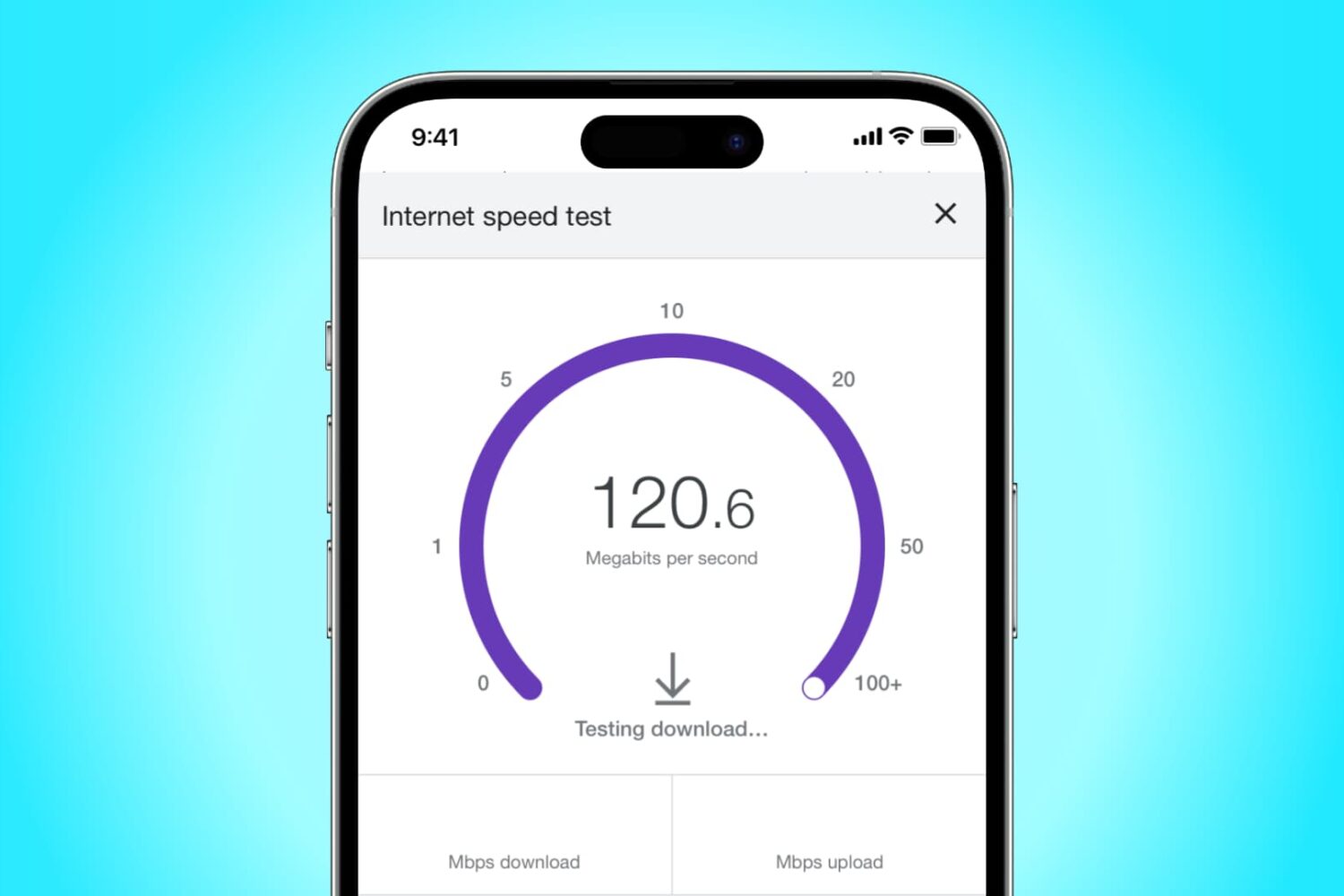
Learn how to enable and use Low Data Mode on your iPhone to save data, extend battery life, and manage app data usage efficiently.
Learn how to reset your AirTag to its default settings for troubleshooting purposes or for making it ready for new use.
Learn how to screenshot the full page in any iPhone app to capture everything in a single tall image instead of taking multiple screenshots.
Check out these 14 tips to maximize the use of your AirTag and unlock its full potential.
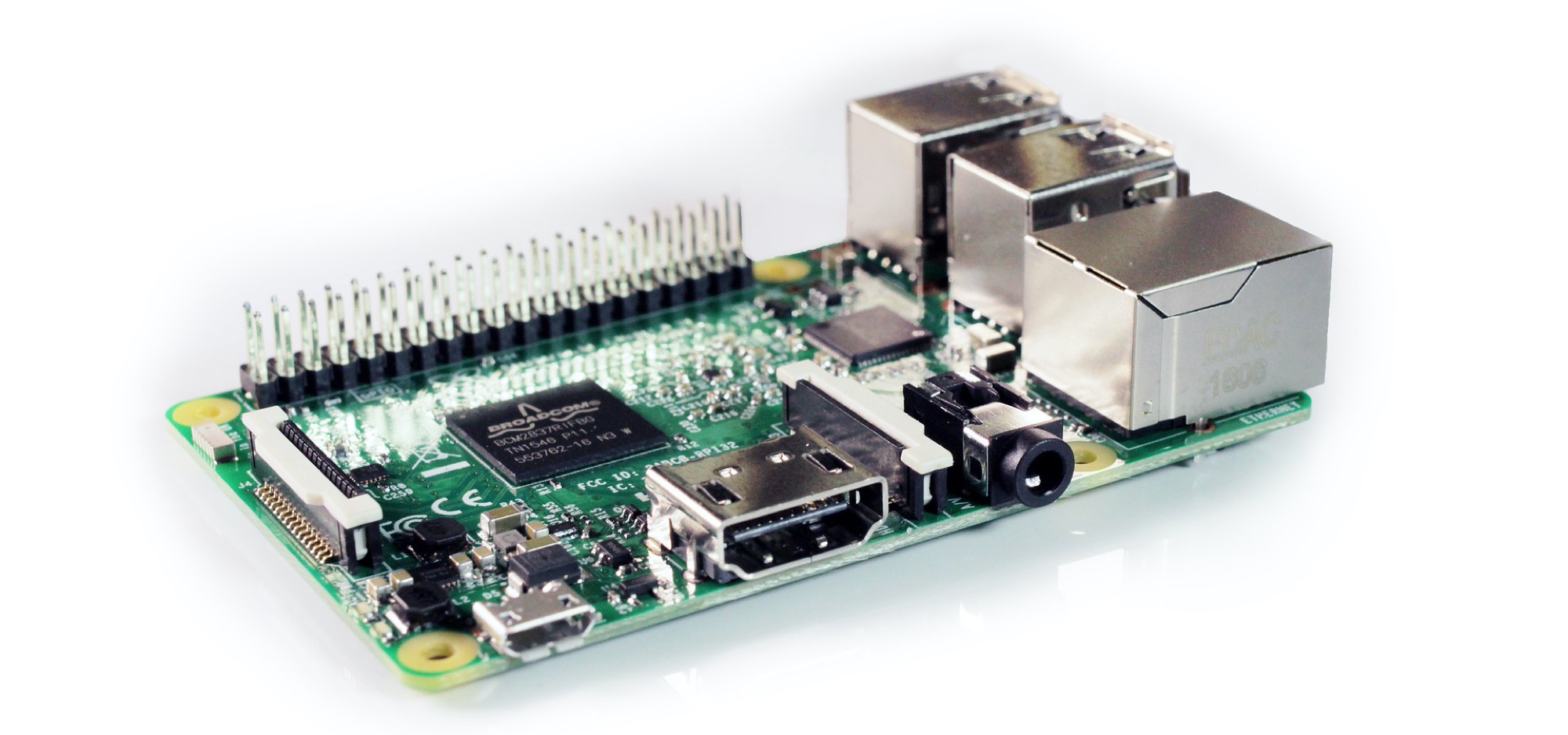
If you recently purchased your first Raspberry Pi and are ready to get started, we’re here to help!
Depending on the Raspberry Pi you bought, the steps for setup can vary which includes using a kit. For instance, you may have simply purchased a board without any extras or you might have bought a kit with heat sinks and a cooling fan. So, feel free to skip any steps in our tutorial that don’t apply.
Learn how to make any garage door HomeKit compatible and control that garage door with your iPhone, Apple Watch, or Siri.
If you're a budding programmer with a new Mac, and want to start coding, then you may be wondering how to install Git on macOS. Git is an open-source version control system that's used by coders, developers, and programmers all over. You will be able to use Git to maintain a code log, collaborate with other coders, track errors, and more.
Here's how you can install Git on macOS and get started with coding. Of course, before we begin, make sure you have a Mac machine and know how to use the Terminal.
Learn how to sort your to-dos in the stock Reminders app by the due date, creation date, priority, or title on iPhone, iPad, and Mac.
Check out two easy methods to turn off the warning pop-up you see when you change the extension of a file in Finder on Mac.
Check out these four easy ways to share Wi-Fi password from your iPhone or iPad to an Android device, such as a phone or tablet.