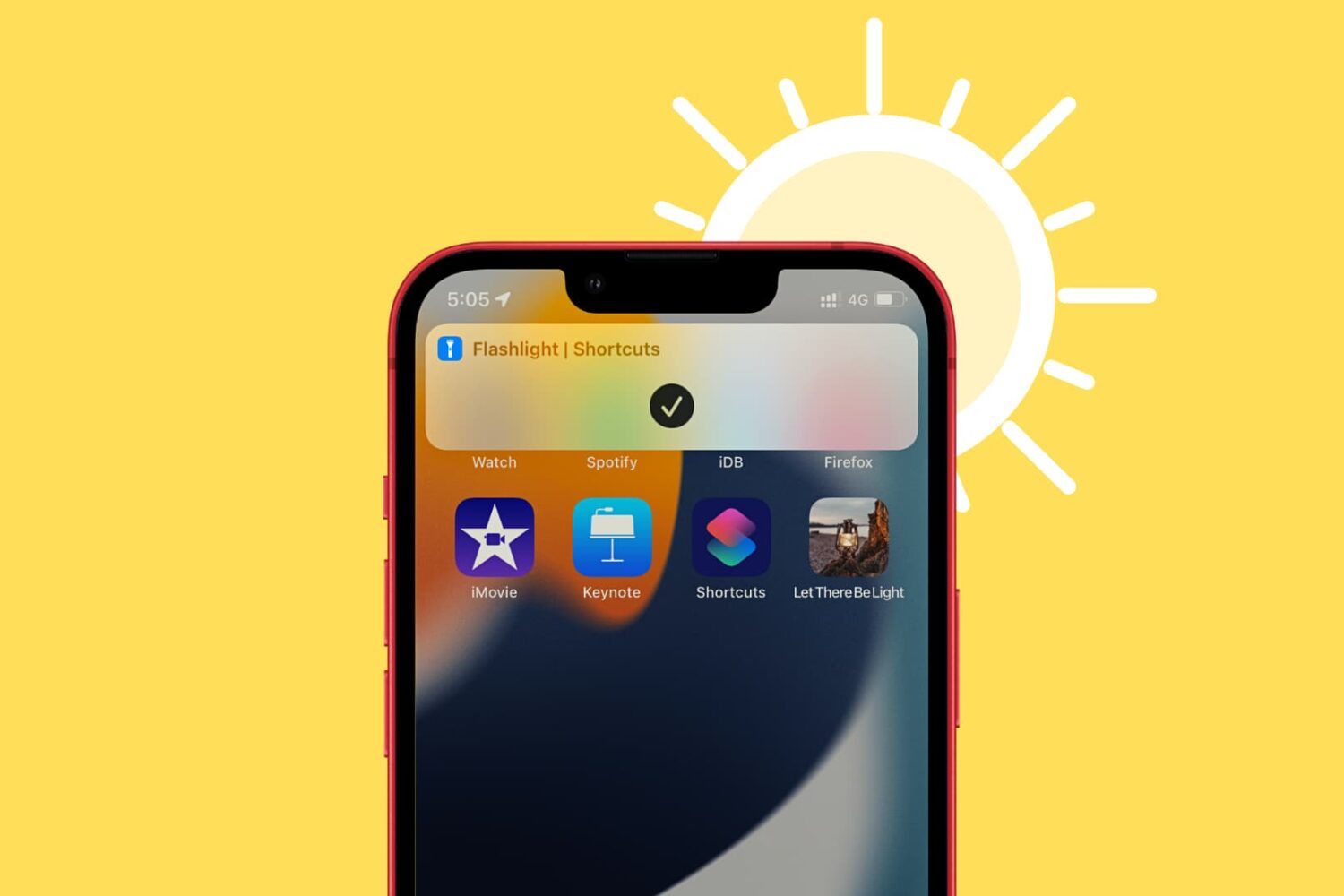
In this tutorial, we will show you how to add duplicate icons of the same app on multiple Home Screens on your iPhone or iPad -- without needing a third-party app or a Jailbreak tweak.
Tutorial
Learn how to master your Apple devices with our comprehensive tutorials. From iPhone and iPad to Mac, Apple Watch, AirPods, and more, our expert guides will help you unlock the full potential of your Apple products. Discover new features, tips, and tricks each day to enhance your user experience.
5 ways to delete hidden apps from iPhone or iPad
In this quick guide, we’ll show you five ways to delete invisible apps from your iPhone or iPad to declutter things and free up local storage.
How to set Google Chrome to autofill passwords on iPhone
Learn how to use Google Chrome as a password manager on your iPhone to autofill passwords saved in Chrome across various iOS apps and websites.
How to get the edited and original versions of a photo on iPhone
Did you edit a photo on your iPhone or iPad but now want to get its original version back? In this guide, we show you two ways to have both the edited and non-edited variants of the same image.
How to remove the Taurine jailbreak without restoring your iPhone or iPad
Many Taurine jailbreak users are content with how their iPhones and iPads turn out post-jailbreak. But if for any reason you decide to revert to a vanilla version of iOS or iPadOS 14 or perhaps even develop the urge to try a different jailbreak tool instead, it’s important to remember that you can use the Taurine jailbreak’s rootFS restore feature to roll your handset back to a pre-jailbroken state.
What is Apple Account balance and how to use it on iPhone, iPad, and Mac
Learn how to add money to your Apple Account balance on your iPhone, iPad, or Mac, see the remaining funds, and know everything else about it.
How to listen, delete, and ask Amazon not to save your Alexa voice recordings
Echo is a series of smart voice assistant devices by Amazon. You can review and listen to voice commands given to Alexa on your Amazon Echo, inside the Alexa app, and any other device with Alexa built in. From here, you can delete the voice recordings individually or in bulk. The settings also allow you to stop saving your Echo recordings. Finally, you can even ask Amazon to no longer use your Alexa voice recordings for evaluation and training purposes. This'll ensure no human hired by Amazon listens to them. In this guide, we show you how to do all these using the Alexa app on your iPhone, iPad, Android, and the Amazon website in a browser on Mac or PC.
What is Private Session in Spotify and how to enable it
Learn how you can enable Private Session in Spotify on its mobile and desktop apps to listen to music privately.
Why Apple Pay gets disabled on your Mac in clamshell mode and with wireless Touch ID
If Apple Pay Touch ID authentication isn't working on your Intel-based or Apple silicon Mac, this is by design. Here's what you need to know.
How to merge and split PDF documents on iPhone and iPad
Learn different ways to merge two or more PDFs into one file or split a lengthy PDF into several smaller documents.
How to use the Apple Passwords app for two-factor authentication codes
Learn how to set up, store, and use one-time verification codes for two-factor authentication in the Apple Passwords app built into your iPhone or iPad.
How to use Low Power Mode and boost the battery life of your MacBook
Learn how to enable the Low Power Mode feature on your MacBook Air or MacBook Pro laptop to extend battery life and help it run cooler and quieter.