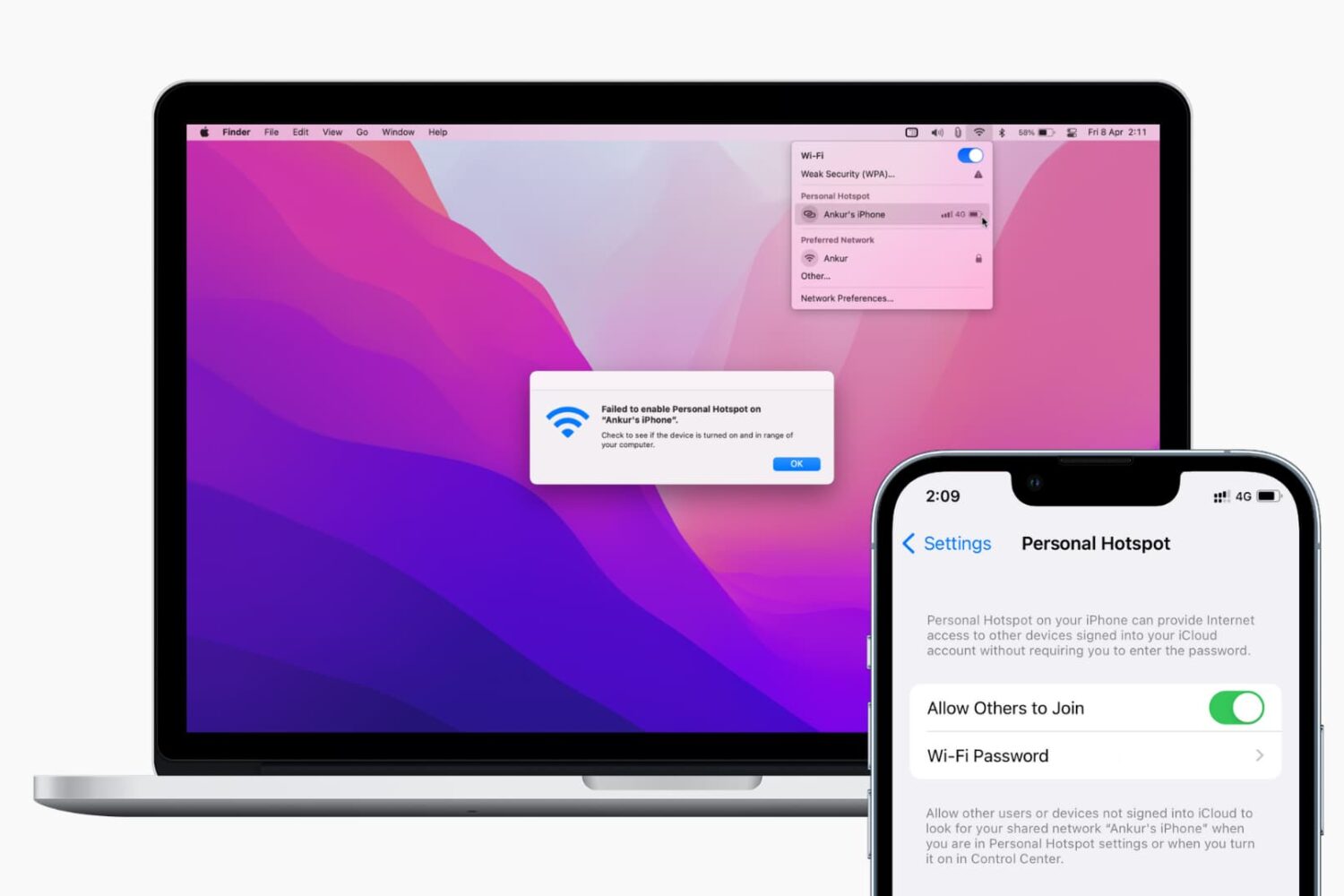
Find out what to do if your Mac isn’t connecting to your iPhone’s Hotspot or keeps disconnecting after every few minutes.
Fix iPhone hotspot not working or disconnecting on Mac
Learn how to master your Apple devices with our comprehensive tutorials. From iPhone and iPad to Mac, Apple Watch, AirPods, and more, our expert guides will help you unlock the full potential of your Apple products. Discover new features, tips, and tricks each day to enhance your user experience.
Find out what to do if your Mac isn’t connecting to your iPhone’s Hotspot or keeps disconnecting after every few minutes.
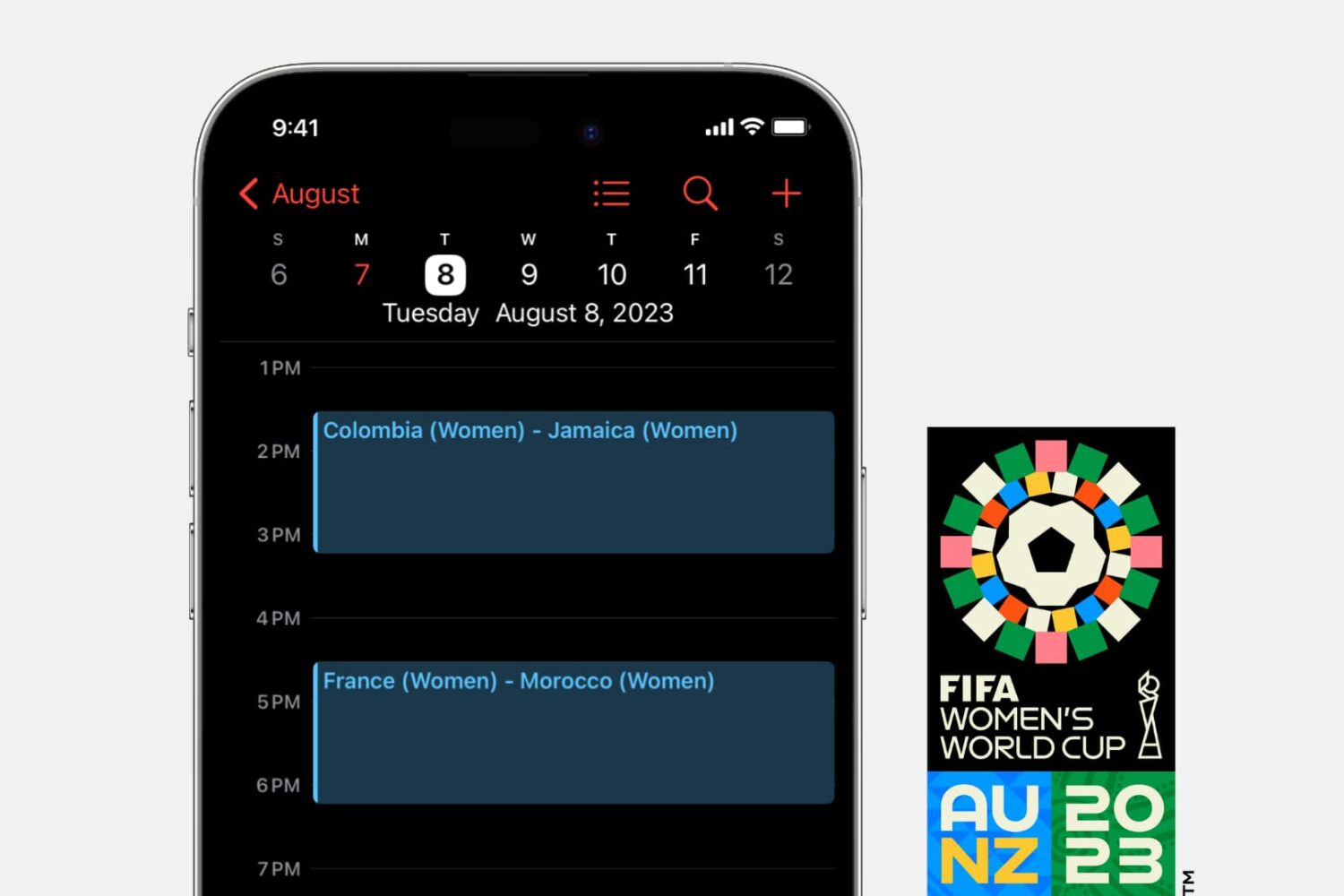
Finding it hard to keep track of the FIFA Women's World Cup games and schedules? Learn how to subscribe to a calendar to add the 2023 World Cup schedule to your iPhone, iPad, and Mac.
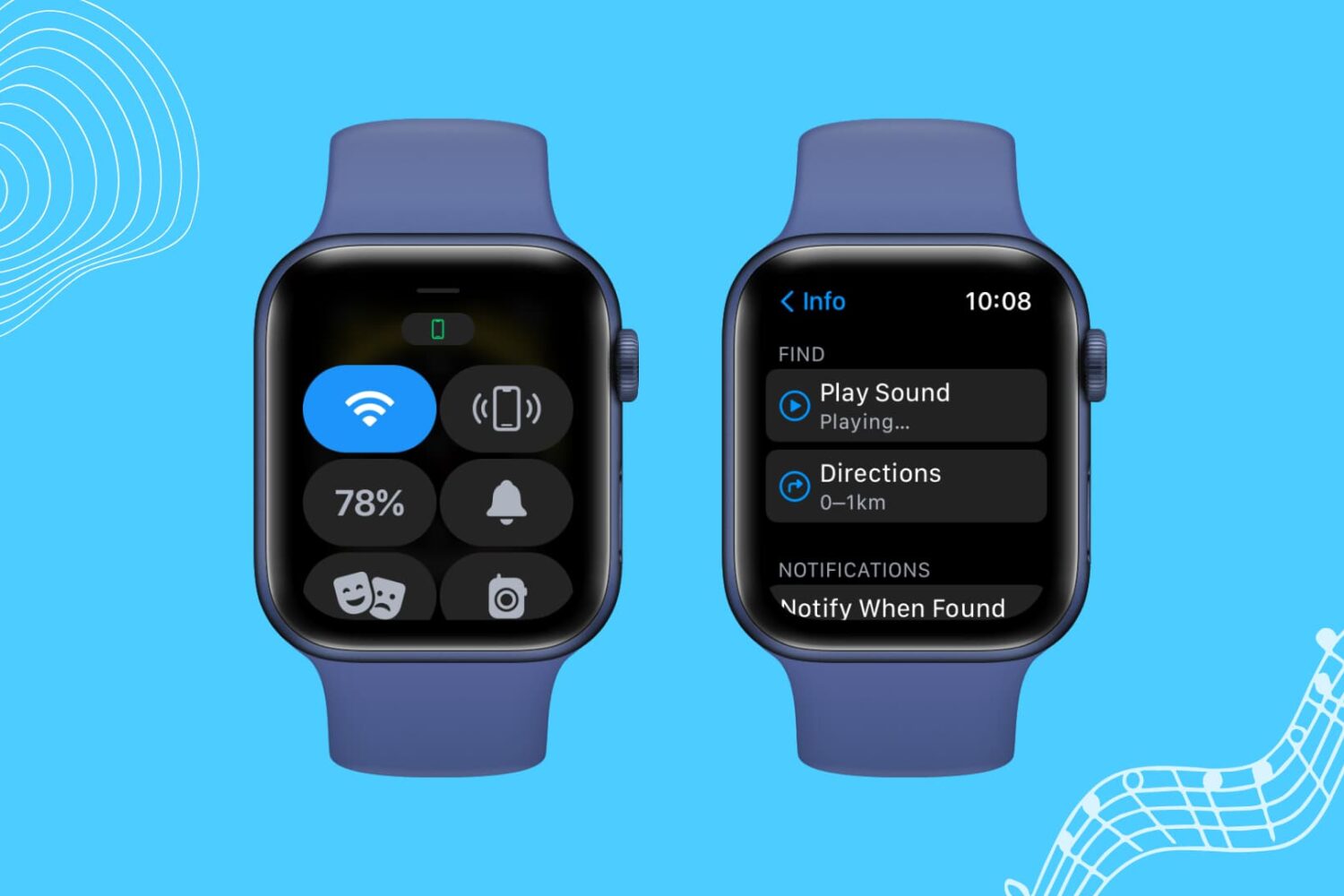
If your Apple Watch is not pinging your iPhone, here are a few solutions to fix this issue. Once that's done, your misplaced iPhone will play a sound when you command it from your Apple Watch, and you can find it easily.
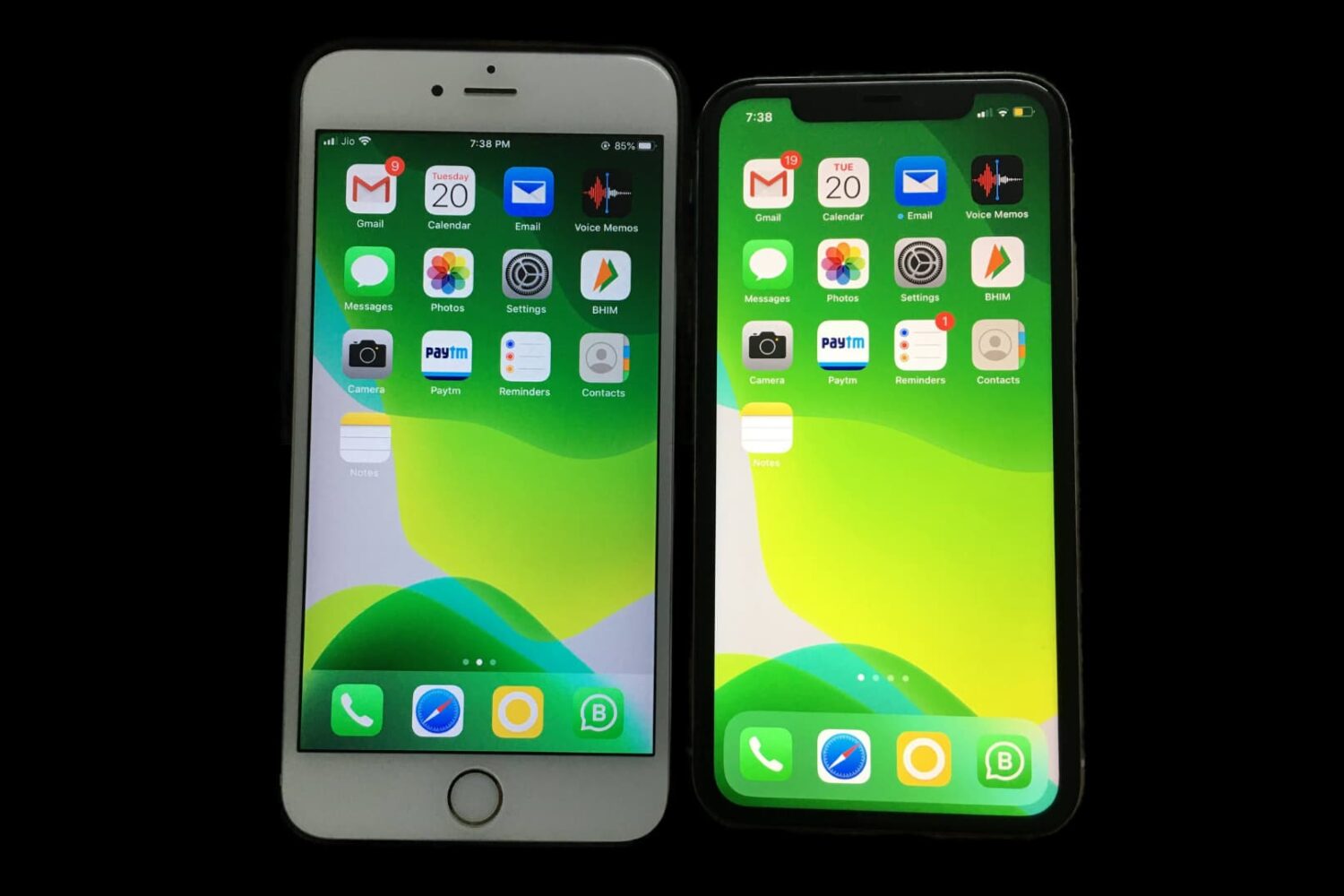
Did you get a second iPhone and want to use it as a clone of your first one? When you have two or more iPhones, you can set them to have the same data, contacts, reminders, email accounts, apps, passwords, identical Home Screen layout, and more. This quick tutorial shows you how to do that.
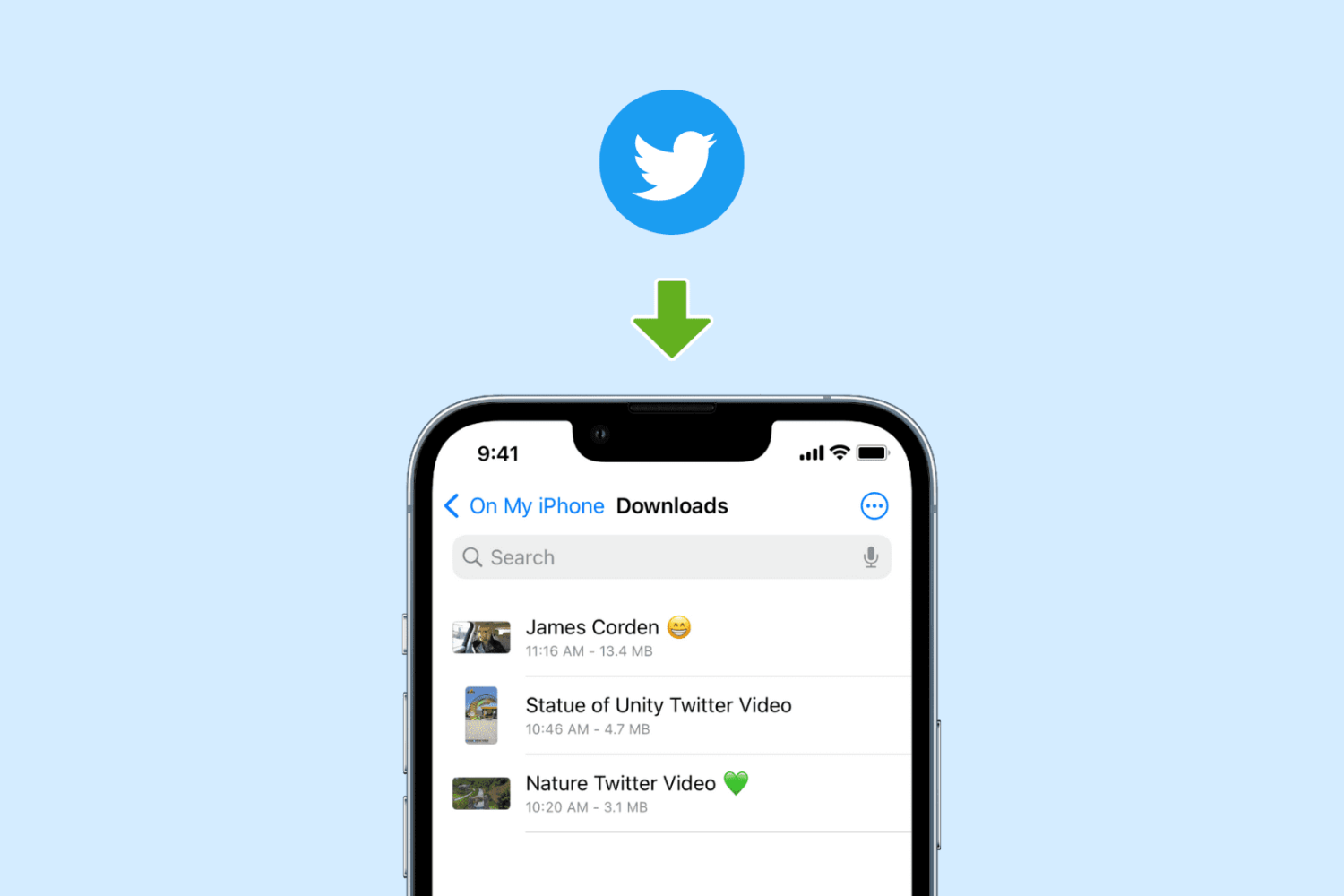
Check out these five easy ways to download Twitter videos on iPhone and iPad for offline playback, with or without a premium subscription.
AltStore is a popular utility for sideloading apps on iPhones and iPads, and whether you depend on it to use your favorite semi-untethered jailbreak tool or merely to install apps that aren’t approved for the App Store, chances are you could benefit from making a Siri-compatible shortcut for refreshing all your sideloaded apps on demand.
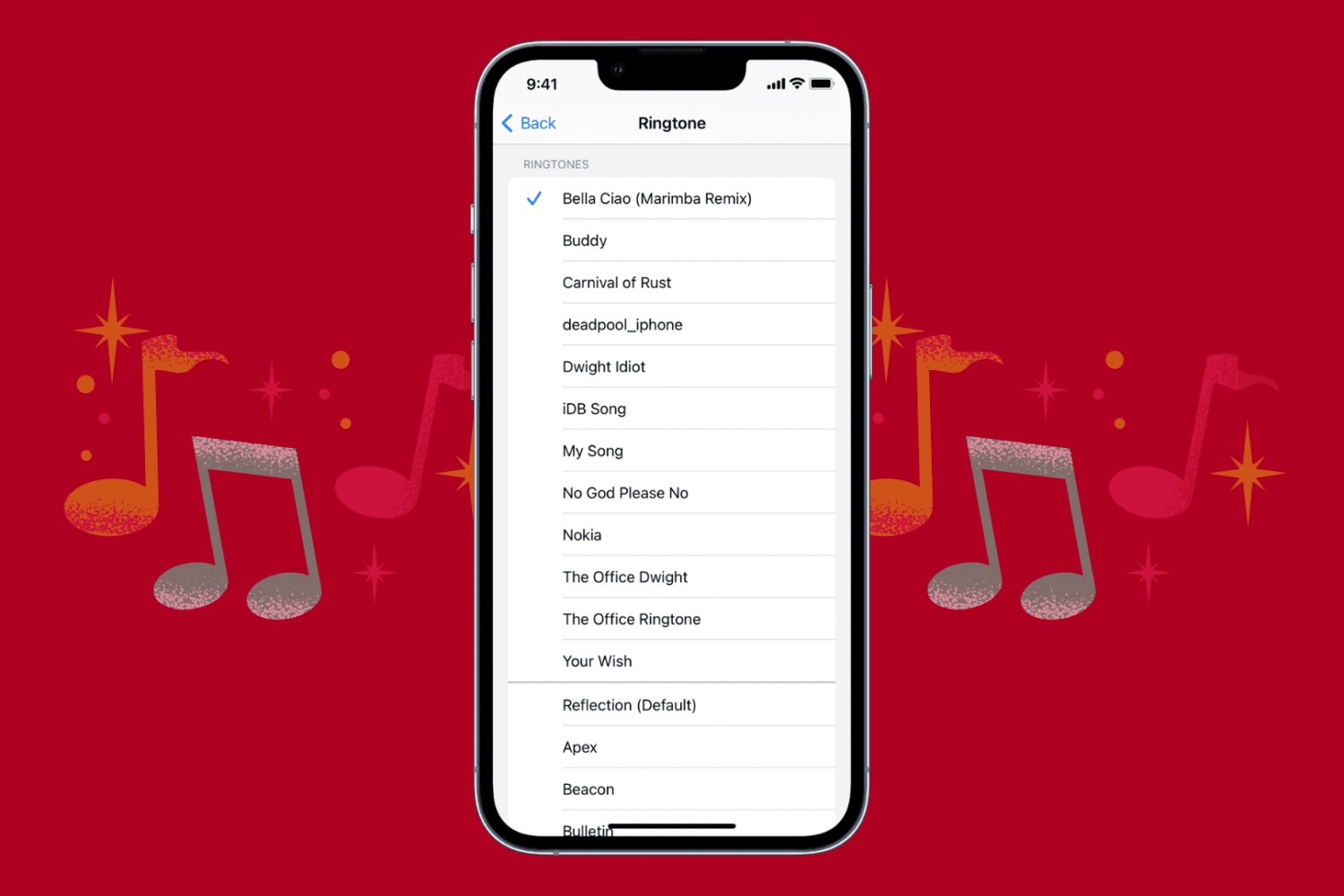
Bored with the same default ringtone? Check out five ways to get ringtones on your iPhone and personalize your device.
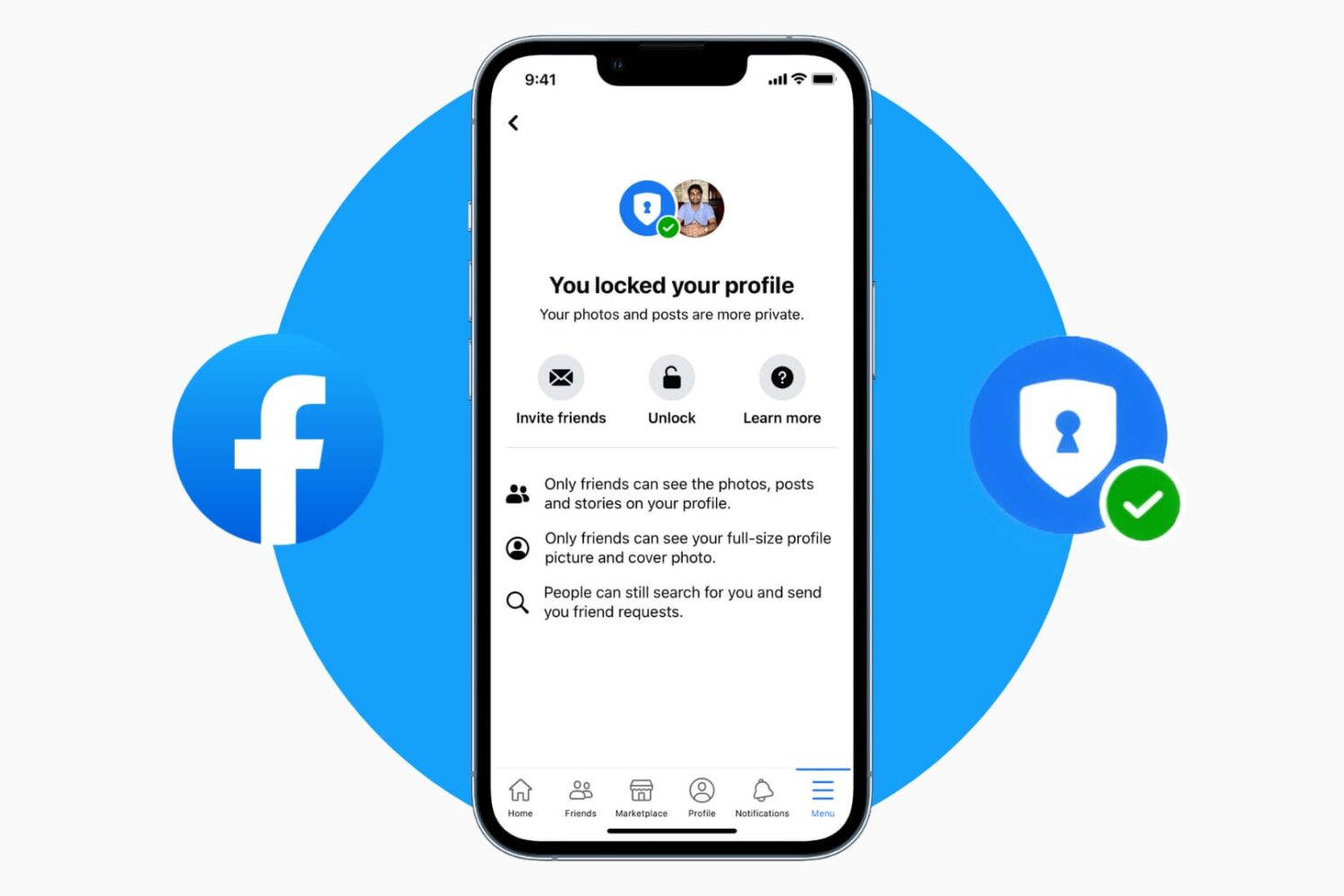
Learn how to lock your Facebook profile to make your profile photos and posts private and visible only to your friends and nobody else.
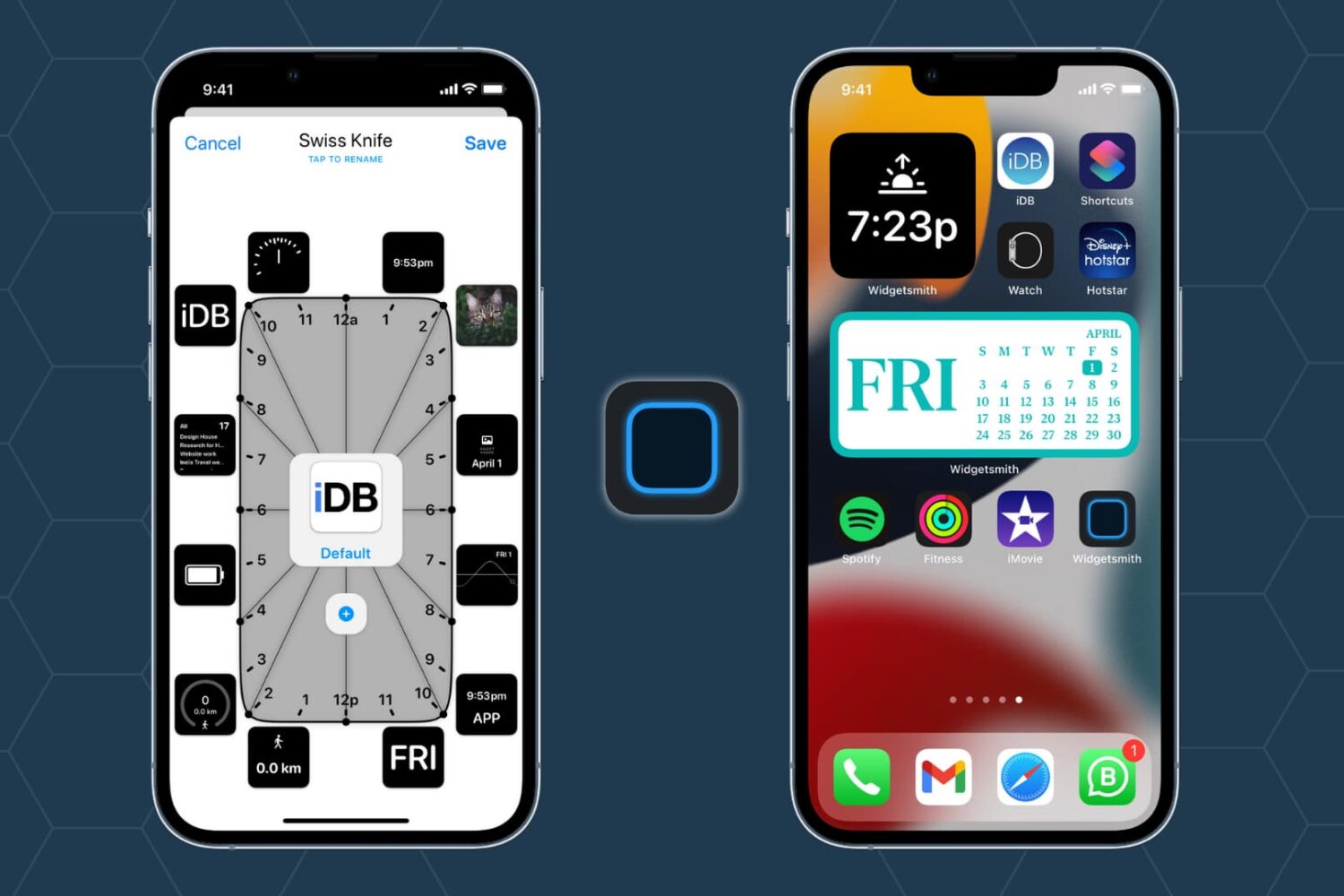
Starting with iOS 14, Apple allowed users to put widgets on the iPhone Home Screen. One of the widget apps that went viral around that time is Widgetsmith, and it quickly grew into one of the fan favorites.
It lets you add several kinds of widgets like time, date, photos, calendar, weather, astronomy, health, tides, reminders, custom text, and even blank space on the Home Screen. In this tutorial, we show you how to use Widgetsmith on iPhone running iOS 14, iOS 15, or later.
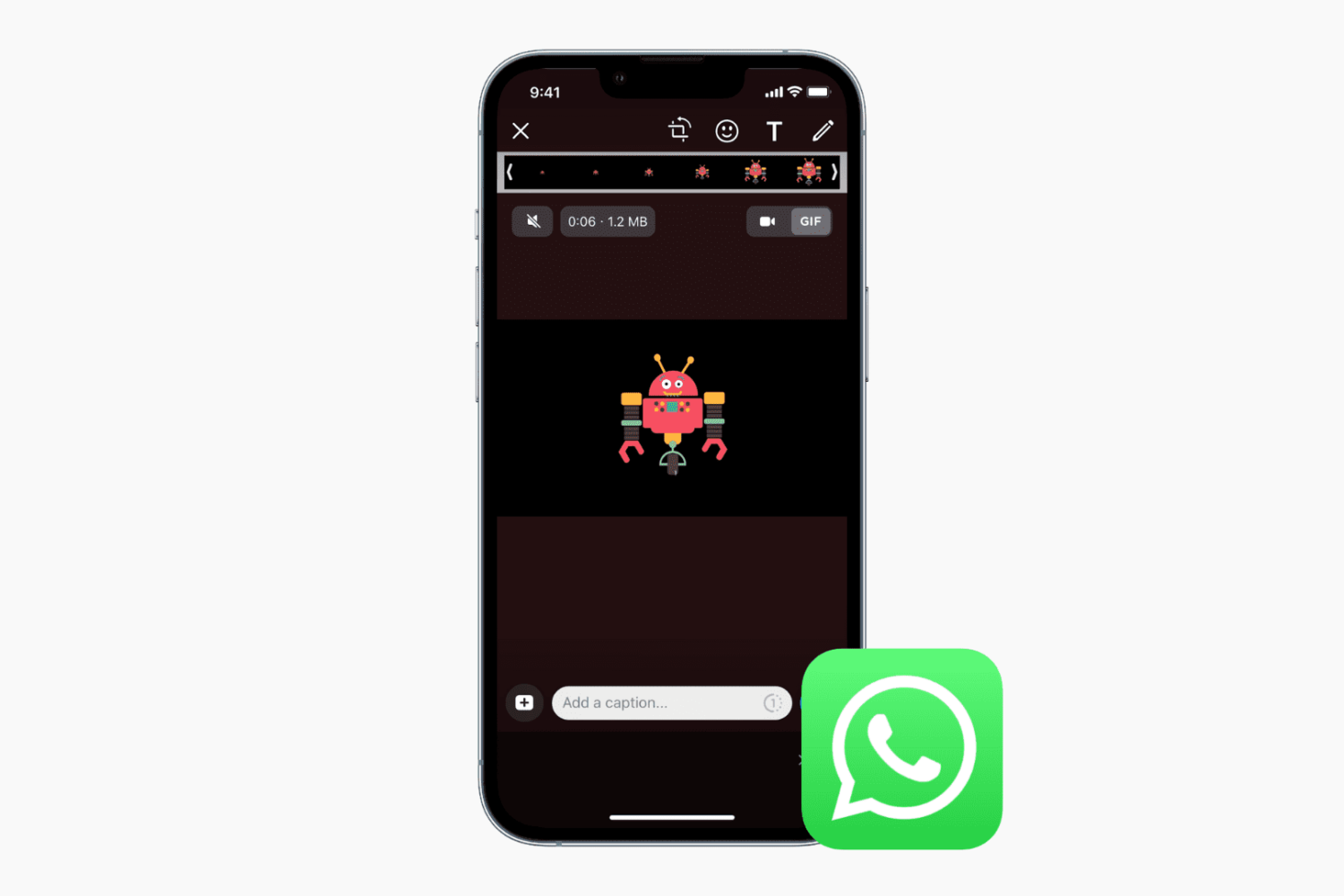
In addition to sending and receiving GIFs, WhatsApp also lets you send a short video or Live Photo from your Camera Roll as an animated GIF. This option may not be obvious, but with these tips, the process becomes evident.
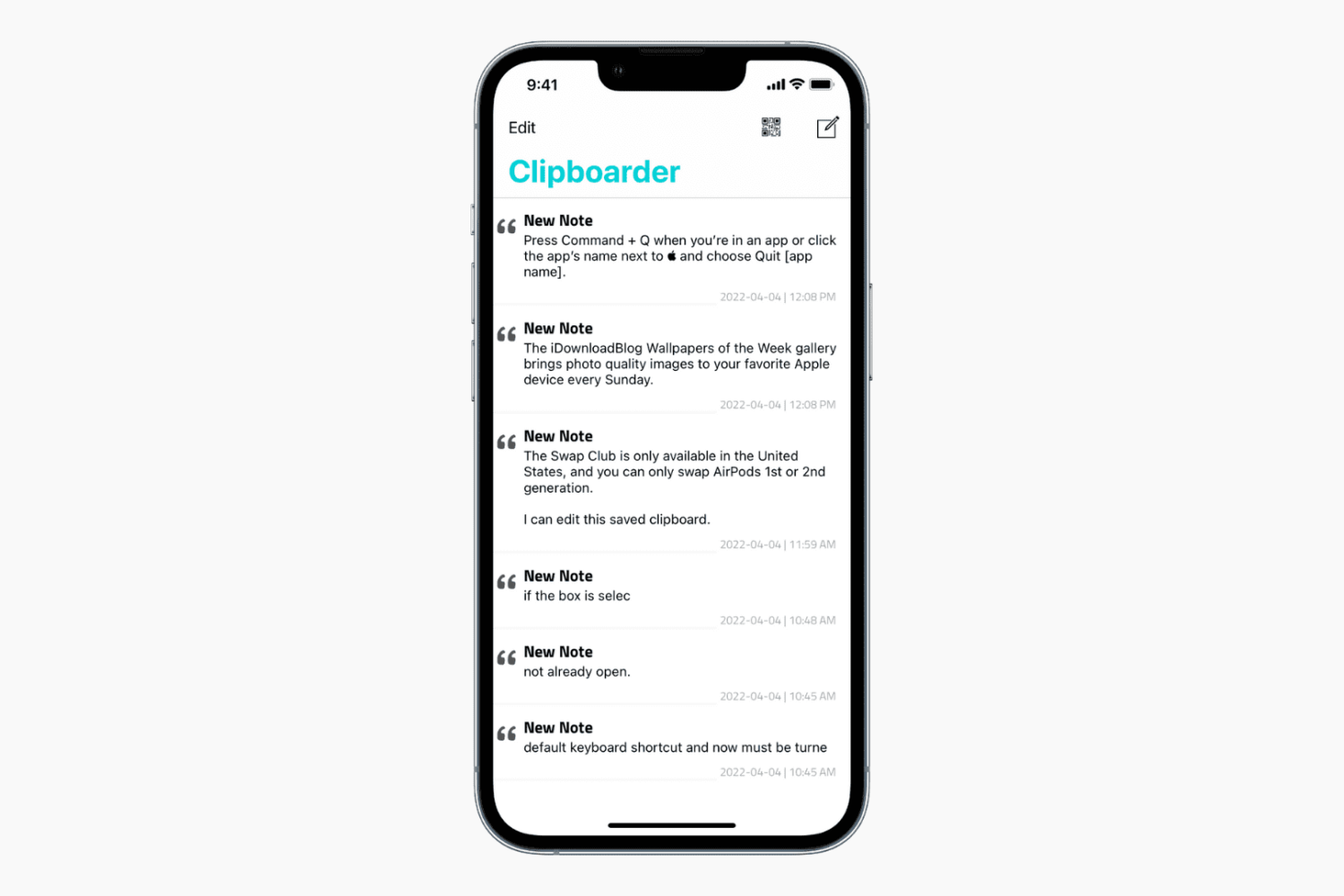
In this tutorial, we'll show you how to save multiple clipboards on your iPhone and access them whenever required.

If you live in the middle of nowhere, then buying a cellular signal booster might be in the back of your mind. In many cases, these can improve your cellular reception by using a larger antenna to capture a distant signal and rebroadcasting it closer your iPhone. However, it’s important to get one that’s compatible with the cellular bands your carrier uses.