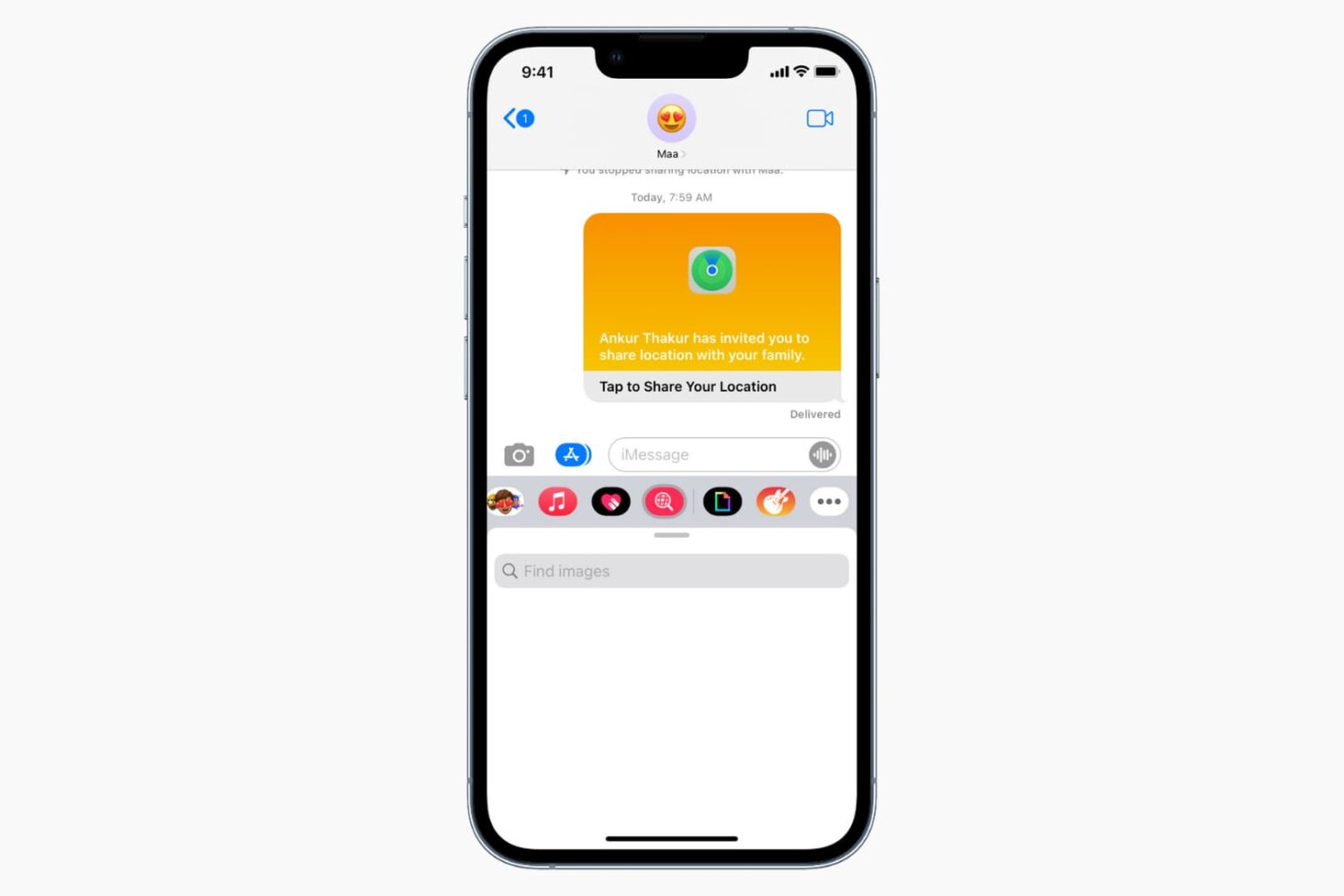
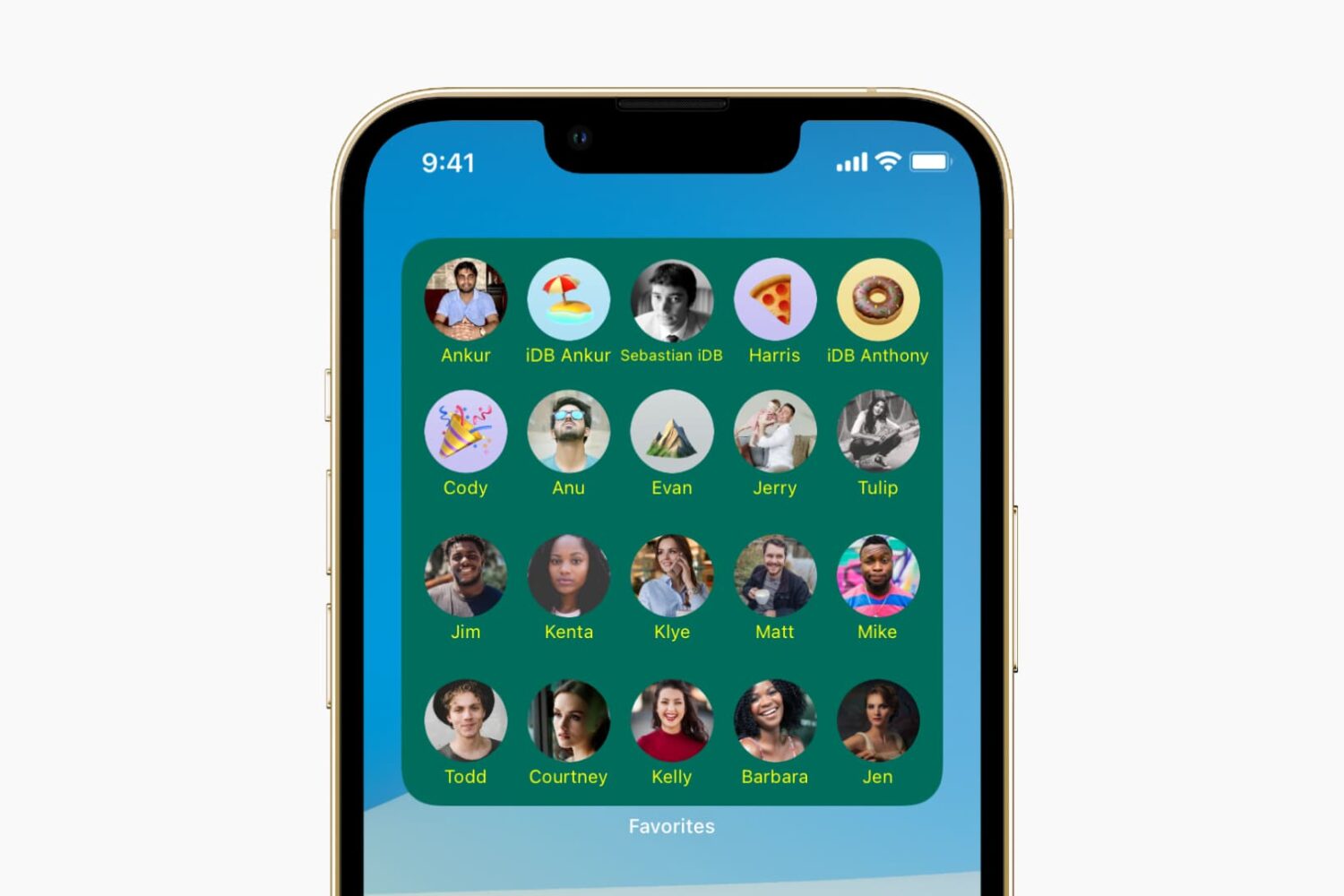
Check out 9 ways to quickly call your family and friends without digging through your lengthy contacts list.
How to speed dial on iPhone (9 ways)
Learn how to master your Apple devices with our comprehensive tutorials. From iPhone and iPad to Mac, Apple Watch, AirPods, and more, our expert guides will help you unlock the full potential of your Apple products. Discover new features, tips, and tricks each day to enhance your user experience.
Check out 9 ways to quickly call your family and friends without digging through your lengthy contacts list.
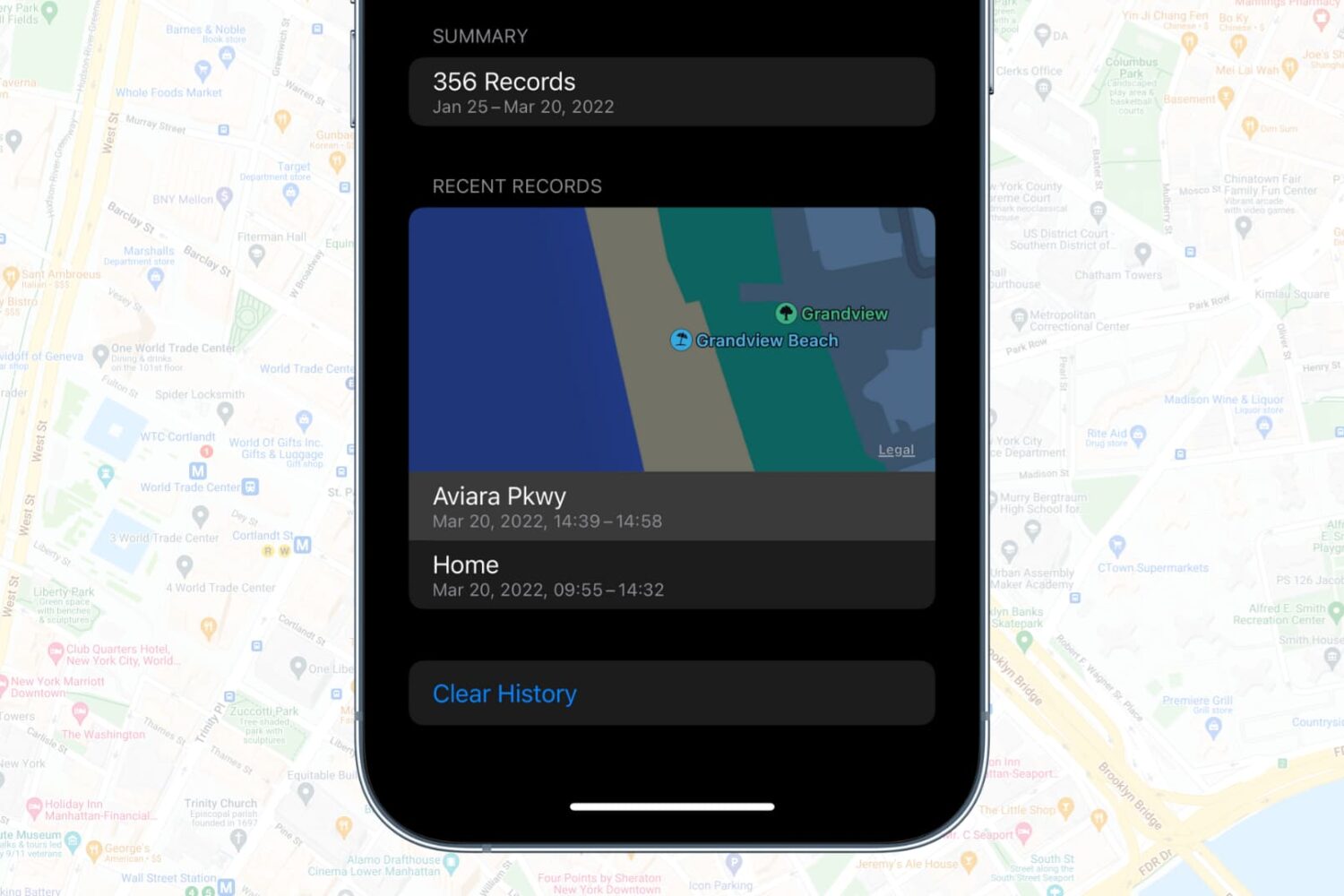
In this tutorial, we’ll show you how to view, delete, and disable your iPhone’s location history with simple steps to enhance your privacy and control your data.
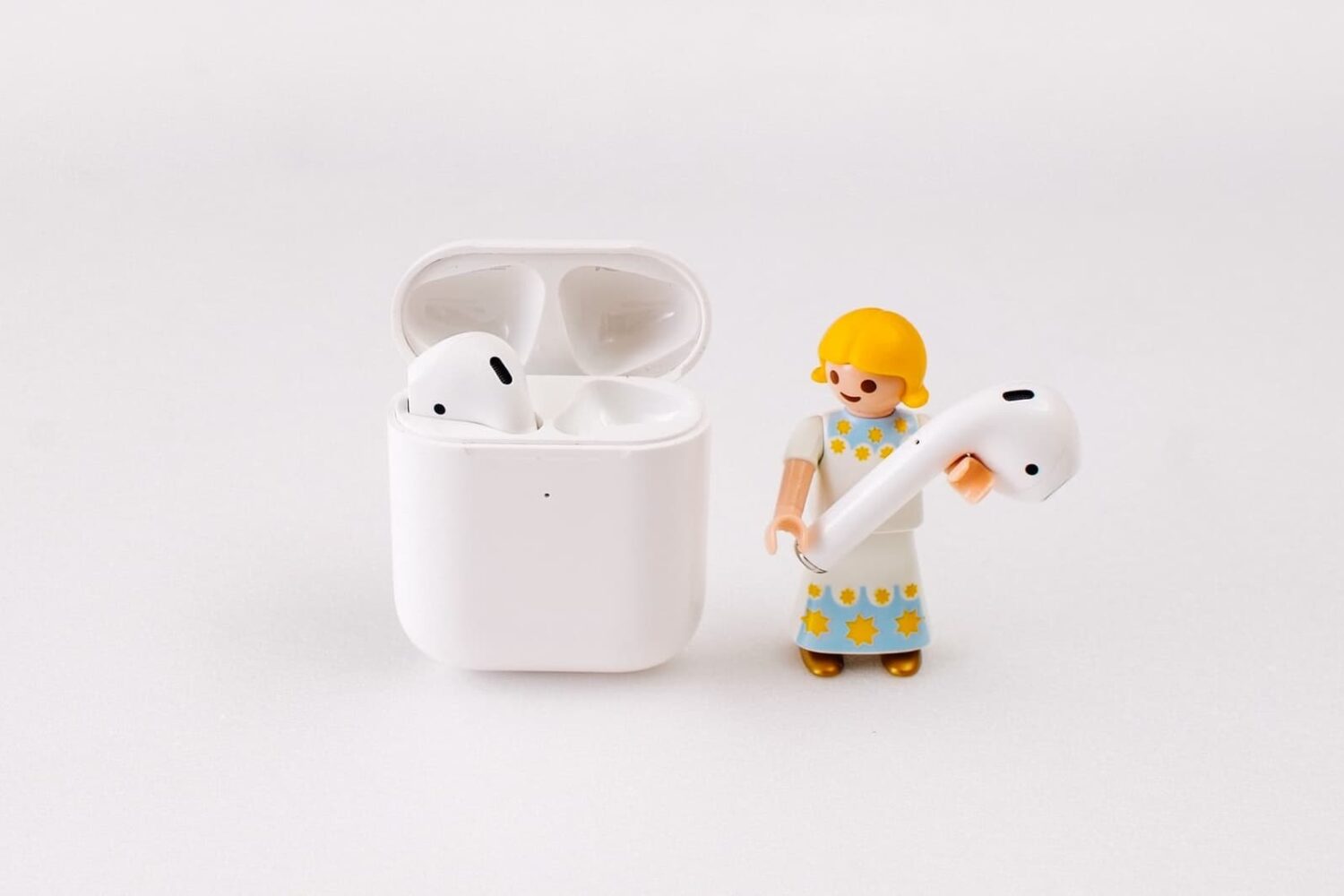
The batteries of all electronic devices degrade over time, and AirPods are no exception. So if your AirPods batteries are old, and tend to not hold a charge for too long, you'll probably need to get them replaced. In this guide, we go over a few different ways to get that done.
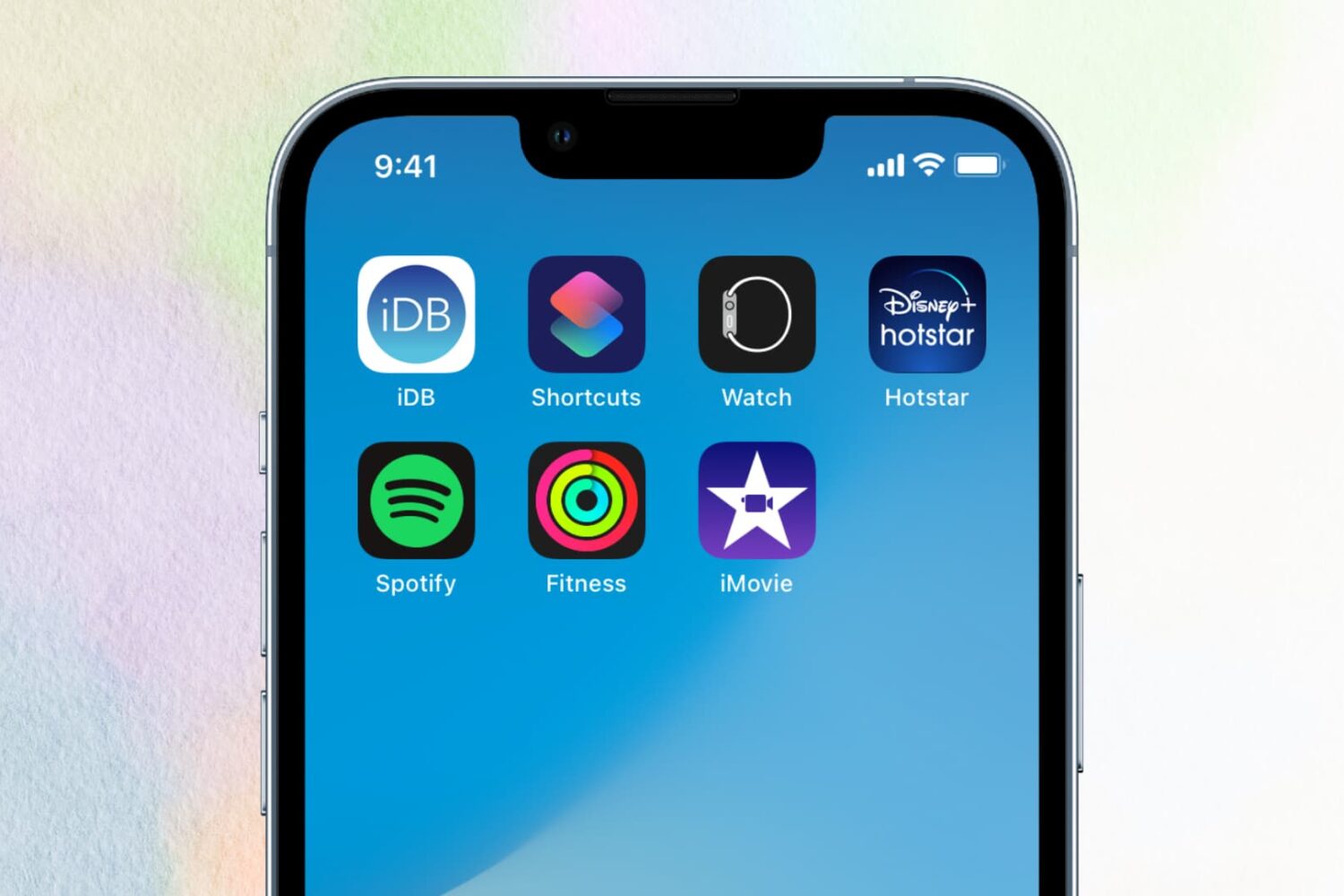
Find out why some apps randomly crash or freeze on your iOS device and check out the solutions to fix this issue.
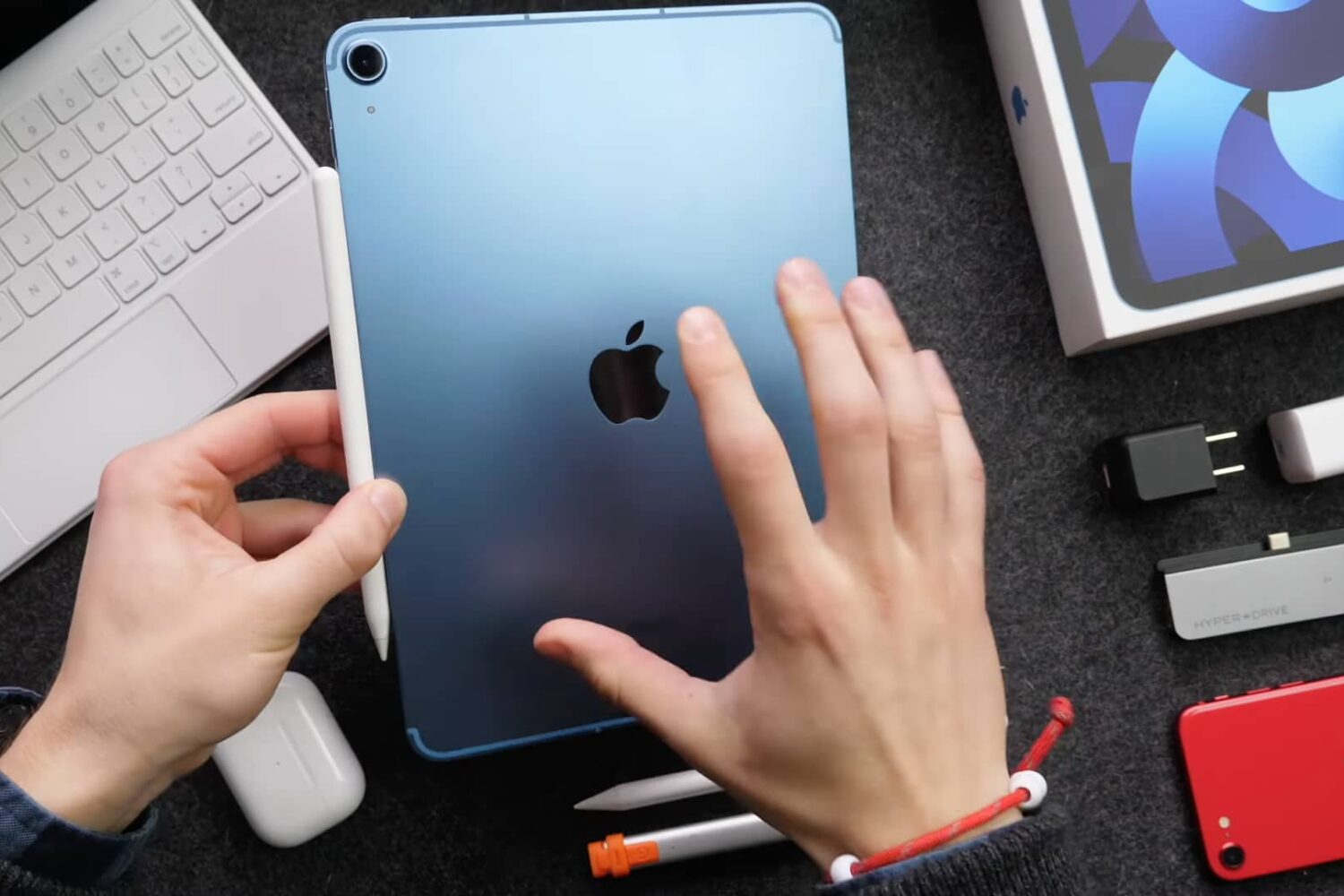
Watch our quick video tips to set up, configure and make the most of your fifth-generation iPad Air (2022).
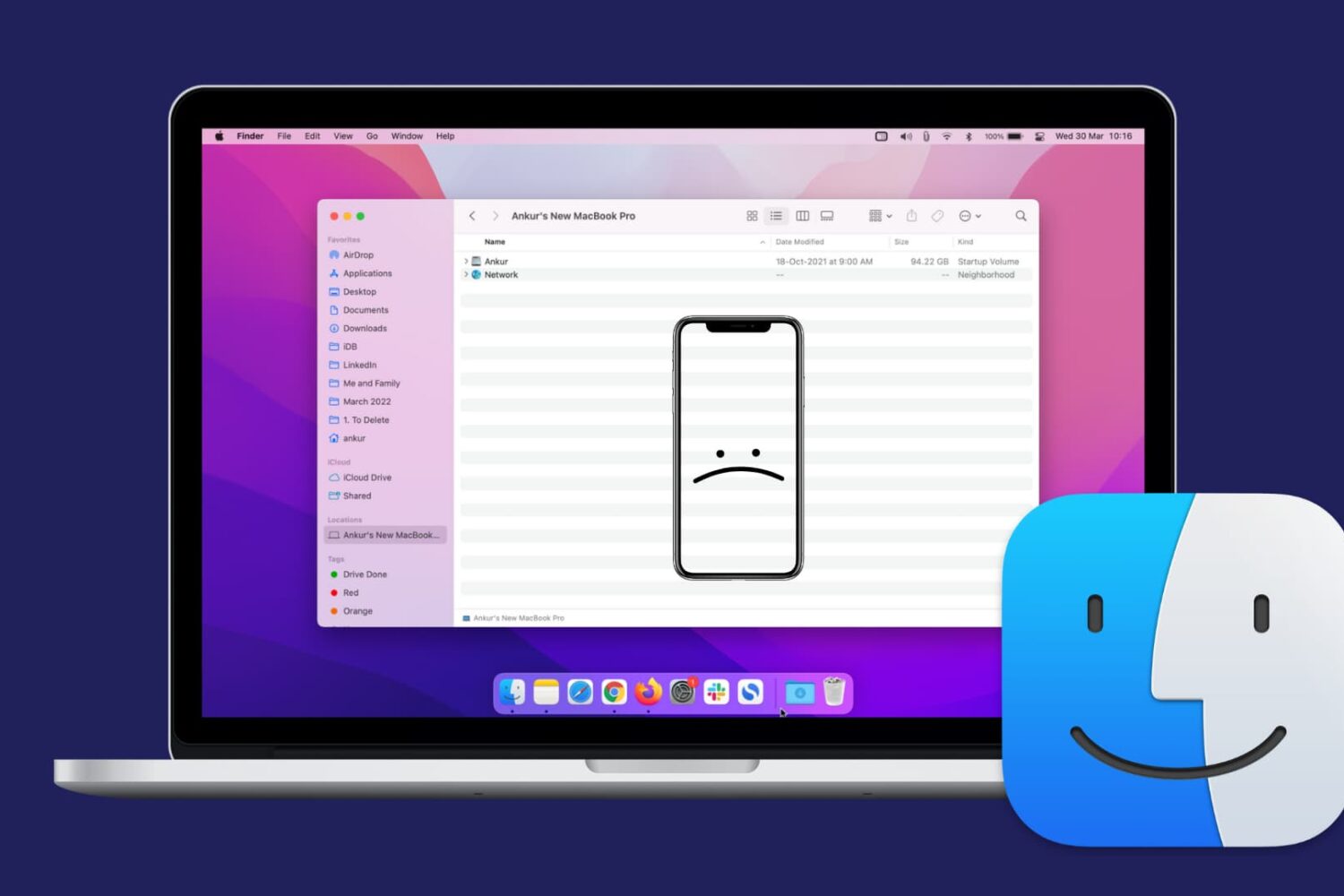
Check out this comprehensive guide on how to fix the issue of your iPhone or iPad not showing up in Finder on Mac.
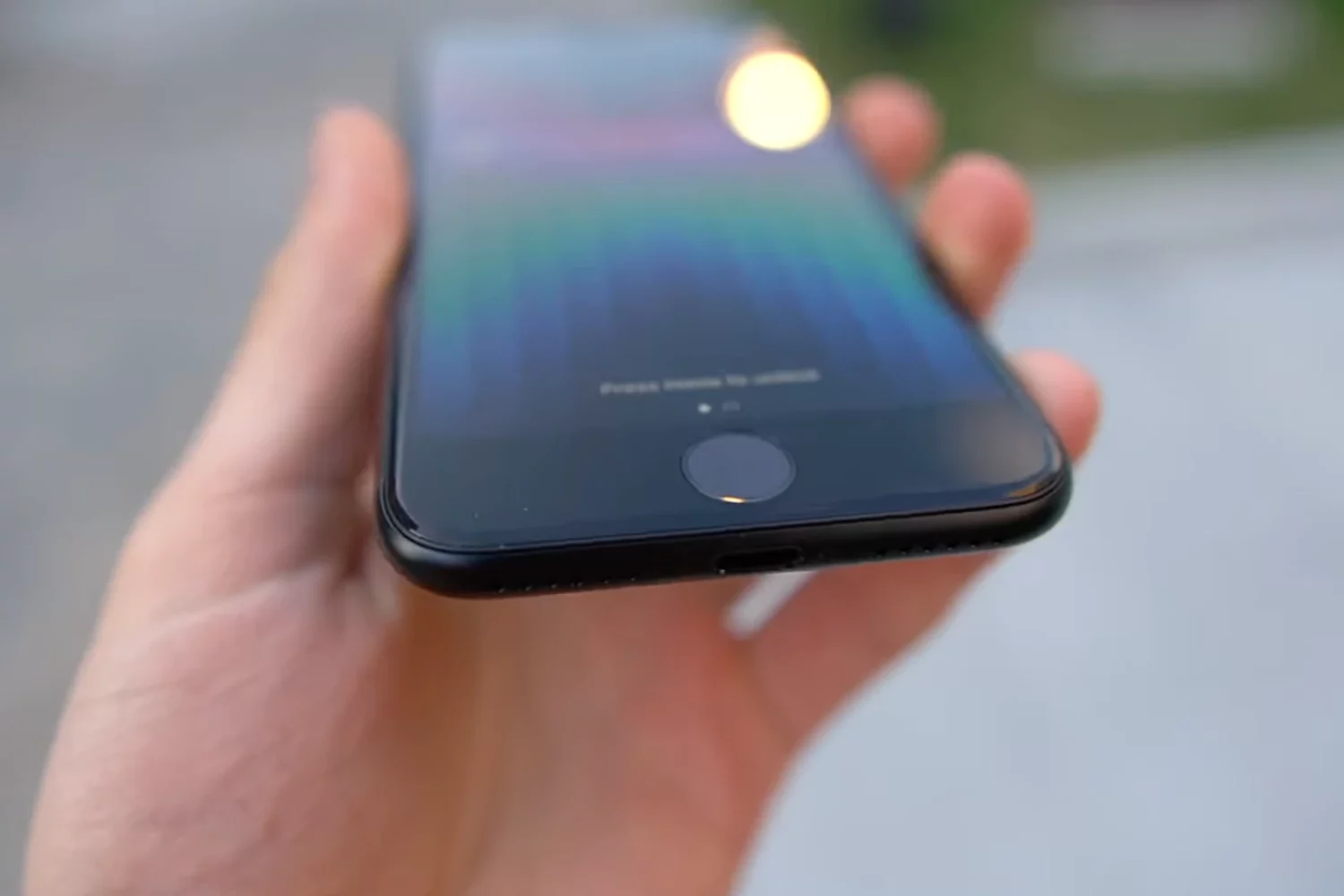
Got Apple's most affordable iPhone? If so, then check out these video tips for getting started with the third-generation iPhone SE, released in 2022.

Check out the solutions to fix dictation issues on your iPhone, iPad, Apple Watch, and Mac.

Learn how to use the customizable handshake emoji on iPhone, iPad, Apple Watch, Mac, and Android phone to choose skin tones for each hand separately from one another, allowing a single emoji to cover all possible combinations of hand colors.

Learn how to change the volume and take screenshots on your iPhone or iPad, even if the volume buttons aren’t working, and learn what steps to take if the buttons are broken.
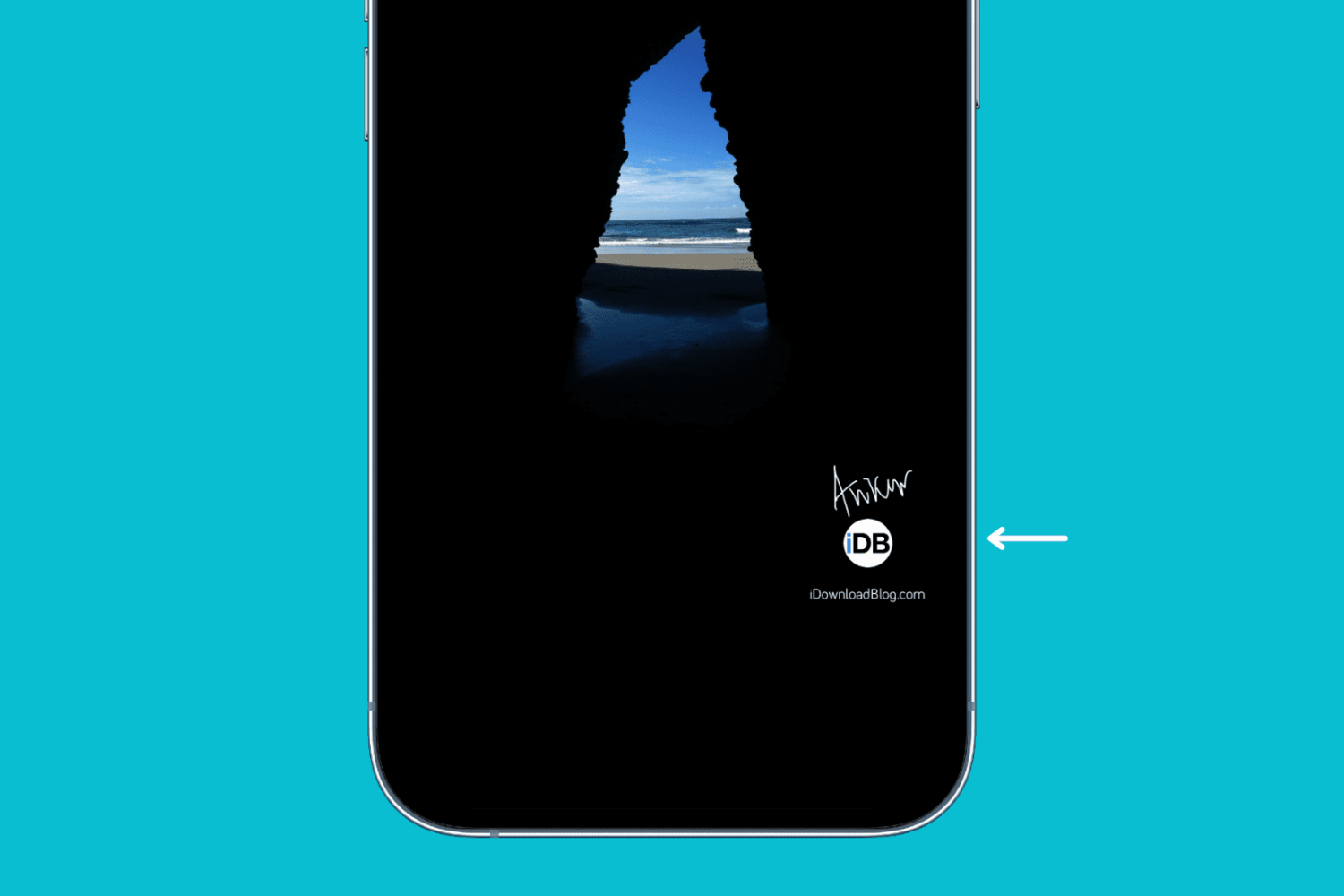
Check out these free ways to easily add your logo, text, name, signature, or other watermarks to images on iPhone and iPad.