Set a default list for the Apple Reminders app on iPhone, iPad, and Mac so that the to-dos you create using Siri are automatically added to that list.
How to change the default Reminders list on iOS and Mac

Stay up-to-date on the latest Mac news, and tutorials. Get expert tips and tricks to optimize your Mac’s performance and learn about the latest Apple products and software updates. Discover the best Mac apps and accessories to enhance your user experience.
Set a default list for the Apple Reminders app on iPhone, iPad, and Mac so that the to-dos you create using Siri are automatically added to that list.

Learn how to change the accent and highlight colors of your Mac's user interface to customize and personalize its aesthetics to your liking.

Check out three quick ways to turn on Dark Mode on your Mac to make the screen easier on your eyes, especially at night.
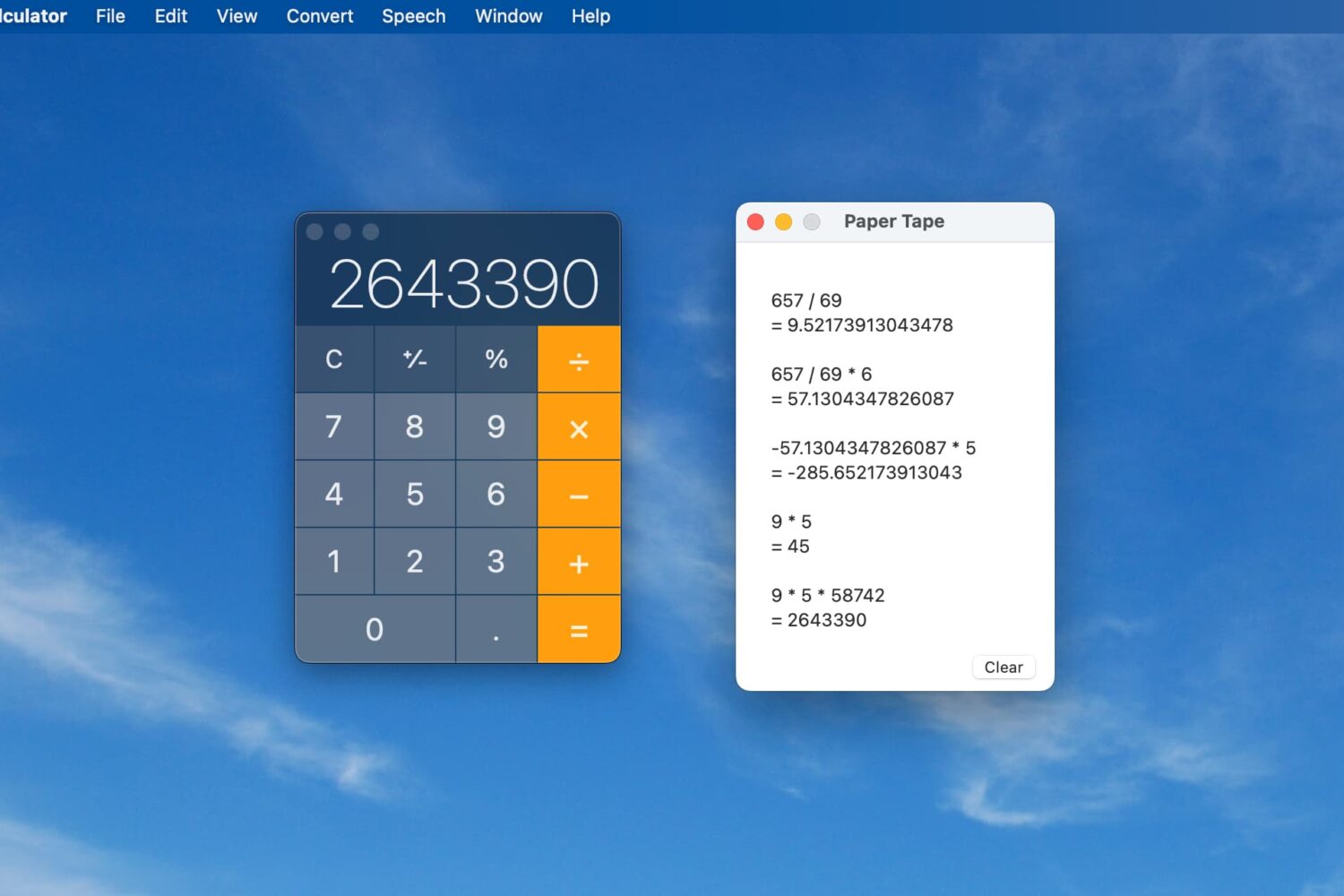
While having a Calculator app on your Mac makes it easy to perform quick calculations, it’s not always efficient. You may need to have that paper tape to see each equation listed out. Luckily, the Mac Calculator app gives you a way to view, save, and print that paper tape.
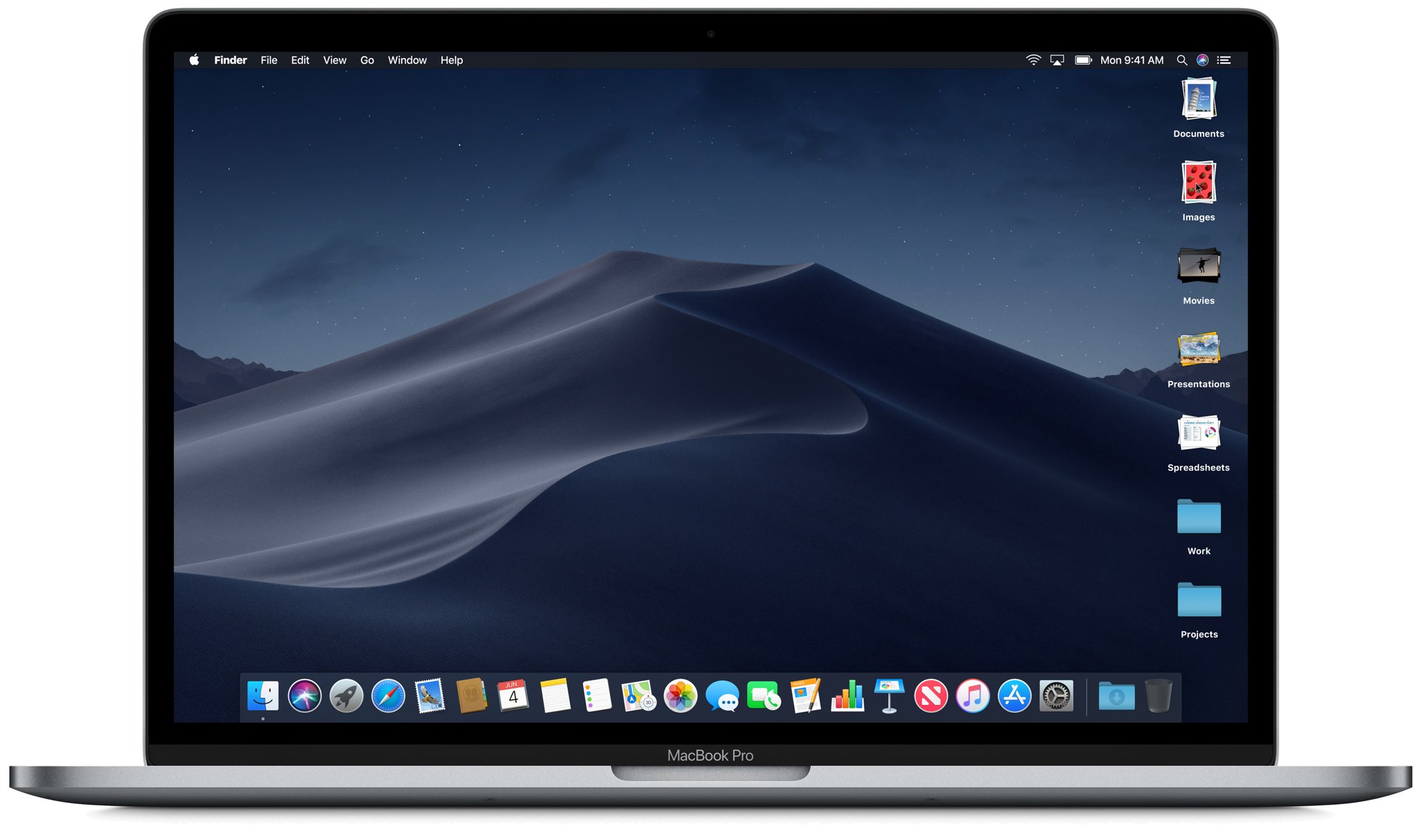
Use the Stacks feature to declutter and streamline your Mac desktop, simplifying your file organization and boosting productivity.
Facebook Events are a great way to keep track of what's going on in the world around you, including upcoming concerts, community functions, birthdays, and more. You can easily add these Facebook Events to your iPhone calendar and remove them if you change your mind. This brief tutorial shows you how to do that.

Learn how to show upcoming birthdays for family and friends in the Apple Calendar app on your iPhone, iPad, Mac, and the web so you never forget to congratulate them again.

Learn how to locate your downloaded books on Mac to get the original EPUB files of these titles.
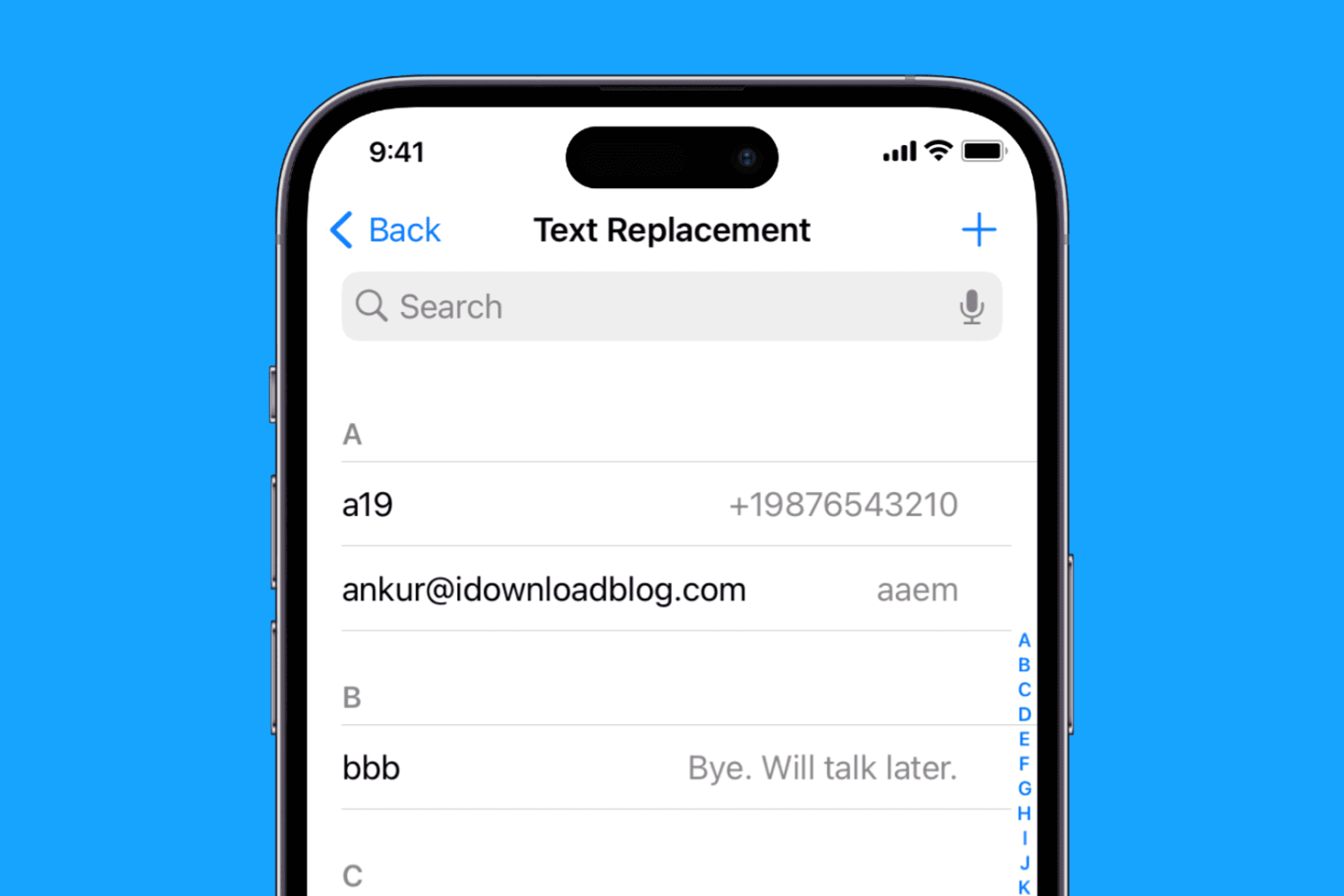
Learn how to create text replacement shortcuts on your iPhone, iPad, and Mac to speed up typing and save time while reducing typos.
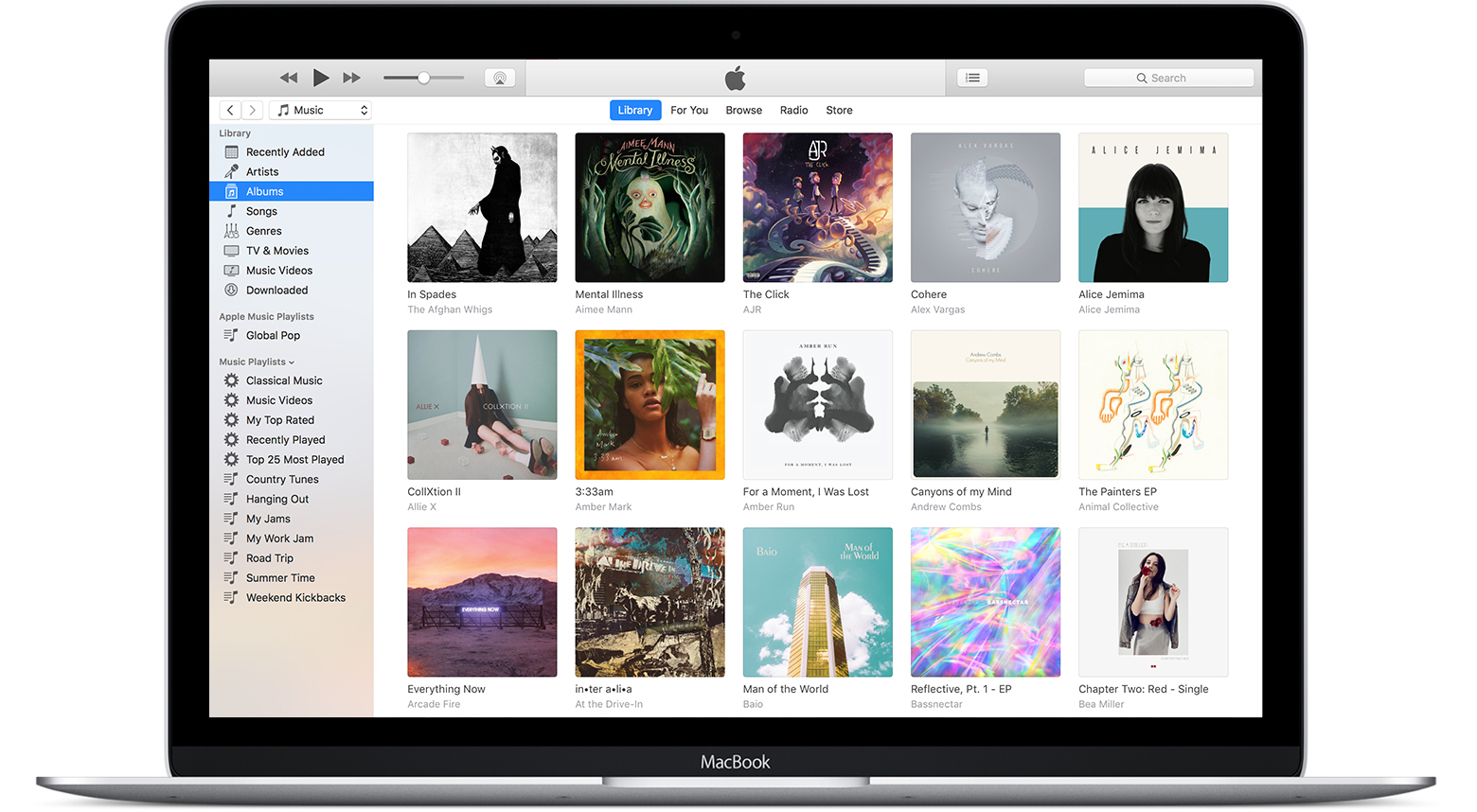
In this tutorial, we’ll show you how to use the referenced Music library feature to stop the app from creating duplicate copies of your media and help save local space on your Mac or Windows PC.
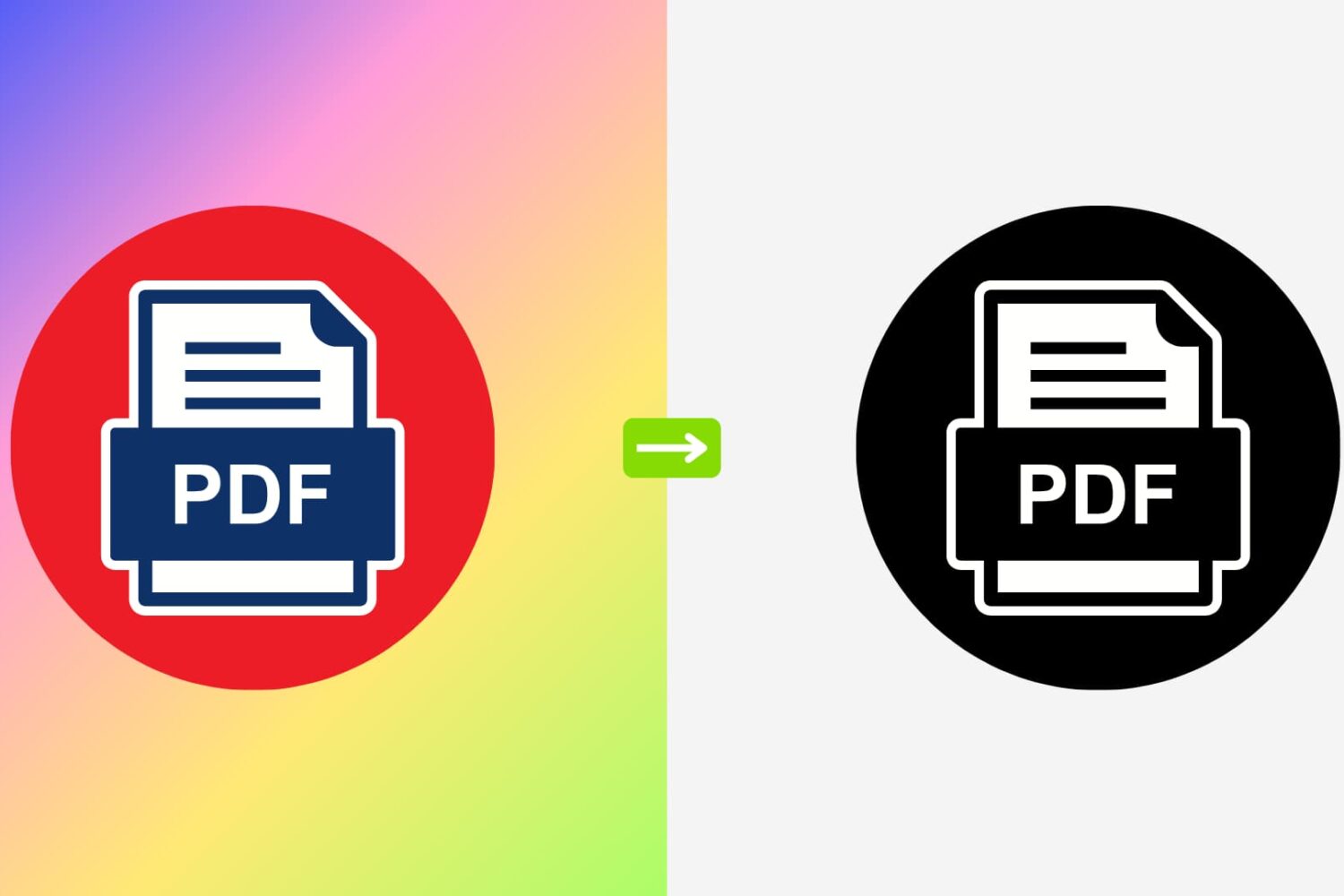
Here’s how to quickly convert a colorful PDF to black & white or gray tone using the built-in Apple Preview app on your Mac.

Learn how to open a note in its own window to make it float over the Notes app or to keep it on top of all other app windows on Mac.