Learn how to open a note in its own window to make it float over the Notes app or to keep it on top of all other app windows on Mac.
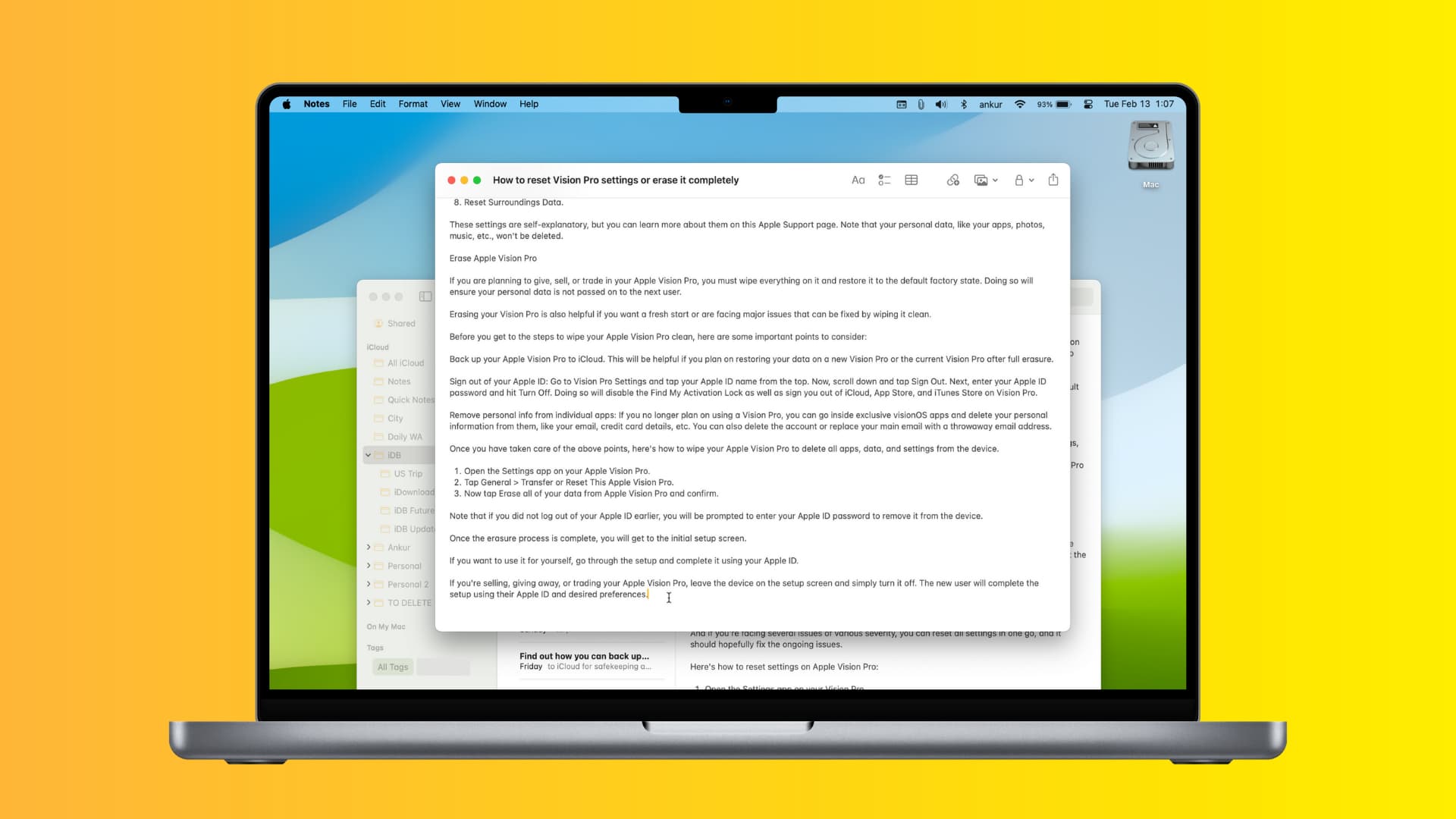
When you’re working inside the Notes app on Mac, floating important notes on top of other windows can help you focus better on that.
There’s nothing fancy about this: floating a note simply pulls it into its own window that can be optionally made to appear on top of all other app windows.
If Notes is your default app for jotting down quick thoughts, scanning documents, and saving important things for later, you’re wholeheartedly recommended to consider taking advantage of this handy feature. Your productivity will increase as a result of this overlooked feature (especially when researching topics online), and you’ll be able to quickly drag content from your favorite app into a persistent note window.
Open a note in a new window
There are two ways to do that.
- Open the Notes app on your Mac and select a note in the main list.
- Click Window from the top menu bar and choose Open Note in New Window. If you’re on an older version of macOS, this option is called Float Selected Note.
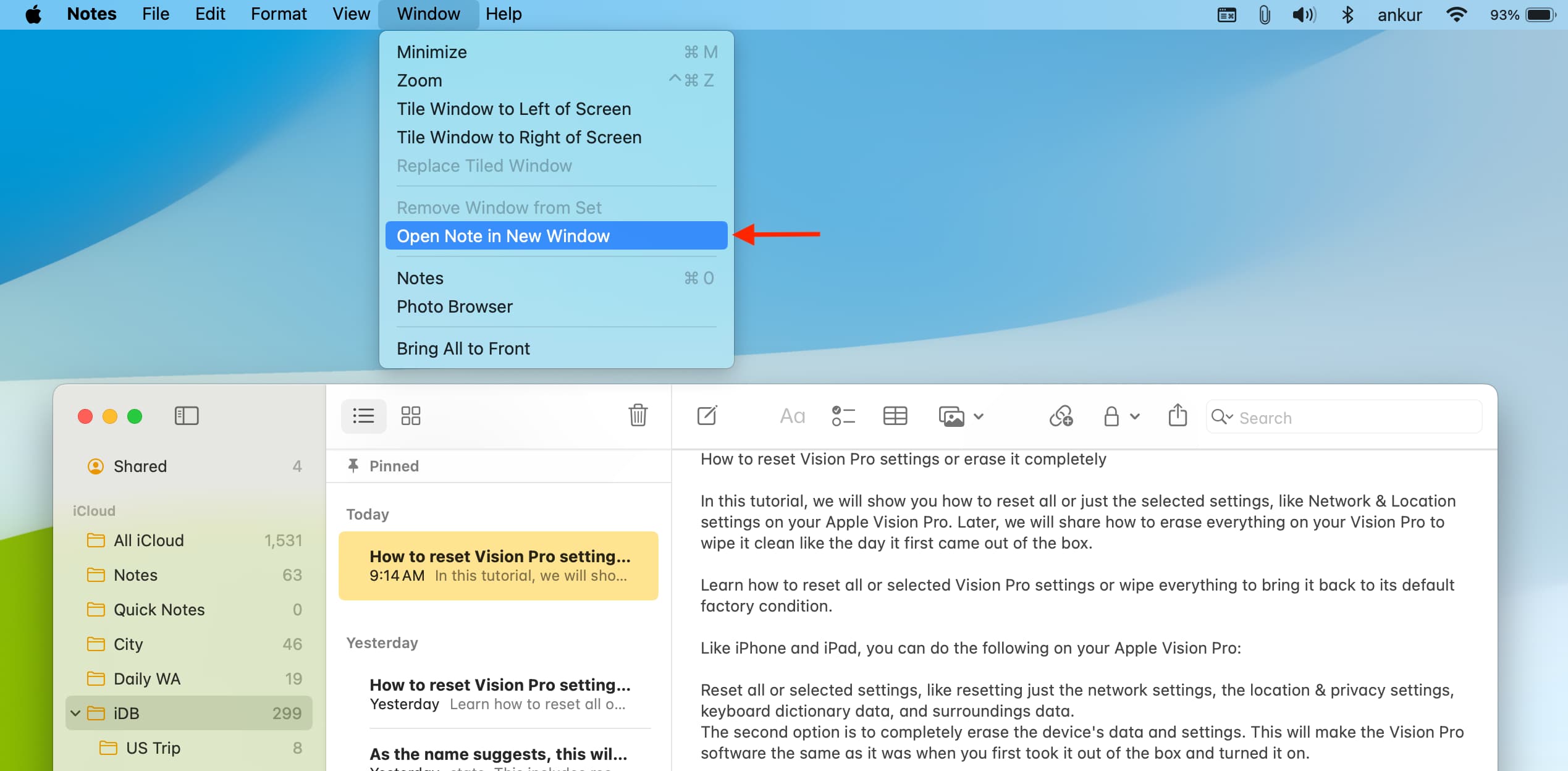
Keep in mind that this option is grayed out when the Notes app is in full-screen.
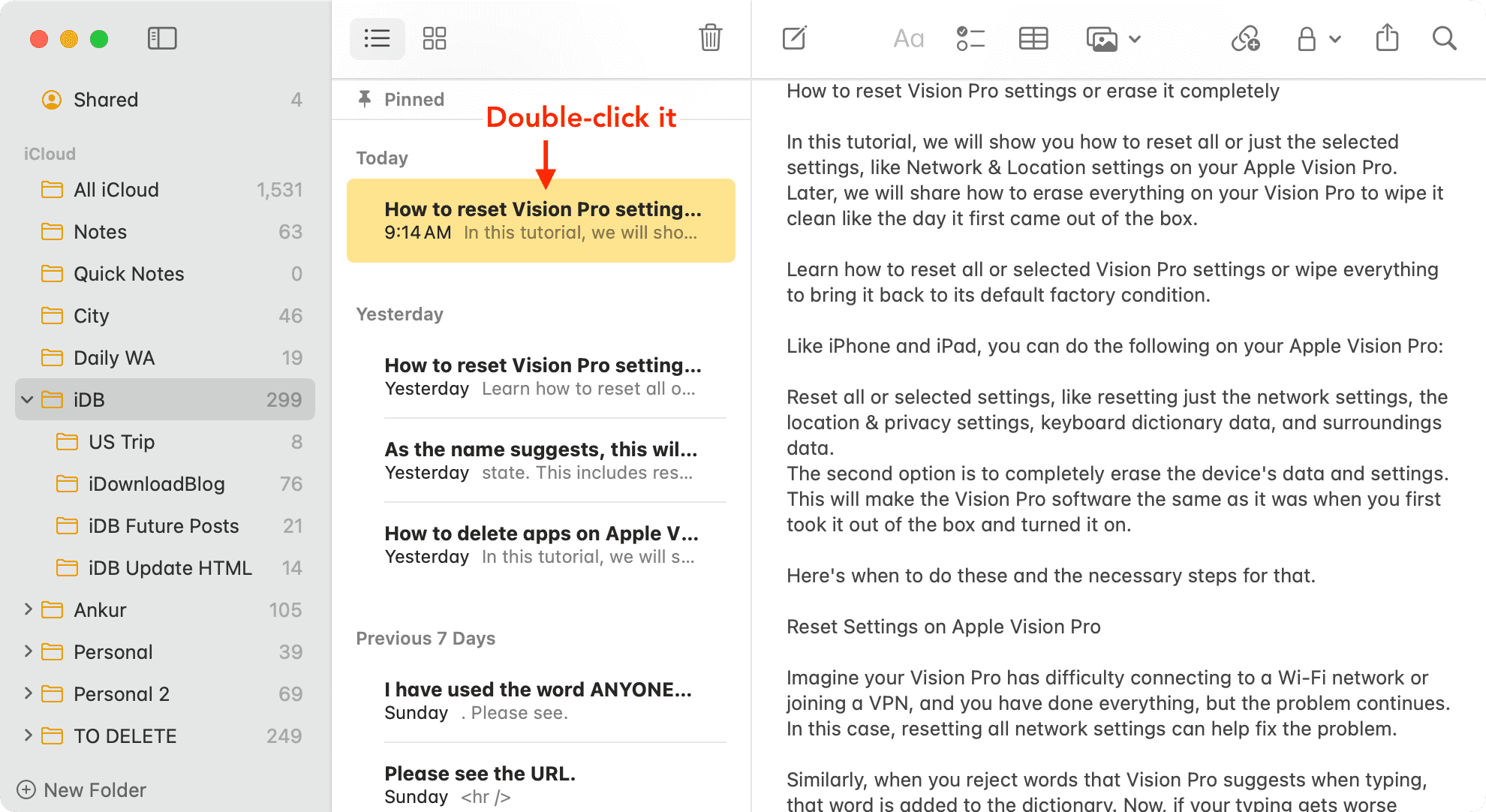
2. Double-click a note
- Open the Notes app and find the note you want to open in a new window.
- Now, double-click it in the folder view to make it float or open in its own window.
Select multiple notes and open them all in individual windows
Hold the Command key and select all the notes you want to float. Now, use Open Note in New Window from the menu bar, or double-click to open them all in their respective windows.
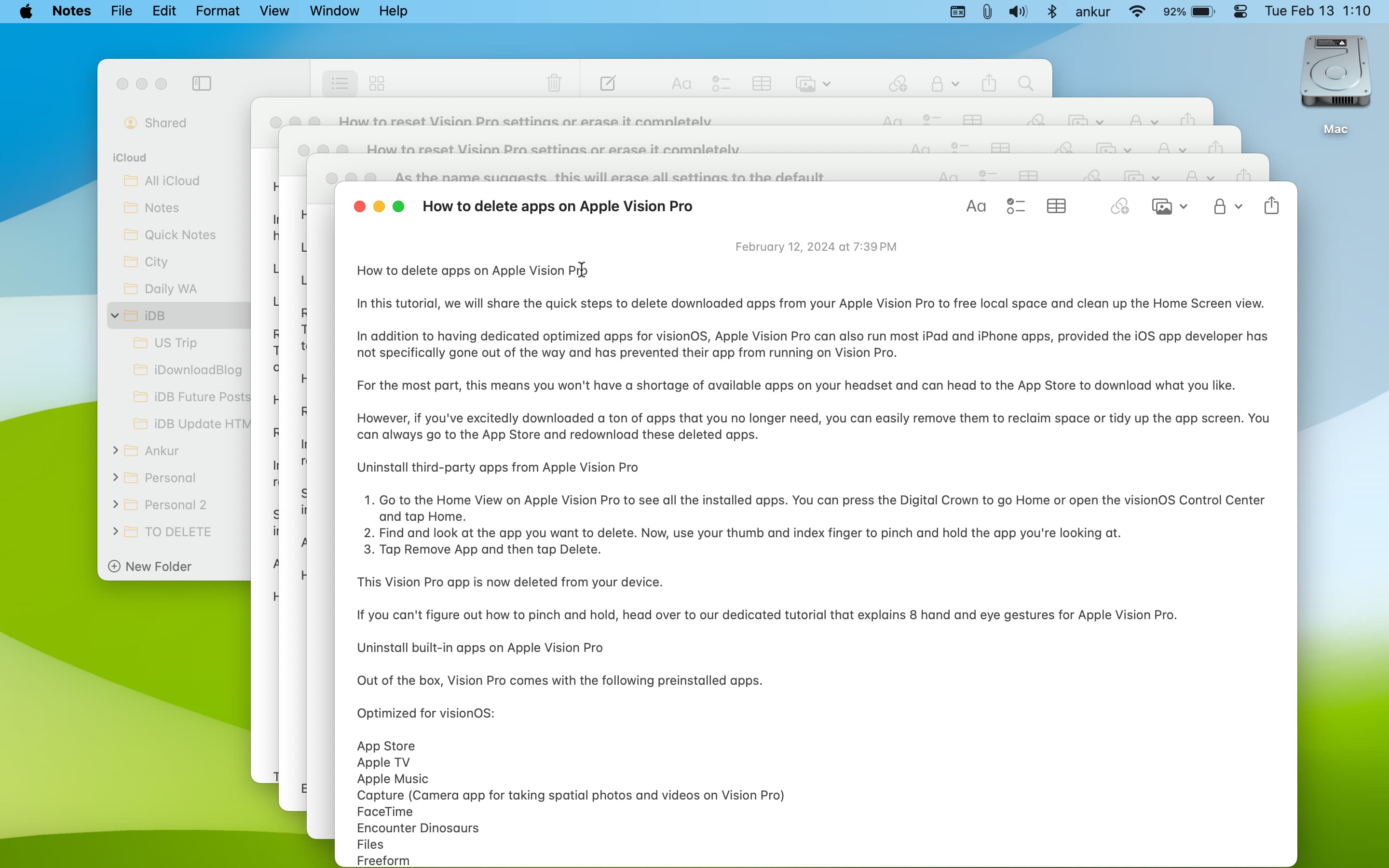
You can have as many note windows open as you want. The Notes app will remember the state, size, and position of all the open note windows between your sessions.
Keep a note on top of all other app windows
Do this to keep a note floating on top of the Notes app and all other app windows:
- Select the window of your newly floated note.
- Click Window in the top menu bar and select Keep on Top. On older versions of macOS, it’s called Float on Top.
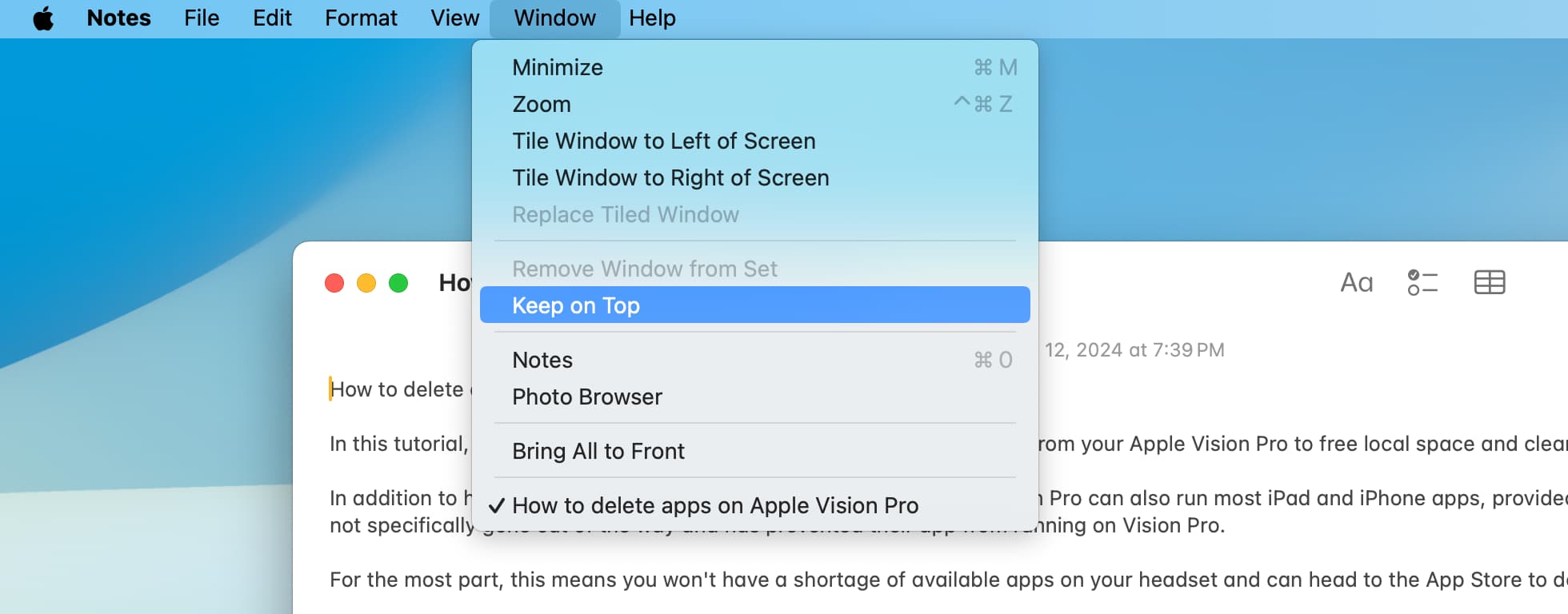
Your note shall now remain visible over all other windows. This is an excellent way of keeping your important shopping lists, saved pictures, and more in sticky notes on the desktop. Whenever Notes is open, you’ll see your sticky note windows.
Follow the same steps and uncheck Keep on Top to stop this note window from being on top of everything else.
Check out next: