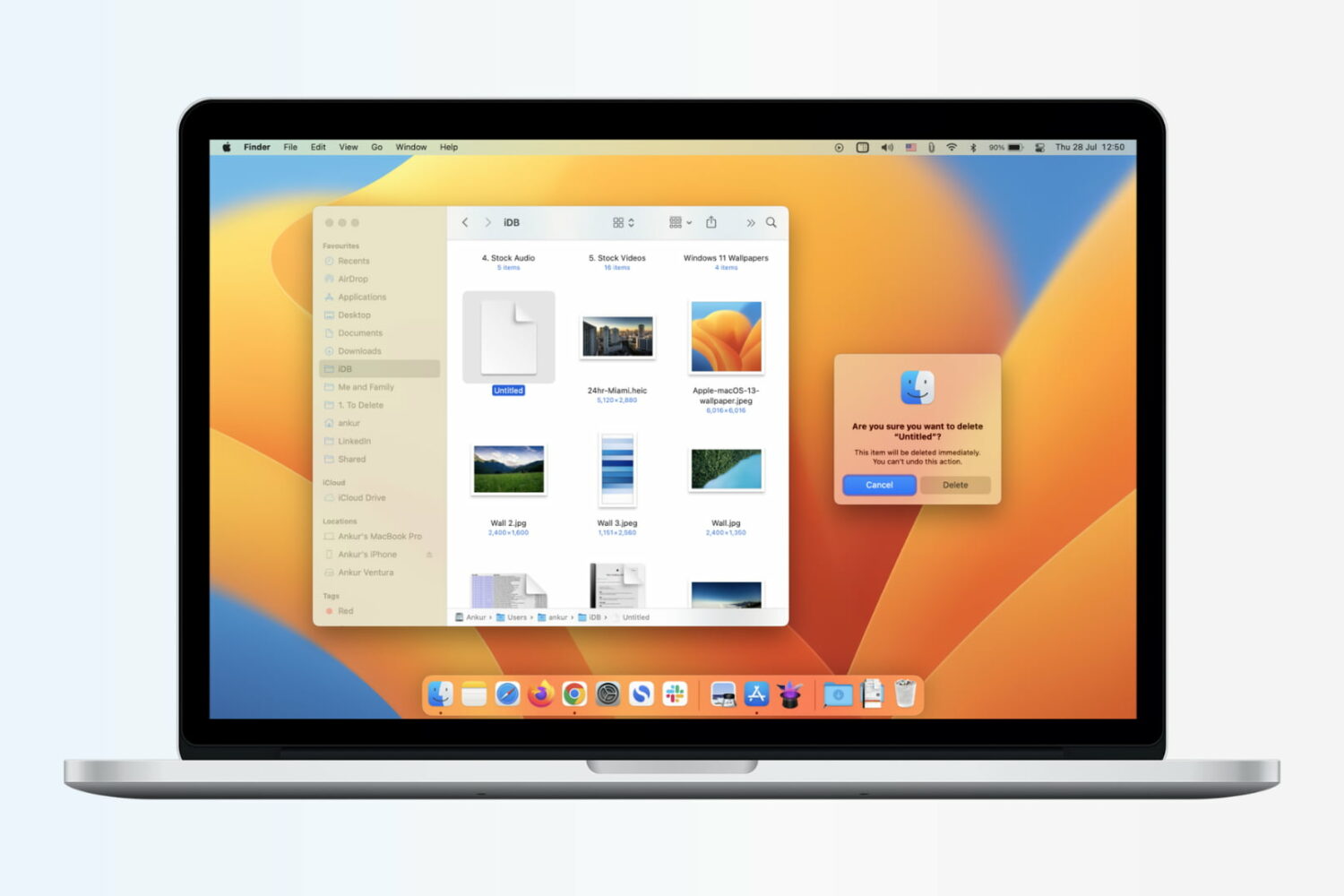
Learn how to immediately delete files on your Mac by skipping the Trash altogether, which will permanently erase the items without a chance of recovering them later.
How to skip the Trash and immediately delete files on Mac
Stay up-to-date on the latest Mac news, and tutorials. Get expert tips and tricks to optimize your Mac’s performance and learn about the latest Apple products and software updates. Discover the best Mac apps and accessories to enhance your user experience.
Learn how to immediately delete files on your Mac by skipping the Trash altogether, which will permanently erase the items without a chance of recovering them later.

Find out how to securely send an account login username and password from your iPhone, iPad, or Mac to another Apple device using AirDrop.

One of the first things I looked for when I started using a MacBook Pro for work was how to navigate web pages faster. Being able to move to the top, to the bottom, or both in small increments and without lifting my fingers from the keyboard was essential.
If you’re like me and want to navigate sites you visit quicker, this list is for you. Here are several keyboard shortcuts to move up, down, and sideways on web pages on Mac.
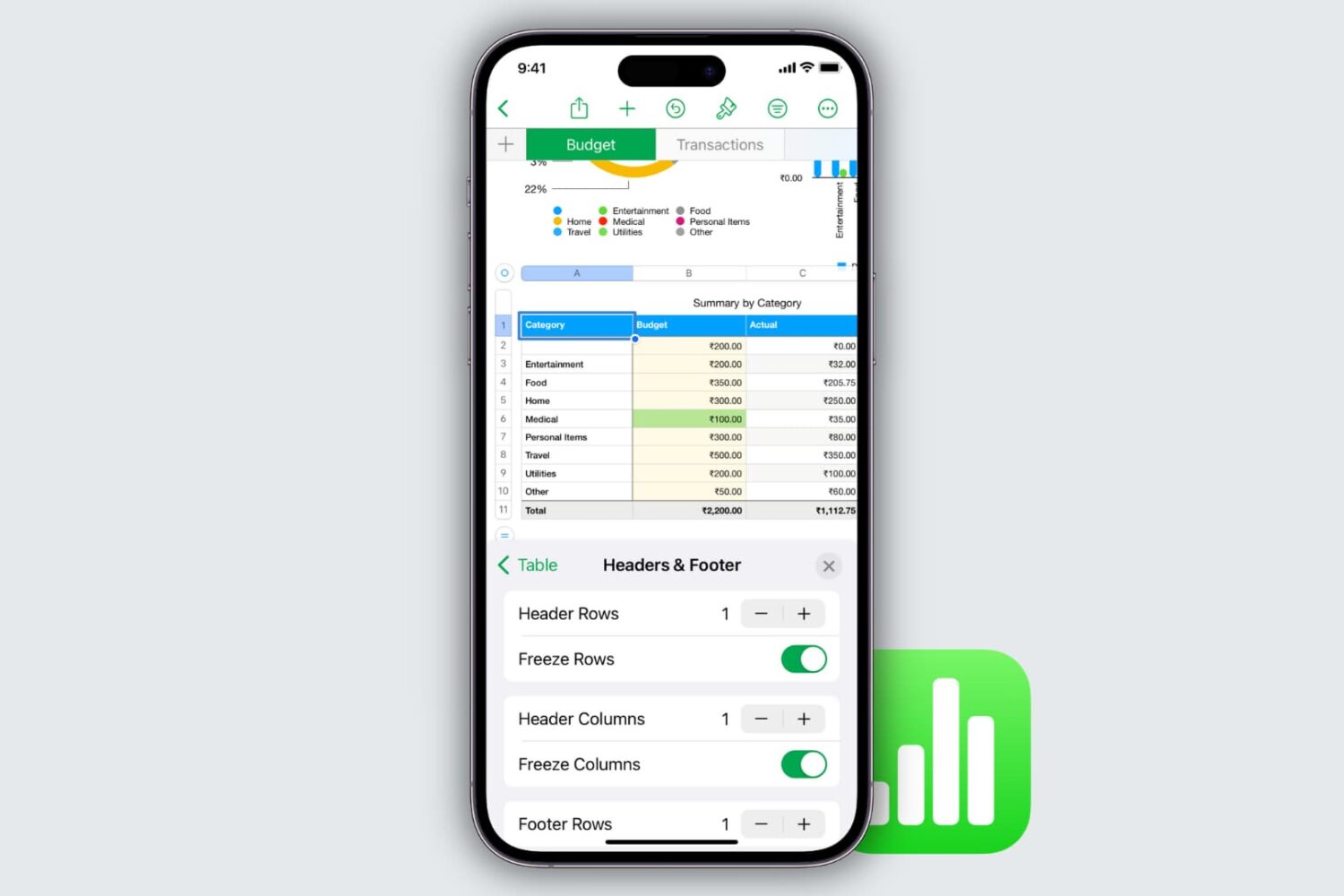
Learn how to freeze columns and rows in the Apple Numbers app on your Mac, iPad, and iPhone to keep important data in view as you scroll.
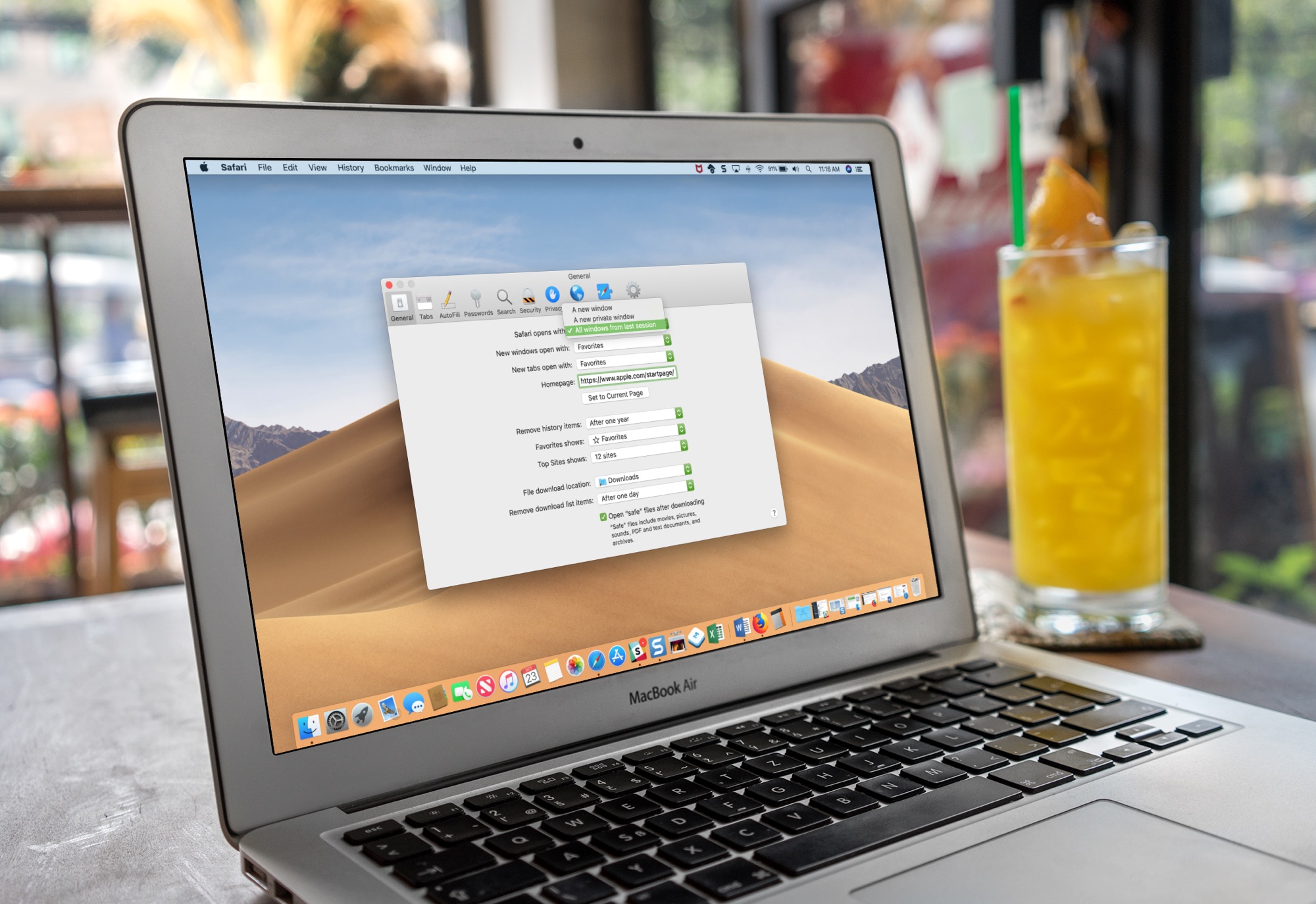
Learn how to set Safari on your Mac to automatically reopen all windows from the last session so you can continue browsing where you left off without skipping a beat.

Learn how to view real-time word count in the Apple Pages app on iPhone, iPad, and Mac for the whole document or just an arbitrary block of text.
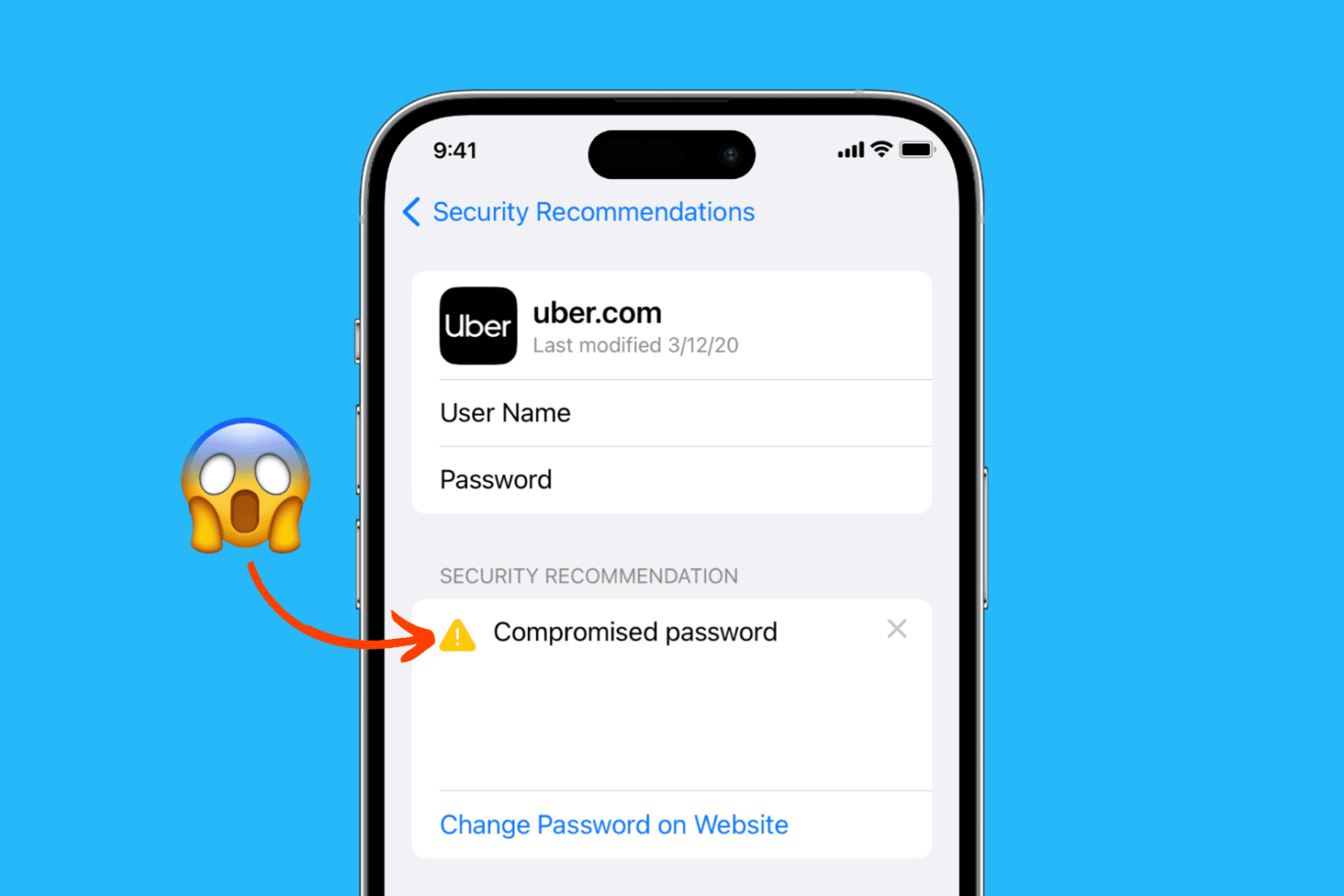
Learn how to easily identify your account passwords that are compromised, unsafe, weak, or reused, and change them to increase your security on iPhone, iPad, and Mac.
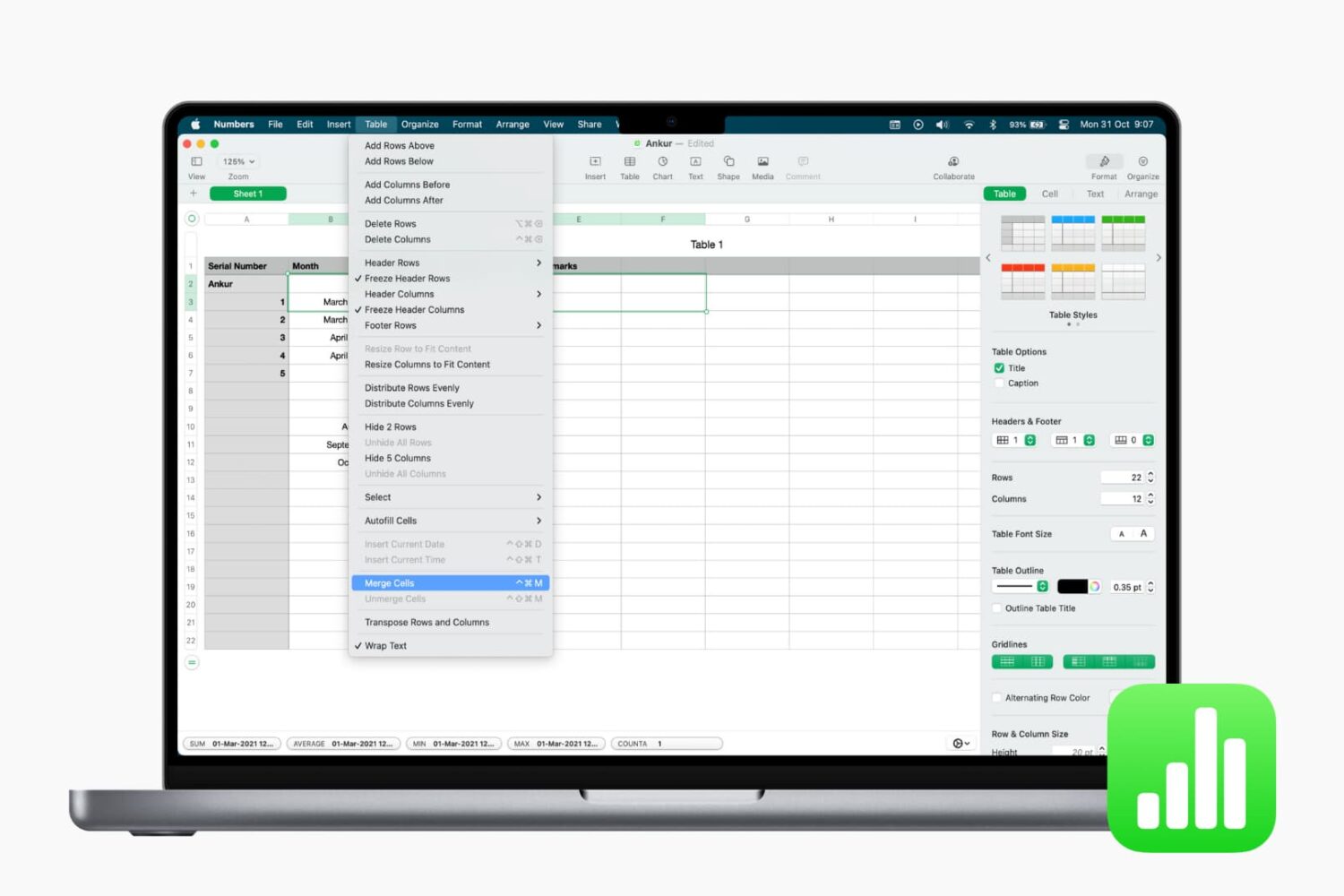
Learn how to merge cells in the Apple Numbers app on your iPhone, iPad, and Mac to combine multiple columns, rows, or adjacent cells into one.

Learn how to sort your contacts by their first name followed by their last name in the Contacts app on iPhone, iPad, and Mac.

Learn how to seamlessly integrate your iPhone calls with your iPad and Mac, ensuring you never miss a call across devices.

Have you noticed that your iPhone or Mac is showing an alert to join new Wi-Fi networks?
By turning off one simple setting, you can prevent this from happening, and this short tutorial shows you how to do that.