Learn some interesting facts about how your iPhone, iPad, or Mac determines the order in which it should automatically join previously saved Wi-Fi networks.
How iPhone and Mac decide which Wi-Fi to join automatically
Stay up-to-date on the latest Mac news, and tutorials. Get expert tips and tricks to optimize your Mac’s performance and learn about the latest Apple products and software updates. Discover the best Mac apps and accessories to enhance your user experience.
Learn some interesting facts about how your iPhone, iPad, or Mac determines the order in which it should automatically join previously saved Wi-Fi networks.
Learn how to take advantage of Apple’s True Tone technology that makes images on your Mac’s Retina display (and even the Touch Bar on supported models) appear more natural.
Mac content caching cuts down your Internet data usage and accelerates downloads on iPhone, iPad, Mac, Apple Watch and Apple TV dramatically. Here's how to set up and use this feature to avoid repeated downloads and reduce bandwidth usage.
Discover a quick tip that lets you use the Mac Mail app in split view and work with multiple emails at once for increased productivity.
If you use the Contacts app, you’ve likely noticed by now that the cards for your contacts contain certain information by default. Each one has mobile phone, birthday, and a few email fields. But what if you want something different?
You can customize the card template for your Contacts app on Mac to add fields, remove fields, and have just the details you want.
In this step-by-step tutorial, we will show you how to use the episode chapters feature in the Apple Podcasts app on your iPhone, iPad, and Mac. You can use the chapters to understand what is talked about in the episode and jump to the desired moments.
Managing your inbox can be a daunting task these days. From those important emails, you must see to those that just get in the way, it can be tedious to organize it all to see what you want to see.
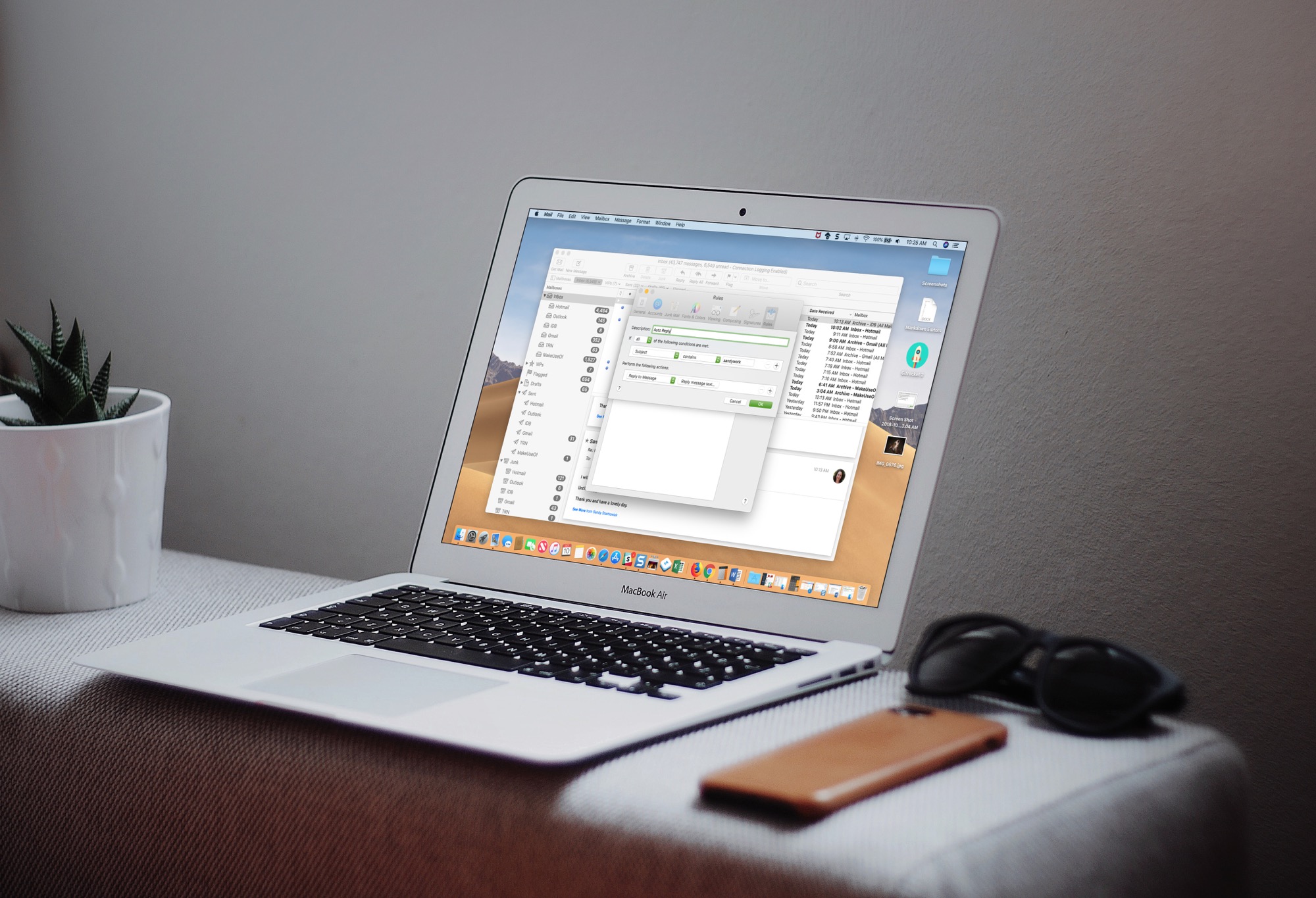
If you use the Mail app on your Mac, you can set up email rules that help you manage it all. Direct emails as they arrive, mark them, so they’re easier to spot, and clean up your inbox easily; here’s how.
Your Mac has a nifty feature called Stickies which are basically digital sticky notes. And, for those who have used or still use physical sticky notes, you know how handy they can be. You can jot down a reminder, an idea, or a to-do so that you don’t forget it.
Having these Stickies on your Mac lets you accomplish the same thing. So, for emails in the Mail app that you need to follow up on, want to read later, or just want to keep close at hand, turn them into sticky notes.
This tutorial will show you how to type or enter the Apple logo on your Mac, iPhone, iPad, Apple TV, Windows PC, and any web browser.
In this tutorial, we’ll show you how to use the Continuity Camera feature to add photos and scans to a note or document on your Mac using the camera of your iPhone or iPad.
In this guide we'll go through how to create an install drive from the macOS Mojave 10.14 application, either general release or beta. This will allow you to perform clean installs, install to multiple machines without re-downloading, boot the system externally for troubleshooting, and more.
In macOS Mojave, Apple brought four iOS apps to Mac for the first time, including News, Home, Voice Memos, and Stocks. The last of these allows you to check the financial markets and also learn more about your favorite companies. Here's a look at how you use the new Stocks up in macOS Mojave.