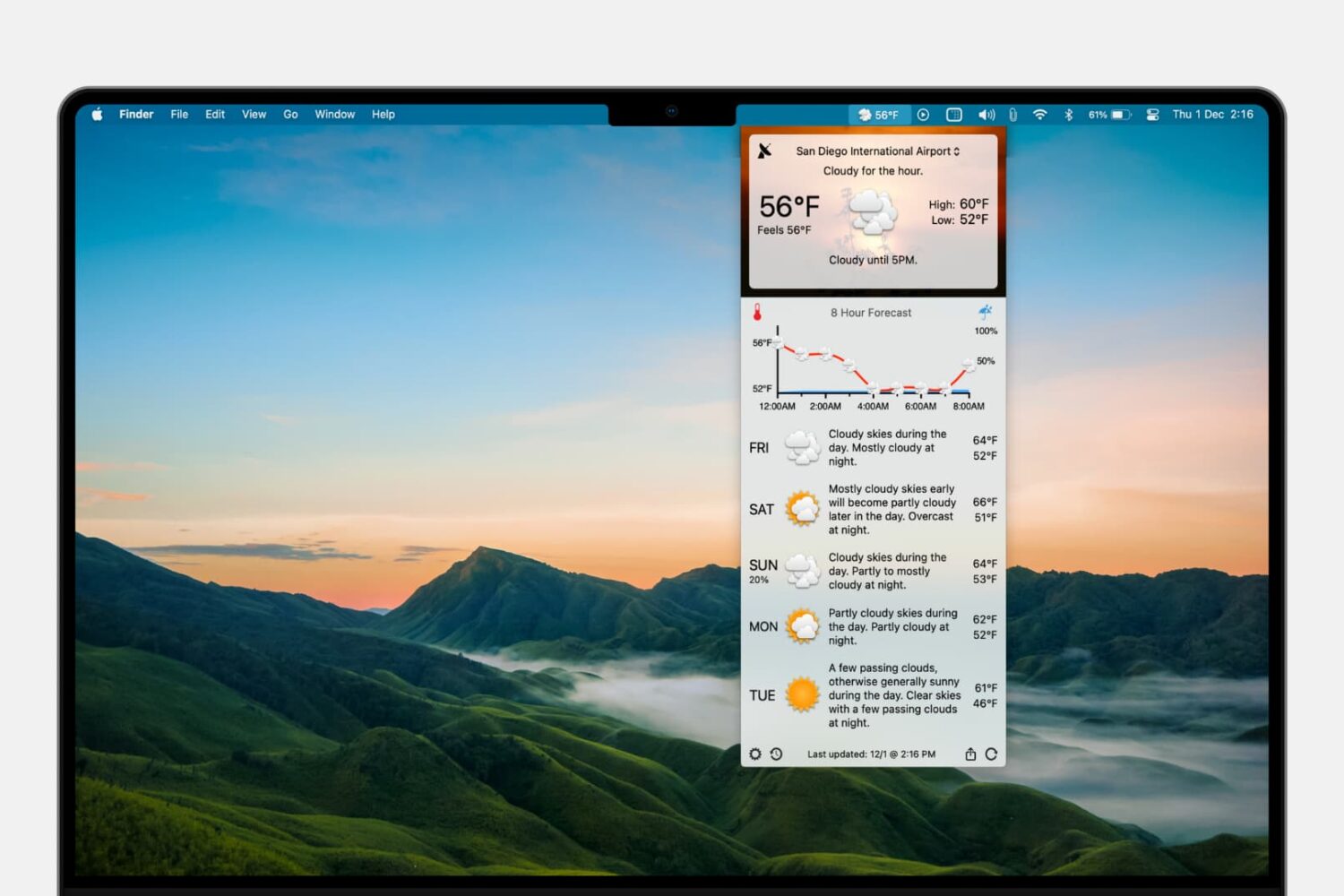
Learn how to add the forecast and current conditions to your Mac menu bar so you can view them at a glance and save yourself from opening a separate app each time you want to check the weather.
How to add the weather forecast to Mac menu bar
Stay up-to-date on the latest Mac news, and tutorials. Get expert tips and tricks to optimize your Mac’s performance and learn about the latest Apple products and software updates. Discover the best Mac apps and accessories to enhance your user experience.
Learn how to add the forecast and current conditions to your Mac menu bar so you can view them at a glance and save yourself from opening a separate app each time you want to check the weather.
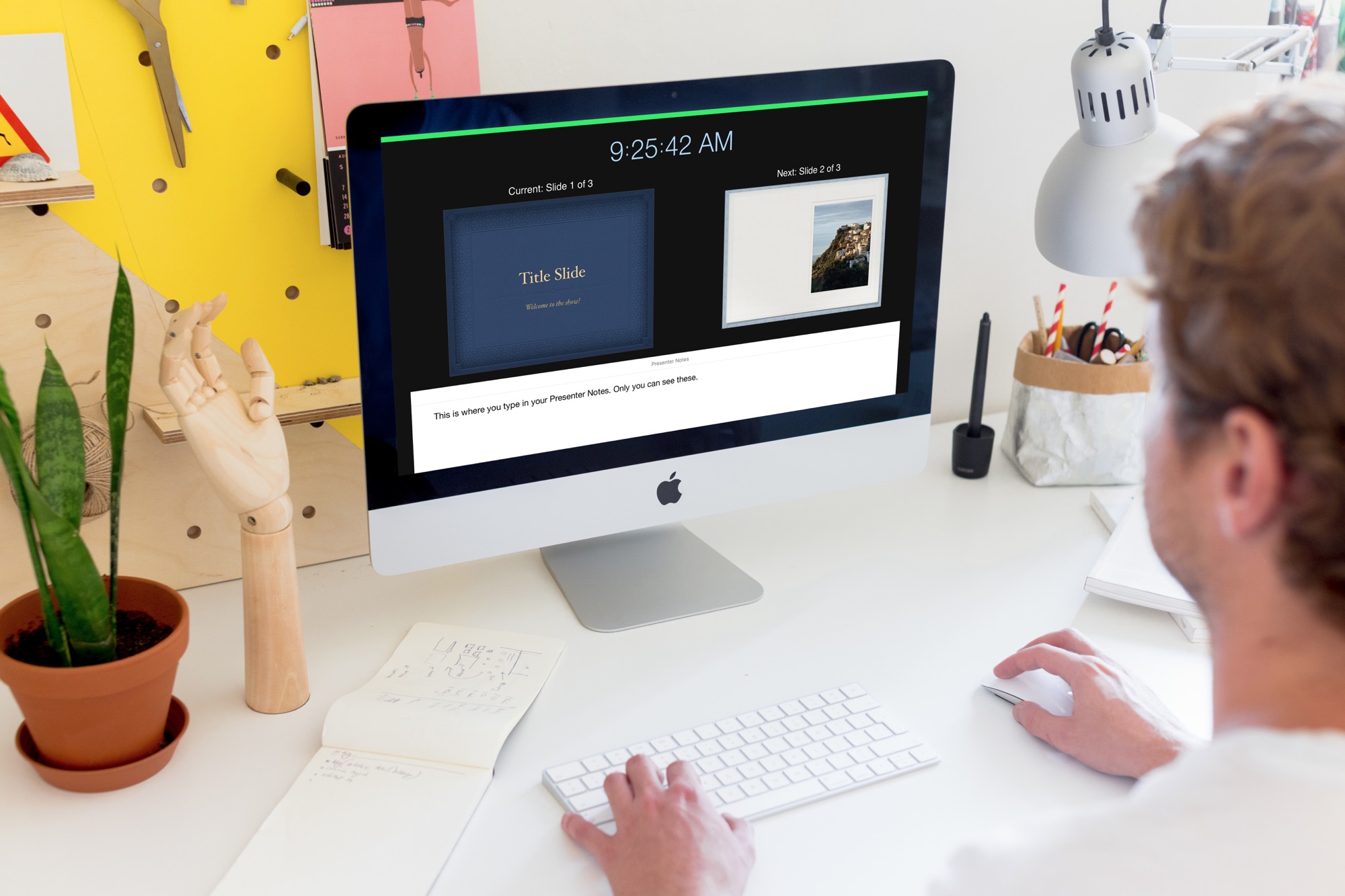
Learn how to create and use Presenter Notes in the Apple Keynote app on Mac, iPad, and iPhone to help you remember what you need to say or emphasize important points during your presentation.
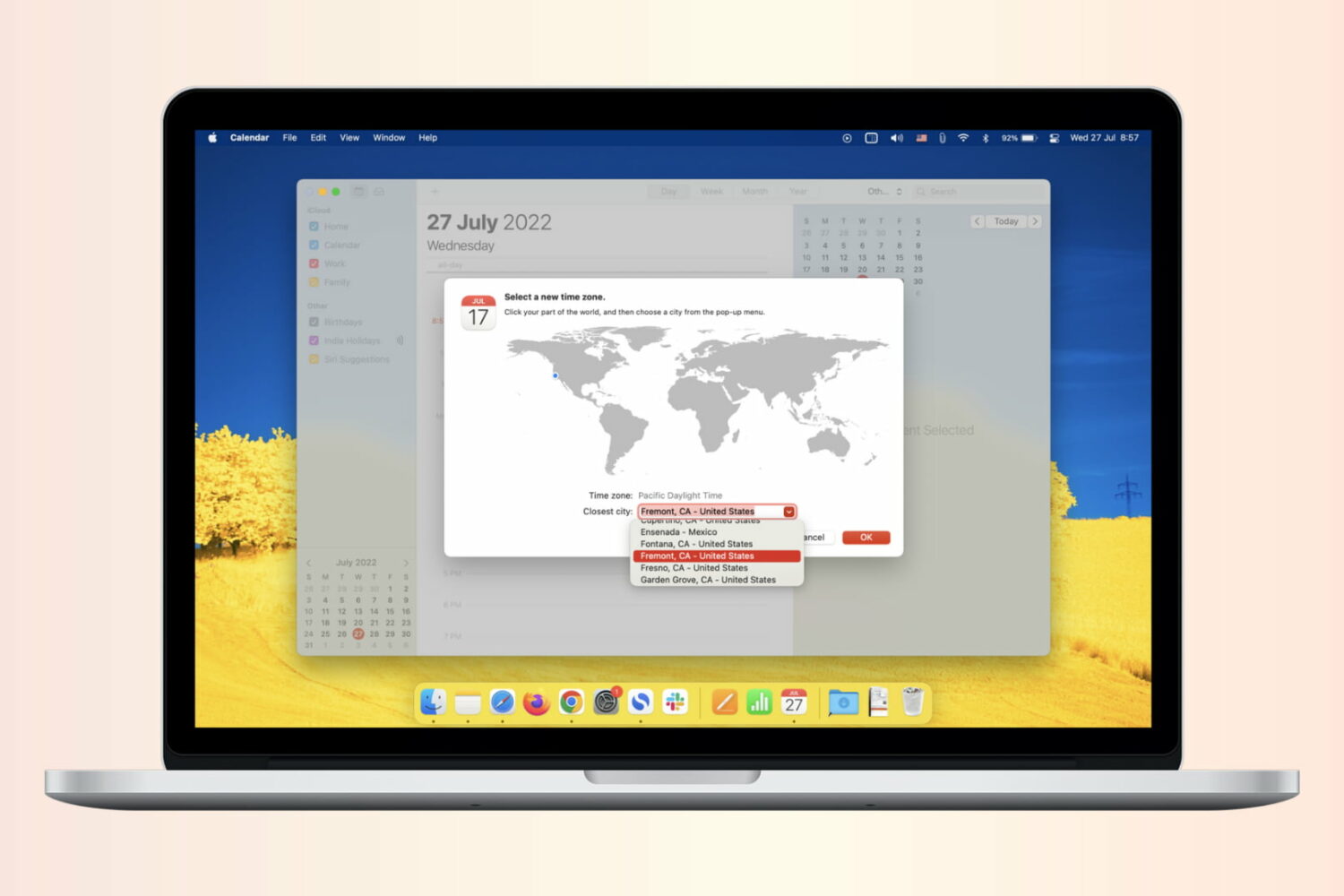
If you work with people in different time zones, scheduling remote meetings can get difficult. You may be in the eastern time zone, with others in the Pacific, European, or Asian time zones. To make this a bit easier, the Calendar app gives you a way to plan for various locations. Here’s how to add and use time zone support for Calendar events.
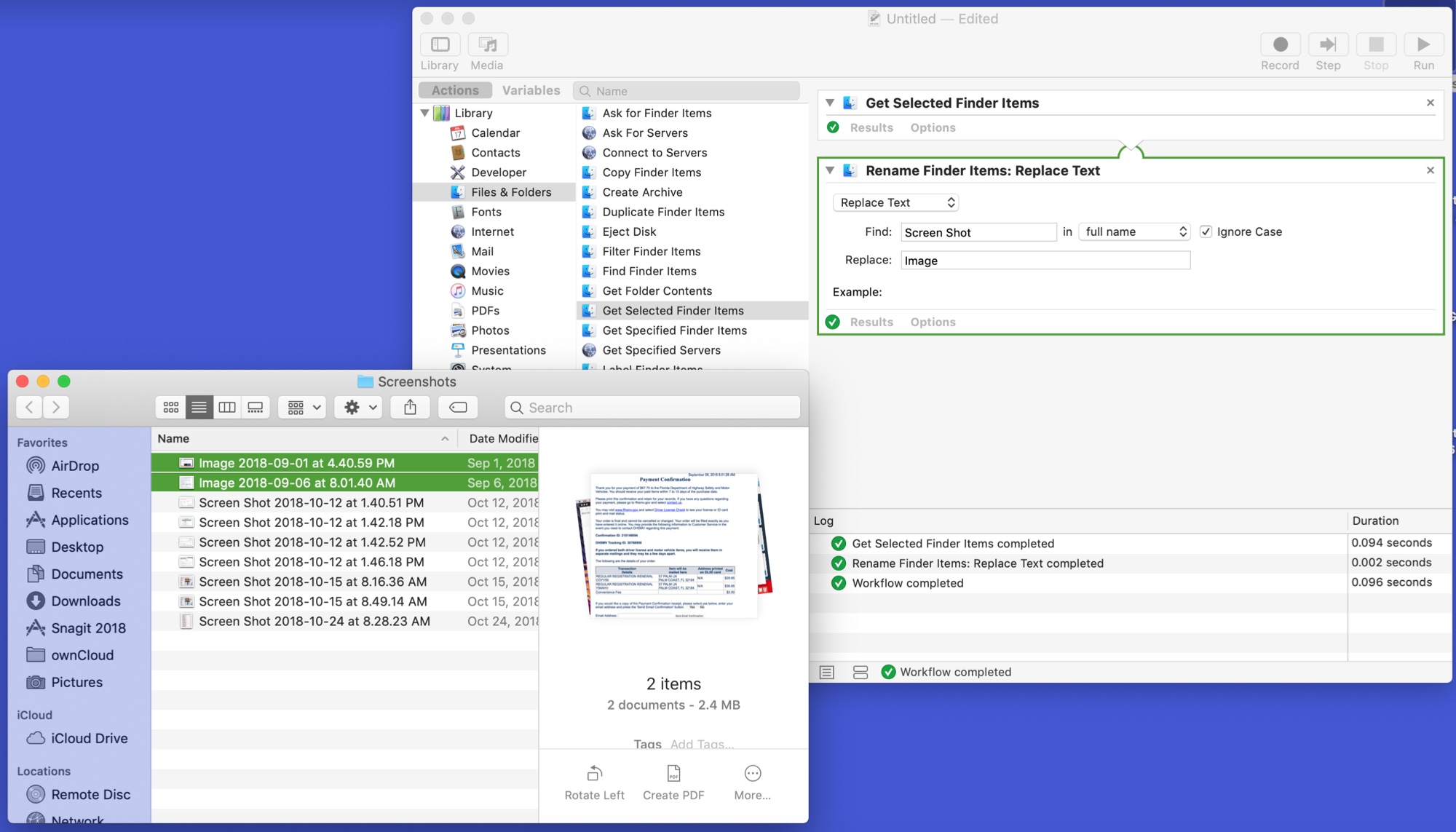
The Automator tool on Mac might be intimidating to some users, but it can be a very handy app. You can create automated workflows, actions, or applications that help you perform tedious tasks. Along with that, there are some tasks you can do with it that are just plain neat.
Here are 10 cool things you can do with Mac Automator.

Some Mac models include the second-generation Apple T2 Security Chip, and in this tutorial, we'll show you how to check if your Mac has this or not.

Learn how to instantly declutter your desktop by merging all separate Safari windows and using tabbed browsing in a single window instead.
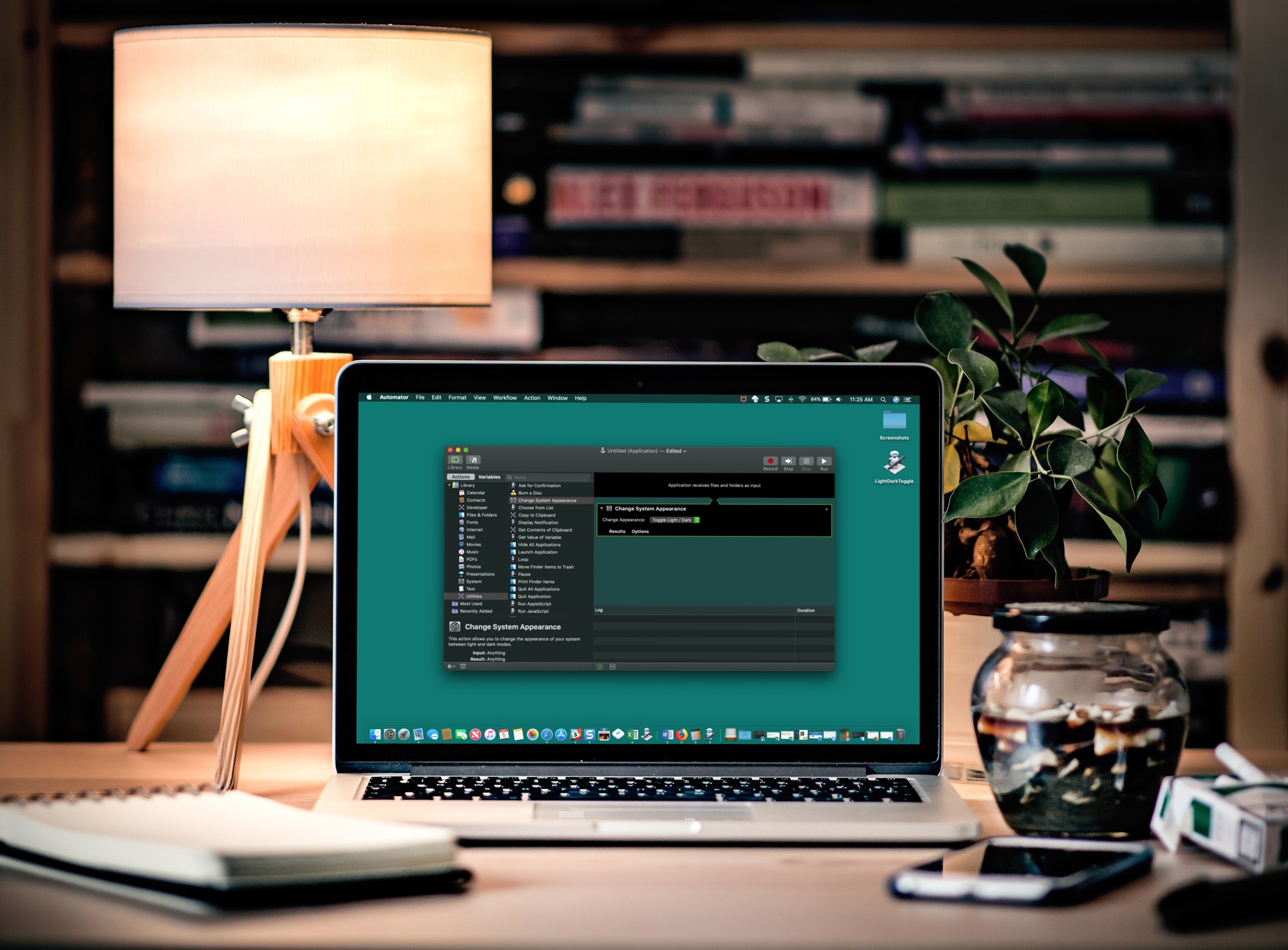
If you like switching back and forth between Light Mode and Dark Mode on your Mac but get tired of going through the process to do so, there’s an easier way.
In just a few minutes, you can create and add a Light/Dark Mode switch to your Mac Dock. It’s super simple, and here’s how.
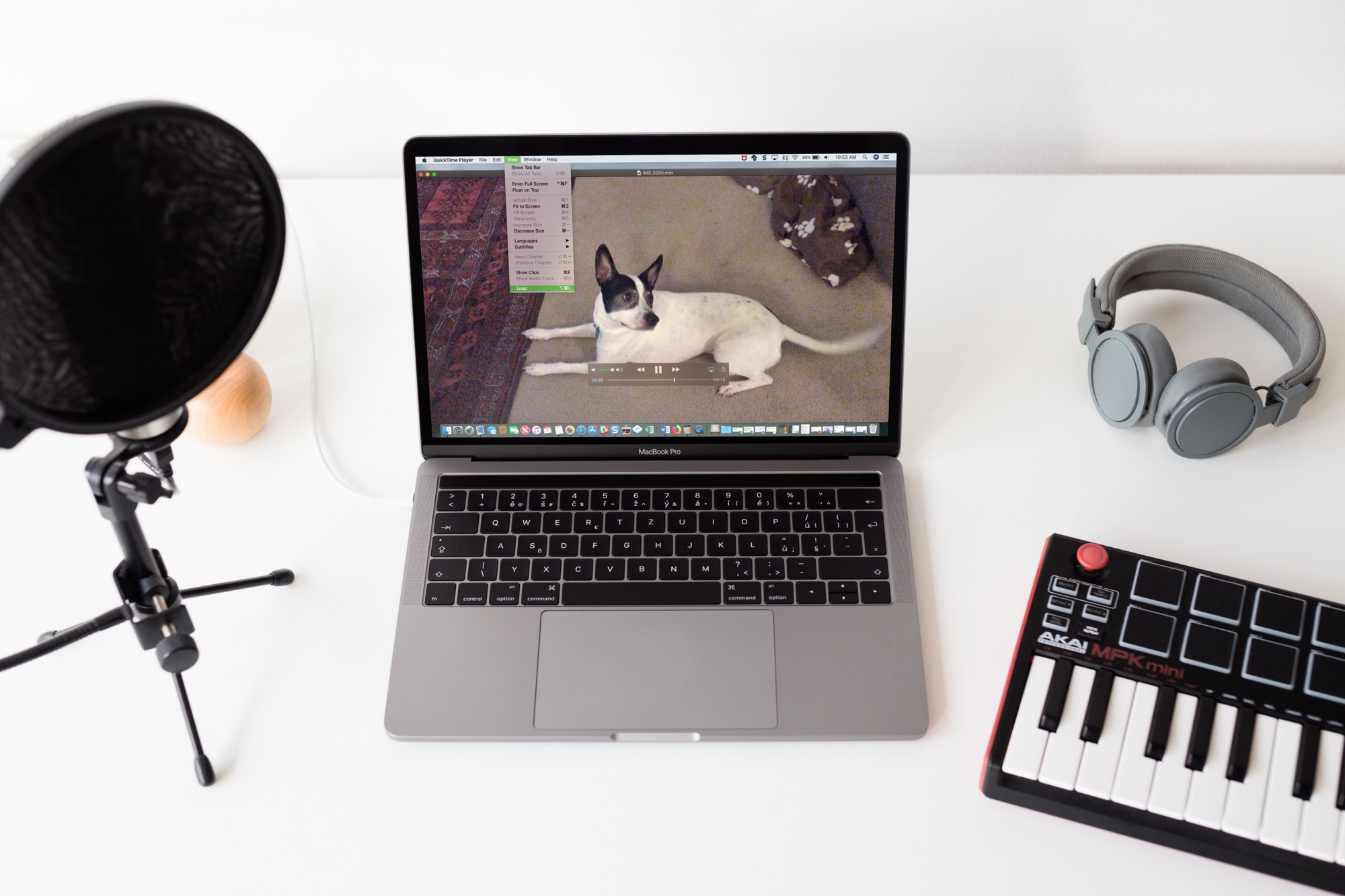
Sometimes you just can’t get enough of a video. Whether it’s one you created or one that someone shared with you, whether it's audio or visual, you can easily play it over and over without hitting a button. If it can be played in QuickTime, it can be looped in QuickTime. And you can do this in just a few clicks.
Here’s how to loop a video in QuickTime Player on Mac.

Learn how to make the Mac’s Mail app play a custom sound notification for emails containing specific phrases or keywords like “Urgent,” “Notice,” or other important text.

The Spark email app by Readdle has a lot of great features that users find helpful on both iOS and Mac. And, the company recently added one more to the list; email templates. This terrific addition to the app makes composing emails that you create on regular basis much simpler.
This tutorial shows you what’s available and how to use Spark email templates.

Learn how to create a table of contents in Apple Pages on your Mac to navigate lengthy documents and jump to various sections and specific page numbers.
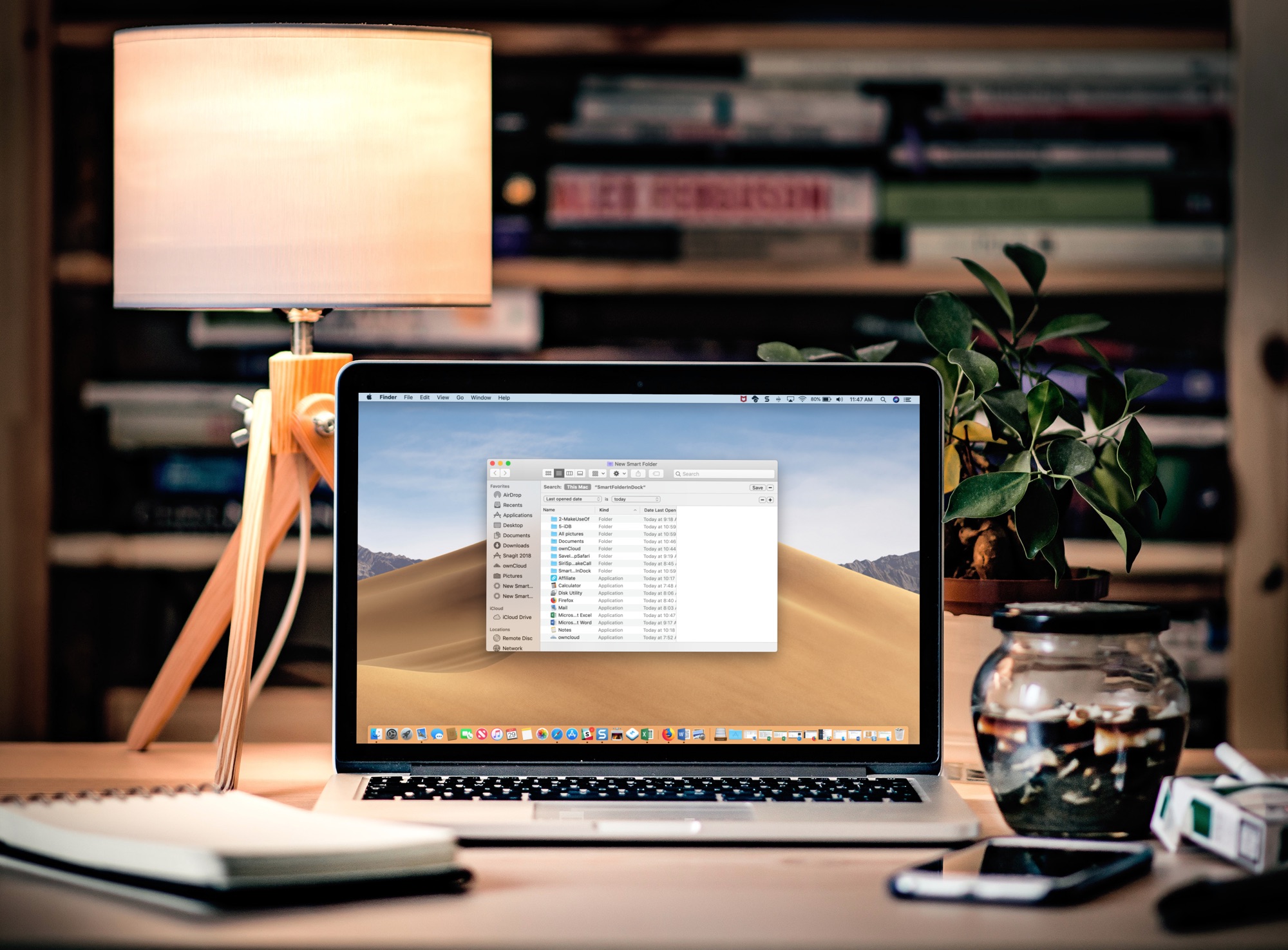
Learn how to add a folder to your Mac’s Dock that automatically gathers your recently opened files in real time for convenient one-click access.