In this quick tutorial, we’ll show you how to stop apps from opening automatically after boot up.
How to stop Mac apps from opening automatically on startup

Stay up-to-date on the latest Mac news, and tutorials. Get expert tips and tricks to optimize your Mac’s performance and learn about the latest Apple products and software updates. Discover the best Mac apps and accessories to enhance your user experience.
In this quick tutorial, we’ll show you how to stop apps from opening automatically after boot up.

If you love keyboard shortcuts for navigating Safari, Mail, or Finder on your Mac, then this list is for you. We’ve compiled handy keyboard shortcuts that help you quickly move through your Dock and the apps that you keep in it.
Here are 13 Mac keyboard shortcuts to make better use of your Dock.
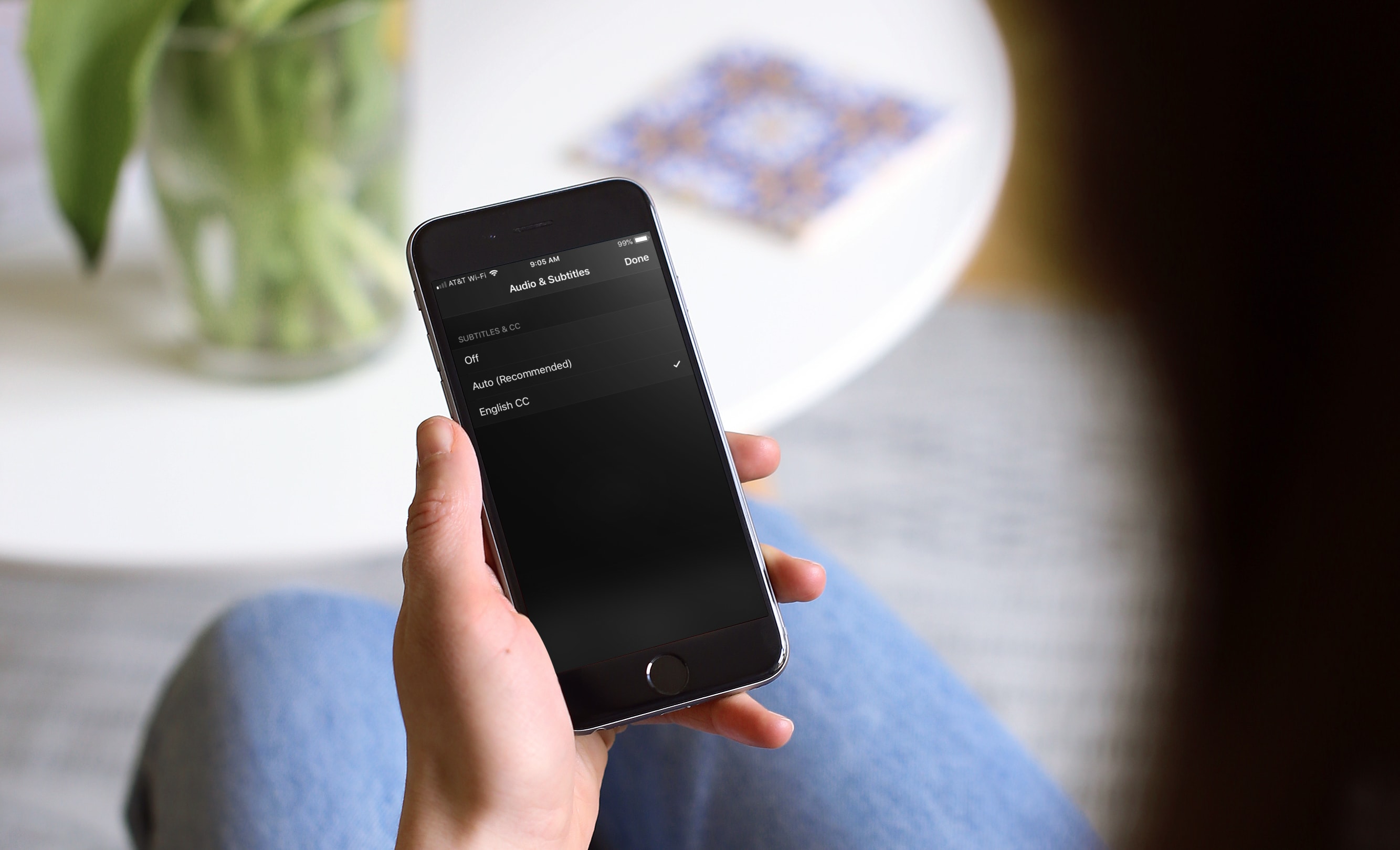
Learn how to turn on subtitles for Apple TV app and iTunes Store shows for a better viewing experience with these clear instructions.

Learn how to change the default Safari homepage to automatically open your favorite website when you click the Home button or open a new browser window or tab.

Learn how to add frequently accessed websites to your Safari favorites on an iPhone, iPad, and Mac so you can quickly revisit them with just a tap or click.
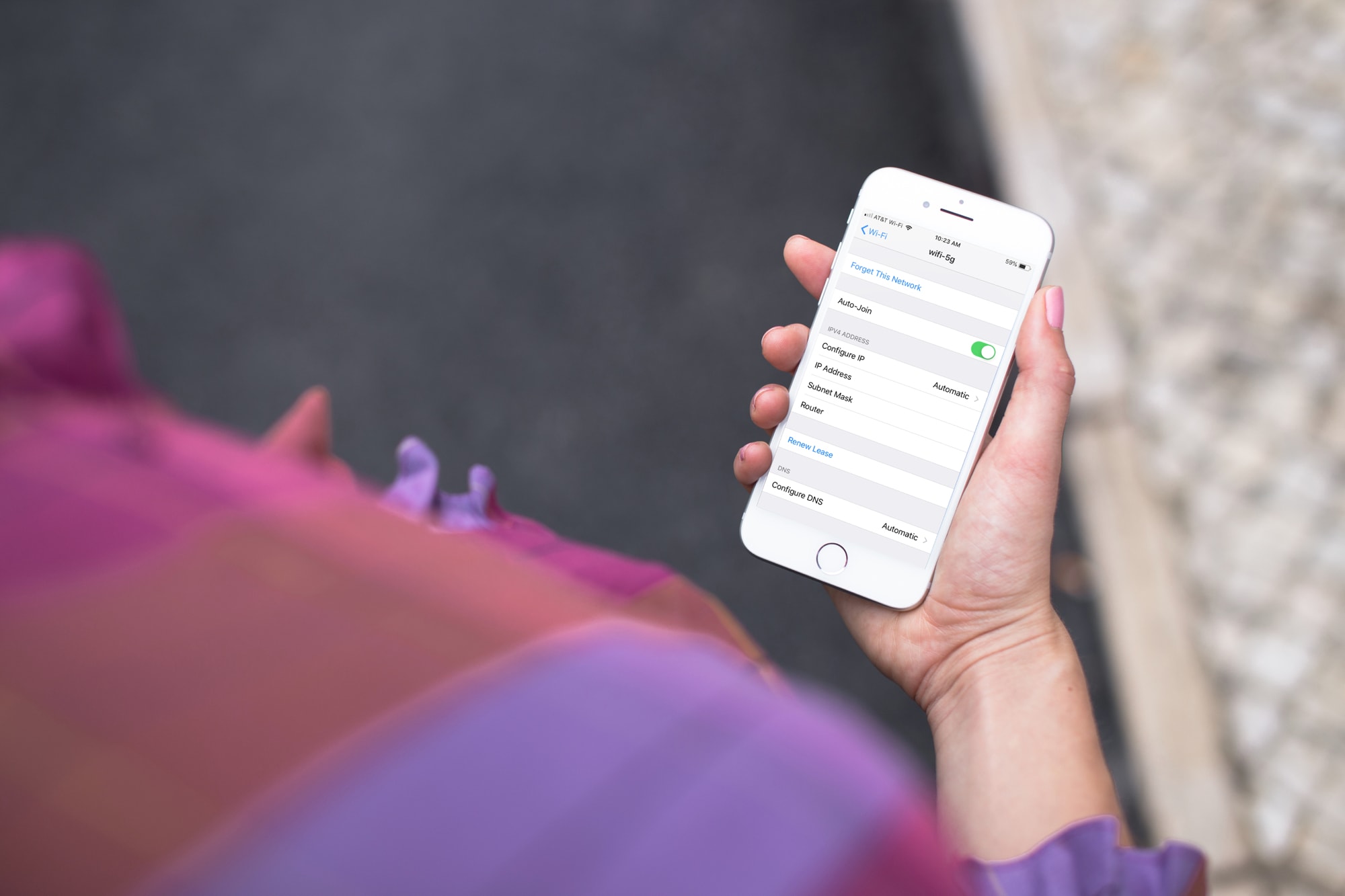
Learn how to forget a Wi-Fi network on your iPhone, iPad, or Mac to remove saved network credentials, improve wireless security, and troubleshoot connection issues.
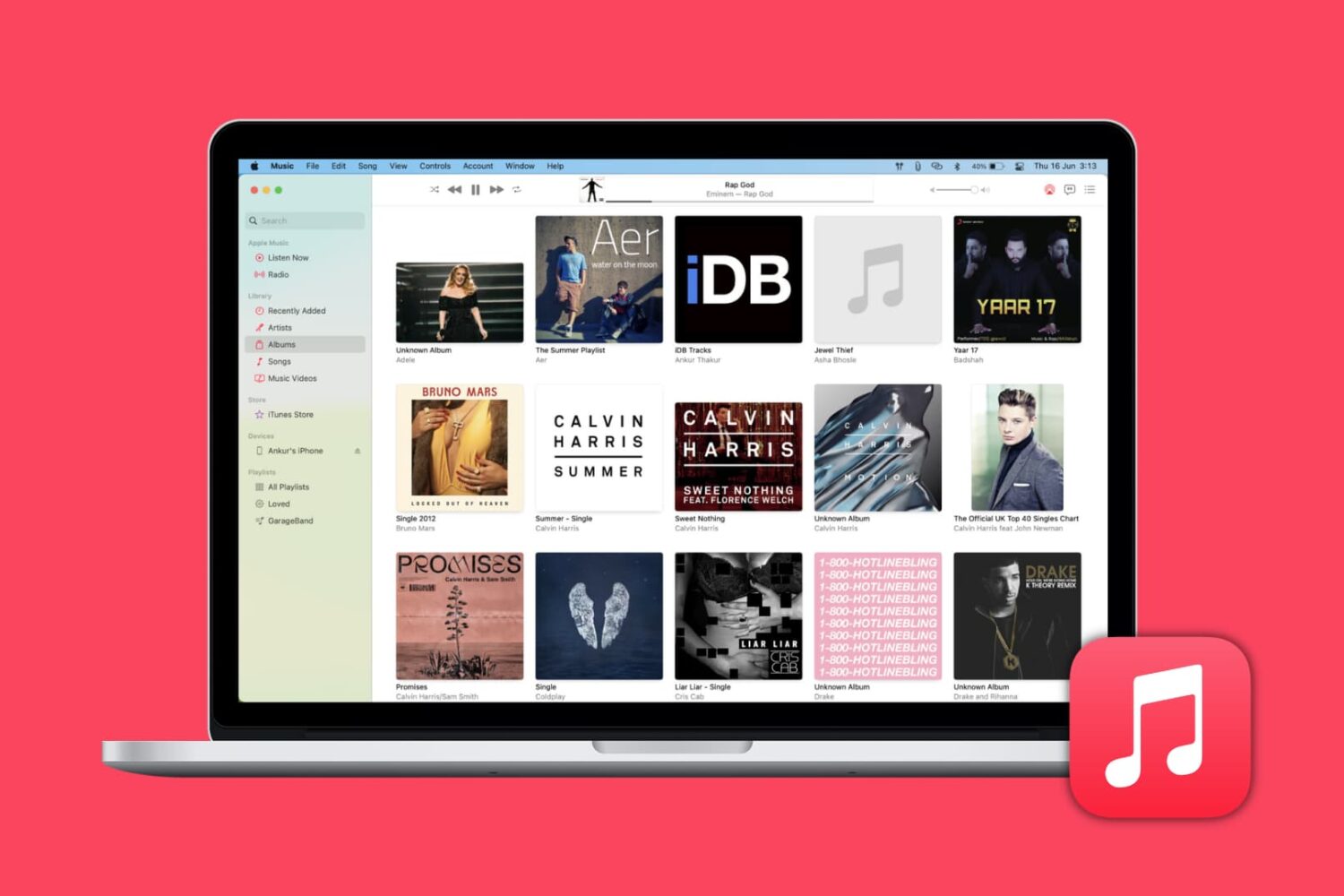
Learn how to automatically download missing album artwork from Apple or upload custom cover art in the Apple Music app on your Mac or Windows PC.
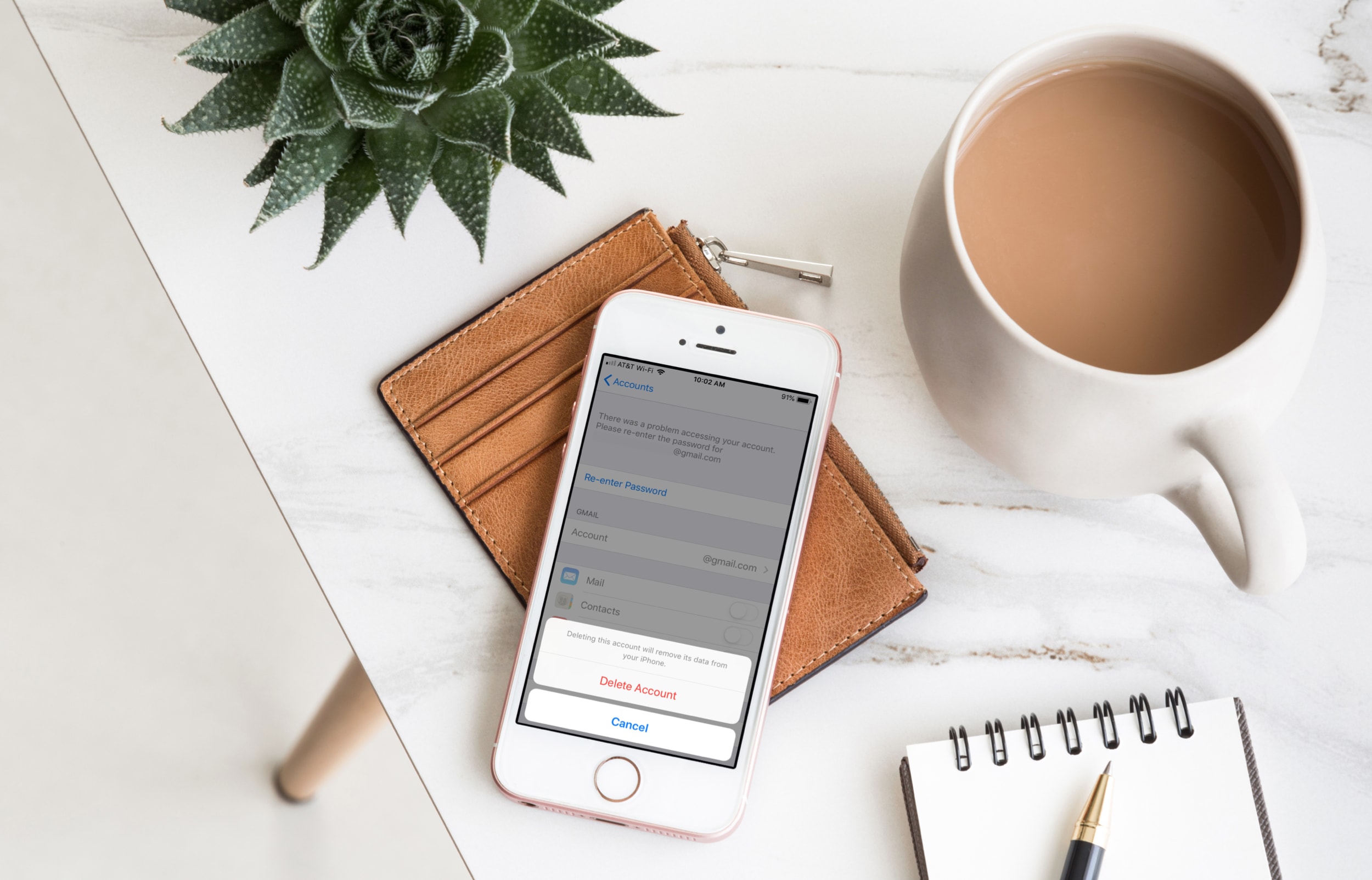
Find out how to quickly remove Gmail, Outlook, Yahoo, or other email accounts from the Apple Mail app on your iPhone, iPad, or Mac to declutter and streamline your inbox.
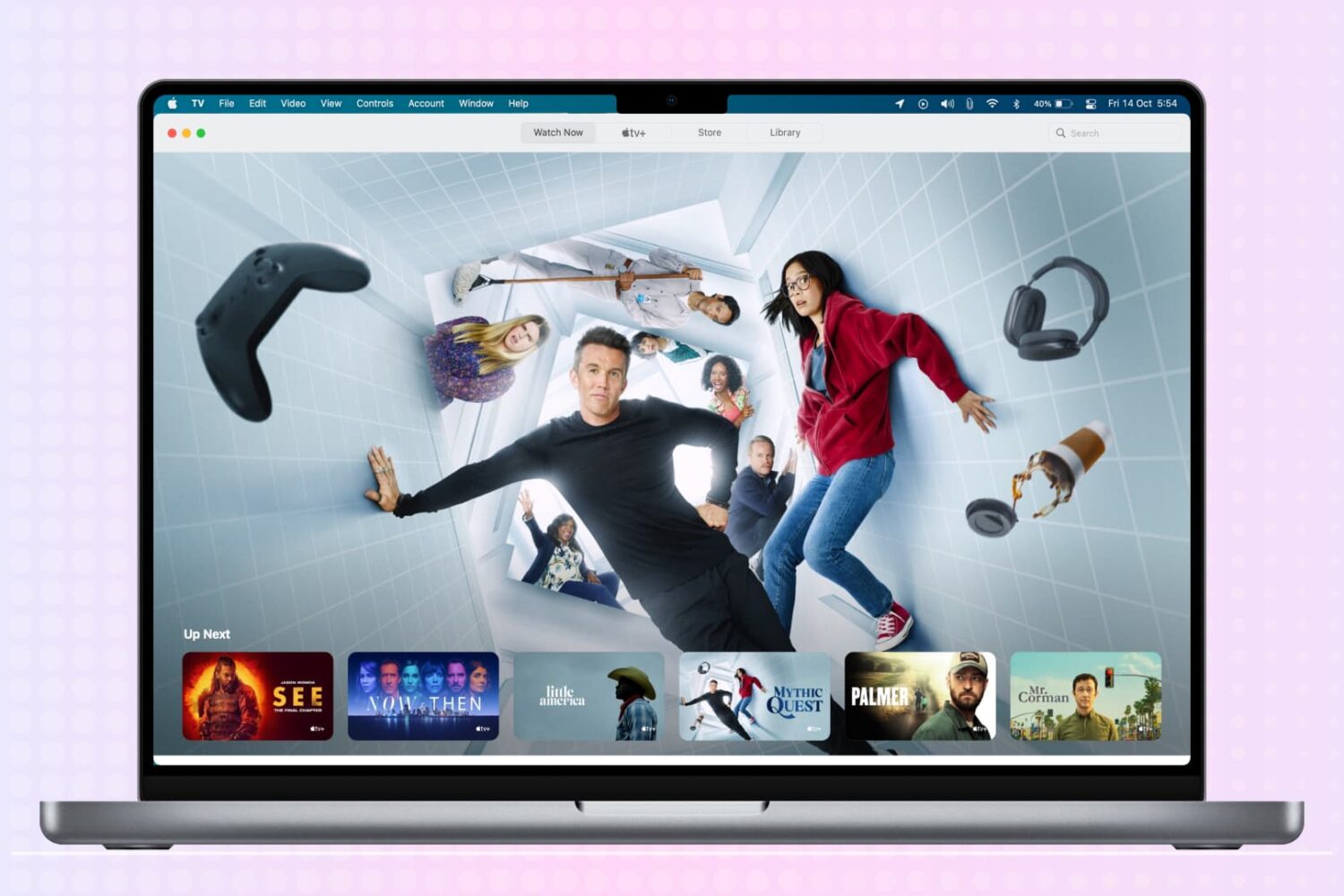
You may buy items in the Music app, TV app, or iTunes that you want to keep to yourself from time to time, especially if you use Family Sharing. It could be a movie, song, album, TV show, or audiobook. You can hide purchases and keep them hidden on all devices that use the same Apple ID.
If you need to keep something you buy away from prying eyes, here’s how to hide and unhide your purchased media on Mac.
Learn how to organize your emails efficiently by automatically color-coding them with the Rules feature in the Apple Mail app on Mac.
Learn how to save a note as a PDF on your iPhone, iPad, or Mac without having to use a third-party app.
This tutorial shows you how to customize the sound quality in the Music app or iTunes so that your favorite songs sound spectacular when you play them on your Mac.