Learn how to save battery life and lower memory usage when running Google Chrome on your Mac so you can browse longer on a single charge.
How to use Chrome’s battery and energy saver features on Mac

Stay up-to-date on the latest Mac news, and tutorials. Get expert tips and tricks to optimize your Mac’s performance and learn about the latest Apple products and software updates. Discover the best Mac apps and accessories to enhance your user experience.
Learn how to save battery life and lower memory usage when running Google Chrome on your Mac so you can browse longer on a single charge.
Learn how to use multiple profiles in Safari on your iPhone, iPad, or Mac to keep your personal and work browsing separate.
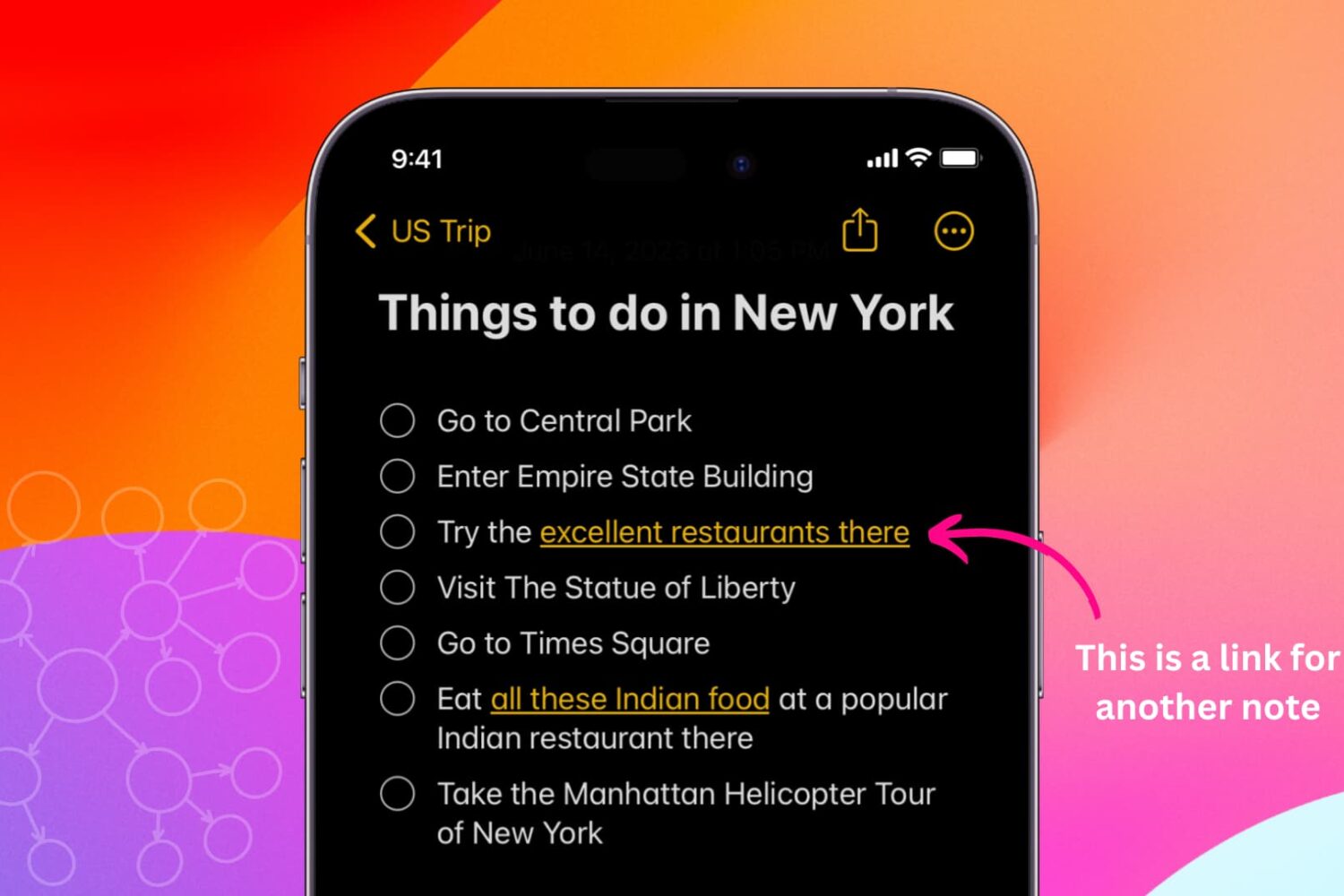
Learn how to link related notes in the Notes app on iPhone, iPad, and Mac for better organization and easier navigation.
Learn how to easily see the Wi-Fi IP address of your Mac, iPhone, and iPad in this comprehensive tutorial.

Learn how to enable, create, and use templates in Gmail to save time on repetitive emails or even use these templates for auto-replying to incoming messages.
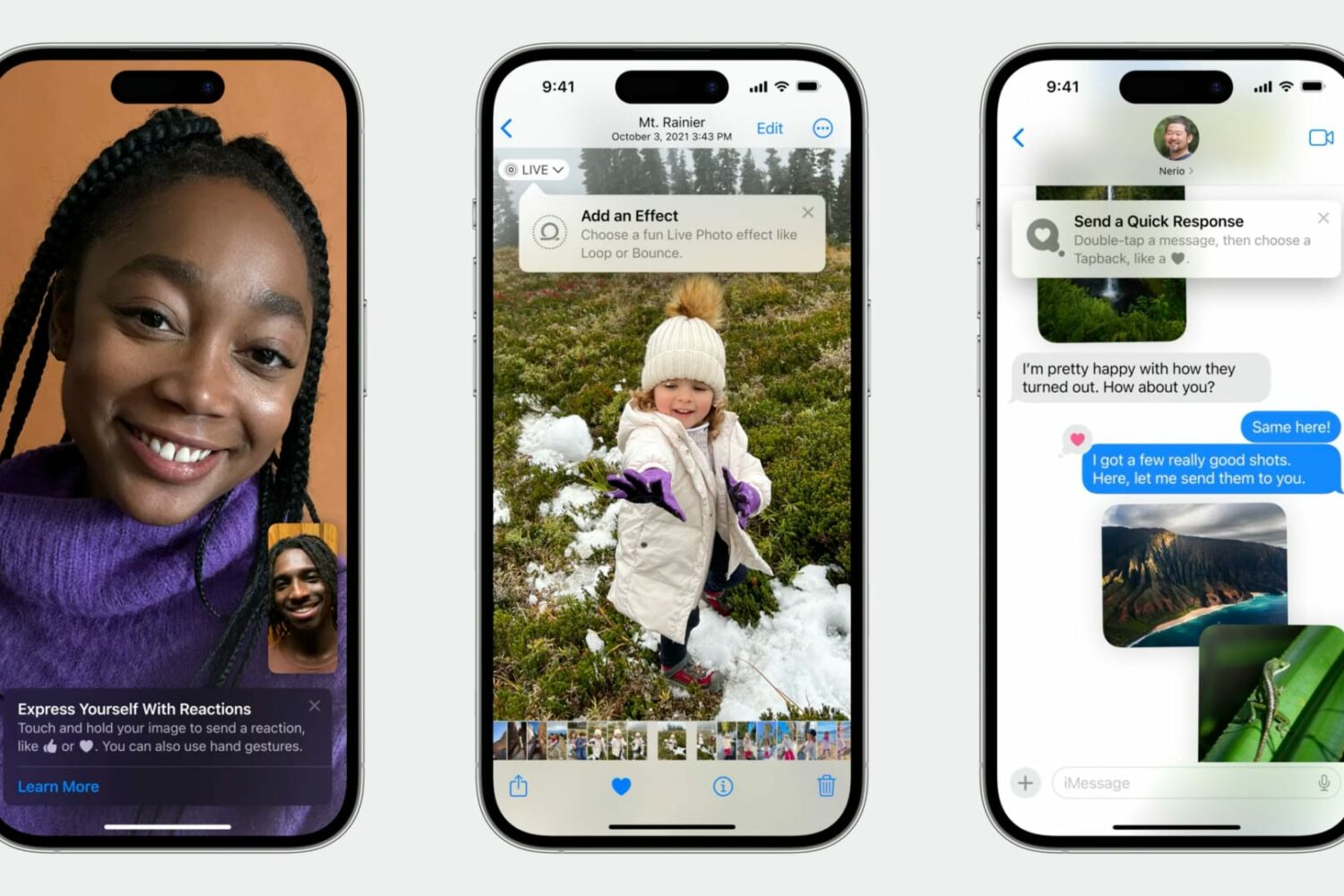
Learn how Apple's TipKit software framework lets developers aid the discovery of new features in apps for users in delightful ways.

Learn effective tips and tricks to optimize your Mac’s startup time and boost its performance with a few simple steps.

Learn how to install macOS Sequoia on a different volume (disk partition) and have two macOS versions simultaneously on your Mac.
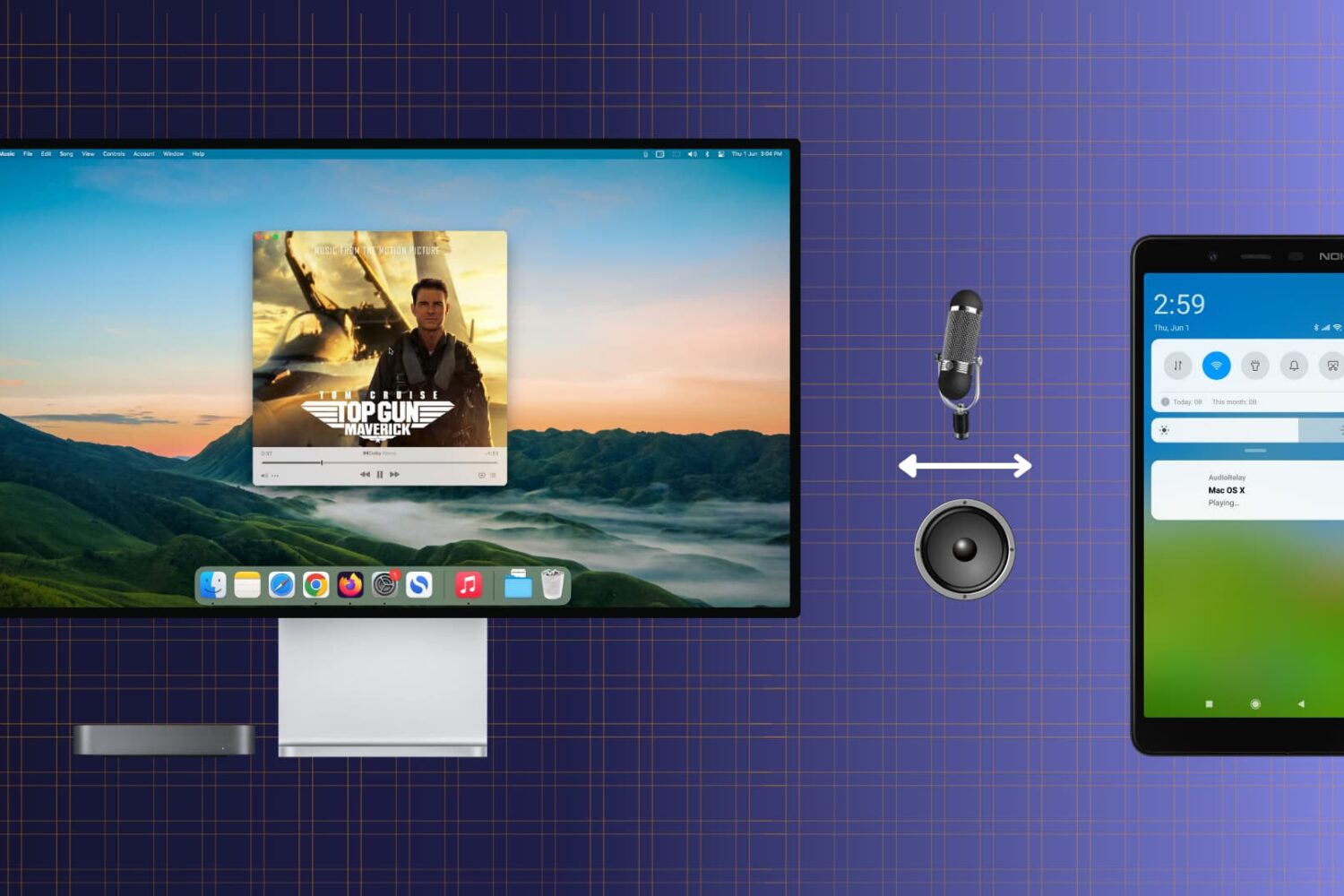
Check out this free and easy way to turn your Android phone into a convenient wireless speaker or microphone for your Mac.
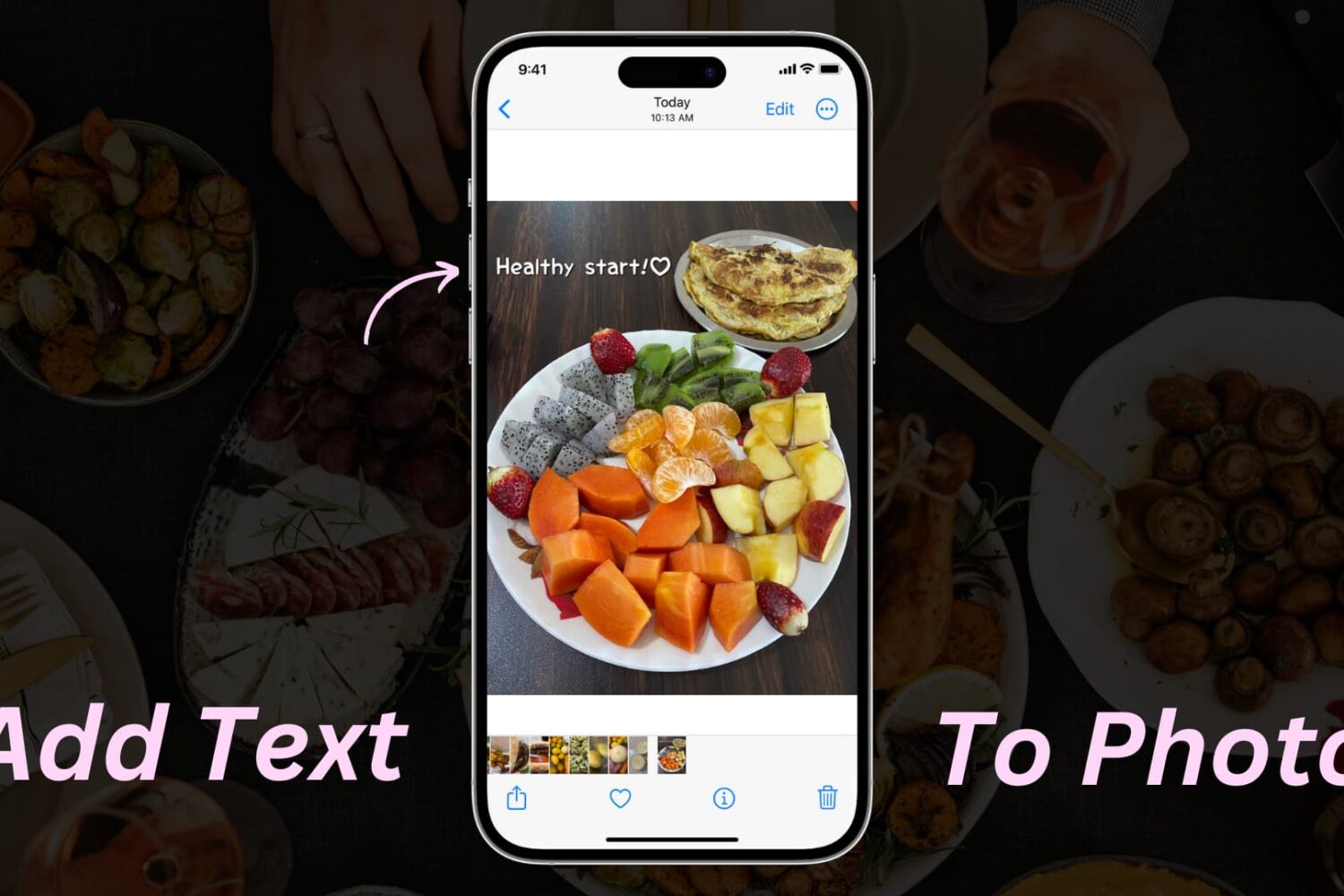
Learn how to add text or text-based signatures to your photos on iPhone, iPad, and Mac so your images stand out and effectively convey your message.

Learn how to get macOS Sequoia on a USB thumb drive and use it to install macOS 15 on multiple Macs without needing to download the large macOS file each time.
Whether you want to create backups, share multiple copies, or organize your media files, the Apple Photos app makes it easy to duplicate your photos and videos.