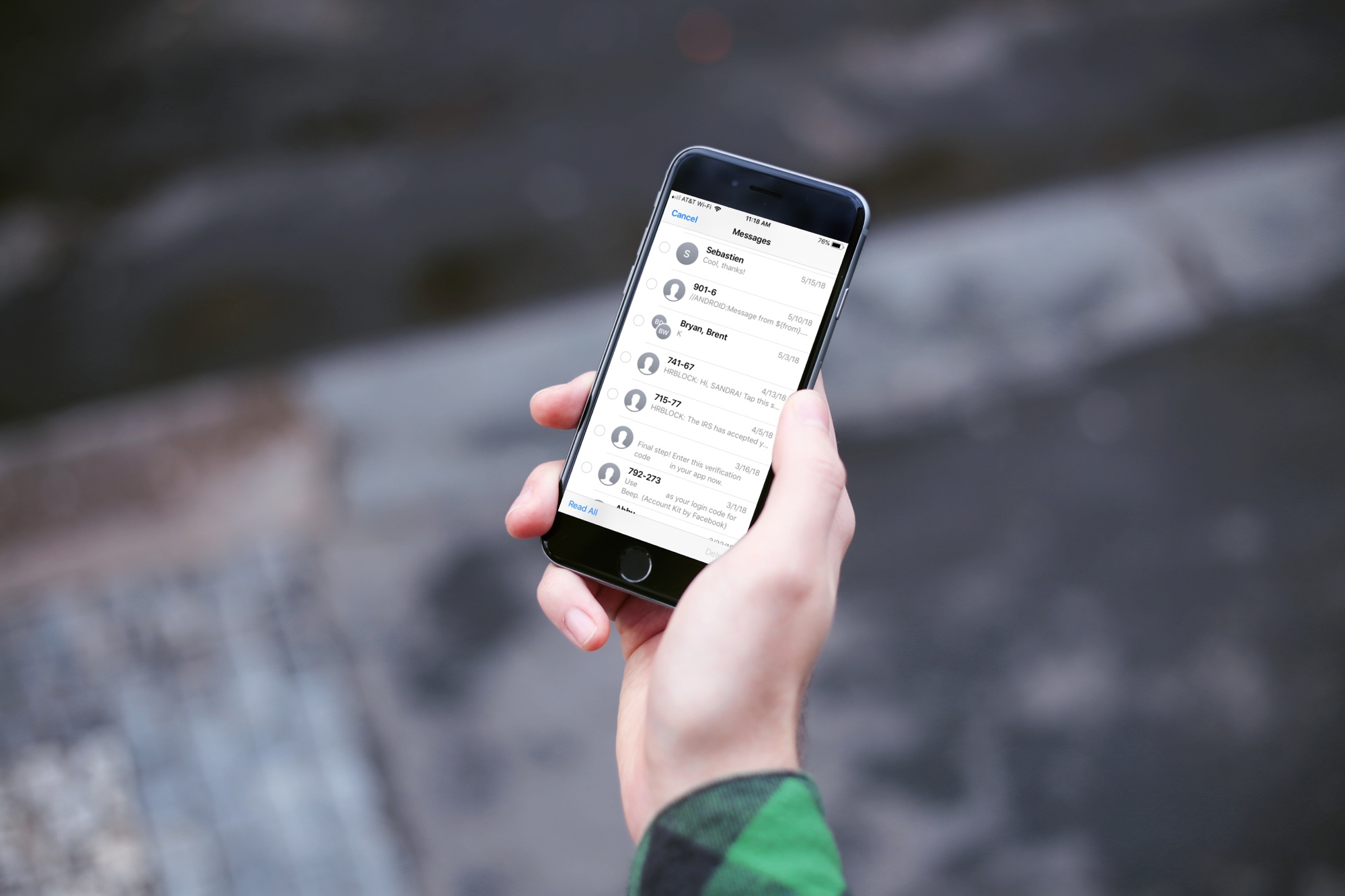
Learn how to seamlessly integrate your iPhone calls with your iPad and Mac, ensuring you never miss a call across devices.
How to get iPhone calls on your iPad and Mac

Stay up-to-date on the latest iPhone news and learn new tips and tricks with our comprehensive tutorials. From software updates to new features, we’ve got you covered.
Learn how to seamlessly integrate your iPhone calls with your iPad and Mac, ensuring you never miss a call across devices.
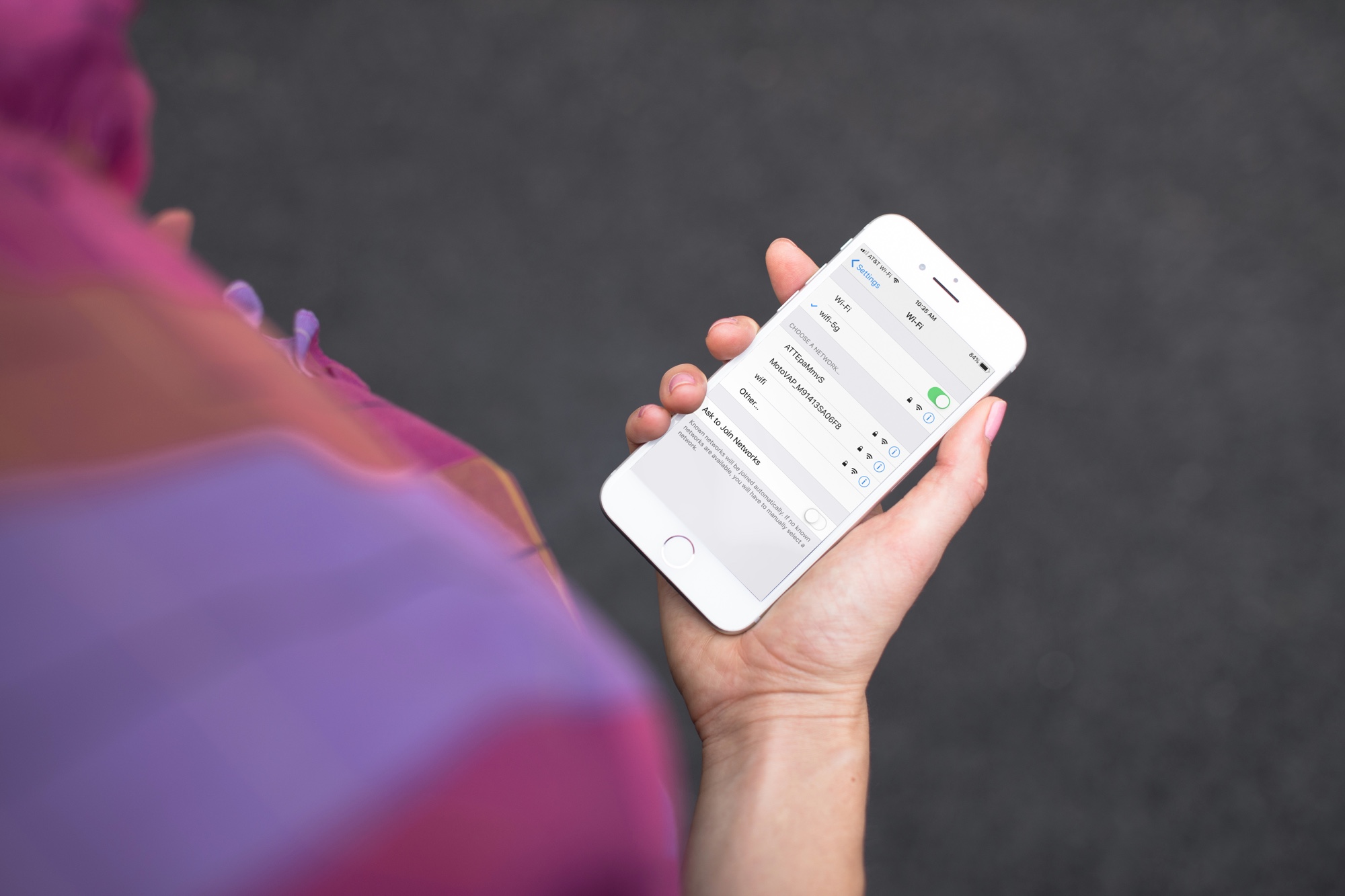
Have you noticed that your iPhone or Mac is showing an alert to join new Wi-Fi networks?
By turning off one simple setting, you can prevent this from happening, and this short tutorial shows you how to do that.
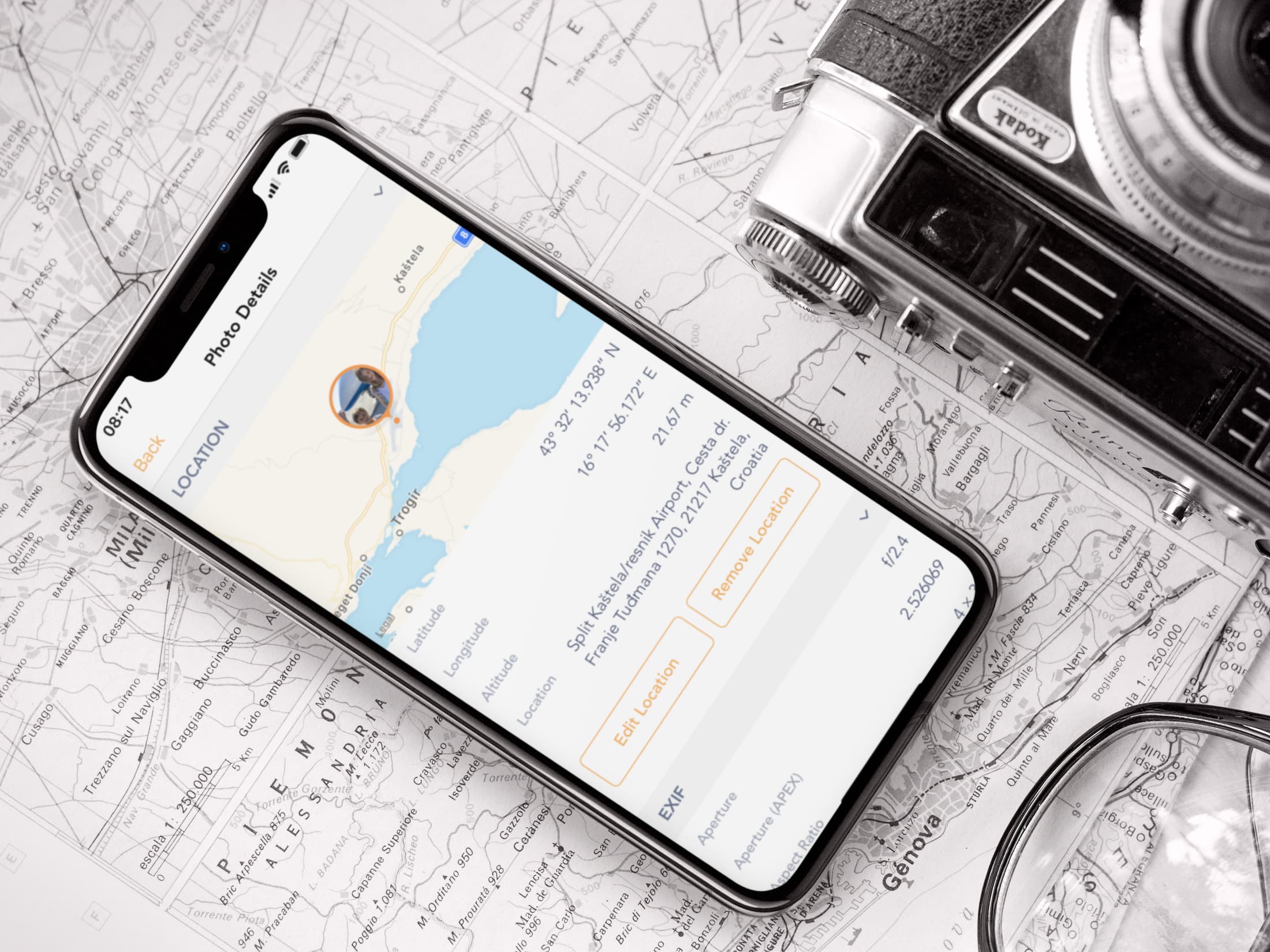
Learn how to view the GPS coordinates of photos and videos on your iPhone or iPad using Apple Photos or free third-party apps to see where they were taken.

Try this quick solution to instantly fix your old Outlook or Hotmail emails missing from Apple's built-in Mail app on an iPhone or iPad.

Learn how to quickly convert rows to columns or vice versa in your spreadsheet in the Apple Numbers app on iOS and macOS if you want to format the table differently.
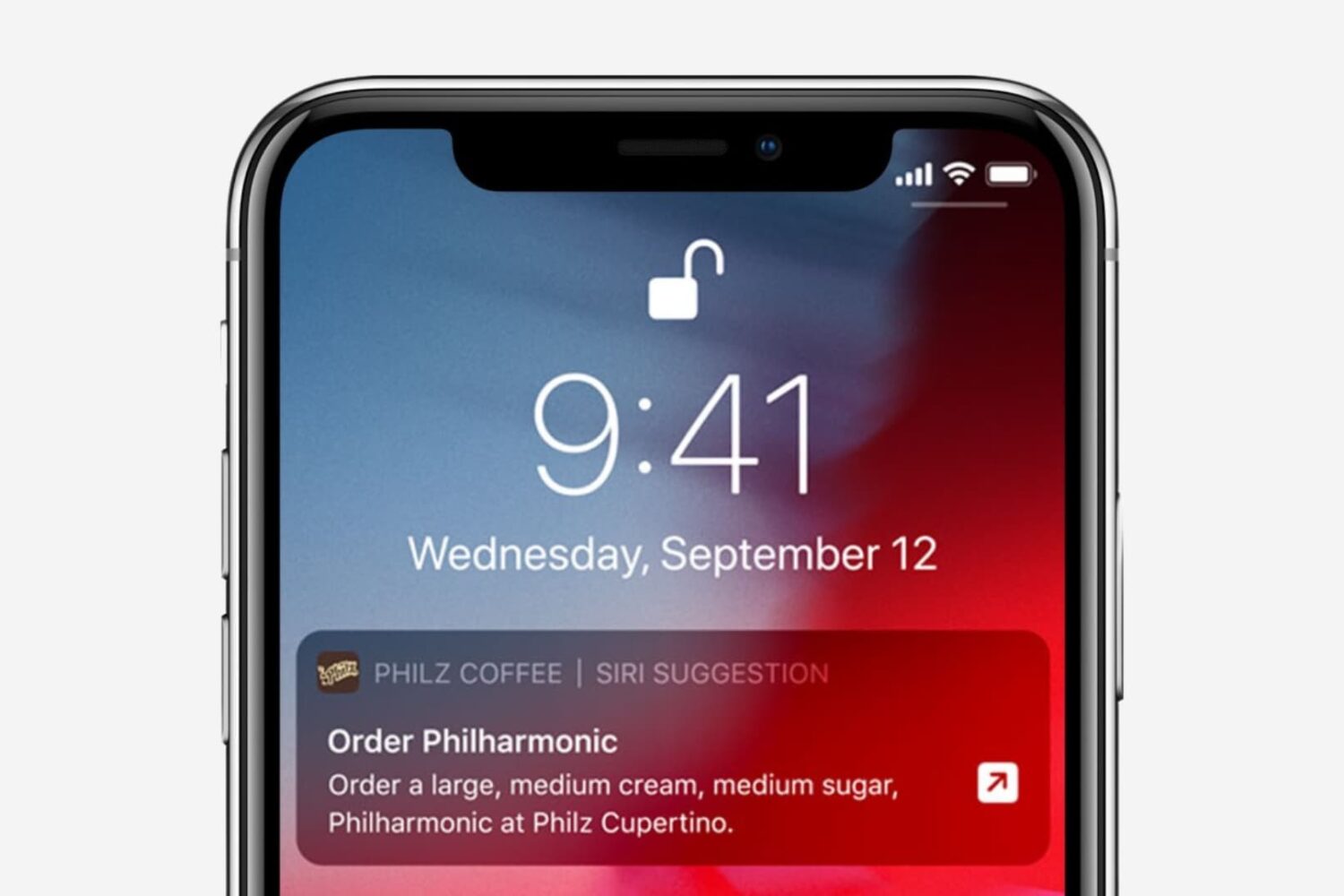
In this tutorial, we’ll show you how to turn off Siri suggestions for a specific app or all apps, and prevent them from showing up on the Lock Screen, Spotlight Search, and elsewhere on your iPhone or iPad.
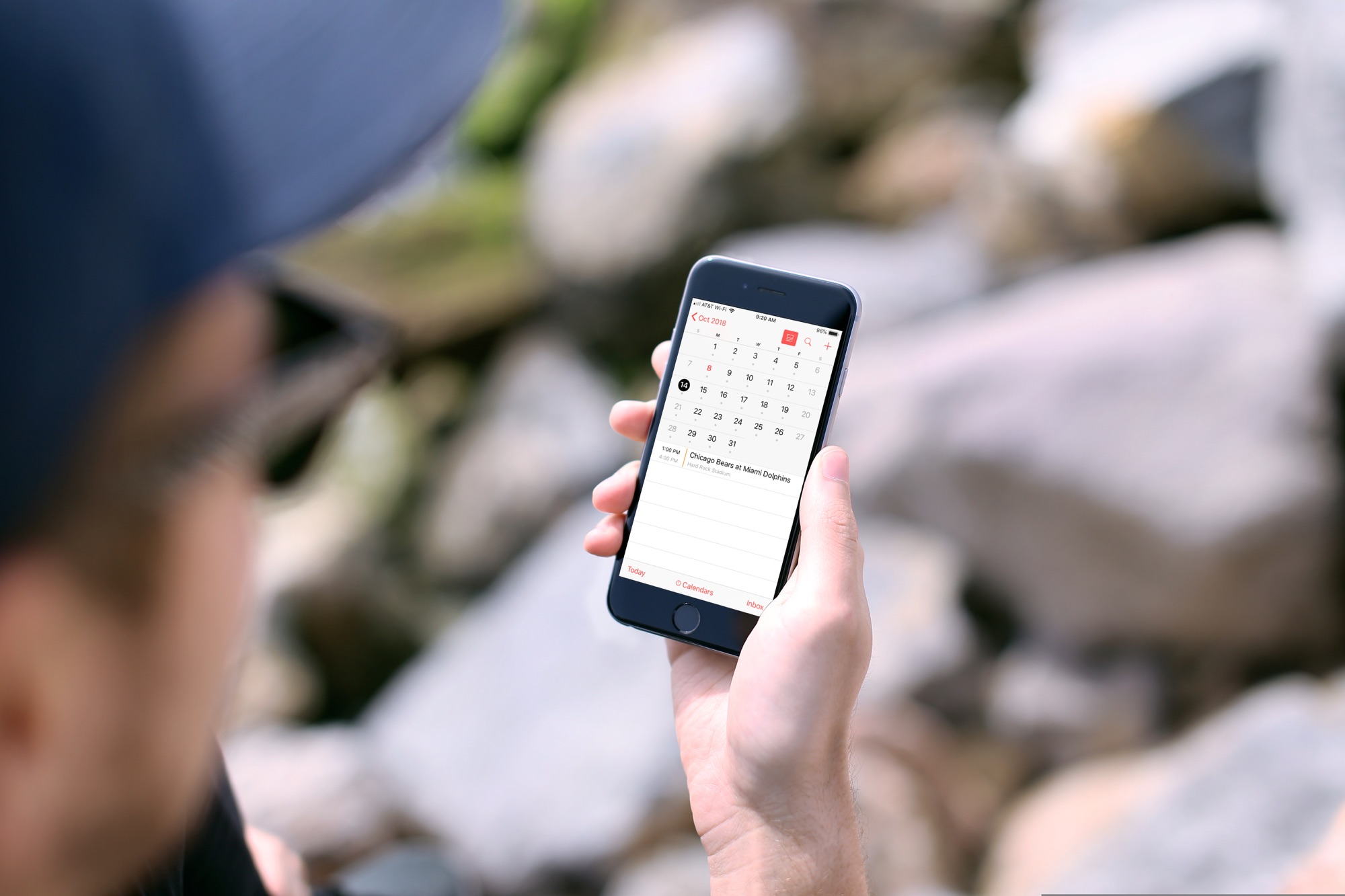
In this tutorial, we will show you how to subscribe to calendars on your iPhone or iPad so you can easily keep up with sports, school, holidays, and other schedules.

Learn how to loop YouTube videos on your iPhone, iPad, computer, or Android-powered phone or tablet to replay the favorite part of a clip over and over again.
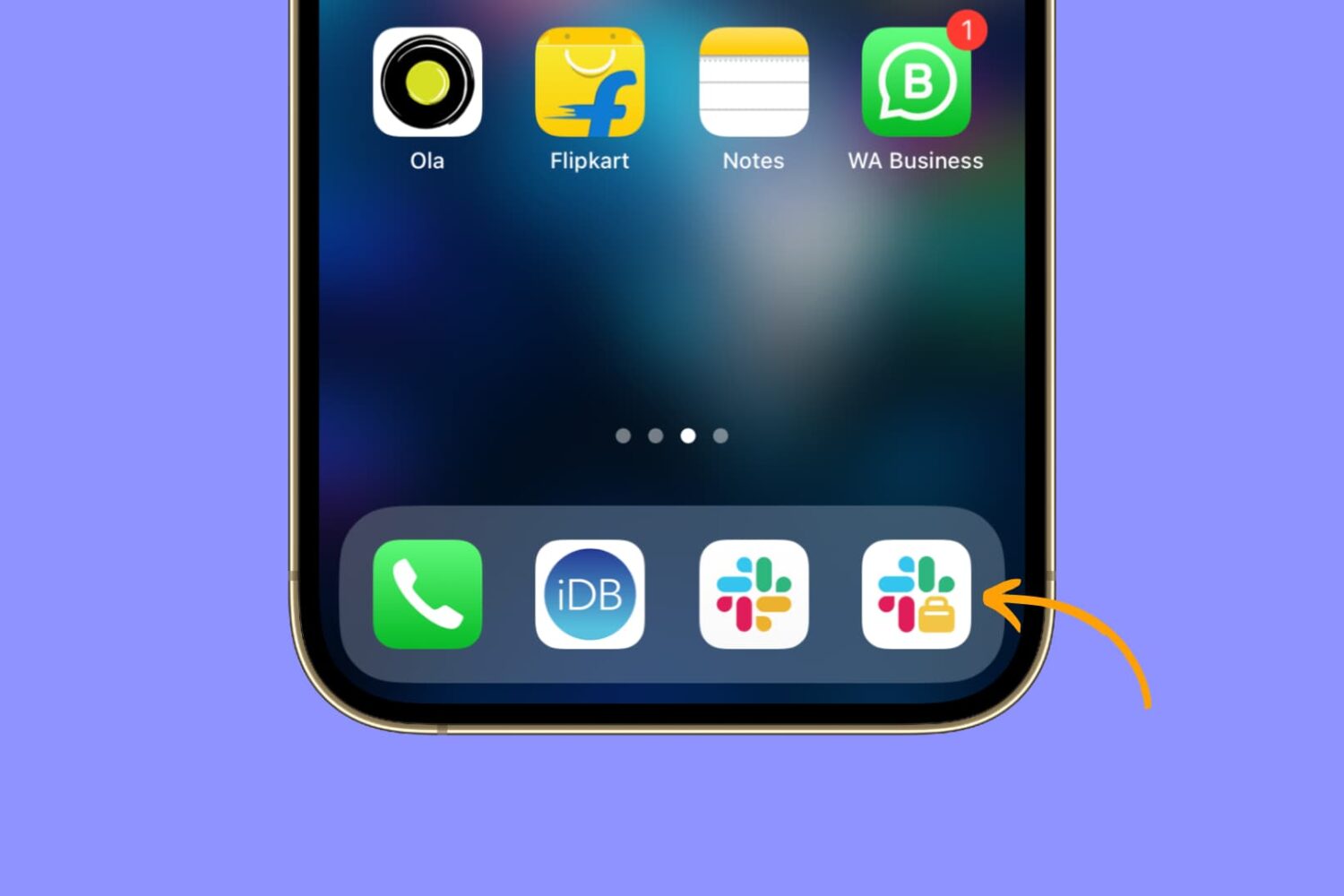
Learn how to easily install and use two separate Slack apps on your iPhone or iPad to streamline your communication and boost productivity.
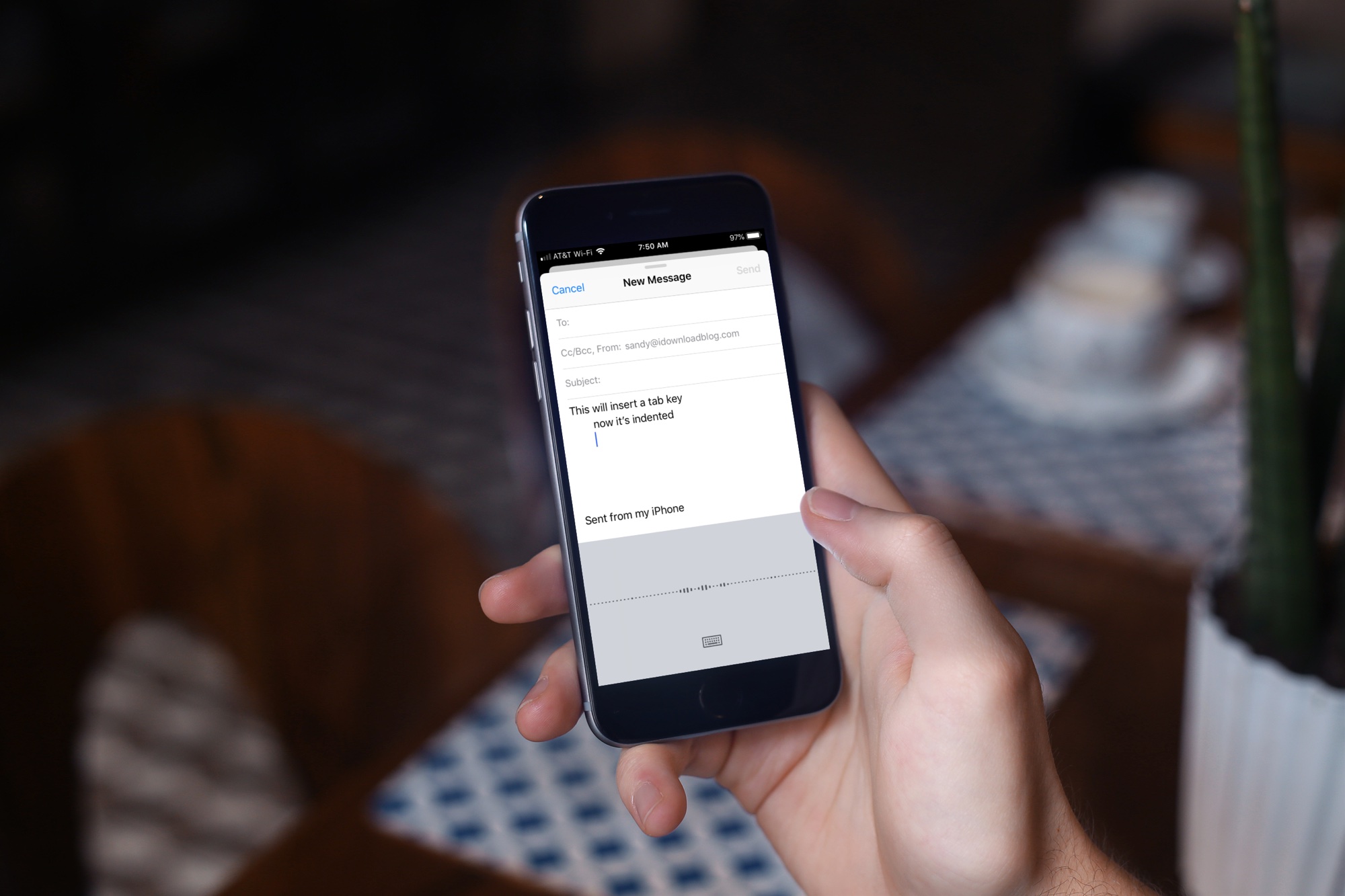
Learn about a few easy ways to insert a tab character on your iPhone or iPad for indentation purposes to help guide the flow of text in your documents.
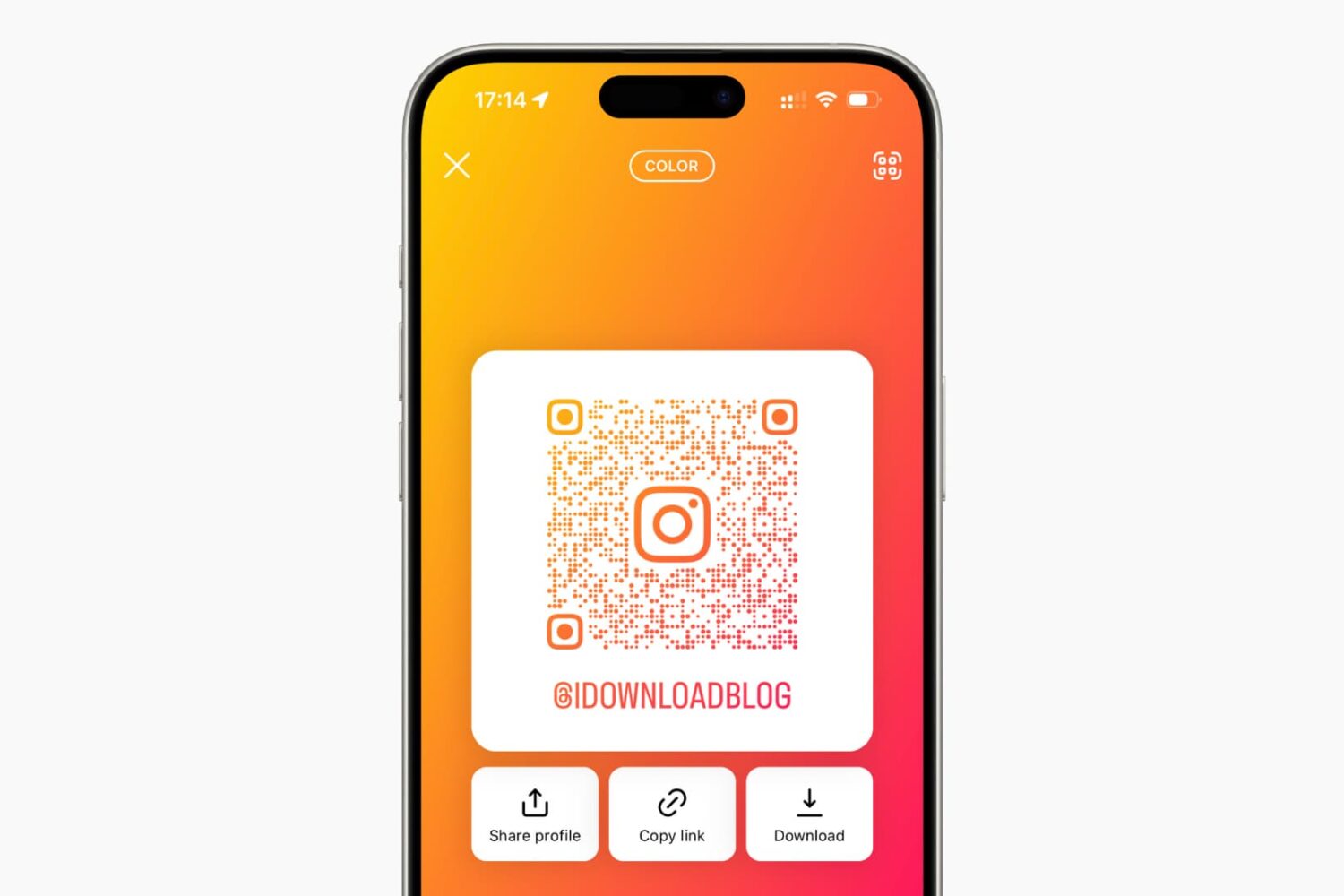
Learn how to share your Instagram profile with other people by creating a QR code that they can scan using their smartphones.