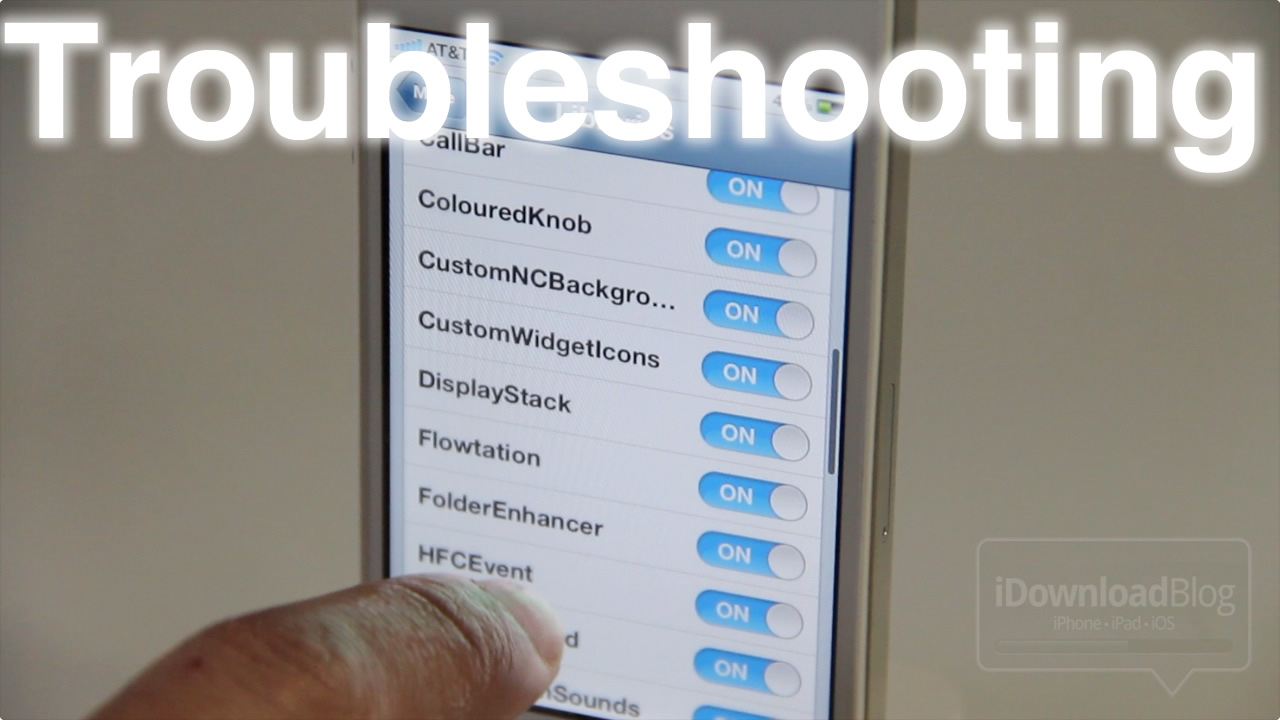
Troubleshooting

How to Fix the Quarter Screen Issue on a Jailbroken iOS 5 Install

Have you ever noticed this issue on your jailbroken installation of iOS 5? Chances are, if you've installed Activator, you have.

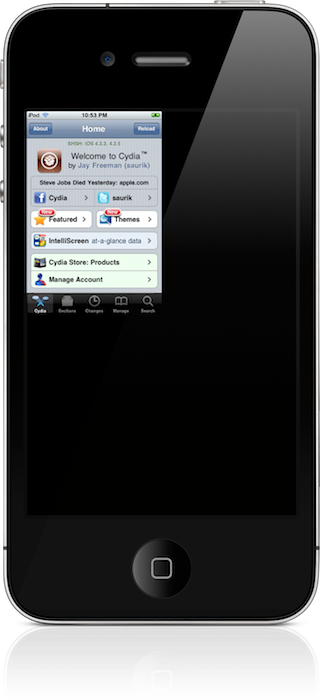
The issue — one that causes your apps to be reduced in size to take up only one fourth of the screen — impacts the Settings app, Cydia, and various other apps.

Thankfully, we've found a method to circumvent the issue. Take a look inside for the full video tutorial...

Apple Cooking Up Diagnostic Tool to Repair Your iPhone Remotely [Updated]

With iOS 5, Apple has made some significant changes to help us "cut the wire." Instead of needing to plug your iDevice into your computer to sync with iTunes, the new firmware will allow you to do this Over-the-Air via iCloud.

But it doesn't look like the Cupertino company is stopping there. HardMac is reporting that the iPhone-makers have passed an internal message on to employees that it is planning to roll out a wireless iDevice diagnostic tool this Fall as well...

How to Fix Recording Errors in Display Recorder

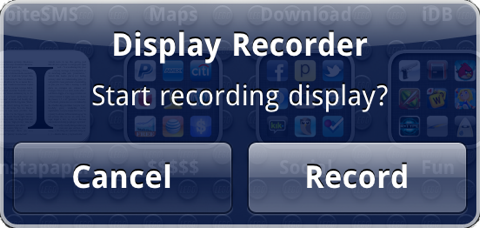
Display Recorder is a wonderful jailbreak app by Ryan Petrich for creating a video recording of your iPhone's screen. Some users, however, have been having problems creating new recordings and have seen Error Code 0 or 2. As far as I can tell, the issue is related to the way that Display Recorder stores files in the file system to circumvent ASLR obstacles and the permissions that iTunes applies to them during backup restores.

It seems that the only users affected by these errors are those who recently restored from an iTunes backup or upgraded/downgraded their firmware. Luckily, the fix is pretty simple and can be done in under ten minutes...

How to Fix That Pesky White Cydia Icon After Jailbreaking With RedSn0w

Now that a viable jailbreak solution has been released for the latest version of Apple's firmware, all is well again in the world of jailbreaking.

That is of course, unless you're facing the dreaded white Cydia icon of doom after jailbreaking with RedSn0w.

If you've rebooted, re-jailbroken, and the white icon continues to haunt you in your sleep, what should you do?

Fret not; all of your options have not been exhausted; there's one more thing you can try, and it's easy as pie...

Troubleshooting Cydia: Problems with Broken Repos

I had a scary experience last night. As I was searching for a certain tweak in Cydia, I noticed that I wasn't getting the results I was looking for. So I searched for a few more apps and tweaks, and I kept getting no results. I thought about it for a minute, and then realized that every item I had searched for was from the BigBoss repo.

I've recently upgraded to the iOS 4.3.1 jailbreak, and I haven't gotten to play around with my main iPhone setup that much yet.

To my surprise, the BigBoss repo was broken in Cydia. BigBoss is a pre-installed repo in Cydia, so it's very odd that it wasn't working. The good news is that there's a way to re-add default Cydia repos without re-jailbreaking the iPhone...

Improving Apps: How You Can Help

There are few things more frustrating than discovering a bug or a crash in an app or tweak you just downloaded. But instead of writing a poor review or swearing off the iPhone altogether, you can actually do something to help fix the problem.

Most developers encourage feedback and would like to pinpoint the exact problem so that they can increase their sales. Here are a few steps you can take to help developers quickly fix their apps so that you can use your apps in the way they are described to work.

Everything You Need to Know About “Safe Mode” on a Jailbroken iPhone

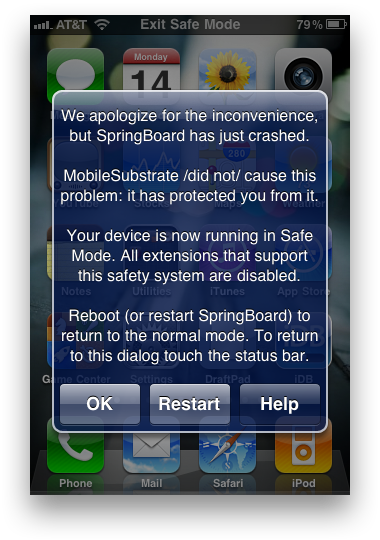
Did you know that the iPhone had a "Safe Mode?" Safe Mode on the iPhone has been apart of jailbreaking for years now, but many people still don't understand it. If your iPhone is jailbroken, Safe Mode will be invoked when MobileSubstrate (the Cydia support framework) crashes.

Desktop operating systems, like Windows and Mac OS X, have had a "Safe Mode" for a long time. On the desktop, safe mode is used for removing corrupted processes that may be causing the operating system to not function properly.

The iPhone has a "Safe Mode" for that exact same reason. A simple Cydia app called "Safe Mode Launcher" allows you to invoke the iPhone's Safe Mode with one tap. Let's take a look...

How to Uninstall Unstable Apps When Cydia Won’t Open

Sometimes we install apps out of curiosity only to discover that they are unstable on our device. In some cases, it's an app developed for a specific iPhone or iPad model. In other cases, the app is only compatible with certain firmware versions. Other times you may have installed conflicting tweaks.

Whatever the reason may be, here is a fix for a constantly crashing Springboard with no way to open Cydia to uninstall unstable apps. If your iPhone boots to the lock screen, but crashes if you do anything beyond that, this guide will help you to remove problematic packages without Cydia.

Troubleshooting a Painfully Slow Cydia Update

Cydia NetDB Error

Sometimes it seems that Cydia updates can take forever. For slower devices, it may be normal. But if you see errors while downloading or if the update takes more than five minutes, there may be a solution.

Before you start this method, you will need to have APT Strict installed. If you have CyDelete installed, then you already have this. Otherwise, make sure Cydia is set to Developer mode, search for it and install...