In this tutorial, we'll tell you what to do if you find that open websites and tabs in Safari often go missing on your iPhone or iPad.
How to fix Safari tabs disappearing on iPad and iPhone
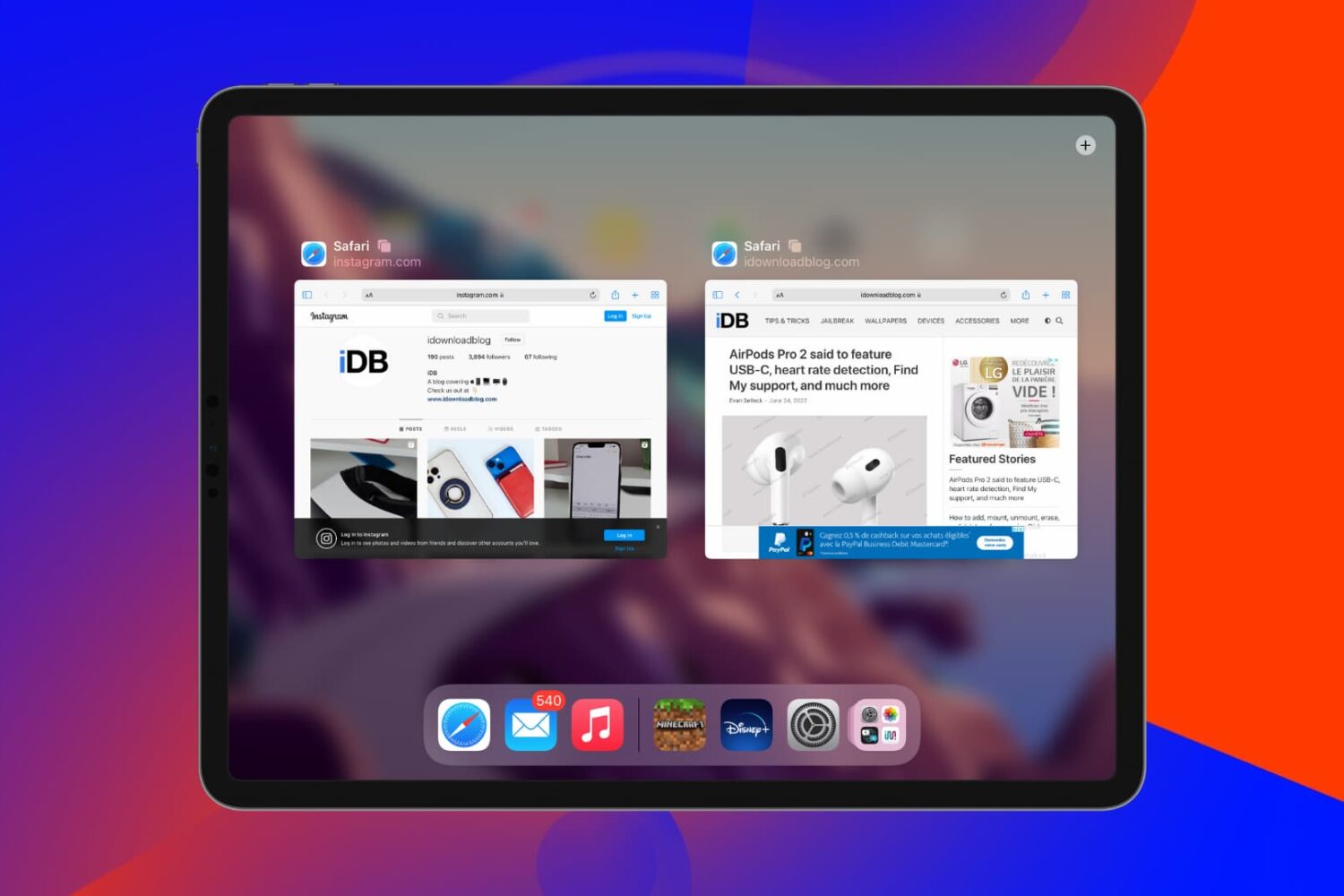
In this tutorial, we'll tell you what to do if you find that open websites and tabs in Safari often go missing on your iPhone or iPad.
In this troubleshooting guide, we explain why you’re unable to take screenshots on your iPhone or iPad, and how to fix this issue.
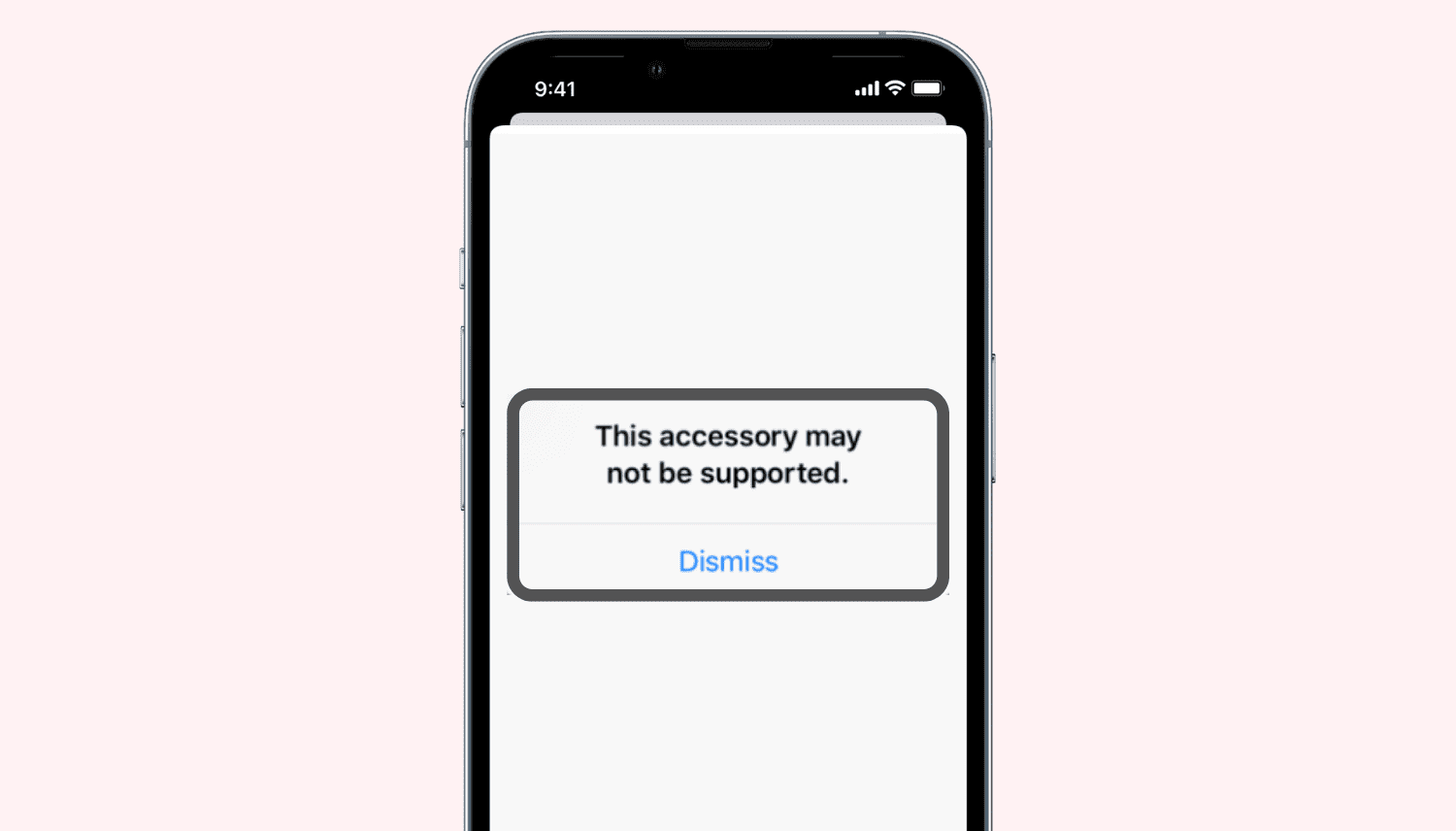
Do you repeatedly see a popup saying, "This accessory may not be supported" when you insert a charging cable, dongle, flash drive, two-factor authentication key, or other accessories into your iPhone or iPad's Lightning or USB-C port? Find out why this happens and how to fix this issue.
Follow along as we guide you through all the possible solutions to fix the built-in camera or externally connected webcam not working on your Mac.
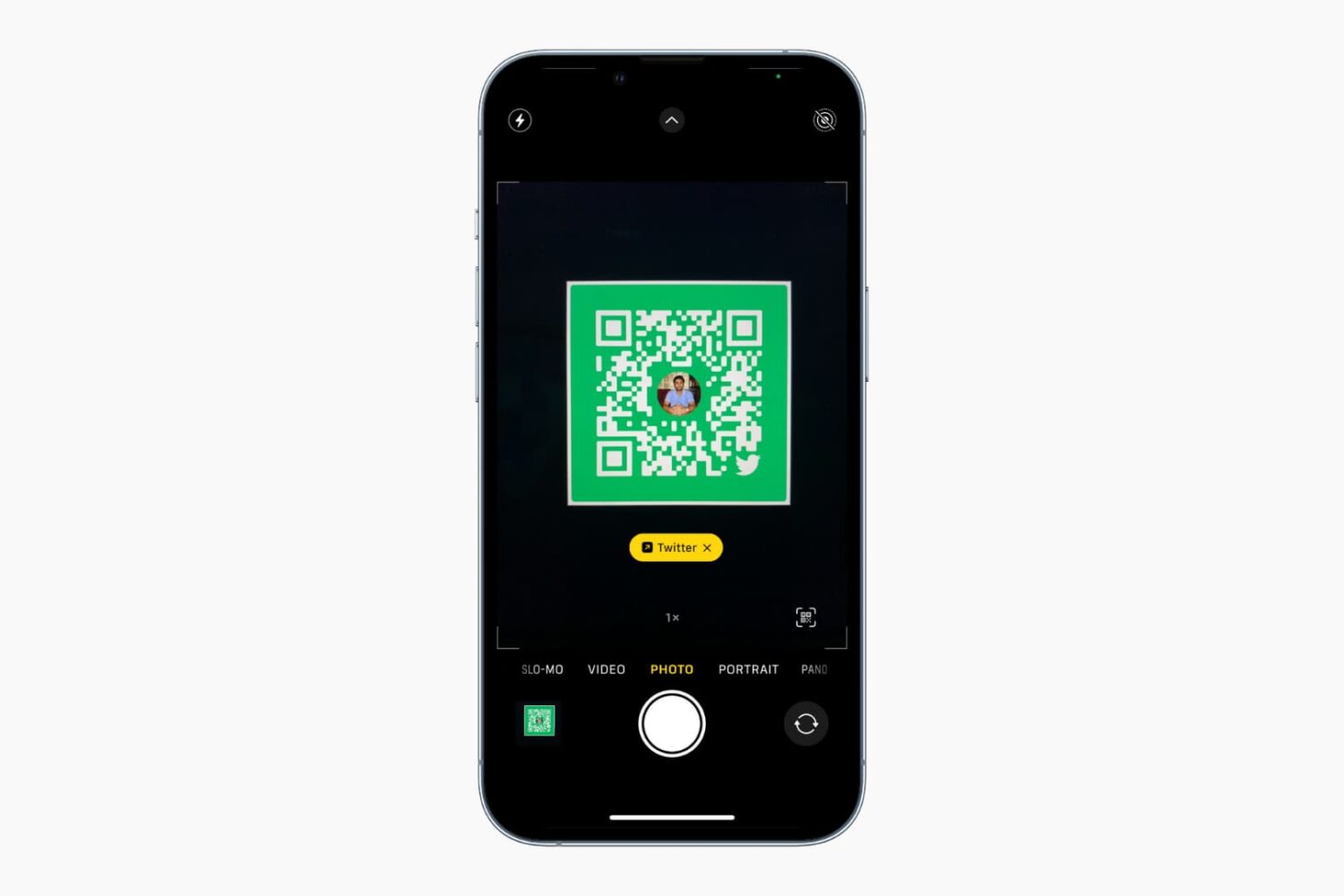
The iPhone and iPad Camera app can automatically detect, highlight, and scan a QR code. However, if it isn’t able to recognize, read, or scan QR codes, the solutions below should fix this issue in no time.
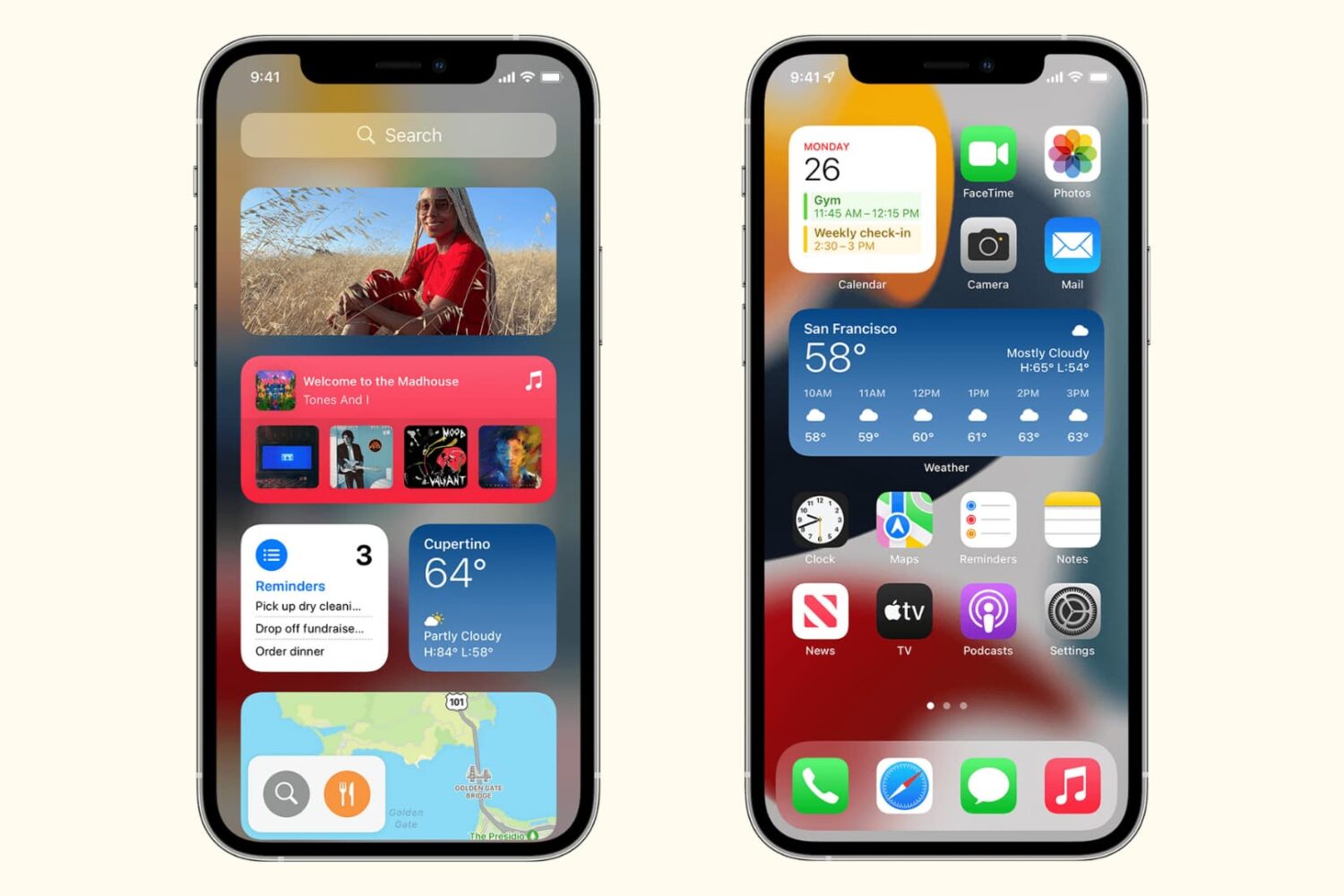
Learn how to troubleshoot and fix widgets not working or refreshing on your iPhone and iPad with these simple yet effective solutions.

Learn what to do if your iPhone or iPad flashlight is not turning on, the button is grayed out, or it’s not working from the Lock Screen or Control Center.
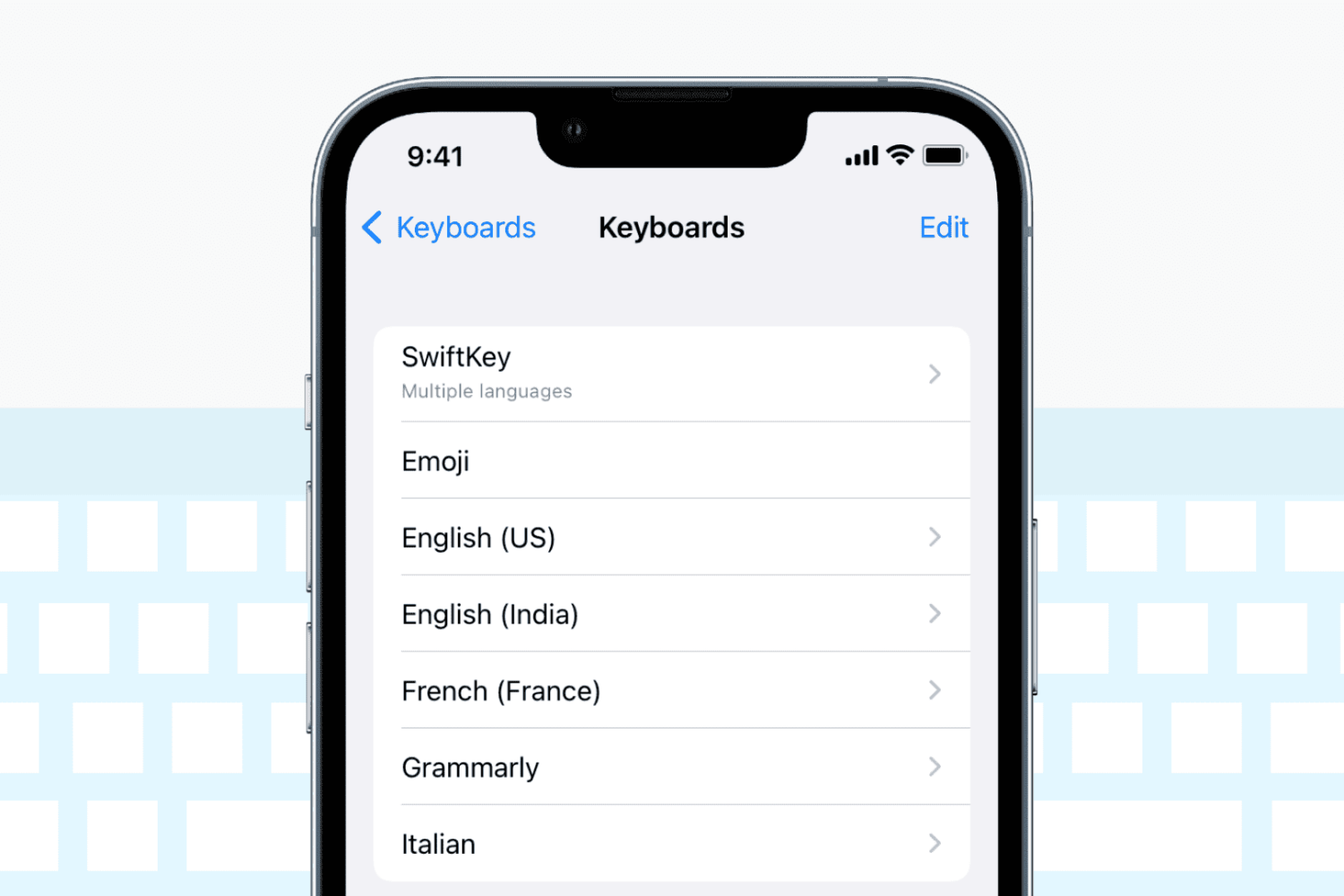
Check out these solutions if the keyboard on your iPhone or iPad stops working, lags, freezes, or fails to enter keystrokes.
Reminders are important to help you start or finish a task on time. If reminders are not working on your iPhone or iPad, here are the reasons for this and the solutions to fix the problem.
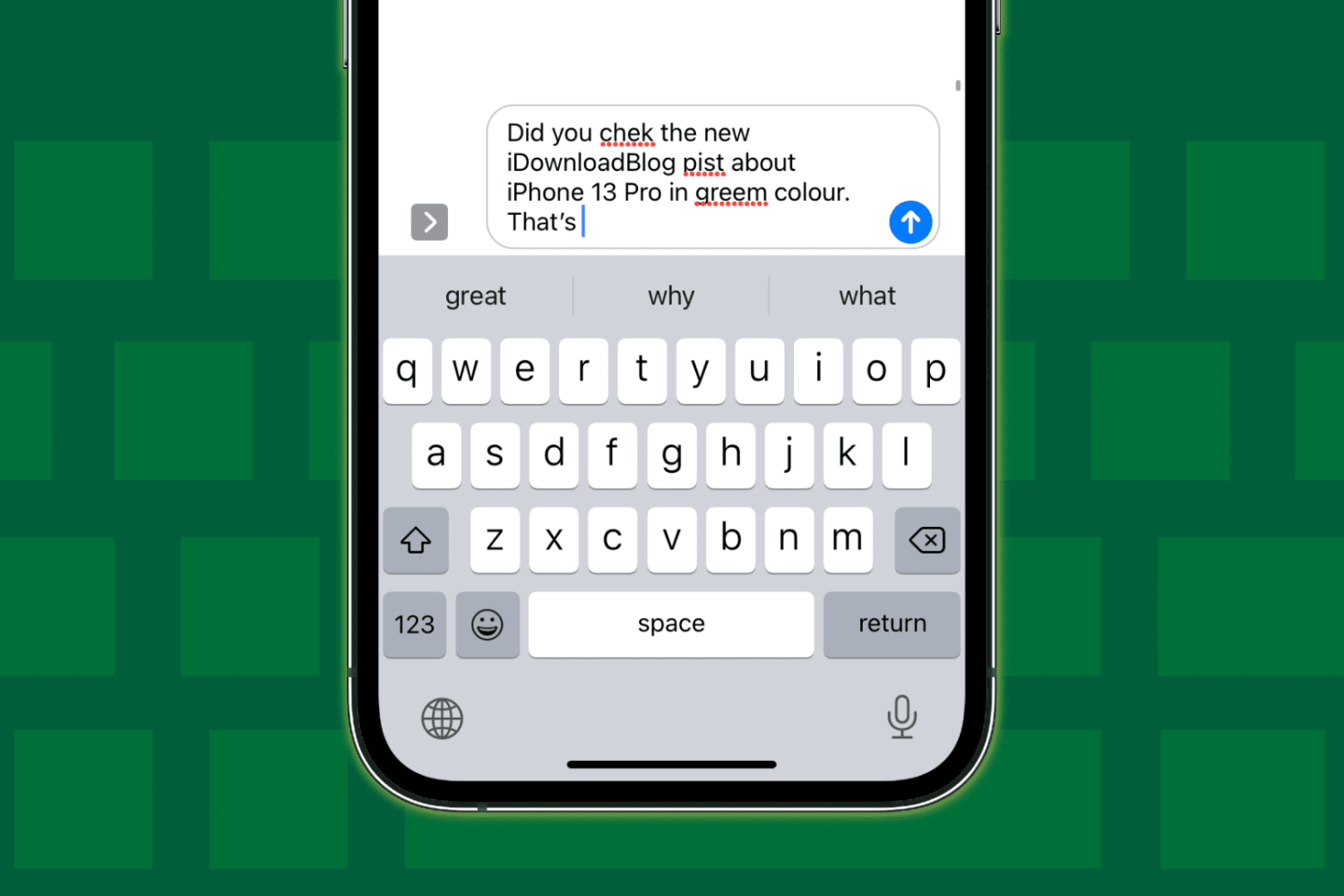
Check out these 12 solutions if auto-correction isn’t working on your iPhone or iPad and fails repeatedly to correct your typing.
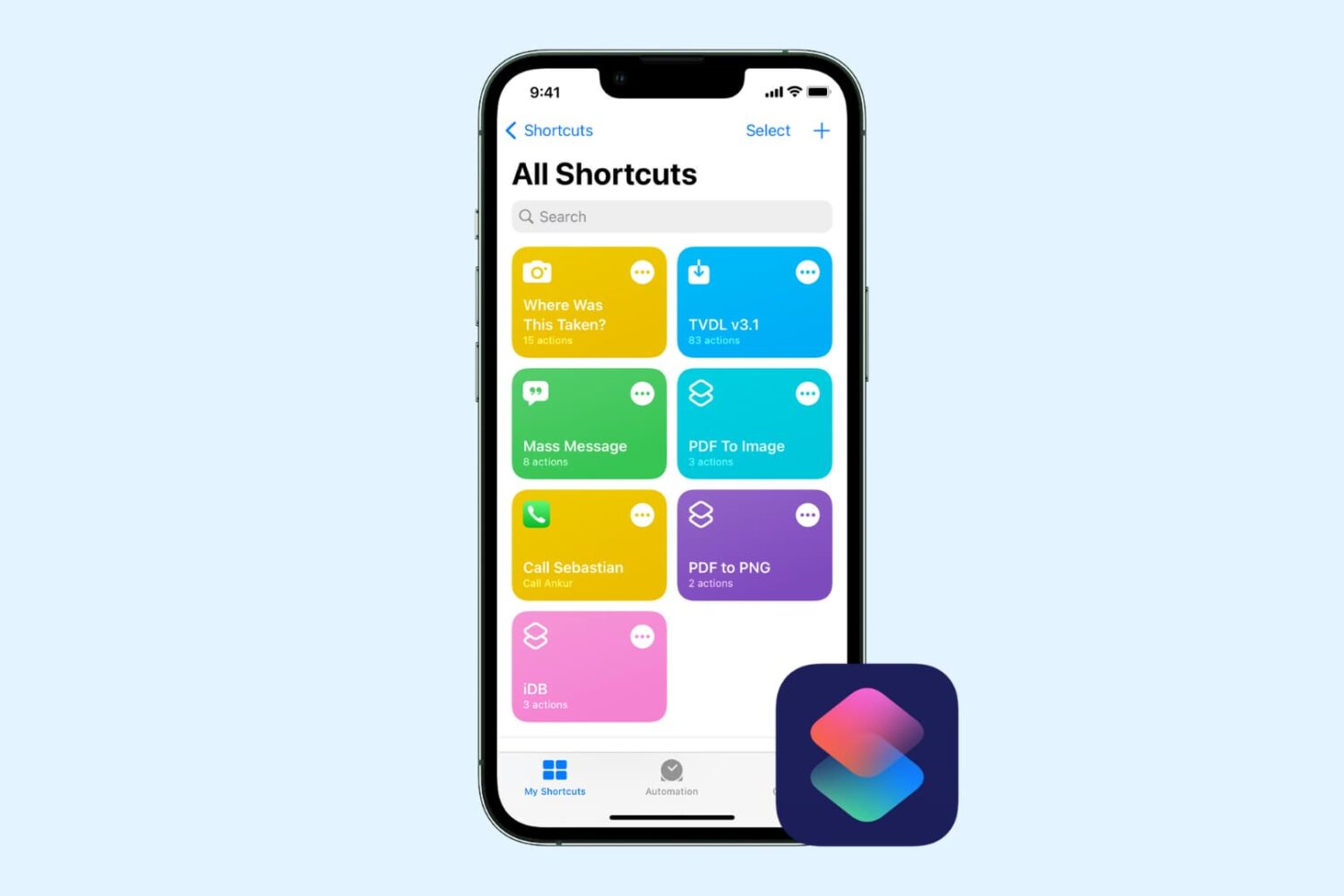
Check out this comprehensive guide to fix iOS shortcuts not working on iPhone or iPad, leaving you confused and unable to perform certain tasks.
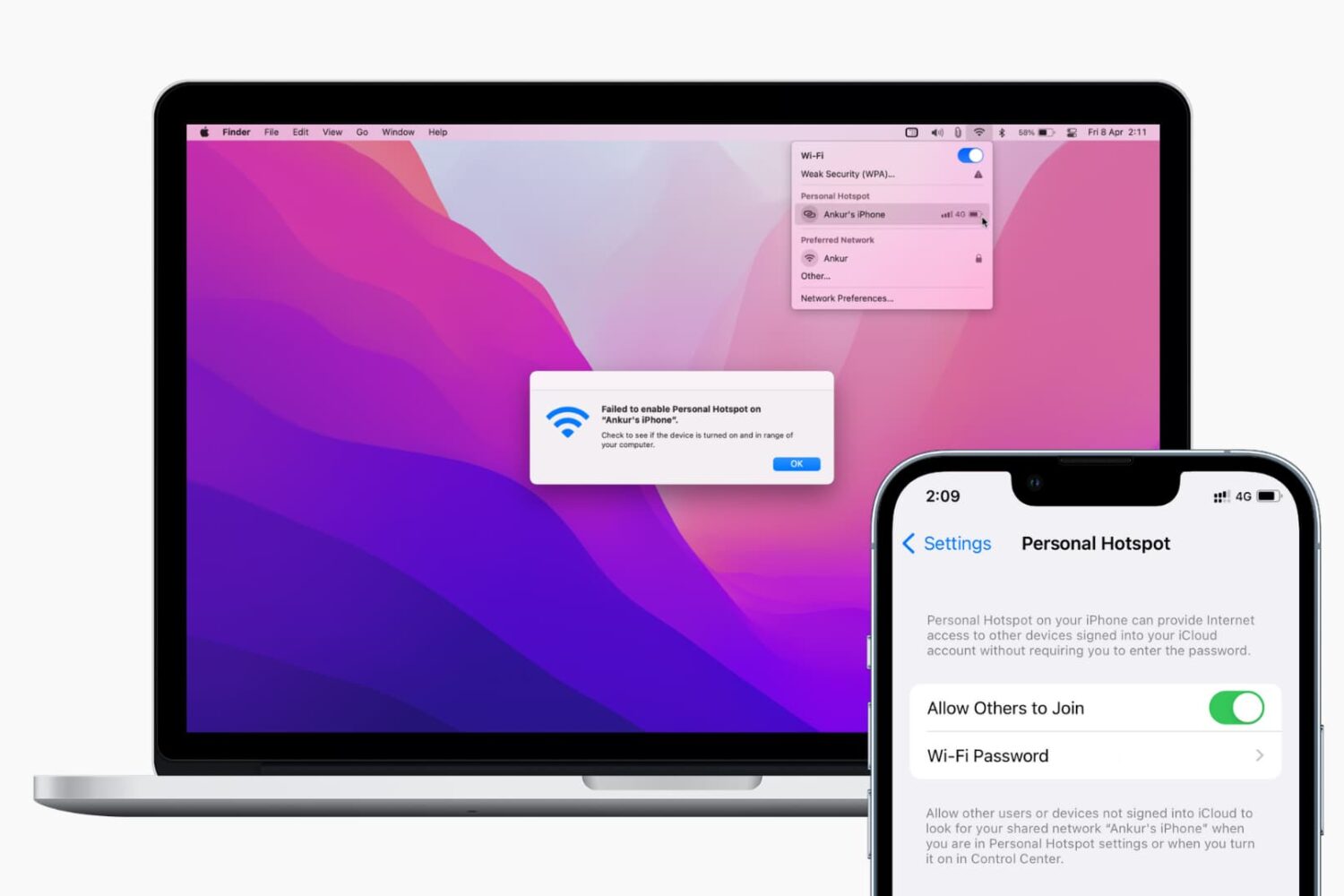
Find out what to do if your Mac isn’t connecting to your iPhone’s Hotspot or keeps disconnecting after every few minutes.