Check out the solutions to fix dictation issues on your iPhone, iPad, Apple Watch, and Mac.
Fix keyboard dictation not working on iOS, Mac, and Watch
Check out the solutions to fix dictation issues on your iPhone, iPad, Apple Watch, and Mac.
Learn how to change the volume and take screenshots on your iPhone or iPad, even if the volume buttons aren’t working, and learn what steps to take if the buttons are broken.
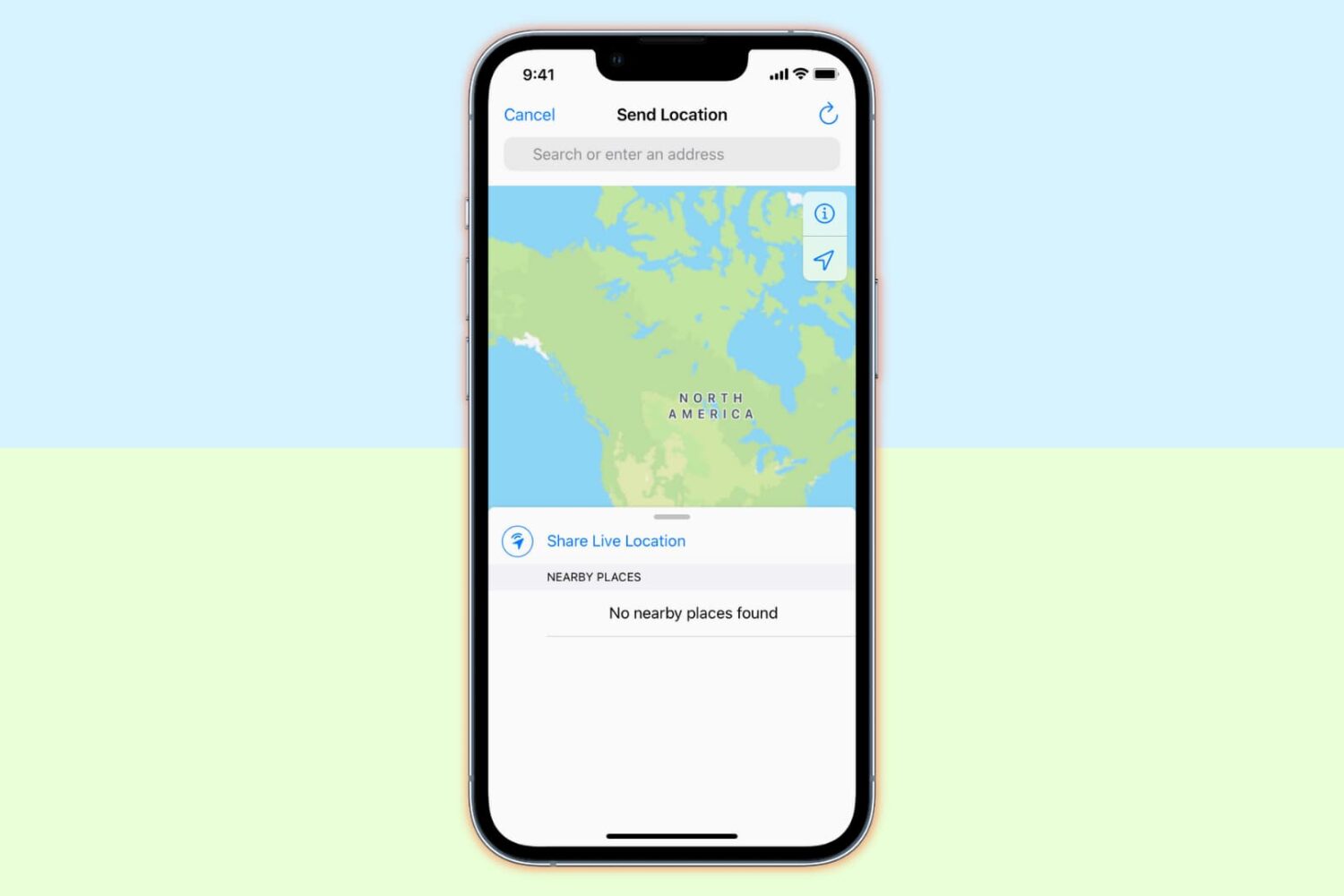
Learn what to do if an app or service on your iPhone or iPad can’t access your current location and fails to function properly.
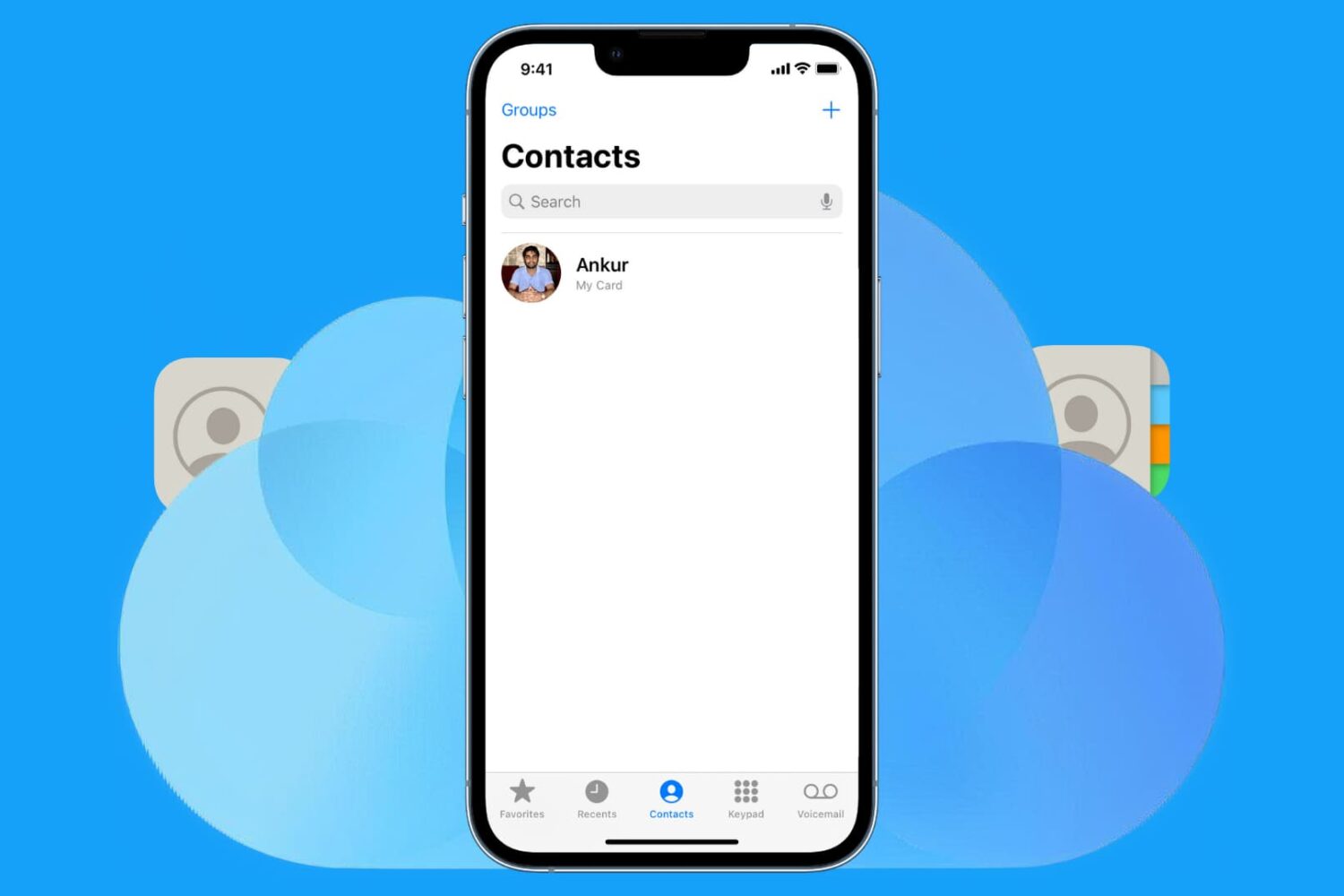
Lost contacts on your iPhone and not sure how to get them back? In this troubleshooting guide, we’ll walk you through restoring missing iCloud contacts on your iPhone, iPad, or iPod touch.
In this troubleshooting guide, we cover all possible reasons and solutions for an iPhone screen that isn’t working or responding to your touch.
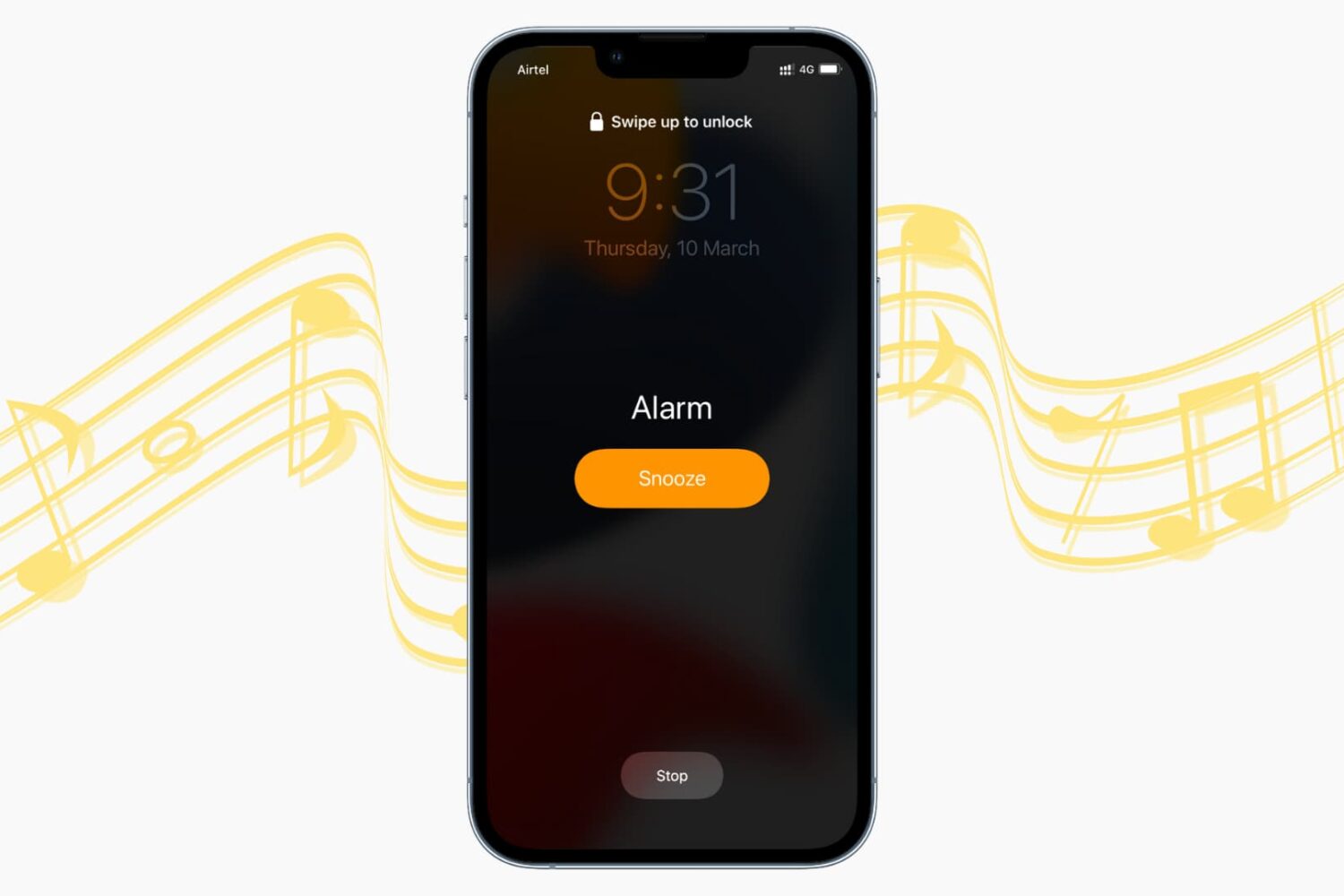
Is your iPhone alarm not going off or making no sound? In this tutorial, we list all the solutions to fix alarms not working, ringing, sounding, or vibrating on your iPhone and iPad.
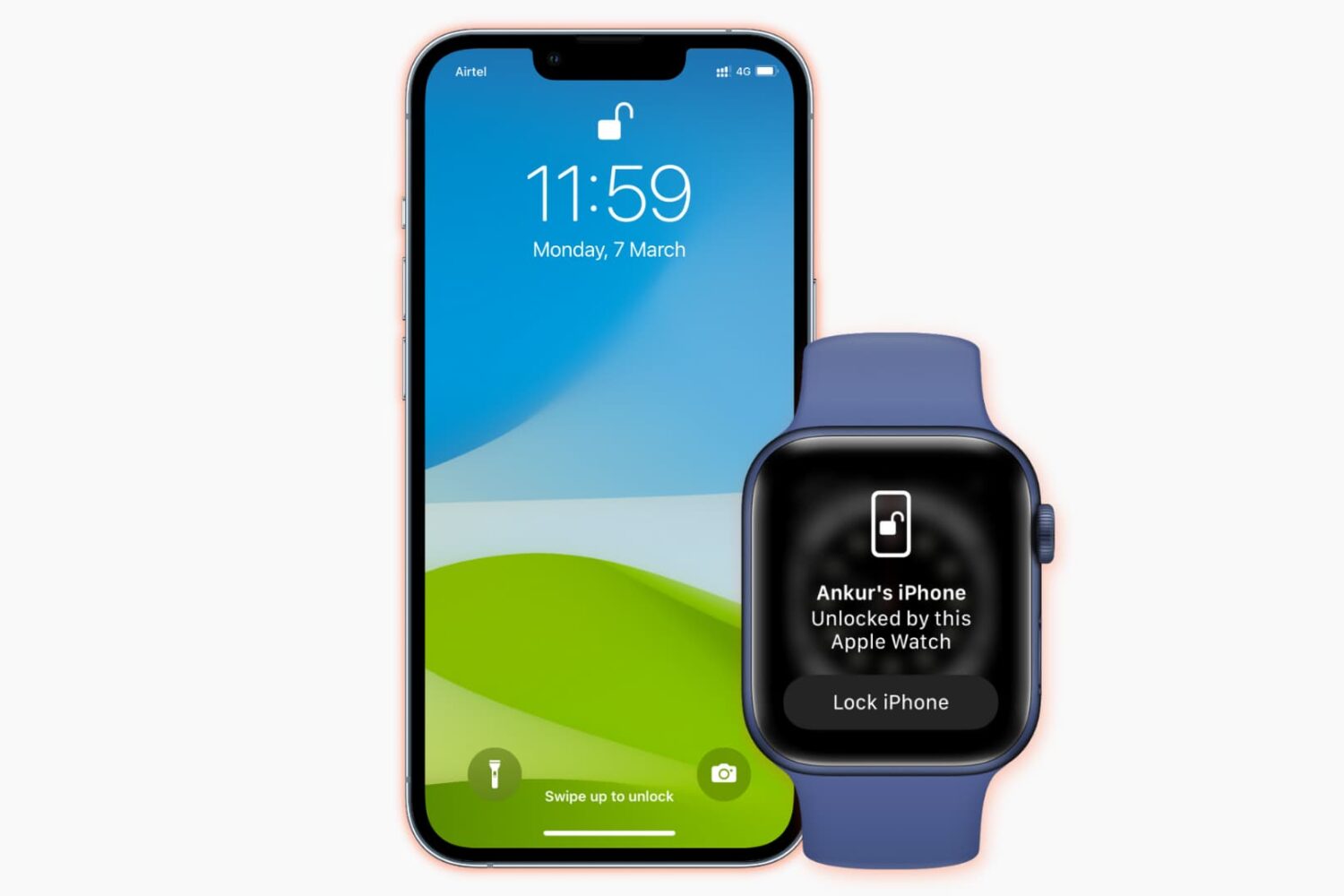
Learn what to do if you cannot unlock your iPhone with your Apple Watch when you’re wearing a mask, sunglasses, or ski goggles.
Do you see the Power Off screen on your iPhone at random? Check out these quick solutions to address this annoyance.
Is your Mac randomly changing your desktop wallpaper? In this troubleshooting guide, we have listed 7 ways to fix this and prevent it from happening again.
Learn what to do if your iCloud contacts are missing in the Contacts app on your Mac, or if new ones are not syncing properly with it.
Learn what to do if your Mac is stuck on the screen saver screen and is refusing to let you go in.
In this guide, we cover several reasons your Apple Watch is slow and share some handy tips to fix it, making your experience faster.